 Tachyon Studio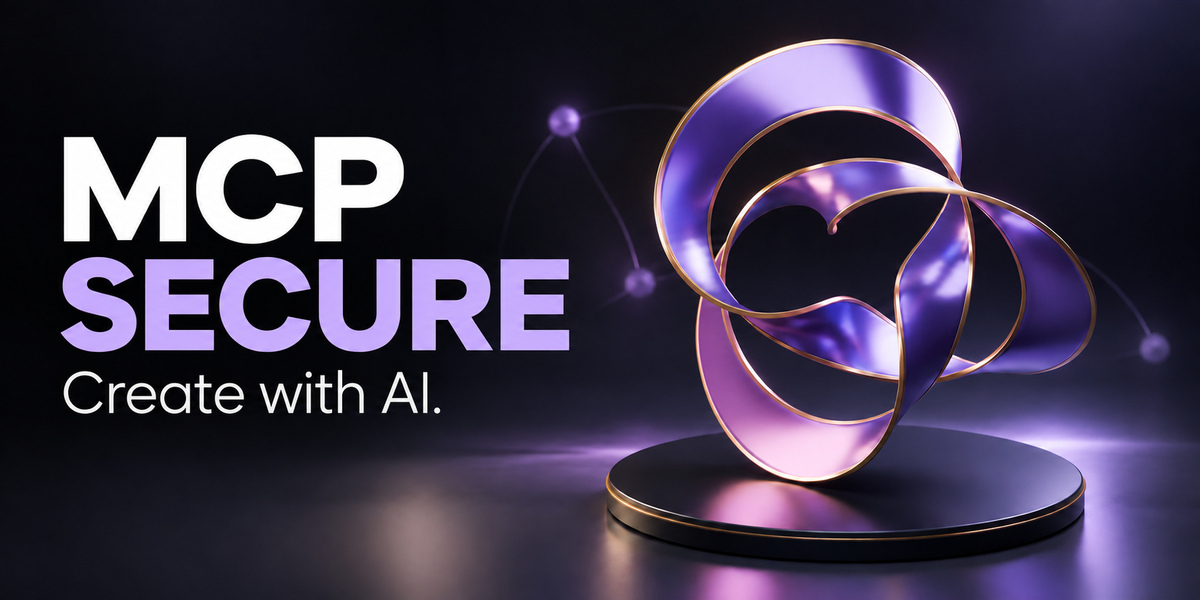




Blender MCP Secure
Your AI. Your Blender workflow.
Blender MCP Secure by Tachyon Studio connects a compatible AI assistant to Blender. Describe a task, let your assistant use the available tools, and review the result in your scene. Build editable materials, arrange objects, explore Geometry Nodes and handle repetitive tasks from your chosen AI client.
Your AI application and account are separate. This add-on is the connection and toolset, not an included AI subscription or a chat window inside Blender.
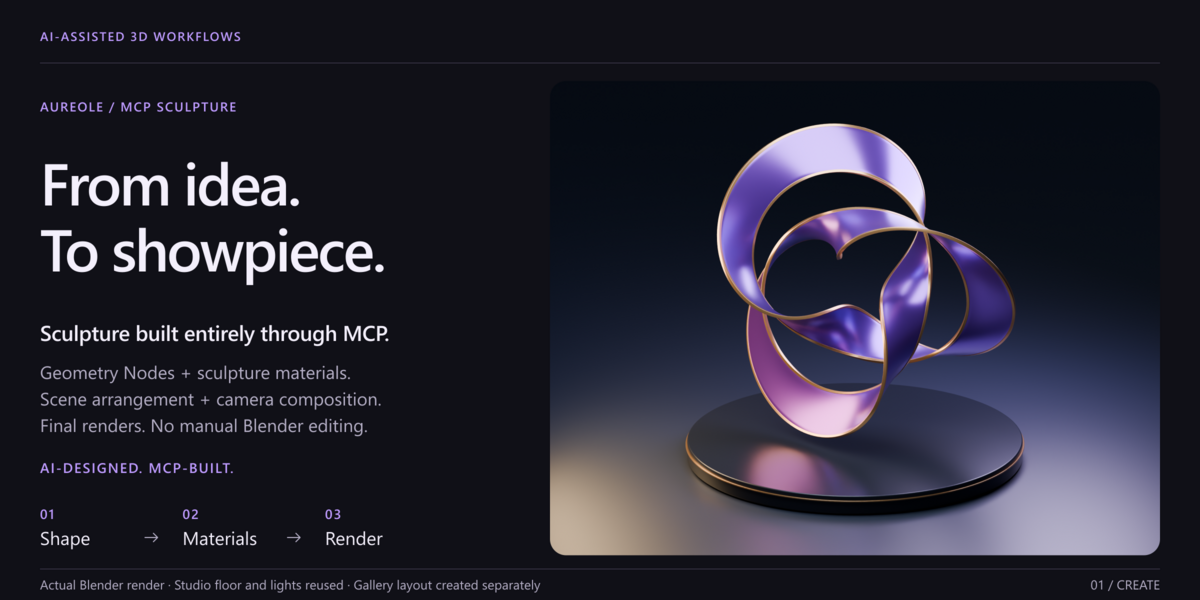
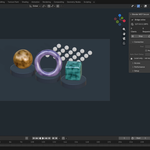
AI-designed. Sculpture built entirely through MCP.
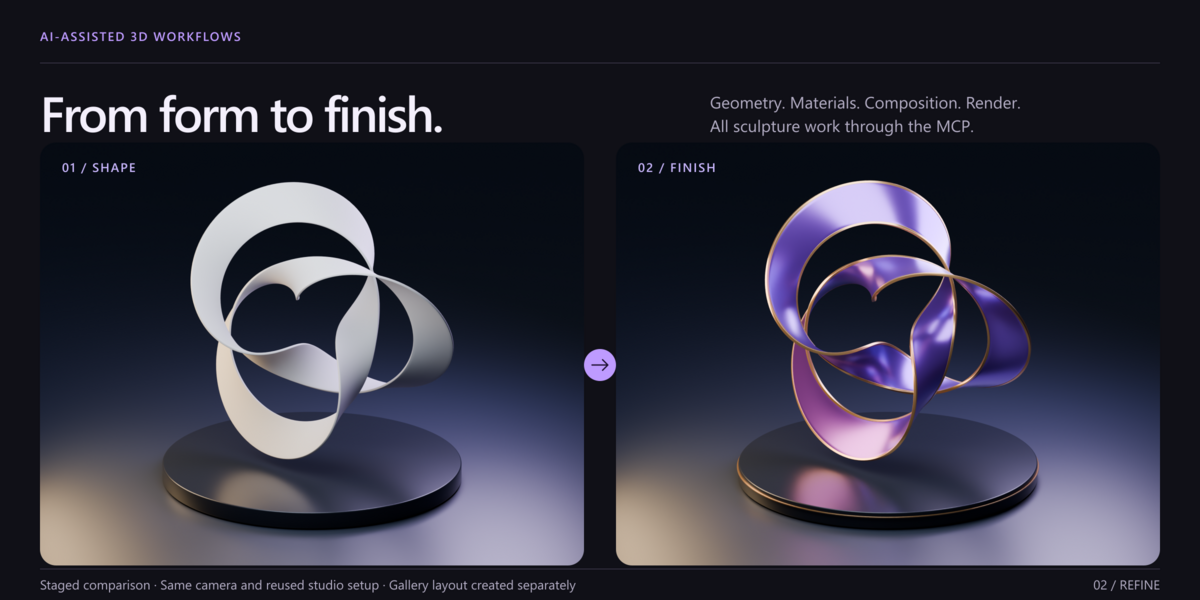
The Aureole gallery example shows an interwoven purple-metal sculpture with gold-colored details. Its Geometry Nodes, sculpture materials, scene arrangement, camera composition and final renders were created or edited through recorded MCP operations, with no manual Blender editing during that workflow.
The existing studio floor and lights were reused. Gallery typography and layout were created separately. The clay-to-metal comparison uses the same camera and lighting; it is a staged material study, not a single-prompt promise. The sculpture illustrates possible results and is not an included downloadable scene.
The featured thumbnail is AI-generated promotional artwork; the demonstration gallery images show actual Blender renders.
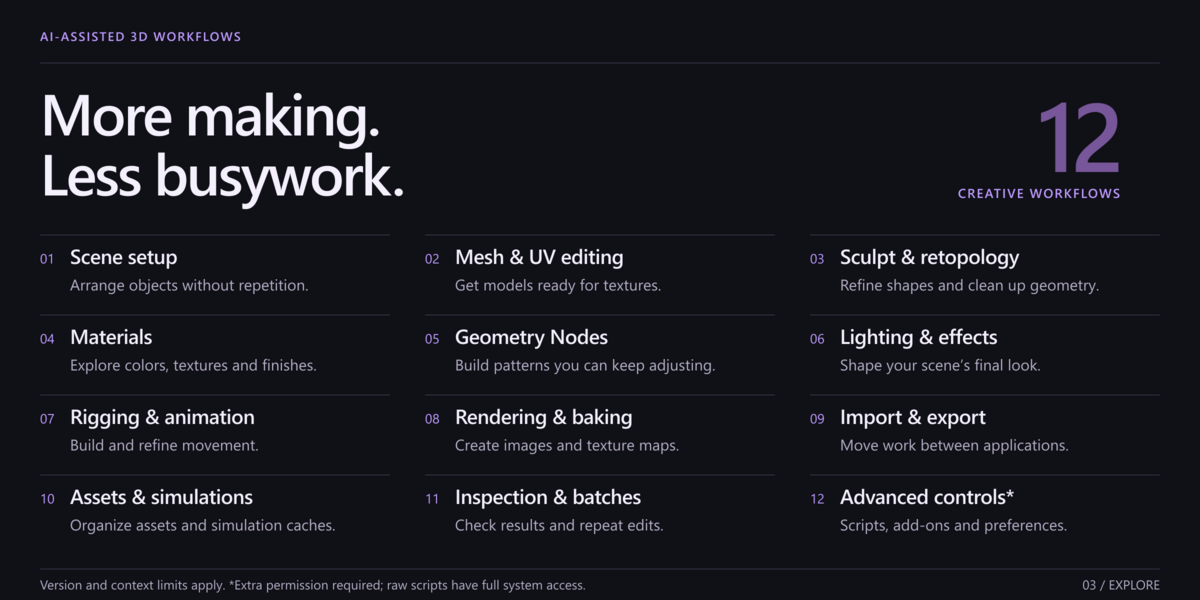
12 things it can help you do
- Organize scenes: create, duplicate, name and arrange objects and collections.
- Edit models and UVs: use supported operations to prepare or adjust geometry and texture layouts.
- Sculpt and refine shapes: access supported sculpting and retopology operations; artist judgment and brushwork still matter.
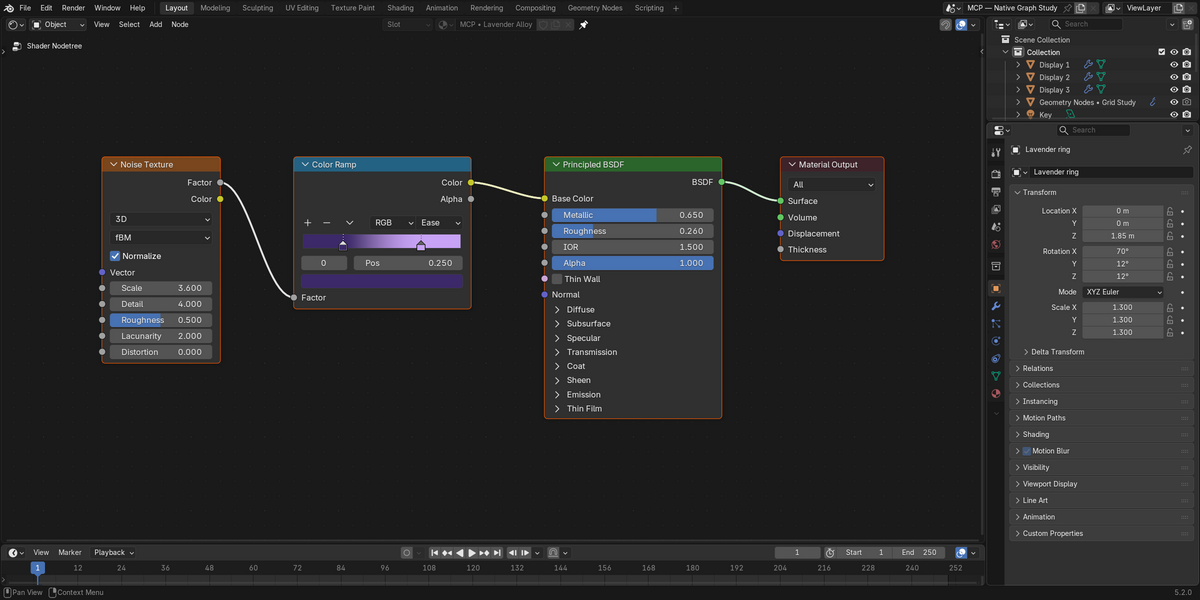
- Build materials: change colors, surface settings, shader nodes and textures while keeping the result editable.
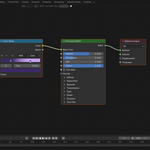
- Create with Geometry Nodes: build adjustable shapes and patterns instead of placing every part by hand.
- Shape lighting and effects: work with lights, world nodes and compositor graphs.
- Rig and animate: edit bones, poses, weights, constraints, drivers, keyframes and animation curves.
- Render and bake: create images and supported texture bakes from your scene.
- Import and export: move work through supported formats available in your Blender version.
- Manage assets and caches: update asset metadata and run supported simulation-cache operations.
- Inspect and repeat: examine scene data, request fresh previews and group eligible edits.
- Use optional advanced tools: run Python or access supported third-party operators, add-ons and preferences when their permissions are enabled.
Availability depends on your Blender version, scene, editor context and installed add-ons. This is not a promise of automatic professional rigging, retopology, or complete Asset Browser control. Some third-party sign-ins and interfaces remain manual.
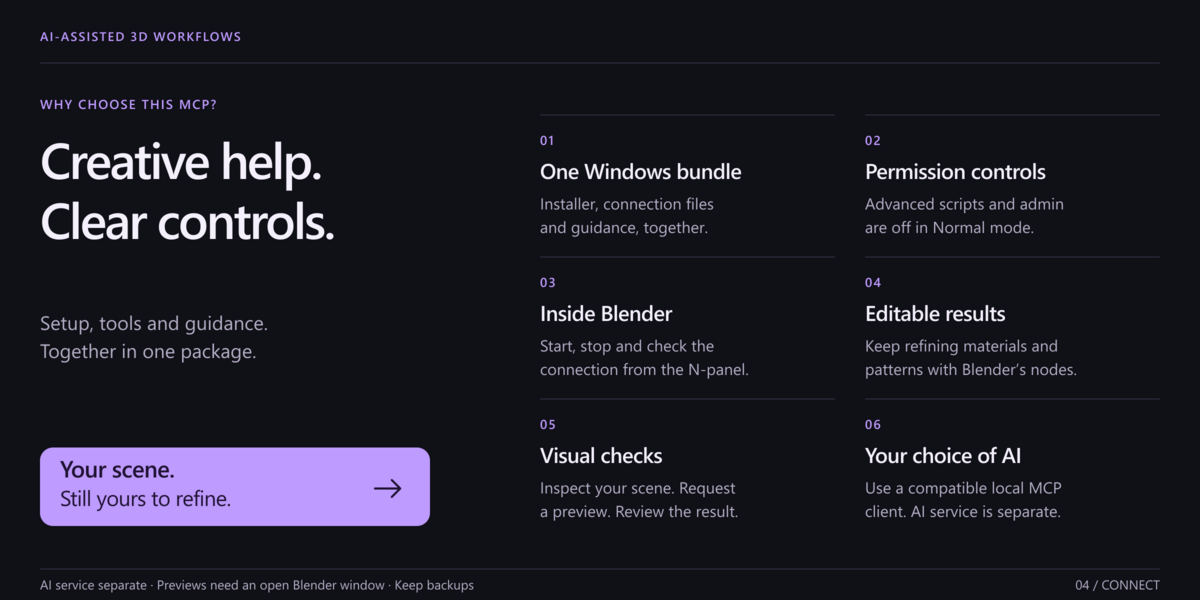
Why choose this package?
- One Windows bundle: installer, companion, connection files and guidance together.
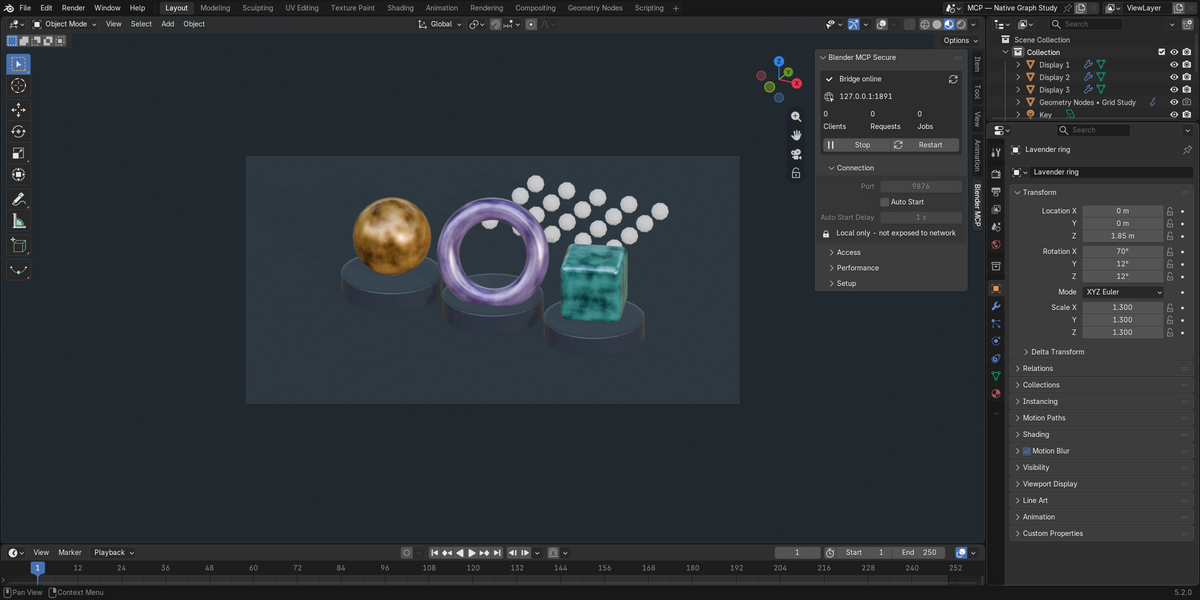
- Visible controls: start, stop and check the connection in Blender's N-panel.
- Separate permissions: leave advanced scripts and administration off until you need them.
- Editable results: keep refining the objects, materials and nodes yourself.
- Visual checks: inspect changes and request previews before continuing.
- Your choice of AI: use a compatible local MCP client, without being tied to one assistant.
These are practical package benefits, not claims that other MCPs lack these features.
Get started
- Download Blender-MCP-Secure-3.1.0-Setup.zip, extract everything, save your work and close Blender.
- Run INSTALL.cmd, read the download explanation and type YES. Wait for INSTALLATION COMPLETE. Normal mode is the default.
- Restart your AI client. In Blender, press N, open Blender MCP, and confirm Bridge online.
- Start with: “Inspect the current Blender scene. Do not modify it.” Then request a small change and review it.
The Windows installer configures detected Claude Desktop, Claude Code and Codex installations, and provides generic stdio configuration for other compatible clients. Your client must support launching a local MCP server. The on-site manual covers the full setup, troubleshooting, updates and removal.
Internet is required during setup. After your consent, exact, checksum-verified Python libraries are downloaded from files.pythonhosted.org. Some contain native Windows DLL, PYD and EXE components and run with your user permissions in a private companion environment, not Blender's Python or profile. They are not bundled in the ZIP. A download or verification failure stops before Blender/client configuration changes. Read the included dependency notices.
Access and limits
The connection uses an authenticated local listener. Normal mode leaves arbitrary Python, administration, third-party operators and legacy clients disabled; some compatibility tools use bundled trusted tool-code. Expert Python grants Blender's full file, process and network access. “Secure” does not mean sandboxed. Keep backups and review destructive actions.
Rollback covers only eligible in-memory structured batches in interactive Blender with Global Undo. It does not cover file writes, rendering, caches, preferences or arbitrary scripts. Screenshots need an available interactive window; feedback is not continuous video. Data sent to an AI provider follows that client's policies.
Compatibility and downloads
The target range is Blender 3.3–5.2, with version-dependent features: legacy package for 3.3–4.1 and extension for 4.2–5.2. Existing tests cover sample builds 3.3.21, 4.3.2 and 5.2.0, not every intervening release or workflow. Windows is the prepared installer platform; manual macOS/Linux setup is unverified here.
One recommended download: Blender-MCP-Secure-3.1.0-Setup.zip includes both Blender installation formats, the companion, setup scripts, agent guidance, full documentation, source, license and third-party notices. Open START HERE.html for the short guide. Expert mode and manual setup are under Advanced. Keep Setup beside INSTALL.cmd; do not install the outer setup ZIP through Blender's Install from Disk.
Optional manual extension: blender_mcp_secure-3.1.0.zip is directly installable in Blender 4.2–5.2. It is already inside the main download, so guided-setup users do not need it separately. It does not install the companion or configure an AI client. The legacy 3.3–4.1 ZIP is also inside the main package. AI clients/services are separate and may require accounts or fees. There is no offline dependency installer.
Licensing and support
Software is GPL-3.0-or-later. Individual and Business / Studio are buyer categories with identical files and features, unchanged GPL rights, and no extra seat restriction or priority-support promise. Check the listing's selected support terms before purchase.
Use Superhive order messages or Discord support. Explore Tachyon Studio's other products. Derived from Blender Lab's blender_mcp project; upstream and dependency credits are included. Blender and client names describe compatibility, not endorsement.
Designed, reviewed and tested by Tachyon Studio, with AI assistance in add-on development. Read the full setup and workflow guide.
THE TACHYON STUDIO COLLECTION
Go beyond
Blender MCP Secure.
Build out your Blender workspace with scene organization, asset preparation, dedicated UV work and baking tools.
ORGANIZE THE ASSEMBLY
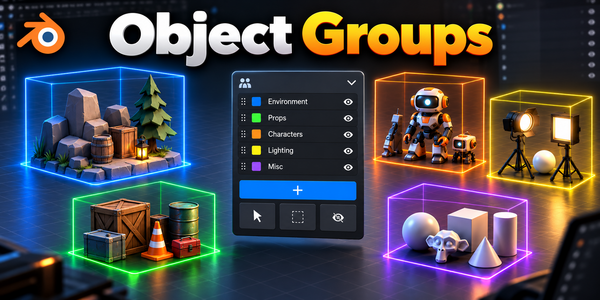
Object Groups
Keep multi-part assets manageable with nested logical groups and saved selection sets.
Build out your workflow.
A few more tools, chosen for the work you do here.

PREPARE · CHECK · EXPORT
Ultimate Utilities
Bring asset preparation, validation and batch export into one Blender sidebar.
MAKE ROOM FOR DETAIL
RizomUV Bridge
Unwrap and pack in RizomUV, then bring the UVs back onto your Blender meshes.

FROM MESH TO BAKE
Marmoset Toolbag Bridge
Send high- and low-poly meshes to Toolbag for baking, then bring the finished maps into Blender.
There is more in the studio.
See the full collection ↗These recommendations are optional, sold separately and not included with Blender MCP Secure. Check each product page for its own requirements. Bridge add-ons require the named external application; that application is not included.
These are separate workflow tools, not a promise of dedicated MCP integrations or automatic agent control of every add-on.