 Amitkumar3dart


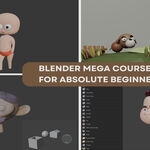
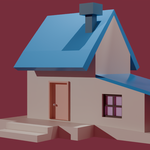
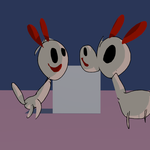
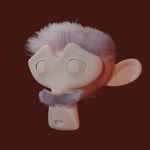
Hi, I’m Amit Kumar Deb—2D & 3D artist, animator, and your guide on this exciting journey into the world of Blender.
Have you ever opened Blender and thought, “Where do I even begin?” If you’ve ever felt overwhelmed by its interface or intimidated by its endless tools, you’re in the right place.
Welcome to the Blender Mega Course for Absolute Beginners
A carefully crafted, hands-on, fully structured program designed for artists, dreamers, creators, and complete newcomers who want to confidently master Blender from the ground up. And yes—you don’t need any prior experience.
By the time you finish this course, you’ll be creating your own stunning 3D scenes, characters, animations, and even 2D art—all inside Blender.
🎯 Why This Course Stands Out
-
Zero to Hero: We start from scratch—downloading, installing, and configuring Blender step-by-step.
-
Comprehensive Coverage: Model, sculpt, rig, animate, texture, render, composite, edit video, and paint—all in one place.
-
Practice-Based Learning: Each chapter ends with a project so you create as you learn.
-
Clear, Visual Teaching: No jargon, no fluff—just simple, visual, step-by-step explanations.
-
Focused & Efficient: We skip advanced VFX topics like Geometry Nodes and Object Tracking so you can build a rock-solid foundation without being overwhelmed.
💡 What You’ll Master in 7 Chapters

-
Blender Basics
Navigate the interface, switch modes, and manipulate objects like a pro. -
Mesh Editing Mastery
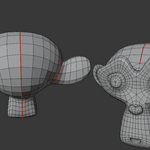
Model with precision using edit-mode tools, modifiers, and constraints. -
Sculpting Simplified
Shape characters and organic forms with Blender’s sculpting brushes. -
Materials, Textures & Painting
UV unwrap, apply materials, texture-paint, and vertex-paint to bring color and detail. -
Animation & Rigging Essentials
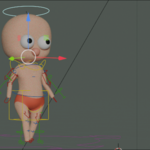
Rig characters with Rigify, weight-paint, and animate using IK/FK techniques. -
Blender Physics & Particles
Simulate gravity, wind, smoke, hair, and more with physics and particle systems. -
Grease Pencil, Compositing & Video Editing
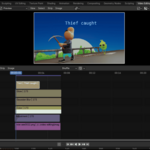
Blend 2D and 3D art, composite your renders, and edit sequences in the Video Sequence Editor.🚀 Who Is This Course For?
-
Complete beginners with zero 3D experience
-
2D artists wanting to explore 3D pipelines
-
Hobbyists dreaming of making game assets or animated shorts
-
Designers and illustrators seeking to expand their toolset
Ready to unlock your creativity and finally conquer Blender?
👉 Enroll now and start building your skills—one lesson at a time. Let’s make something amazing together! -