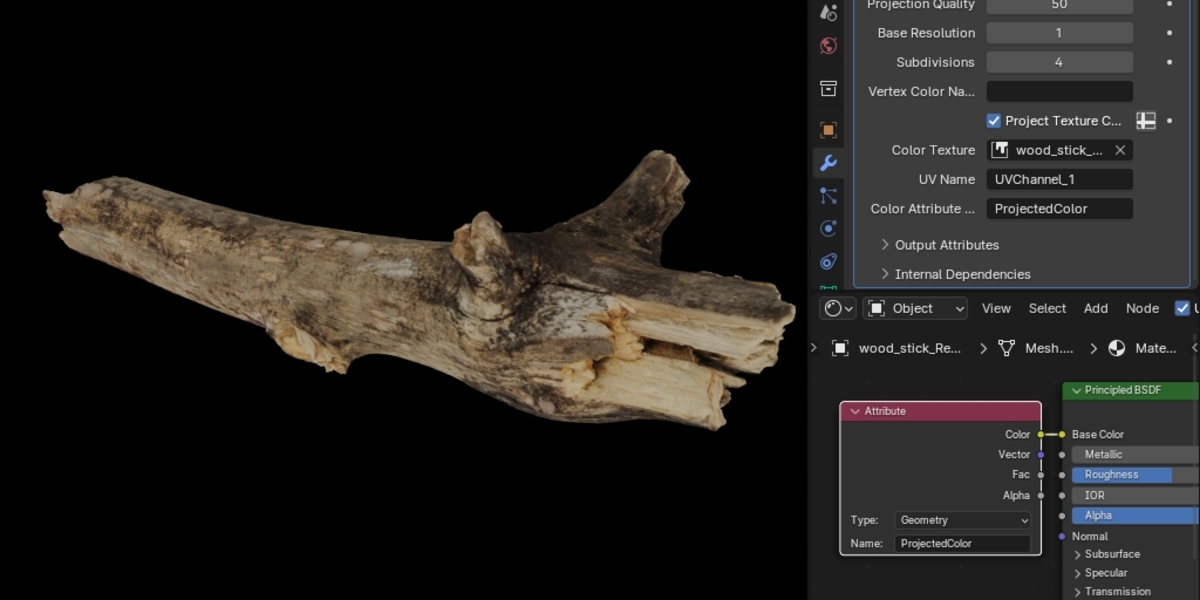
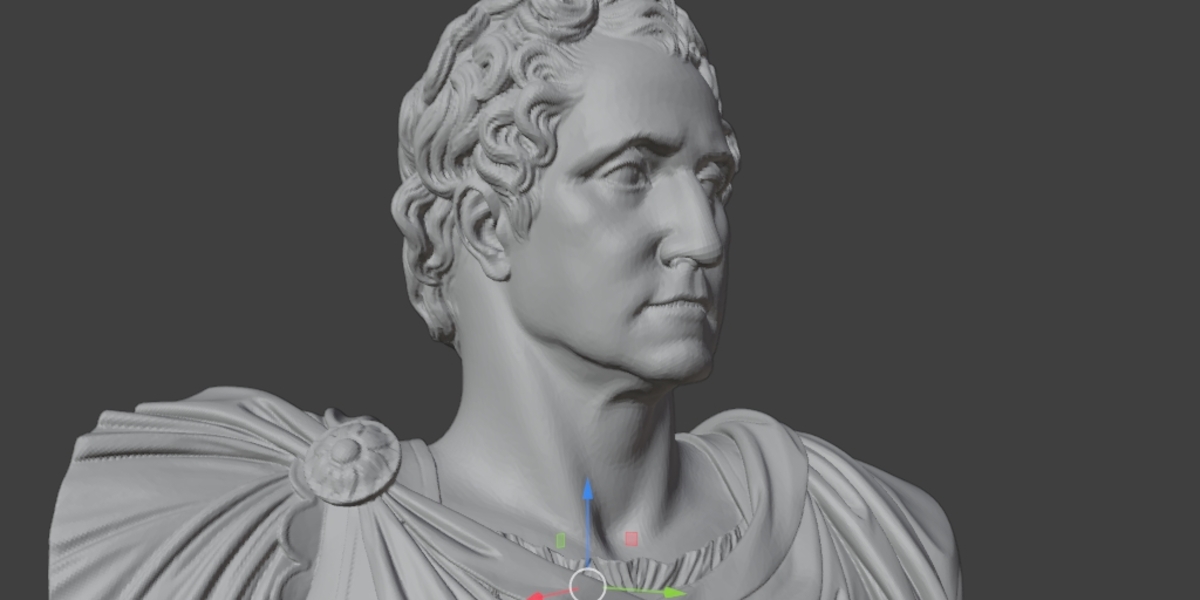
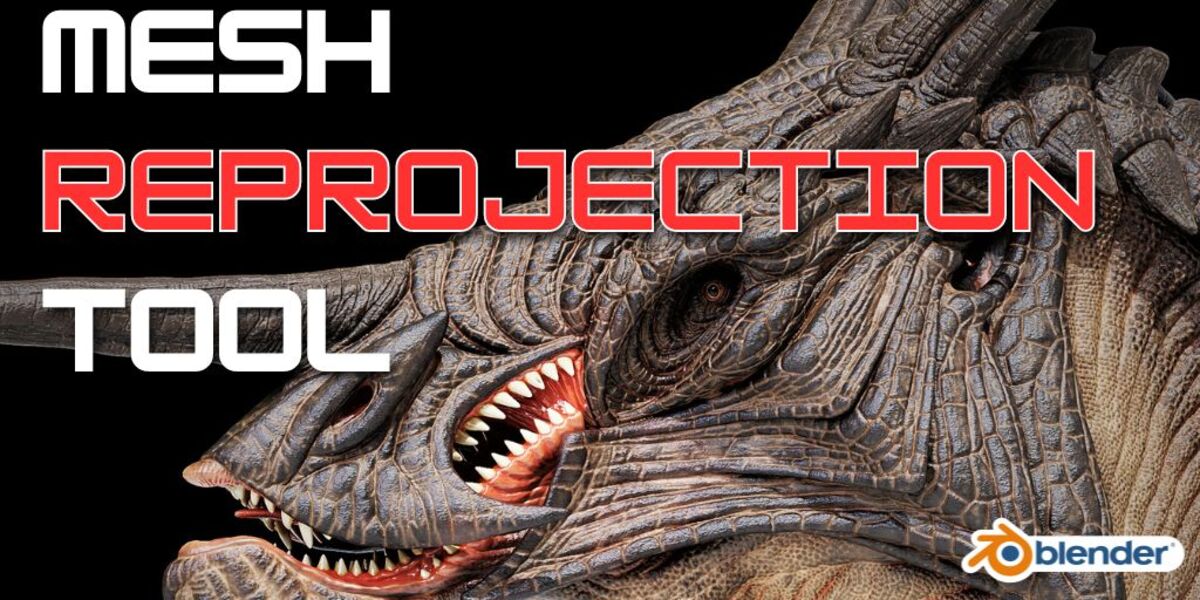
Blender Reprojection Add-On
 Blender Easy




How to Install
Open Blender.
Go to Edit > Preferences > Add-ons.
Click Install and select the reprojector_addon.zip file.
Enable the add-on by checking the box next to Mesh: Reprojector.
The tool will appear in the 3D Viewport Sidebar (N-panel) under the Reprojector tab.
$15
Have questions about this product?
Login to message
| Published | 6 days ago |
| Blender Version | 4.5 - 5.2 |
| Extension Type | N/A |
| Render Engine Used | Arnold, Blender-Internal, Blender-Game-Engine, Cycles, Eevee, Freestyle, Luxrender, Mental-Ray, Octane, Vray, Yafaray |
| License | Mit |
Discover more products like this
blender projection tool reprojection reprojector photogrammetry Sculpt