 Anvil Interactive Solutions


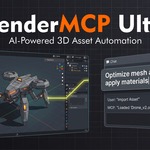
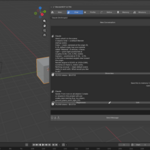
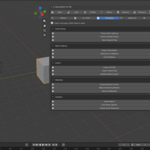
Pick the job, press Run, and get back finished, checked work in Blender.
Rooms, environments, product shots, character animation, game-ready assets, 3D prints and scene clean-ups. Design engines that follow real rules, 56 tested recipes, an Autopilot that runs them across a folder of files, and an AI that looks at the result before it says "done". Your original file is never overwritten.
| ✓ Free to run: one-click free local AI (Ollama), or the Gemini and Groq free tiers. No AI subscription required. |
| ✓ The Game tab needs no AI at all: bake, LODs, collision and export from buttons. |
| ✓ Safe: a checkpoint before every step, and rollback leaves your .blend byte-for-byte unchanged. |
| ✓ One-time purchase, Blender 4.2 – 5.x, Windows, macOS and Linux. |
| Request typed into the chat | Result, checked in the scene | Time · Cost |
| A cozy Scandinavian living room, then score it | Design score 100/100: all 3 hard rules and 6 soft rules pass | 9 s · $0.06 |
| A desert environment with a camera | Terrain, rocks, cacti, a path, warm light and a framed camera | 11 s · $0.07 |
| A mannequin walking for 2 seconds | Walk-cycle check 100: no foot sliding, no sinking, clean loop | 6 s · $0.05 |
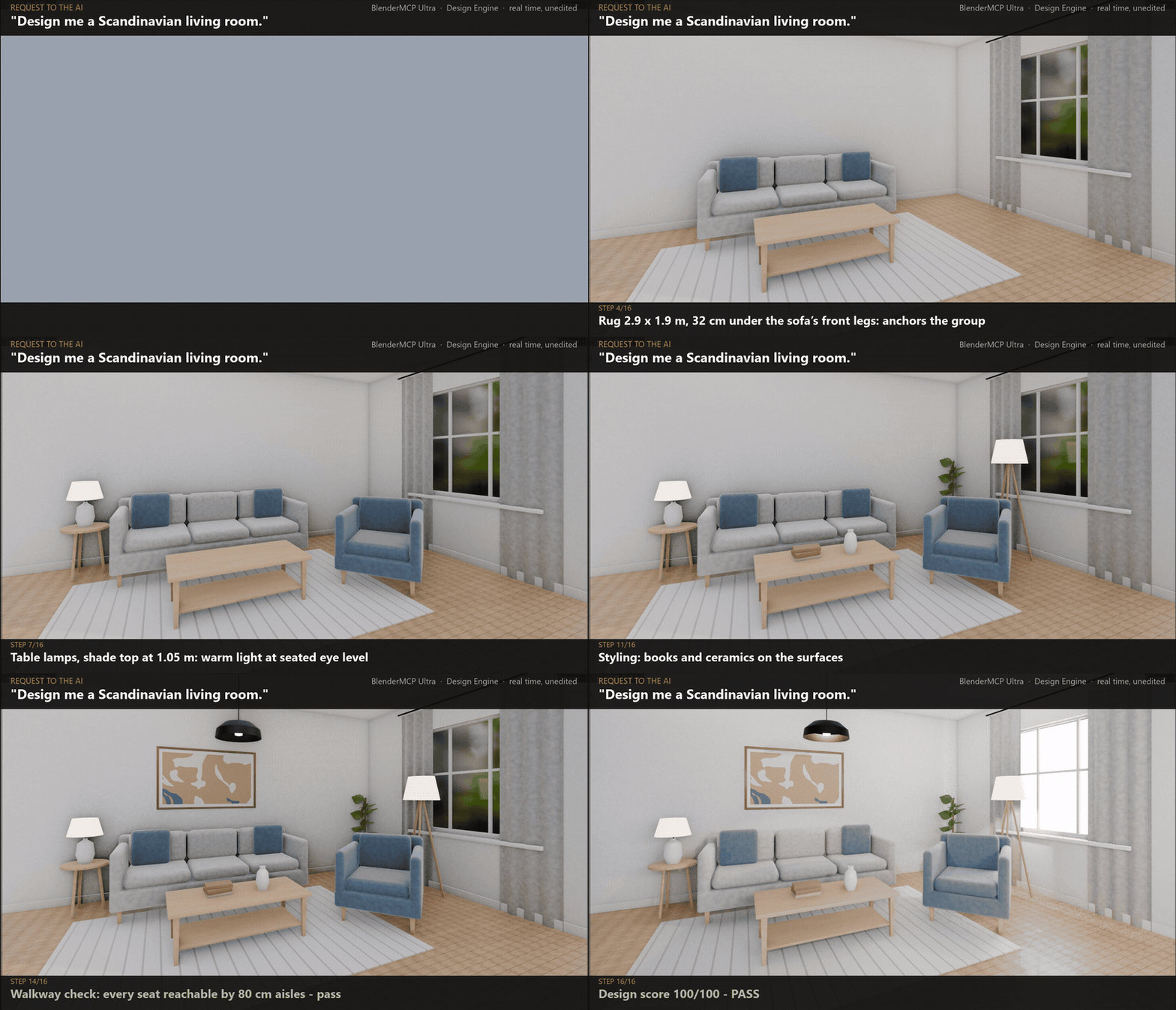
Ask for a room. Watch it get designed, rule by rule.
Real furniture in your chosen style, placed by interior-design rules: the coffee table 35-50 cm from the sofa, the rug under the front legs, art at eye level, 80 cm walkways. Then layered lighting, a framed camera and a design score. Every step shows its reason, measured in the scene.
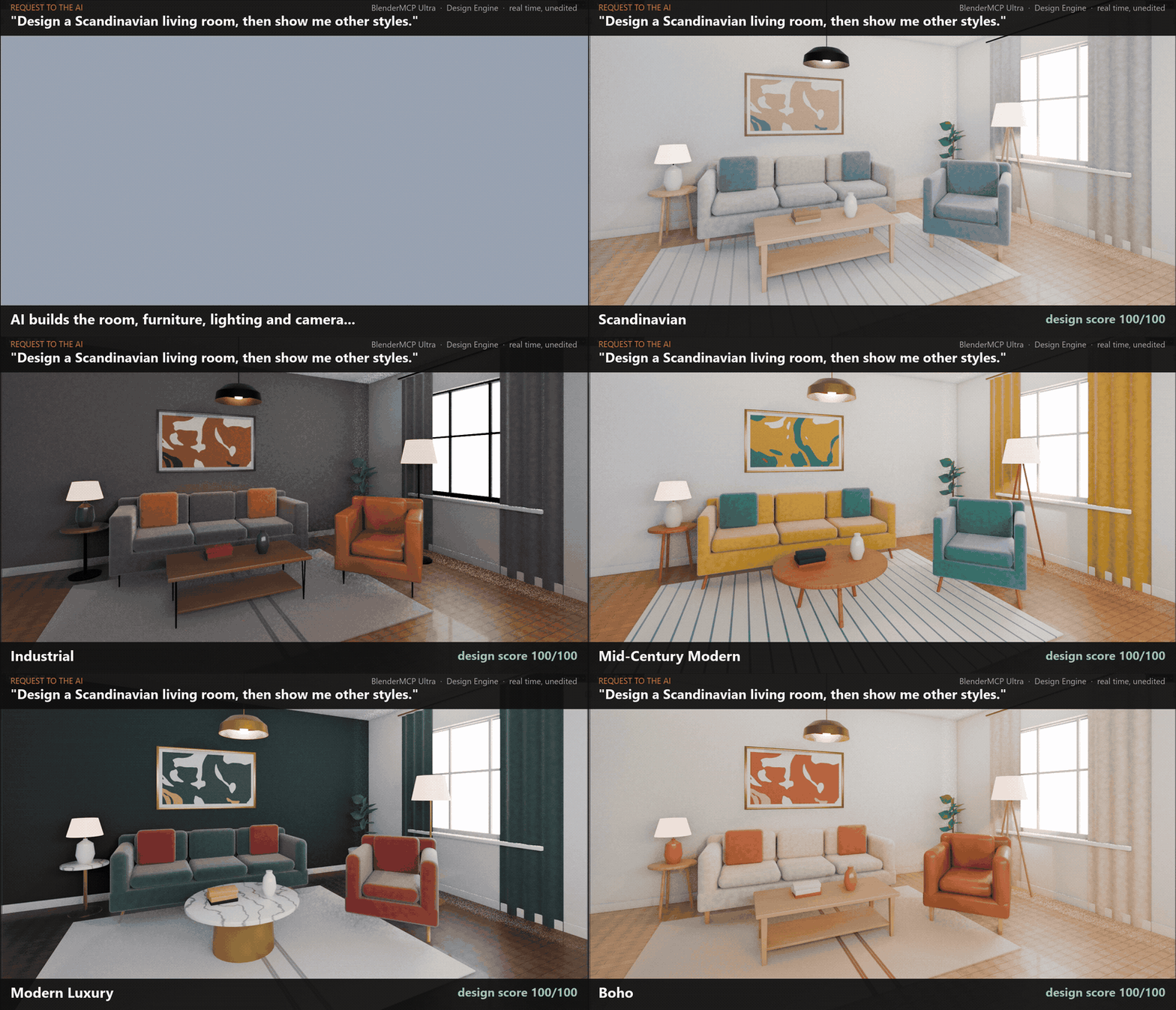
Six styles, one plan. Scandinavian, Japandi, Industrial, Mid-Century, Modern Luxury and Boho. Each restyle takes about two seconds and keeps its 100/100 score.
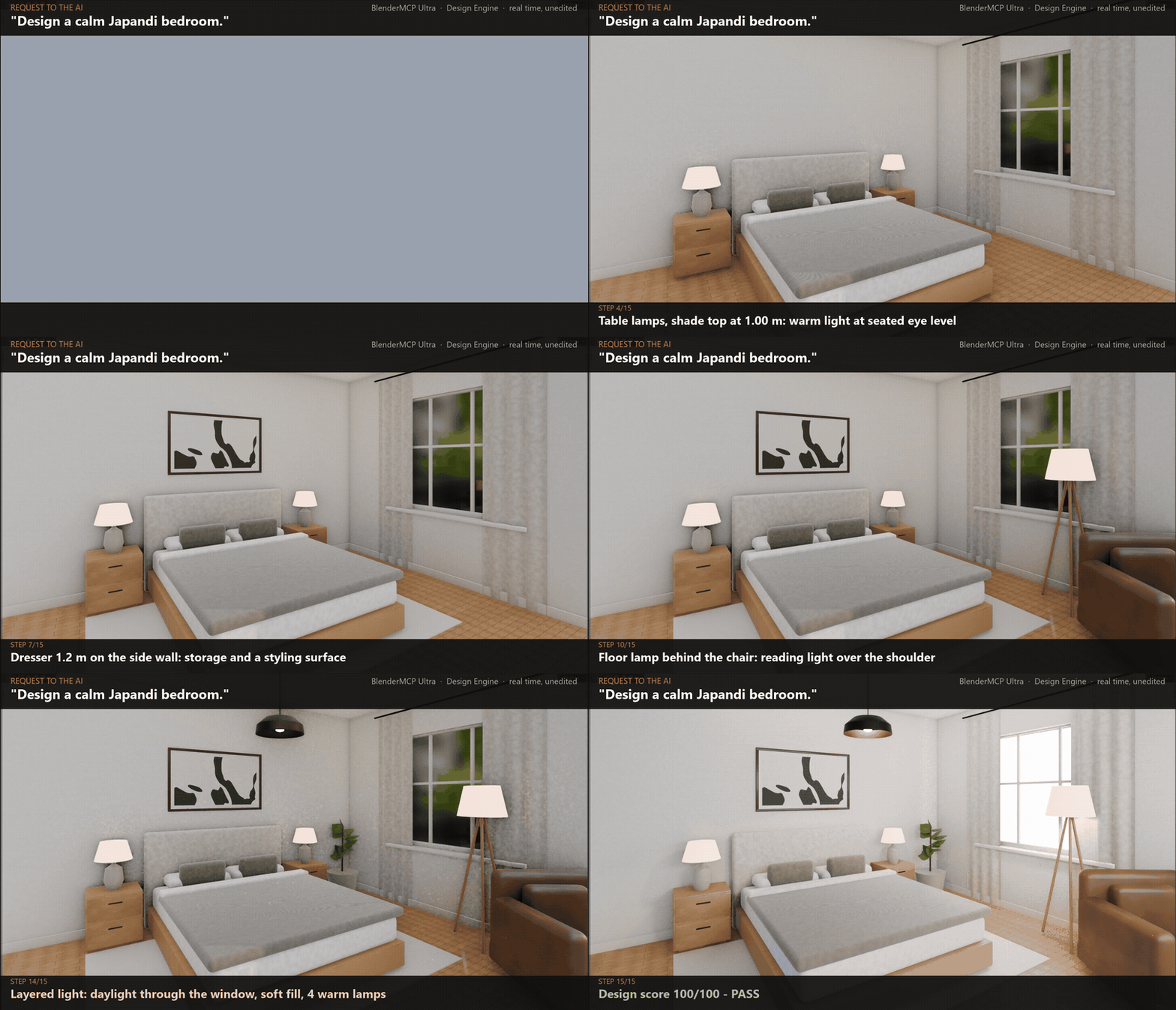
Five room types: living room, bedroom, reading nook, home office and dining room.
 | 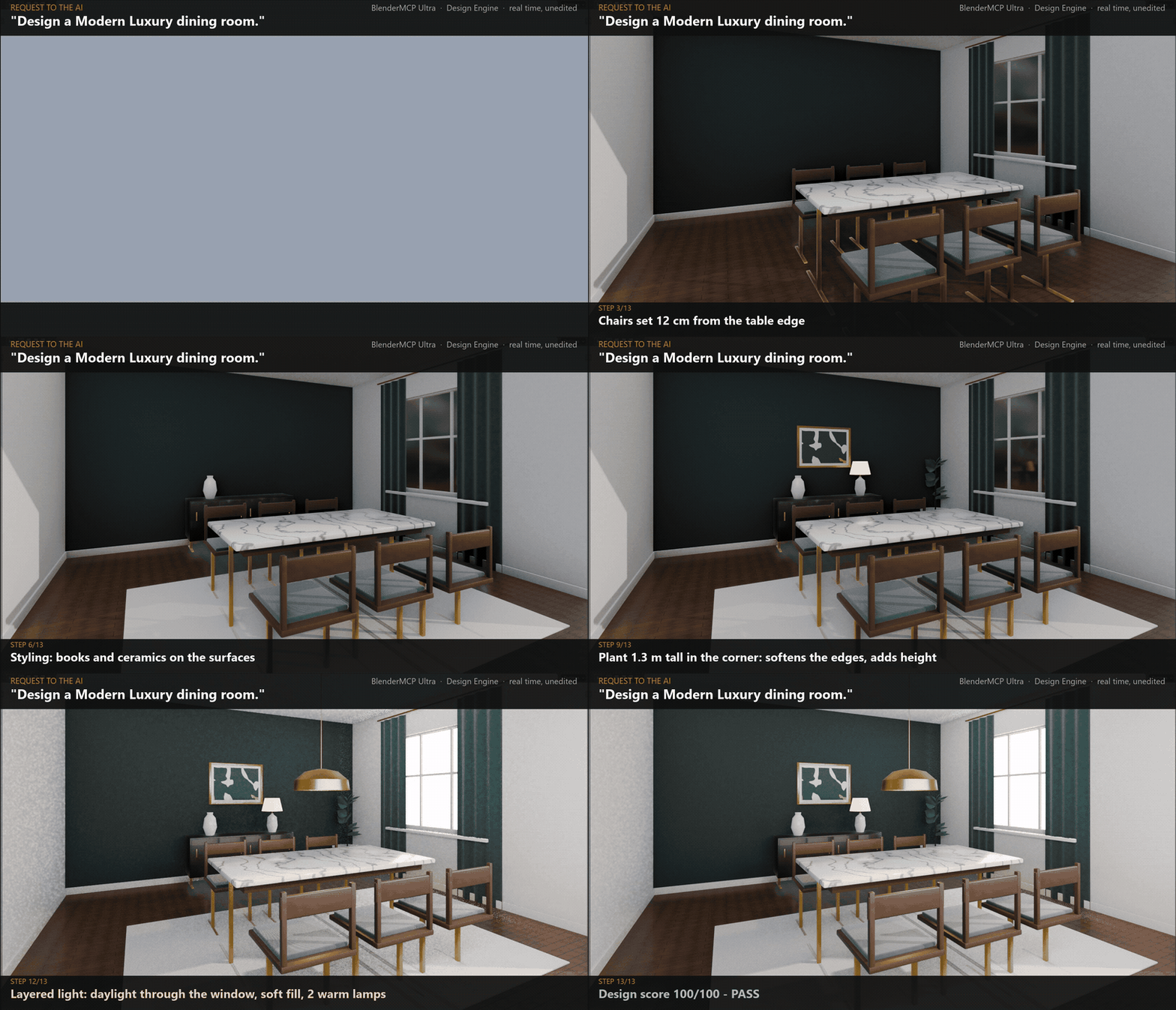 | 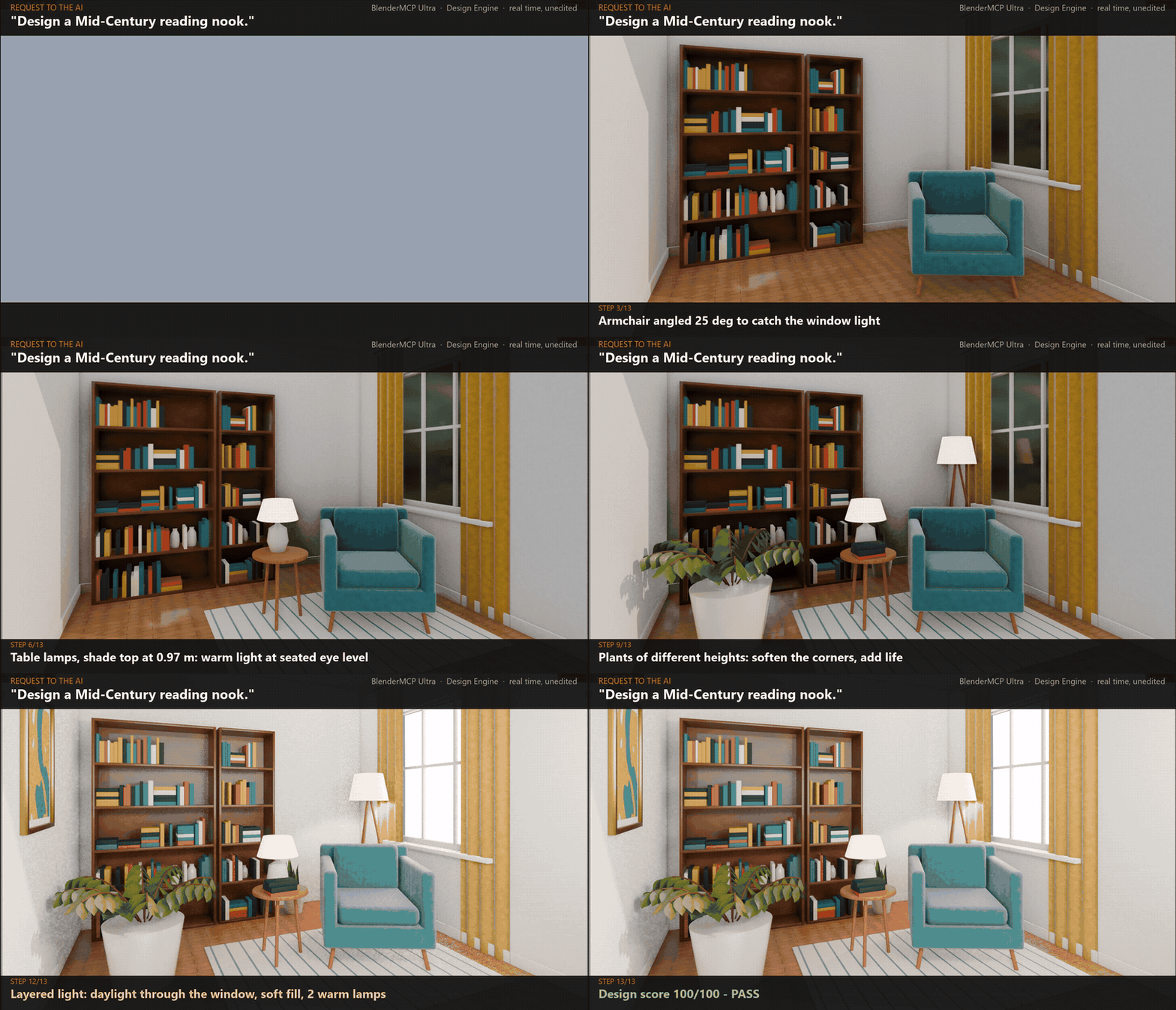 |
Three more design engines.
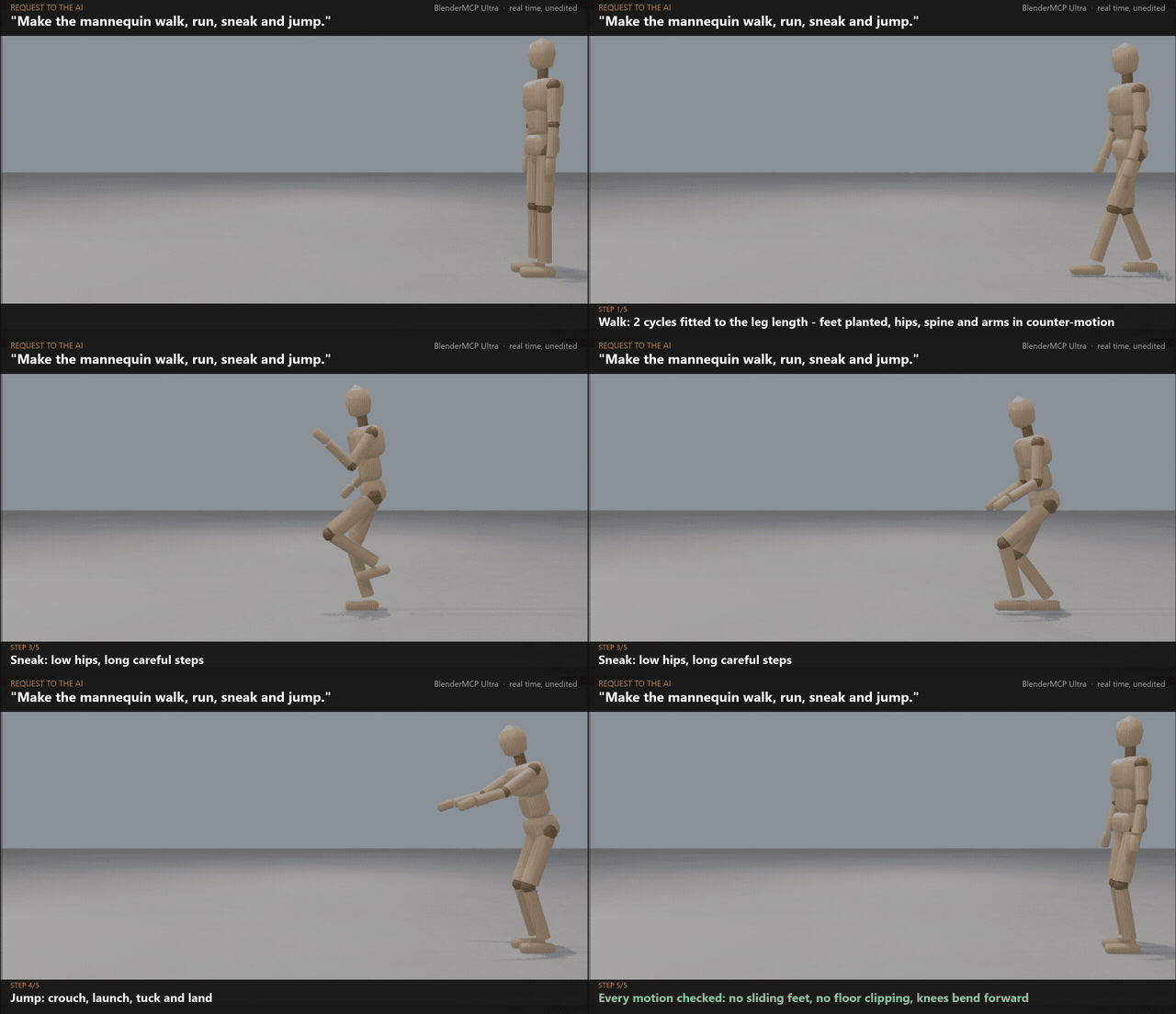
Character animation: walk, run, sneak, idle and jump on Ultra, Mixamo and Rigify rigs. Cycles fit the leg length, feet stay planted, and every result is checked for sliding feet, floor clipping and knee direction.
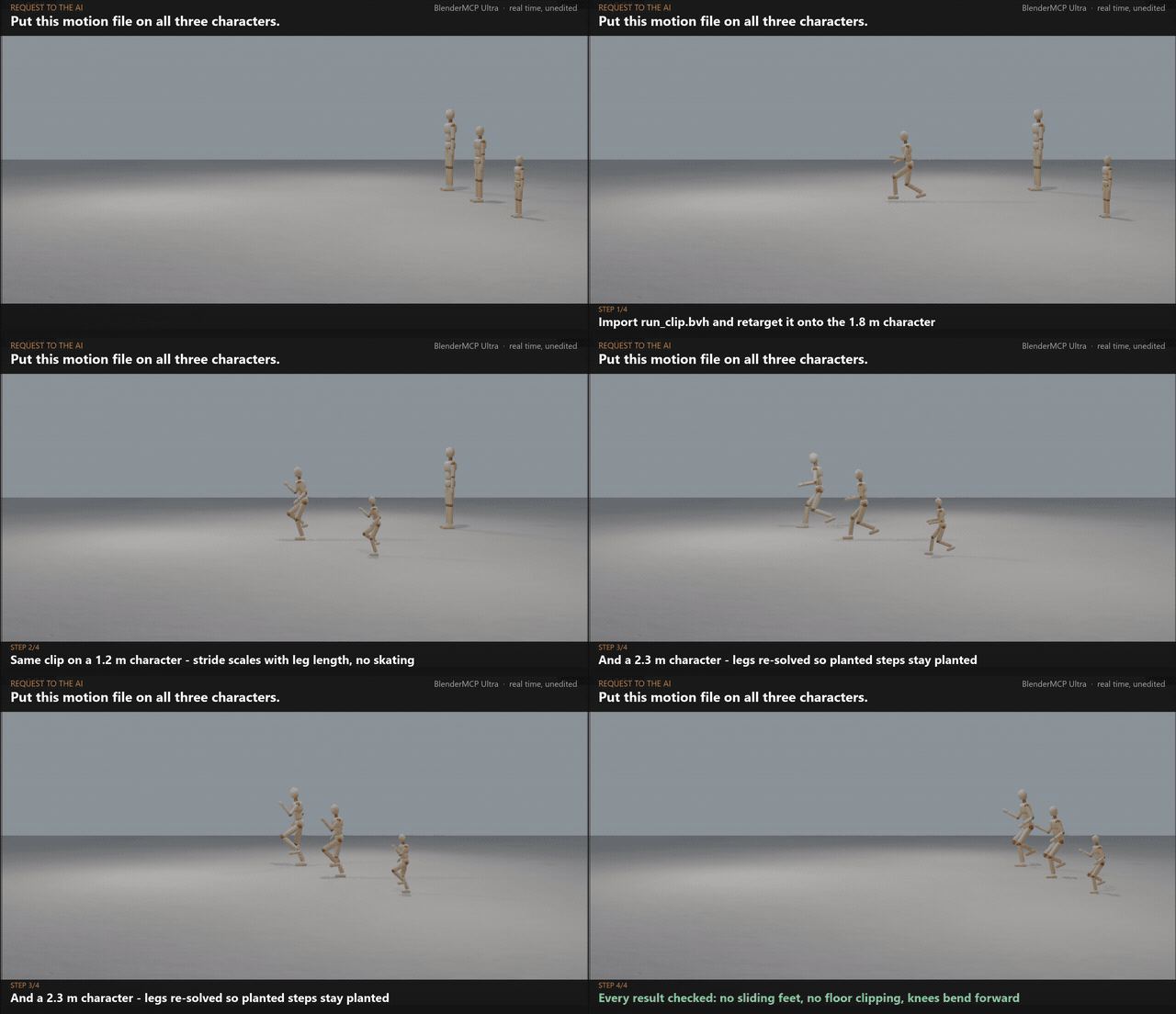
Mixamo and mocap retargeting: drop in a Mixamo .fbx or a .bvh capture and it lands on your character, whatever its size, scale or rest pose. Legs are re-solved so planted steps stay planted.
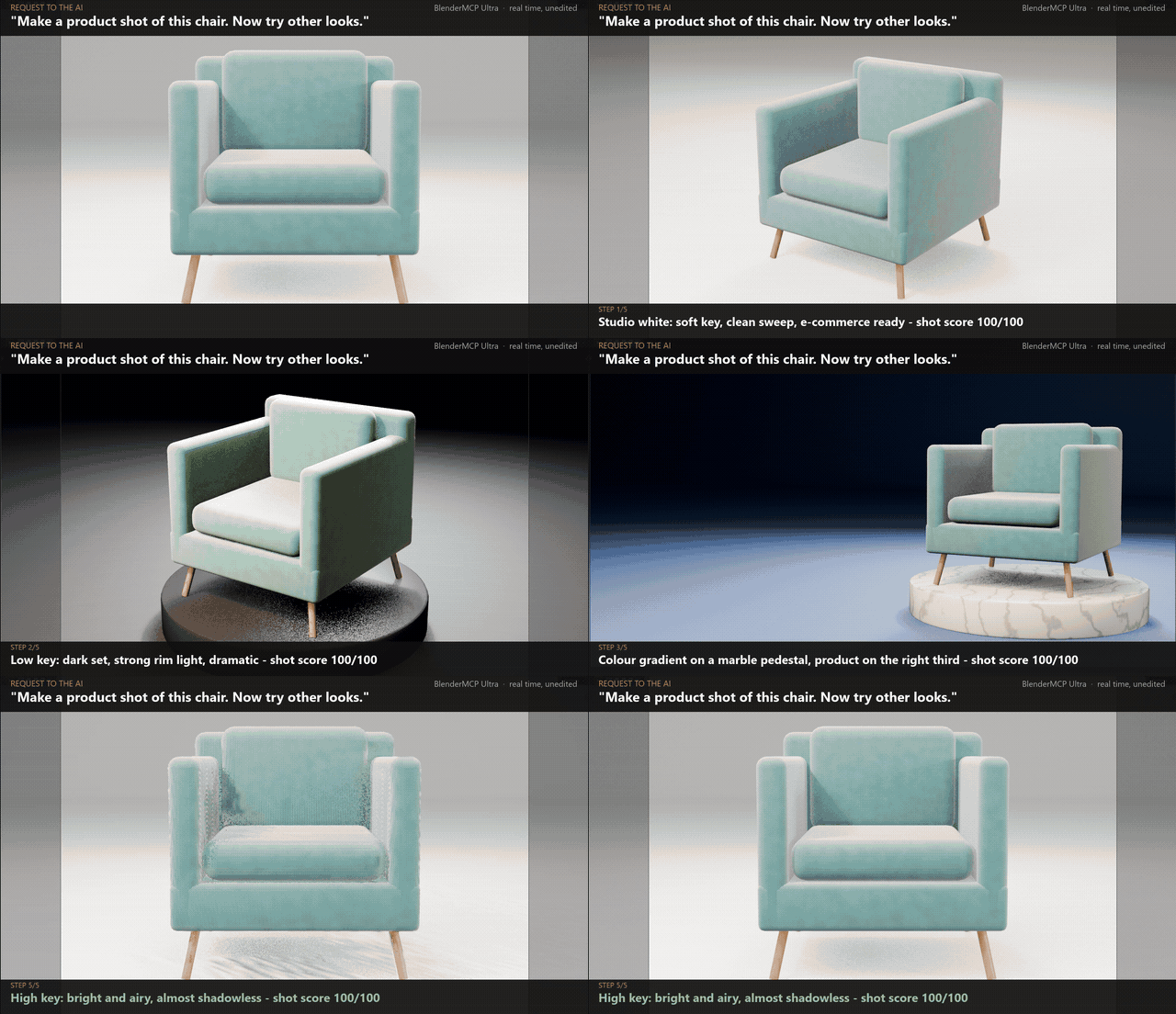
Product shots: any object on a seamless sweep, with five lighting styles, pedestals and a camera placed by composition rules. Light products get a darker backdrop automatically.
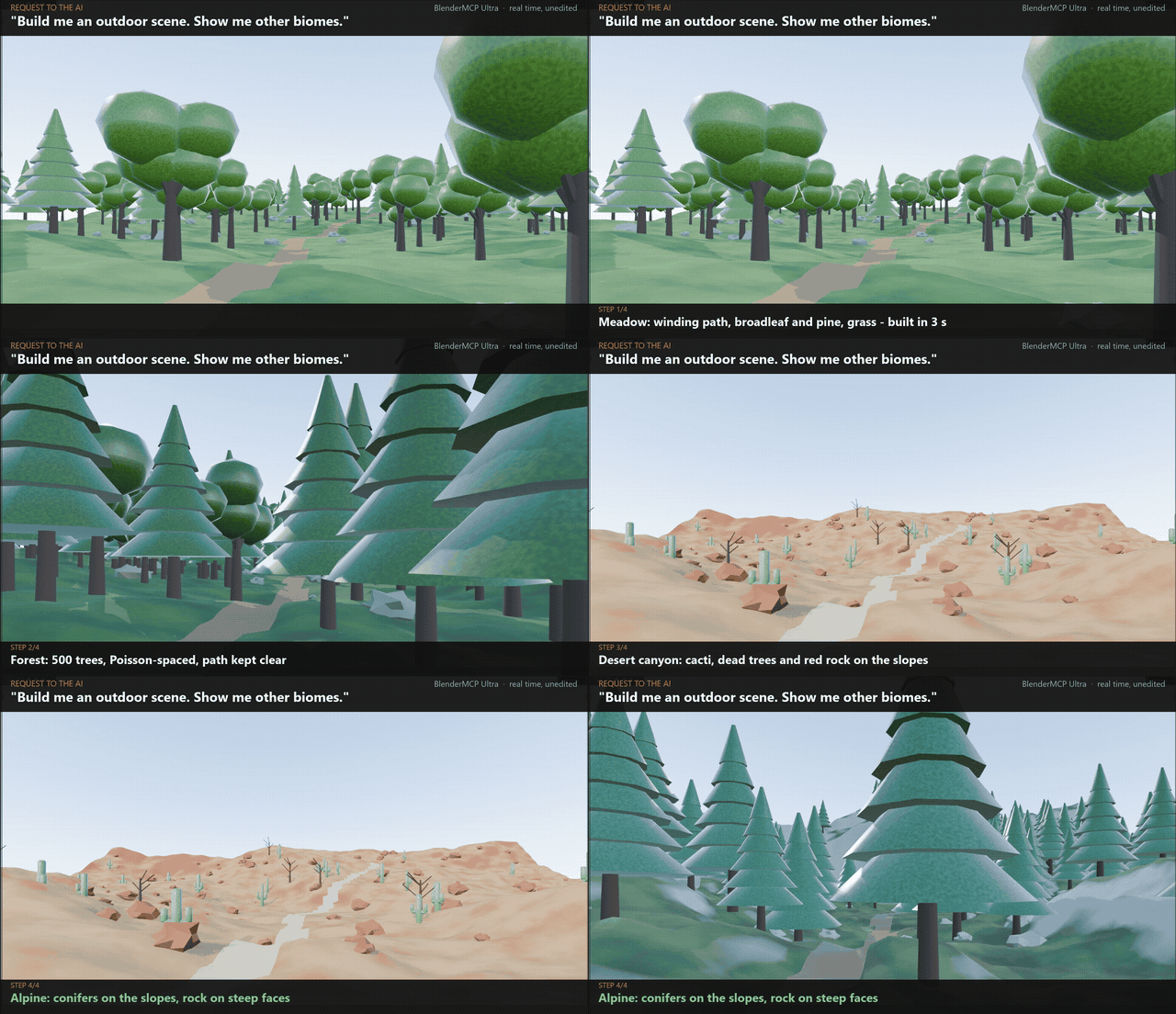
Environments: terrain, a winding path, trees, rocks, grass and sky in a few seconds. Meadow, forest, desert canyon and alpine, with nothing growing on the path, on cliffs or in water.
No prompt writing. Pick a recipe, fill a short form, press Run.
|
56 recipes
Game assets, modelling, environments, shots, animation, physics, materials, rigging, 3D printing, QA and scene health.
|
Autopilot
Runs a recipe across a folder of .blend files with a checkpoint per step and a before/after report.
|
Your own recipes
Customize any recipe, build your own, share it as a file, or save a job you liked as a new recipe.
|
Ultra is for whole jobs, batches and game-asset pipelines.
These are two separate add-ons, each a one-time purchase. If you only want your AI to do individual Blender tasks you ask for, BlenderMCP Pro is the lighter option.
| Pro | Ultra | |
| AI does Blender tasks you ask for, undoable | ✓ | ✓ |
| claude.ai, Claude Desktop, Cursor, built-in chat, free AI options | ✓ | ✓ |
| Design engines: interiors, character animation, product shots, environments | — | ✓ |
| 56 recipes for complete jobs, plus your own | — | ✓ |
| Autopilot across a folder of files, with rollback | — | ✓ |
| Visual checks from four angles, quality gate, reference matching | — | ✓ |
| Game tab: audit, bake, pack, LODs, collision, export (no AI needed) | — | ✓ |
| Physics, animation, 3D printing, Studio Profiles | — | ✓ |
From 54 to 100/100 in five calls: audit, Auto-Fix, UVs at a set texel density, collision and an exact LOD chain.
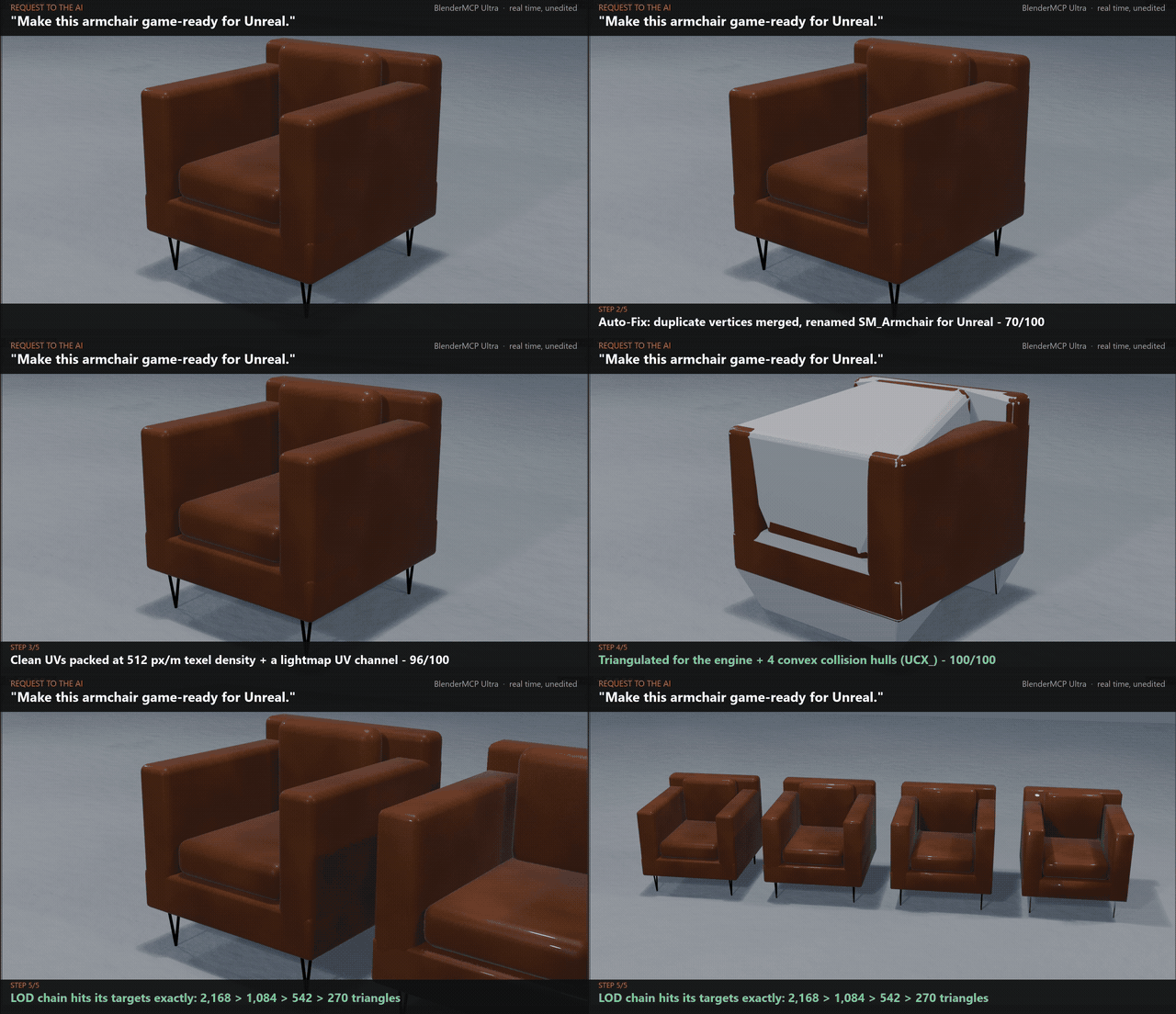
Autopilot saves a checkpoint before every step. Don't like the result? Roll back and it's exactly as it was.
|
Never overwritten
A full checkpoint before every mission and Autopilot step. Restoring opens a _restored.blend copy.
|
Plan first
Missions show every task and an estimated cost before anything runs. Edit, approve or reject.
|
Full record
Mission History logs every tool call. Python stays off for outside apps unless you allow it.
|
Simulations and animation from one sentence.
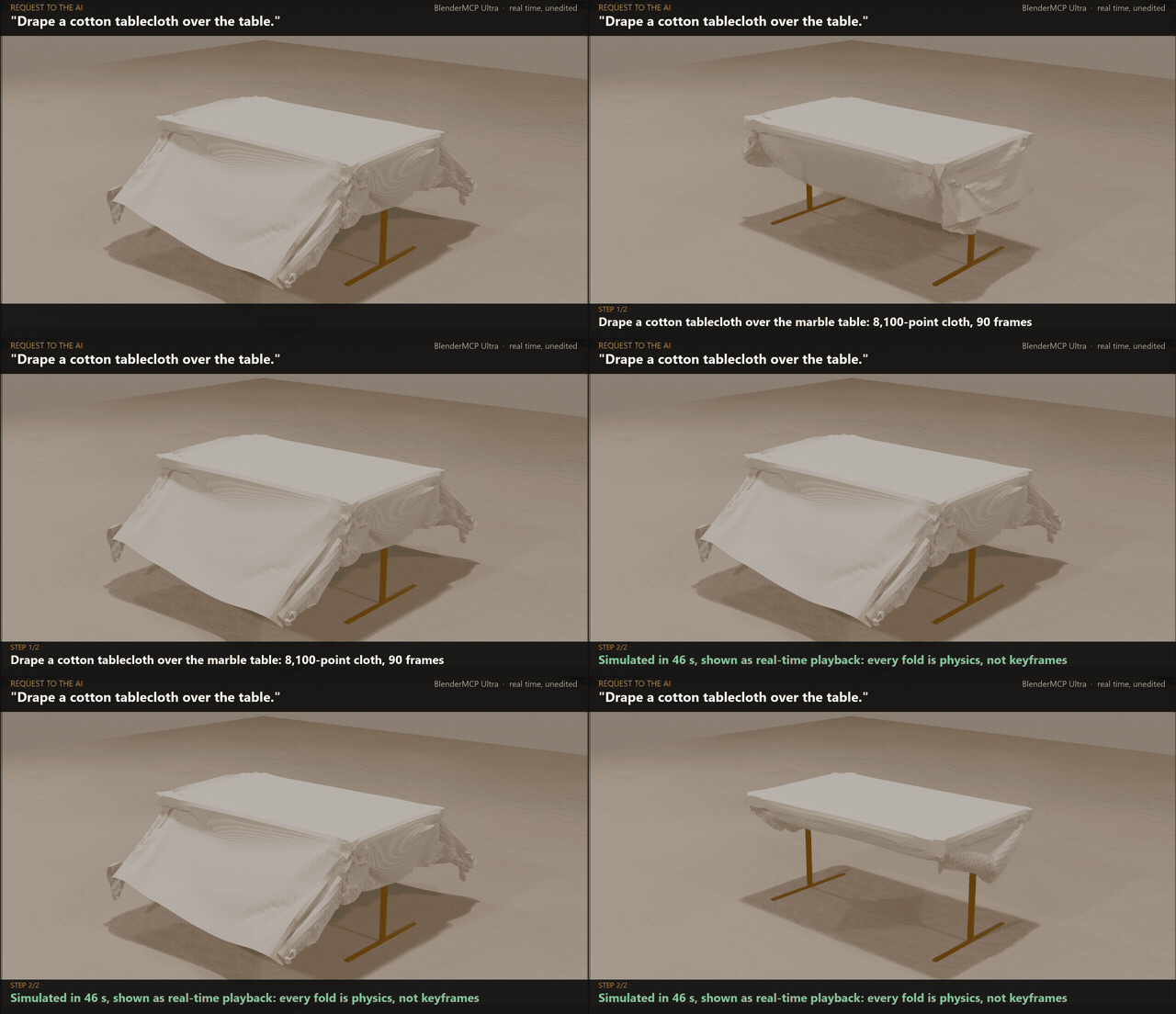 Cloth: a tablecloth drapes over the table
|
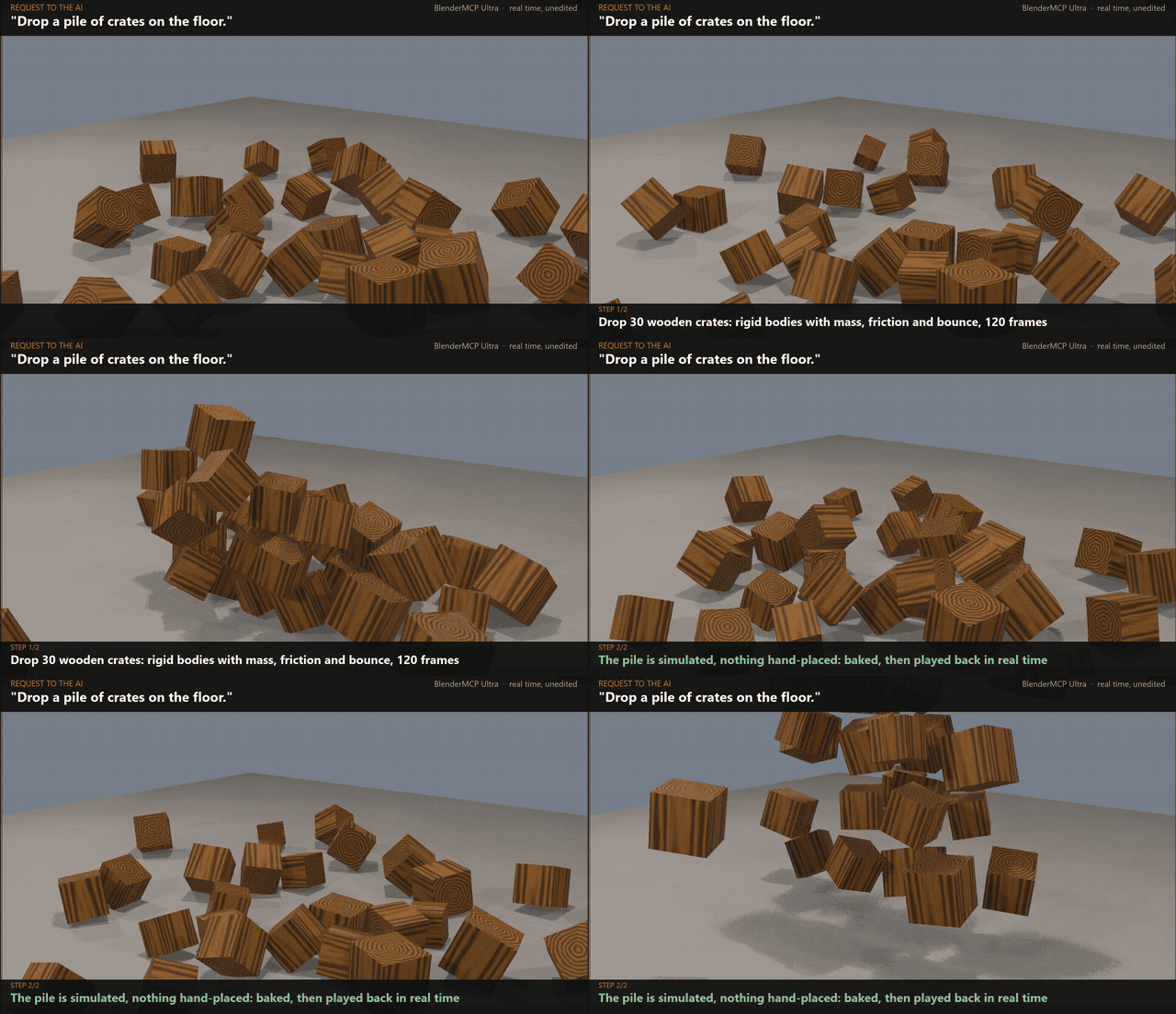 Rigid bodies: 30 crates drop and settle
|
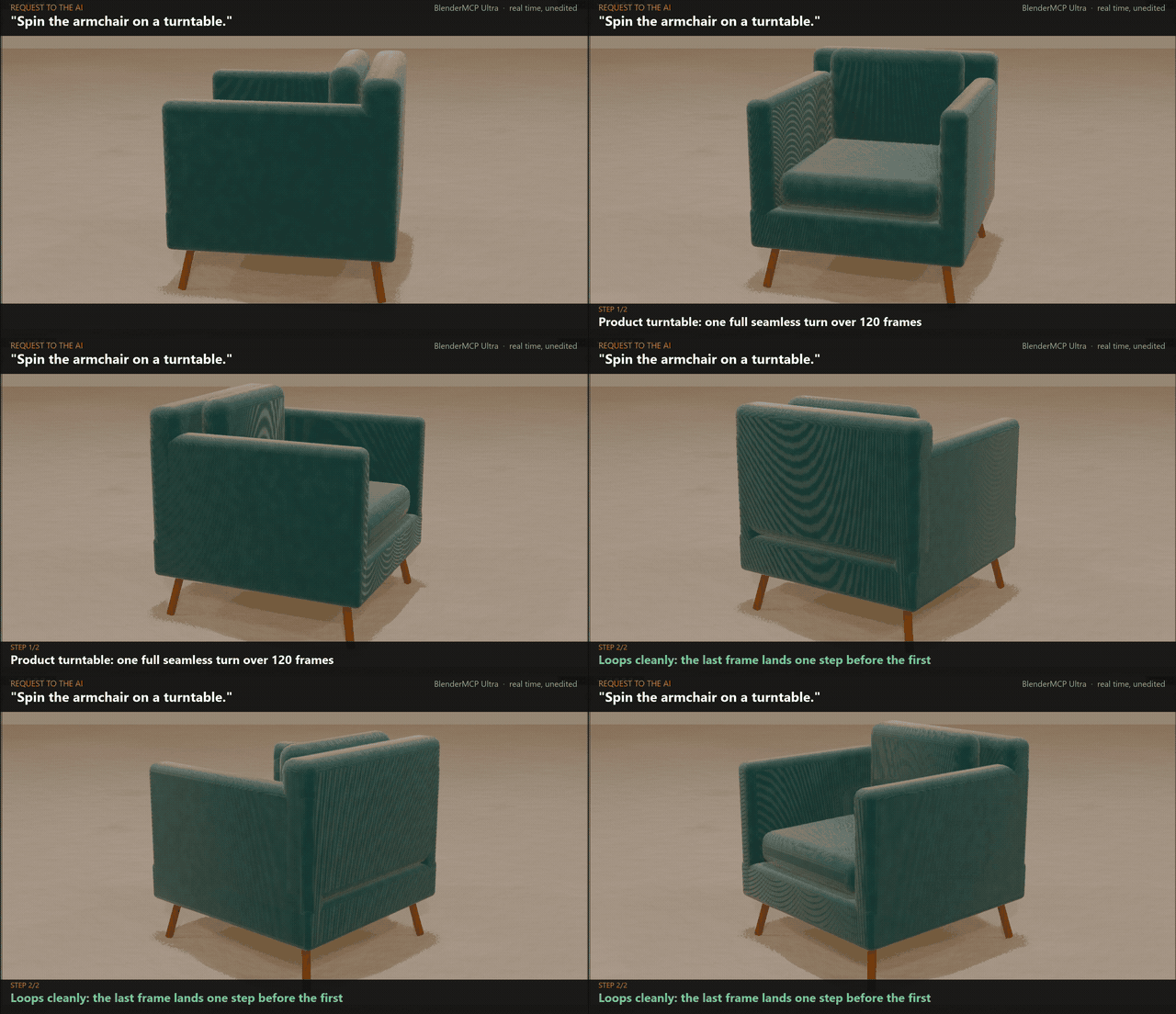 Turntable: a seamless product spin
|
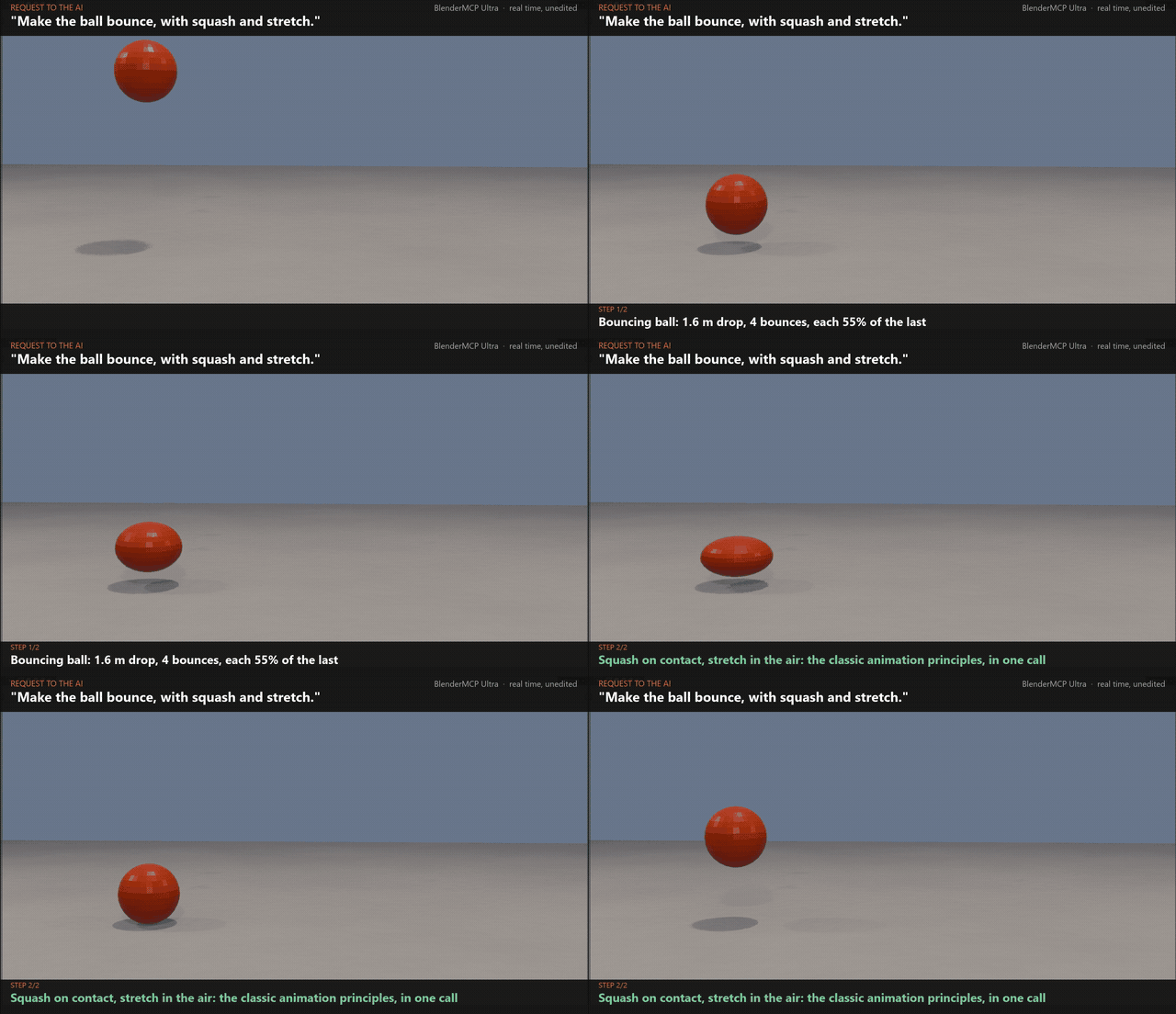 Bounce: squash and stretch, four bounces
|
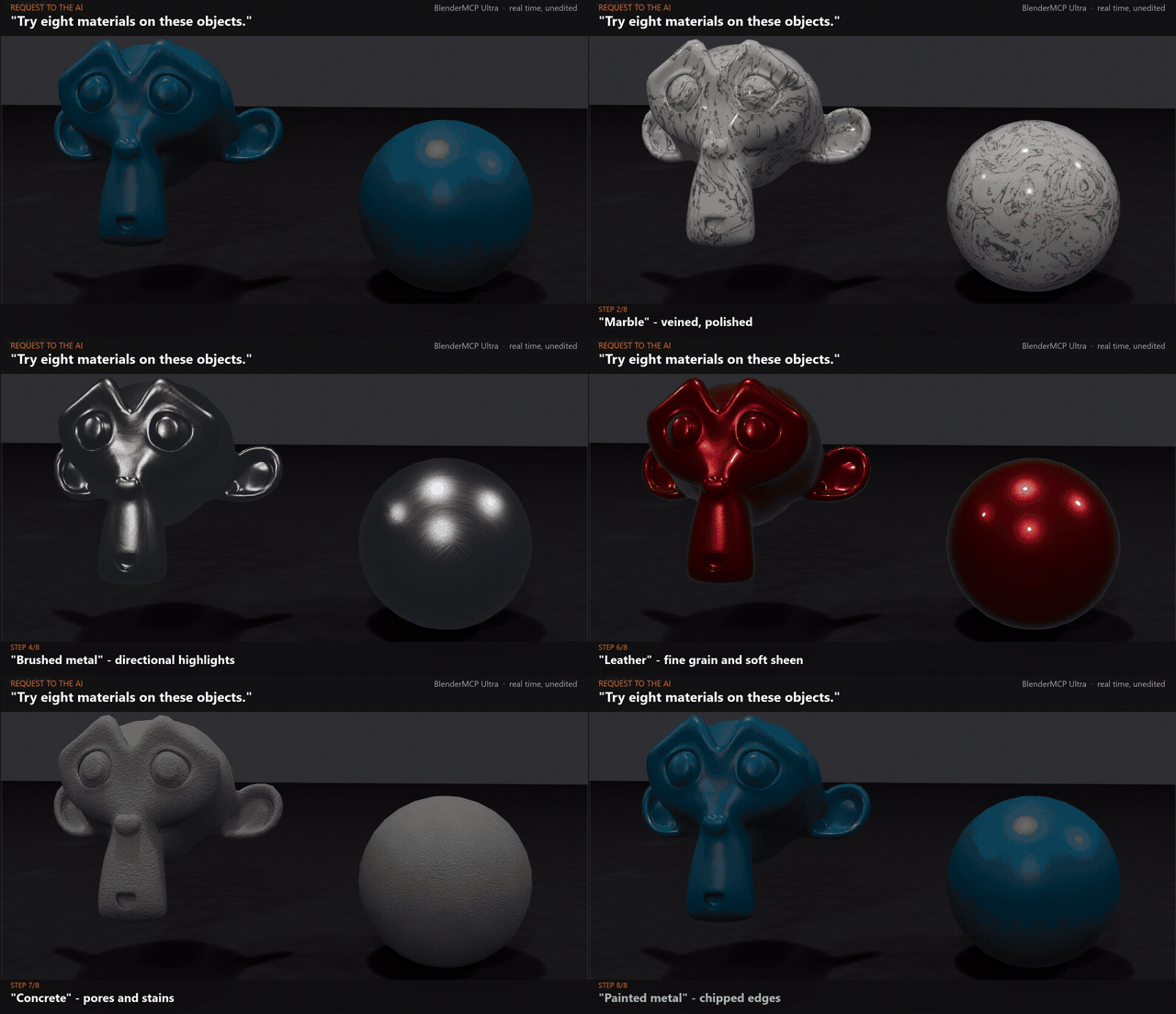
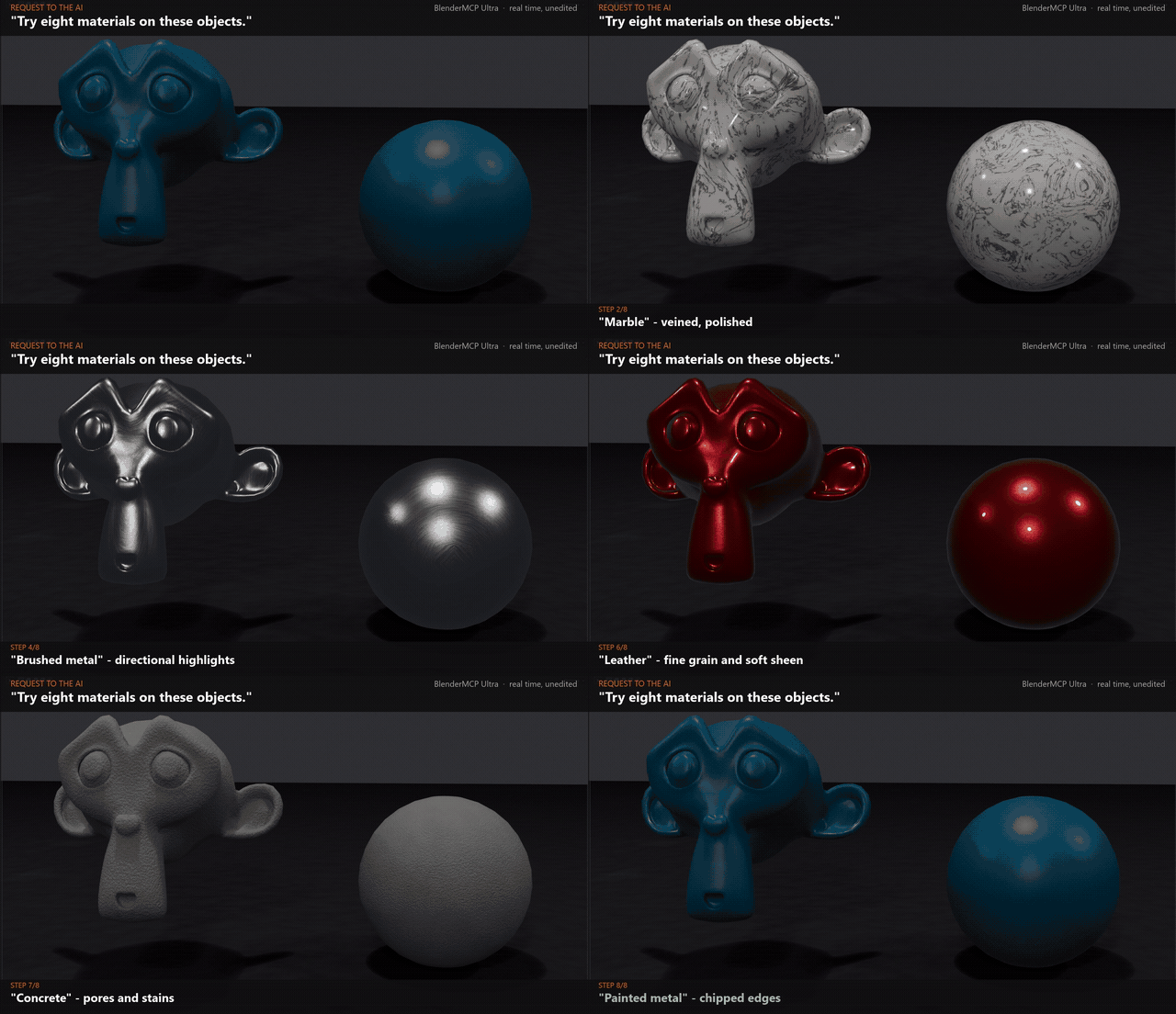
Procedural materials: wood, marble, rust, brushed metal, car paint, leather, concrete and painted metal. No image files.
|
Physics
Rigid bodies, settling objects onto surfaces, cloth draping, soft bodies, fluids and particles, baked and ready to render.
|
Animation
Seamless turntables, camera orbits and moves, motion paths, shape keys, drivers and playblasts.
|
|
3D printing
Printability check, repair, scale to real millimetres, hollow with a drain hole, split for the build plate, filament estimate, STL/3MF/OBJ.
|
Materials and look
Procedural wood, metal, rust, fabric and stone, studio lighting, color management and compositor effects.
|
|
Studio Profiles
Naming, poly budgets and materials, written by hand or inferred from your scene, enforced on every action.
|
Tools that don't trip
Mode switching handled for you, "Did you mean: Cube?" for wrong names, and long bakes as background jobs.
|
"I already pay for an AI. Why would I need another chat?"
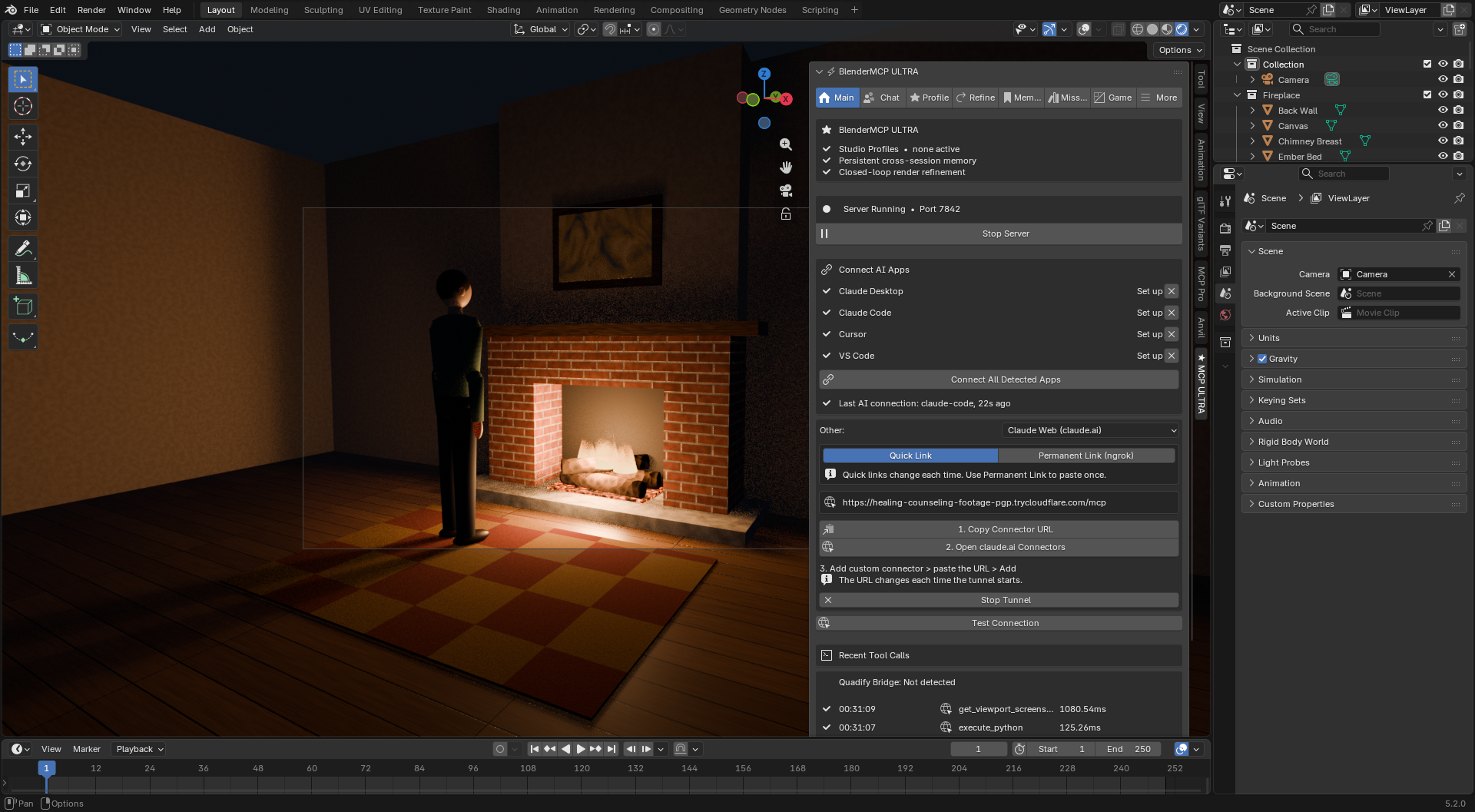
You don't. Connect All Detected Apps sets up Claude Desktop, Claude Code, Cursor, Windsurf and VS Code in one click, and claude.ai connects once with a permanent link. Or use the built-in chat with Claude, Gemini, OpenAI, Groq, DeepSeek or a free local model.
|
Very long bakes from claude.ai
A full texture bake can outlast claude.ai's wait time. Run big bakes from the Game tab, the built-in chat or Autopilot. Blender is busy while Cycles bakes, the same as Blender's own Bake button.
|
|
Small local models are slower and simpler
Free local AI handles everyday requests. For long multi-step recipes and visual checks, Claude, Gemini or OpenAI is more reliable. DeepSeek can't do visual checks.
|
|
Live hand-off needs the engine bridge
Importing into an open editor needs UnrealMCP Pro or MCP Pro for Unity. Without them, Ultra writes engine-ready files to any folder.
|
|
Generated motion is a clean base, not acting
Walk, run, sneak, idle and jump are generated from the rig's proportions: clean and loopable, but not performance acting. For that, retarget a Mixamo or mocap clip. Body, legs and arms are retargeted; fingers and faces are not.
|
|
Auto-fitted rigs are a starting point
On raw AI-generated meshes, do a pose test before you rely on the weights.
|
|
Do I have to pay for an AI as well?
No. Set Up Free Local AI installs Ollama and picks the right model for your graphics card in one click. Gemini and Groq also have free tiers, and the Game tab needs no AI at all.
|
|
Do I need Node.js, Python or the command line?
No. Install the add-on and click Connect All Detected Apps. Ultra uses the Python built into Blender.
|
|
I'm updating from an older version. Anything to do?
Uninstall the old version, restart Blender and install the new one. Desktop apps reconnect on their own. For claude.ai, turn on the Permanent link once.
|
|
What if something doesn't work?
Message us through Superhive with what happened, your Blender version and your AI app. We usually pinpoint it fast. Refunds follow Superhive's marketplace policy.
|
