Blendertronika (Beta) - Music Maker For Blender: Soundtracks, Beats & Audio-Reactive Animation
 TastyVoxels
in VSE
TastyVoxels
in VSE

Install
Blender 4.3 to 5.2. Drag blendertronika-1.2.0.zip onto Blender's window, or use Edit > Preferences > Get Extensions, the small arrow at the top right, Install from Disk. Open the sidebar in the 3D Viewport or in the Video Sequencer (press N): tab Blendertronika. Nothing else to install: it uses only Python, numpy and Blender's own audio library. It is a beta: tell me what you think through the Superhive inbox.
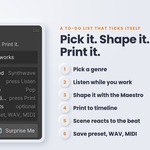
1 - Pick a genre
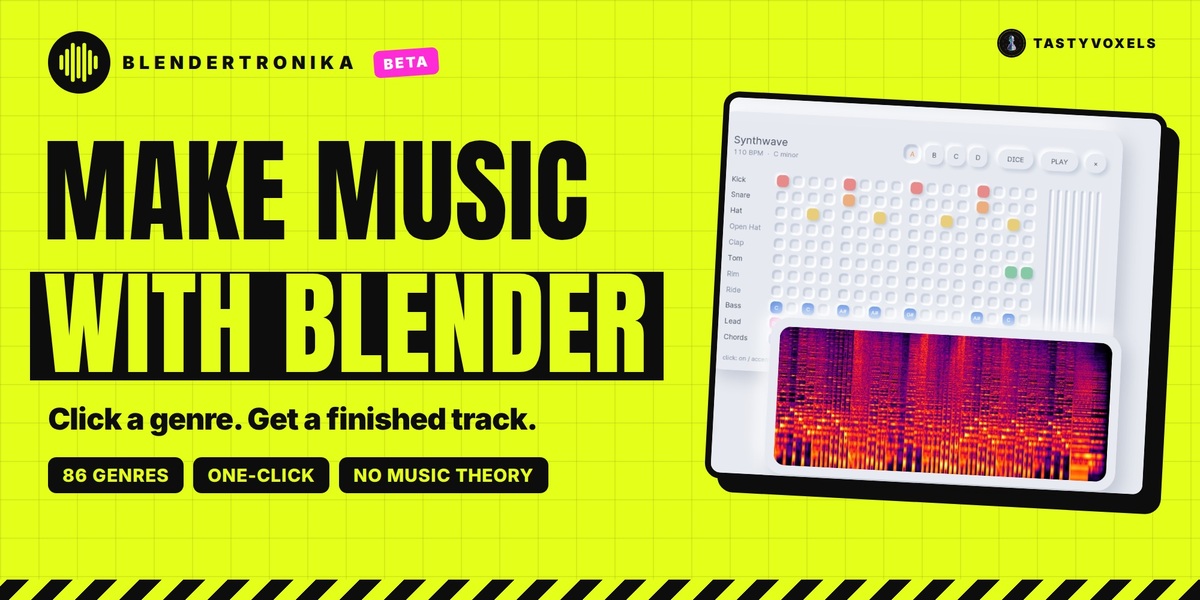
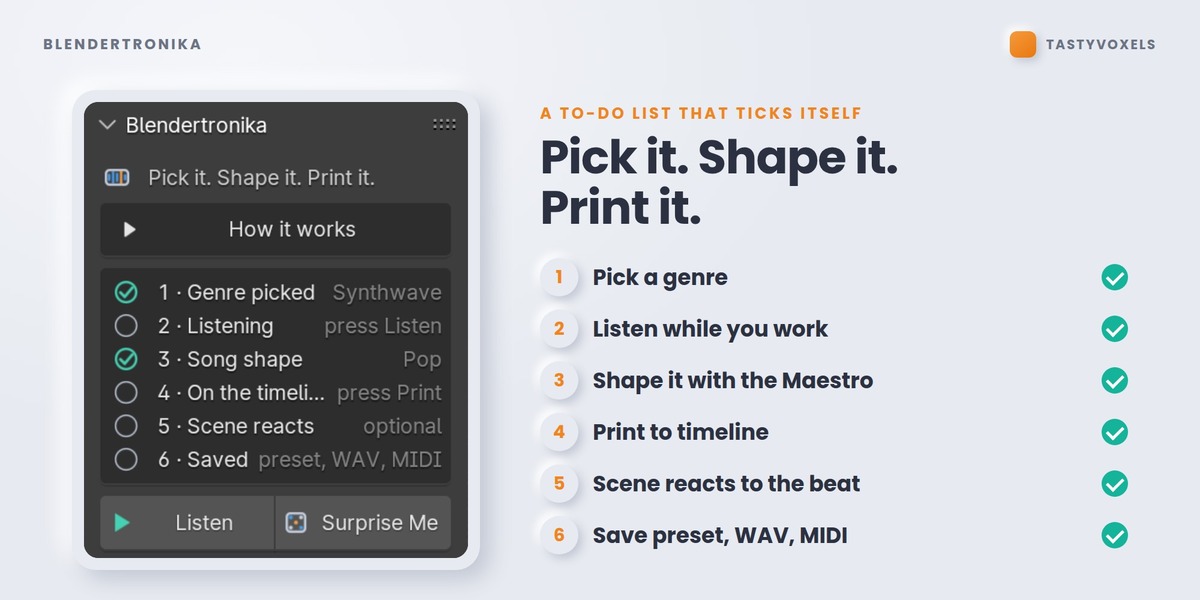
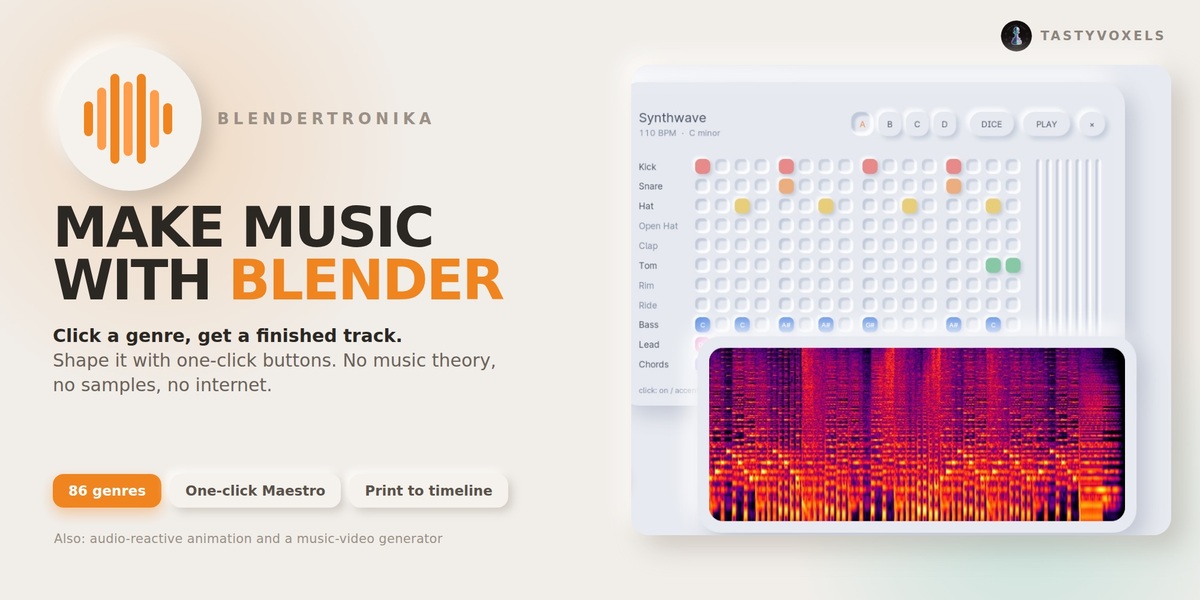
86 genres on nine shelves. Click a name and the track is written at once: tempo, key, drums, bass, chords and melody. Click the same genre again for another take. Listen starts a live loop that follows you while you keep clicking; Surprise Me picks and varies one for you.
2 - Shape it with the Maestro
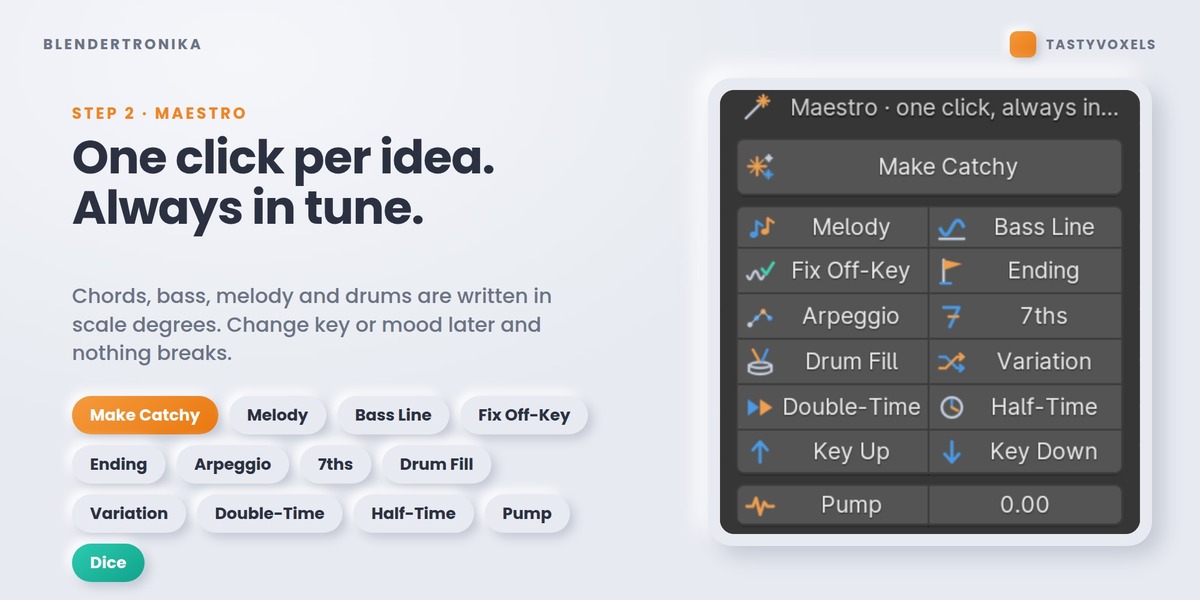
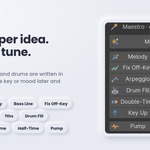
Tempo, key and mood are three fields. The Maestro buttons do the musician's work: Make Catchy writes a famous chord progression with a bass line, a melody and a proper ending; Melody, Bass Line, Fix Off-Key, Ending, Arpeggio, 7ths, Drum Fill, Variation, Double-Time, Half-Time, Pump, 20 chord progressions and 14 drum grooves, and a dice for every part. Notes are steps of the scale, so everything stays in tune.
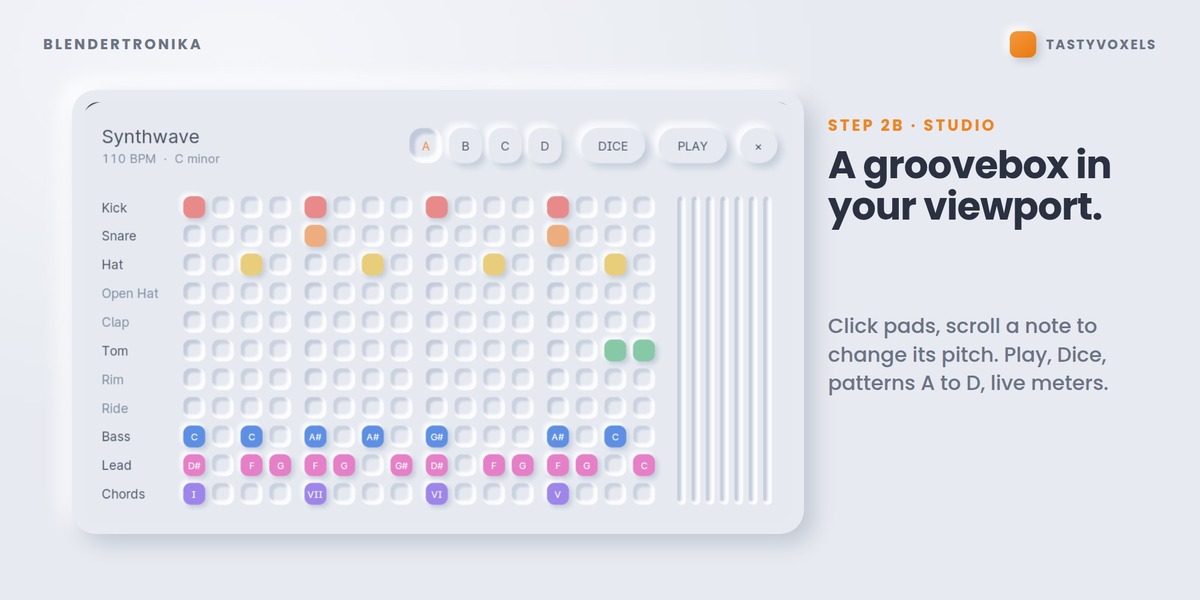
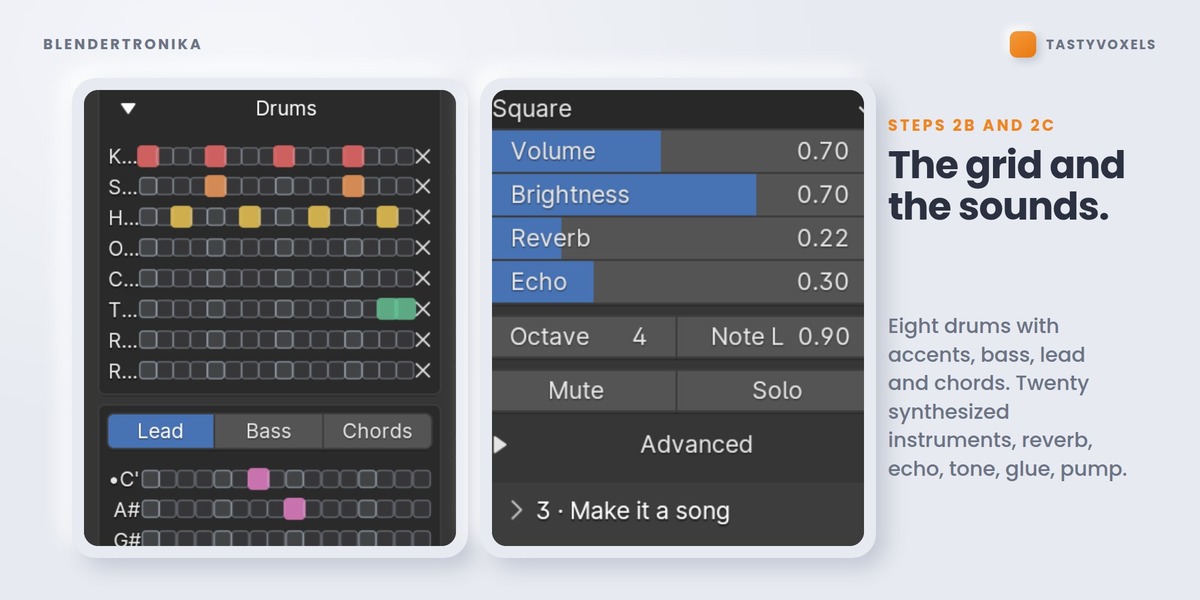
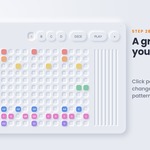
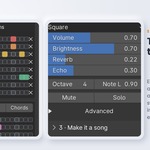
2b - Step grid: eight drums with accents, and bass, lead and chord grids, if you want to place notes yourself. Import MIDI Into Pattern brings a clip from your music program into a pattern.
2c - Sounds and mix: 20 synthesized instruments, eight drums, reverb, echo, tone, EQ, glue and pump. My Voices gives any part or drum a sound of your own: Add A Recorded Instrument (a WAV of yours, played at every pitch, in tune) or New Python Voice (a documented template in the Text Editor: one function, render(freq, seconds, sr, params), returns the sound). A Python voice is code, so it never runs until you have read it and pressed Trust, and changing one character switches it off again. Voices in a pack from someone else always arrive switched off. This is informed consent, not a sandbox: trust only code you have read or whose author you trust.
3 - Make it a song
A Song Template tells your pattern as a story (intro, verse, chorus, break, build, outro) stretched over your scene. Or choose Timeline Keys and keyframe Energy, Pattern, Fill and the Mute switches: the timeline is the arranger. Transitions adds a riser into every lift and a sweep-down out of every drop-out.
4 - Put it in your scene
Add Music To This Scene writes the song to the length of your scene, nudges the tempo so the last chord rings out on the last frame (Land On Last Frame), and drops it in the Video Sequencer as a sound strip, packed in the .blend, with its waveform showing. Press Space: you hear it with your animation, and it is already in your edit and your render.
Music Hits: go to a frame and press Add A Hit Here, or name any timeline marker Hit. Add the music again and it lands on those frames: a two-bar build-up that arrives exactly there, an impact (Impact, Boom or Crash), the music ducking under it, and, with Silence Before The Hit, a breath just before. Hit Level sets how loud; Remove All Hits clears them.
5 - Beat Reactor and Viewport Preview
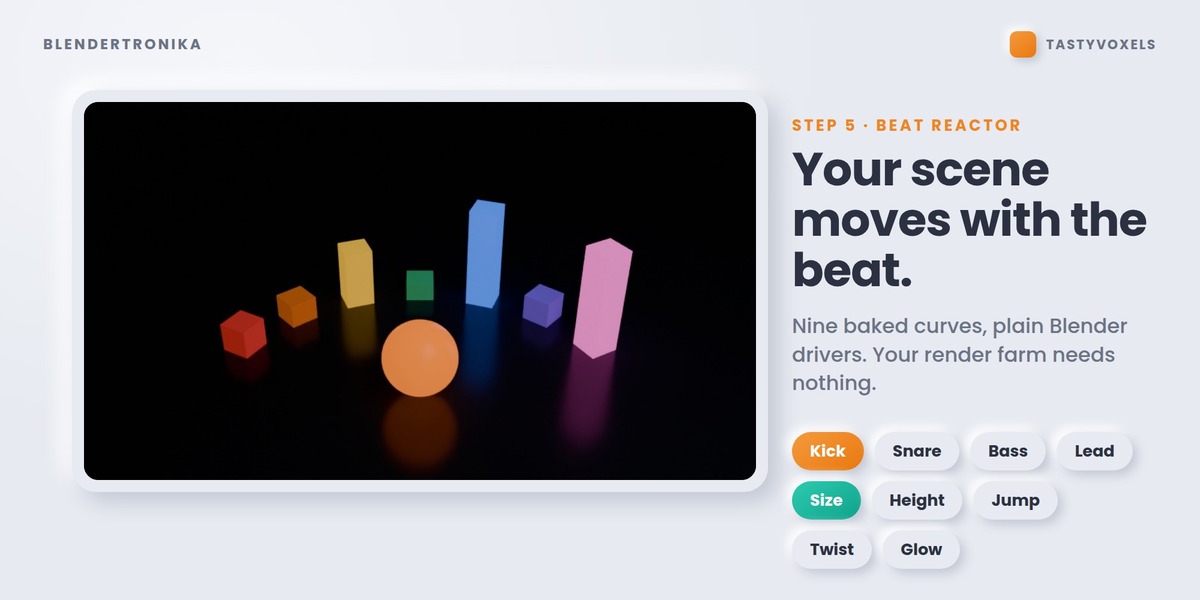
Nine 0 to 1 curves (kick, snare, hats, perc, bass, chords, lead, everything, beat) are written on the scene. Select objects and press Make Selected React to add a plain driver. They are ordinary F-curves and drivers, so they render anywhere, even without the add-on.
Viewport Preview puts the Studio, a soft-touch groovebox, in the 3D viewport: click pads, scroll on a note to change its pitch, Play, Dice, patterns A to D, live meters. Esc to leave.
6 - Take it out
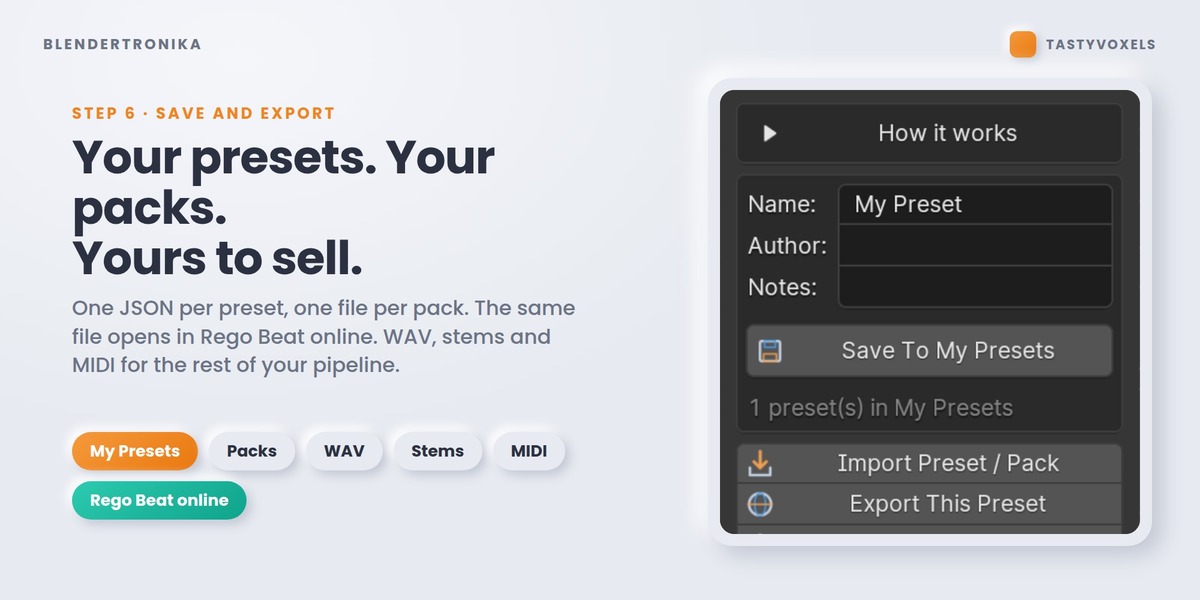
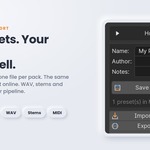
Export Audio File: WAV, MP3, OGG or FLAC. Export Seamless Loop for game engines: it repeats with no gap and no click and is exactly the musical length. Stems (4 WAV) and MIDI for other music programs. Your own presets, preset packs, and Export Pack With My Voices (.zip) with the recordings and Python voices they use, ready to share or sell. Presets are also valid Rego Beat online projects.
7 - Music video
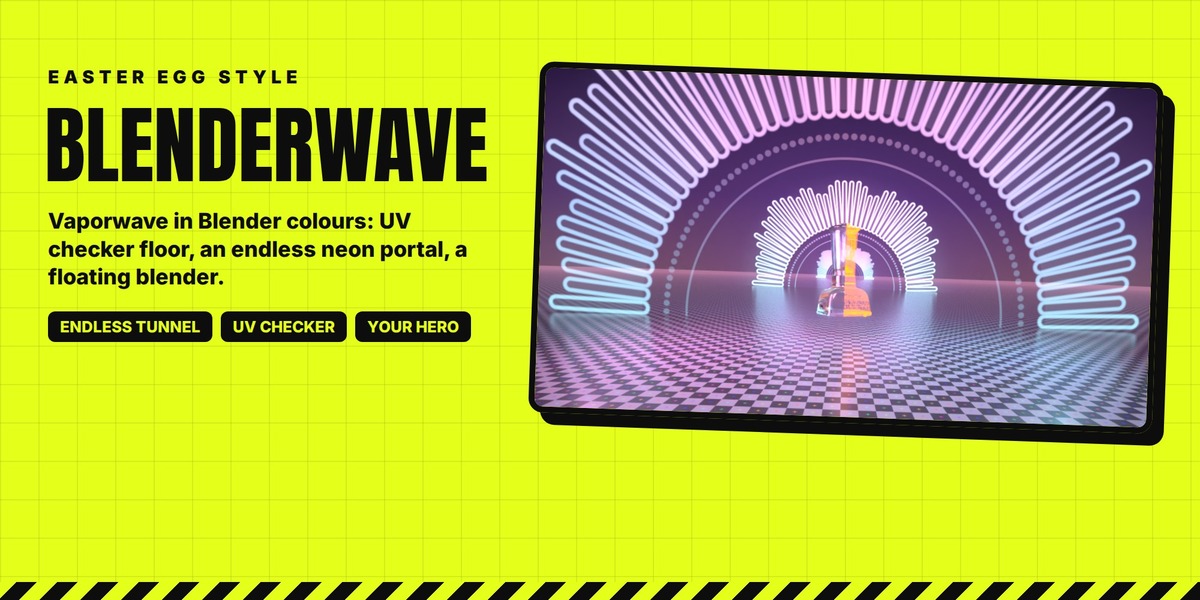
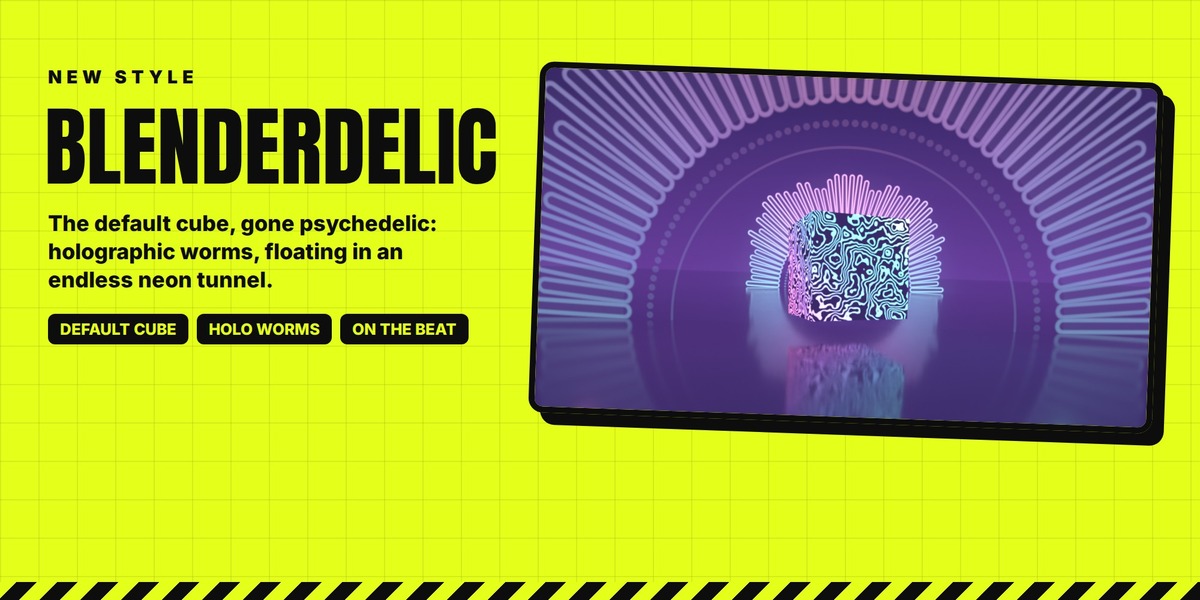
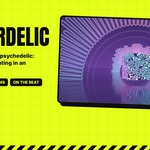
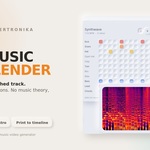
One click renders an MP4 (H.264 and AAC) with your music inside. Styles: Neon Wormhole, Neon Bars, Pulse Ring, Lava Spectrum and Studio Pad. Studio Pad is the Studio itself, drawn frame by frame by the same code as the Viewport Preview, in the theme and colours you choose; it is drawn by your graphics card, so make it from Blender's window. Preview Music Video shows it in the viewport before anything is rendered. A logo image or a 3D object can sit in the middle; landscape, vertical and square. Cycles renders use your GPU if it is set in Preferences, and the denoiser.
Have questions about this product?
Login to message
| Blender Extension Compatible | Yes |
| Dev Fund Contributor | |
| Published | about 17 hours ago |
| Blender Version | 4.3 - 5.2 |
| Extension Type | Add-on |
| Render Engine Used | Cycles, Eevee |
| License | GPL |
Discover more products like this
animation procedural sound design synthesizer sequencer Music audio Generator beat soundtrack midi audio-reactive