Blendertronika (Beta) - Make Music in Blender: Soundtracks, Beats, Music Videos & Audio-Reactive Animation
 TastyVoxels
in VSE
TastyVoxels
in VSE
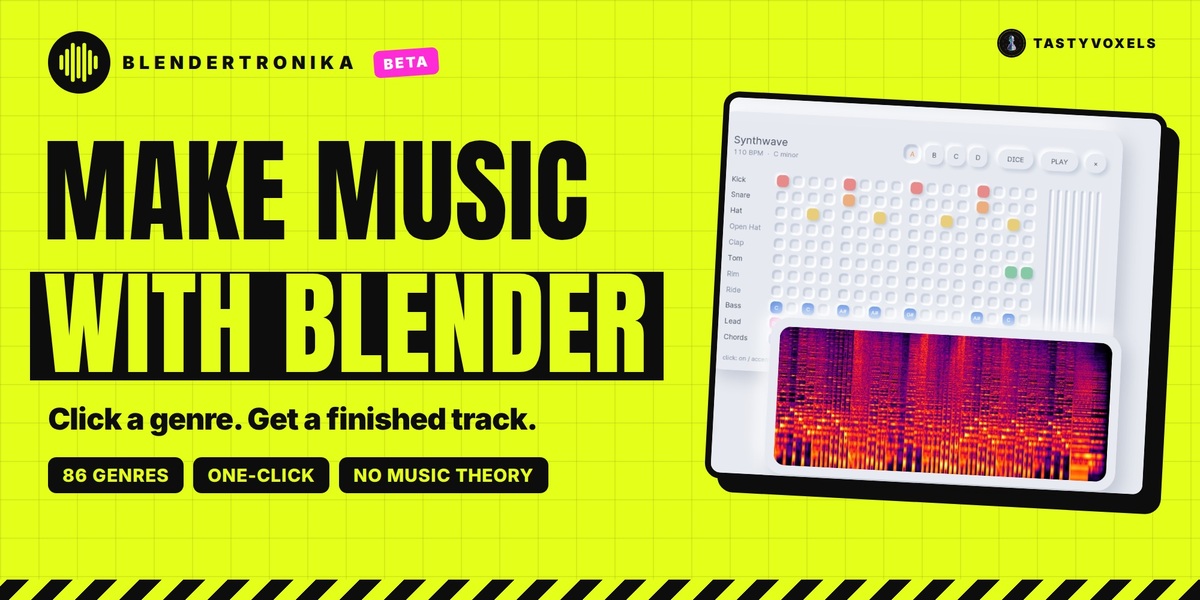
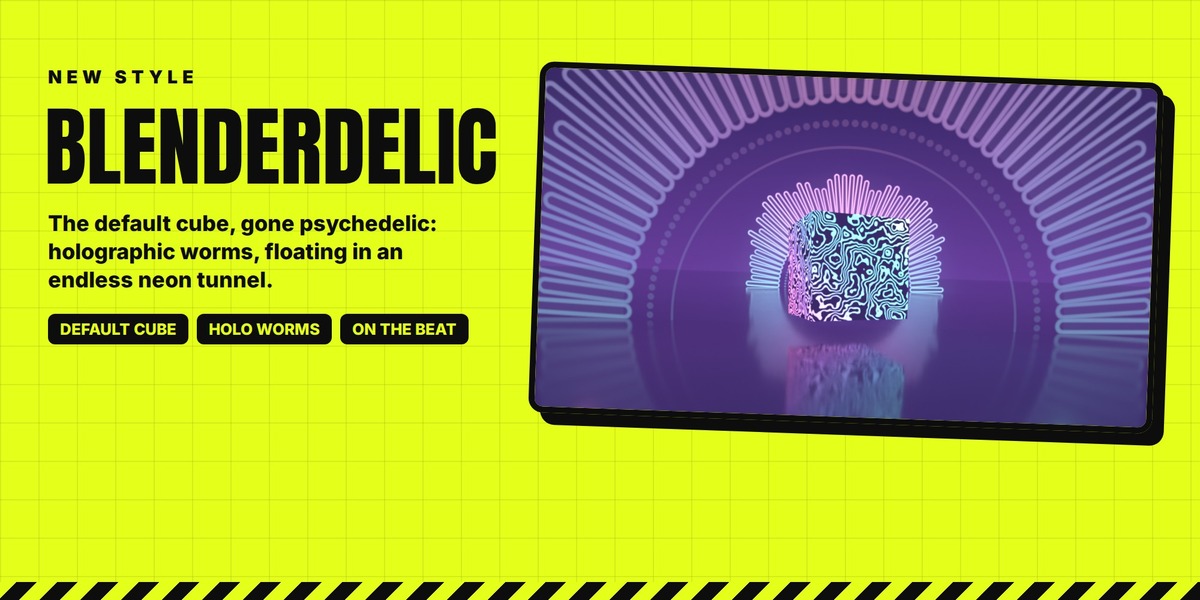
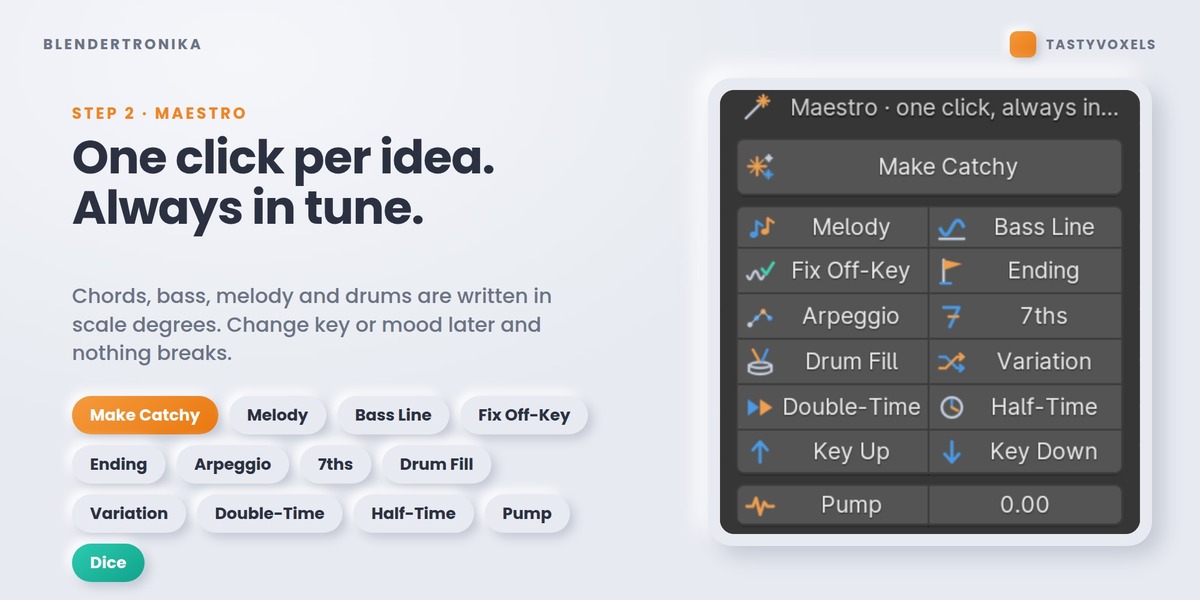
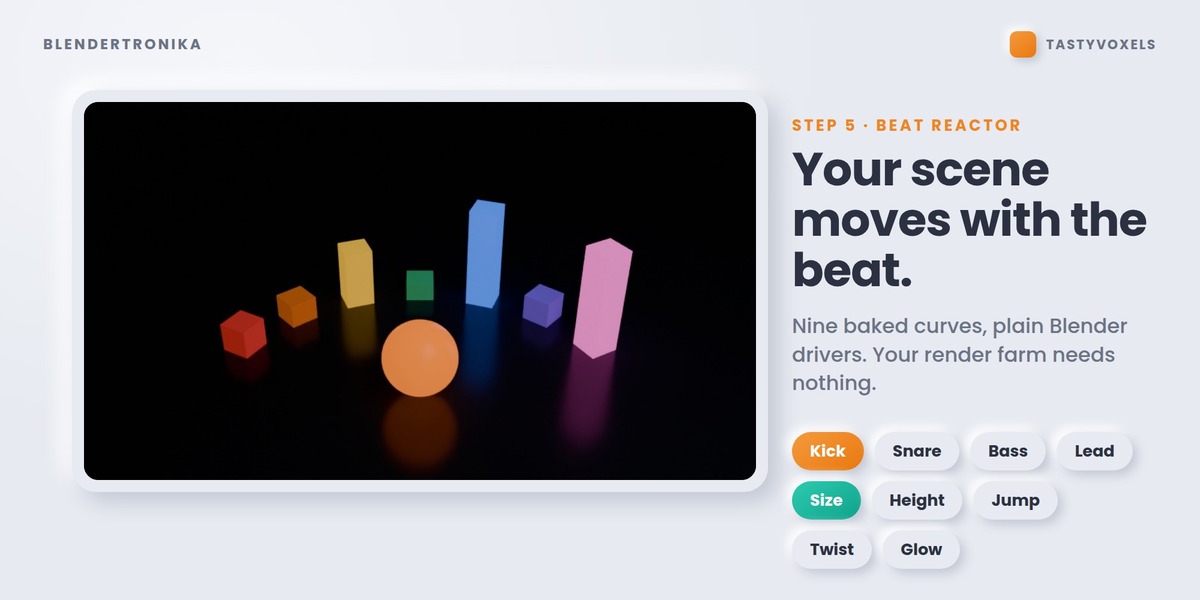
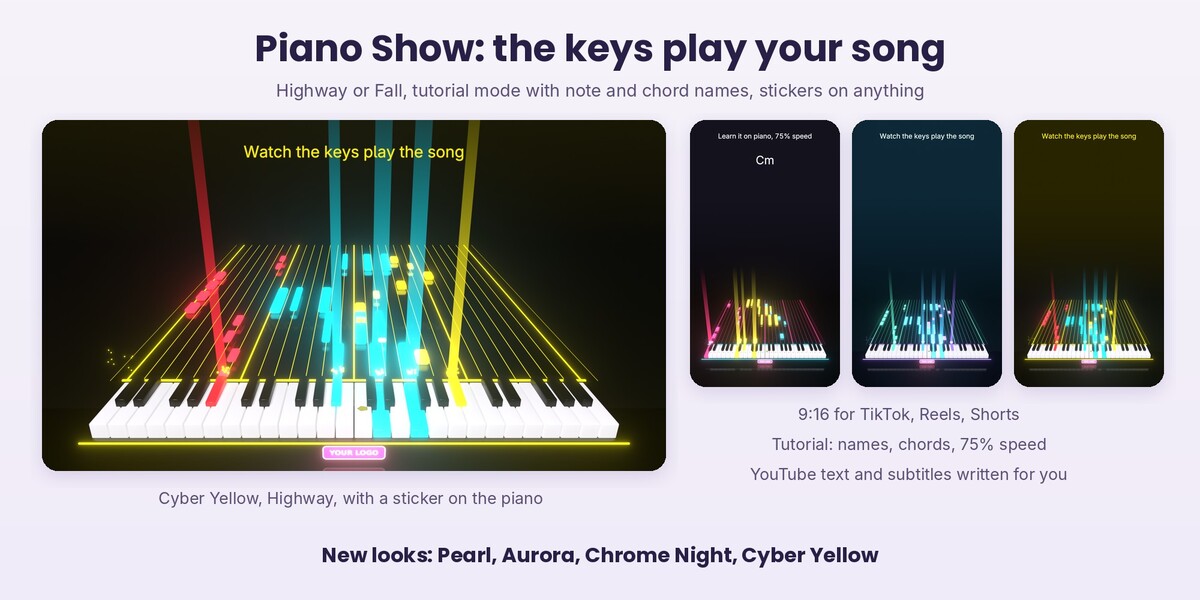
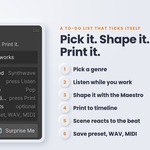
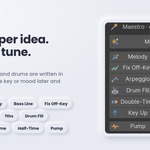
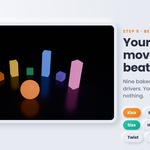
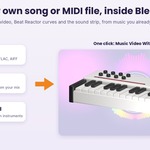
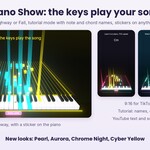
New: Piano Show. A keyboard plays your song by itself: the notes glide towards the keys, every key goes down and lights up in the colour of its part (lead, chords, bass) while its note sounds. From a song, a MIDI file or a Score; an audio file is followed by its strongest pitches, an approximation.
- Highway: the notes travel down a shining runway, with light beams, sparks, a soft glow and a slow camera push. Fall: the classic notes falling from the top.
- Tutorial: a video to learn the song. Note names on the notes and on the keys, the chord on screen as it changes, 100%, 75% or 50% speed at the same pitch.
- Made to be found: next to the video it writes a text ready for YouTube (title, description, chapters, the chords, the notes bar by bar, hashtags) and subtitles of the notes in .srt and .vtt.
- Vertical 9:16, 16:9 or 1:1, a hook line on top, every look of the Song Game.
- Make it yours: your own materials for the white keys, the black keys, the body and the notes, and any mesh of yours as the shape of the keys, fitted to the size of a key.
New: Stickers. Add A Sticker puts a picture of yours (PNG with transparency, JPG, WEBP) on the selected object: a key, the piano, the player, a note, anything. Nothing selected: the front of the piano. It wraps the surface and moves with it, so a sticker on a key goes down when the key plays. Finishes: Vinyl, Gloss, Glow and Holo. A plain Blender object, the picture packed in the .blend, and it stays in place when you make the video again.
New looks, for the Piano Show and the Song Game: Pearl (light, iridescent pastel), Aurora (deep teal, mint and violet), Chrome Night (black mirror, pink and cyan light) and Cyber Yellow (black asphalt, acid yellow neon, cyan and red).
Tested headless on Blender 5.2.2 LTS: 157 of 157 checks pass.
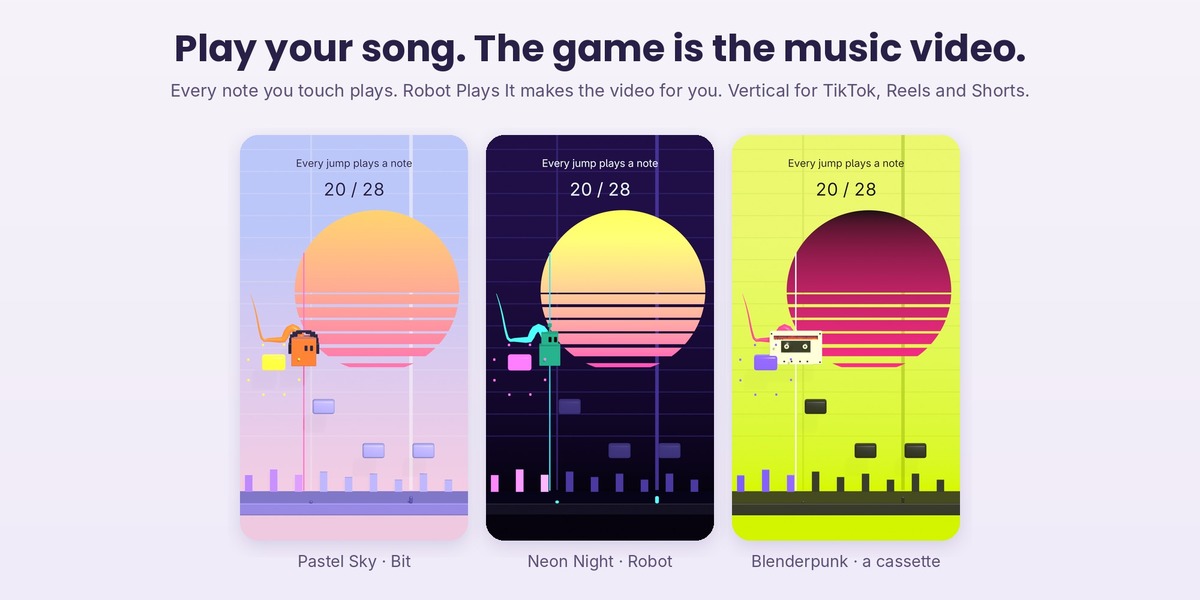
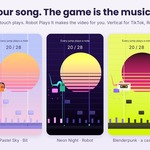
New: Song Game. The melody of your song becomes a level: every note is a row of tiles, placed as high as the note. The player runs at the tempo and you only jump (Space, Space again for a double jump, Down to drop, Esc to stop). Every note you touch plays, every note you miss stays silent: what you hear is exactly how you played. It runs live in the 3D viewport.
- Video Of My Game: your last game as a music video, with your real jumps, every note lighting up when you played it, and the soundtrack of that game.
- Robot Plays It: the robot plays every note and makes the video with no practice at all.
- Made for sharing: vertical 9:16 for TikTok, Reels and Shorts (also 16:9 and 1:1), a hook line on top, a live counter of the notes played, a trail, sparks on every hit, a camera kick on the beat, a sun striped by the loudness of the song, a slim skyline of the music.
- Make it yours: Pastel Sky, Neon Night, Ink On Paper, Blenderpunk, or Custom with every colour one by one. Players Bit, Blob, Robot, any of the eight music devices, or any object of your scene. Your own objects for the notes, the played notes, the skyline and the sun; your own materials for the notes, the played notes, the floor and the backdrop; your own font. Both scenes are plain Blender scenes.
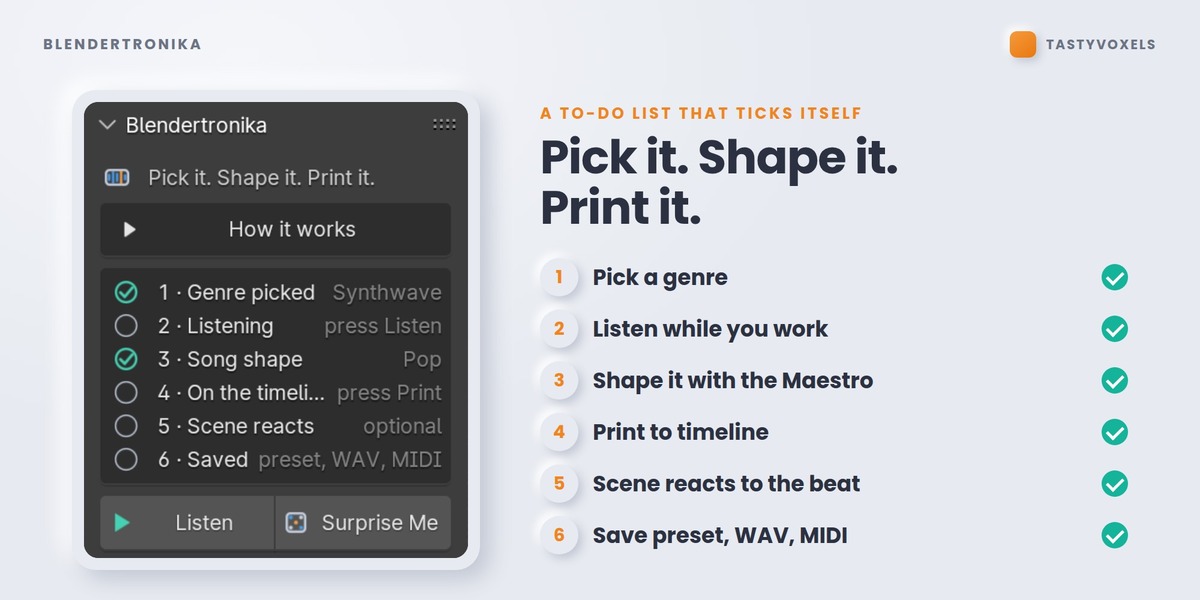
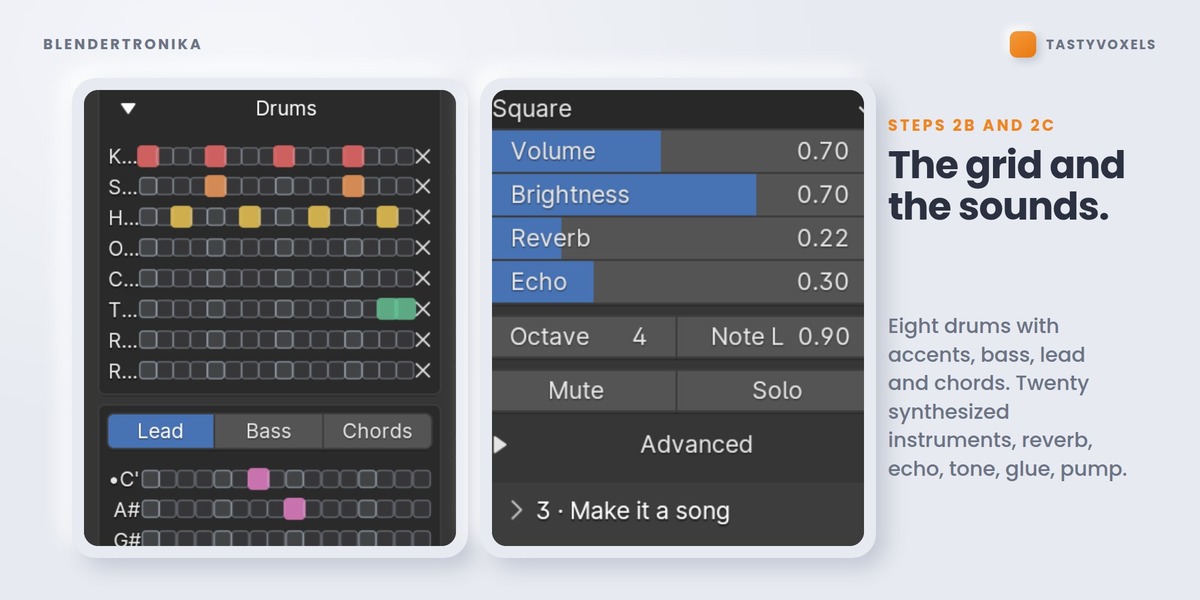
New: the big buttons. The panel opens simple: Make Me A Song, Listen, Put It In My Scene, Make The Music Video, and the Song Game. Show Every Option opens all seven steps and every setting.
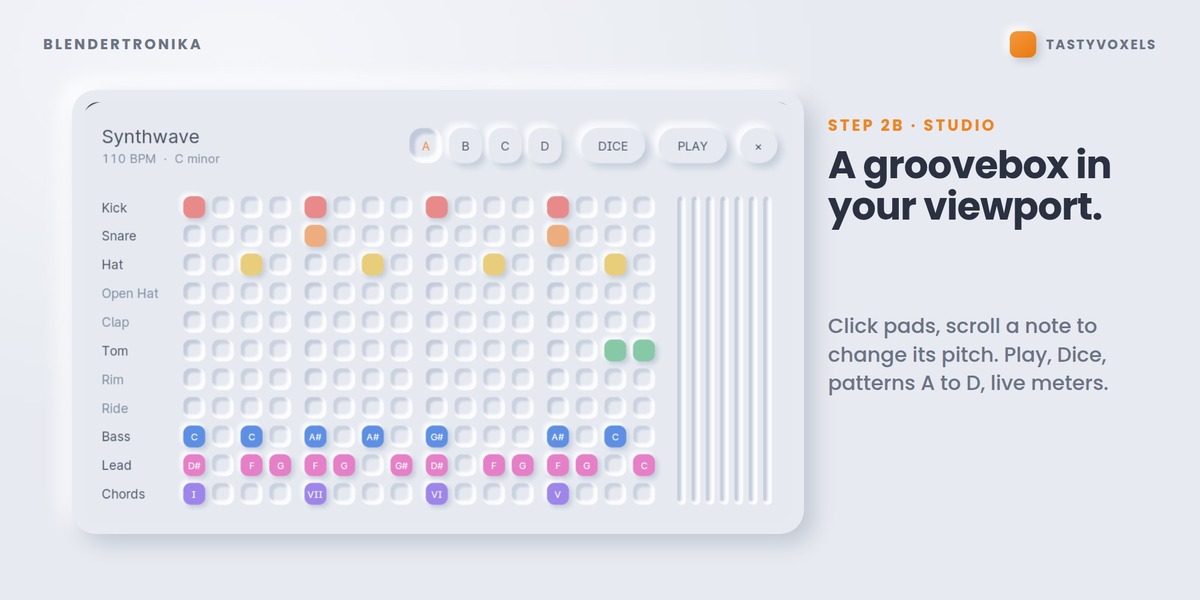
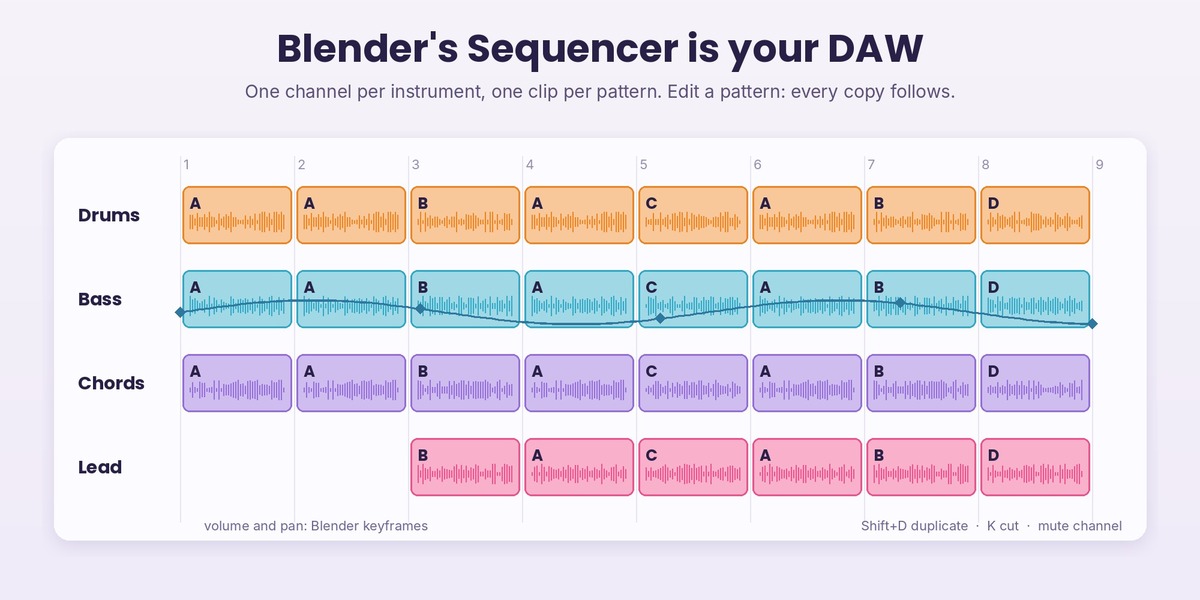
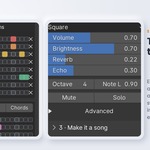
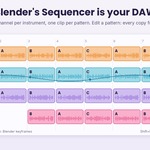
New: the Video Sequencer is your DAW (step 3b, Arrange). Build Arrangement lays the song out as clips: one channel per instrument group, one clip per pattern, on the beat grid. Arrange it with Blender's own tools: move, Shift+D, K to cut, mute channels, keyframe volume and pan, add your own audio. Linked Clips: edit a pattern and every copy follows. Export Sequencer Mix: WAV, FLAC, MP3 or OGG. Music: My Sequencer Mix makes the Beat Reactor and the music video follow your arrangement.
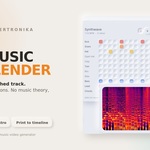
New: the 3D viewport is your piano roll (step 3b, Score). Song To Score writes the song as mesh objects: every vertex is a note, X is time, Z is the note, always in key. Edit Mode is the editor; Array, Mirror and Geometry Nodes compose, because Blendertronika reads the evaluated mesh.
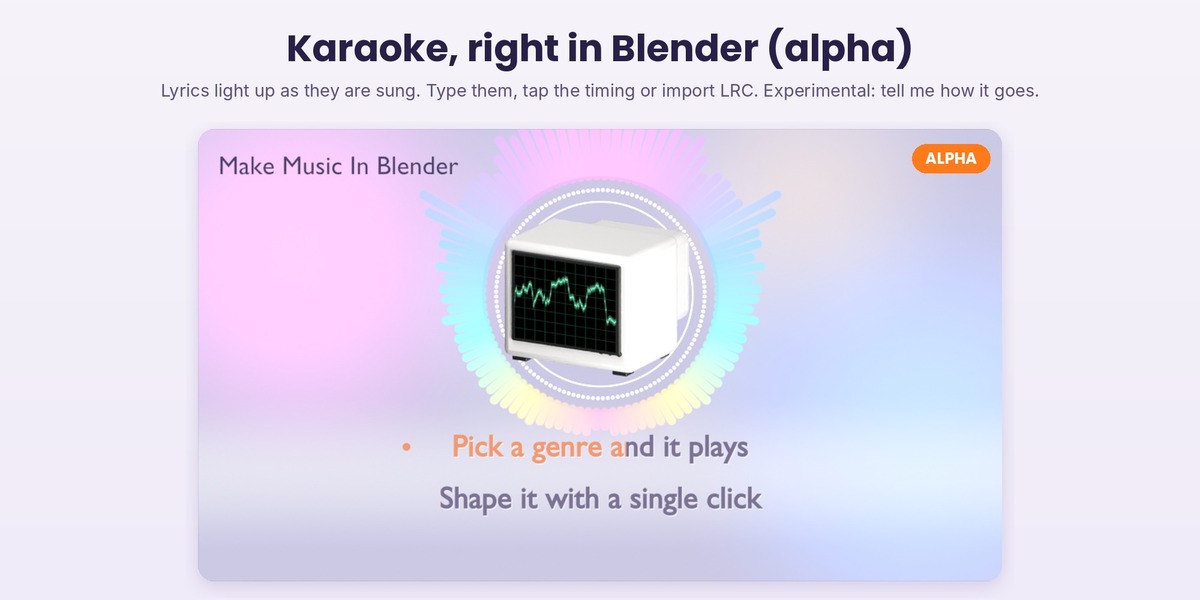
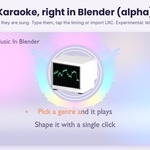
New, experimental (alpha): Karaoke. Lyrics that light up as they are sung, on the flat music video styles: Tap Timing or LRC import, two lines at a time, countdown dots, title card, several looks, your own font.
Changed: the Retro Monitor sits on its own rubber feet (Monitor On A Stand brings the stand back). In the music video every model is centred on the visualizer ring by what the camera sees, turns around its own middle and fits inside the ring; with karaoke lyrics the ring moves up with the model.
Tested headless on Blender 5.2.2 LTS: 147 of 147 checks pass. The Song Game also ran live in the Blender 5.2 interface on Windows, played by a scripted player.
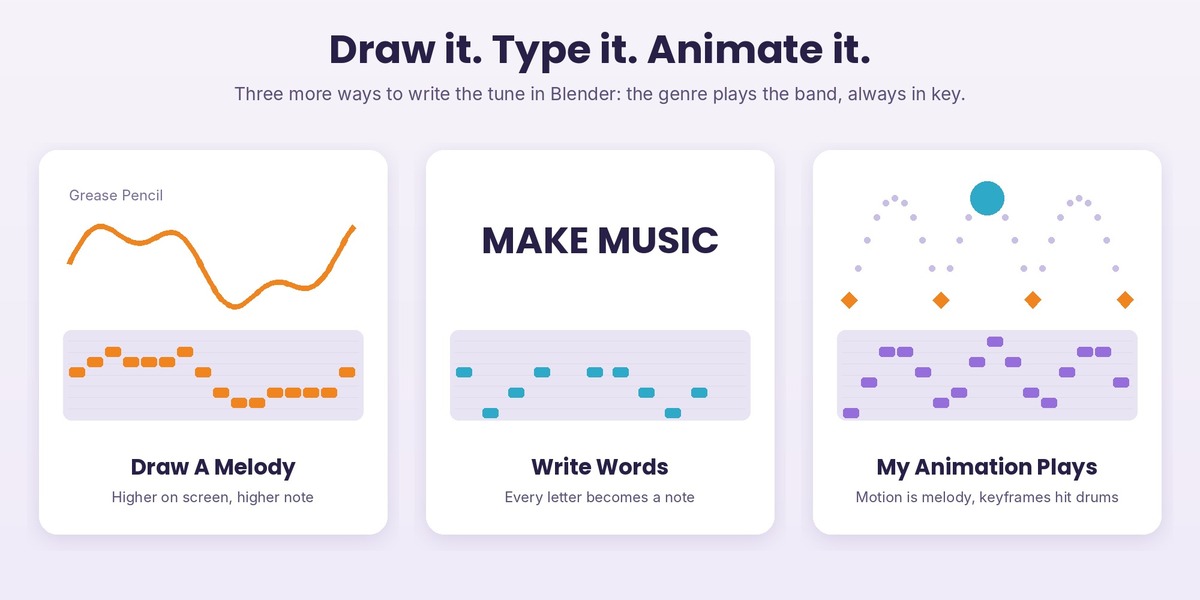
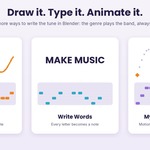
New: three more ways to make music, in step 1 under Music. The genre you pick plays the band (drums, chords and bass) and the tune comes from you, always in the key and scale of the song.
- Draw A Melody: New Drawing adds a Grease Pencil object in the front view. Draw one line from left to right: higher on screen is a higher note, lifting the pen is a rest. A curve works too. Bars sets how long the drawing lasts; it repeats as a motif over the song.
- Write Words: type a sentence. Every letter becomes a note, vowels ring longer, spaces and commas breathe. Your name, a title, a line of a poem.
- My Animation Plays: choose a collection. The first object plays the melody while it moves (higher means higher notes), a second object plays the bass, and the keyframes of the first one hit the drums. Your animation writes its own soundtrack.
Make It And Add To Scene puts the result in your scene, and the Beat Reactor, Reactive Groups and music video follow it like any other song. Export All Settings saves the drawing, words and collection choices too.
Tested headless on Blender 5.2.2 LTS: 122 of 122 checks pass.
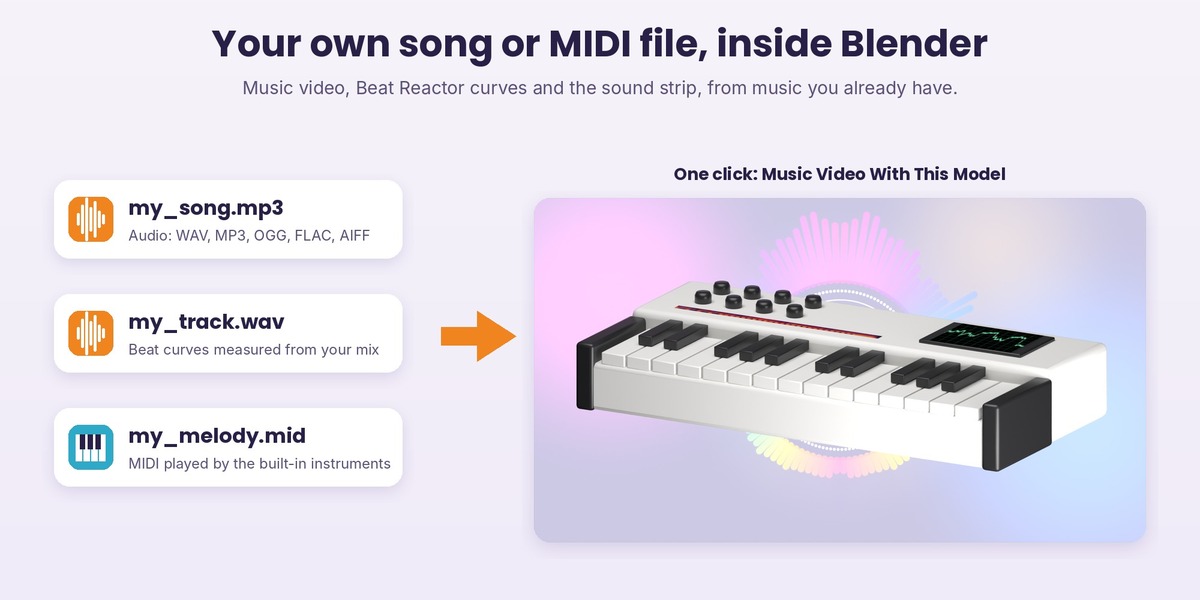
New: your own music. In step 1 choose My Audio File (WAV, MP3, OGG, FLAC, AIFF) or My MIDI File instead of a Blendertronika song, and everything works with it: Add Music To This Scene (with Fit The Scene To The Music), the Beat Reactor curves, Reactive Groups and every music video style except Studio Pad.
- Audio: the beat curves are measured from the frequency bands of your mix, and the tempo is estimated for the beat curve.
- MIDI: played by the Blendertronika instruments of the genre you pick. Channel 10 goes to the drums, the lowest part to the bass, the chord part to the chords, the rest to the lead. Export Audio File then gives you a WAV of it.
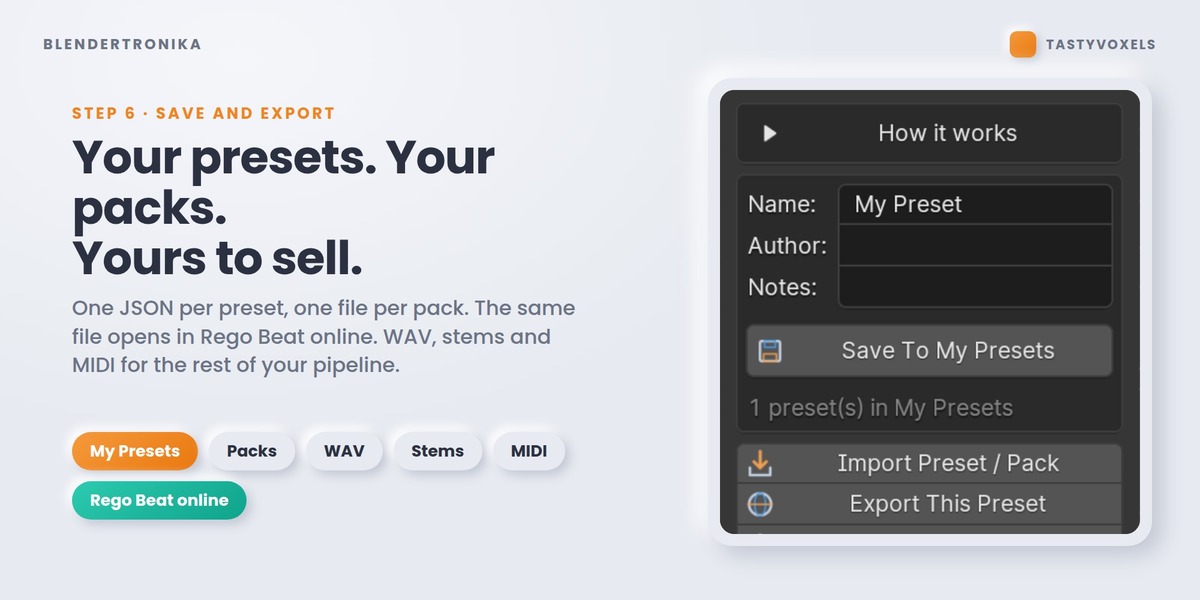
New: never lose your work. Export All Settings writes every setting of the scene to one small JSON file: the song, the sounds and the mix, the video and model options, the Reactive Groups, your Timeline Keys and music hits. Import All Settings brings it all back in any .blend. And every time you save the .blend, a backup is written to a folder in Blender's user configuration (the last 20 are kept; you can switch it off in the add-on preferences).
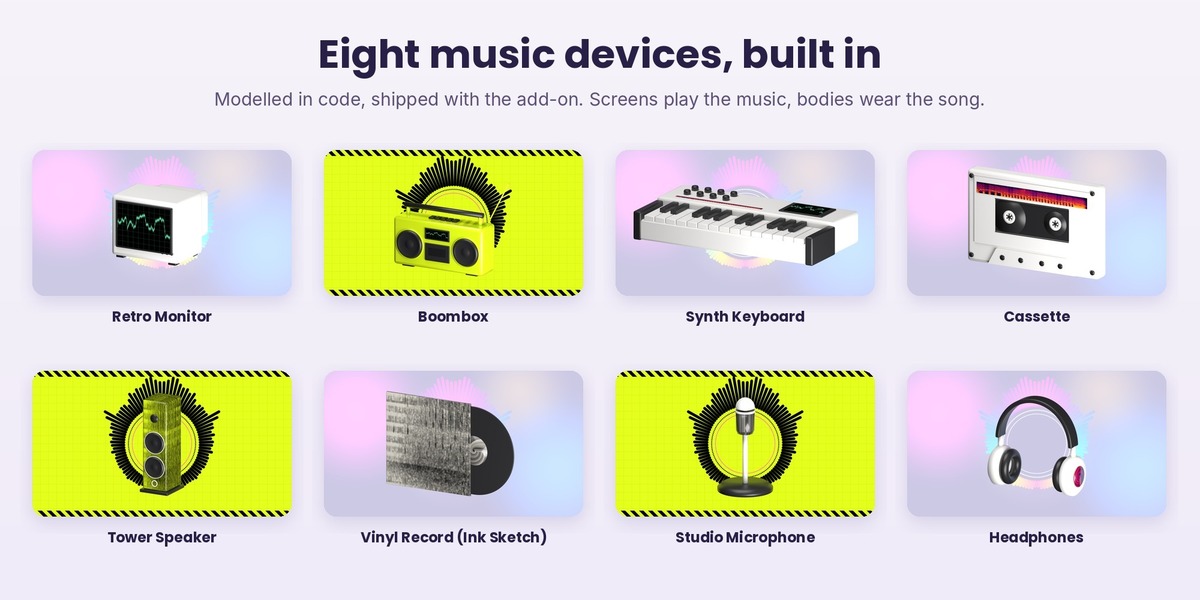
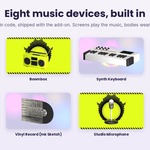
New in the Model gallery: Synth Keyboard (its display plays the music) and Studio Microphone, eight built-in models in all.
- Music Video With This Model: one click makes the chosen model the hero of a light-style music video and plays the preview.
- Song Print: Ink Sketch prints the song as black ink on paper on bodies, sleeves and labels; it reads like a hand-drawn sketch.
- Wide models (a keyboard) are framed with a margin in the music video, so nothing runs past the edges.
Tested headless on Blender 5.2.2 LTS: 118 of 118 checks pass.
New: six built-in music devices in the Model gallery, original models made in code and shipped with the add-on, no download and no setup.
- Retro Monitor: its screen plays the music.
- Boombox: two speakers, a cassette deck, a handle and an antenna; its display plays the music.
- Tower Speaker: the cabinet wears the song's spectrum.
- Cassette: tape reels behind the window; a printed stripe on the label wears the song.
- Vinyl Record: a record half out of its sleeve; sleeve and labels wear the song.
- Headphones: the ear cup caps wear the song.
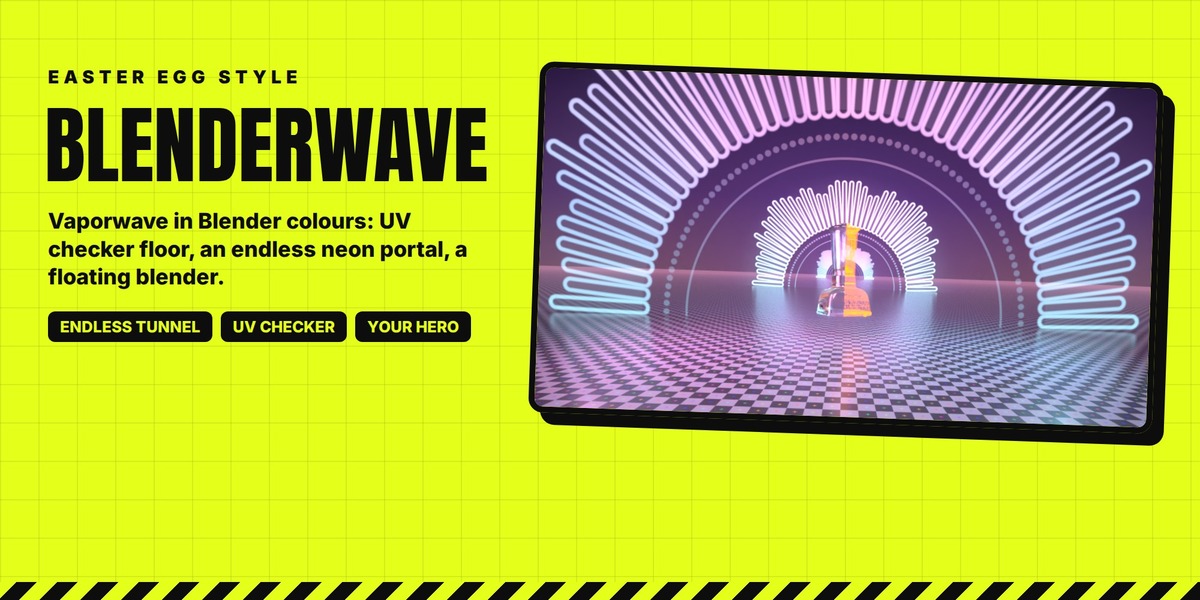
Use them two ways: Add To My Scene (step 7, Model gallery) brings one in at the 3D cursor, or choose Hero: From the gallery and the music video is built around it. Every look set works on them: Neumorphic, Blenderpunk, Holographic, Holo Glass, Neon, BlenderWave and As It Comes. Every part is an ordinary object: move it, edit it, swap its material.
Your own models still work: set a folder or a .blend in the add-on preferences and they appear next to the built-in six.
Also: a small screen (monitor, boombox) shows a calmer, readable oscilloscope trace; on the Blenderpunk style the song printed on a model is black ink on acid yellow, like the video around it; device tops get a soft light from above in the music video.
Tested headless on Blender 5.2.2 LTS: 106 of 106 checks pass.
The release before 1.4.0, kept here for anyone who wants it.
Have questions about this product?
Login to message
| Blender Extension Compatible | Yes |
| Dev Fund Contributor | |
| Published | about 1 month ago |
| Blender Version | 4.3 - 5.2 |
| Extension Type | Add-on |
| Render Engine Used | Cycles, Eevee |
| License | GPL |
Discover more products like this
audio-reactive soundtrack audio sequencer Music animation synthesizer Generator procedural midi sound design beat