Blendertronika (Beta) - Music Maker For Blender: Soundtracks, Beats & Audio-Reactive Animation
 TastyVoxels
in VSE
TastyVoxels
in VSE
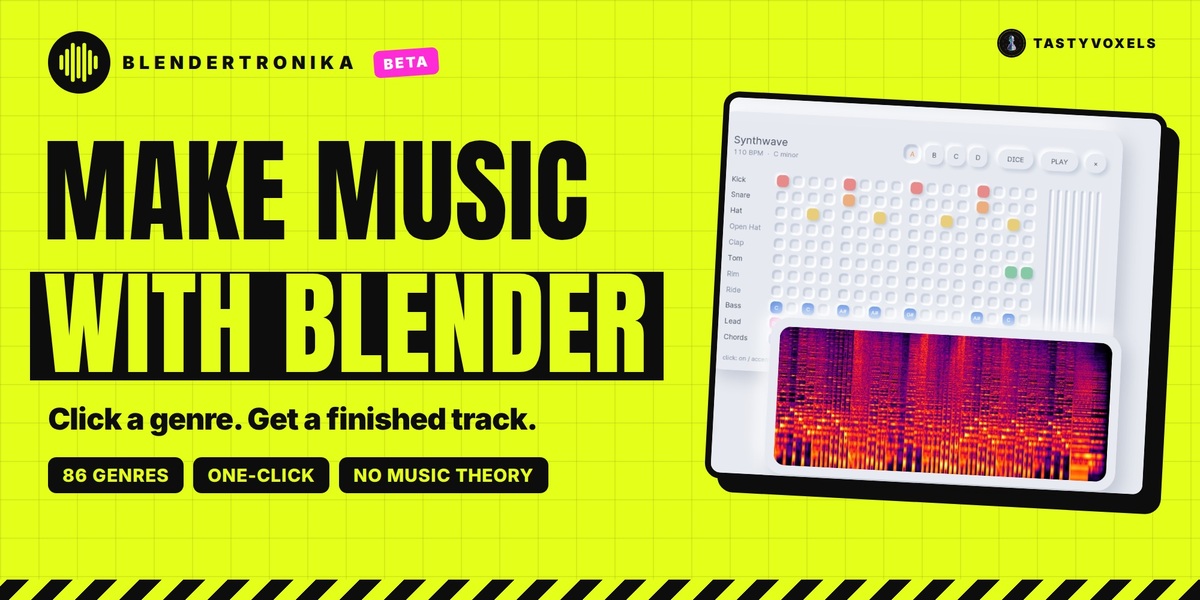
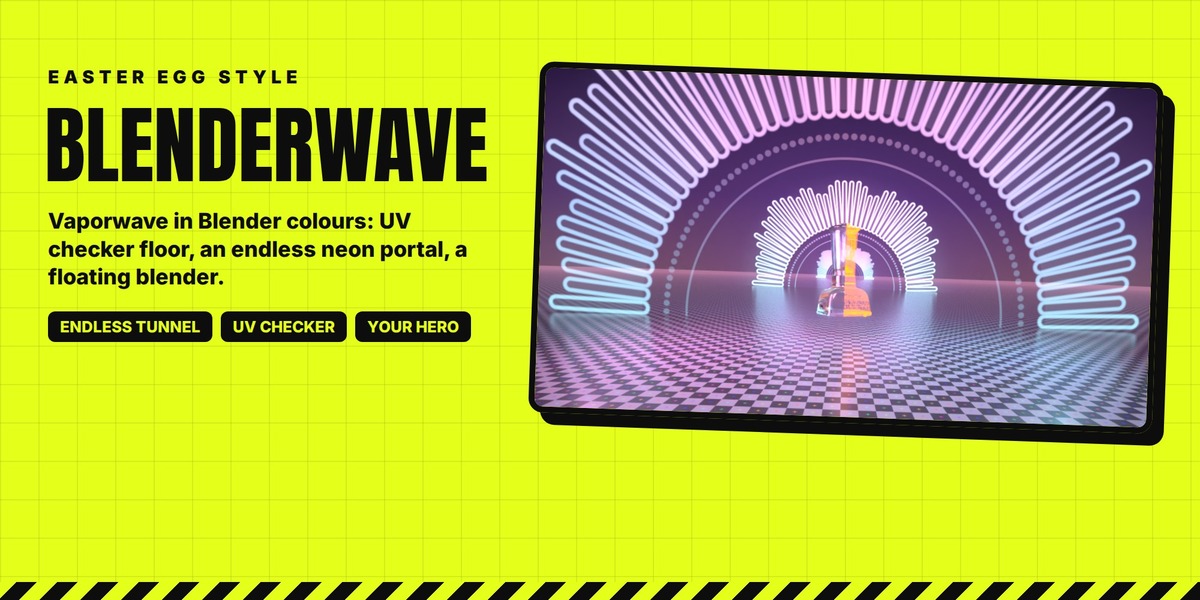
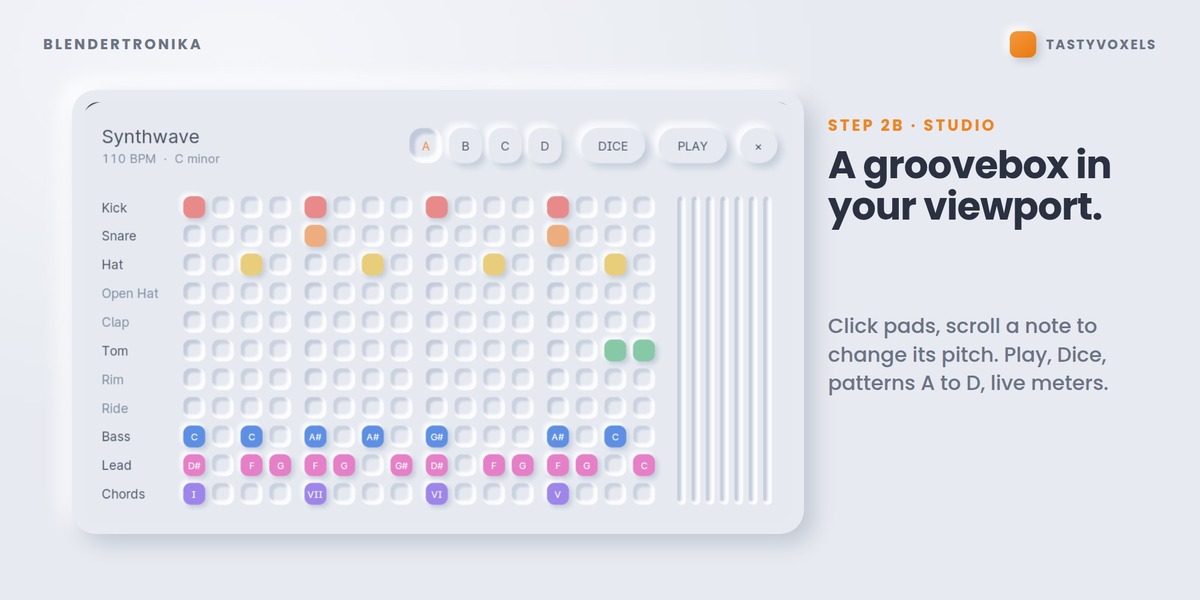
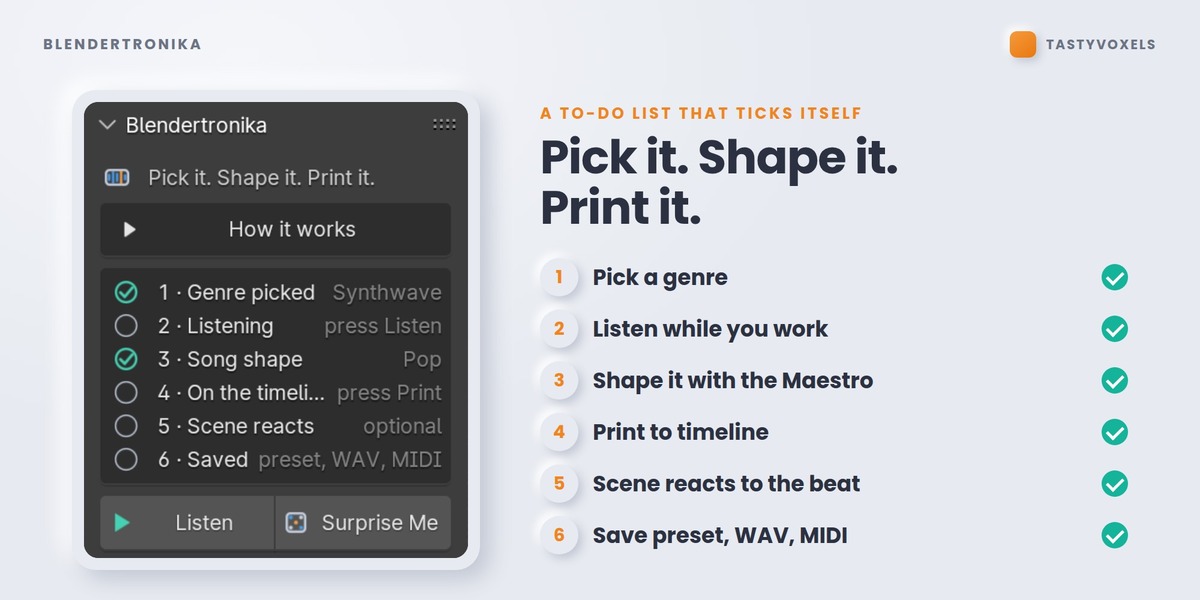
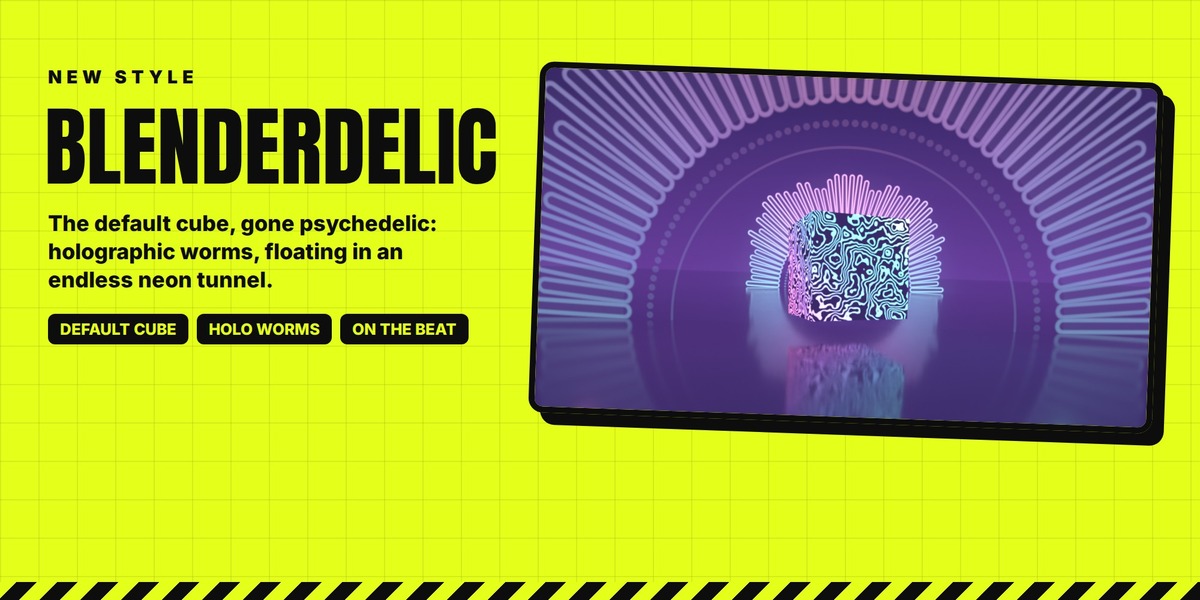
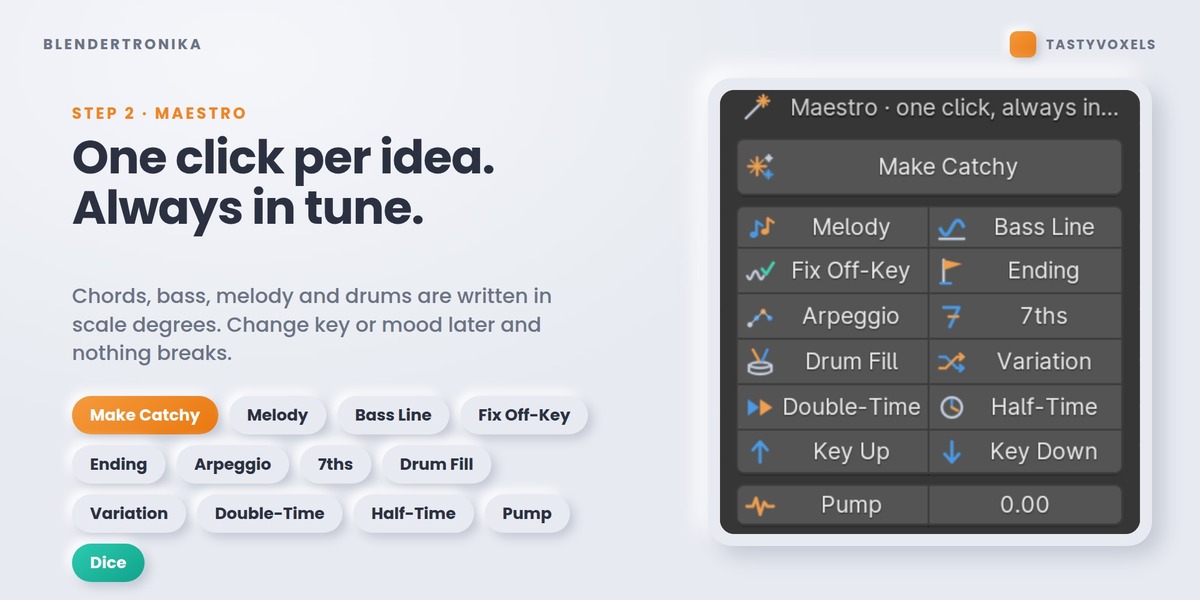
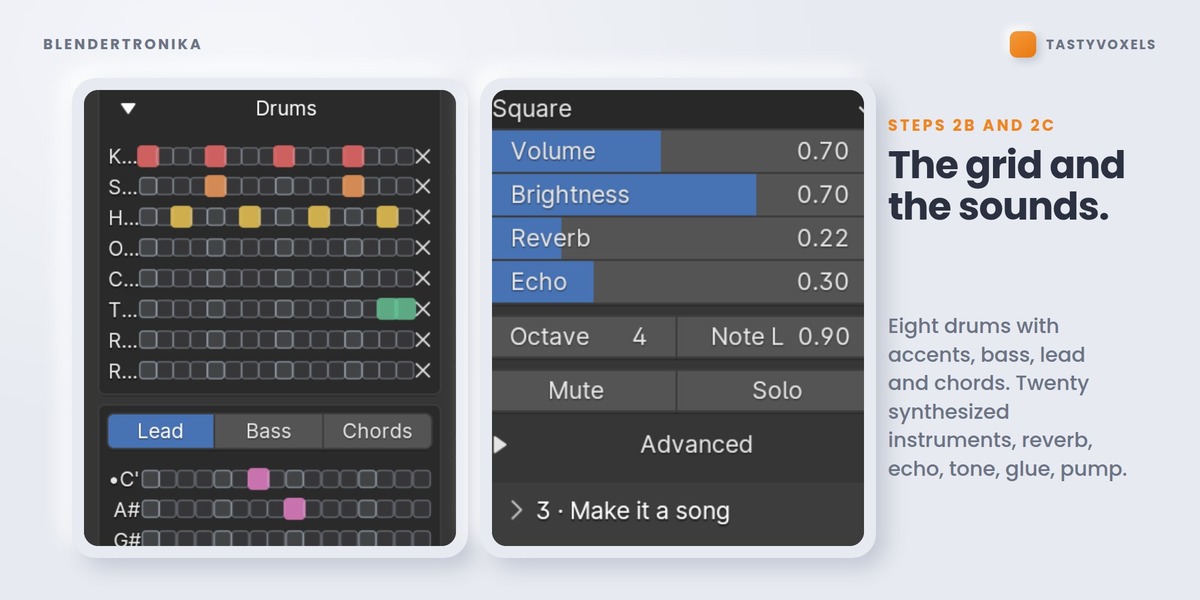
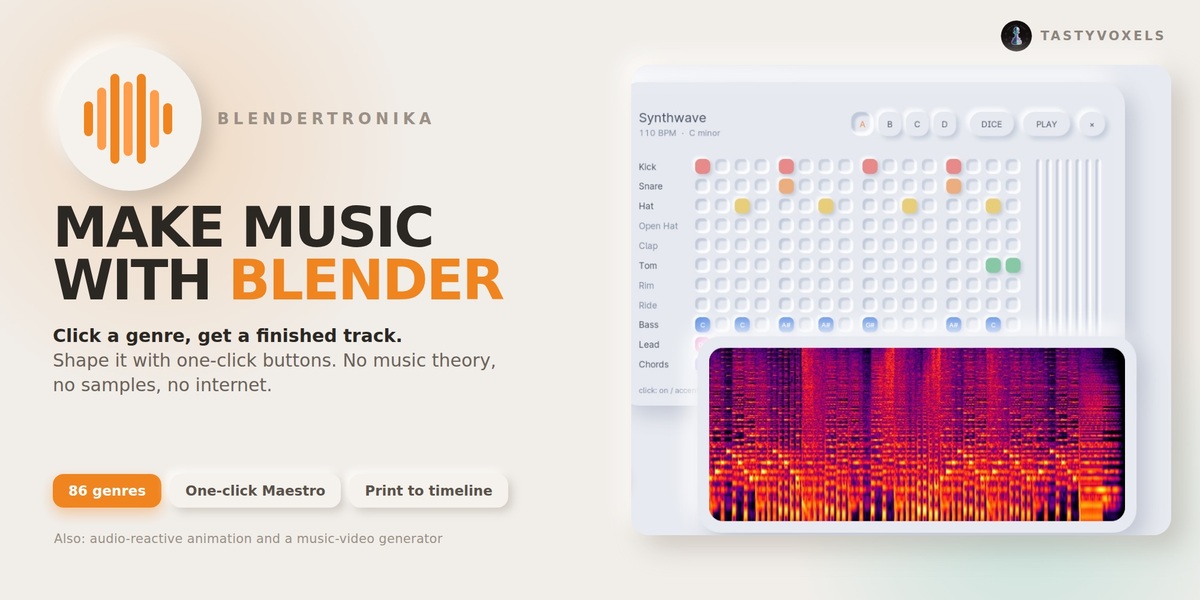


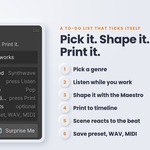

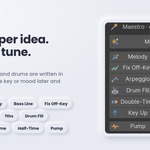

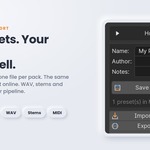
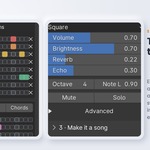
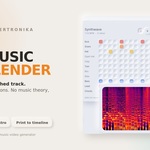
Open the Blendertronika tab in the sidebar (N) and click a genre: a complete track starts playing at once, with drums, bass, chords and melody. Click the same genre again for a new take. The Maestro buttons (Make Catchy, Melody, Bass Line, Ending) do the musician's work, and every note is stored as a step of the scale, so nothing you click can sound off-key. Change the key or the mood later and it still fits.
Press Add Music To This Scene in step 4. The song is written to the length of your scene, the tempo is nudged by a few BPM (Land On Last Frame) so the final chord rings out on your last frame, and the sound strip lands in the Video Sequencer, packed in the .blend. Press Space to hear it with your animation; it is already part of your render. That tempo nudge is why your BPM may change slightly.
Go to the frame (a landing, a cut, a logo reveal) and press Add A Hit Here in step 4, or add any timeline marker whose name starts with Hit. Add the music again and it builds up for two bars, lands an impact exactly on that frame (Impact, Boom or Crash), and ducks under it so the hit stands out. Silence Before The Hit adds a breath before it. Remove All Hits takes them away.
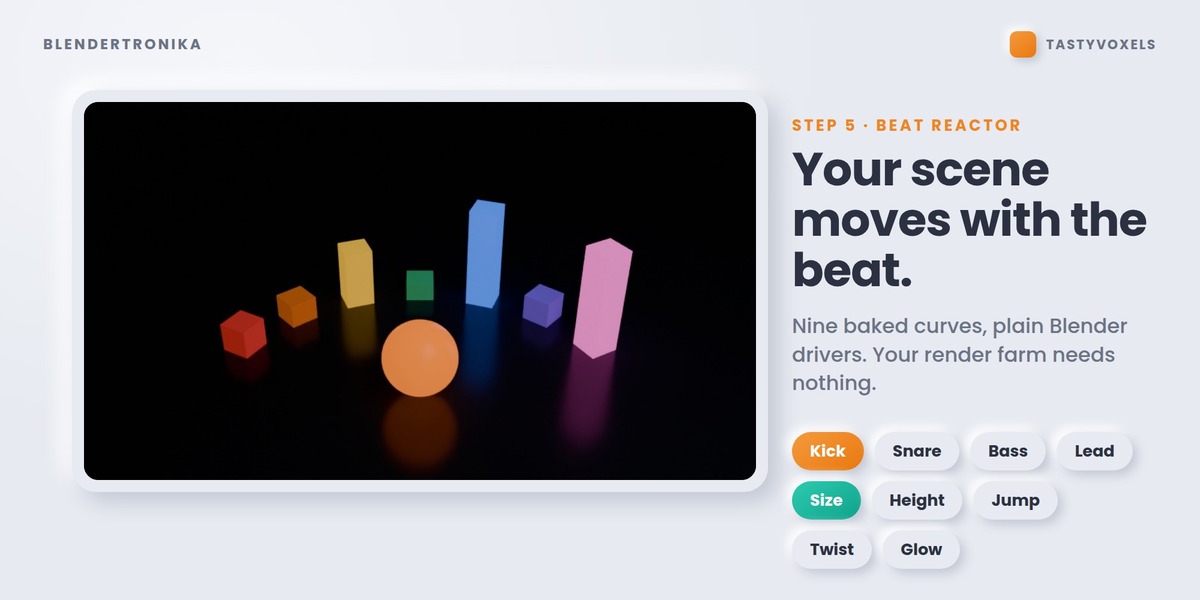
Step 5, Beat Reactor: nine 0 to 1 curves (kick, snare, hats, perc, bass, chords, lead, everything, beat) are written on the scene. Select objects, pick a property and press Make Selected React: it adds a plain driver. They are ordinary F-curves and drivers, so your render farm and your collaborators do not need the add-on; it is only needed to change the music. Music Hits pulse the curves too.
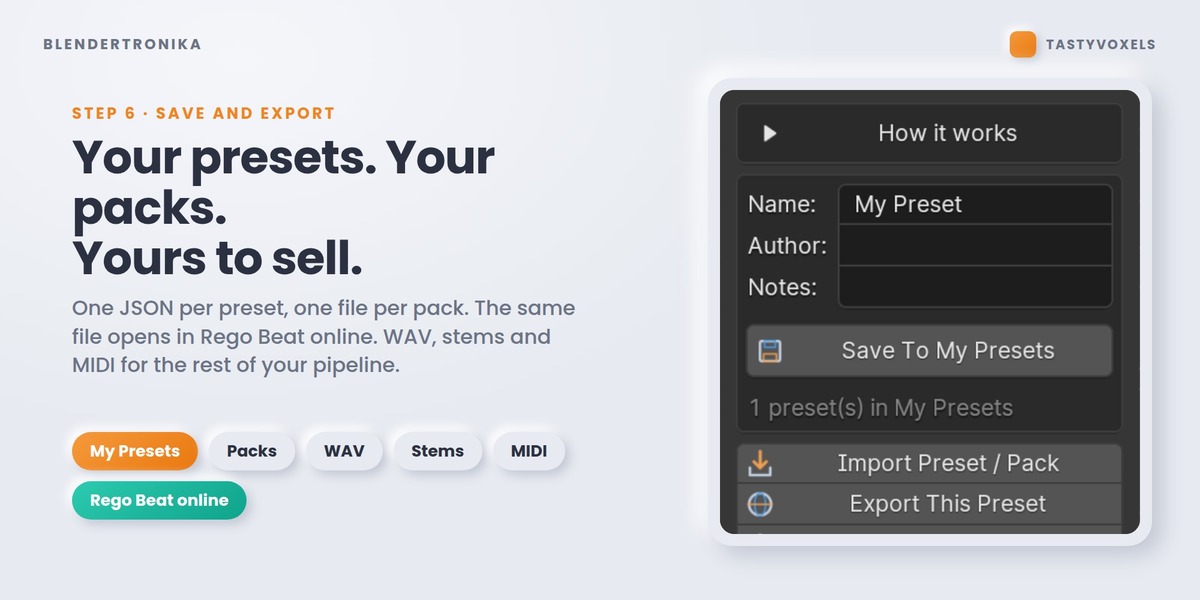
Step 6, Export Audio File: WAV, MP3, OGG or FLAC, encoded by Blender's own audio library, so nothing extra has to be installed. For another music program there are Stems (4 WAV) and MIDI.
Step 6, Export Seamless Loop. The arrangement is played twice and the second pass is kept, so reverb, echo and held notes are already ringing when the loop starts, and the join is crossfaded over a few milliseconds. The file is exactly the musical length: set it to loop in your engine and it repeats with no gap and no click. Loops never carry Music Hits.
Yes, in 2c Sounds and mix, My Voices. Add A Recorded Instrument takes a WAV of yours and plays it at every pitch, in tune, or as a drum hit. New Python Voice opens a documented template in the Text Editor: one function, render(freq, seconds, sr, params), returns the sound. A Python voice never runs until you have read it and pressed Trust, and changing one character switches it off again. A voice that is missing or broken never stops the song: the built-in sound plays instead.
Yes. Import MIDI Into Pattern brings a clip into a pattern: drums on channel 10 fill the drum rows, the other notes become bass, lead and chords, snapped to the preset's key. MIDI and Stems (4 WAV) go the other way, into any music program.
Song Template if you want a finished piece with one click: it spreads intro, verses, chorus and outro over your scene. Timeline Keys if the music must follow your animation: keyframe Energy, Pattern, Fill and the Mute switches, and the timeline becomes the arranger. Transitions adds a riser into every lift and a sweep-down out of every drop-out in both cases.
Blender 4.3 to 5.2, on Windows, macOS and Linux: it uses only Python, numpy and Blender's own audio library. Before this release 162 automated checks passed on Blender 4.3, 4.5 LTS and 5.0, and a run inside Blender 5.2 LTS on Windows made a song, wrote all four audio formats and drew the Studio on the graphics card. I have not tested it on macOS myself yet. The day I do, I will say so here.
The live loop uses Blender's audio device: check Preferences > System > Sound, and that another application has not taken the device exclusively. Very long notes with a lot of reverb take longer to re-render; the loop never blocks Blender, it swaps in the new take when it is ready. Add Music To This Scene does not depend on the live loop at all. If it still does not work, write to me through the Superhive inbox: this is a beta and every report helps.
Yes and yes. Every built-in sound is synthesized by the add-on, so there are no samples and no third-party rights in what you render. Presets and packs you make are your files: Export Pack With My Voices puts them in one .zip with your recordings and Python voices, ready to share or sell. Recordings you put in a pack must be yours or ones you have the rights to. Updates and support are included for good: no support period, no renewal fee.
No AI inside and no internet access: no model, no telemetry, no account. The Maestro is music theory written as deterministic code. AI assists me while I program and translates my documentation into English.
Have questions about this product?
Login to message
| Blender Extension Compatible | Yes |
| Dev Fund Contributor | |
| Published | 2 days ago |
| Blender Version | 4.3 - 5.2 |
| Extension Type | Add-on |
| Render Engine Used | Cycles, Eevee |
| License | GPL |
Discover more products like this
procedural audio soundtrack synthesizer sequencer Music Generator audio-reactive animation sound design beat midi