 Jesper Bylov



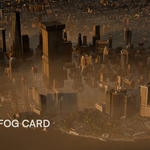
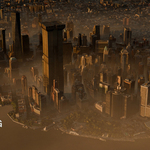
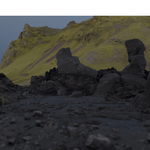
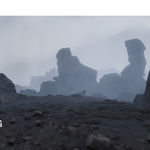
WHAT IS BlendFog?
BlendFog is a fog card shader and asset collection for Blender 5.1+


A lightweight, art-directable alternative to volumetrics. It turns a simple plane into a fog card that actually sees and reacts to your scene, fading against the surrounding geometry and removing the hard line fog cards normally leave where they cut into terrain.
Inspired by William Faucher's EasyFog in Unreal Engine, BlendFog mimics the DepthFade expression from UE directly inside Blender, both for EEVEE and Cycles.
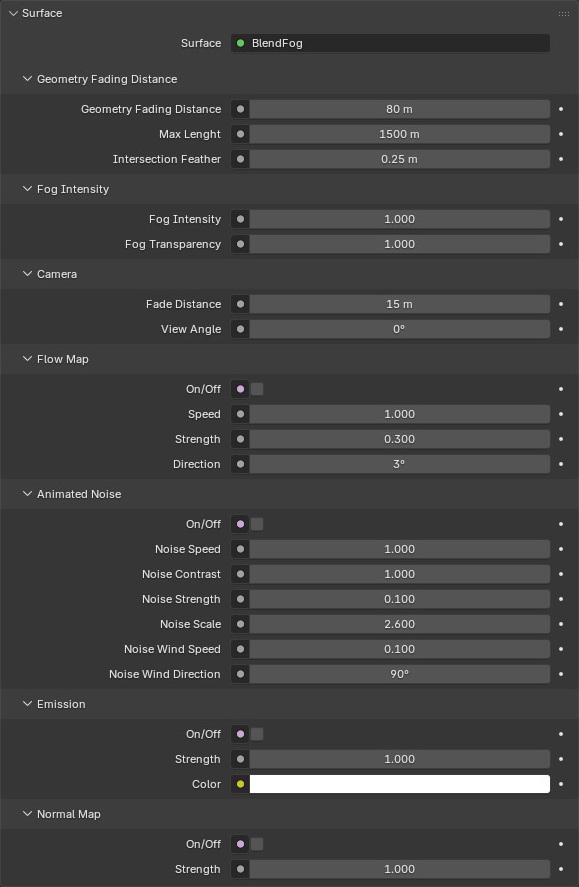
You place a plane, point it where you want atmosphere, and shape the look with intuitive sliders - depth, intensity, flow, noise, emission. It's easy to art-direct, the sliders do what they say, and adding your own textures or video clips takes a couple of clicks.
The result is a tool that's fast to iterate with and easy to use, while still giving you high fidelity and full control.
/ FULL VERSION - INCLUDING 26 ASSETS
Feature set:
|
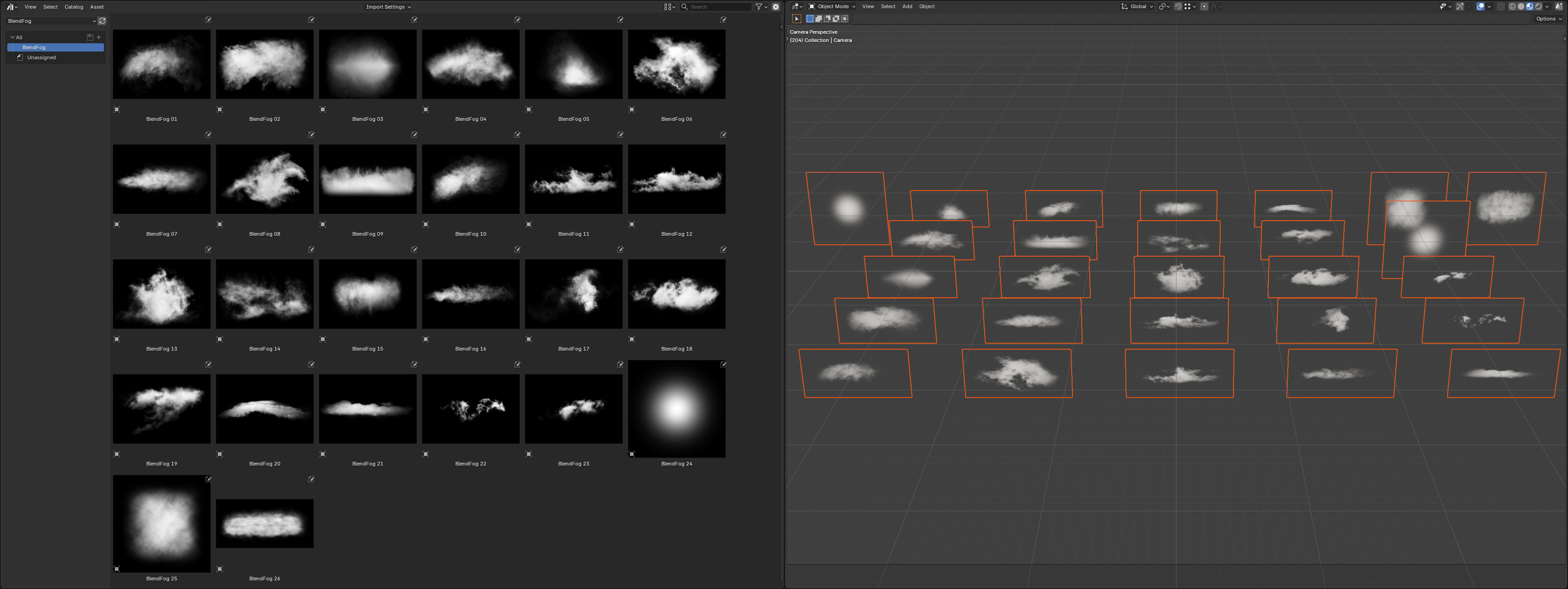

- Geometry Fading Distance - fog fades out as it approaches solid geometry - Intersection Feather - removes the hard white seam where the card clips into terrain. A limitation of floating point values. Intended for EEVEE - Fog Intensity & Transparency - Texture & video support - use the included radial blur texture or drop in your own in one click - Emission - Asset library - 26 ready-to-drop BlendFog objects. - Camera Fade Distance - fog softens as it nears the camera, no flat plane in your face - Camera View Angle fade - clean falloff at grazing angles - Flow Map - directional movement with speed, strength and direction control - Animated Noise - drifting, evolving fog with wind speed and direction - Normal Map support - Giving the fog depth and better interaction with lights. |
 |
/YOUTUBE VIDEO
For a good overview of the whole thing check out the YouTube video:
/ COMPATIBILITY
- Blender 5.1 and newer (Raycast shader node)
- Built and tested in EEVEE & Cycles
/ LIMITATIONS
Read this before buying so there are no surprises!
- Intersecting planes in Cycles. The raycast node in Cycles reads each plane as solid geometry, so you'll see a visible seam where two BlendFog planes intersect. The example shown below shows a rectangle showing through the mist. Workaround: bend or twist the planes, or cut them so they don't intersect.
- It's a card, not a volume. BlendFog is built for atmosphere, art direction, drifting fog banks, haze and mist layers. It is not a replacement for true volumetric simulation if you need light to physically scatter through a 3D volume. Shadows don't travel inside the plane, and will not cast shadow on the other side of the plane. God rays and volumetric shadows need to be faked or set up separately.
- Self-overlapping cards. Stacking many transparent cards on top of each other can introduce sorting artifacts, as with any transparent geometry in Blender. Spacing them out solves it.
- Shadows on the BlendFog objects. As of yet, there is no easy way to disable incoming shadows on an object. This can give unwanted results, when the BlendFog objects receive shadow. A workaround is to use the emission slider to remove any shadows on the object and dialing down the transparency - It works, but takes some of the fidelity out of the fog.
- Objects set to Dithered (EEVEE)
Some objects with their material's Render Method set to Blended cause some issues in the raycast node - The fog pops to a hard edge where they cross the card. Switch Render Method on all affected objects using Blended to Dithered instead. The issue mainly came from kitbash objects.