 Stellart



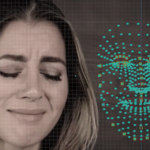
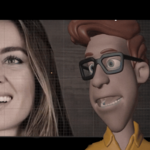
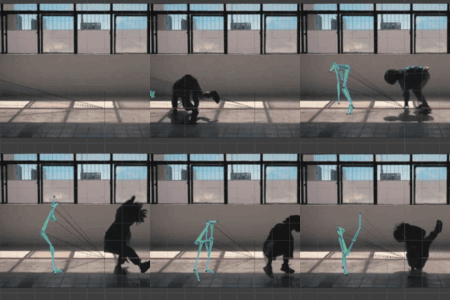
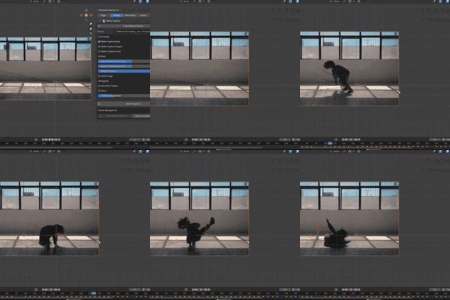
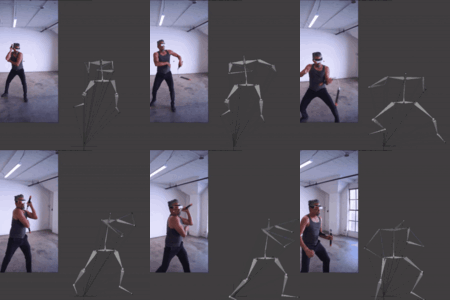
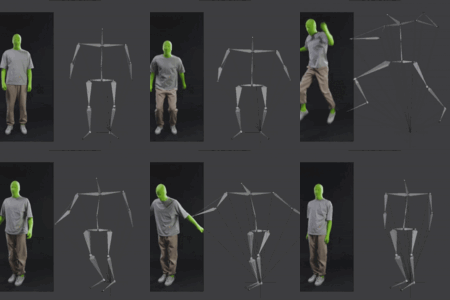
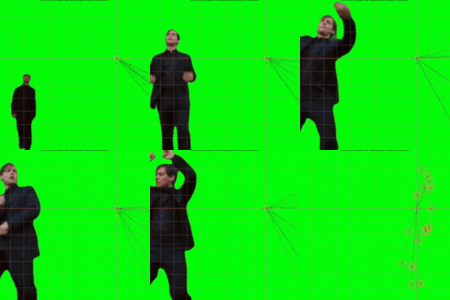
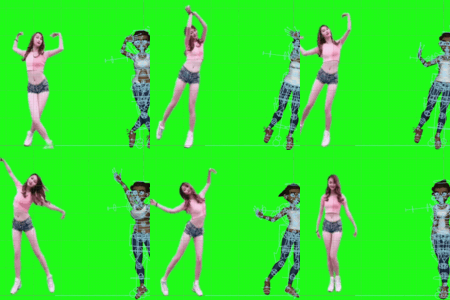
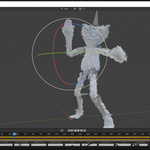
The Light Version Of Our Mocap Pro, For Motion Capture And Retargeting Based On Any Video Or Image Source
Now with 75% discount!
Why so cheap?
Because Mocap should be affordable to everyone...
Compatible with Blender 4.5.x & 5.0.0 (Linux & Windows), and with Blender 5.1.0 & 5.2.0 (Windows only)
Our Other Addons
Mocap Lite has the same features as Mocap Pro, except the Auto-Rigger, the export in FBX/GLTF, and the utility tools.
It's very easy to use : select the source video or image, configure a few settings if needed, then click on the Motion Capture button and that's it, you're done!
No suit, no subscription, no high end graphic card, Mocap Lite works on any computer/laptop, even if it has low specs.
No internet required, no upload/download to/from anywhere, your videos and your data stay on your computer and you don't need to download any extra stuff.
Updates Are Free, And Always Will Be. Please Give Your Consent To Receive Emails If You Want To Be Notified When A New Version Is Available, Otherwise We Won't Be Able To Reach You.
Our Customer Service Is Available 7 Days A Week So Questions Are Usually Answered Within A Few Hours And Confirmed Bugs Are Fixed Within 24-36 Hours...
- (this video has been made for Mocap Pro but Mocap Lite works exactly the same way) -Main Features
- No internet connection at any time, everything is processed on your computer and stays there
- Webcam Live Facial Motion Capture
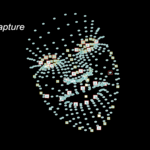
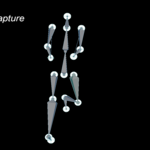
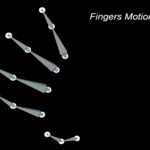
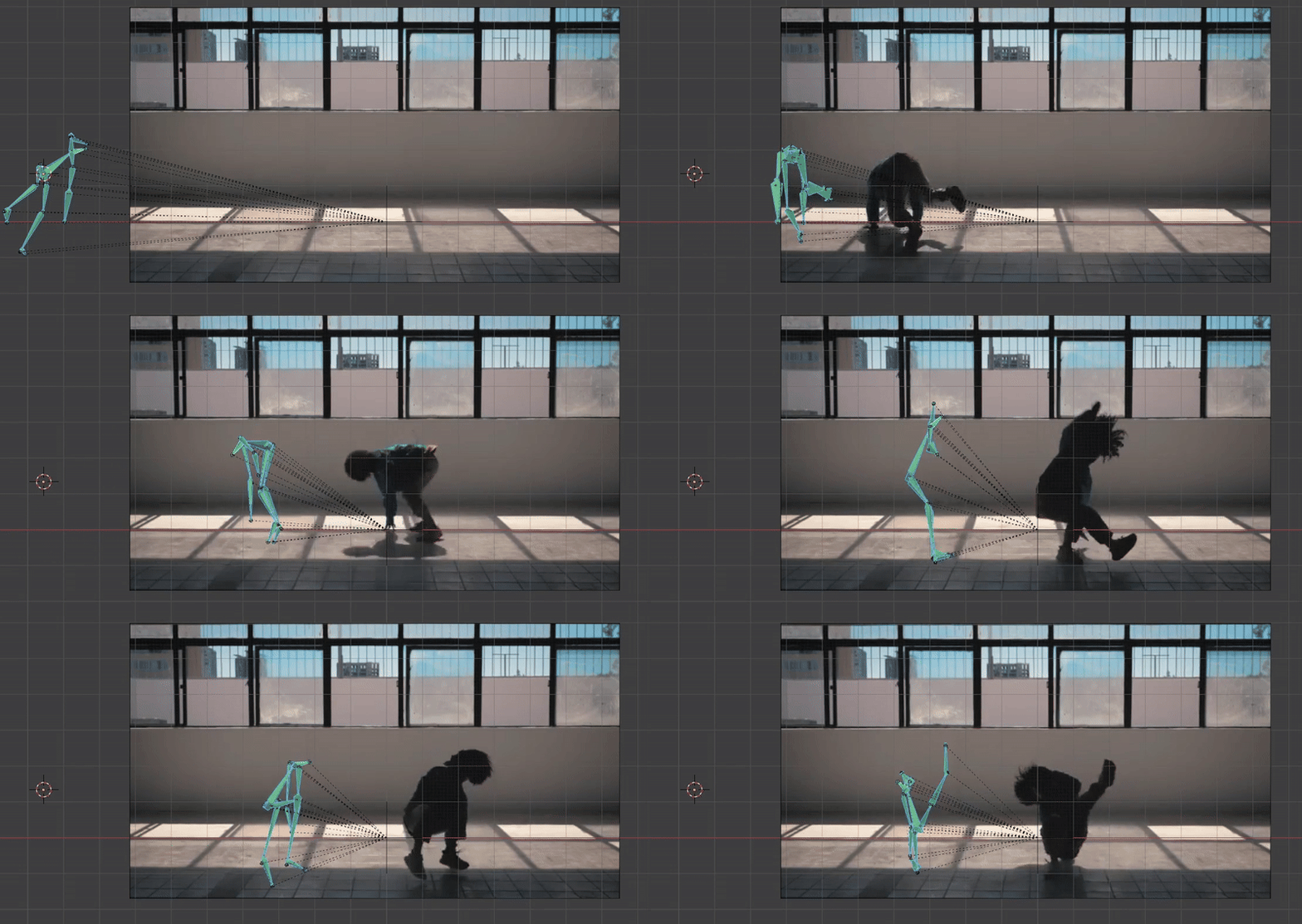
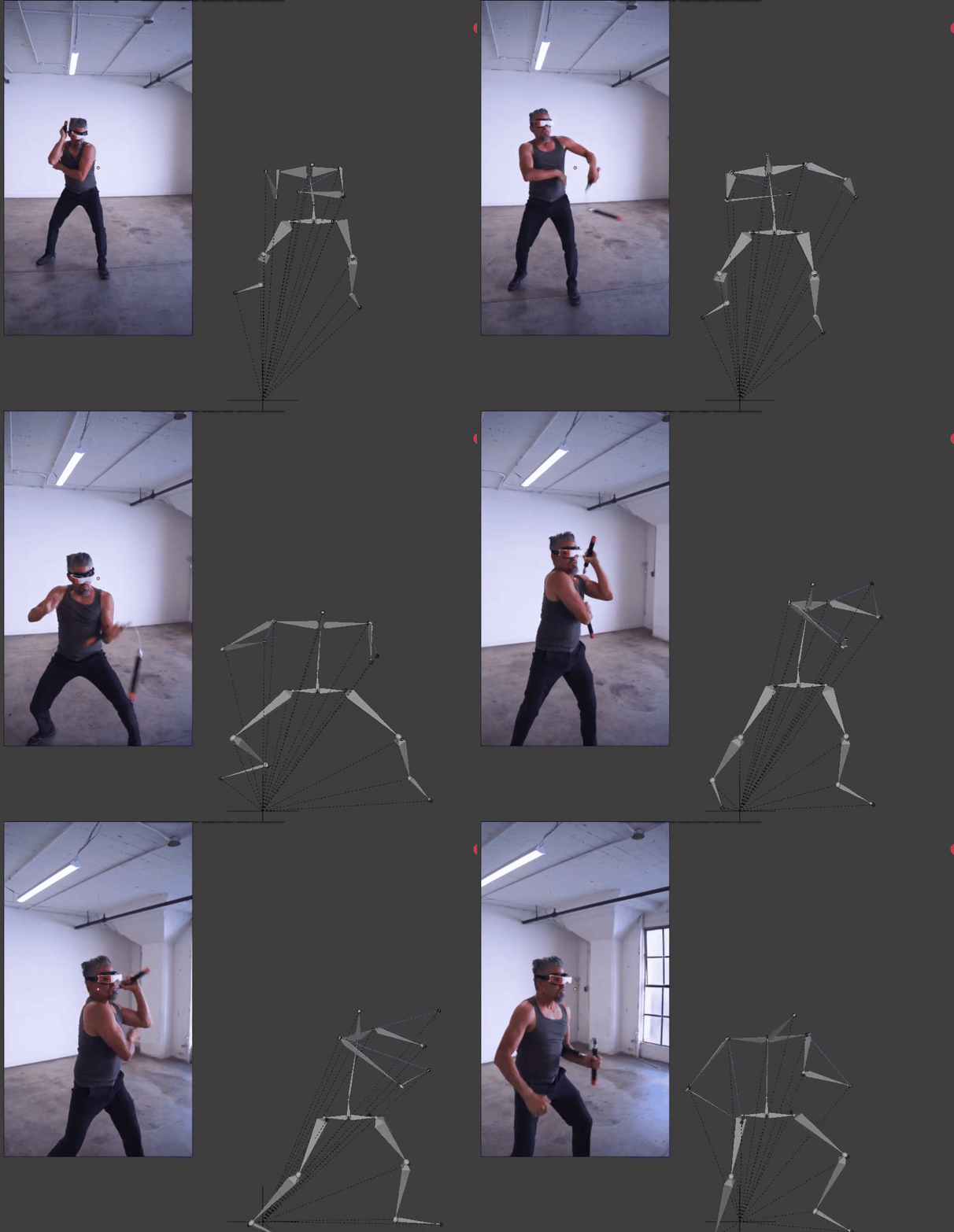
- REAL high quality Body, Facial and Fingers Motion Capture, that is you extract the motion from a video and transfer it to any rigged character
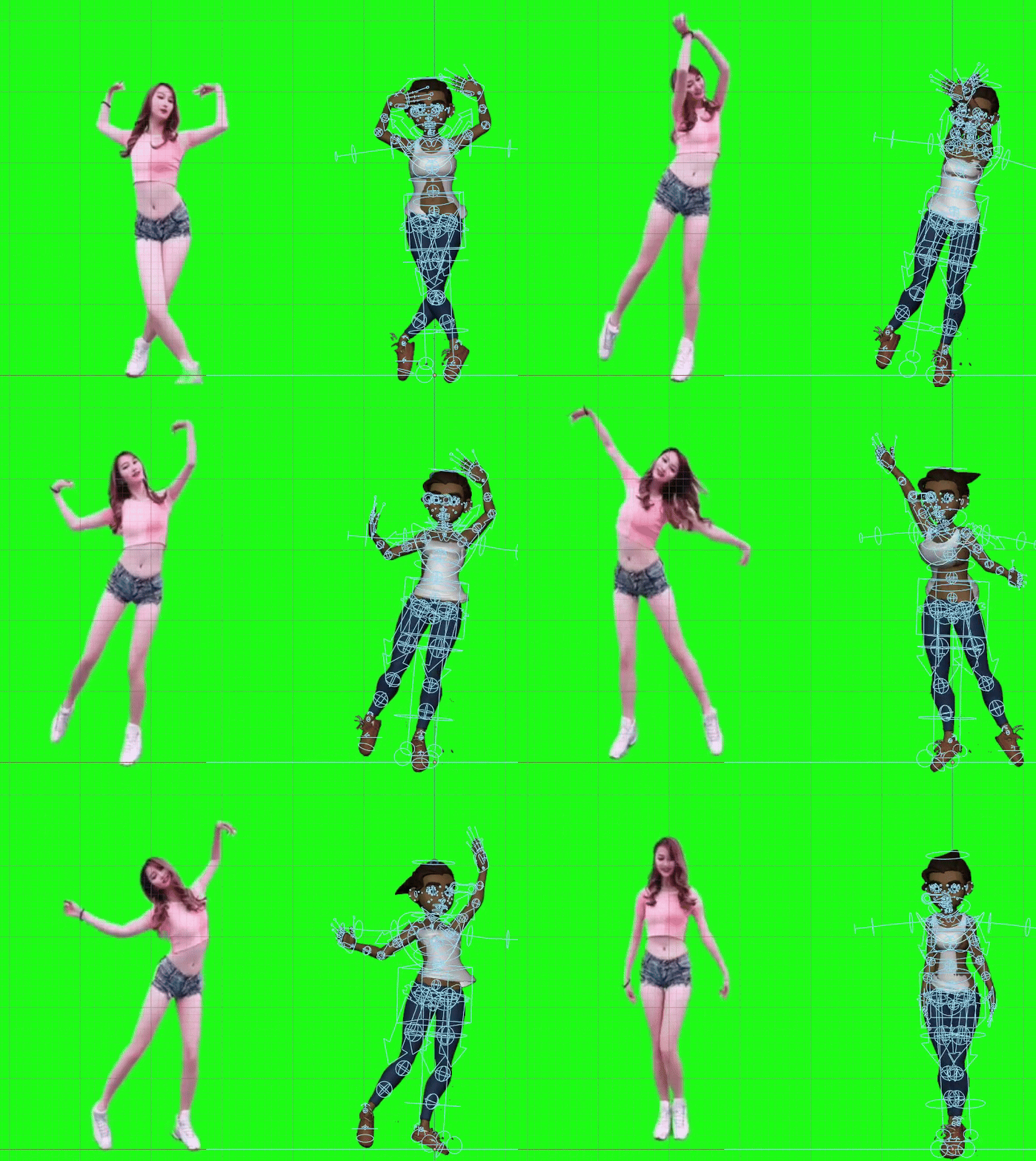
- Save your motion captures and use them again later
- Retargeting and transfer with full IK controls
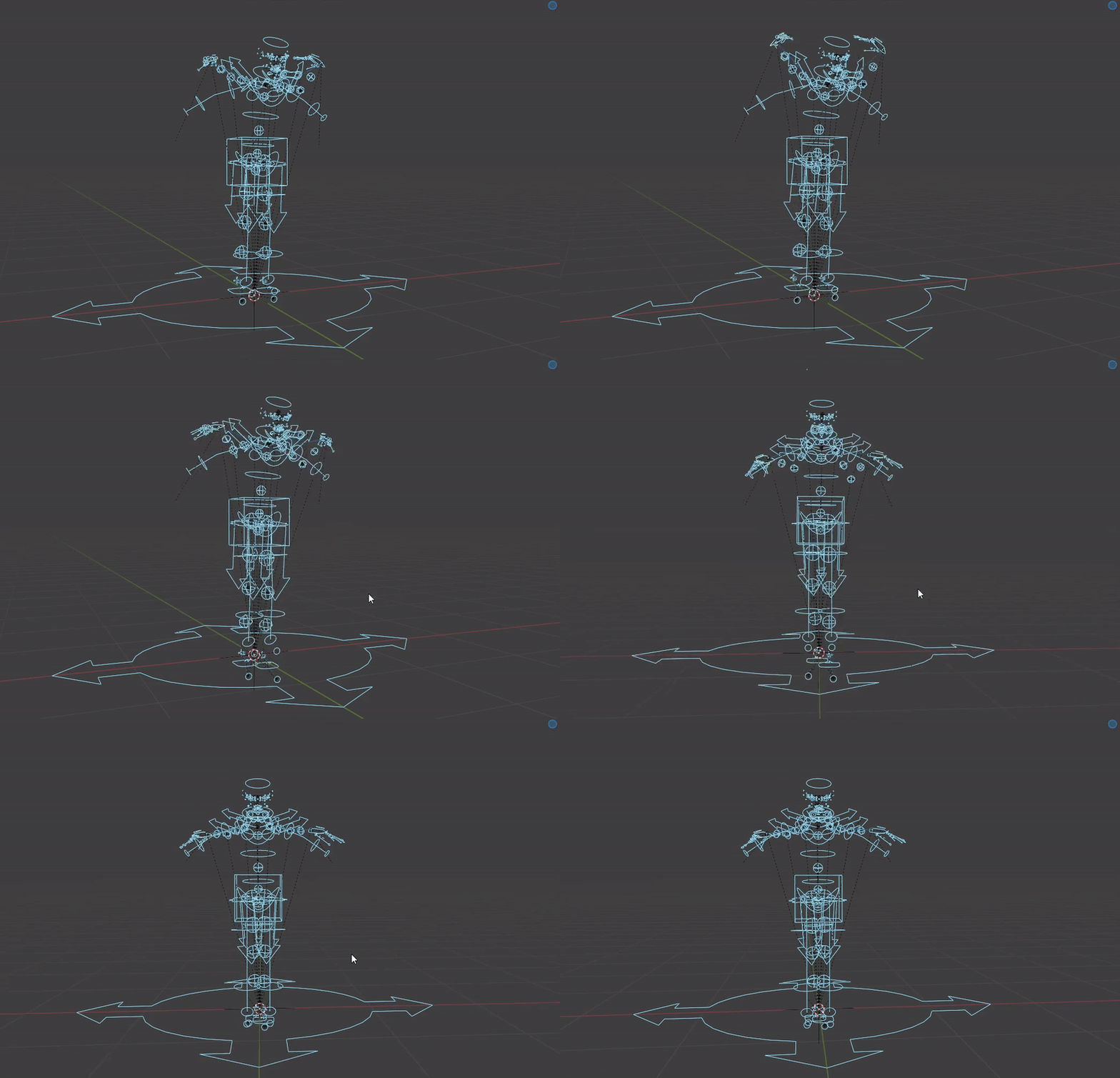
- Ready to use presets for Mixamo, Rigify and BlenQuick Auto-Rigger
- Bone map editor for any custom rig, make your own preset and save it
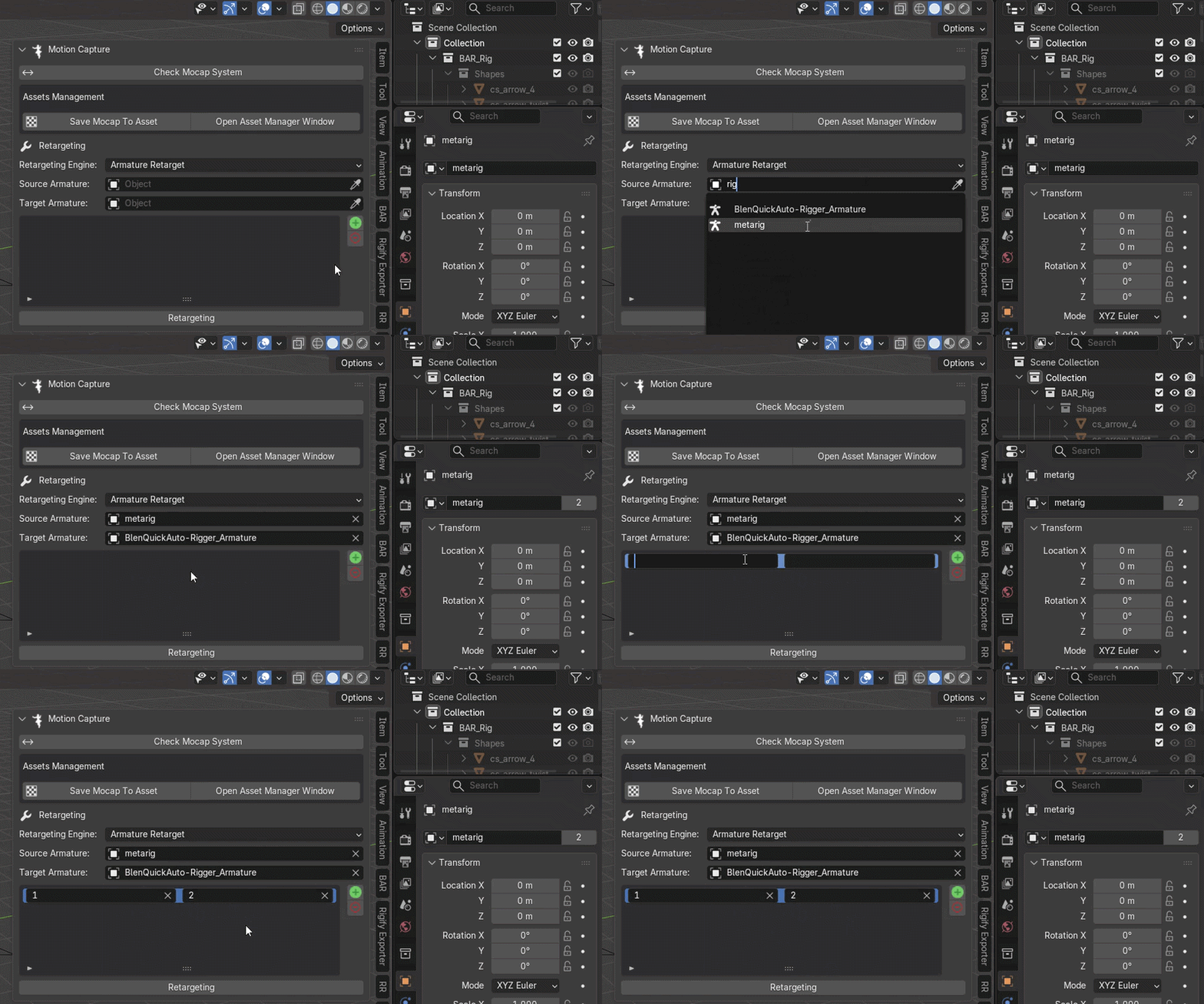
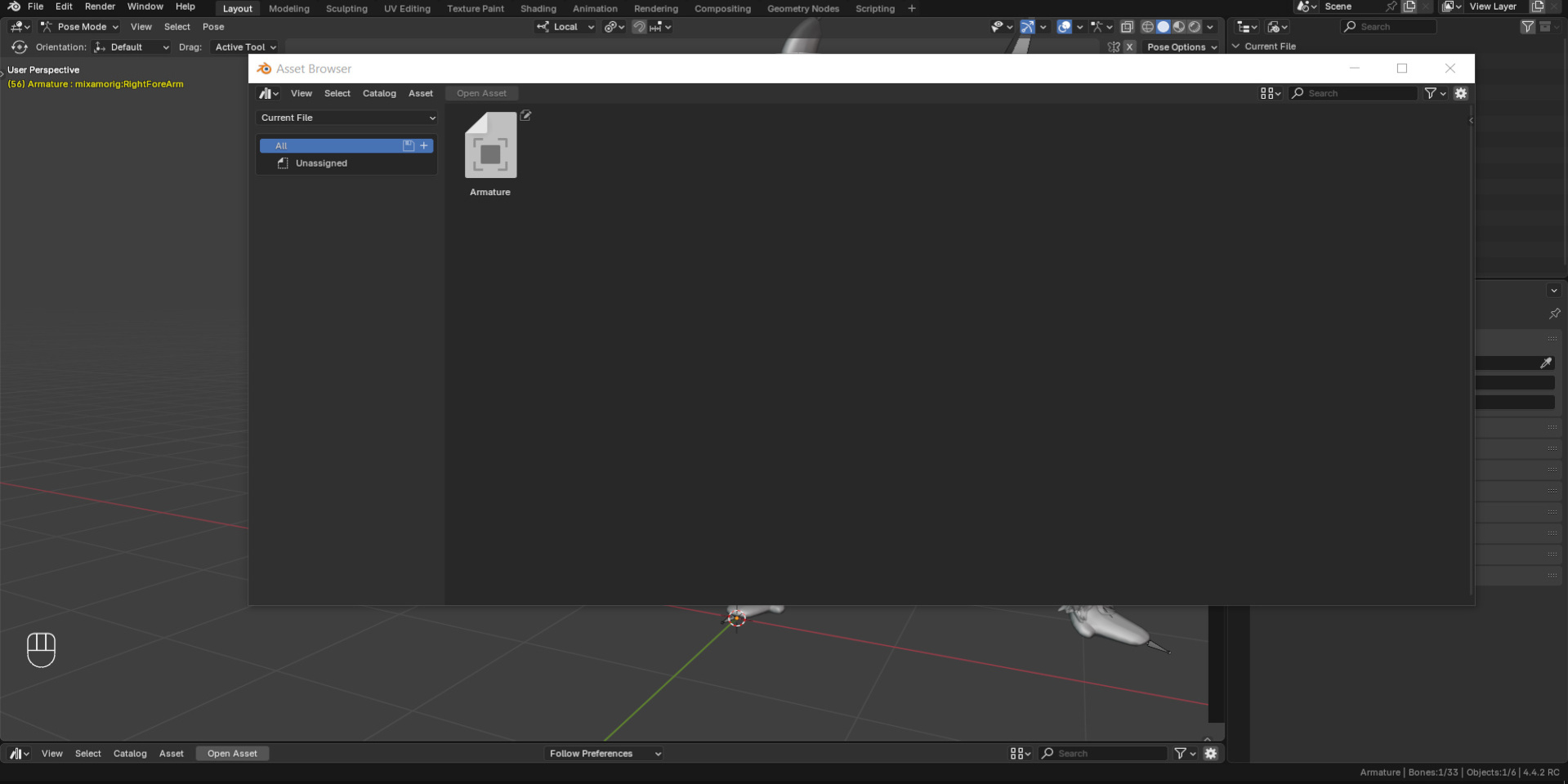
- Assets Management system: save or load assets, and open assets windows to manage them
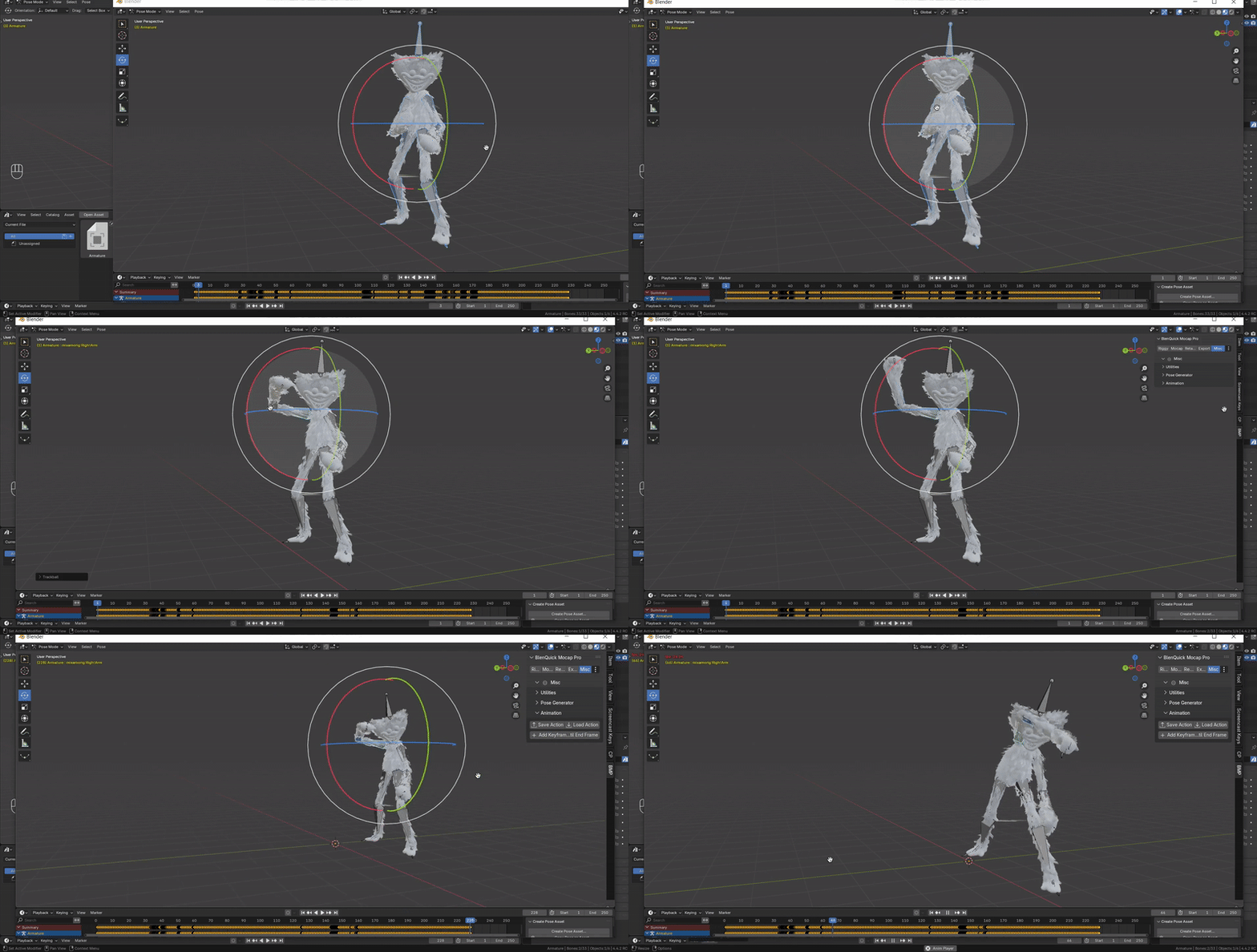
- Add & Apply keyframes feature, to apply the current pose until the action ends
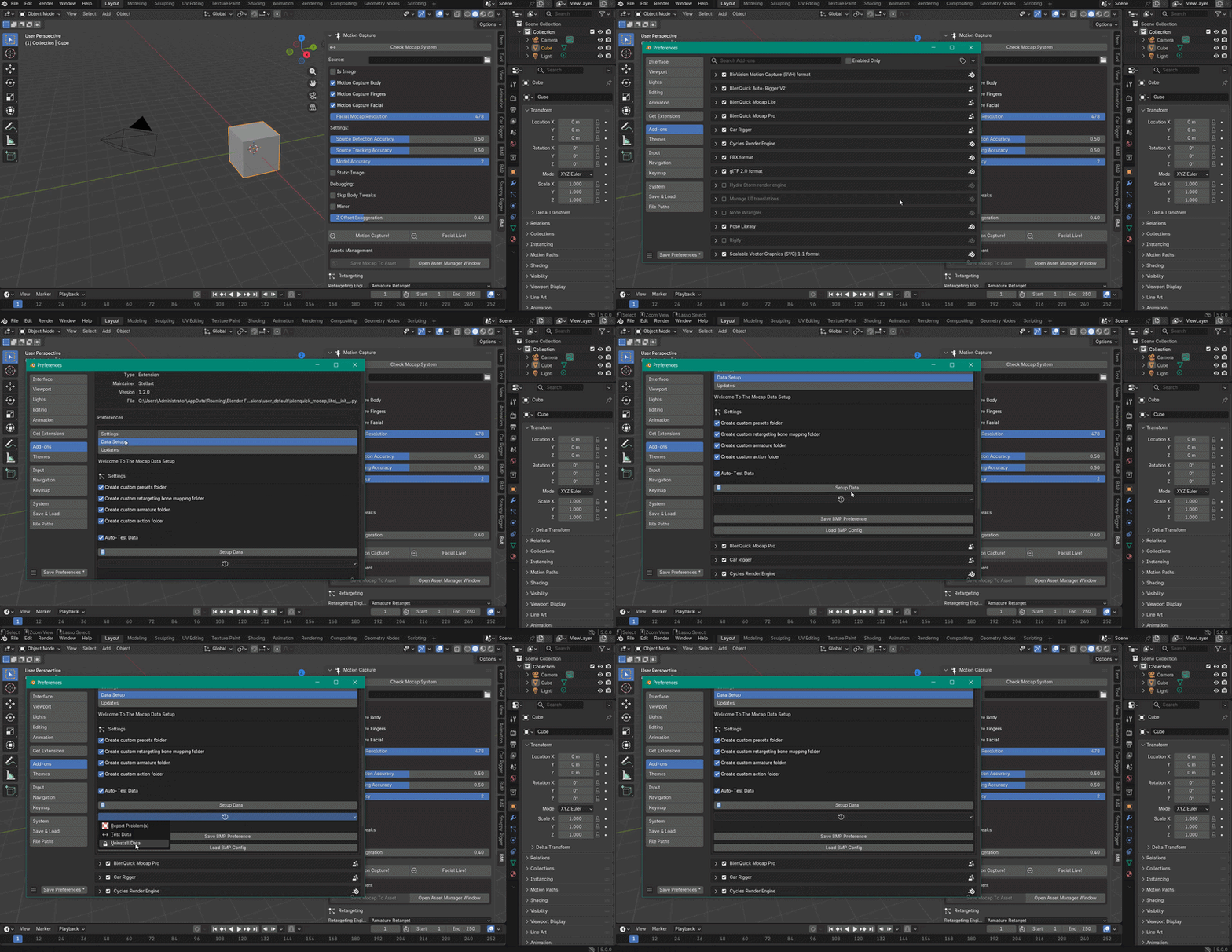
- Data management
- Save/load preference configuration so that settings aren't lost after an update
Need help?
Check our Documentation.
Questions, feature requests, bug tracker?
Contact us here on Superhivemarket, or on our Discord Server.
Youtube Channel (Demos & Tutos).
Note:
- Mocap Lite v1.2.0 (Linux and Windows) is compatible with Blender 4.5.x and 5.0.0
- Mocap Lite v1.3.0 (Windows only) is compatible with Blender 5.1.0 and 5.2.0
- v1.2.0 is faster and more accurate than v1.3.x, because of changes in the latest versions of Blender that broke things. We are working on 1.3.x to make it on par with 1.2.0, but if speed and accuracy are important to you then stick with 1.2.0 and Blender 5.0.0 for now
If the add-on throws errors on first opening on Windows, it means that you have to install the latest VC_redist:
https://learn.microsoft.com/en-us/cpp/windows/latest-supported-vc-redist?view=msvc-170
You may get a small error message about "self" after installing the data, it's a bug from Blender but it has no effect on the addon so you can safely disregard it.
You can see in the GIFs/videos that the motion capture isn't perfect, that's because unlike most Mocap programs we don't edit our GIFs/videos to make them look better than they actually are.
So what you see here is the REAL end result with its strengths, its weaknesses and its current limitations, result that is more or less similar to other pricier programs except that here we show it the way it really is.
That said, be insured that we will keep on working hard to make it better and more accurate.
Changelog
v1.3.1
- Fixed a critical bug in hand Mocap
- Fixed a critical bug in face Mocap
- Big improvements in accuracy
v1.3.0
- Updated compatibility with Blender 5.1.0 & 5.2.0
v1.2.0
- Added webcam Live Capture support
v1.1.2
- Updated icons
v1.1.1
- Fixed a critical bug in retargeting
- Added support for Linux
v1.1.0
- Added retargeting
- Added transfer
- Bug fixes
v1.0.0
- Initial Release
Happy Blending!
