 Stellart



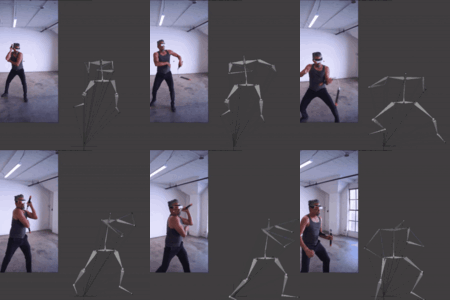
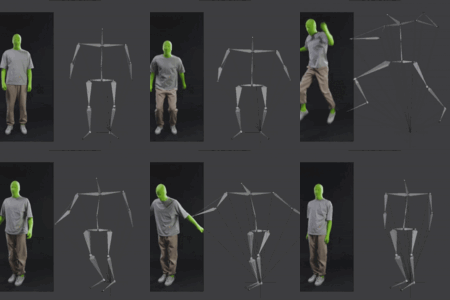
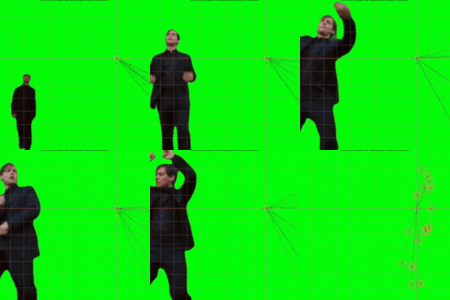
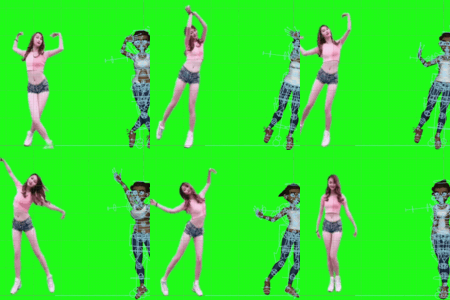
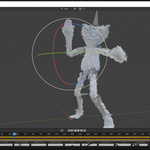
How To Do Motion Capture?
First, you must install the data.
Click the "Check Mocap System, if it says that the data has been fetched successfully you are good to go.
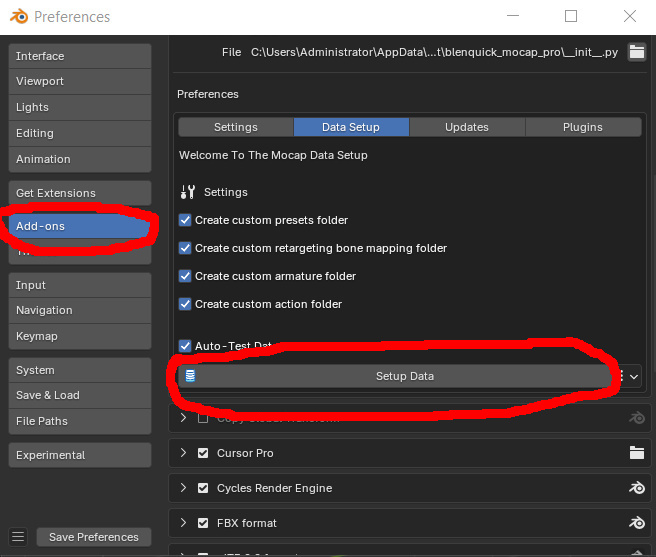
If not then go through Data Setup, the data will be installed in a matter of seconds.
Troubleshooting Installation
On Windows, make sure to have write access on the folder where you installed Blender.
If Blender has been installed on disk C, the data may not install because of access being denied.
2 solutions:
1 - Uninstall Blender from disk C:/ and reinstall it on disk D:/, then go through Data Setup as shown above.
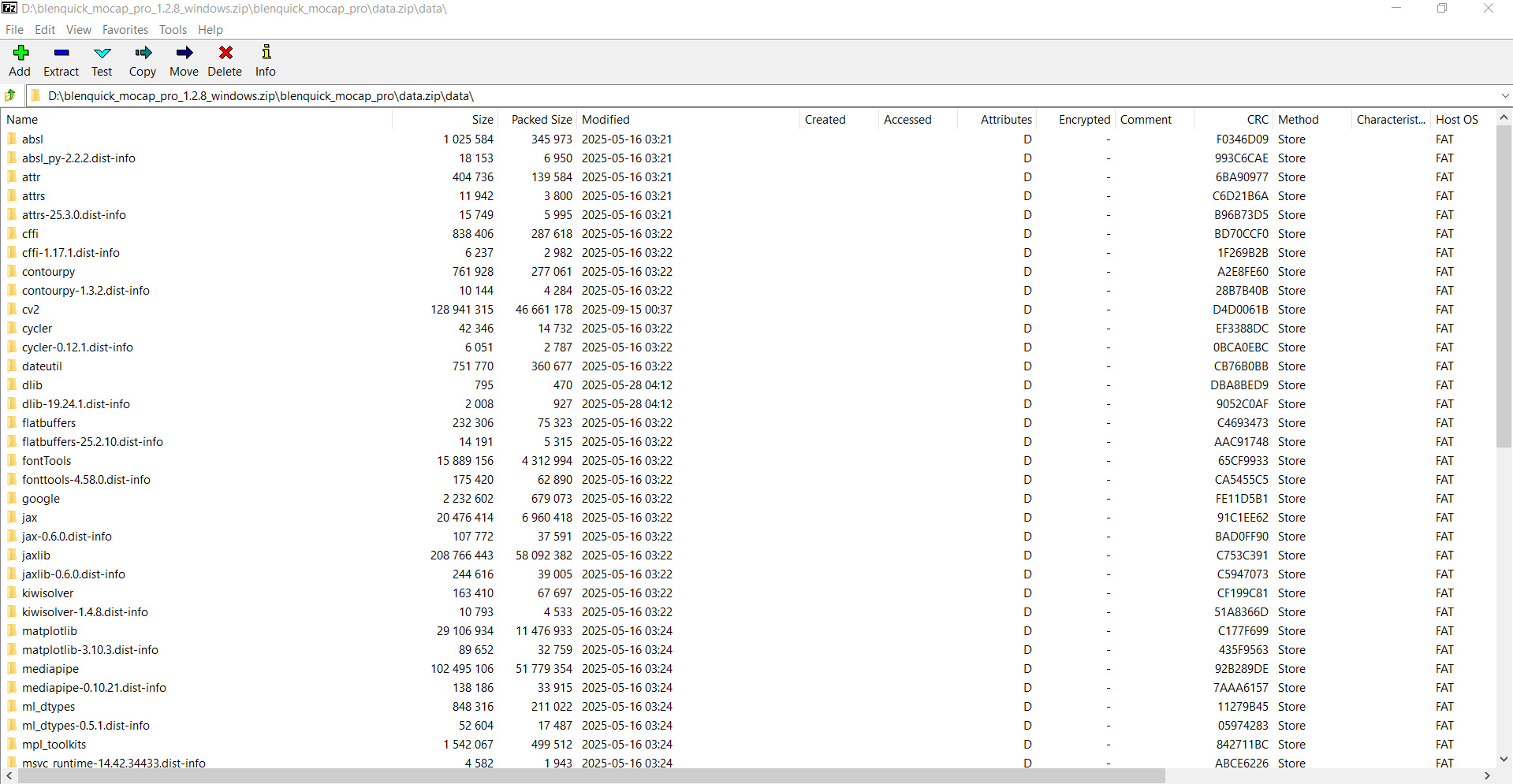
2 - Keep your installation on disk C:/, but in that case the data will have to be manually copied into the blender-5.x.x-windows-x64\5.x\python\lib\site-packages folder.
To do that, open the blenquick_mocap_lite_x.x.x_windows.zip with an archive extractor like Winrar or 7Zip.
Once inside open the blenquick_mocap_lite folder, you will see a folder called "data".
Copy the modules that are inside that "data" folder into blender-5.x.x-windows-x64\5.x\python\lib\site-packages (don't copy the folder in itself, only copy its contents - see below screenshot).
On Linux, you may get a small error message about "self" after installing the data, it's a bug from Blender but it has no effect on the addon so you can safely disregard it.
Now let's do some motion capture...
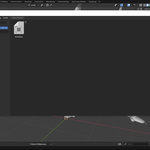
- Go to the N-Panel > BML
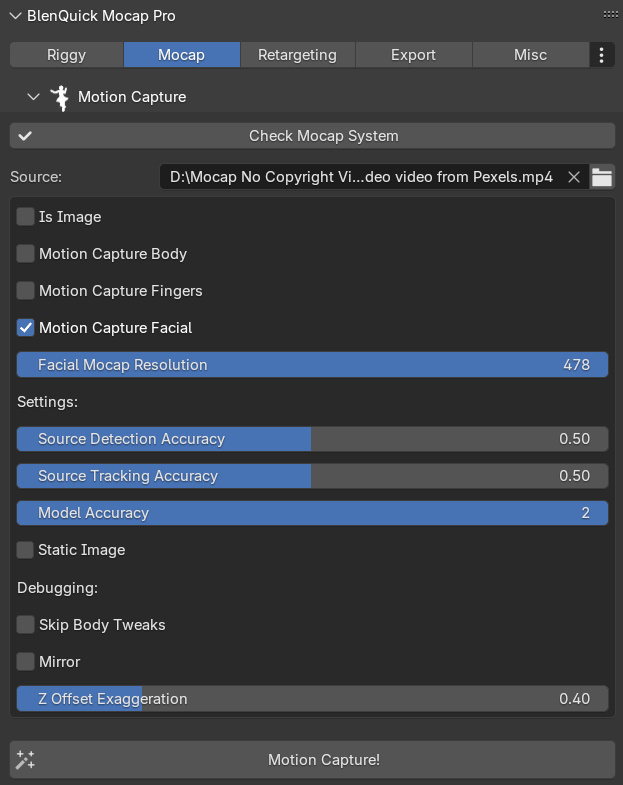
- Insert the path
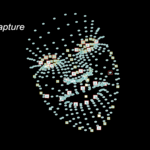
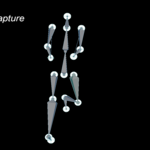
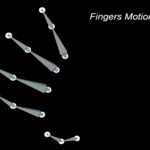
- Configure the settings and set whether the video/image source is a facial, body or fingers motion. If it's an image then check "Is Image"
- Click "Motion Capture!", done!
Notes:
- If the results are not accurate, try changing "Model Accuracy", "Source Tracking Accuracy" or "Source Detection Accuracy"
- Change the "Z Offset Exaggeration" value if the depth is inaccurate
Need More Help?
Contact us here on Superhivemarket, or on our Discord Server.
Youtube Channel (Demos & Tutos).
Happy Blending!
 Included
Includes 12 months of
- Support from Stellart
- Product updates
Extend this product’s Support Period +12 months: 50% of product price
Have questions before purchasing?
Login to message
| Blender Extension Compatible | Yes |
| Sales | 10 |
| Dev Fund Contributor | |
| Published | 10 months ago |
| Blender Version | 4.5 - 5.2 |
| Extension Type | Add-on |
| Render Engine Used | Arnold, Blender-Internal, Cycles, Eevee |
| License | GPL |
Discover more products like this
motion mocap-pro capture motioncapture facecapture animation motion capture mocap mocap-lite lite