BlinkMend: Fix Blinks and Eye Keys After Face Edits (VRChat, Face Tracking)
 Meshwright
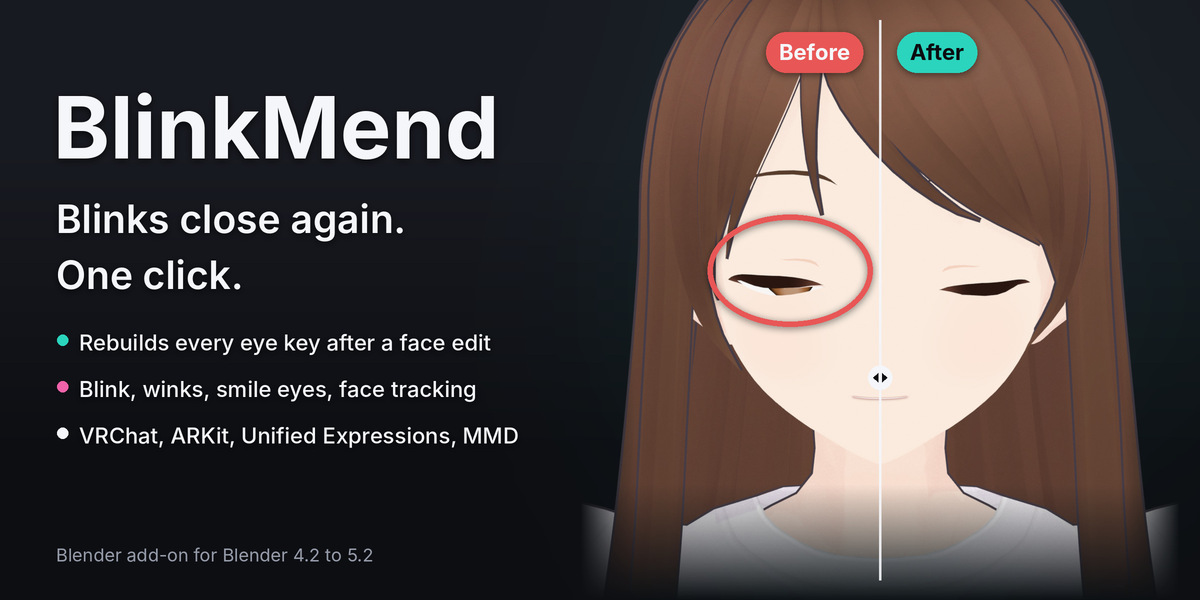
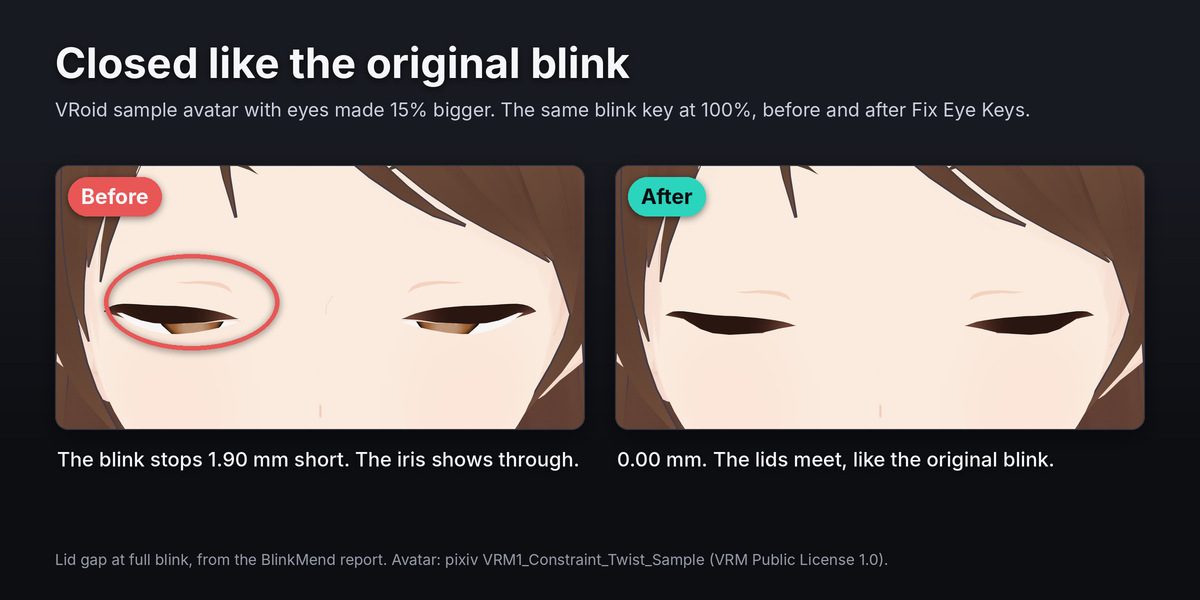
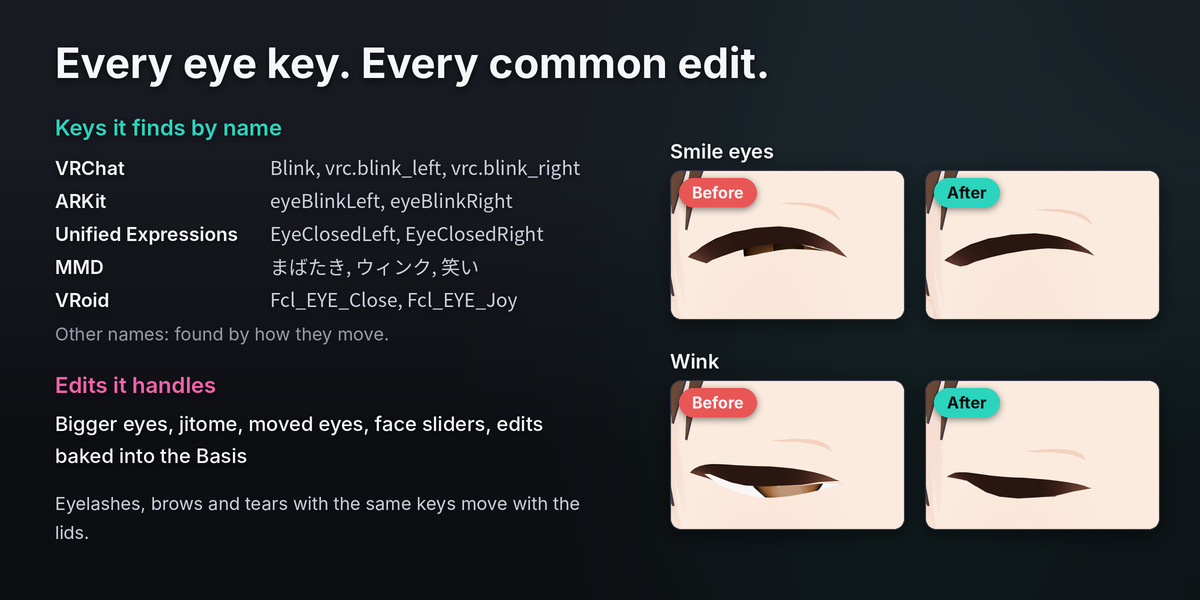
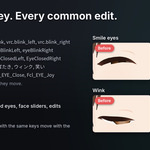
Does it work with Booth and Gumroad avatars, VRoid models and MMD models?
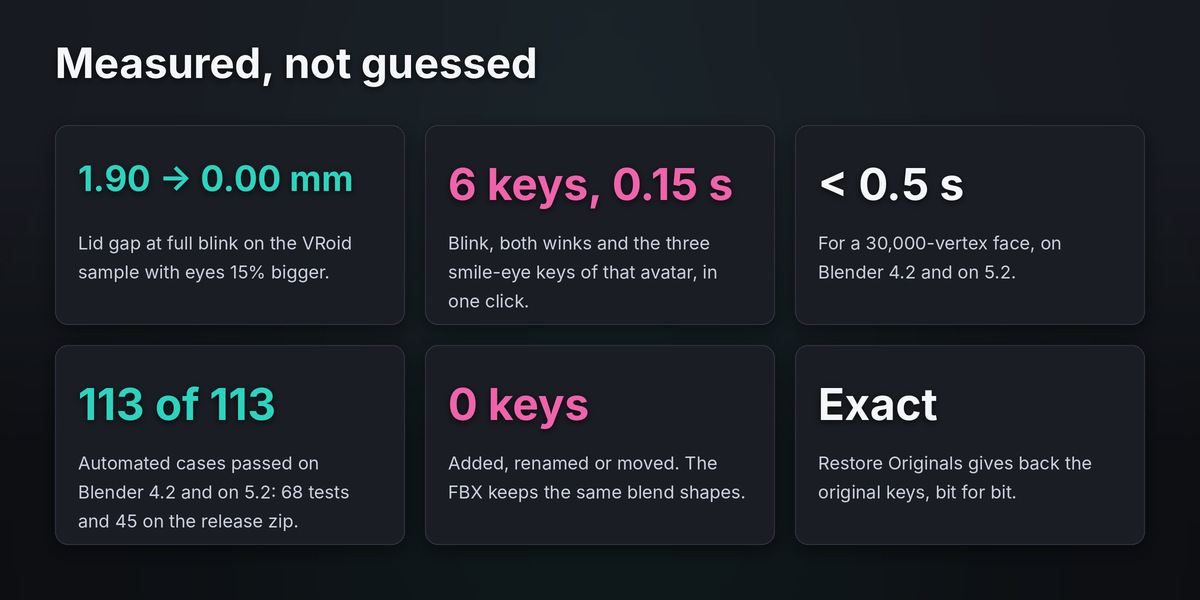
Yes. It works on any mesh in Blender with eye-closing shape keys, with any key naming. It was tested on self-made heads, MakeHuman heads and two VRM sample avatars.
Do I need Unity or a preset for my avatar?
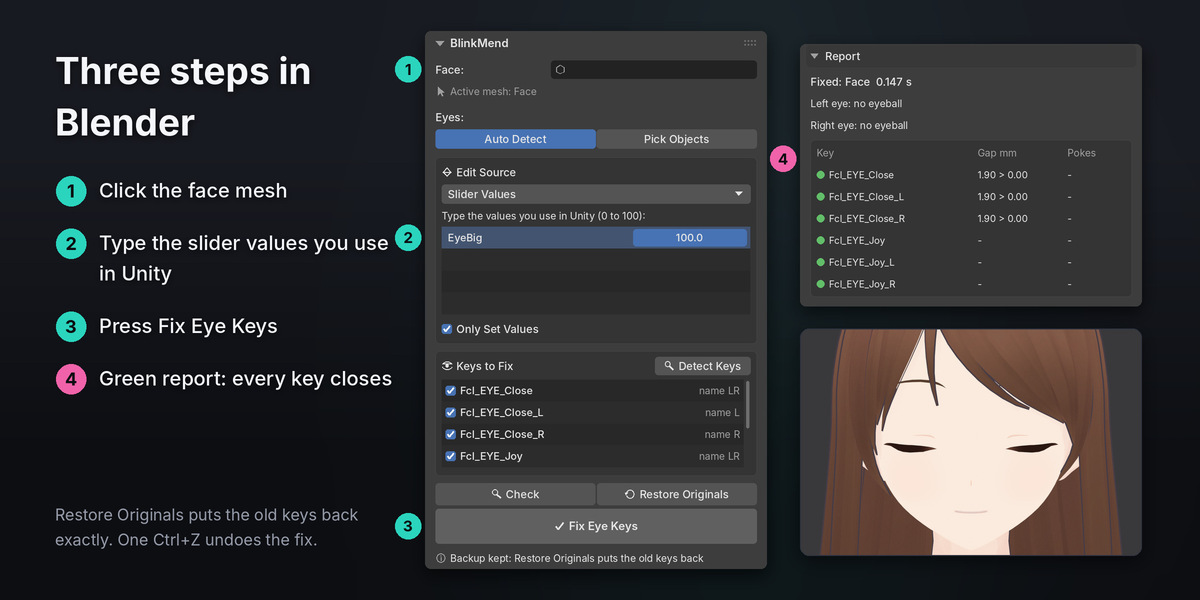
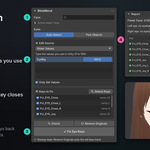
No. BlinkMend works in Blender on the mesh itself. You only type the slider values you use in Unity.
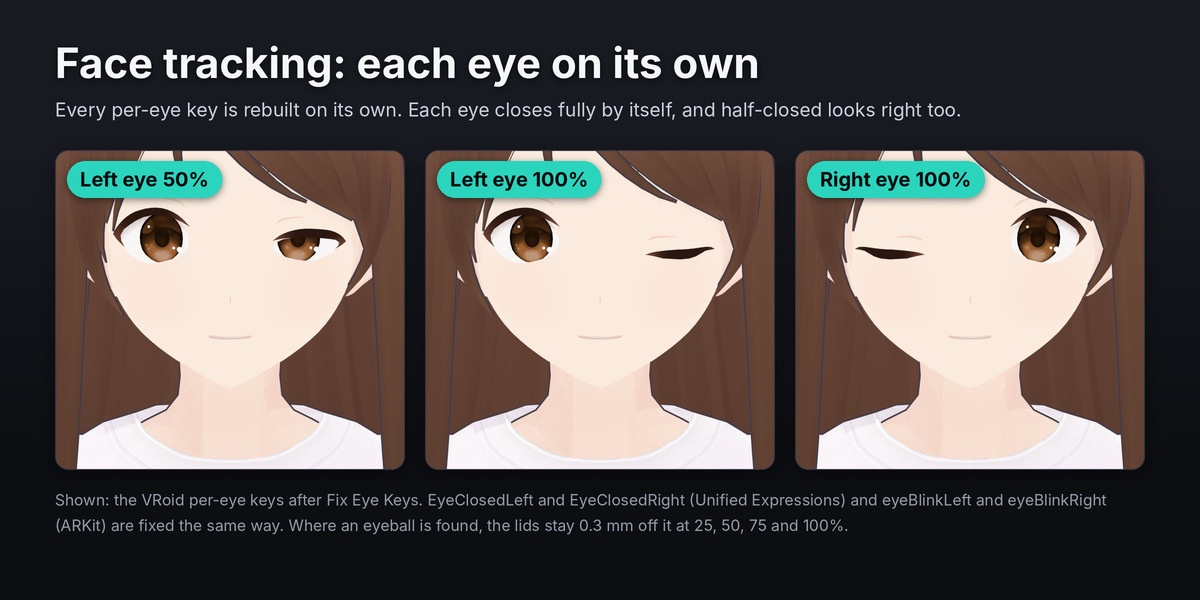
I use face tracking. Does it fix EyeClosedLeft and eyeBlinkLeft?
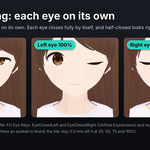
Yes. Unified Expressions, ARKit and SRanipal eye keys are found by name and fixed with the rest, each eye on its own. Where an eyeball is found, the lids are checked at 25, 50, 75 and 100 percent, so partly closed eyes stay off the eyeball.
Will it change my other expressions?
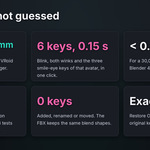
No. Only the eye-closing keys you tick change. With Bake Edit into Basis the Basis changes too, and every other key keeps its final shape.
My eyes are separate objects. Does that work?
Yes. Auto Detect finds eye objects near the face. You can also pick them.
What if I change my sliders later?
Type the new values and press Fix Eye Keys again. BlinkMend starts from the saved originals, so fixes never stack.
Can I go back?
Yes. Restore Originals puts the old keys back exactly, and one Ctrl+Z undoes the fix.
Which Blender versions?
Blender 4.2 to 5.2. Tested on 4.2.23 LTS and 5.2.2 LTS.
Have questions about this product?
Login to message
| Blender Extension Compatible | Yes |
| Published | about 3 hours ago |
| Blender Version | 4.2 - 5.2 |
| Extension Type | Add-on |
| License | GPL |

Discover more products like this
fix avatar booth facial shape keys ARKit blink unified expressions face-tracking mmd eyelids vrchat