 The Souk Galaxy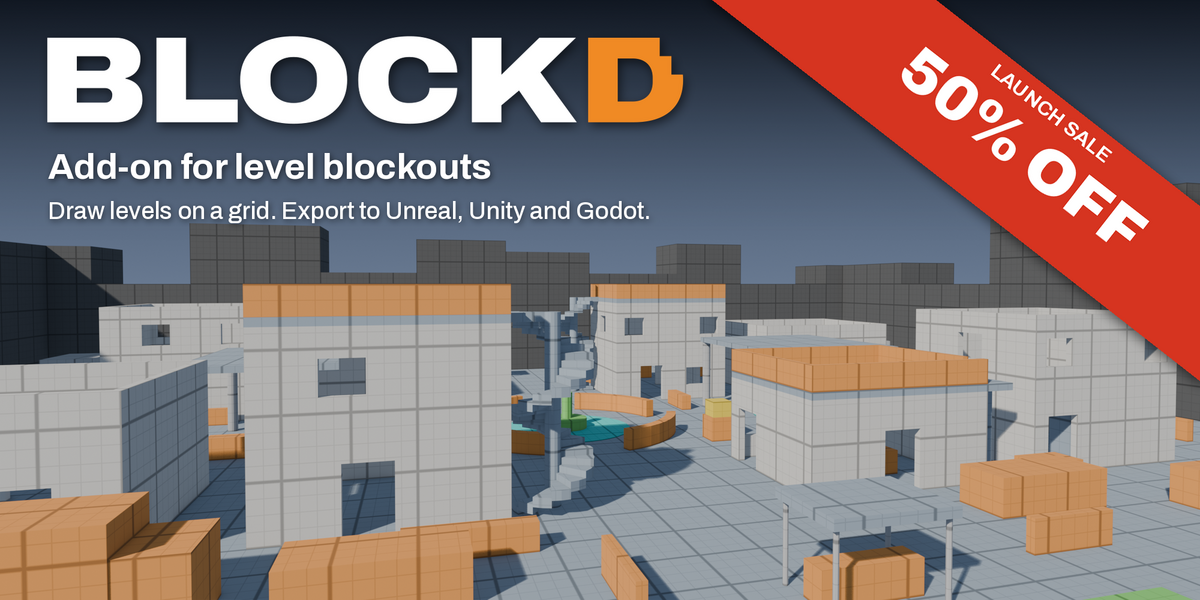
LAUNCH SALE: 50% OFF
For the first two weeks after release.
Blockd is a Blender add-on for blocking out game levels. Draw walls, floors, stairs and doorways on the grid, size them from your player's metrics, and export the meshes with collision to Unreal, Unity or Godot.
Drawing
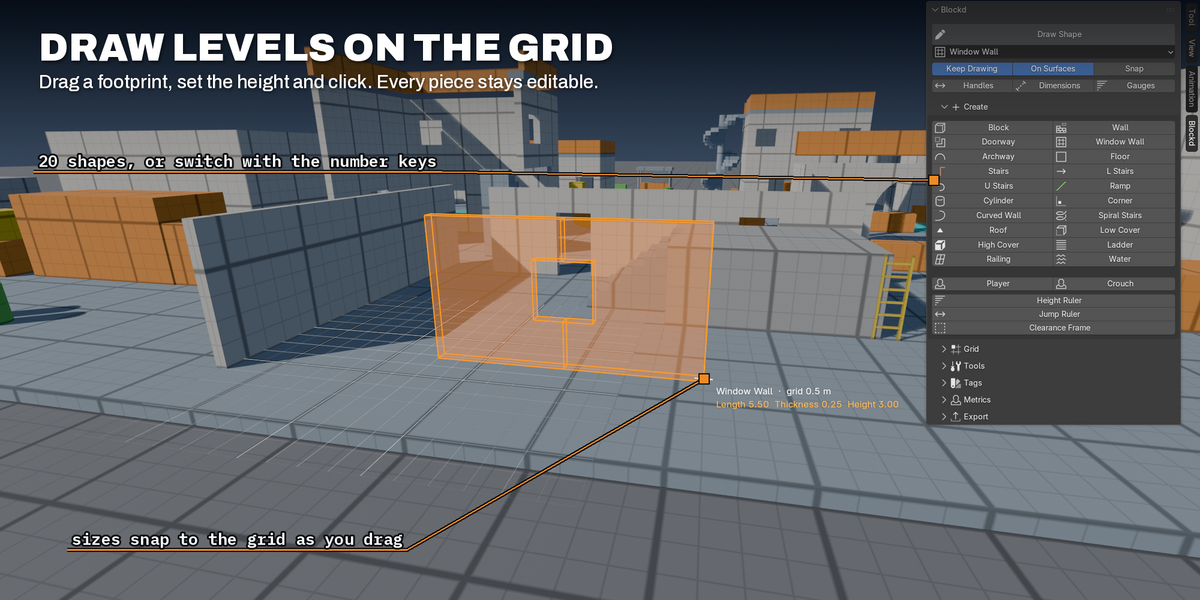
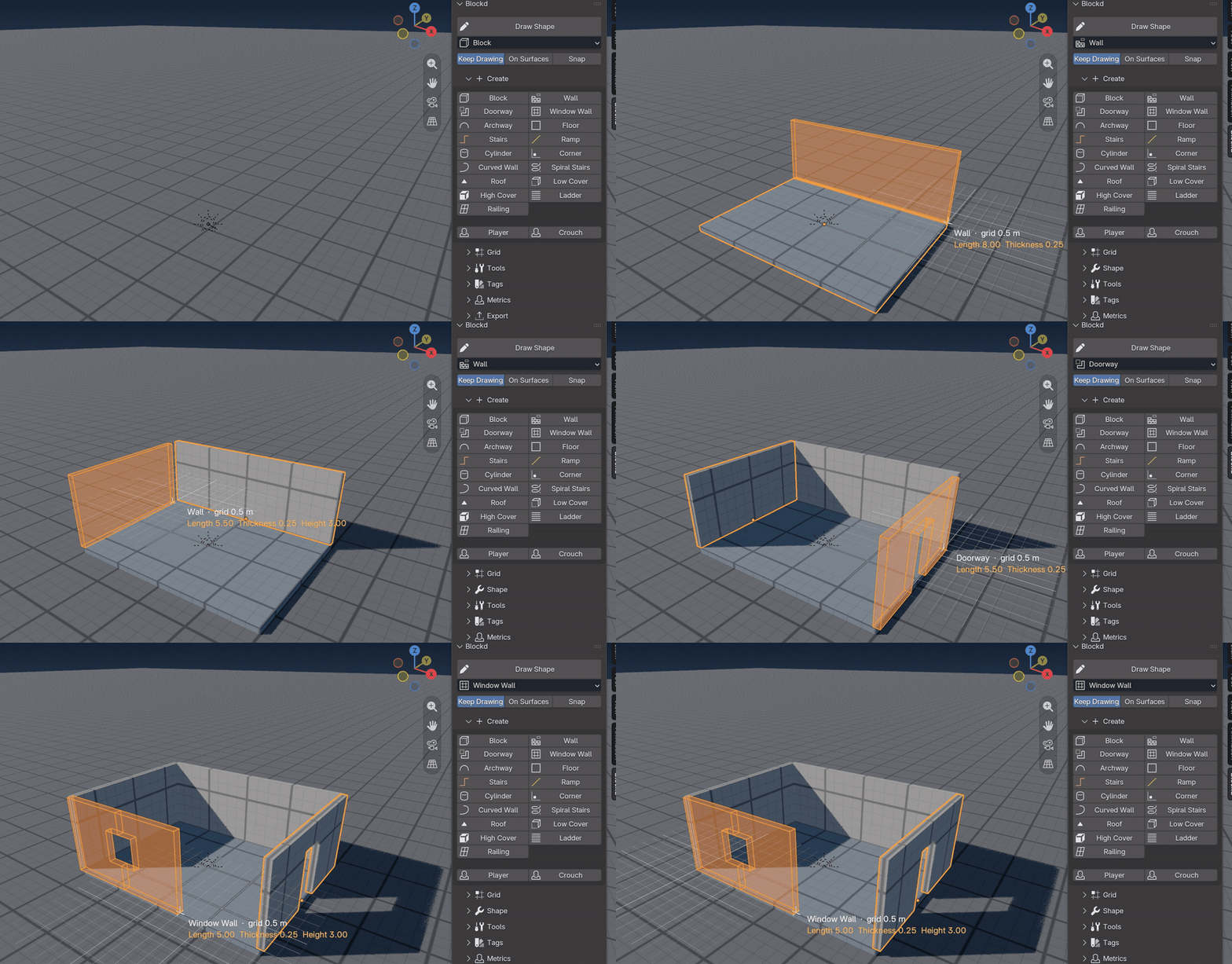
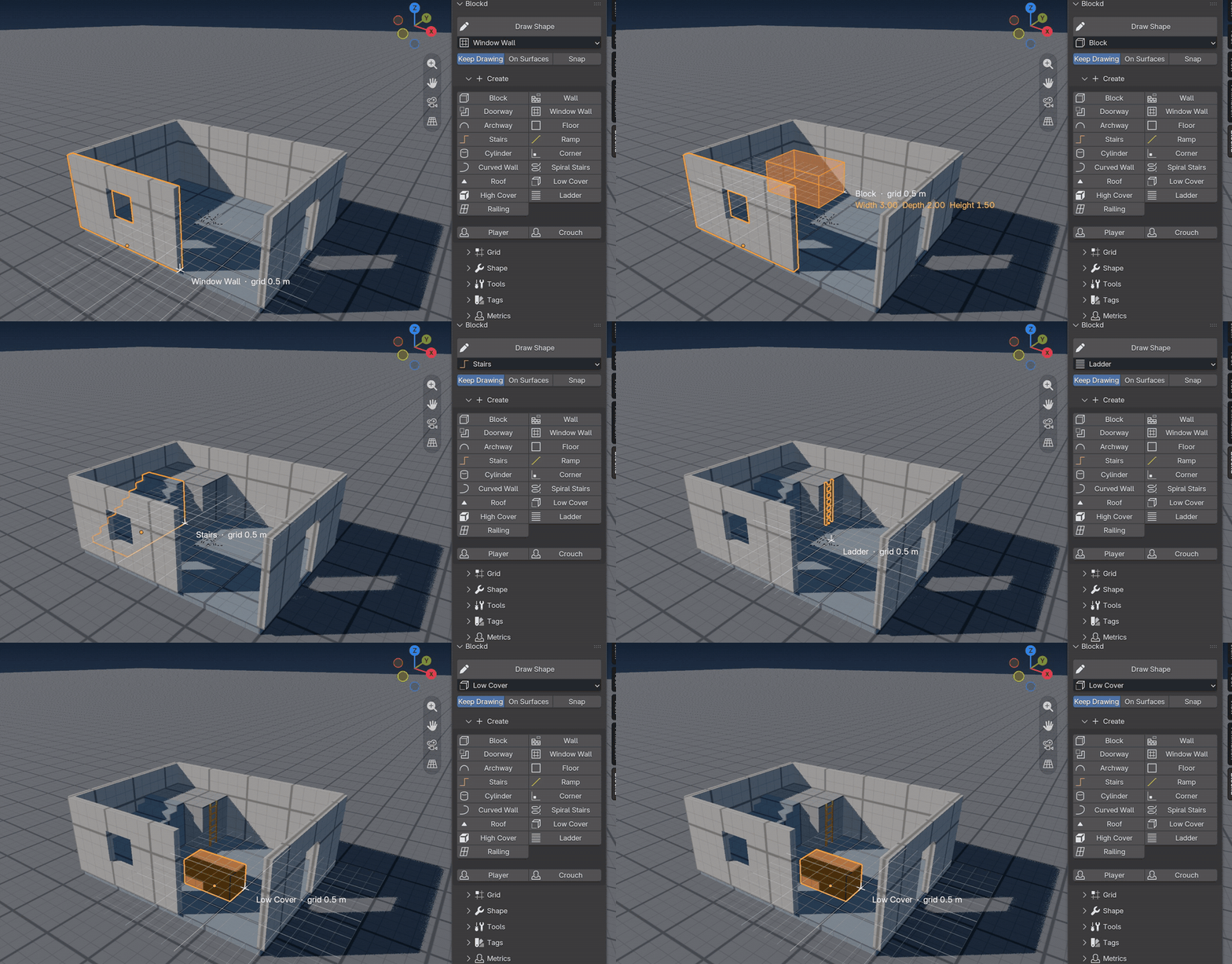
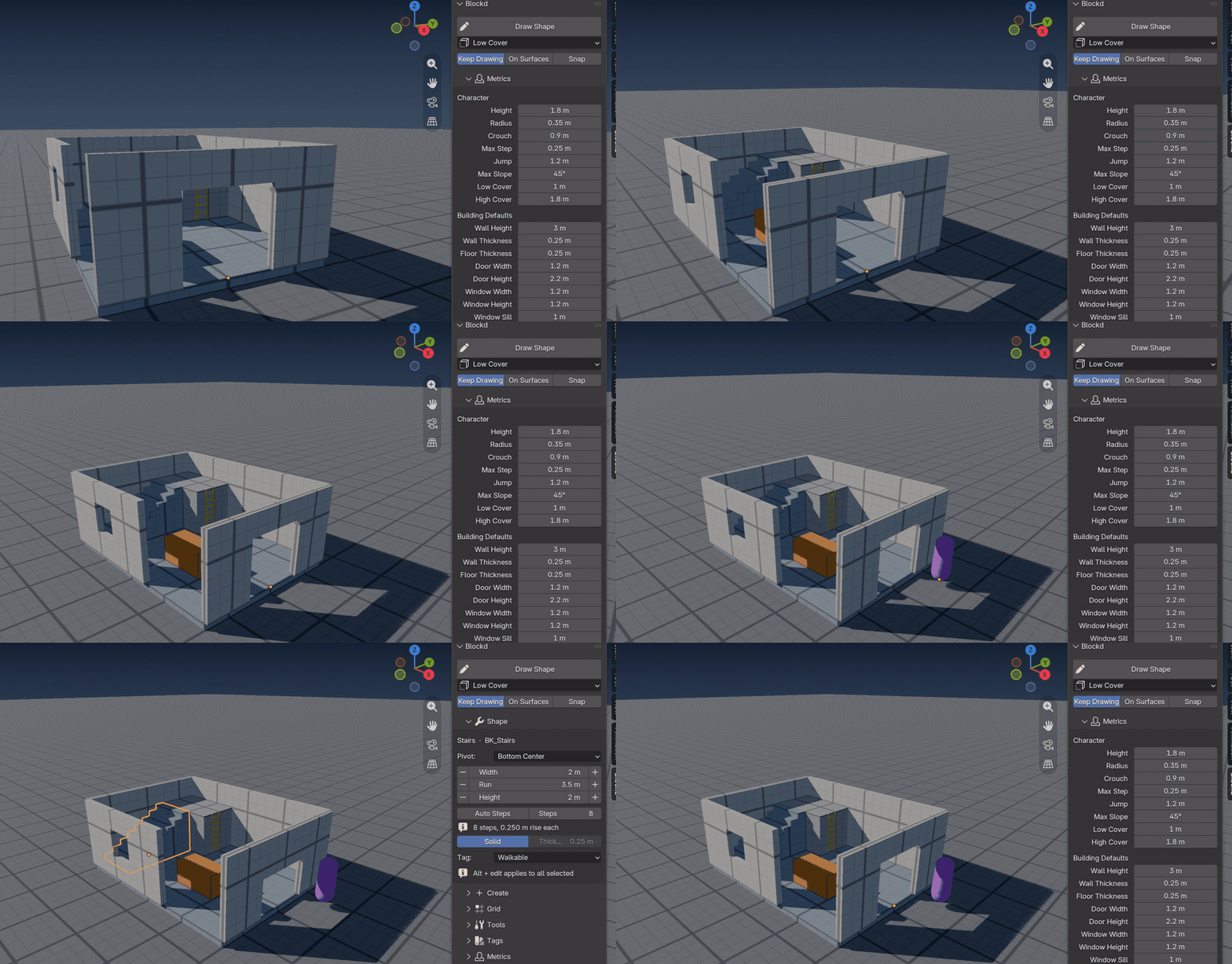
Pick Blockd Draw in the toolbar, or press Shift+Alt+D. Drag a footprint, pull up the height and click. Keep Drawing is on by default, so you can start the next piece right away. Shapes snap to the grid and to the corners of what is already in the scene. Press [ or ] to halve or double the grid size while you draw.
Rooms and connected walls
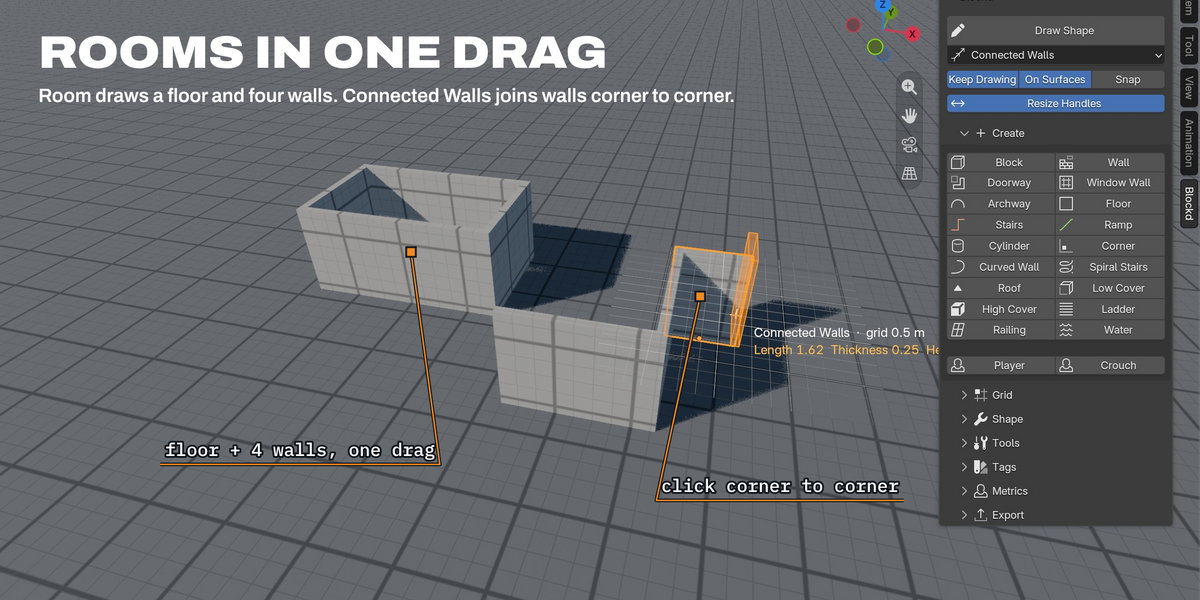
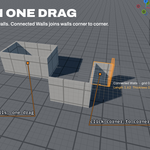
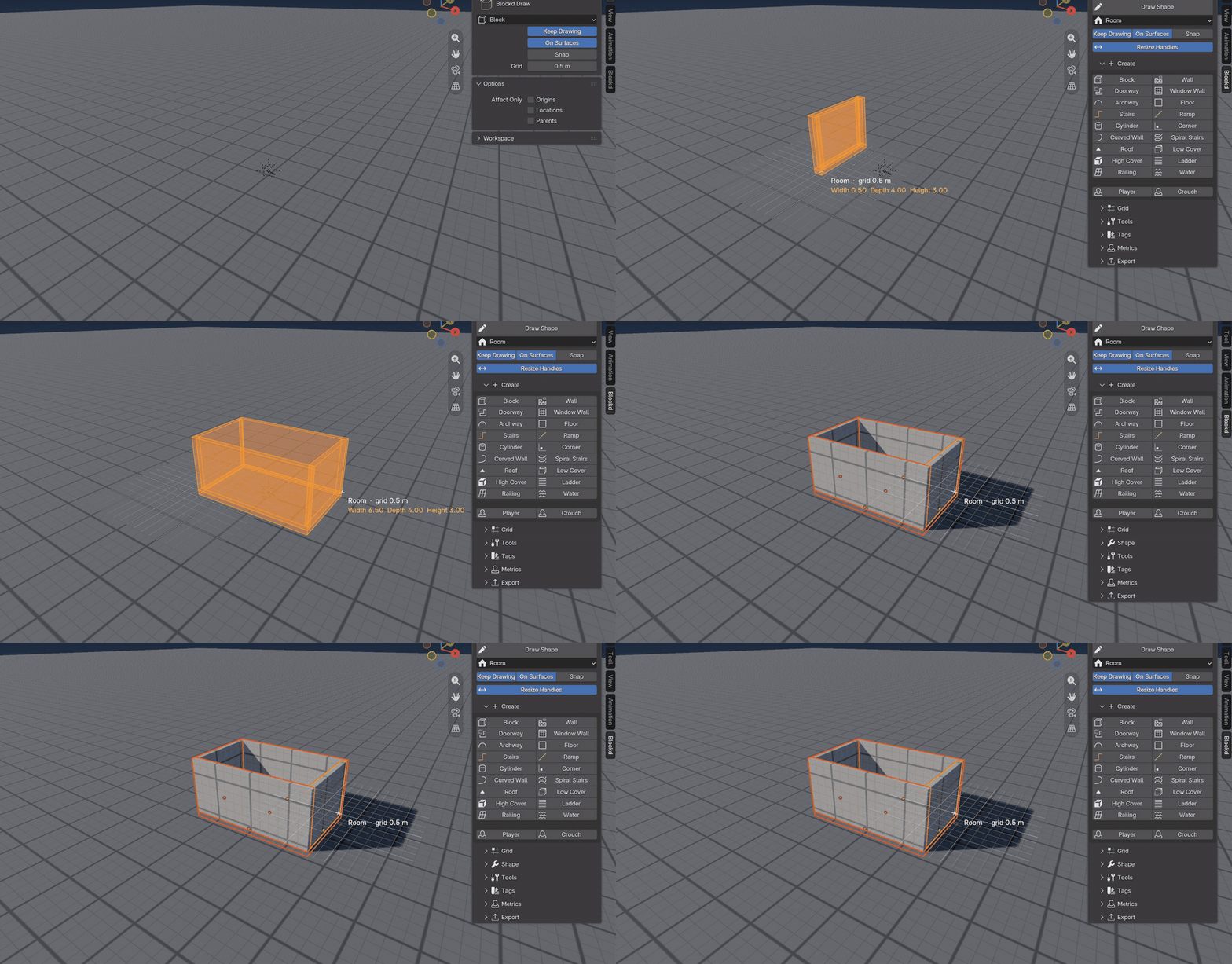
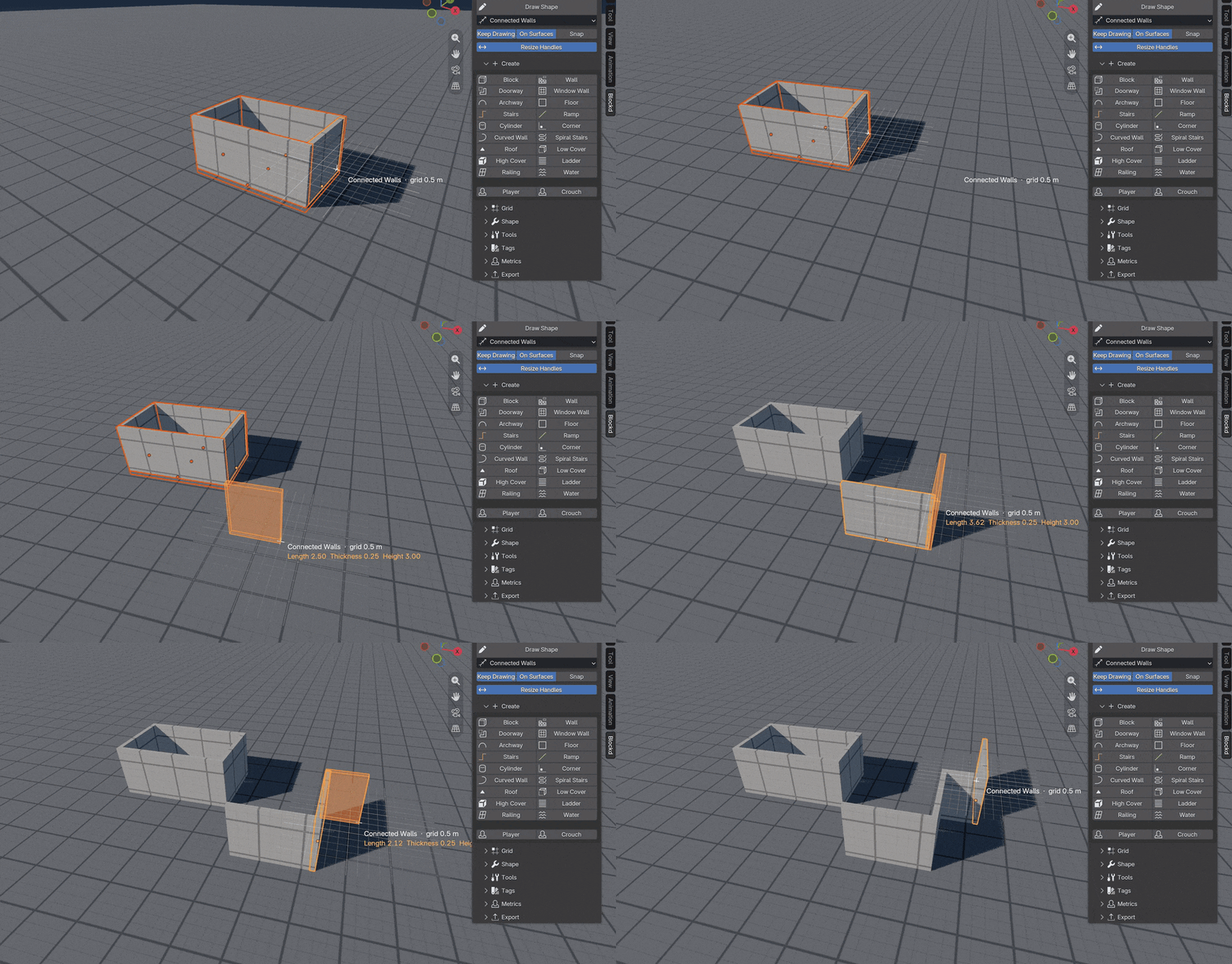
Room draws a floor and four walls in one drag, with the wall height and thickness from your building defaults. Connected Walls draws joined walls from corner to corner and closes the corners for you.
Drawing on walls
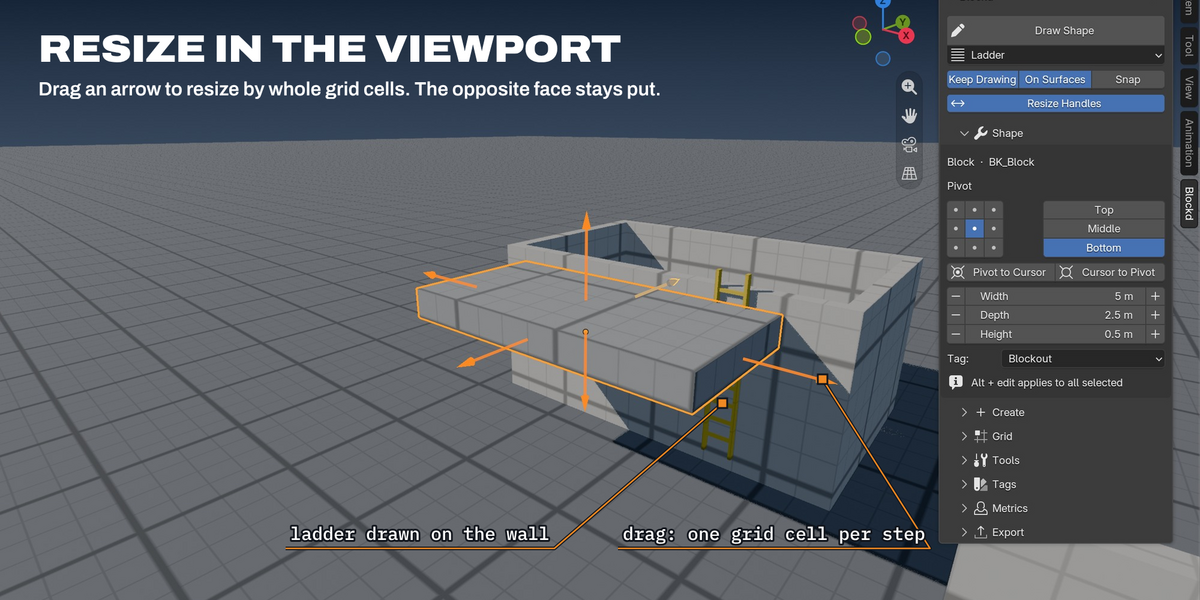
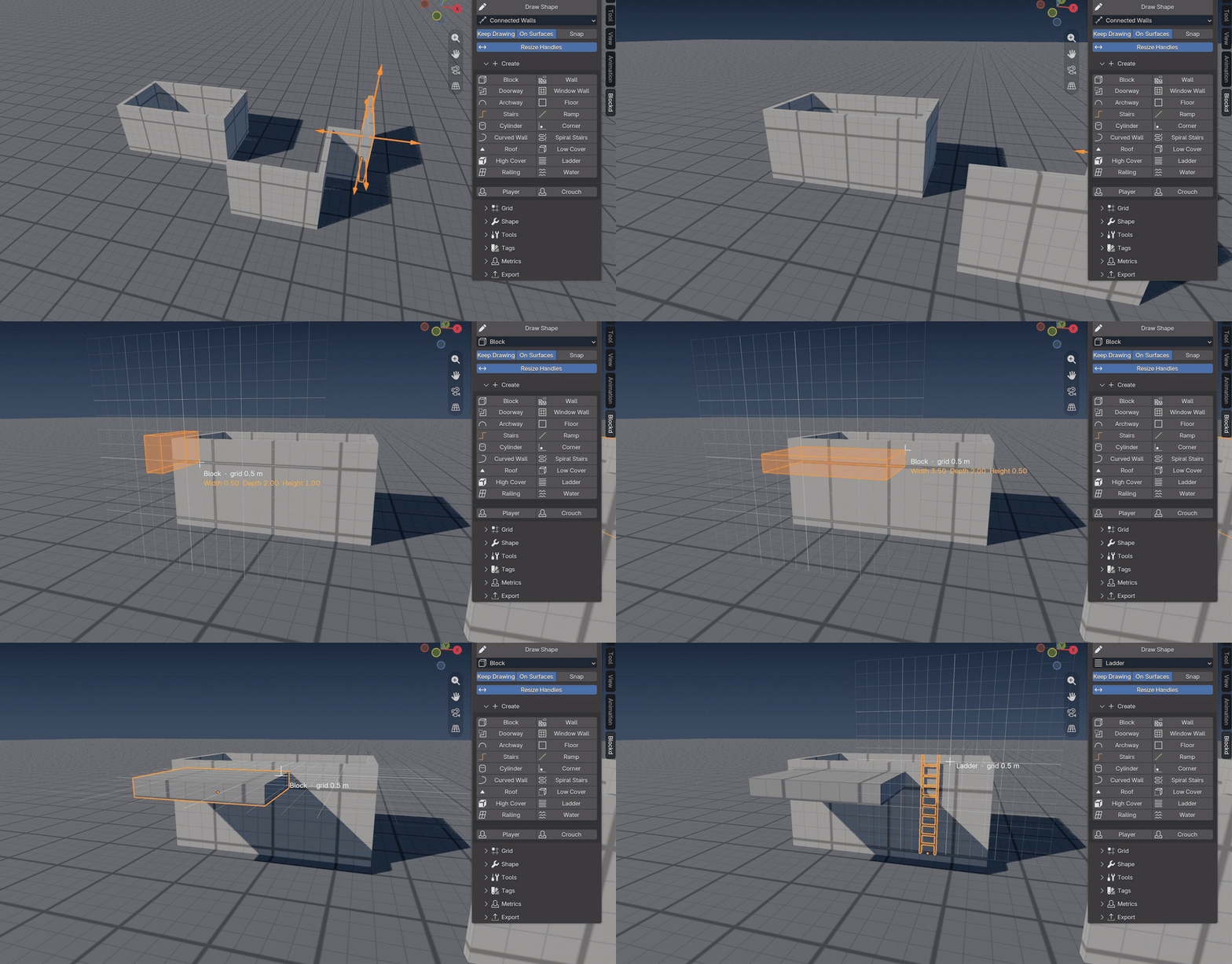
Draw against the side of a wall: ledges, pillars, facade pieces and ladders stand on the wall, and you pull them out to the depth you want.
20 shapes
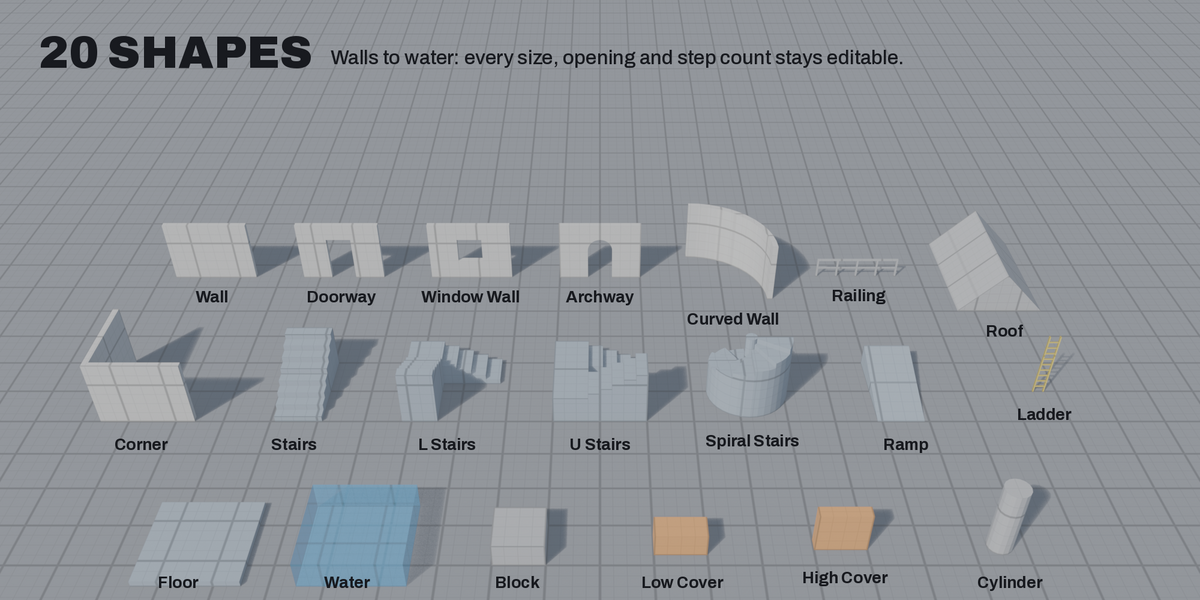
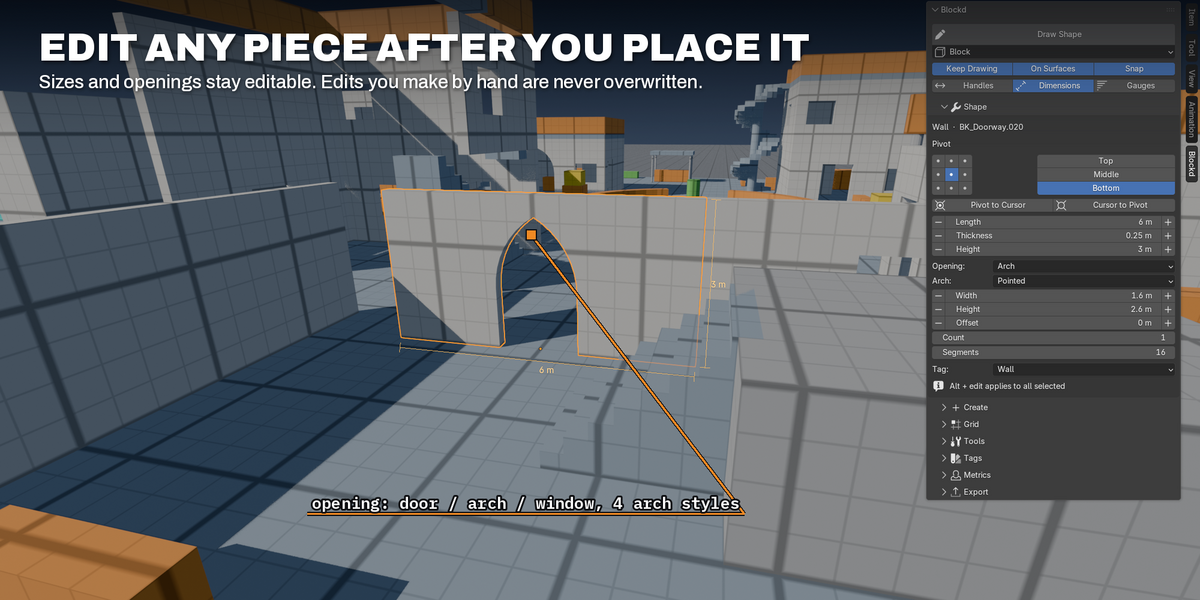
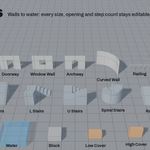
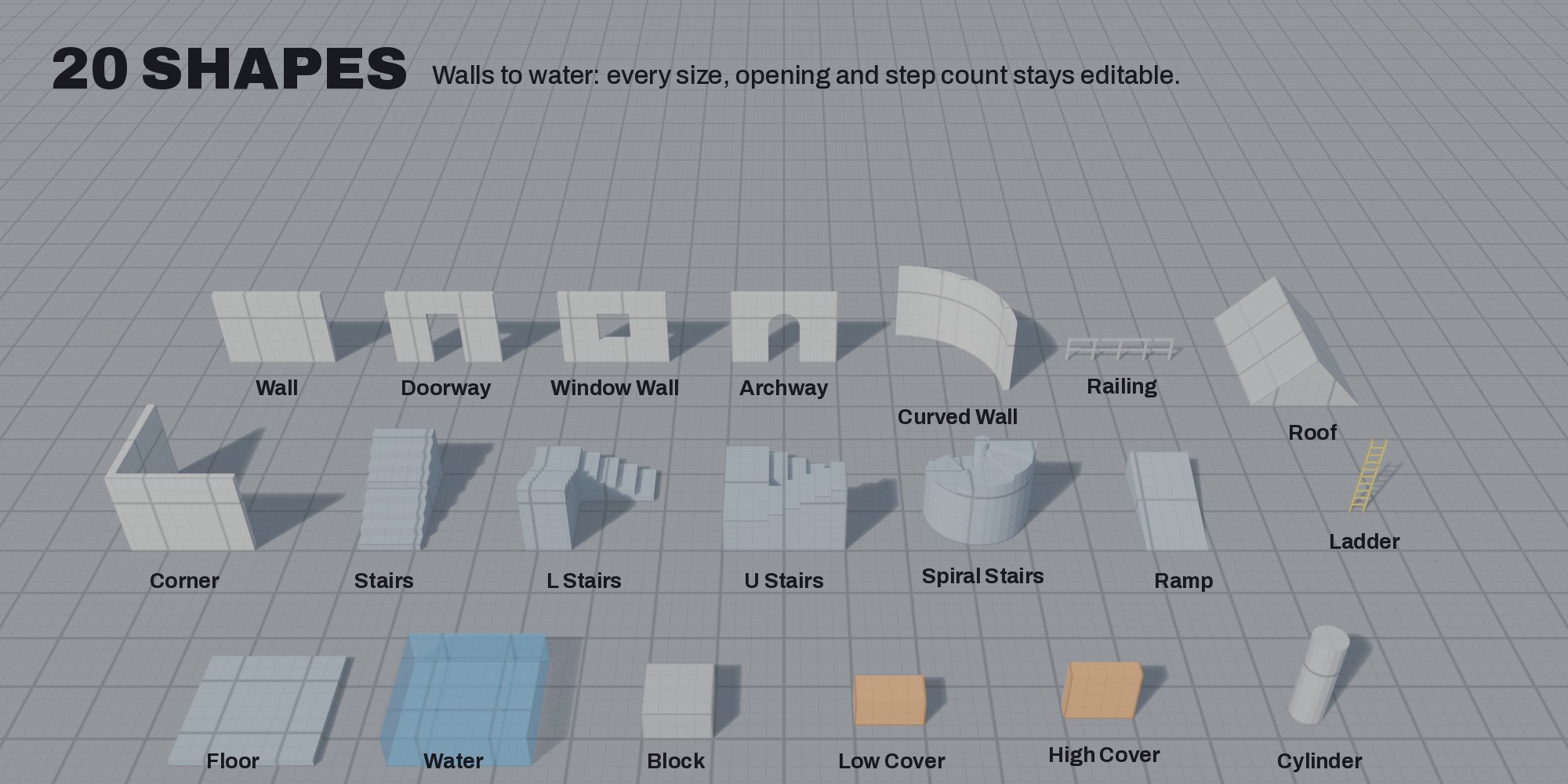
Blockd has 20 shapes: walls, doorways, window walls, archways in four styles, floors, straight, L, U and spiral stairs, ramps, ladders, railings, roofs, cover and water. Switch shapes with the number keys without leaving the tool. Walls can hold several doors or windows: set a count for a row of windows or an arcade.
Resize handles
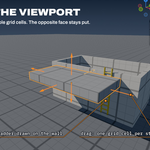
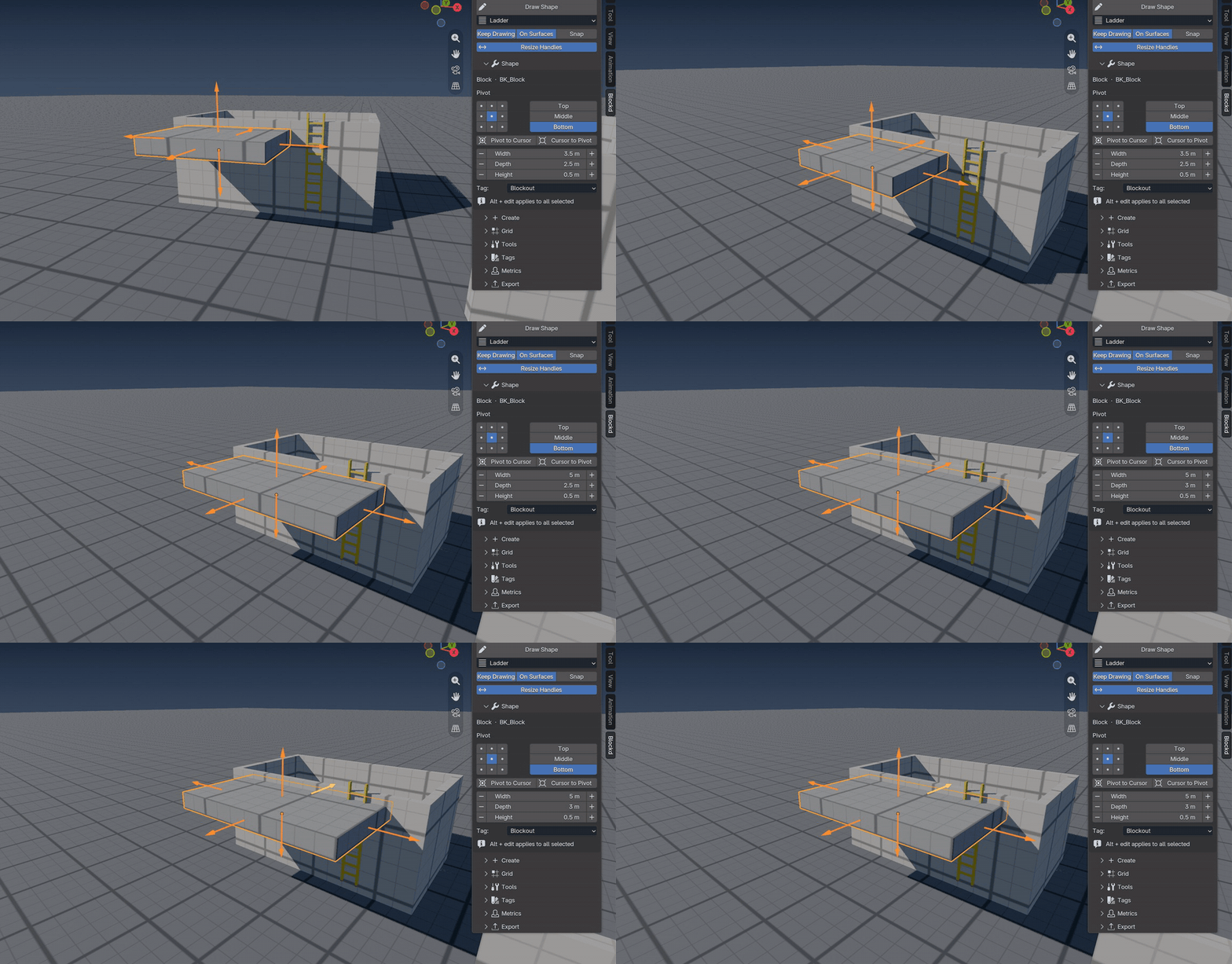
Drag the arrows on any face to resize a shape in the viewport, one grid cell at a time. The opposite face stays where it is.
Editing
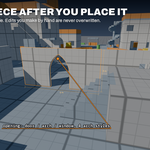
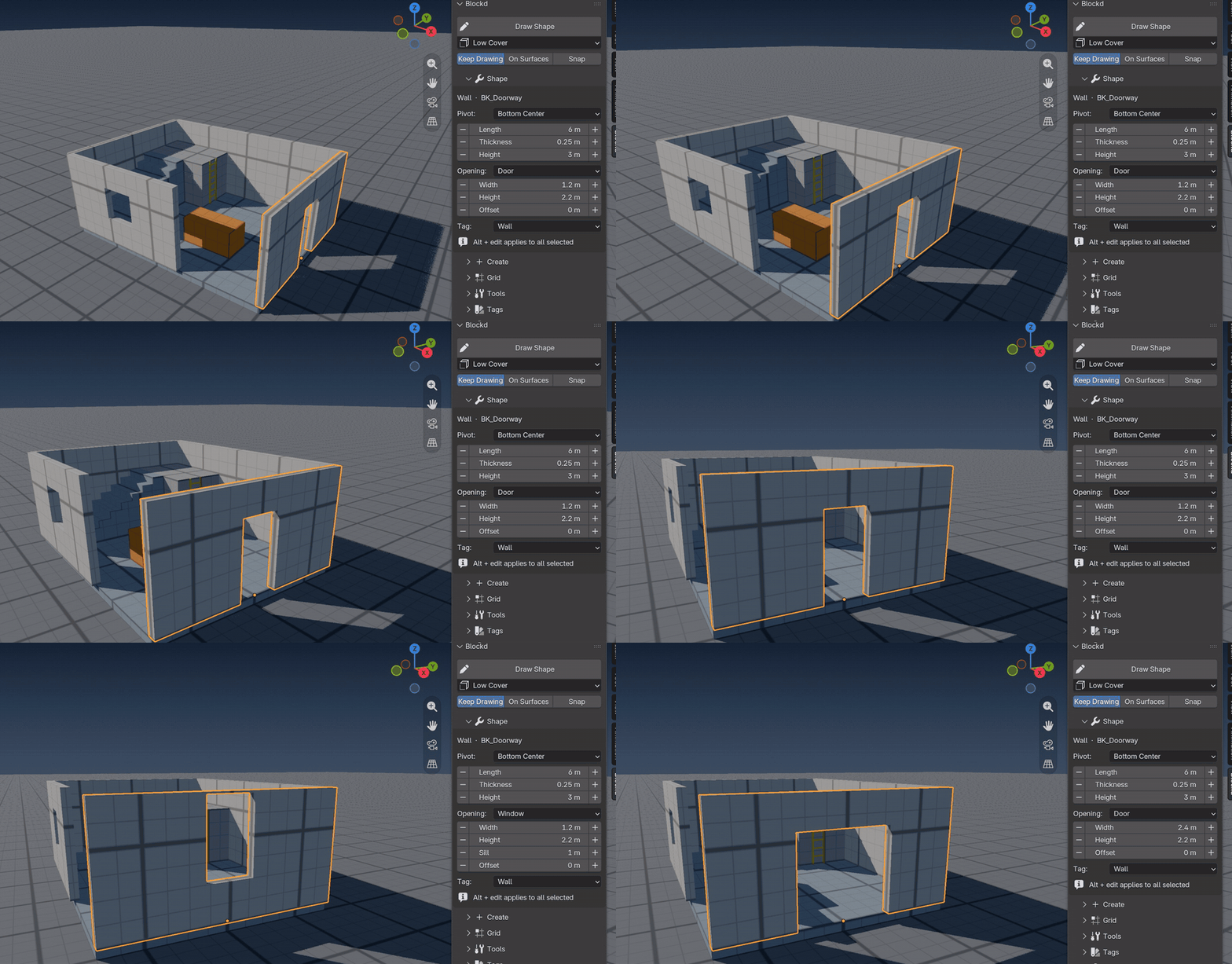
Every piece keeps its parameters. Change a wall's length, swap a door for a pointed arch, add steps, or resize by exactly one grid cell. Hold Alt while you change a value to change every selected piece at once. Linked copies update together. A piece you change in Edit Mode is never rebuilt over your edits: keep them as a mesh, or reset the shape. Dimension labels show the width, depth and height of the selected pieces in the viewport.
Step and jump gauges
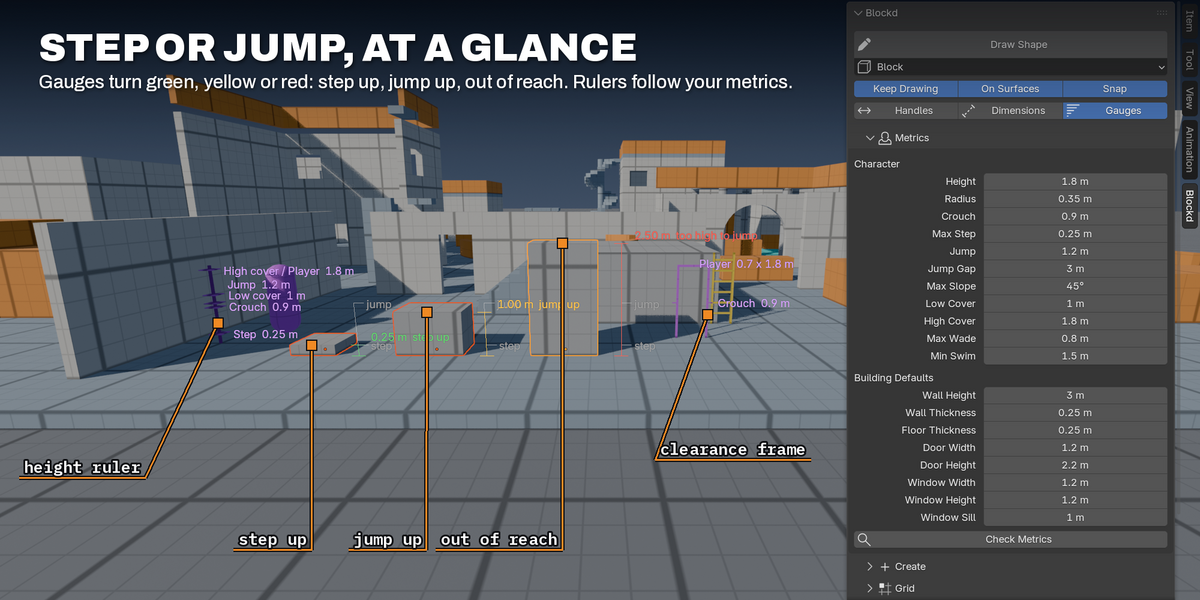
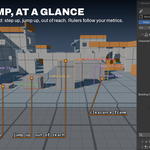
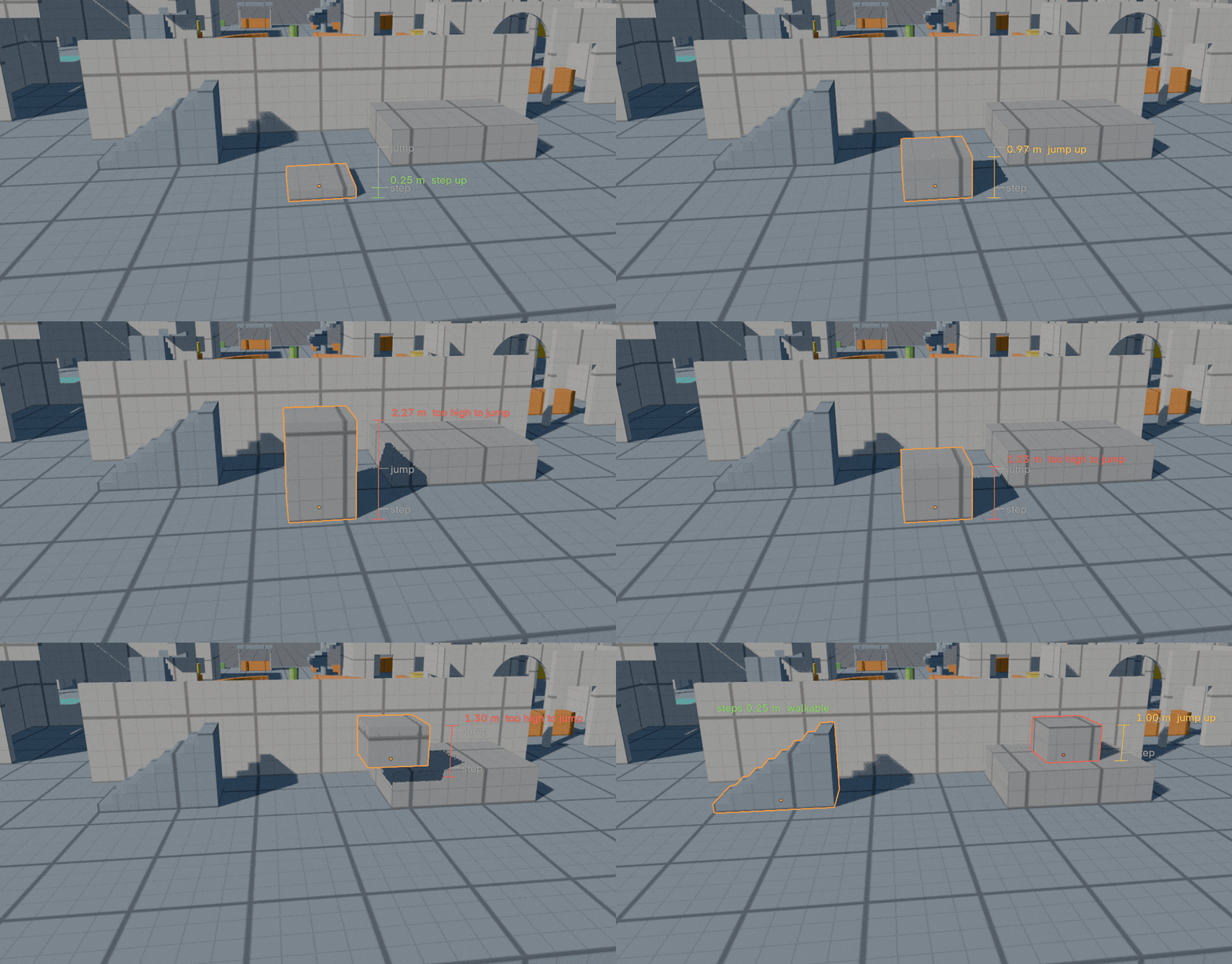
Select a piece and a gauge beside it shows whether the player can step up onto it (green), jump up onto it (yellow) or neither (red), measured from the surface it stands on. Stairs show their step height and ramps their slope.
Player metrics
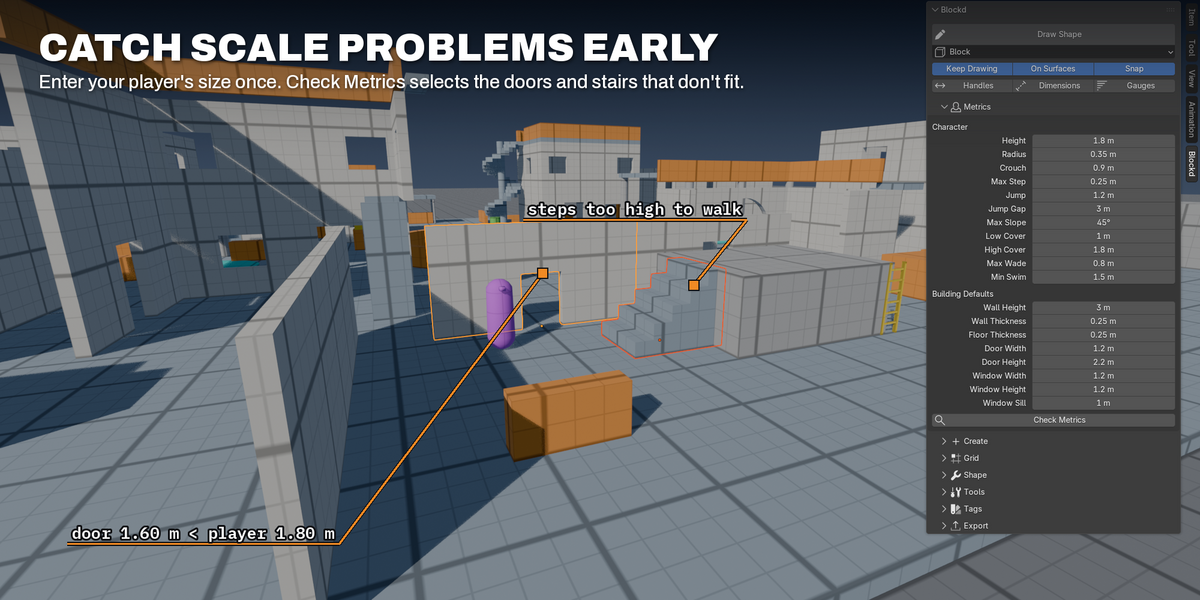
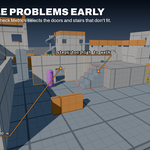
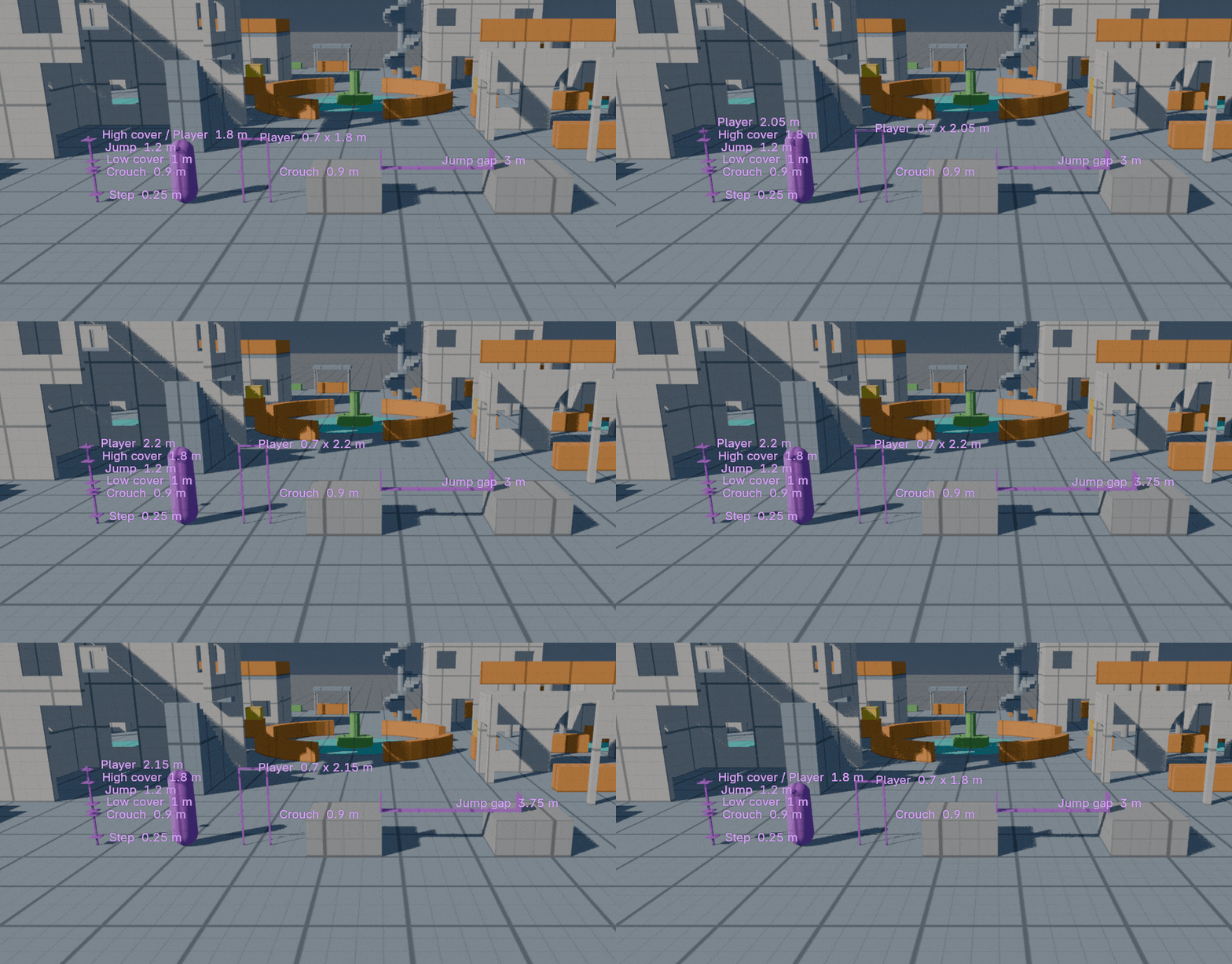
Enter your player's height, radius, step, jump, jump gap and slope once. Stairs take their step count from the max step height, and Check Metrics selects the doors, stairs, ramps, cover and water that don't fit. Player capsules, a height ruler, a jump ruler and a clearance frame resize when you change the metrics, and they are never exported.
Gameplay tags
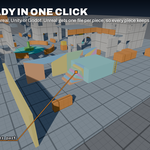
Eleven tags give each piece a gameplay meaning and a color: blockout, walkable, wall, cover, climbable, interactive, hazard, trigger, prop, out of bounds and water. The grid materials work in world space, so lines stay true to the grid whatever the size of a piece, and the tag colors carry into your engine. Select every piece with a given tag in one click.
Export
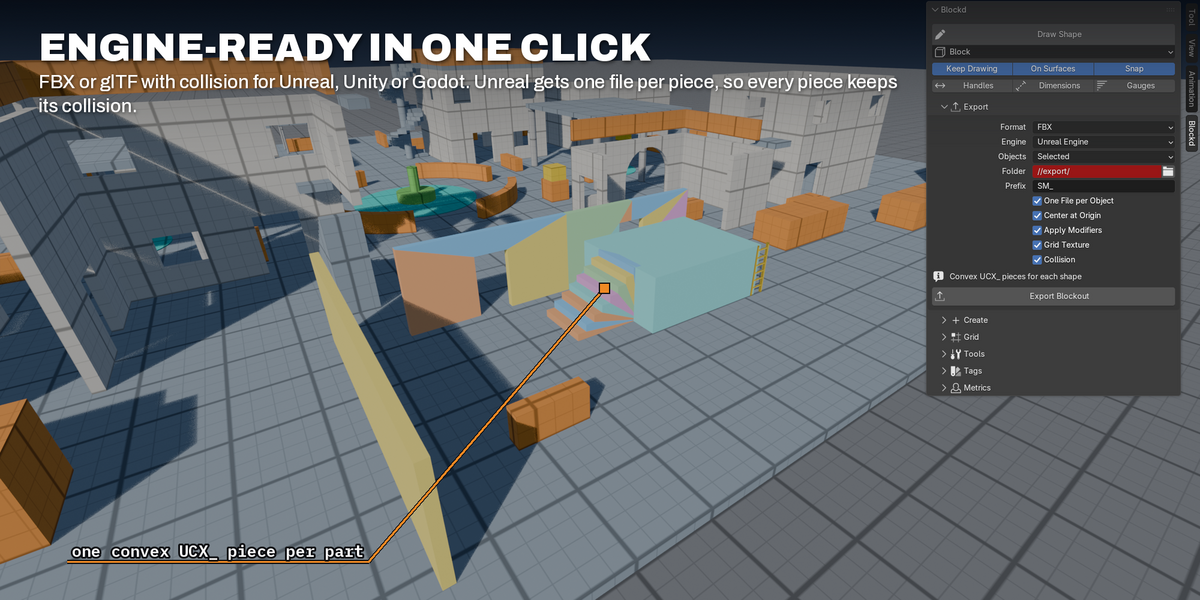
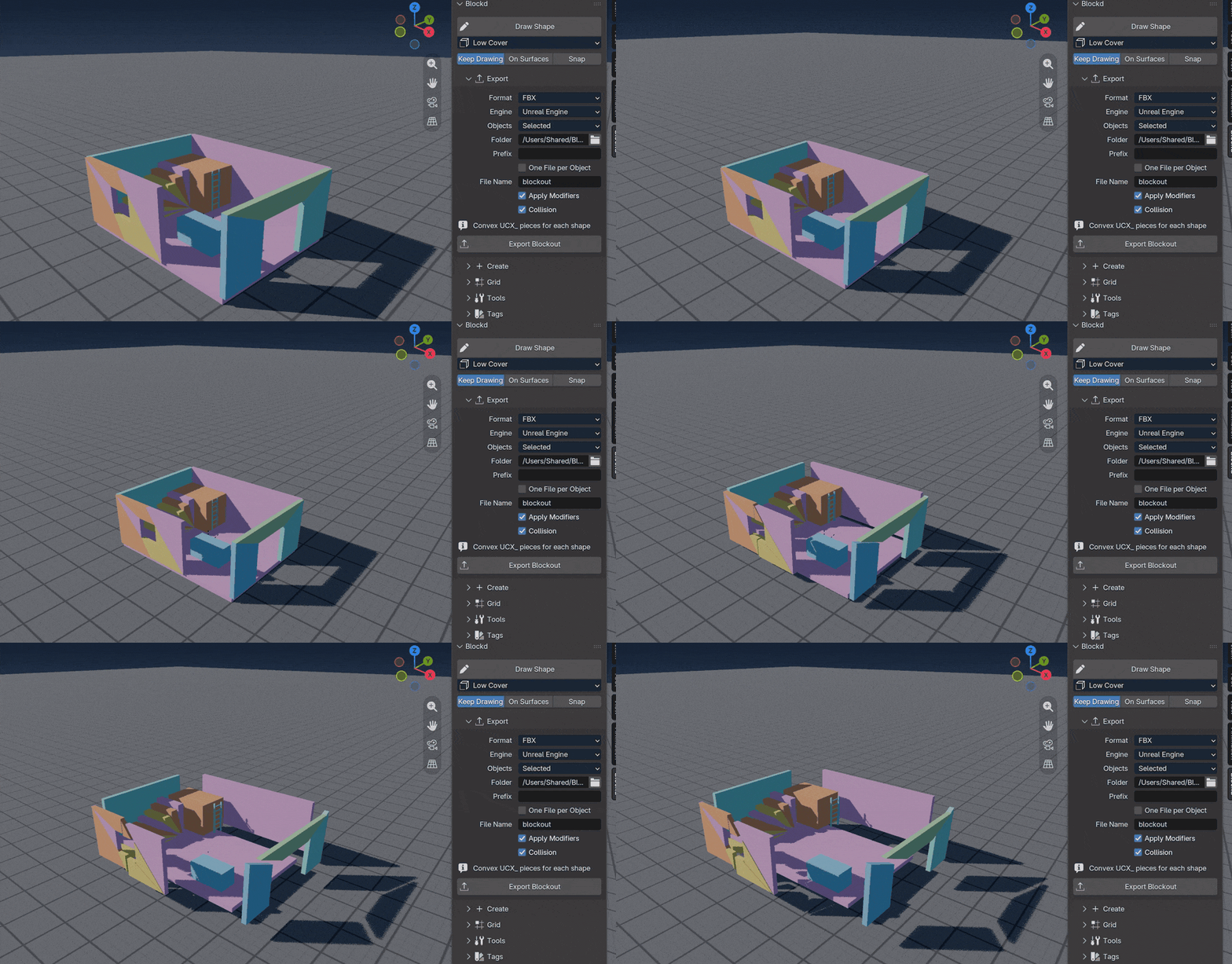
Export FBX or glTF with presets for Unreal, Unity and Godot. Blockd writes convex UCX_ collision for Unreal, one file per piece so Unreal imports every piece's collision, and -col meshes for Godot. It embeds the grid as a texture so the engine shows the same grid as Blender, and adds your file prefix. Grid steps come in Unreal centimeters too.
Tested in Unity, Godot and Unreal
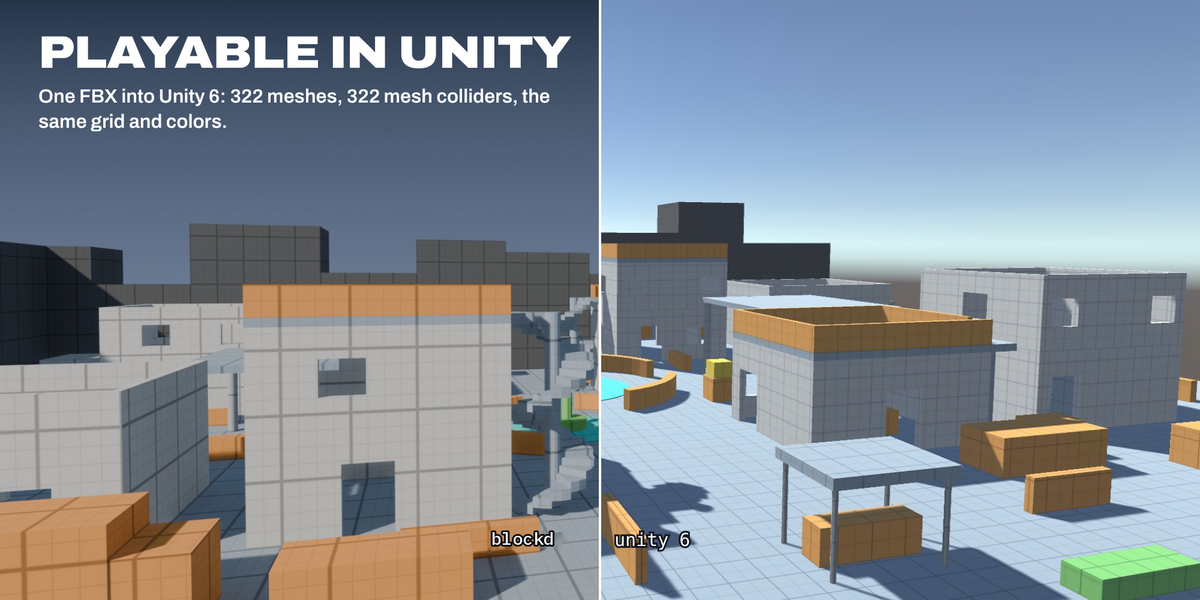
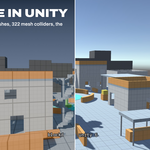
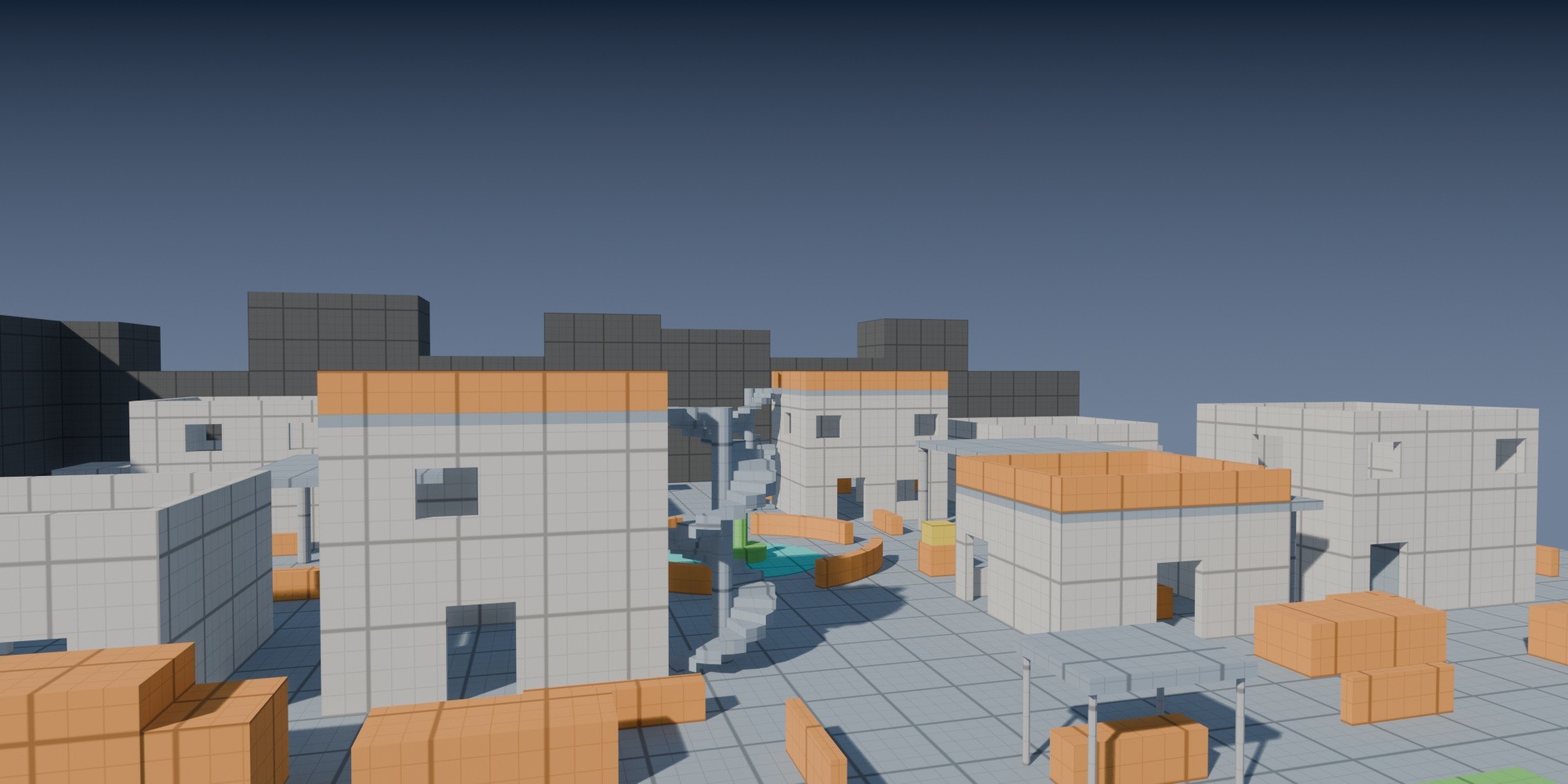
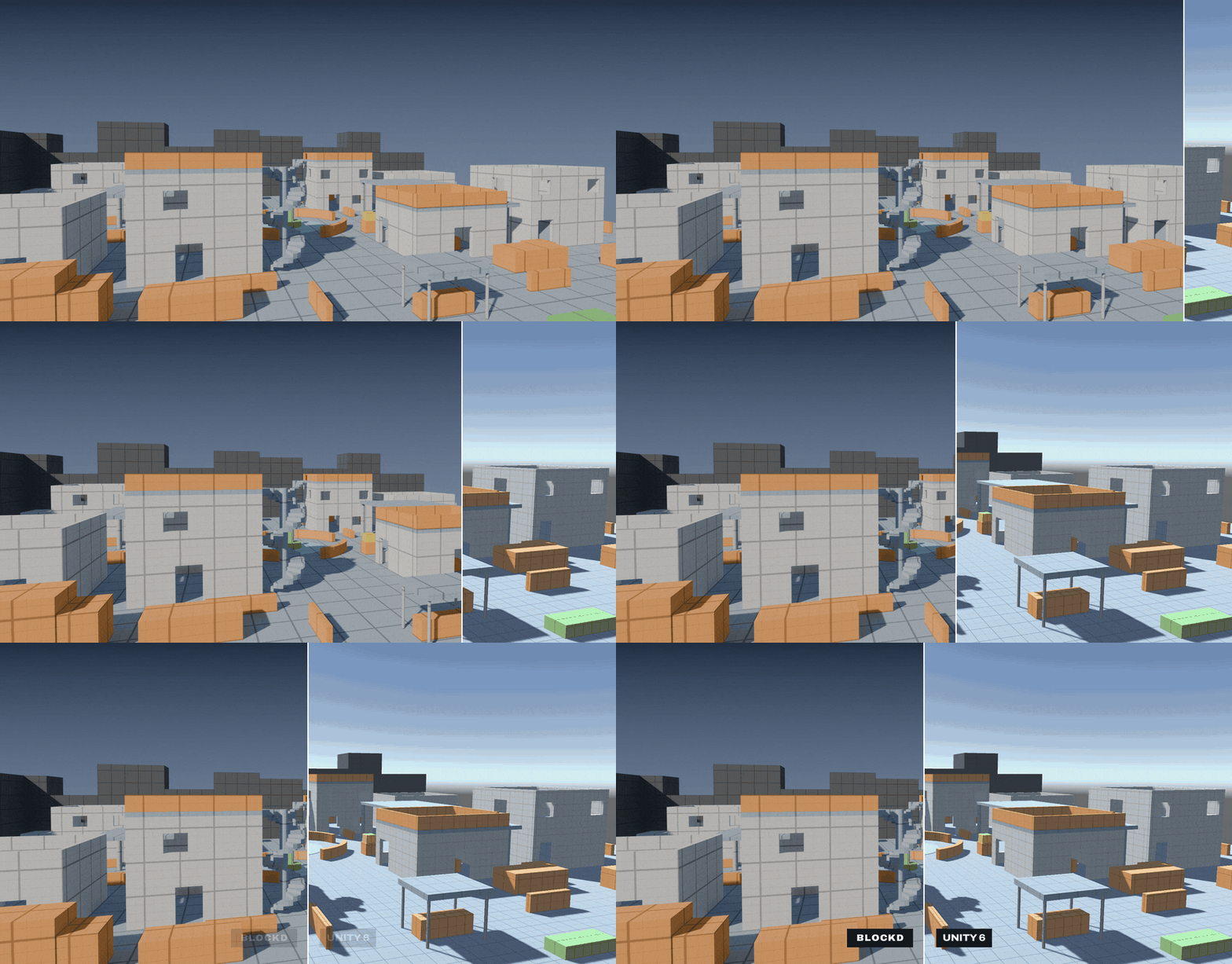
The demo level went into Unity 6 as one FBX: 322 meshes, 322 mesh colliders, tag colors and grid kept. In Godot 4.5, every solid piece imports with collision that matches its mesh, door and window openings included. In Unreal Engine, each piece imports with its UCX_ collision. Blockd is tested in Blender 4.2 LTS and 5.2 LTS on macOS, Windows and Linux.
Pivots
Place the pivot on any of 27 points of a piece's box, or put it on the 3D cursor for a door hinge. Set a default pivot for walls, floors and everything else, so pieces arrive in your engine with the origin your kit expects.
Cutters, tiling and kit pieces
Turn any object into a live cutter that moves with the piece it cuts. In Blender 4.5 and later, cutters use the faster Manifold boolean solver when both meshes are closed. Extend places a copy of a piece right next to it, cutters included, to tile walls and floors. Bake to Static Mesh turns a finished layout into plain meshes, and Mark as Kit Piece adds pieces to the Asset Browser with a preview, their tags and their size.
Included
- blockd-1.2.0.zip: the extension for Blender 4.2 LTS and later
- Blockd User Guide (PDF)
