 Orlando da silva souza


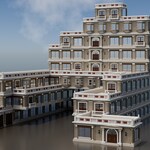




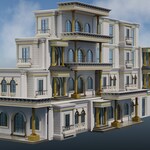


MODULAR MAGNETIC BLOCK ASSEMBLER
Assemble buildings from your own pieces, block by block
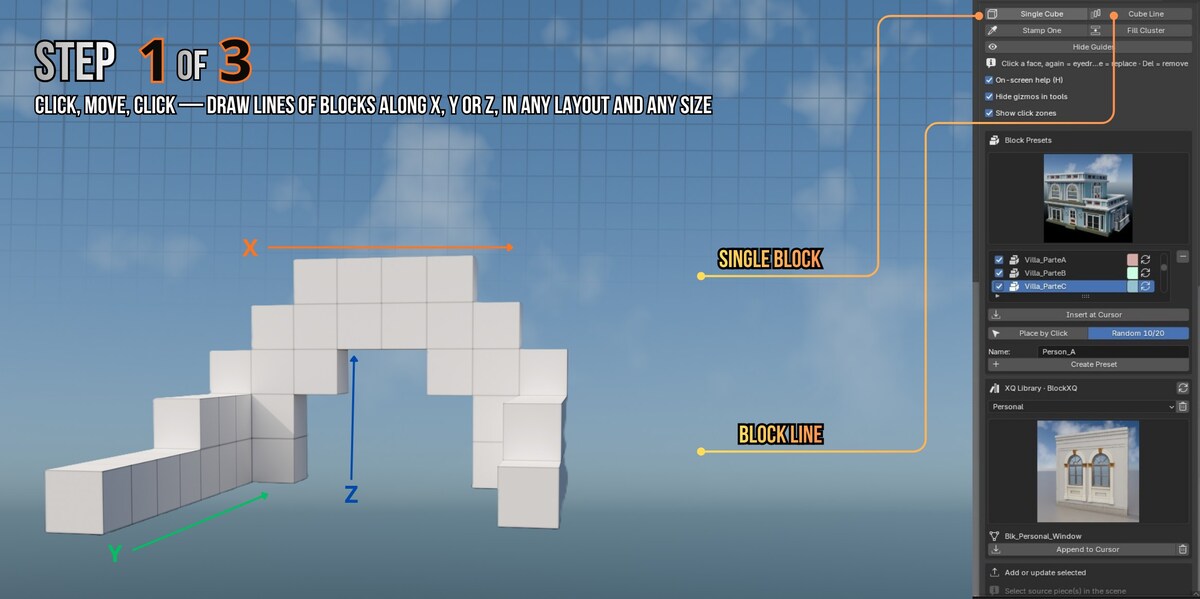
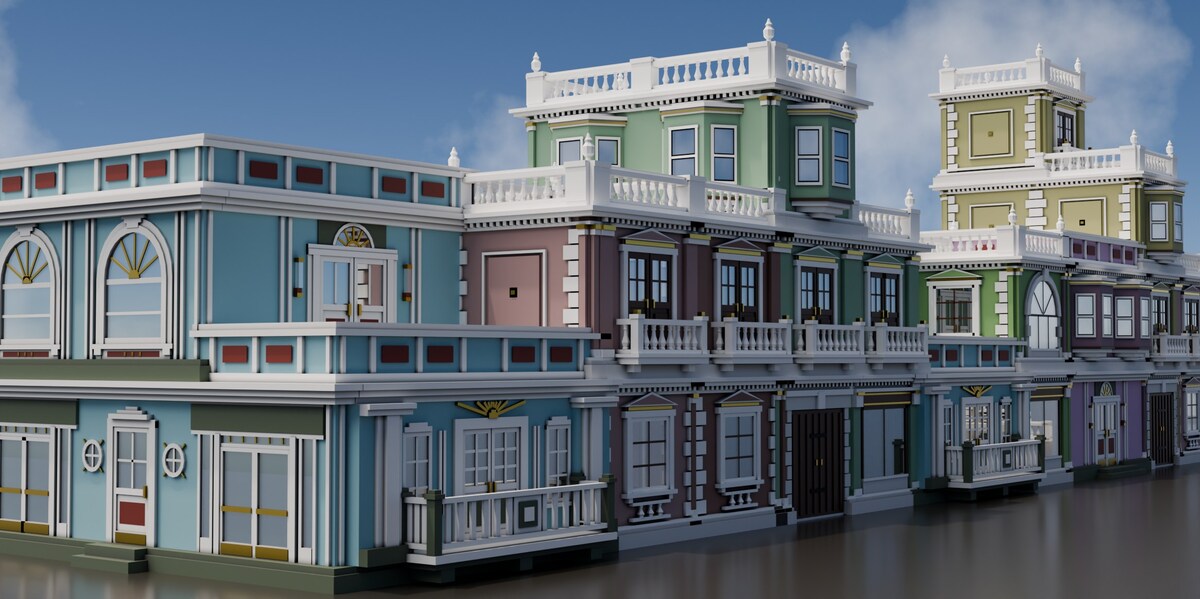
Drop magnetic blocks onto the grid, click a face, and your own piece lands there — facing outward, aligned, exactly where you clicked.
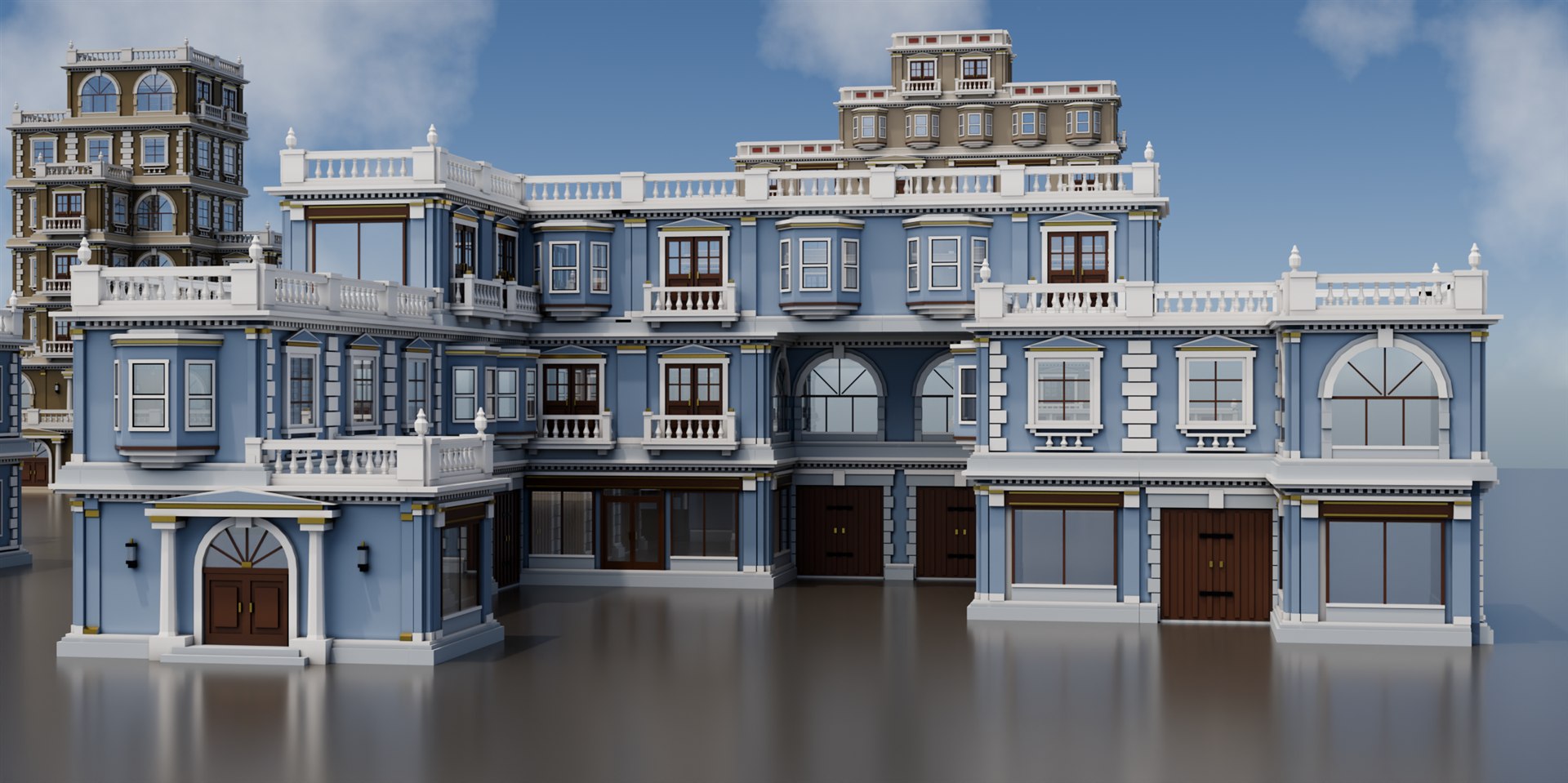
Why I made BlockXQ
I build generators. My other add-on, BuildXQ Craft, stacks a complete multi-storey building for you in seconds — and that is exactly what you want, most of the time.
But a generator decides the shape. Sooner or later you want the L-plan with the setback, the tower on the corner, the courtyard, the arcade under the first floor — and no set of parameters gets you there.
So BlockXQ works the other way around: you decide the shape, cube by cube, and it does the fiddly part. Every piece it places is yours — a window you modelled, a cornice you kit-bashed, a shopfront from your own library.
See it work
Short loops of the real thing. Under each one, the full step on video.
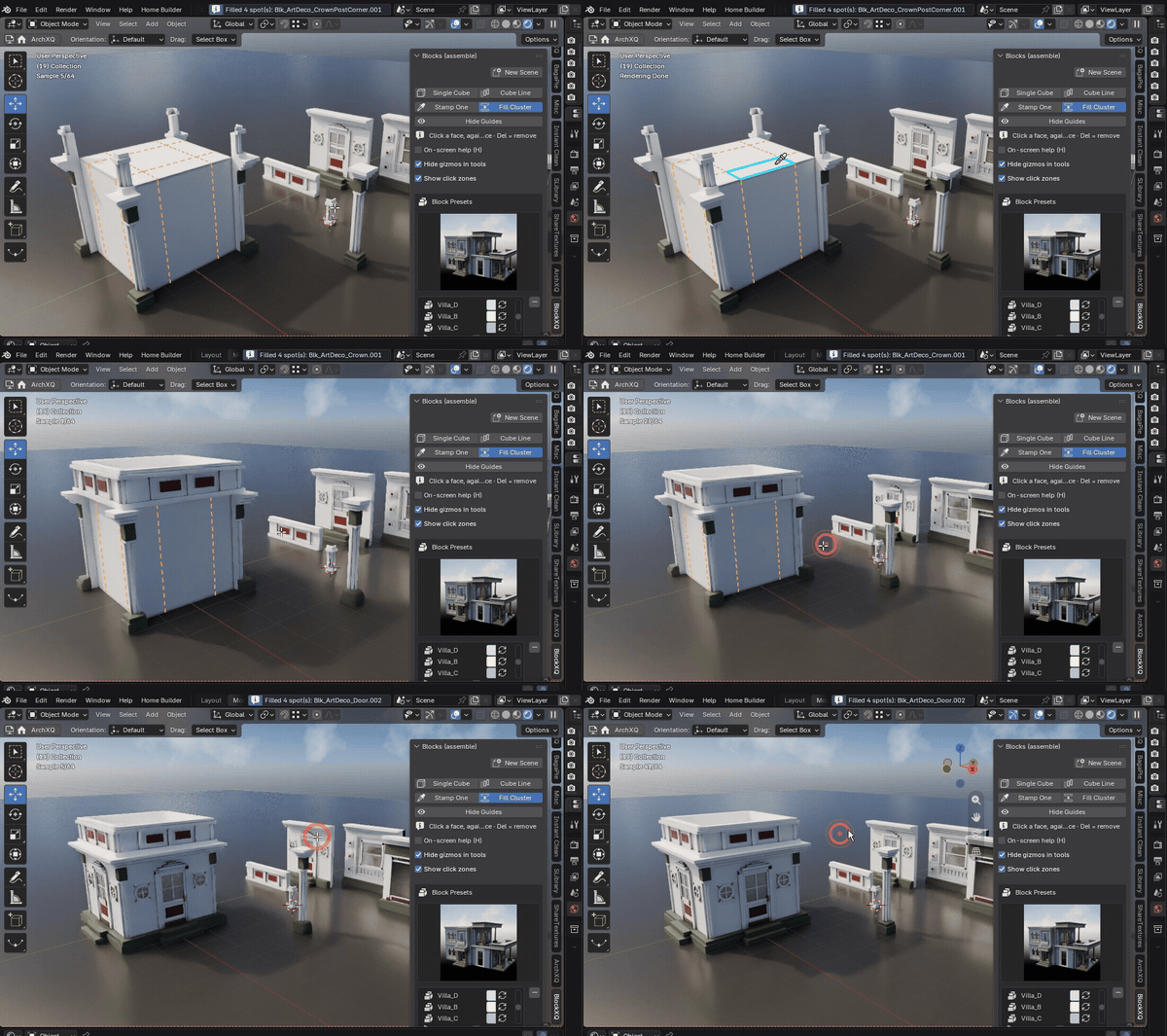
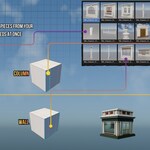
The whole idea. Magnetic cubes on a 3 m grid; click a face, stamp a piece. The cubes are scaffolding — they never render. Watch the full step ▸
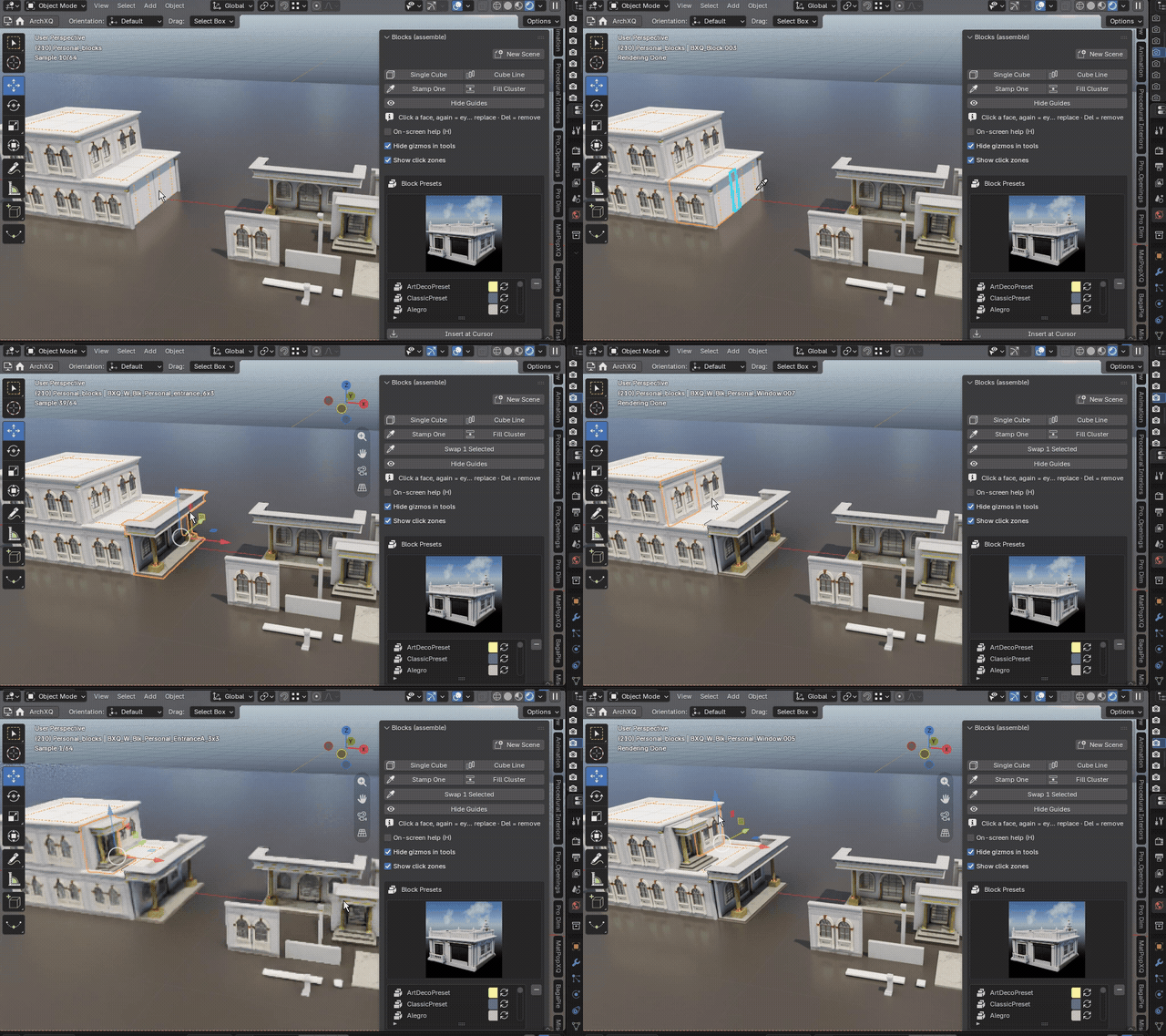
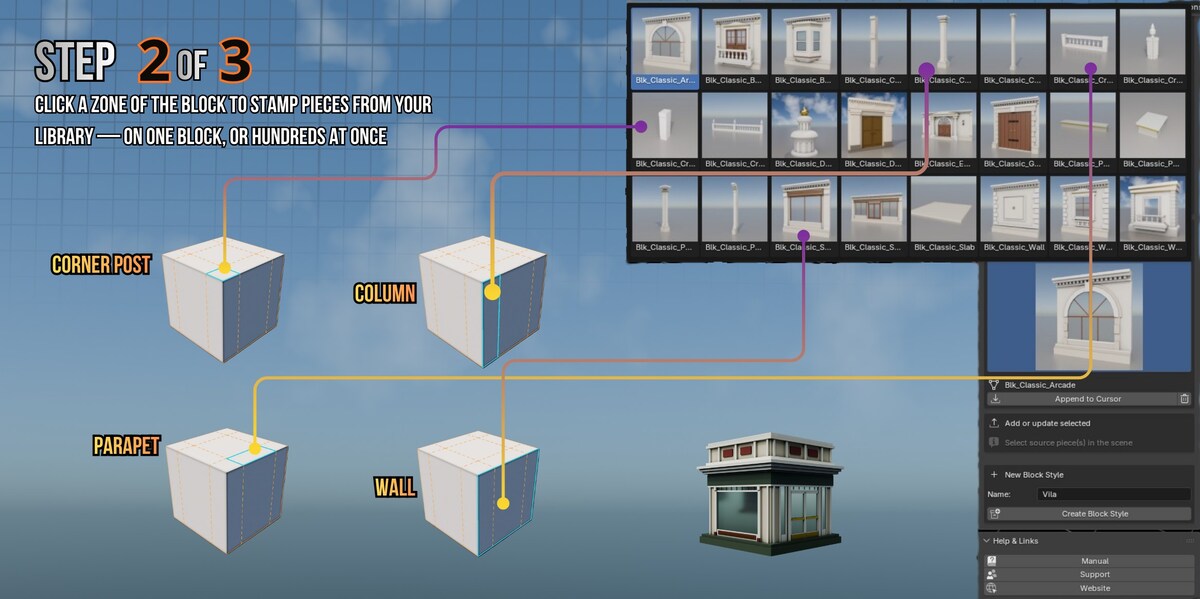
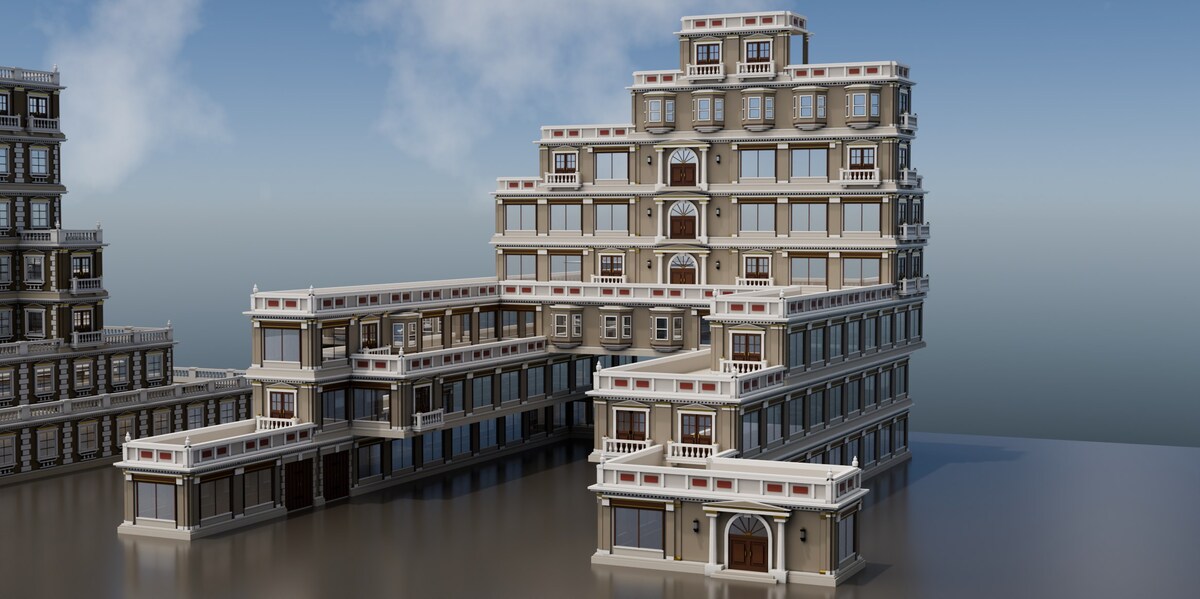
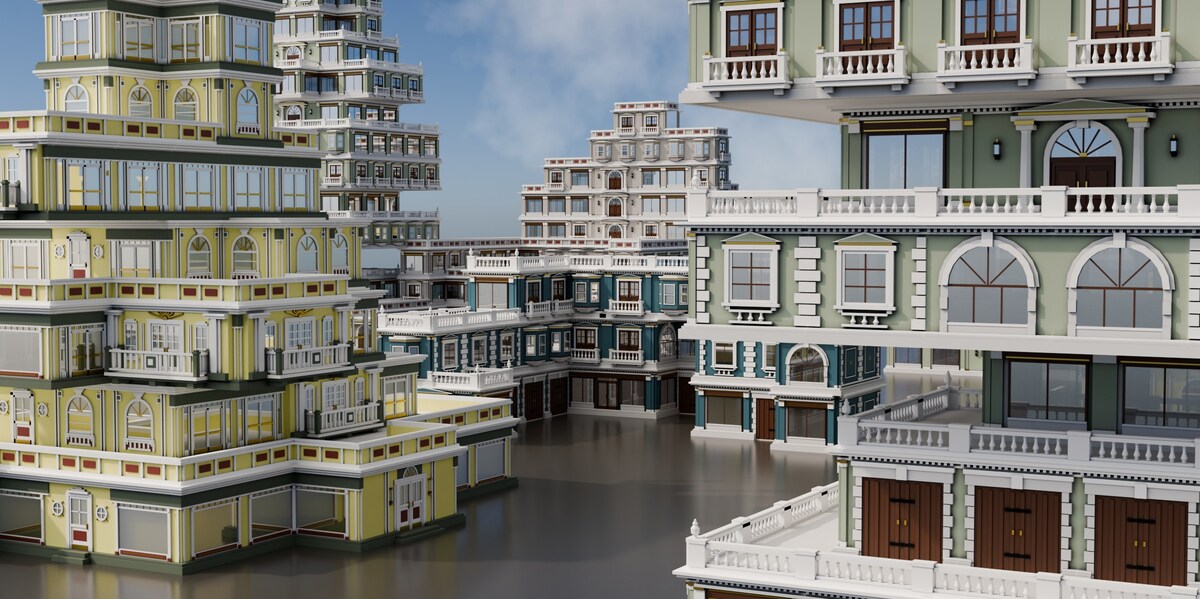
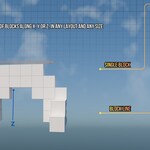
Build the shape first. Blocks snap to the grid and attach face to face — sideways for a wider footprint, on top for another floor. Watch the full step ▸
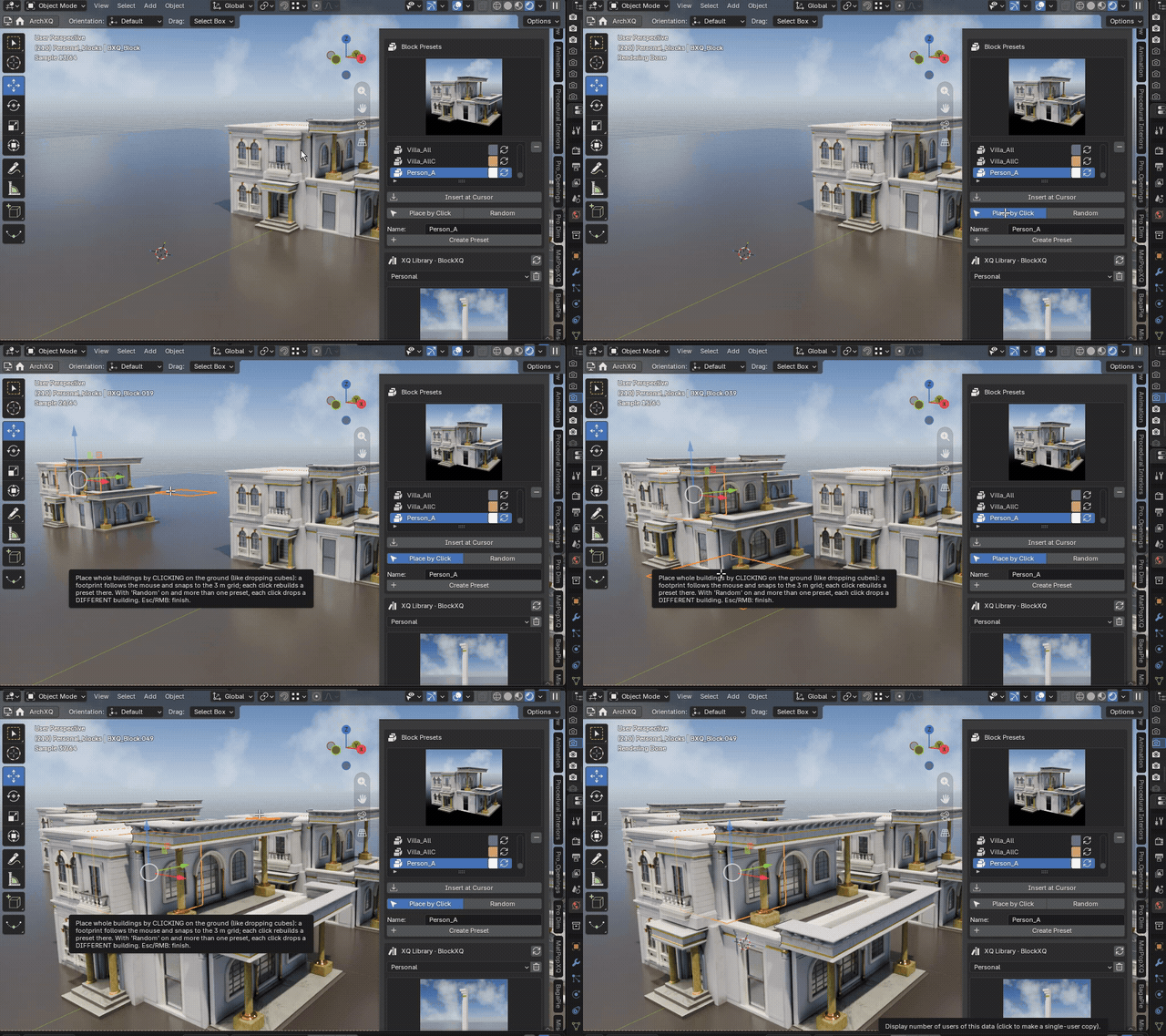
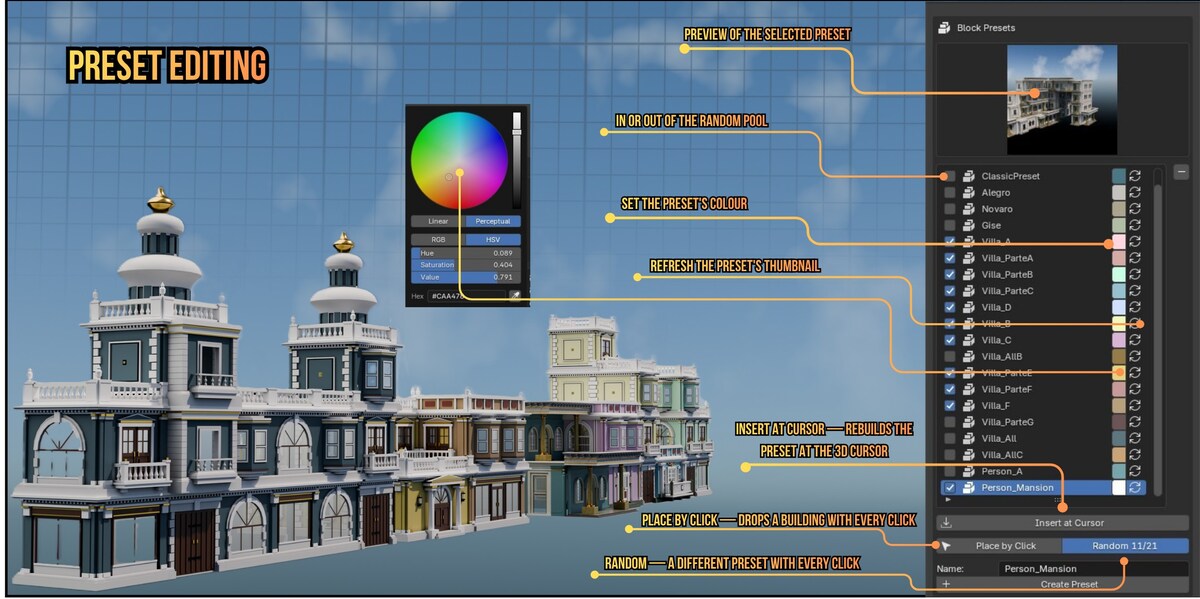
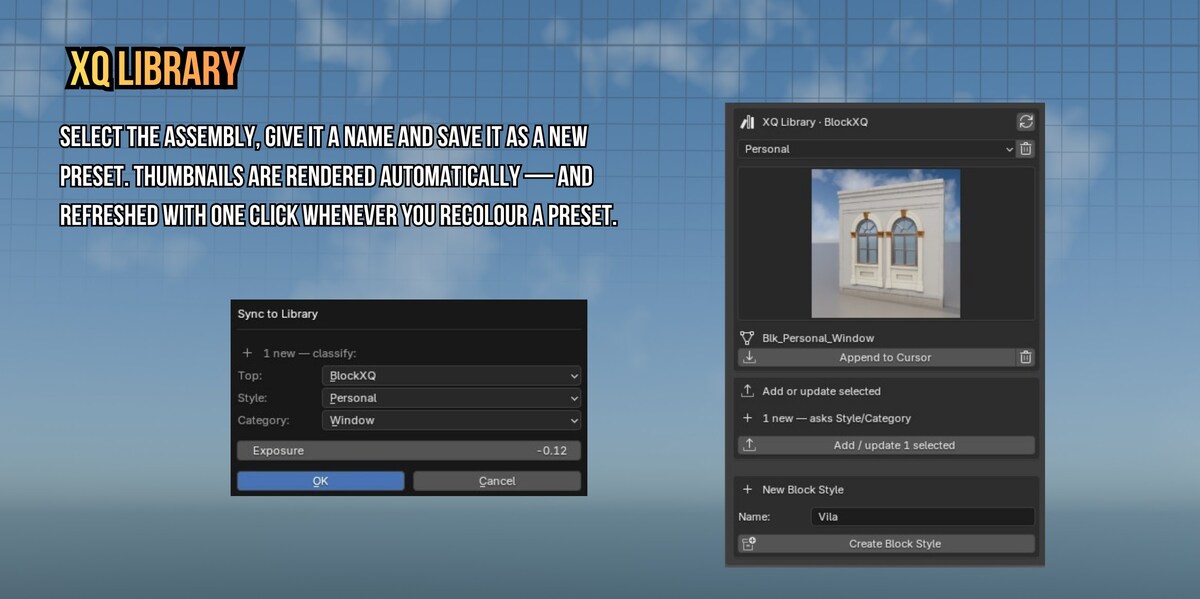
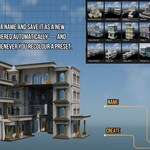
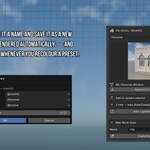
Save it as a preset. The recipe, not the geometry — so it is tiny, and the thumbnail is rendered for you. Watch the full step ▸
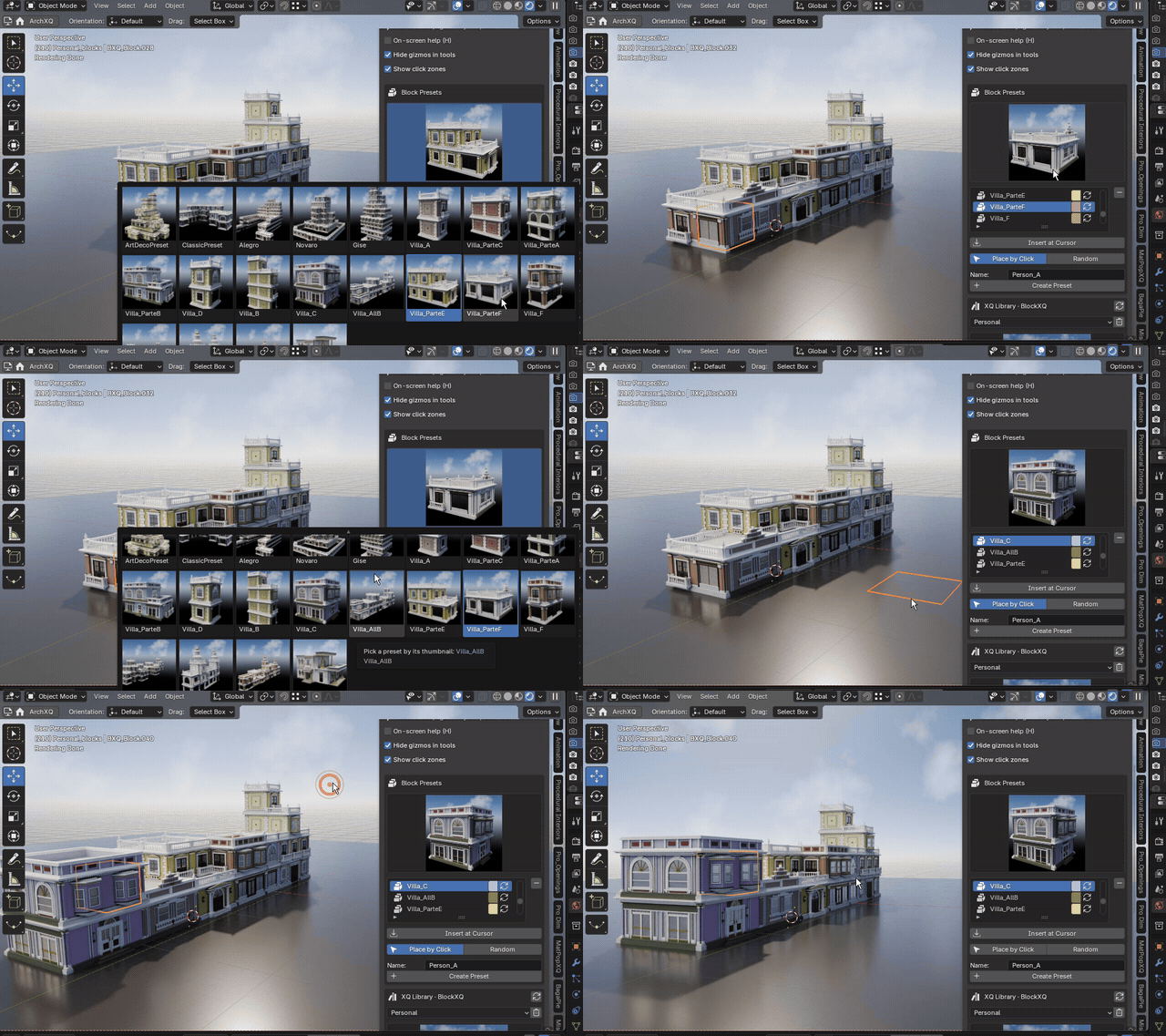
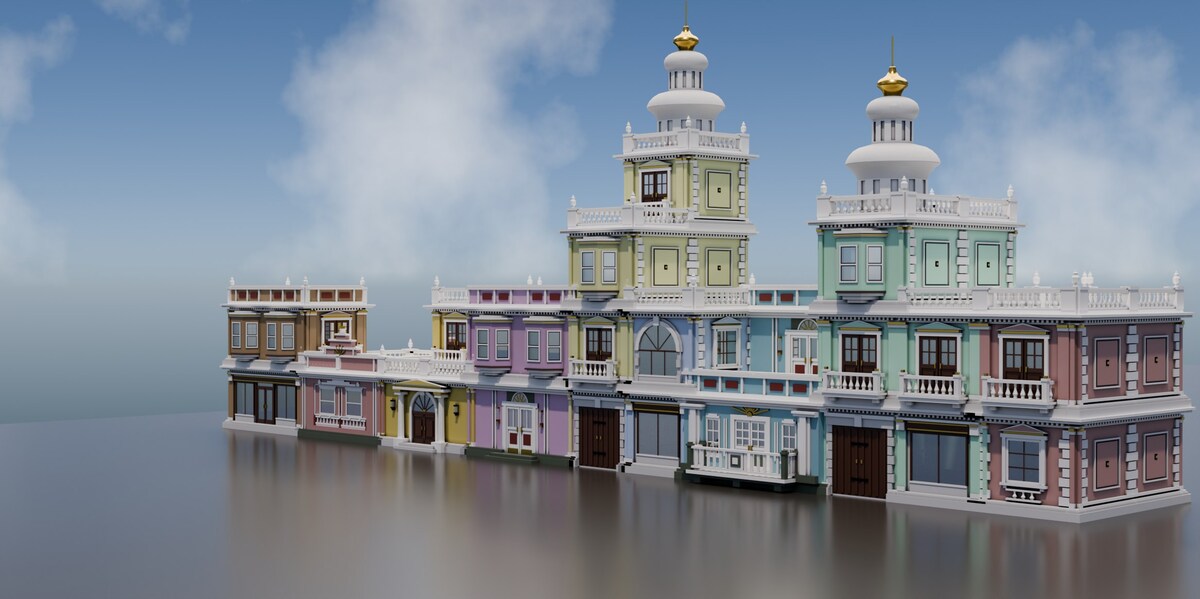
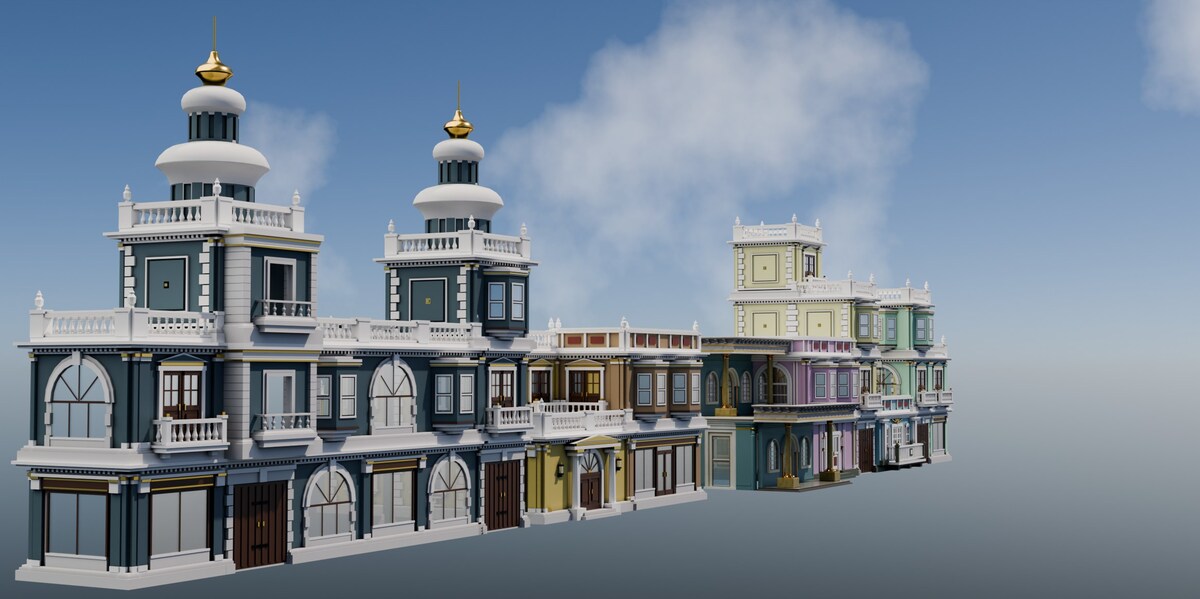
A building per click. Tick which presets take part and Random picks one of them each time — a street as fast as you can click. Watch the full step ▸
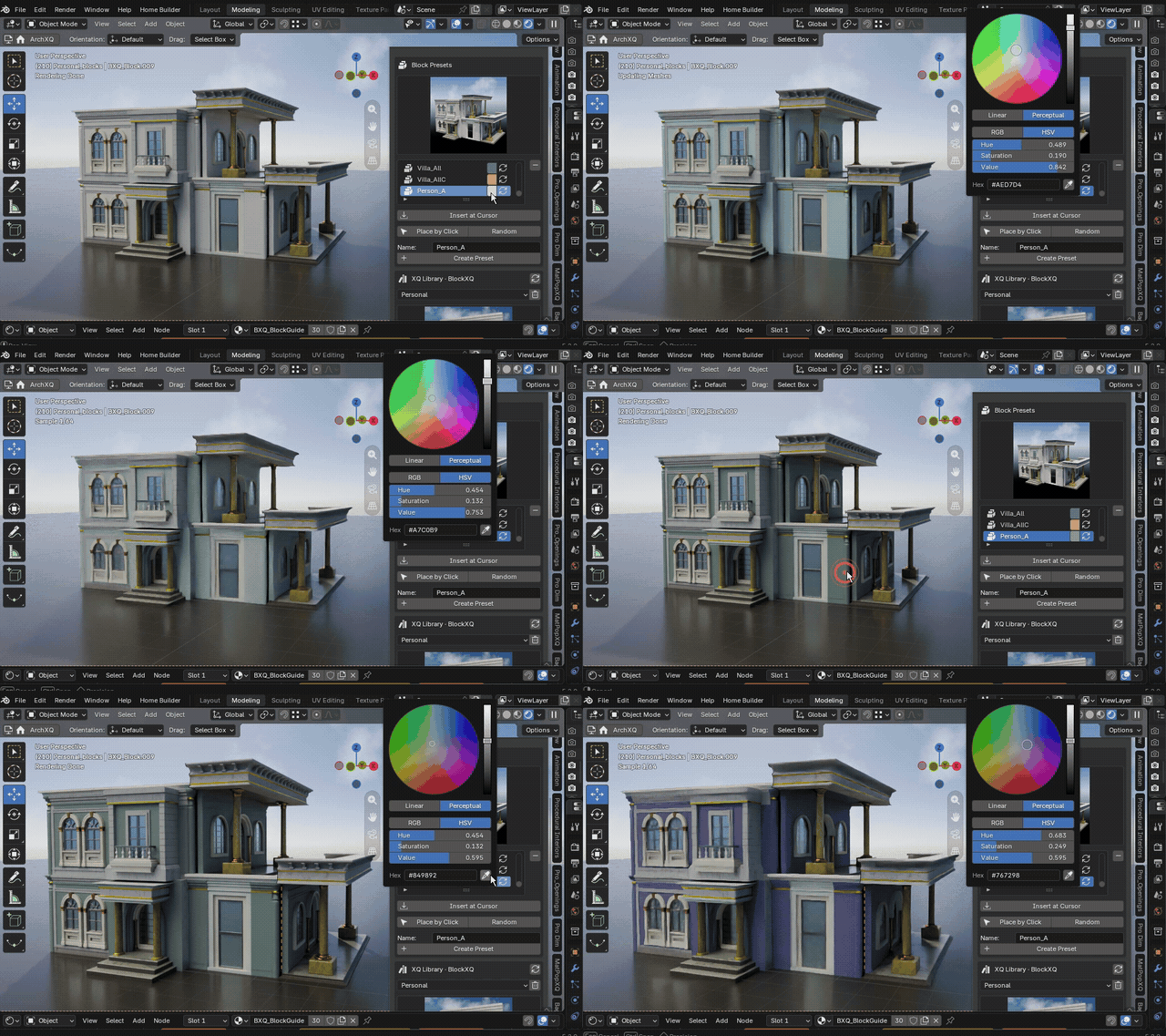
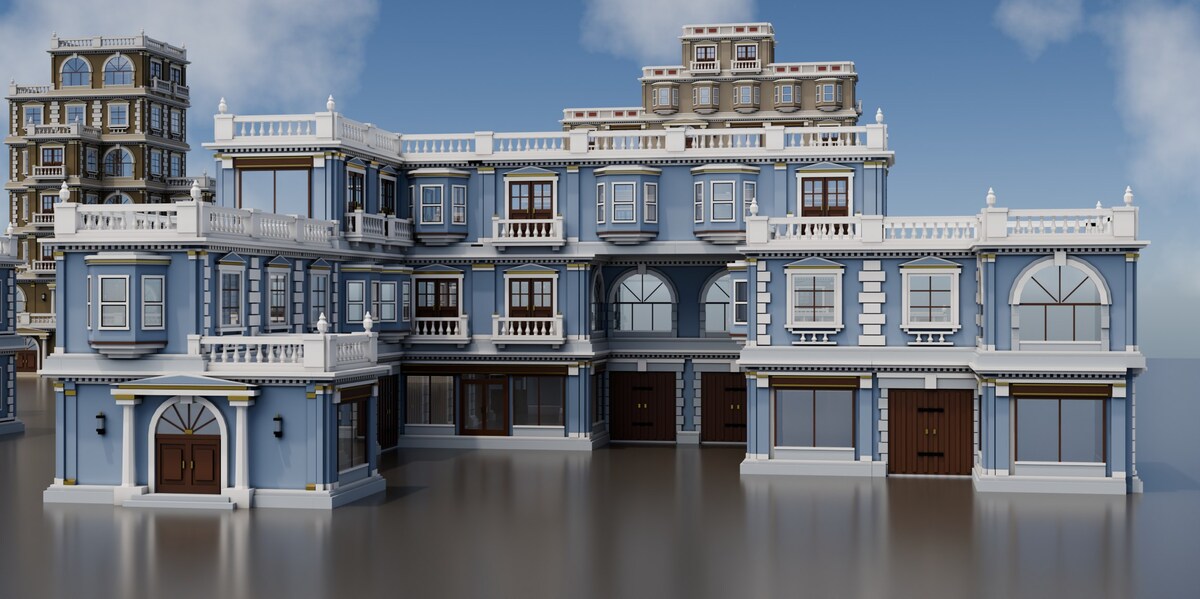
A colour per building. One material gives many colours, with nothing duplicated — so a street never looks all the same. Watch the full step ▸
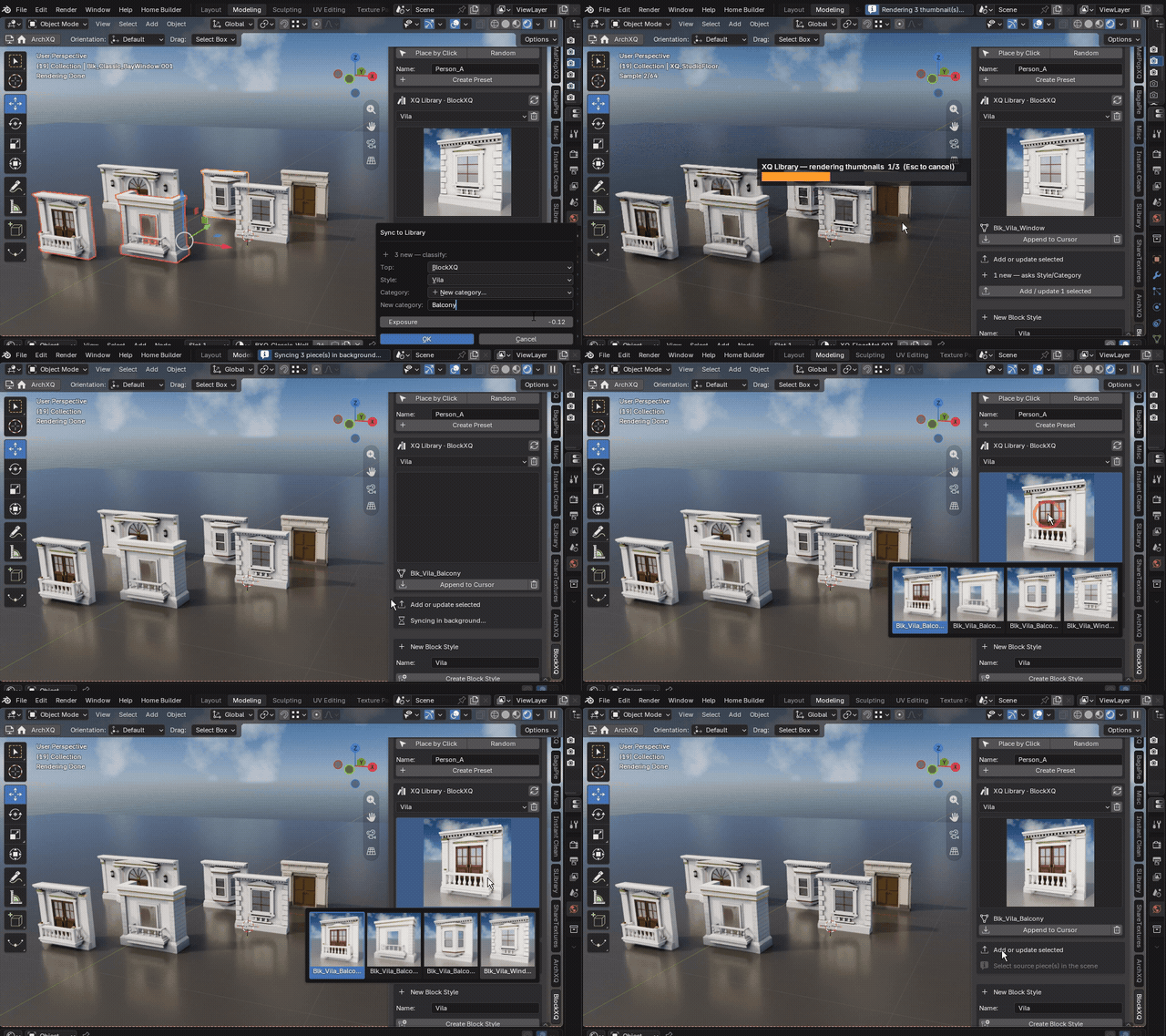
Your pieces, your style. Publish a model once and build with it forever — names, categories and thumbnails handled for you. Watch the full step ▸
Watch the 5-minute presentation ▸
How it works
- Shape the volume. Drop and stack magnetic blocks — one at a time, or a whole run in one gesture. Any footprint you can stack.
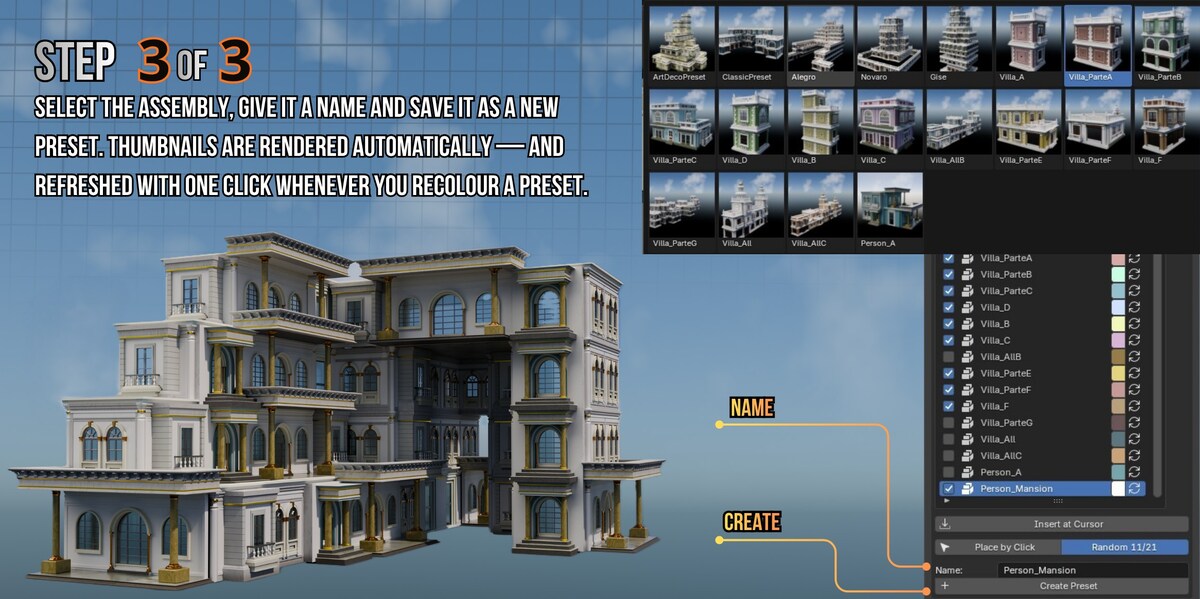
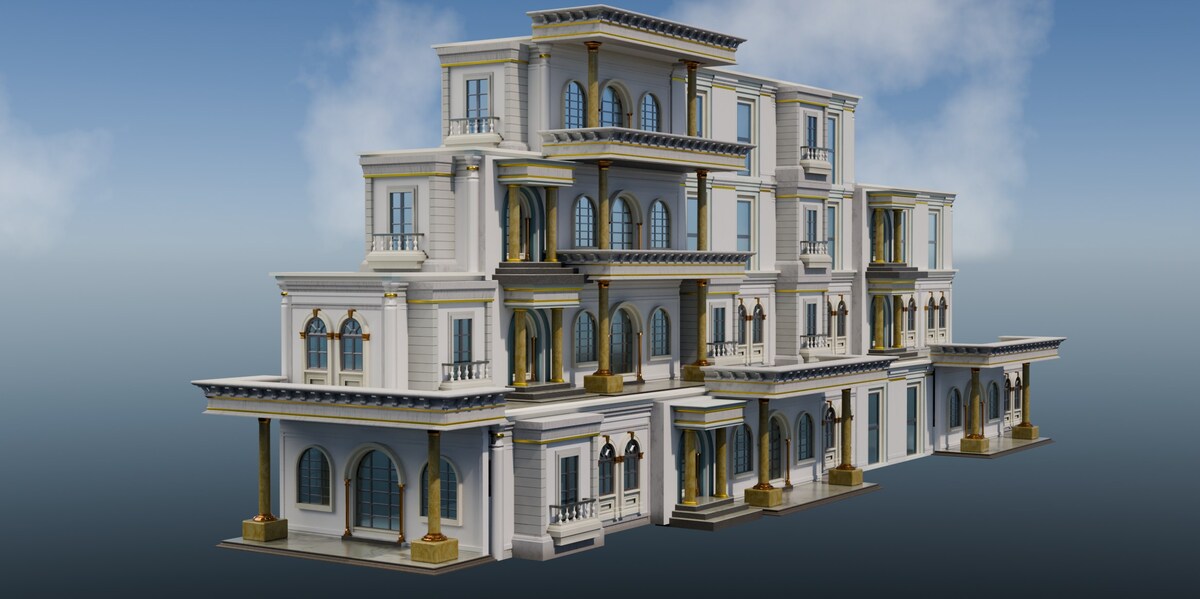
- Clothe it. Click a zone of a block and stamp a piece: walls in the middle of a face, columns near the edges, parapets and corners on top, slabs above and below. One click can clothe the whole volume.
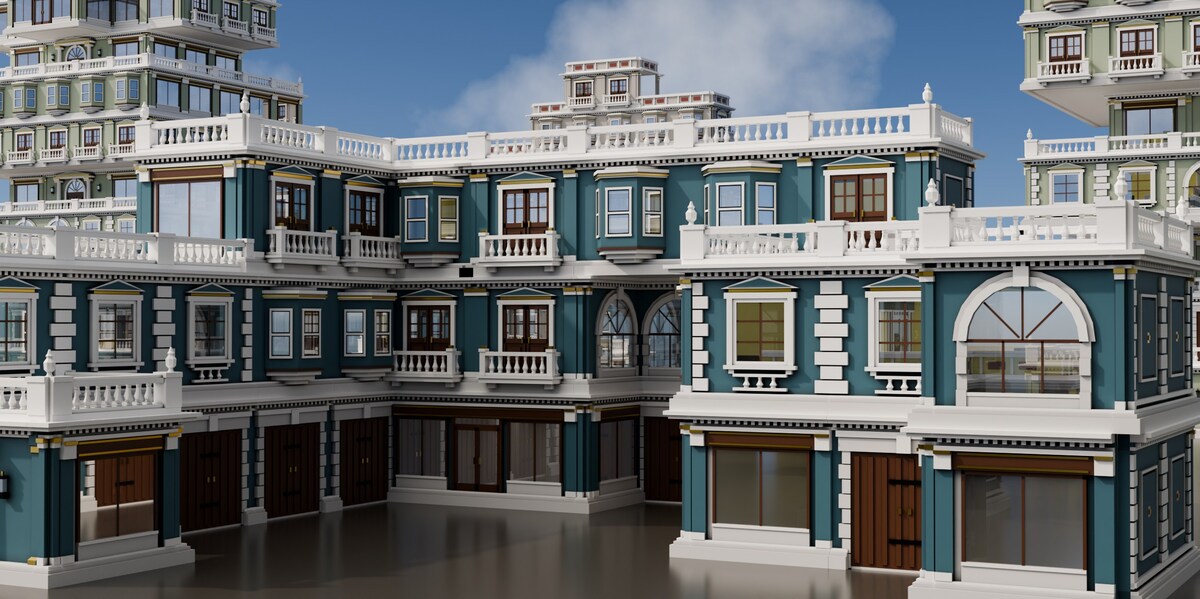
- Vary it. Select a few pieces and swap them all at once for a facade that does not repeat. Hide the scaffolding and the building stands on its own.
- Keep it. Save it as a preset, give it a colour, and place it again — one click per building, for as long as the street needs.
What's included
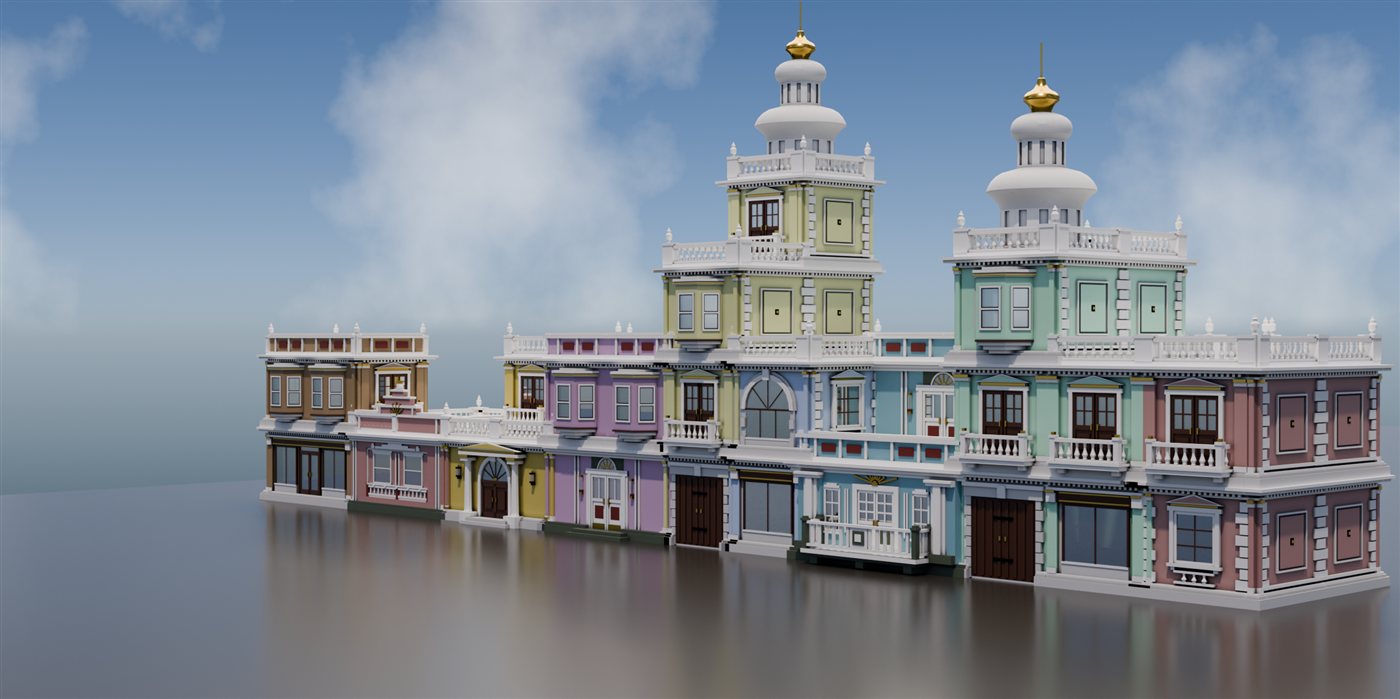
- 58 pieces in three styles — ArtDeco, Classic and a contemporary set — each with a rendered thumbnail, filed by style and category.
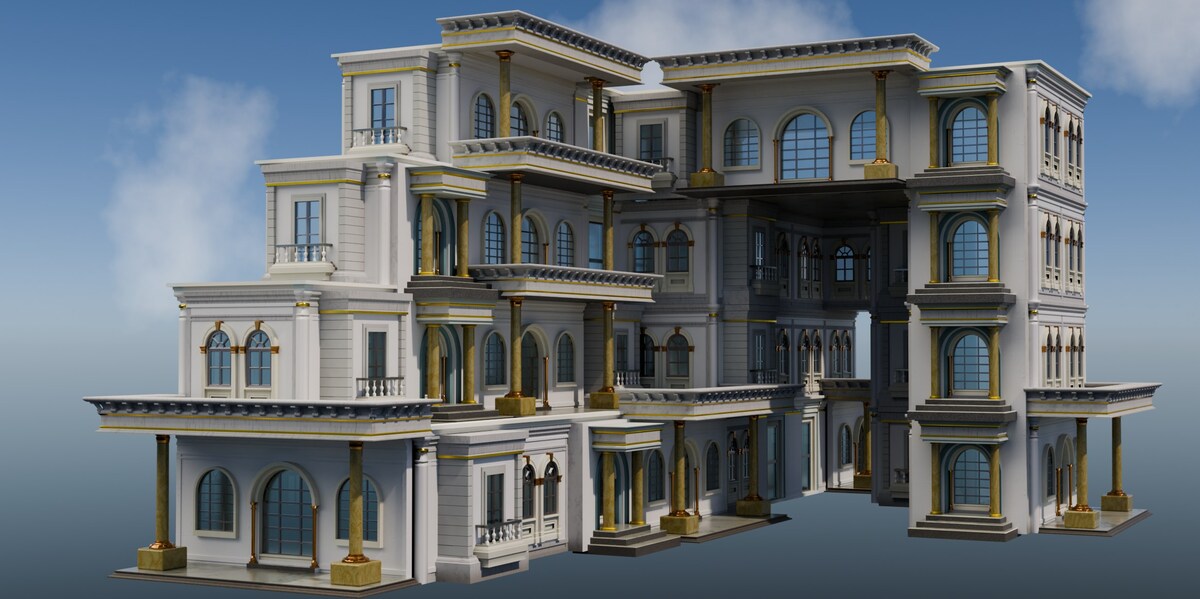
- 21 complete buildings as presets, from single blocks to assemblies of several hundred pieces.
- A scene ready to work in — sky, sun and ground, one click.
- Your own asset library, registered in Blender's Asset Browser and shared with BuildXQ Craft if you own it.
- A full online manual — 20 articles with video, at xq.com.br/manual.
Requirements & honest notes
- Blender 5.1 or newer. Installs as an extension — drag the zip into Blender and it is done.
- Developed and tested on Windows. Nothing in it is platform-specific, but that is where it has been used in anger.
- It creates real geometry — your pieces, copied and placed. No procedural black box, nothing to bake.
- Pieces work on a 3 m module. Your own models follow a simple convention (height, facade, origin) that the manual explains in one page.
- Updates are downloaded from your Superhive library, as usual.
The full picture, in five minutes
From the first cube to a finished street — the whole workflow, start to finish.
FROM THE SAME AUTHOR
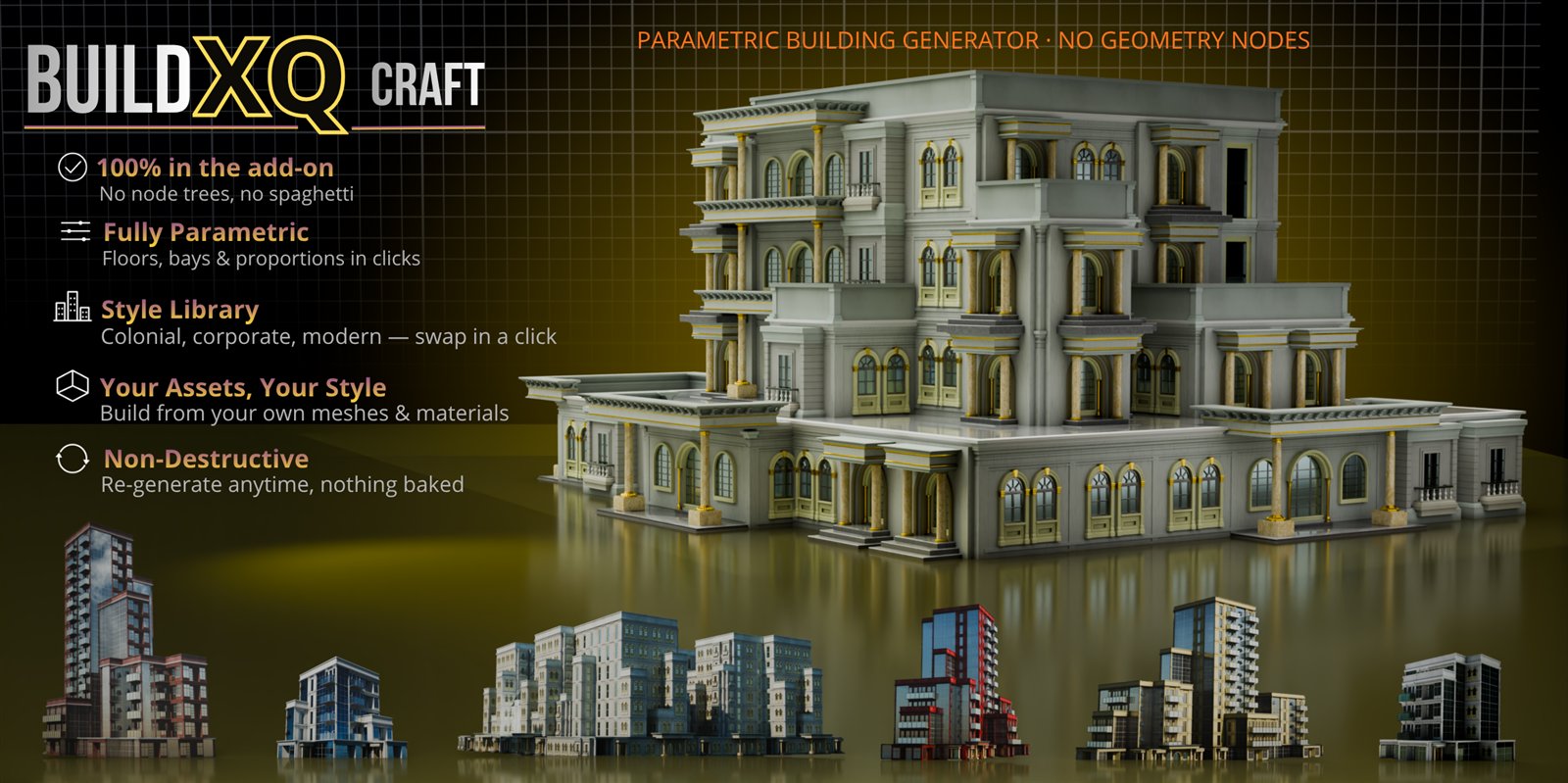
BuildXQ Craft v2.0
Want the building generated for you? The parametric generator built around your own models: set floors and width, double-click a wall to swap it, push out bays — five complete styles, a Studio to draw new pieces and a Pack format to share whole styles. It shares the same 3 m module and the same XQ Library as BlockXQ, so buildings made with either belong in the same street. Neither one needs the other.
See BuildXQ Craft ▸You bring the style. BlockXQ does the placing.
Questions before buying? Ask here — I answer them myself.