Blockxq
 Orlando da silva souza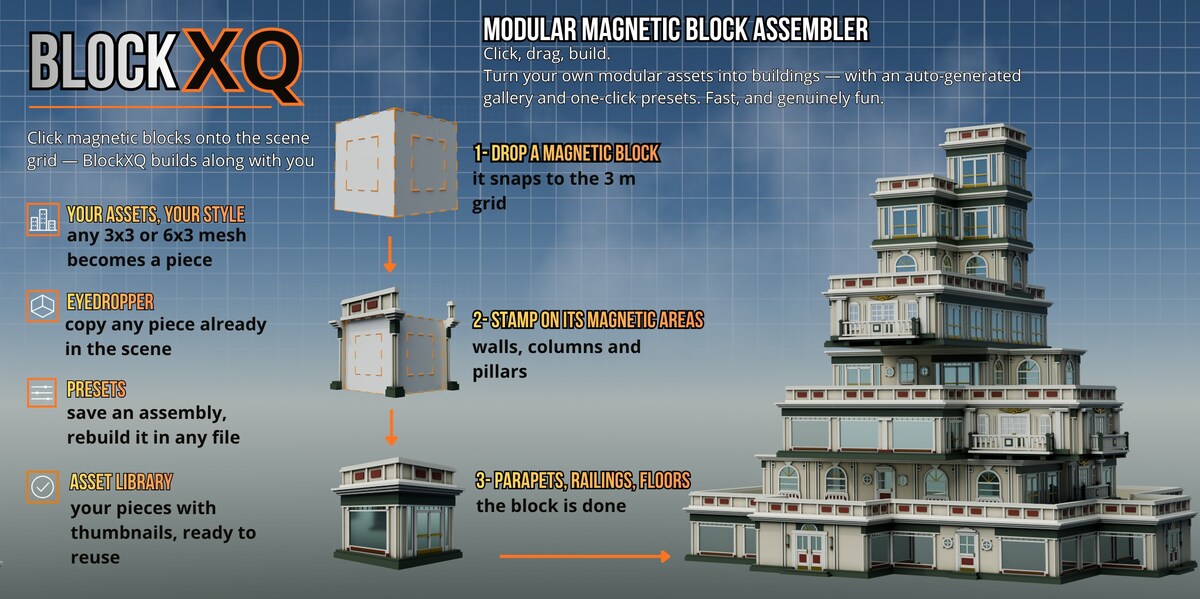
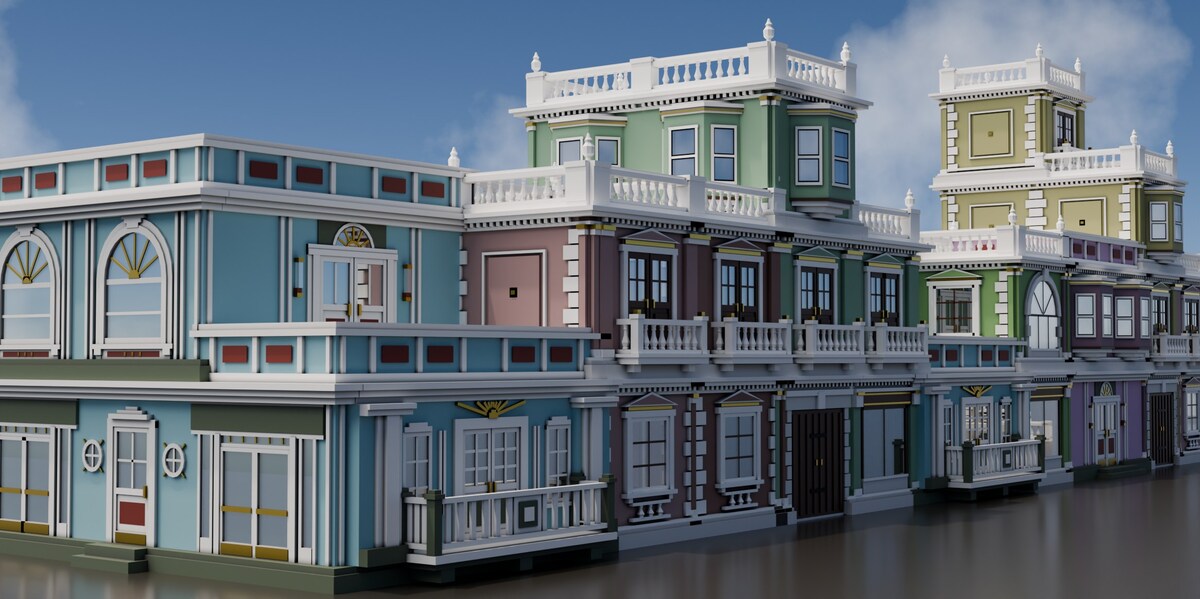
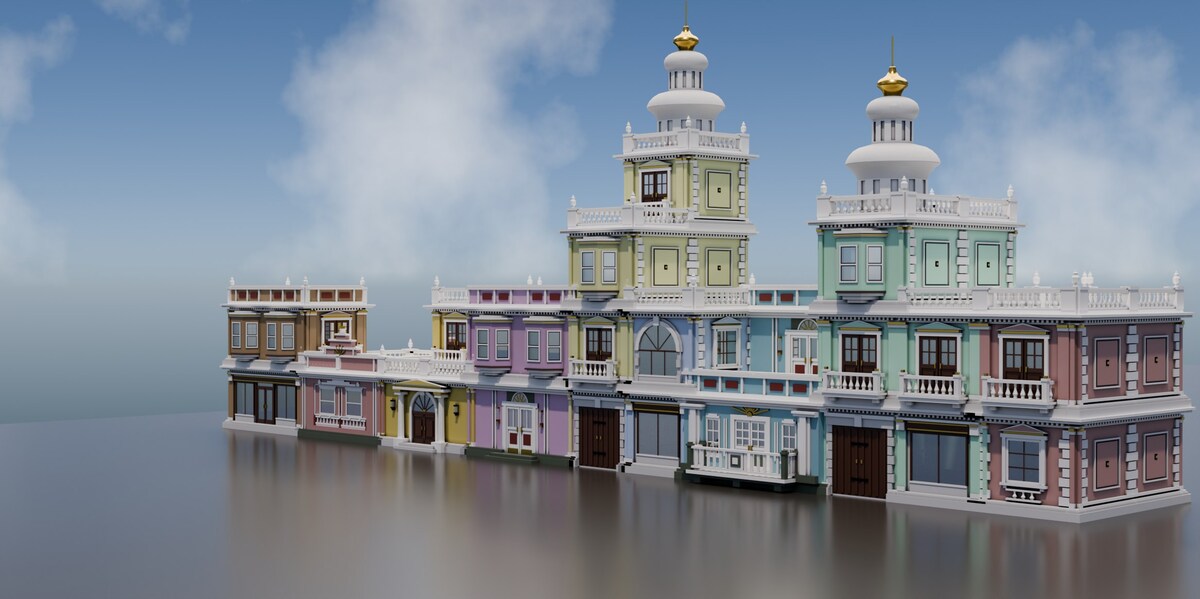
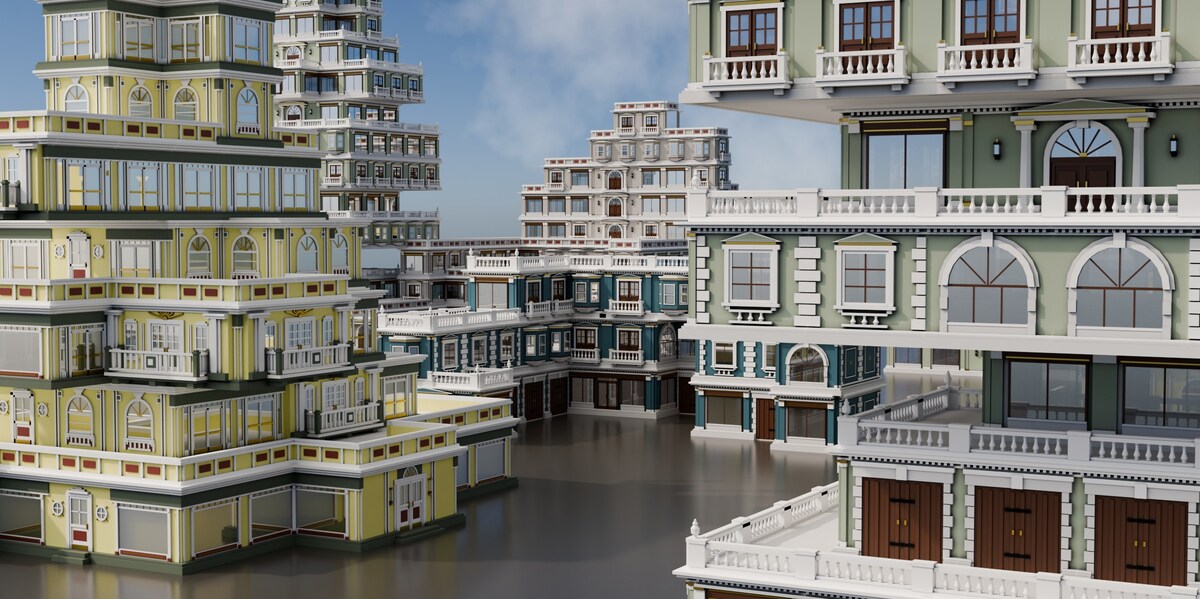
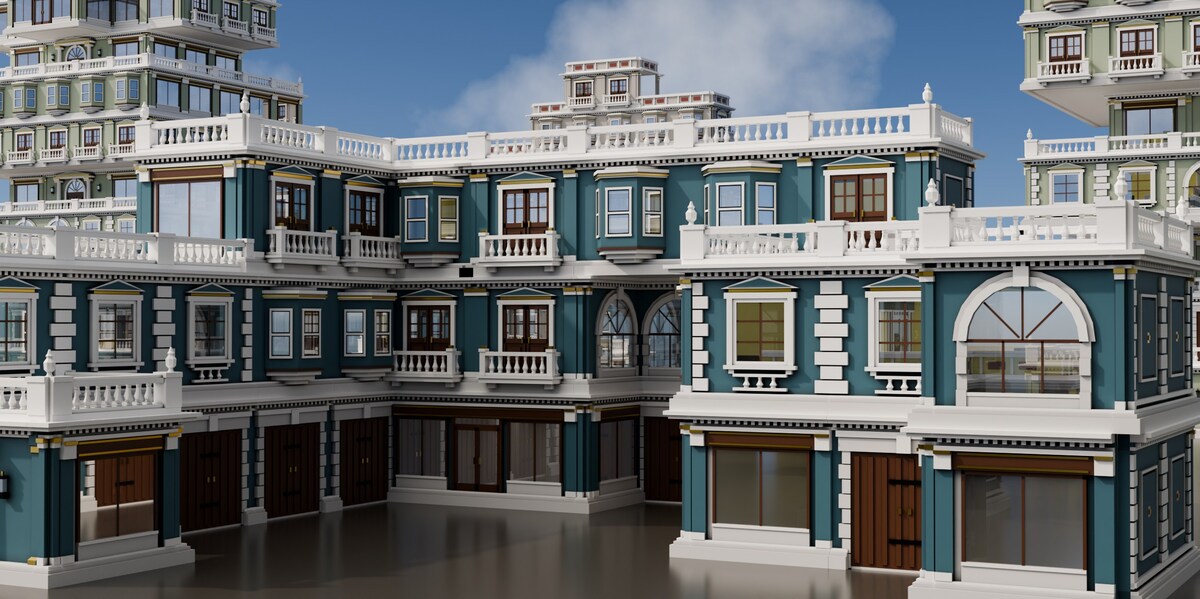


How do I install it?
Download the zip and drag it onto the Blender window — that is the whole installation.
Prefer menus?
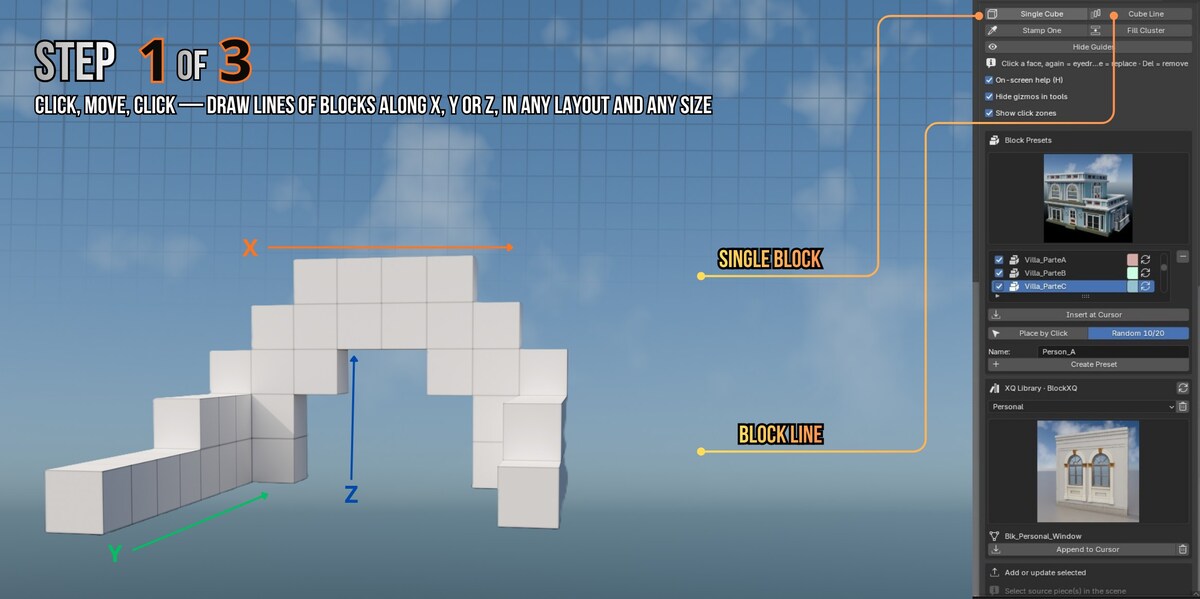
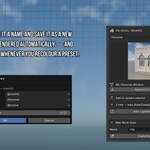
Edit ▸ Preferences ▸ Get Extensions ▸ Install from Disk… and pick the same file. Then press N in the viewport, open the BlockXQ tab and click Start BlockXQ. No account, no online access, nothing to configure.
Which Blender versions does it work with?
Blender 5.1 and newer. Tested from a clean install on 5.1 and 5.2. Developed on Windows; nothing in it is platform-specific.
Do I need BuildXQ Craft as well?
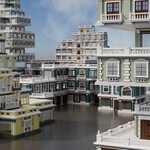
No. BlockXQ is complete on its own. If you own both, they share the same asset library and the same 3 m module, so buildings made with either belong in the same street.
Can I use my own models?
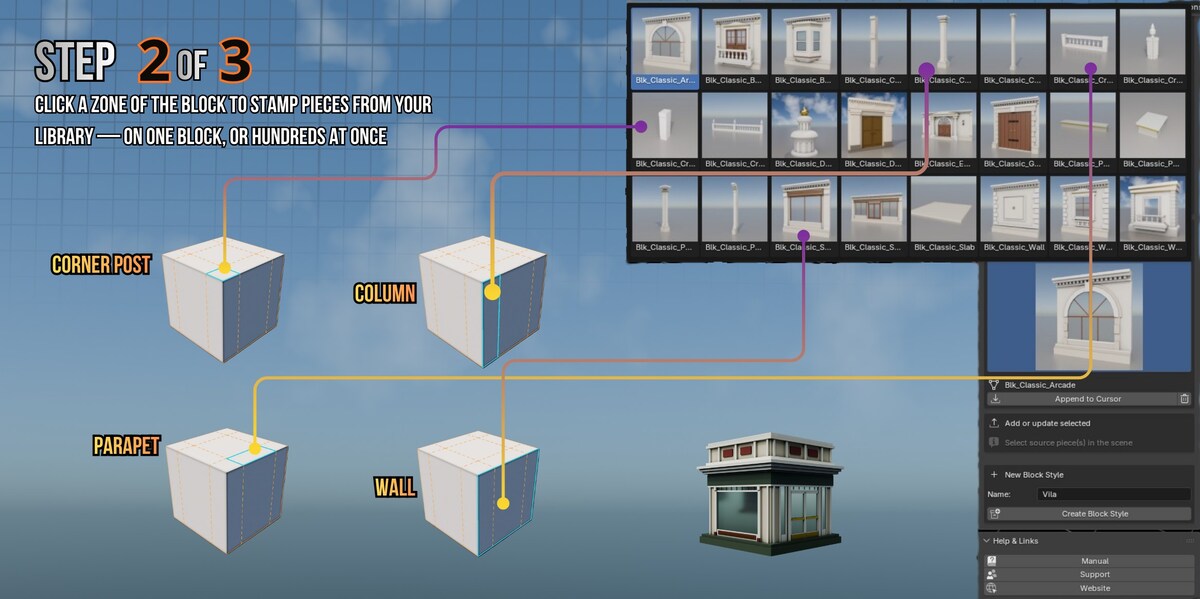
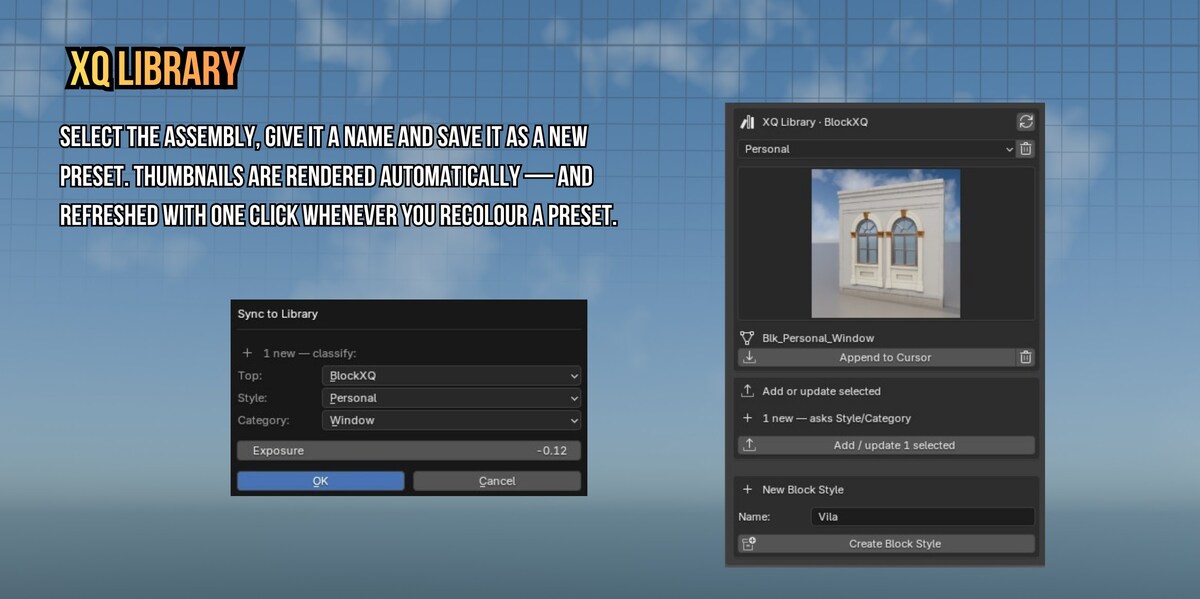
That is the whole point. Publish a piece once and build with it forever. Your models follow a simple convention — height, facade direction, origin — explained in one page of the manual.
Does it create real geometry?
Yes. Your pieces, copied and placed as real meshes. No procedural black box, nothing to bake, and nothing stops working if you uninstall the add-on.
What do I get in the box?
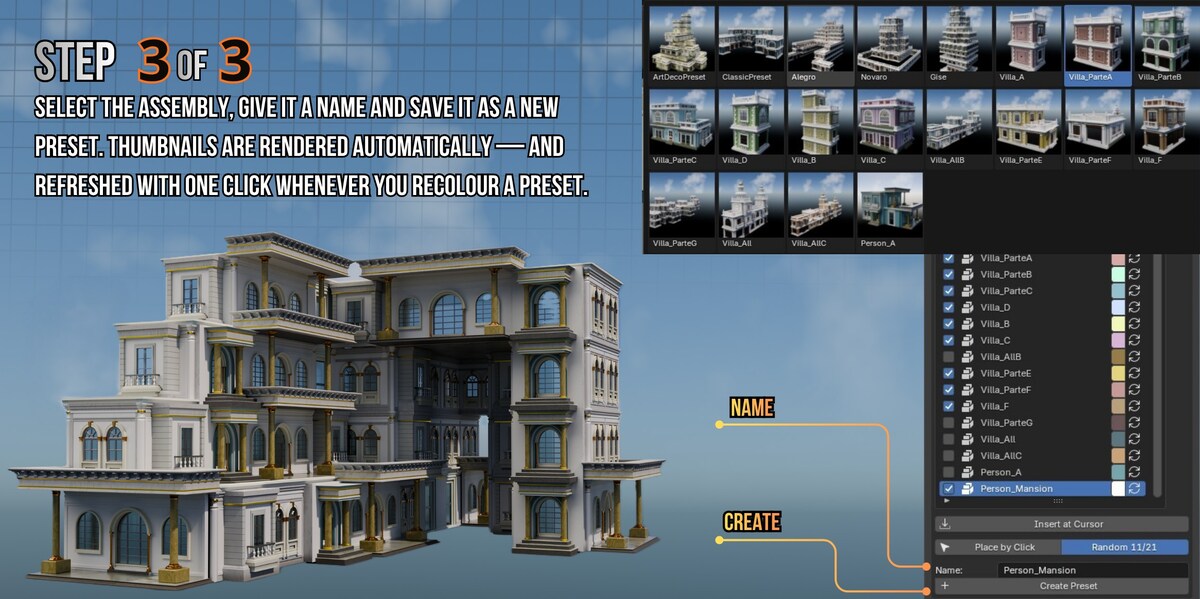
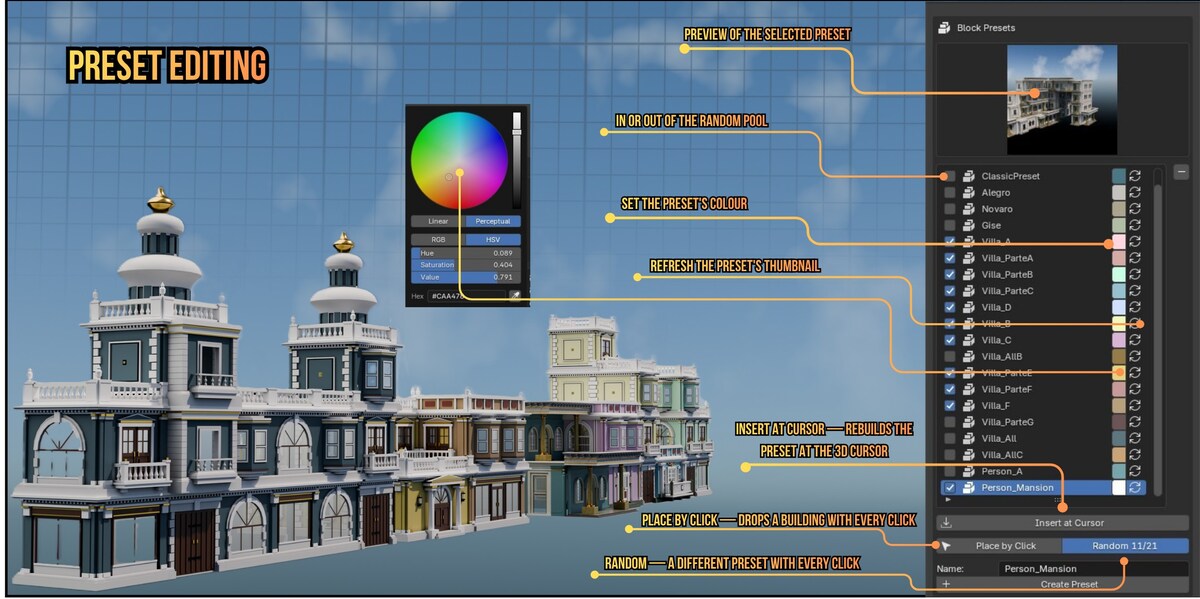
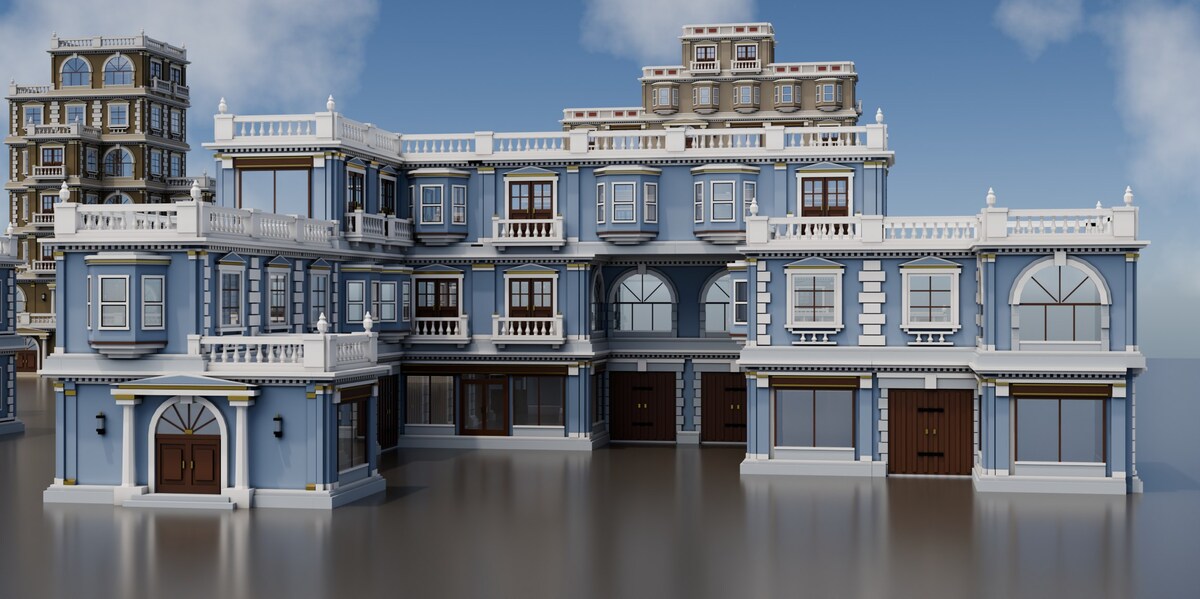
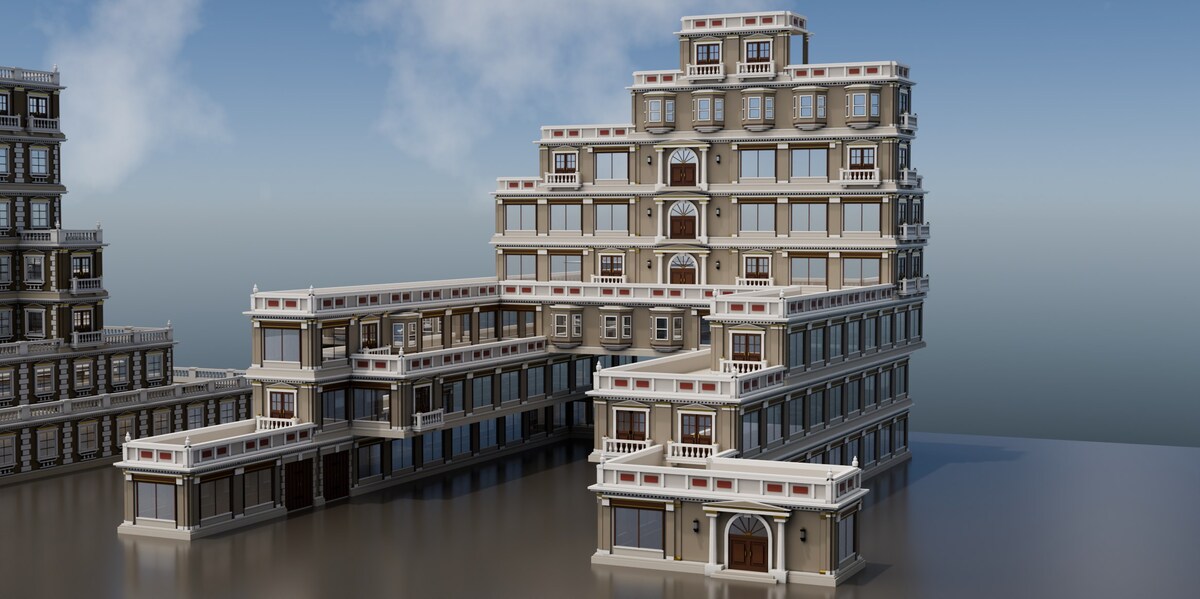
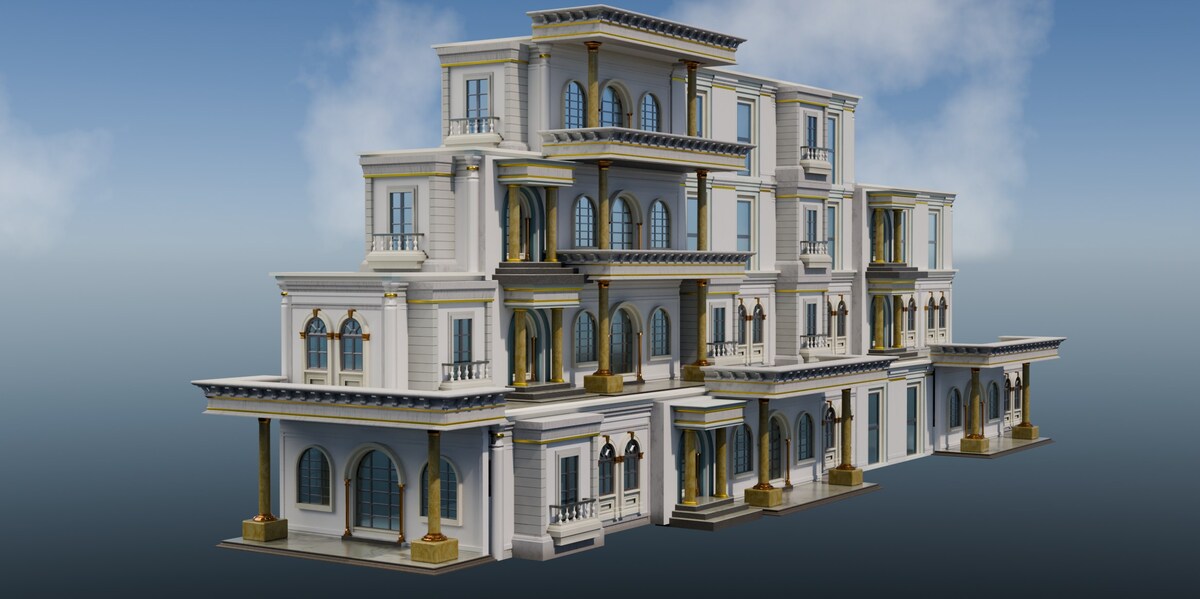
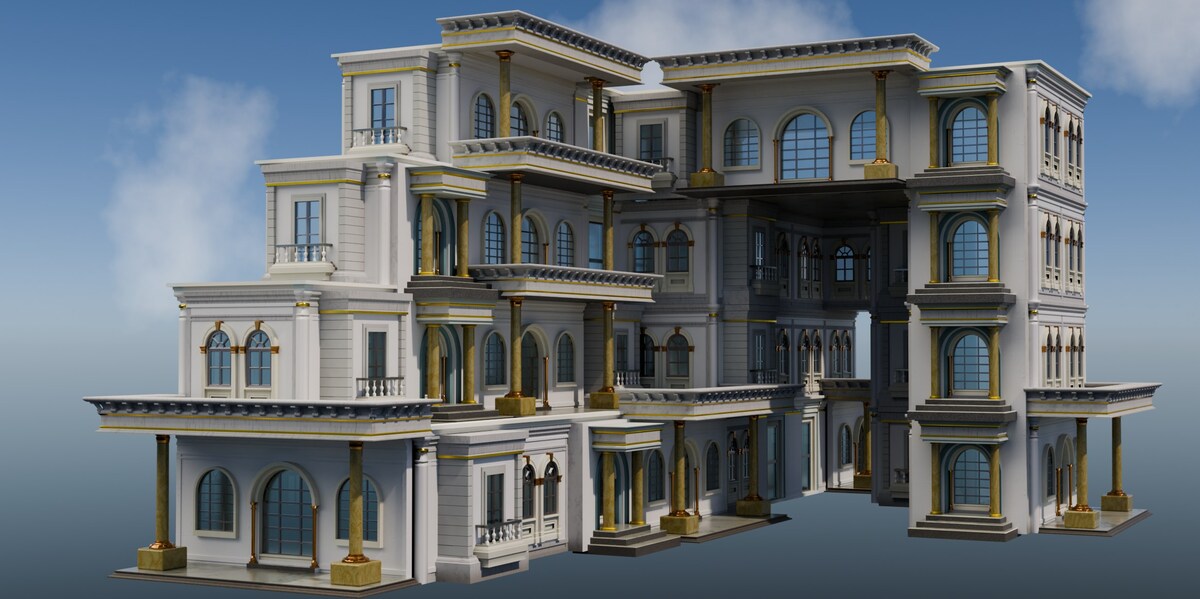
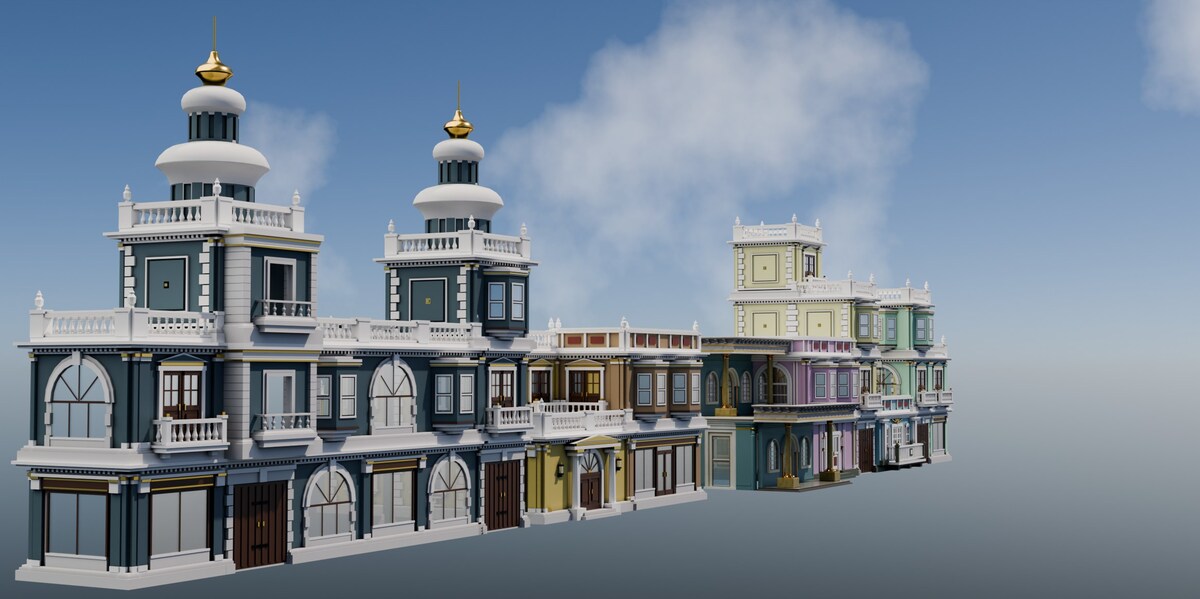
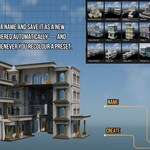
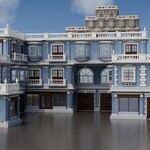
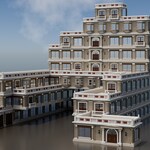
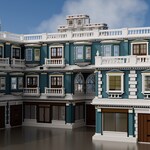
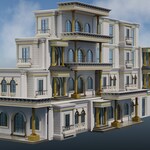
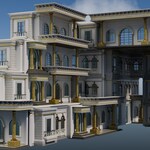
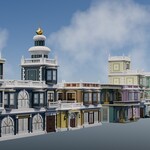
58 pieces across three styles, 21 complete buildings as presets, a scene ready to render, and a full online manual with video.
How do I get updates?
New versions appear in your Superhive library — download and install over the old one. Your own pieces and presets live in your library folder and are not touched.
$16
Have questions about this product?
Login to message
| Blender Extension Compatible | Yes |
| Published | 7 days ago |
| Blender Version | 5.1 - 5.2 |
| Extension Type | Add-on |
| Render Engine Used | Cycles, Eevee |
| License | GPL |
Discover more products like this
buildings blocks kitbash modular building generator city blockxq ArchViz asset library assembler architecture presets