Blockxq
 Orlando da silva souza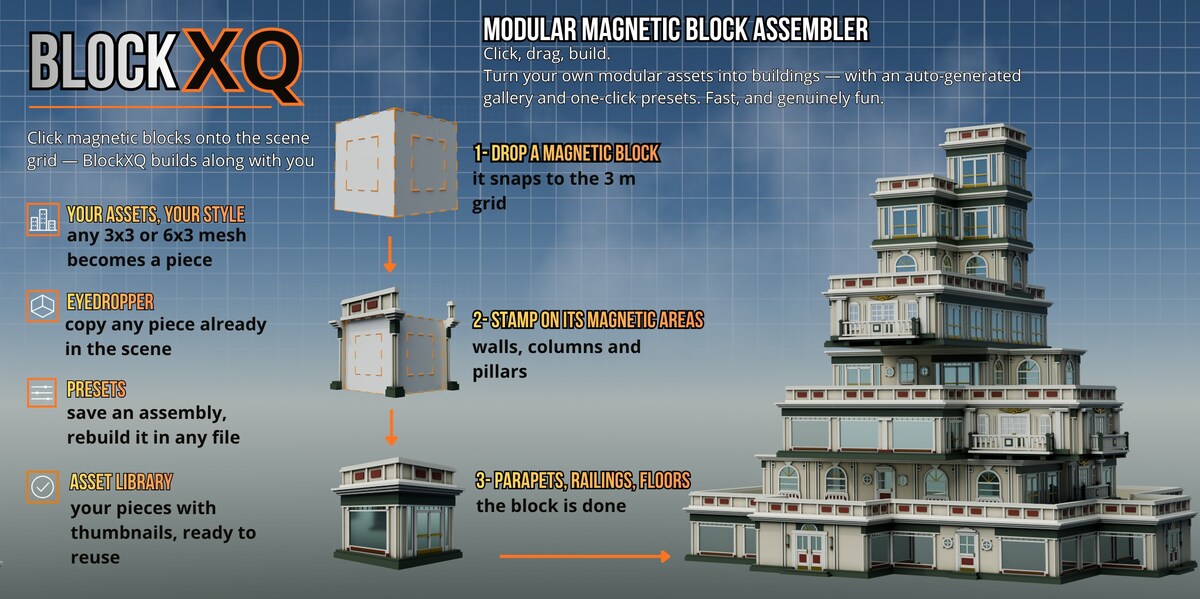
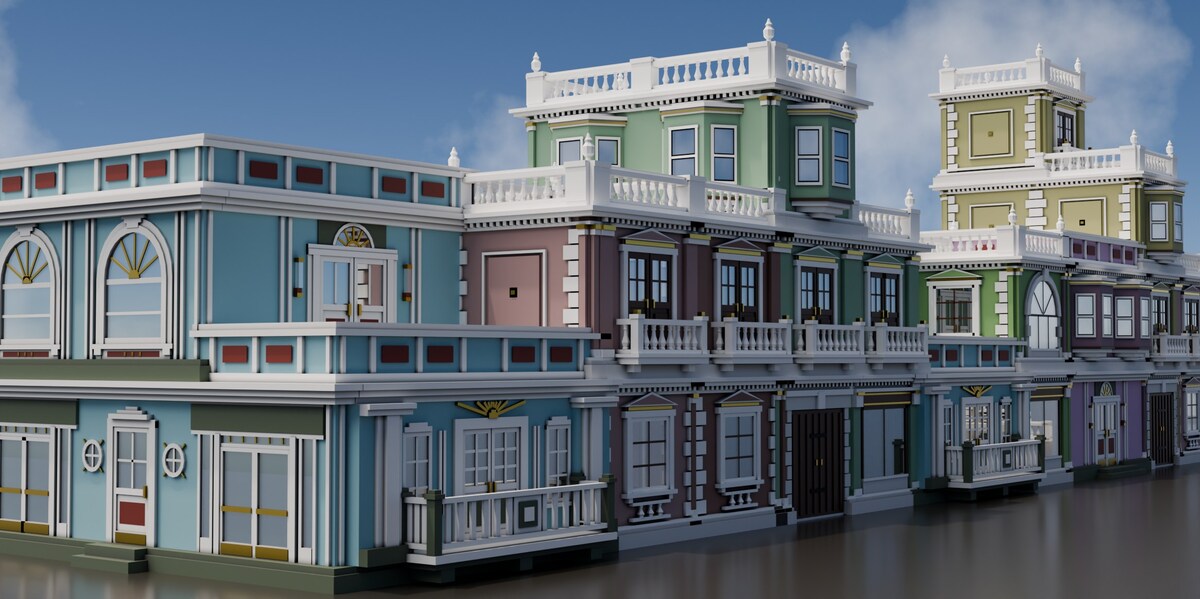
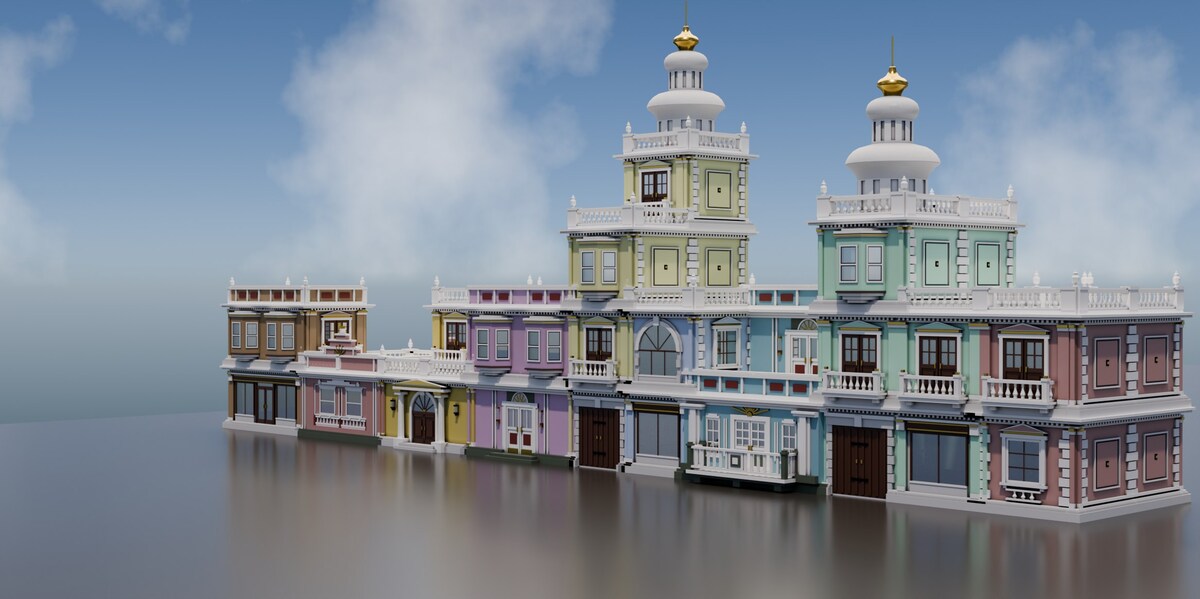
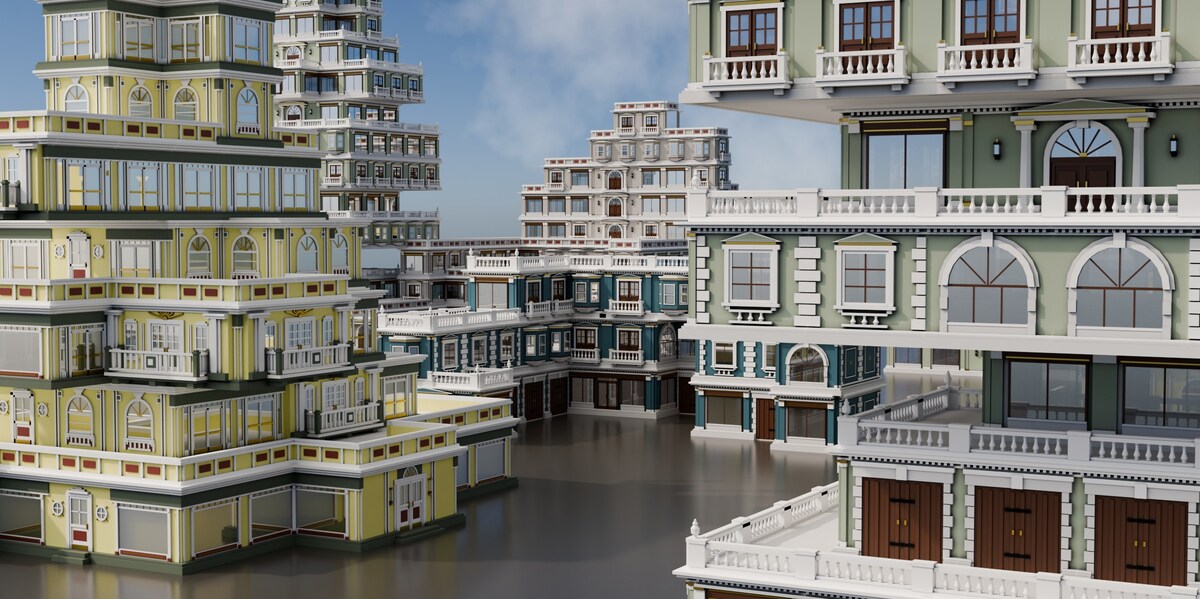
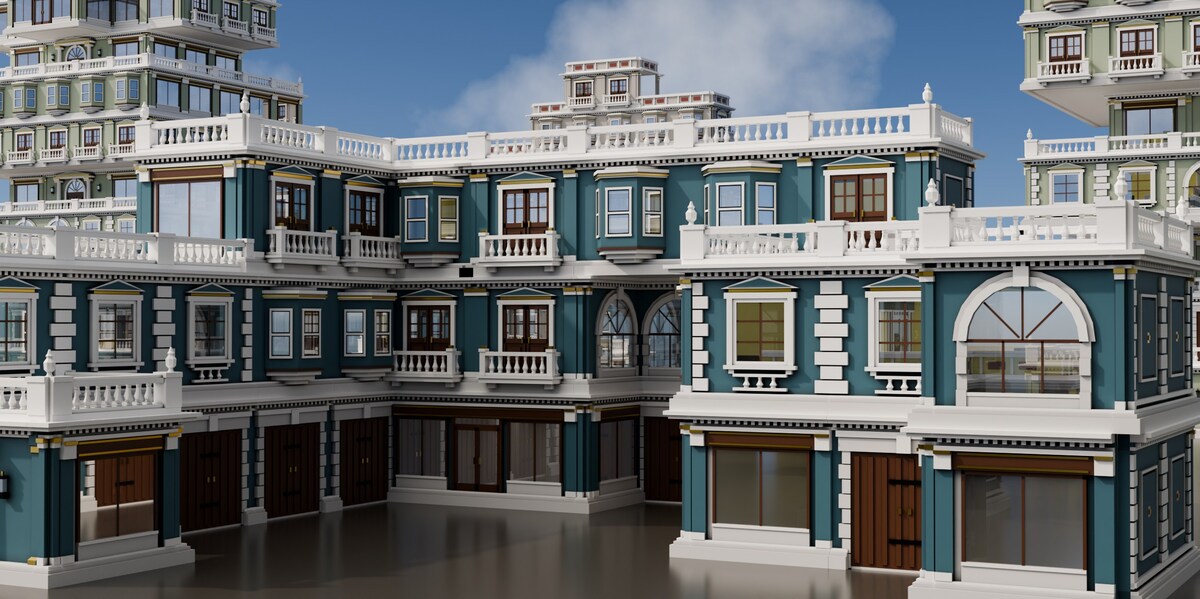
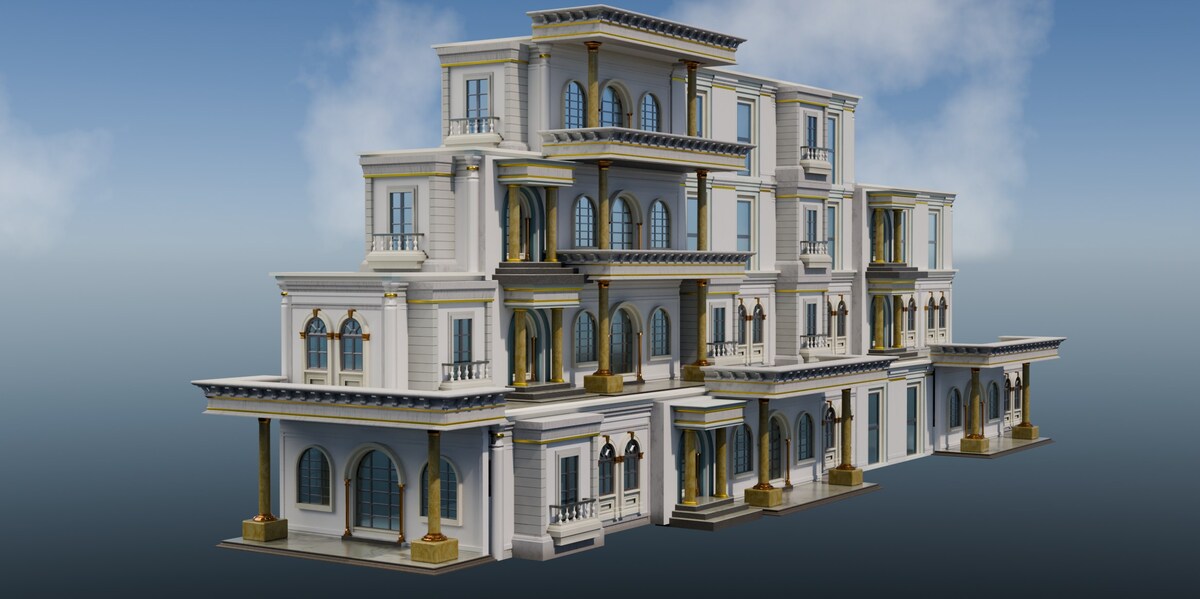
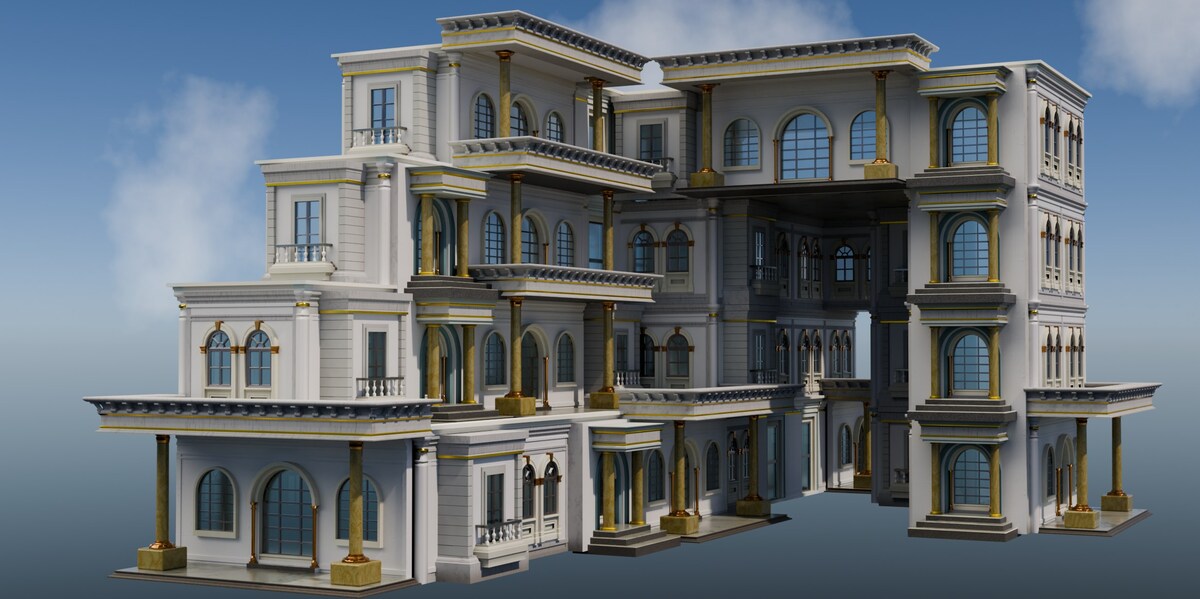
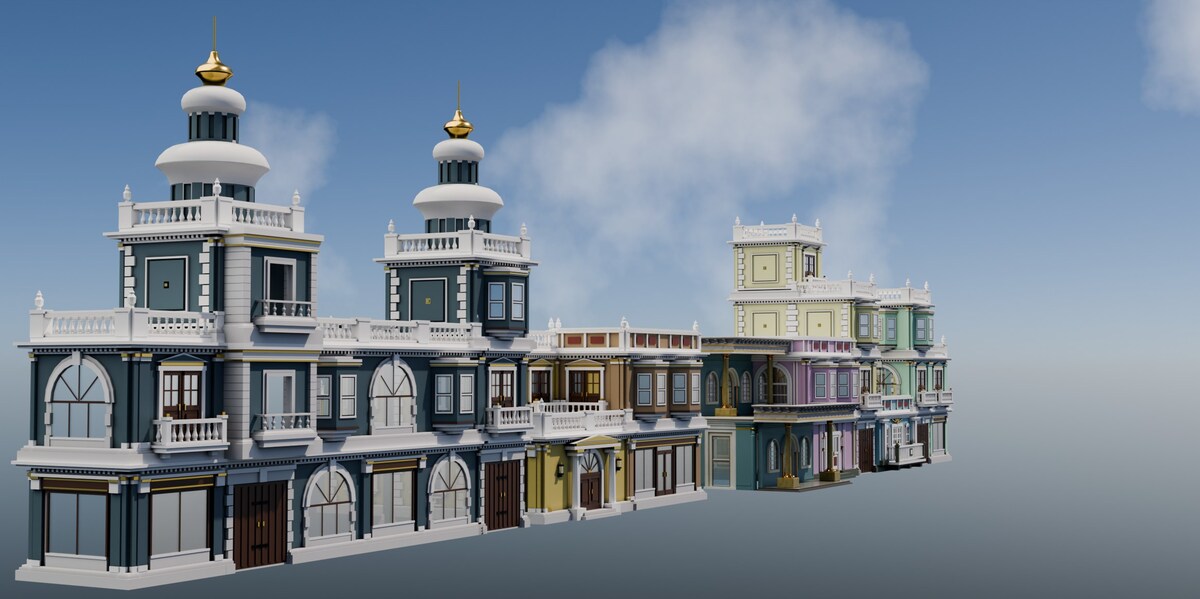


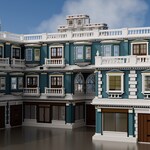
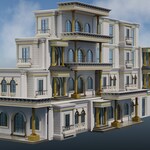
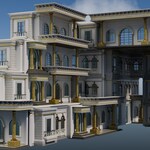
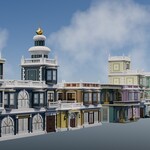
Installation
- Download blockxq-1.0.1.zip — do not unzip it.
- Drag the zip onto the Blender window and confirm. That is the whole installation. Prefer menus? Edit ▸ Preferences ▸ Get Extensions ▸ Install from Disk… and pick the same file.
- Press N in the 3D viewport and open the BlockXQ tab.
No account, no online access, nothing to configure. Blender 5.1 or newer.
Your first five minutes
- Start BlockXQ — one click sets up sky, sun and ground, and clears Blender's default cube and lamp.
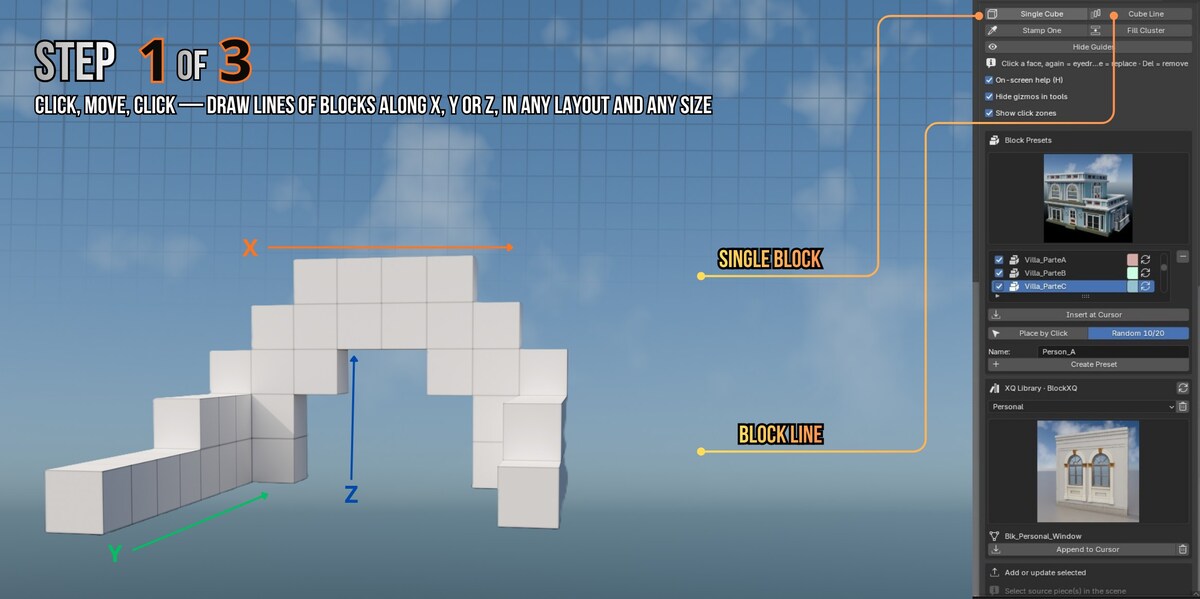
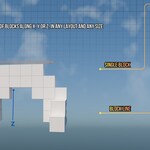
- Single Cube or Cube Line — drop magnetic blocks. They snap to a 3 m grid and attach face to face, sideways or on top.
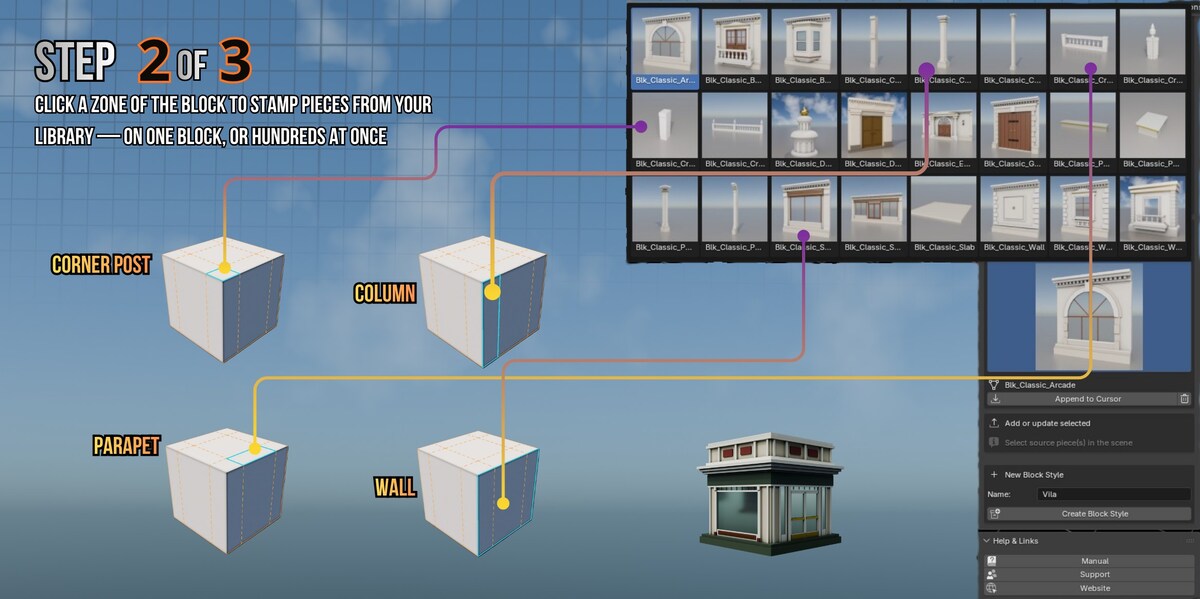
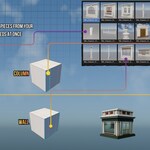
- Click a face, then click any piece in the scene. It lands there, facing outward and aligned.
- Hide Guides — the scaffolding disappears and the building stands on its own.
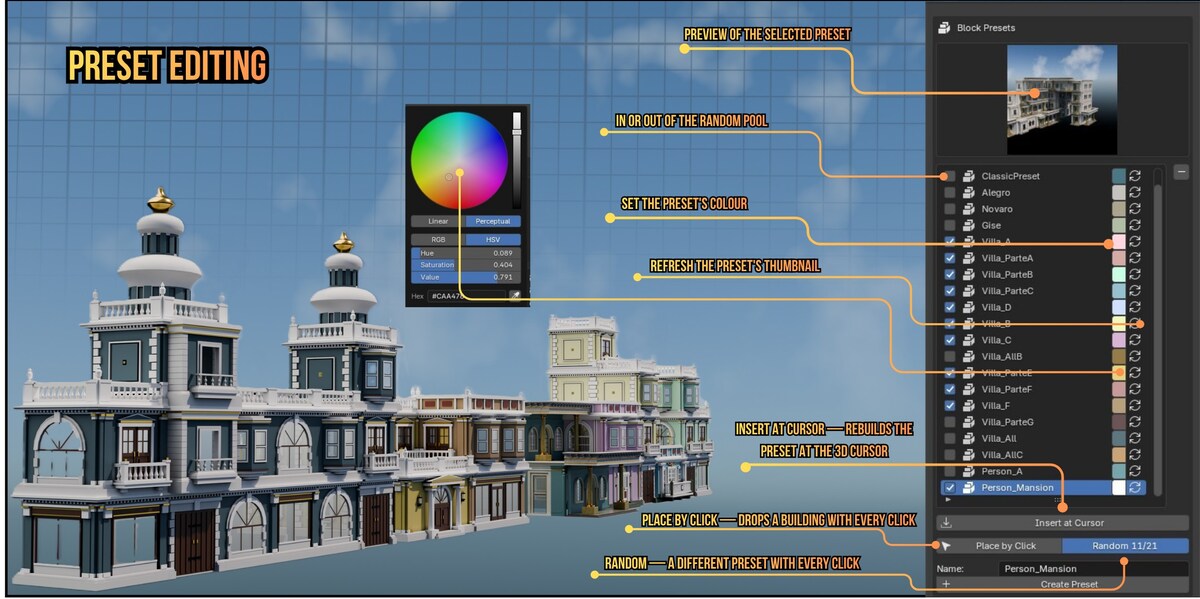
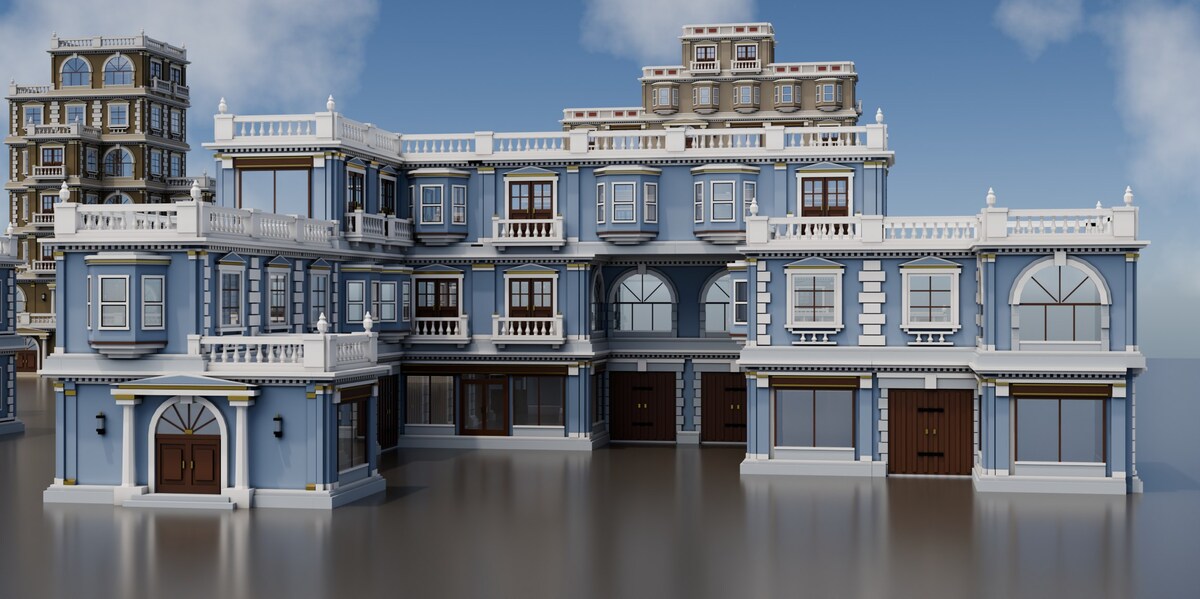
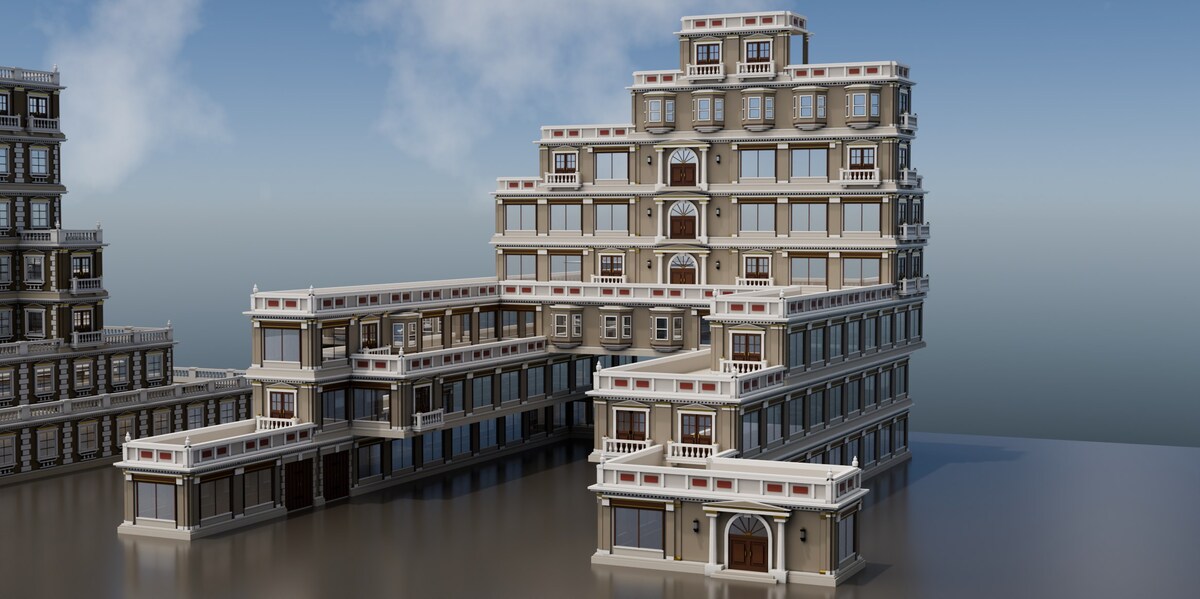
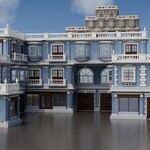
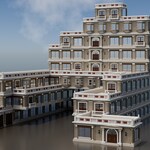
In a hurry? Pick a preset and press Insert at Cursor: a complete building is rebuilt at the 3D cursor, along with the palette of pieces it uses.
The ideas behind it
- Guide cubes are scaffolding. They never render. Hide them rather than deleting — deleting a cube removes the pieces stamped on it.
- Where you click decides what lands. Middle of a face is a wall; near a vertical edge is a column; on top, the middle is a slab, the edges are parapets and the corners close them.
- One piece per face. Stamping again replaces what is there; Del removes it.
- Fill Cluster clothes a whole volume in one click; select a few pieces and swap them all at once for variety.
Presets and colour
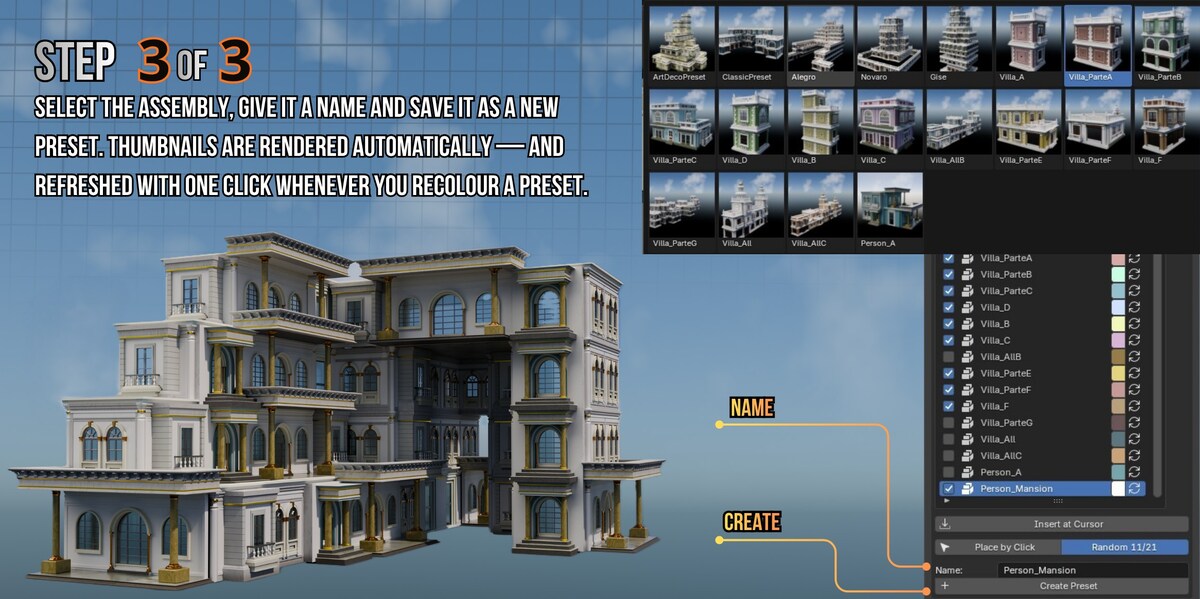
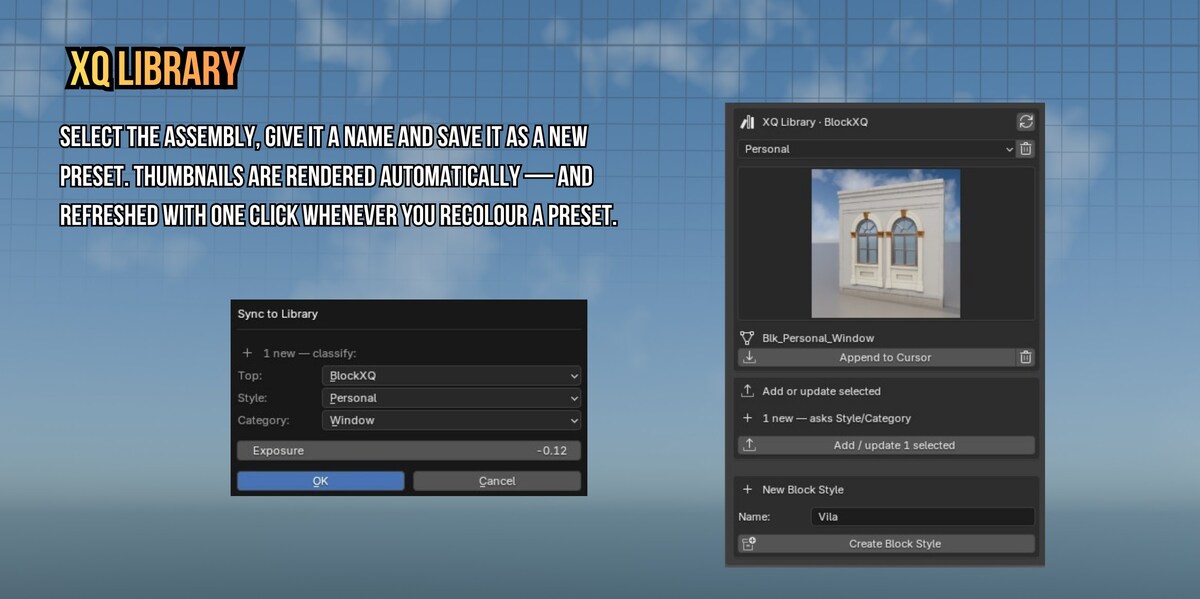
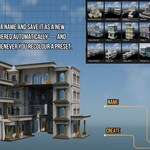
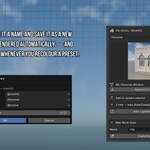
Select an assembly, name it and press Create Preset — the recipe is saved, not the geometry, and the thumbnail is rendered for you. Place it again with Insert at Cursor, or use Place by Click and let Random pick from the presets you ticked.
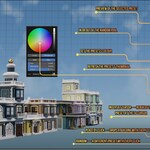
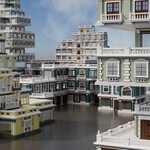
Each preset carries a colour. One material gives many colours, with nothing duplicated — so a street never looks all the same.
Using your own models
Model a piece, select it and press Add or update selected. Names, categories and thumbnails are handled for you. The convention is simple: 3 m height, widths in multiples of 3 m, facade toward +Y, origin at the bottom corner.
Full manual
Twenty illustrated articles with video, always up to date: xq.com.br/manual
Questions or problems: xq.com.br/support
Have questions about this product?
Login to message
| Blender Extension Compatible | Yes |
| Published | 7 days ago |
| Blender Version | 5.1 - 5.2 |
| Extension Type | Add-on |
| Render Engine Used | Cycles, Eevee |
| License | GPL |
Discover more products like this
ArchViz kitbash blocks blockxq presets modular building generator architecture assembler city buildings asset library