Boil: Hand-Drawn Toon Shaders & Lines (Cycles & Eevee)
 Outer Reach Productions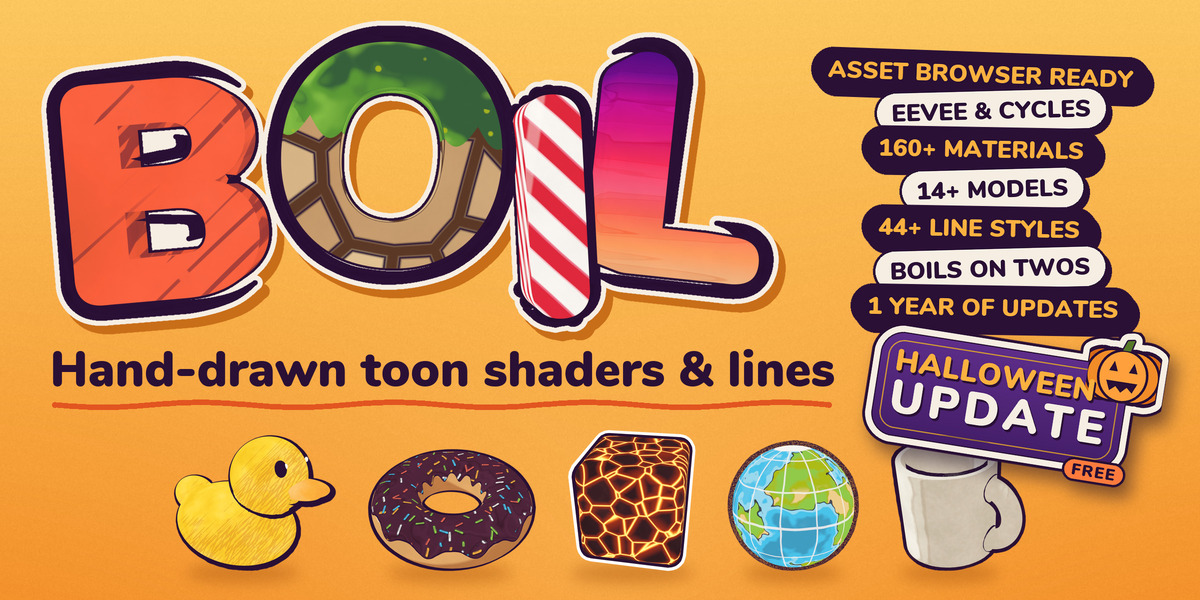
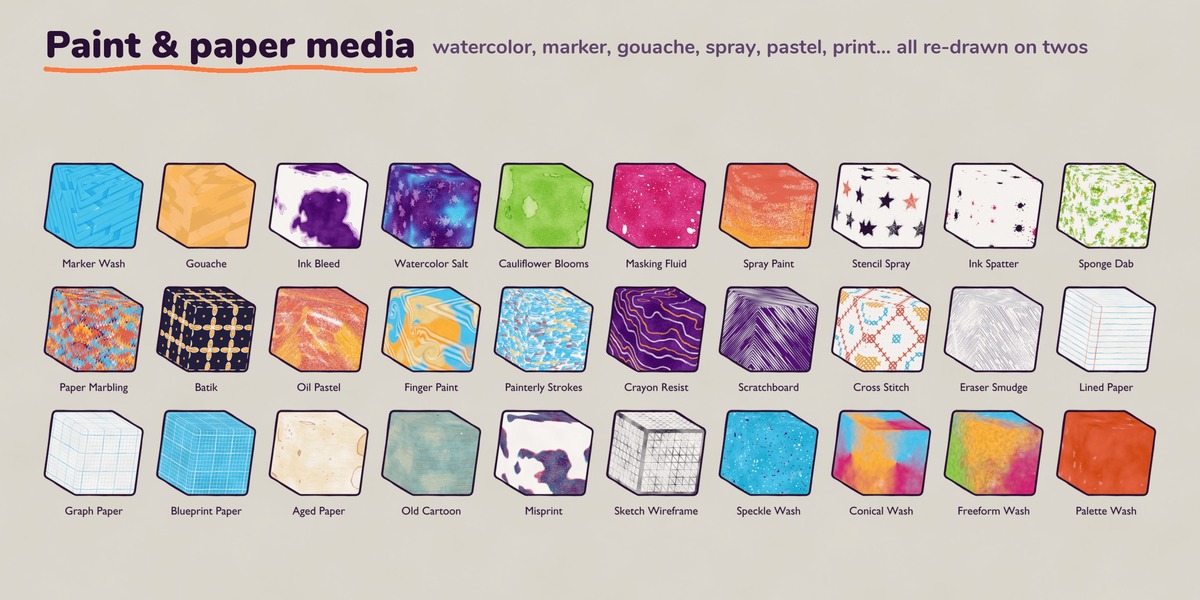
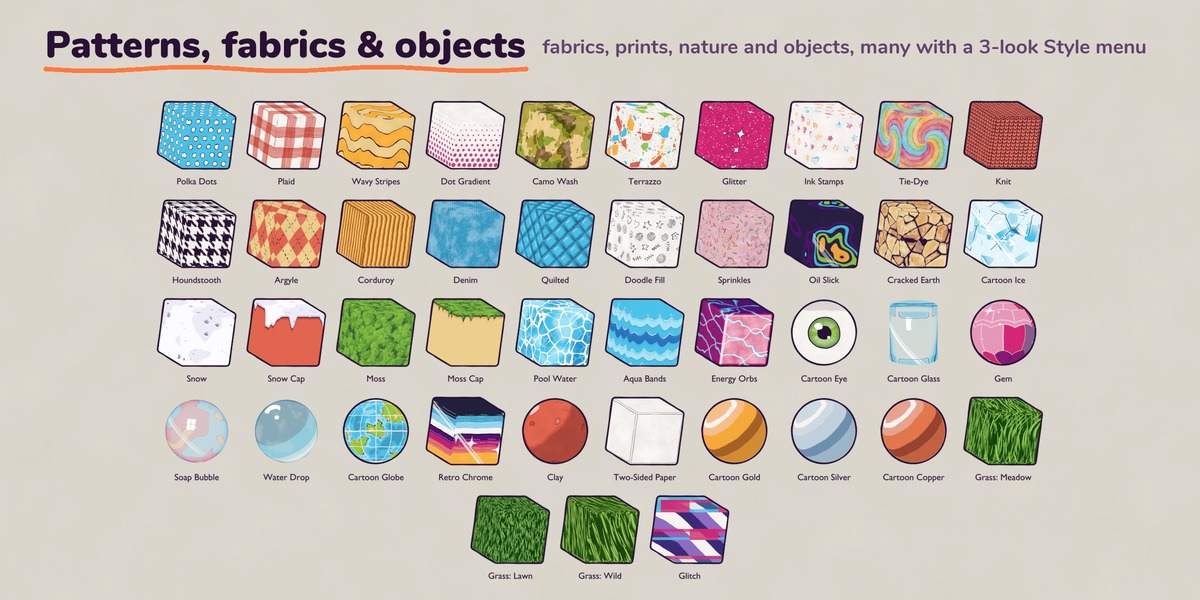
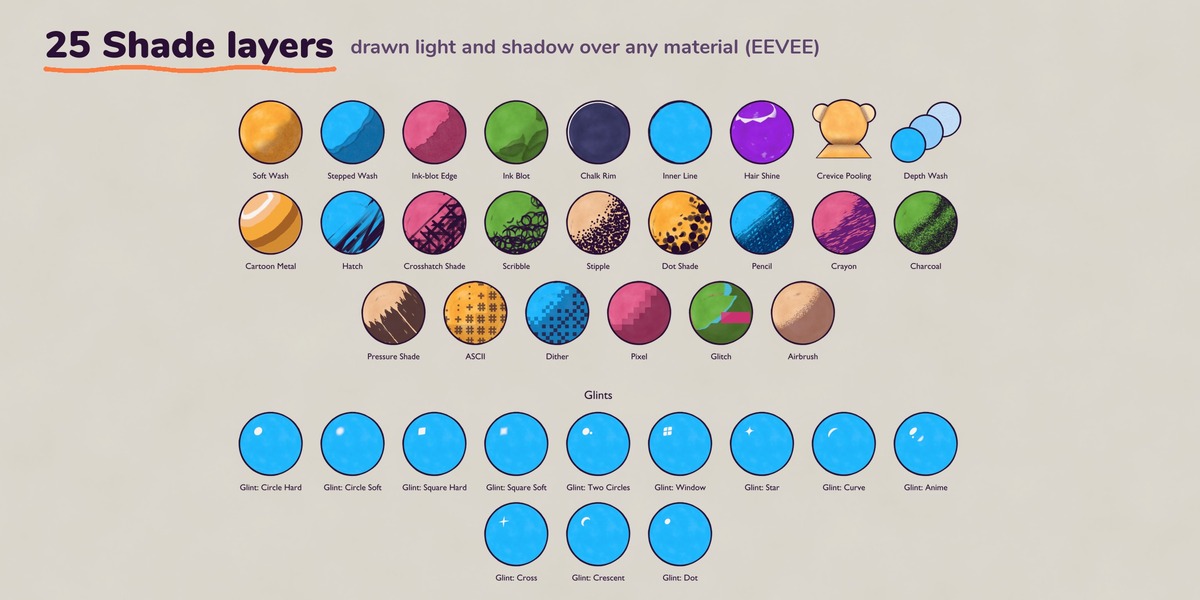
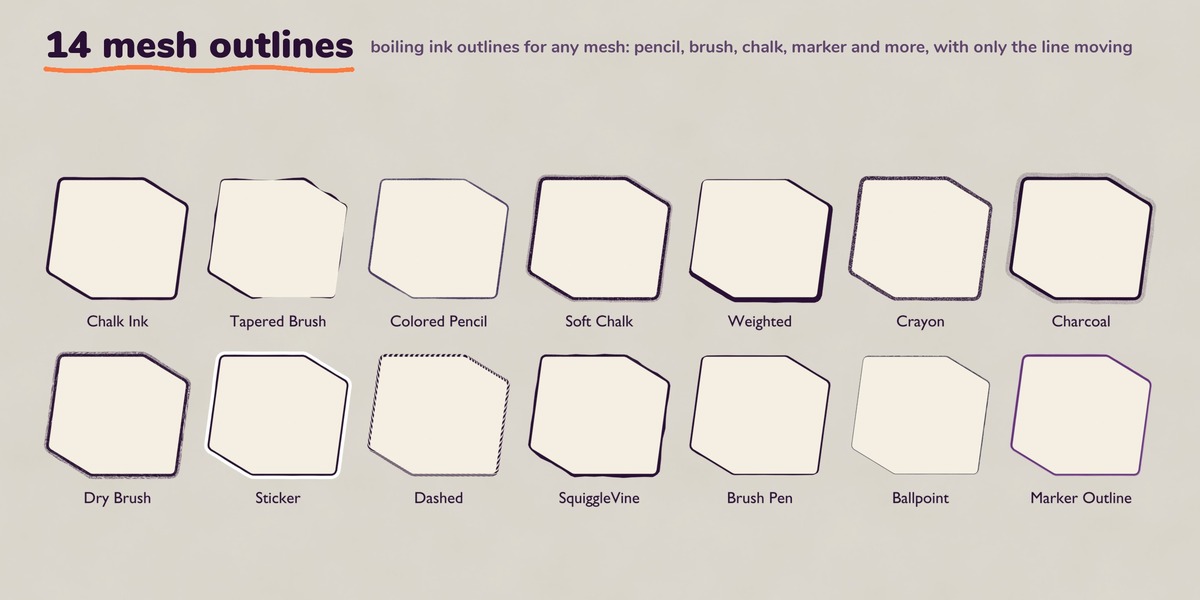
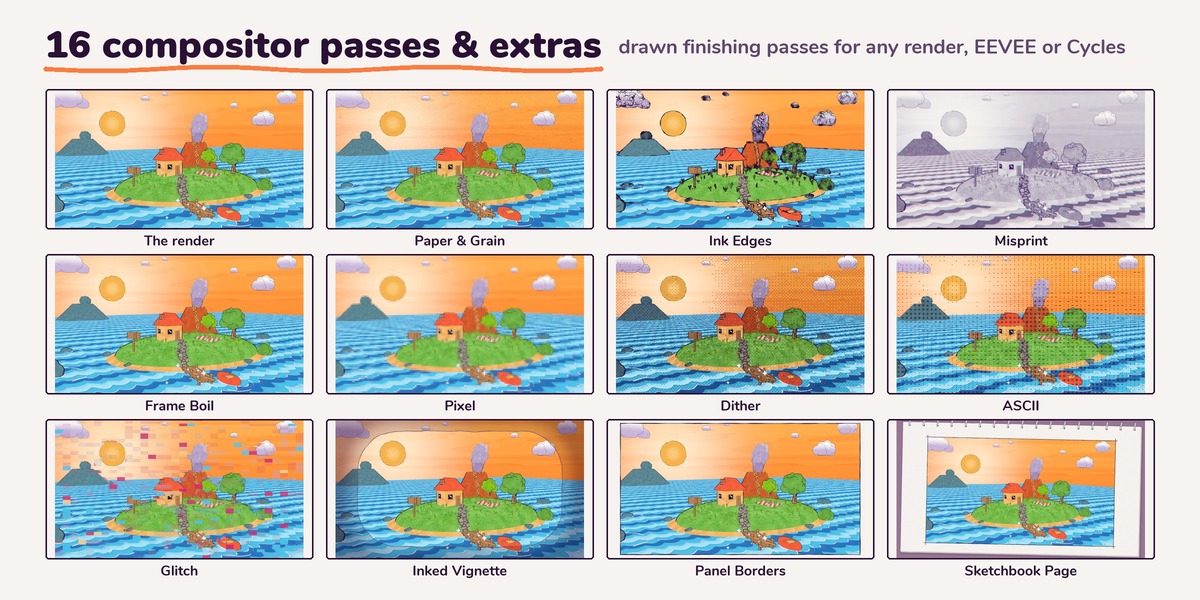
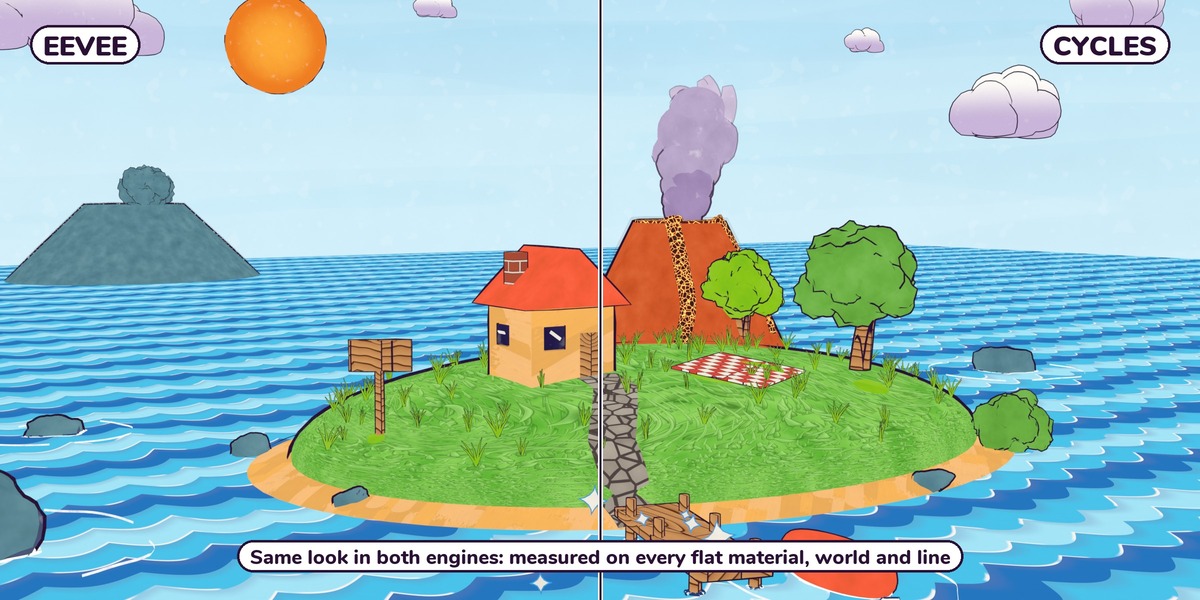

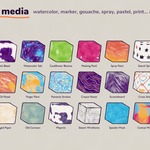
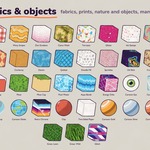
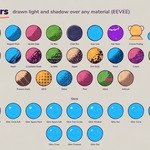
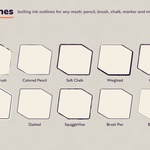

Quick start
-
Install. Unzip
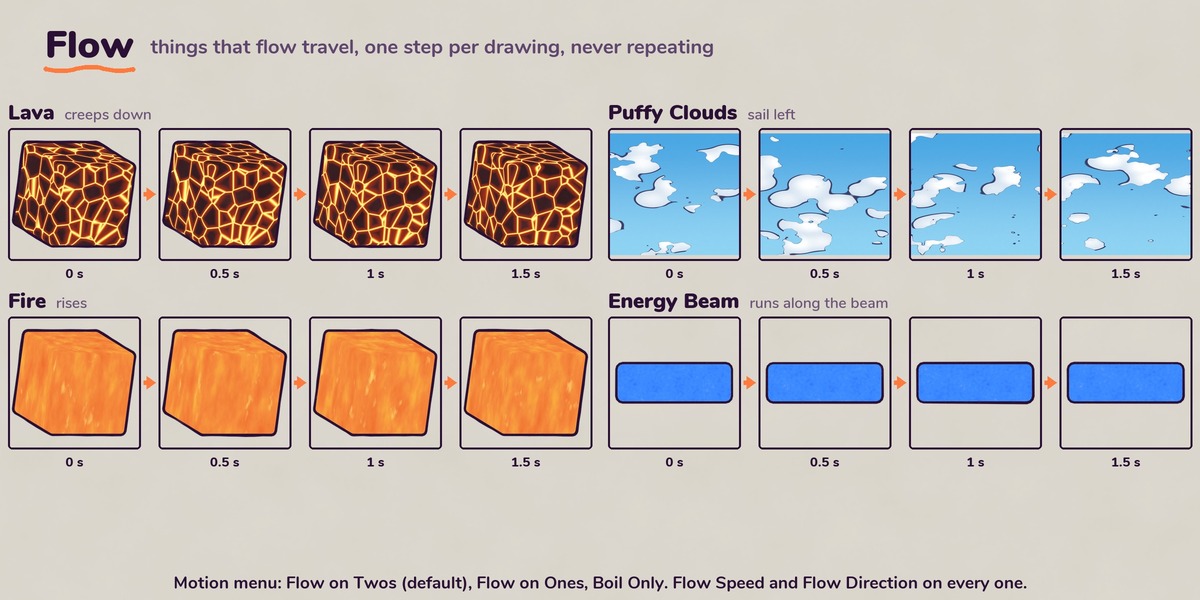
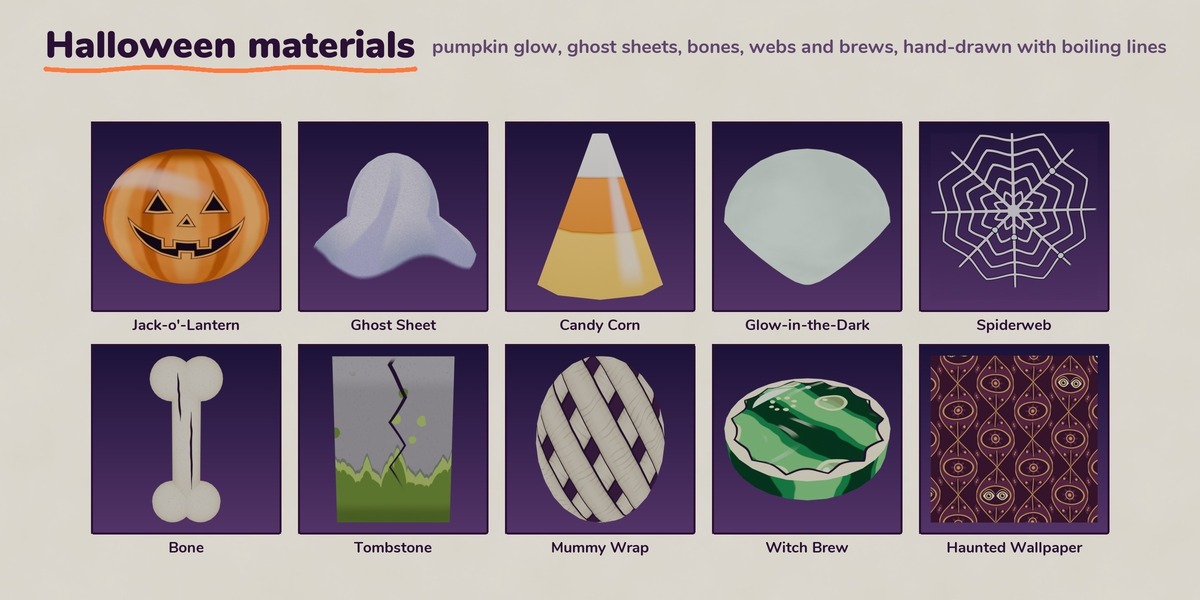
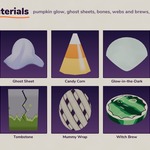
Boil_v1_1.zipsomewhere permanent. Then add it as an asset library (recommended): Edit > Preferences > Asset Libraries, click + and choose the unzippedBoil_v1_1folder. Leave its Import Method on Pack, Blender 5.2's default. Everything then appears in the Asset Browser under Boil, each item with a thumbnail and tooltip. Or just openBoil_Library.blendand work in it. - Drag a material onto any object. Every control shows right in Properties > Material > Surface, grouped into panels, so you don't need the Shader Editor to change a look.
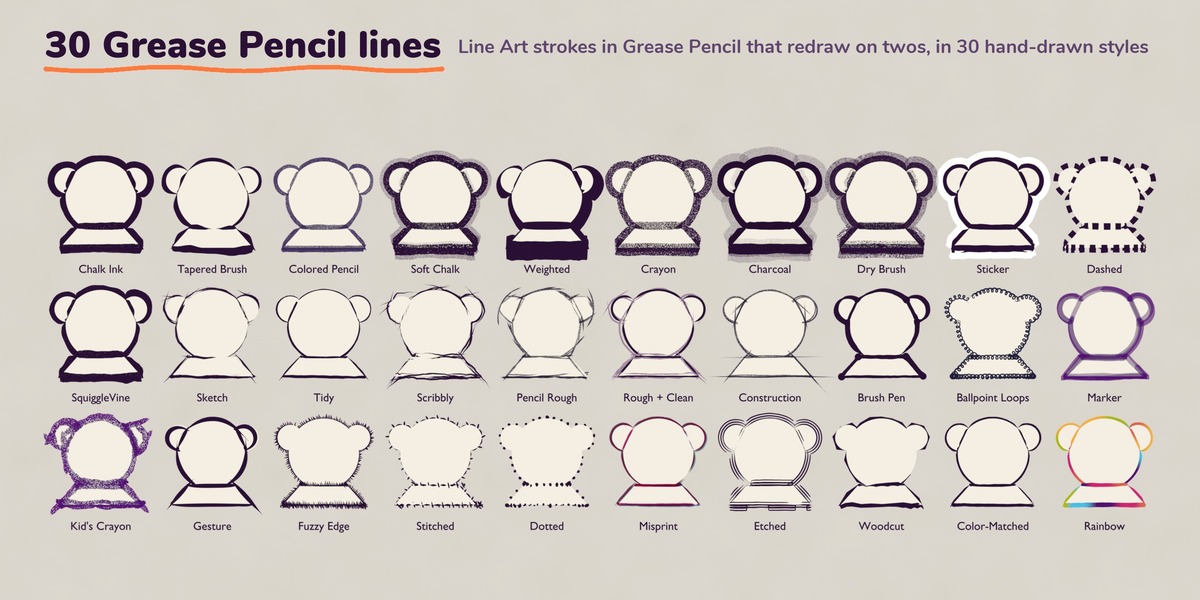
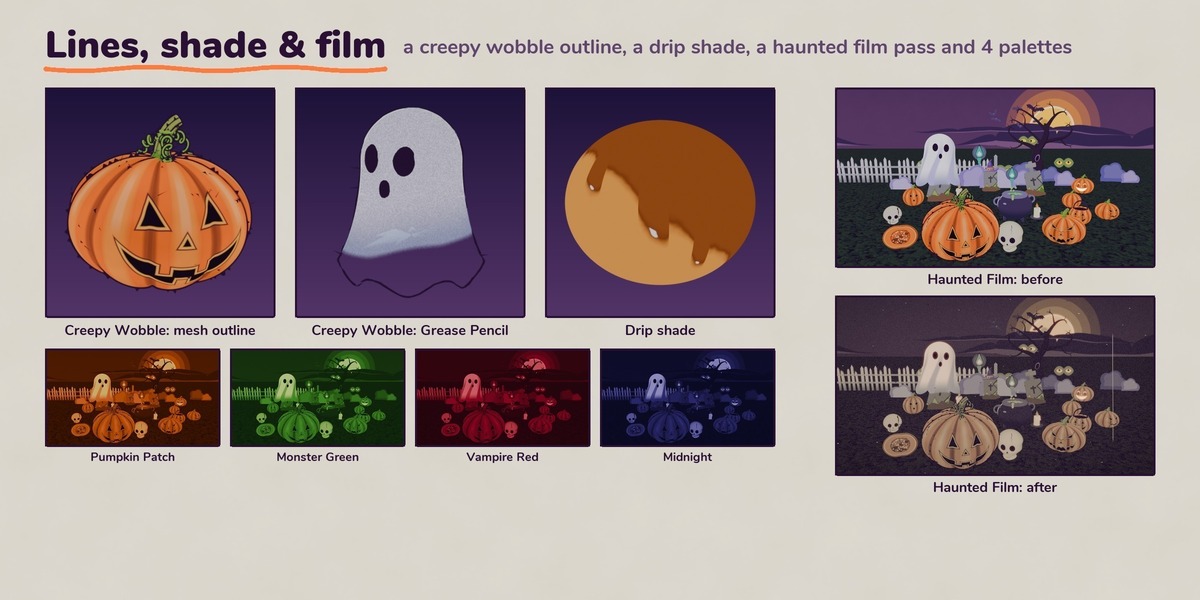
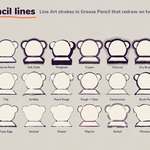
- Add a line. Drag a mesh line style (Lines folder) onto the object, or drop a Grease Pencil line style (GP Lines folder) into a scene with an active camera.
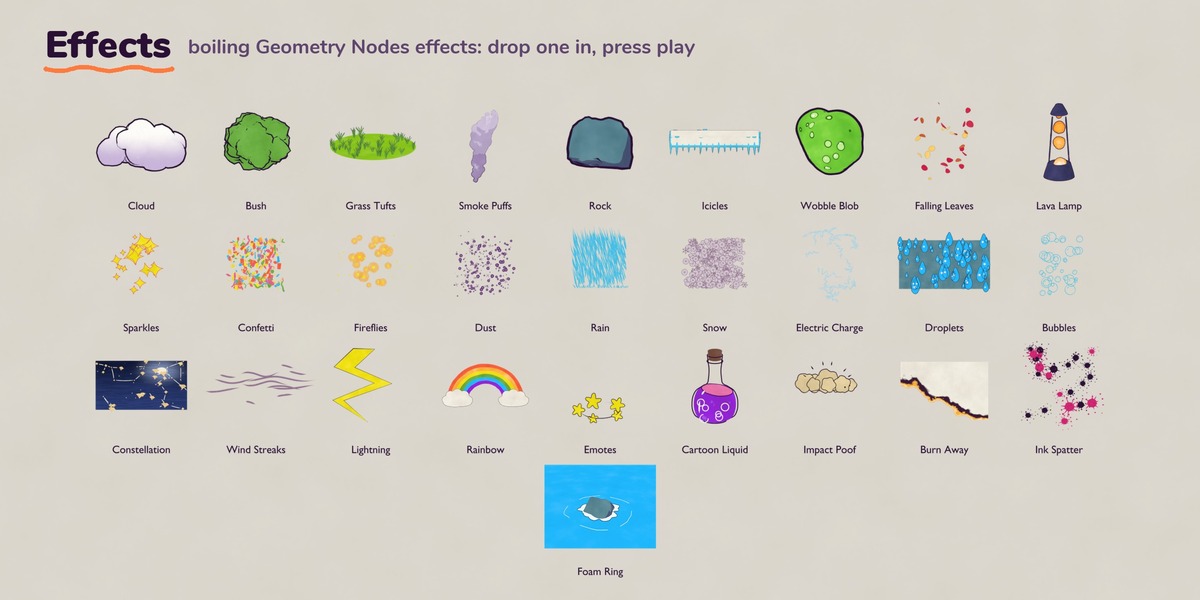
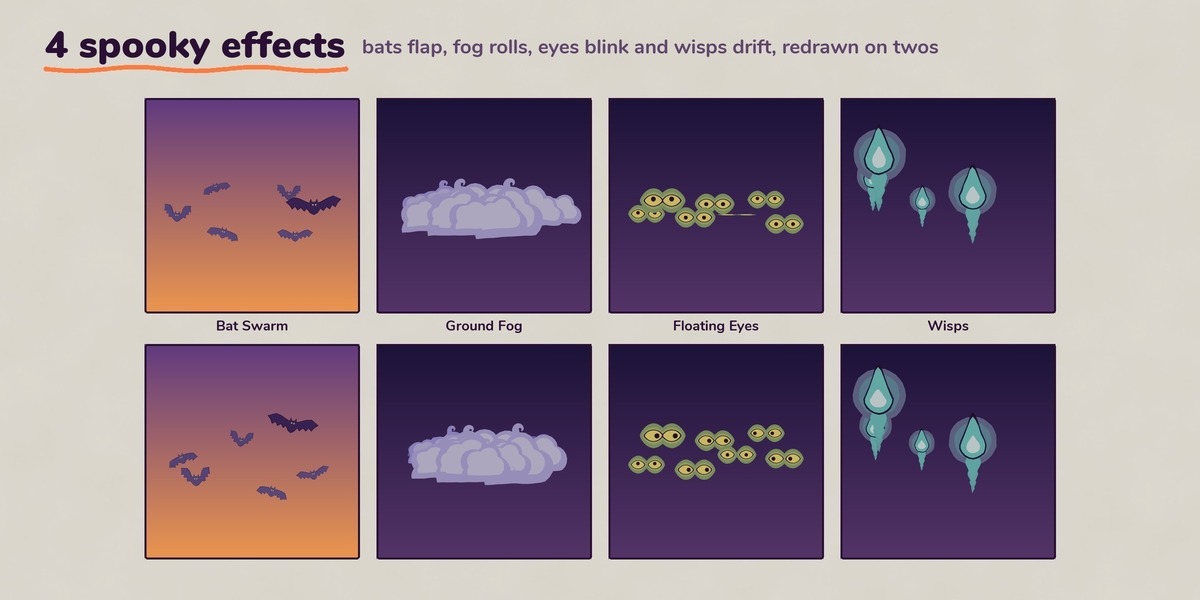
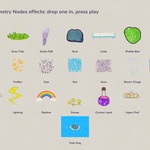
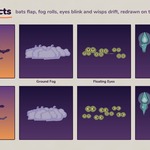
- Drop an effect from the Effects folder, or add its node group to your own object as a modifier.
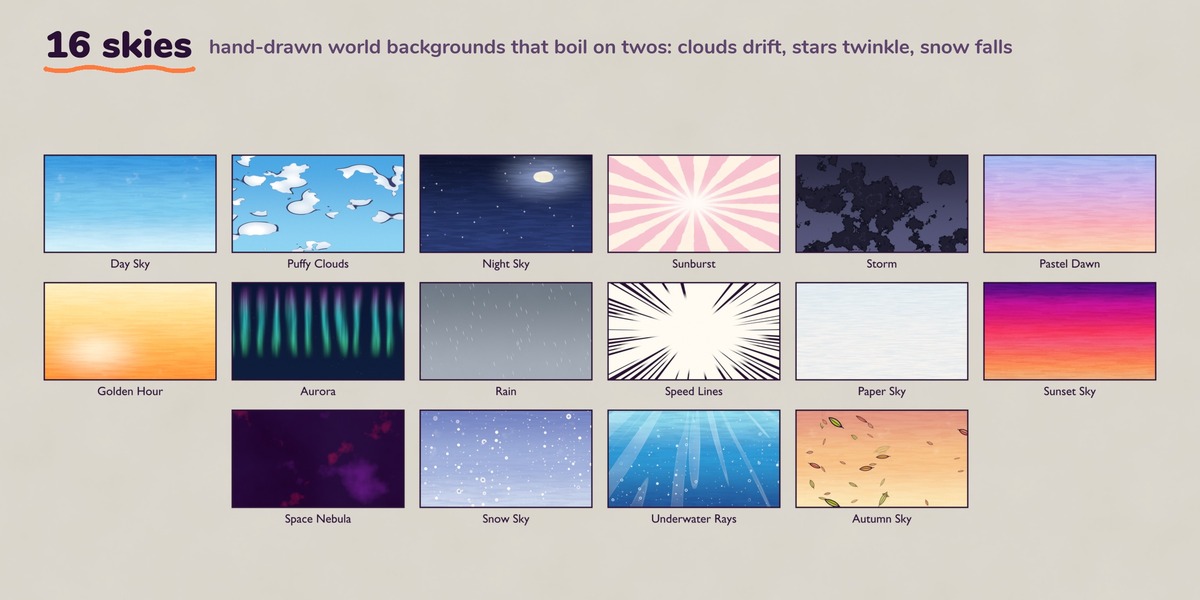
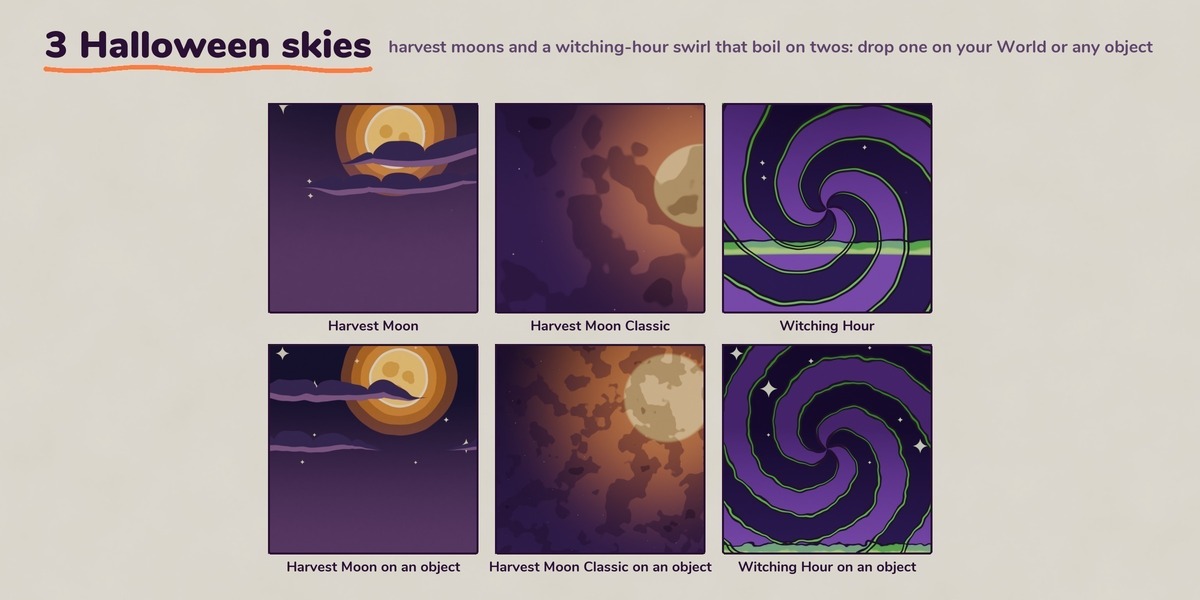
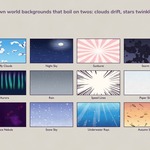
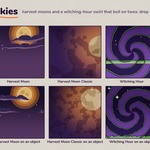
- Set a sky. Drag a world from the Worlds folder, or put a sky material on any object.
- Press play. Everything boils by itself.
Tip: set Color Management > View Transform to Standard to see the exact colors. AgX mutes saturated colors.
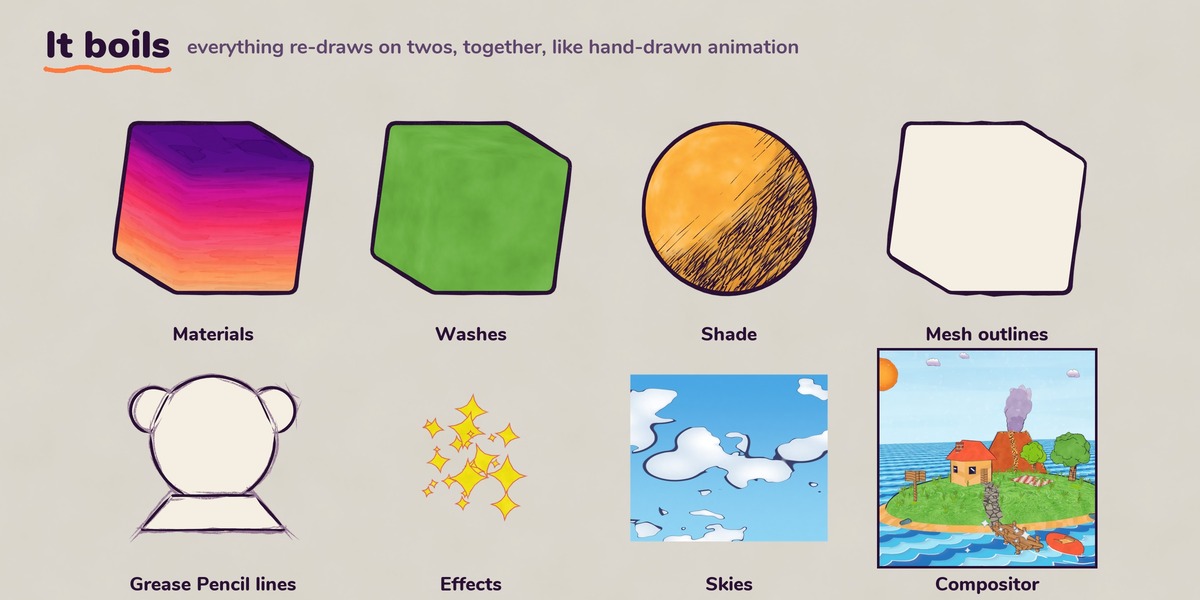
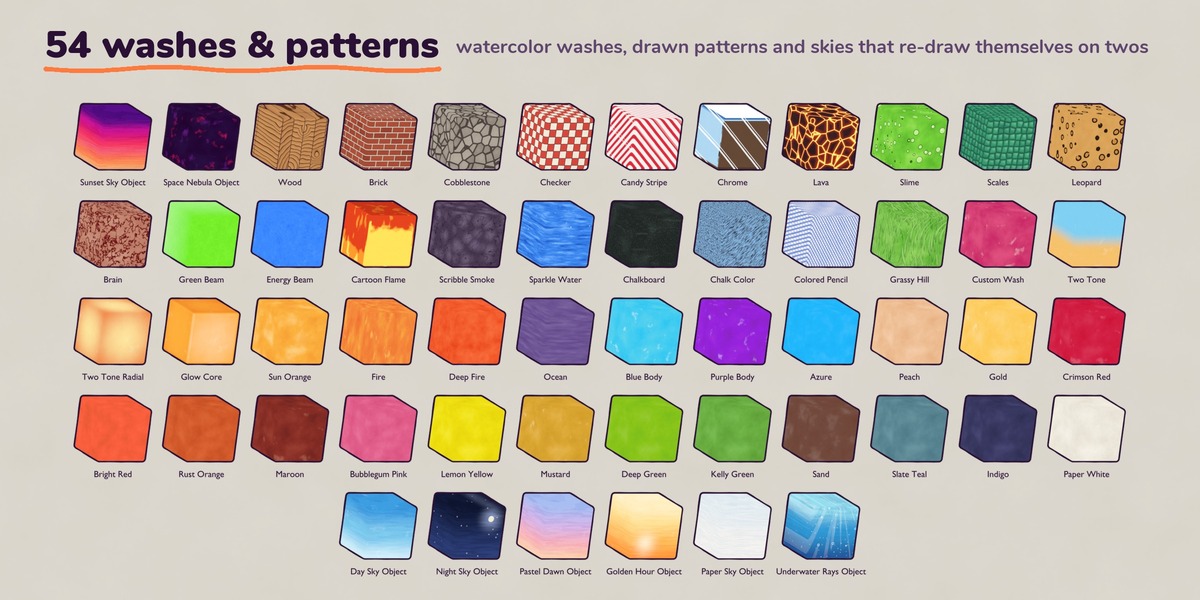
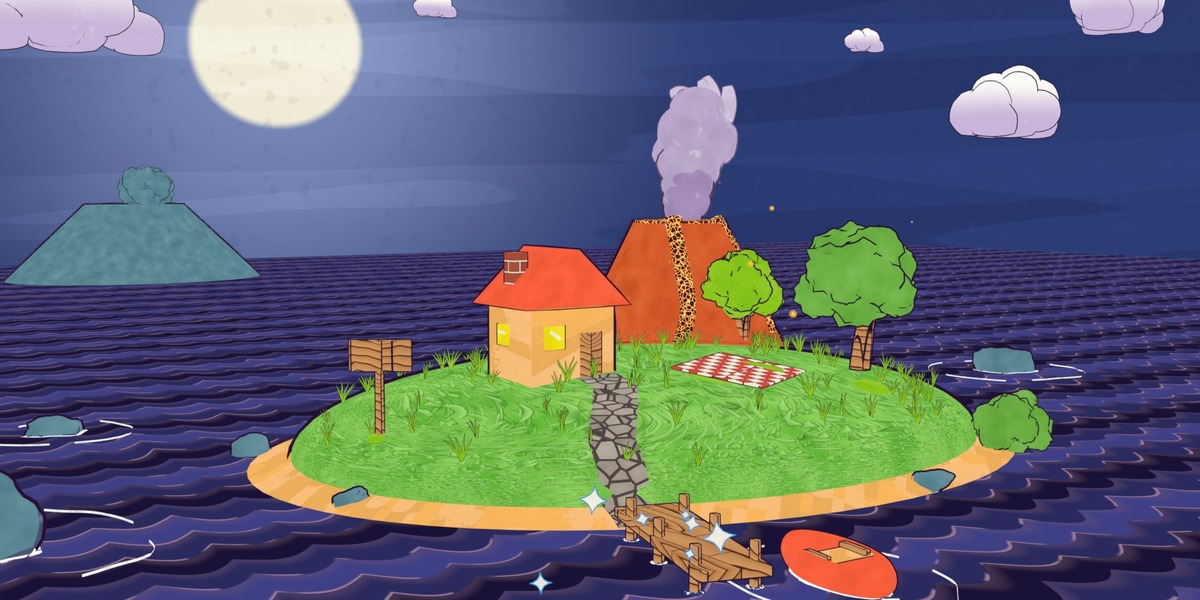
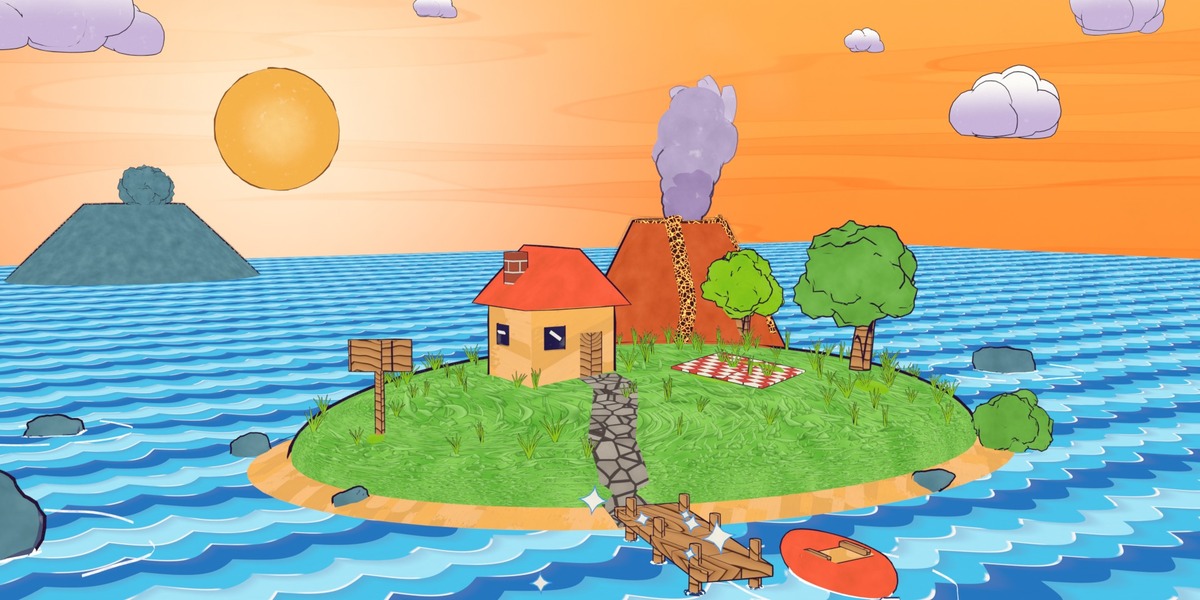
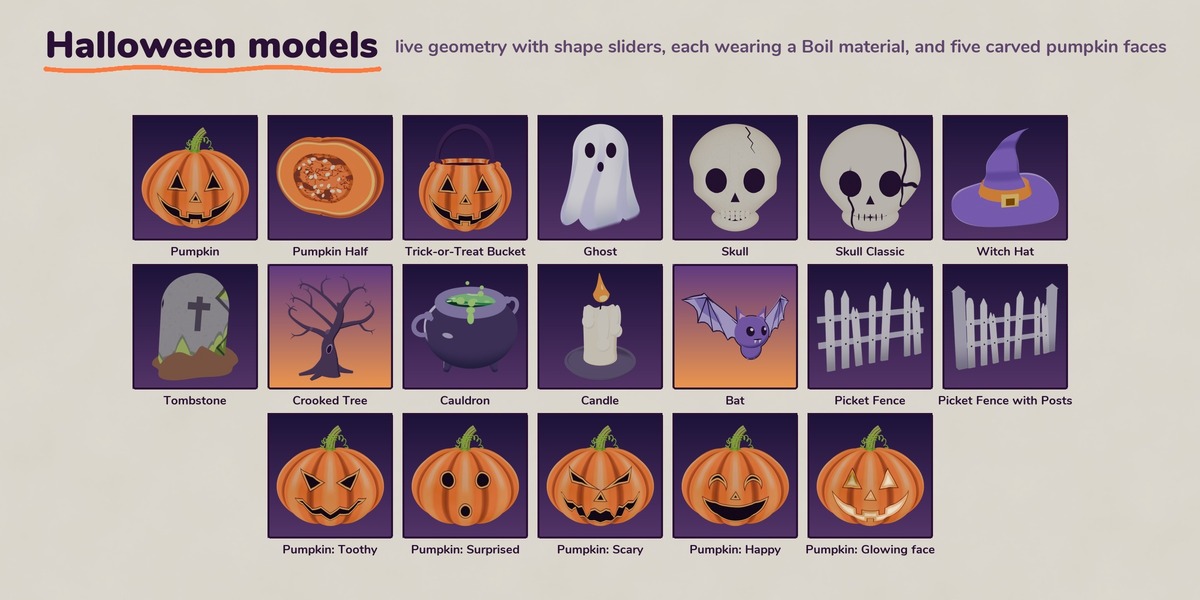
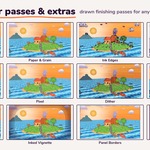
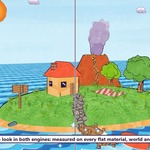
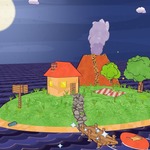
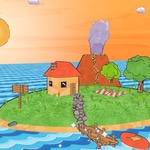
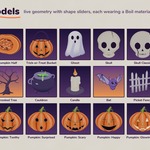
See it first: Boil_Library.blend opens on the Overview wall of everything in the pack. Boil_Demo_Scenes.blend holds three finished scenes (Day, Golden Hour and Night).
Switching scenes
Both Boil_Library.blend and Boil_Demo_Scenes.blend hold several scenes. To switch, click the scene name at the top-right of Blender's window (next to the scene icon, left of the View Layer box) and pick one from the list. Press Numpad 0 to look through that scene's camera, then Space to play.
What's in the zip
-
Boil_Library.blend: the library. Every material, sky, world, Shade layer, effect, line style and compositor pass (the only file with assets), laid out on boards, one scene per section -
Boil_Demo_Scenes.blend: three finished demo scenes, a storybook island at Day, Golden Hour and Night -
blender_assets.cats.txt: the Asset Browser folders (keep it next to the .blend files) -
README.md: every asset and control explained (also inside both .blend files as the HOW_TO_USE.md text block) -
LICENSE.txt: the license and seat terms -
textures/: 8 seamless 2048×2048 paper and grain textures
Changing the cadence (ones, twos, threes)
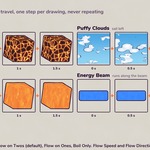
Everything ships on twos. One value sets the cadence for the whole file: Frames per Drawing inside the CS_BoilClock group. Materials, skies, Shade layers, the ready-made effect and line drop-ins and the compositor passes all follow it.
- If you dragged items in with Pack (the default), make them local once: in the 3D Viewport, in Object Mode, choose Object > Relations > Make Local > All. Packed data is read-only until you do. (This also makes any other linked data in your file local.)
- In any Shader Editor press Shift+A > Group > CS_BoilClock, press Tab to go inside and set Frames per Drawing (1, 2 or 3).
If items you drag in later bring their own CS_BoilClock.001, run Make Local > All again, then in the Outliner switch to Blender File > Node Groups, right-click CS_BoilClock.001 > Remap Users and pick CS_BoilClock (same for CS__CompClock.001), and finish with File > Clean Up > Purge Unused Data. Line and effect modifiers you add to your own objects keep their own Boil Every value; the README shows how to hook them to the clock with Copy as New Driver / Paste Driver.
Requirements and good to know
- Blender 5.2 or newer. EEVEE and Cycles.
- Shade layers draw your lights in EEVEE and render the flat color in Cycles.
- Grease Pencil lines use Line Art and need a scene camera.
- Motion effects (action lines, smears, squash and stretch, impact poofs) must be baked before render-farm or command-line renders.
- Compositor passes need Compositing on and are designed for the Standard view transform.
- Mesh outlines need closed meshes (add Solidify to a single plane).
- Boil materials are emission. Mixing them with regular lit objects in Cycles? They can softly light nearby objects; to stop it, untick Diffuse and Glossy in the Boil object's Object Properties > Visibility > Ray Visibility.
- No Python needed: works with Auto Run Python Scripts off.
Using Boil from the Superhive online asset library
You can also get Boil straight inside Blender's Asset Browser through Superhive's online library. Items come in with Pack, Blender 5.2's default, and share one clock. To change the cadence, use Make Local > All as described above. The first drag downloads the whole library file once; after that, items drop in instantly.
License tiers
All tiers use the Standard Royalty-Free License. The tier sets how many people may use the pack:
- Solo: one named user
- Team: up to 5 users within one organization
- Studio: up to 15 users within one organization
Need more seats? Message me through the product page.
Changelog
- 1.1: every material's controls show in Properties > Material > Surface, with panels and a tooltip on every input; one cadence control for materials, effects, lines and compositor passes; Custom Colors on the palette looks; new eye menus (Iris Pattern, Glints); Edge Wobble Scale, Horizon and Sky Height, Flow Space on more flows; node graphs organized into labeled sections; import instructions updated for Blender 5.x.
- 1.0: initial release
-
$39
License for 1 named user. The full pack, with 12 months of updates.
-
$120
License for up to 5 users within one organization. The full pack, with 12 months of updates.
-
$320
License for up to 15 users within one organization. The full pack, with 12 months of updates.
 Included
Includes 12 months of
- Support from Outer Reach Productions
- Product updates
Extend this product’s Support Period +12 months: 25% of product price
Have questions before purchasing?
Login to message
Includes an Asset Library
551 drag-and-drop assets for Blender’s Asset Browser.
Browse included assets| Dev Fund Contributor | |
| Published | 10 days ago |
| Blender Version | 5.2 |
| Render Engine Used | Cycles, Eevee |
| Misc Data | Animated |
| License | Royalty Free |
Discover more products like this
Grease Pencil stylized geometry nodes toon shader procedural Cartoon line art NPR outline animated shader hand drawn watercolor