Boil: Hand-Drawn Toon Shaders & Lines (Cycles & Eevee)
 Outer Reach Productions
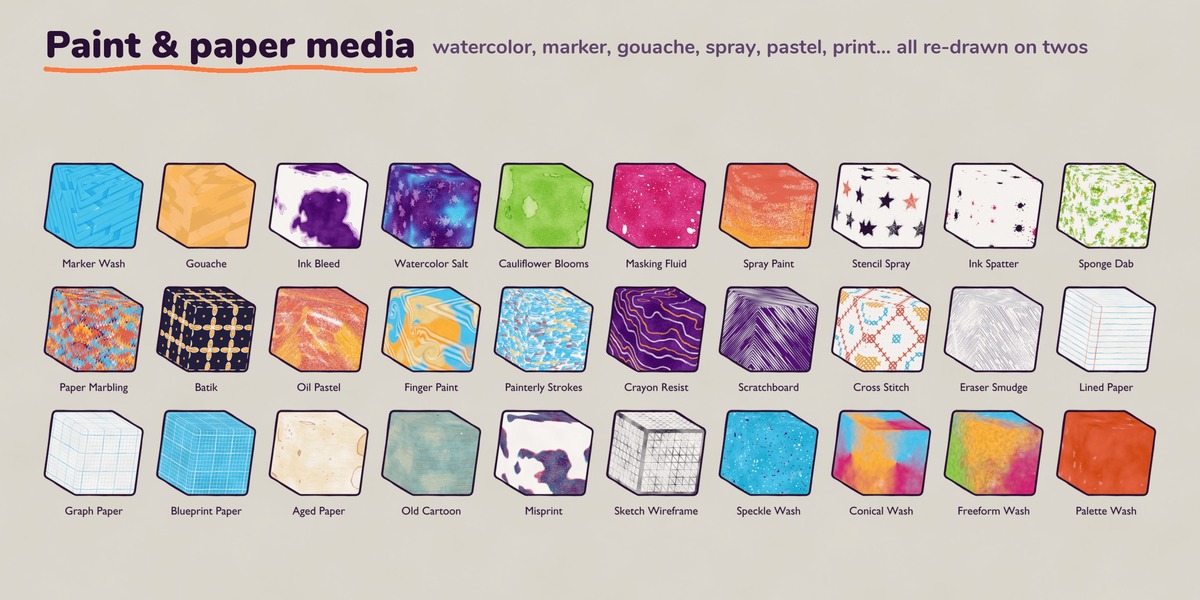
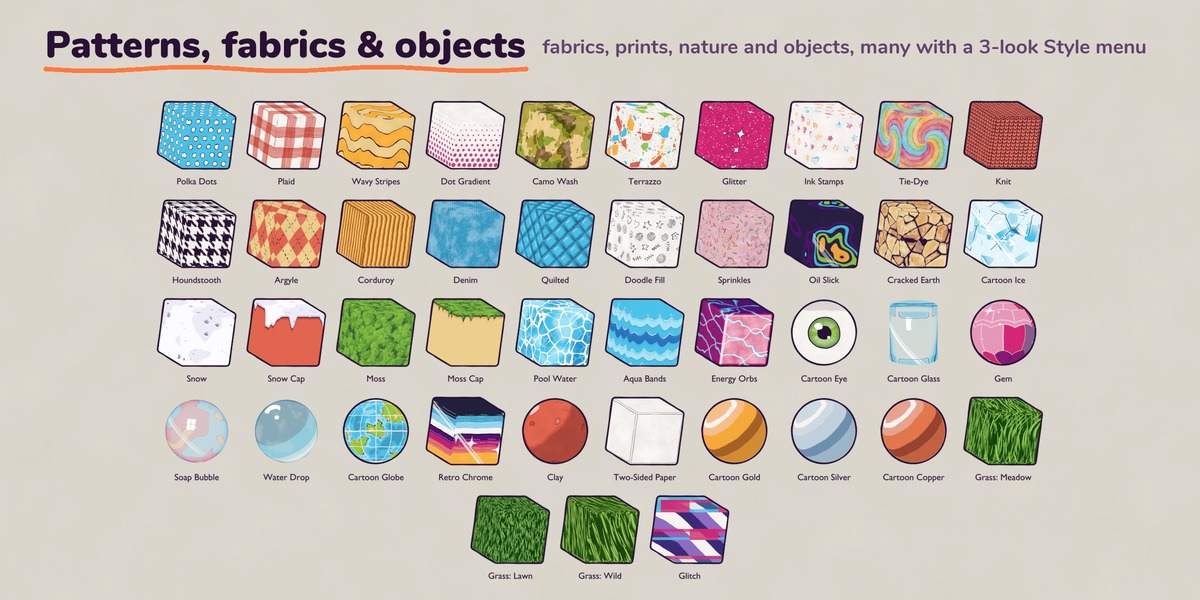
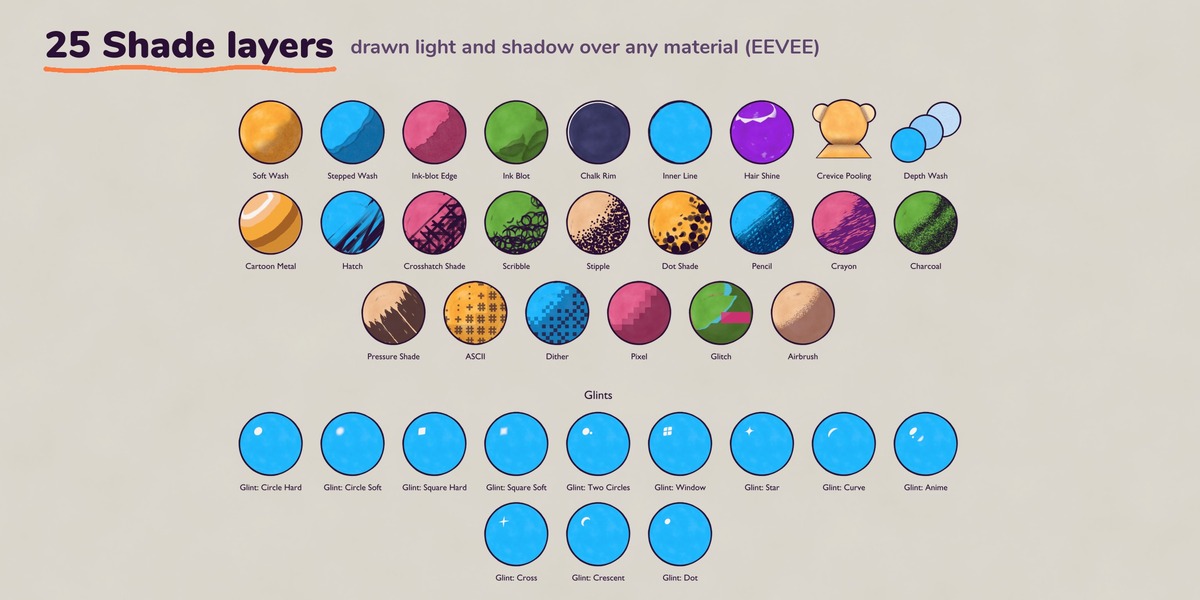
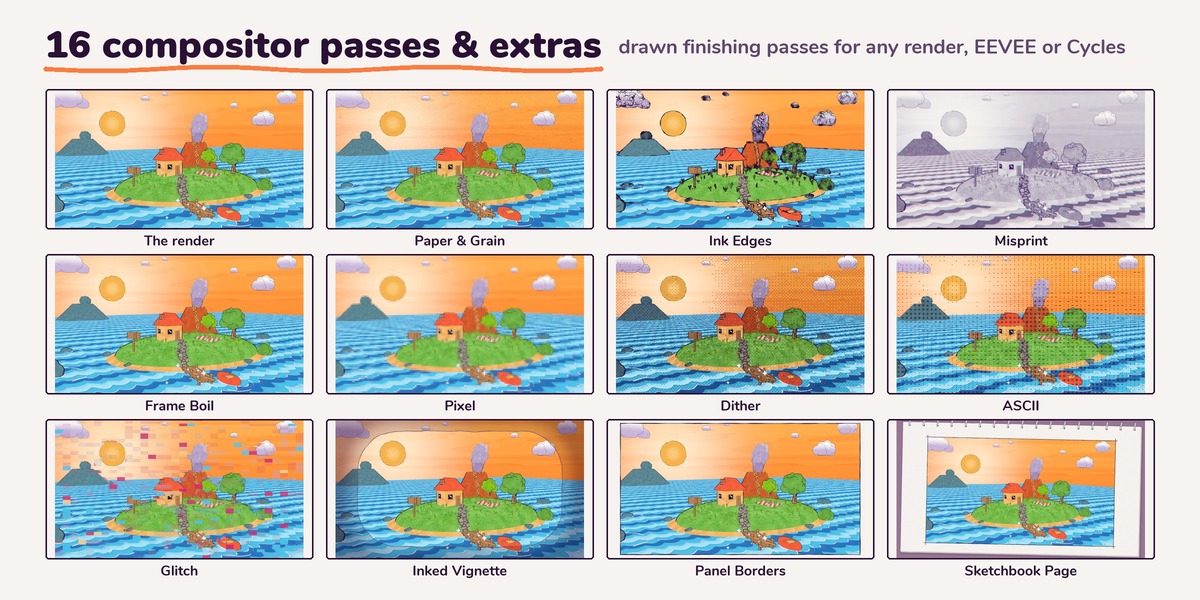
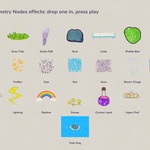
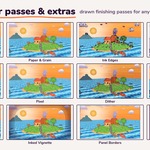
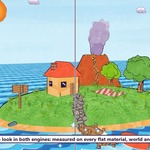
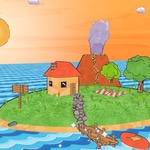

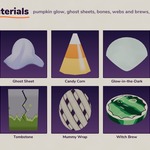
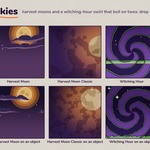
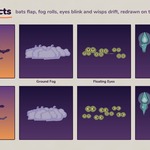
No. Everything uses object coordinates, so it works on any mesh straight away. Some shading styles can also switch to screen space.
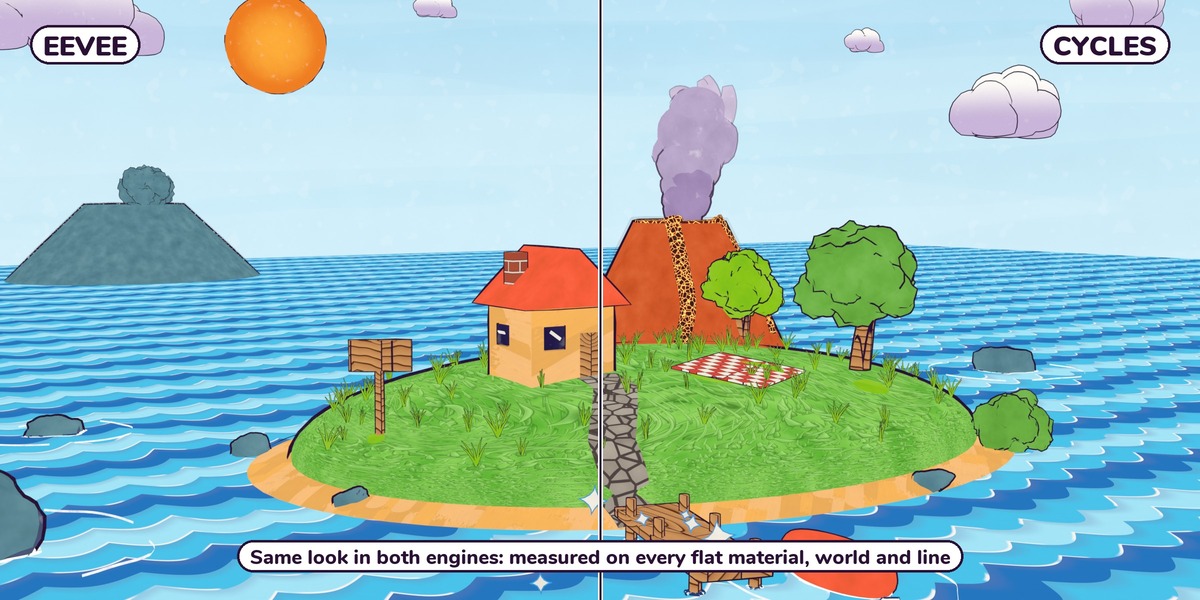
Yes. Materials, skies, lines, effects and compositor passes look the same in EEVEE and Cycles. Shade layers that read your lights draw them in EEVEE and render the flat color in Cycles, so a Cycles render never breaks.
Boil materials are emission, so in Cycles they can softly light nearby objects. To stop it, select the Boil object > Object Properties > Visibility > Ray Visibility and untick Diffuse and Glossy. The Boil object itself looks the same.
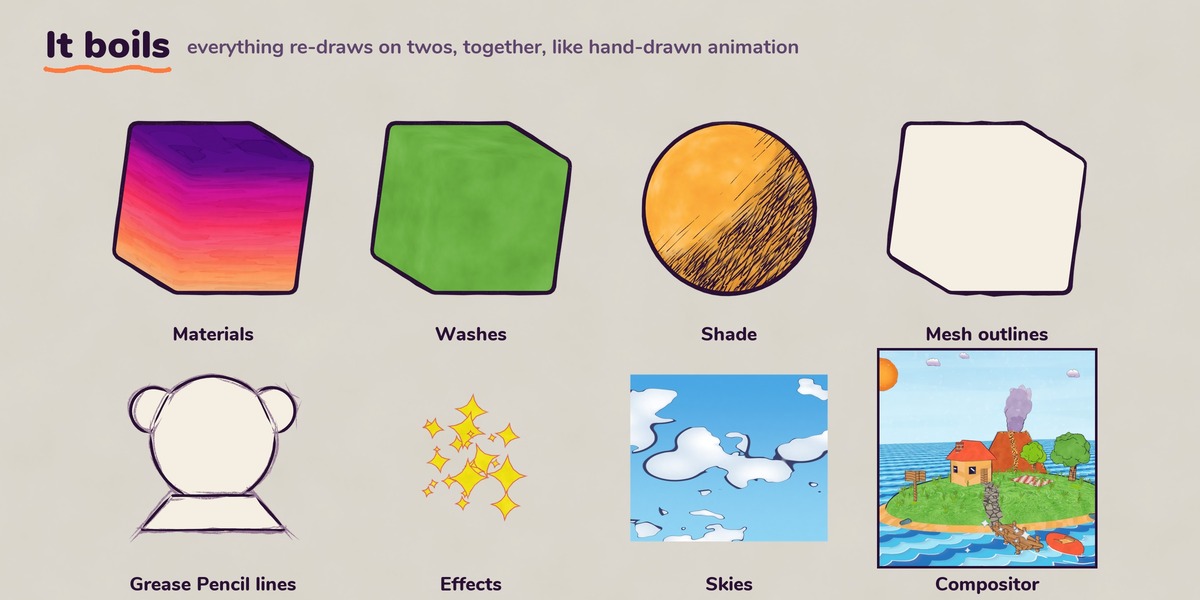
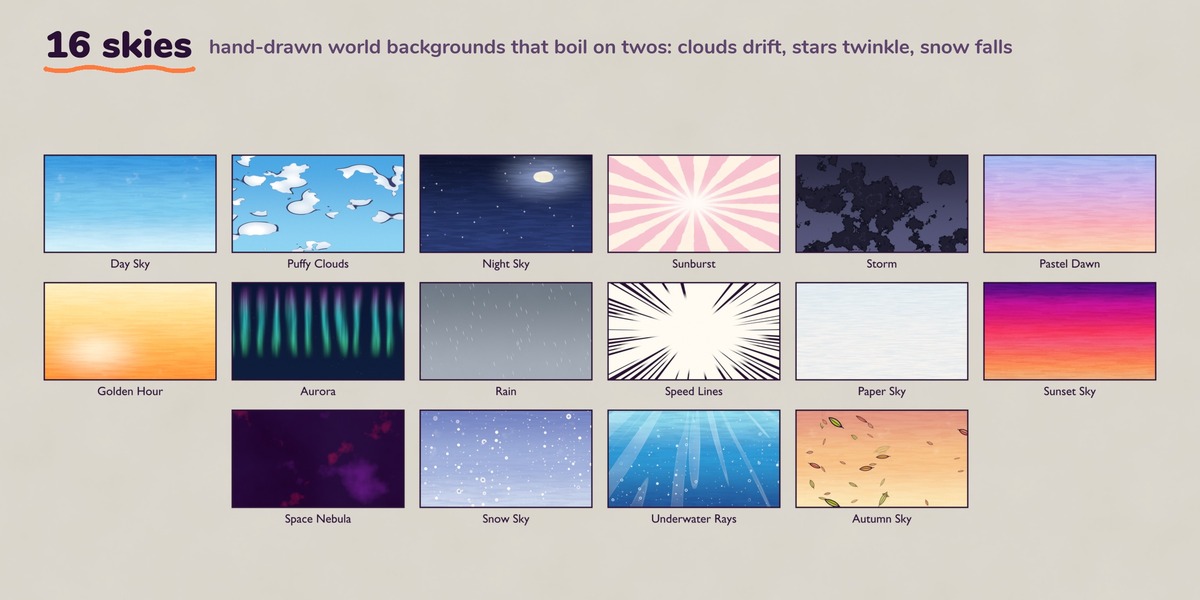
A new drawing every 2 frames, held in between, like hand-drawn animation. One value switches the whole file to ones or threes: Frames per Drawing inside CS_BoilClock. Materials, skies, Shade layers, the ready-made effects and lines, and the compositor passes all follow it. Items dragged in with Pack (the default) need one Object > Relations > Make Local > All first; the README walks through it.
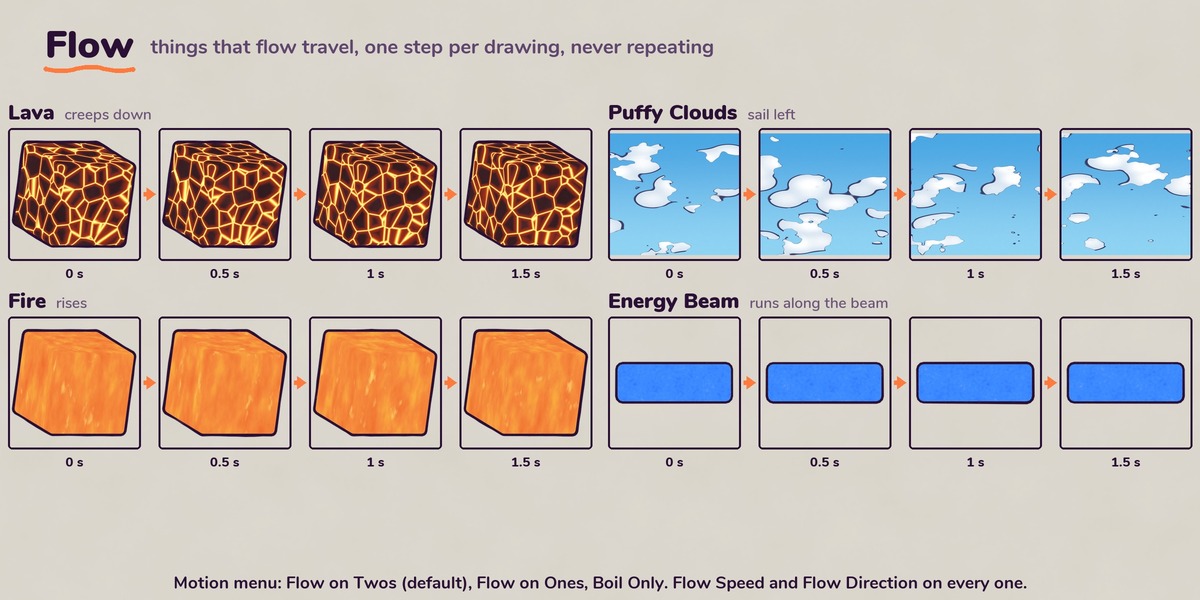
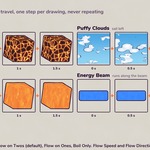
No. Flow on Twos moves forward one step per drawing and never repeats. Switch Motion to Flow on Ones for smooth travel, or Boil Only to re-draw in place.
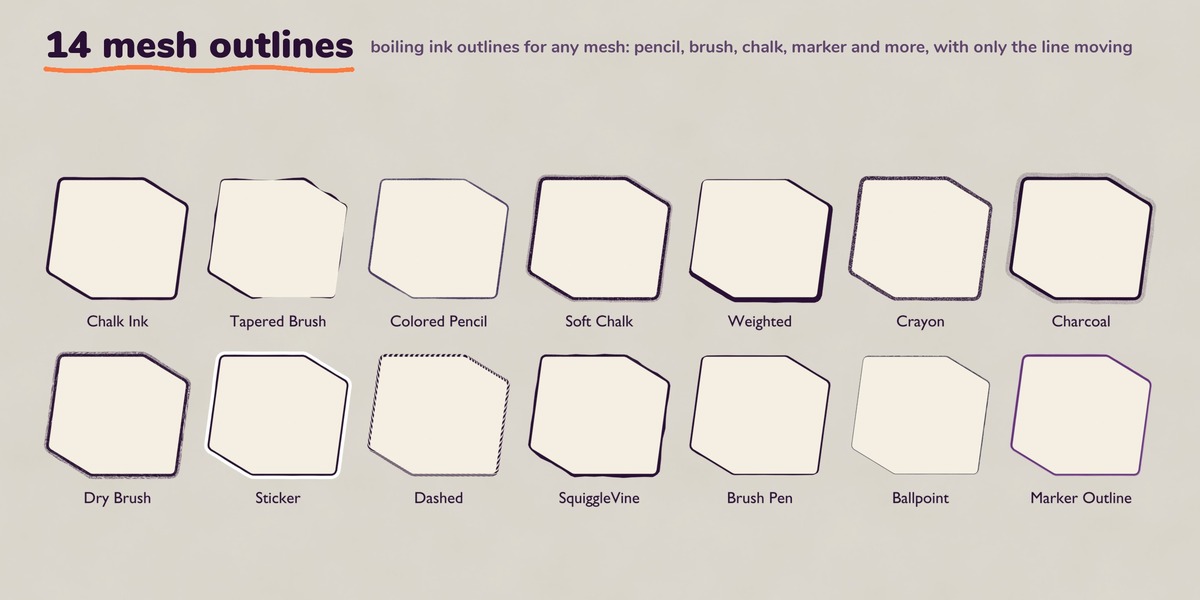
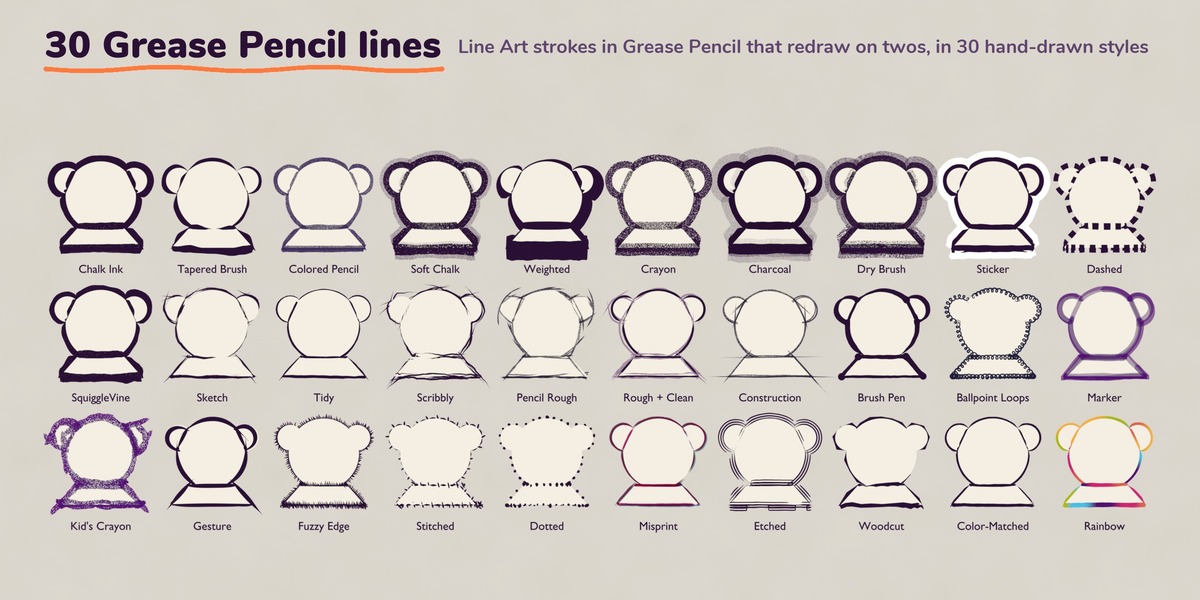
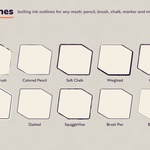
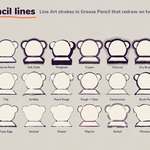
Mesh outlines are one modifier per object: instant, on any closed mesh. Grease Pencil lines draw the whole scene with Line Art: real gaps, overshoot, tapered ends, creases and draw-on. Use either, or both.
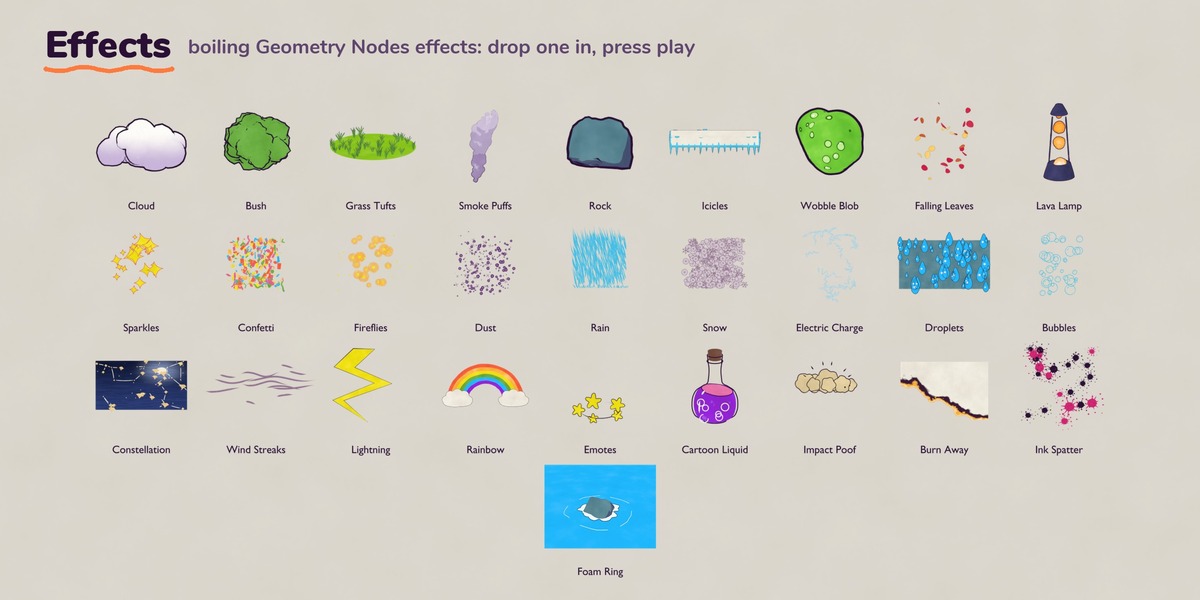
Yes. Bake the motion effects first (Physics Properties > Simulation Nodes > Bake). Everything else needs nothing.
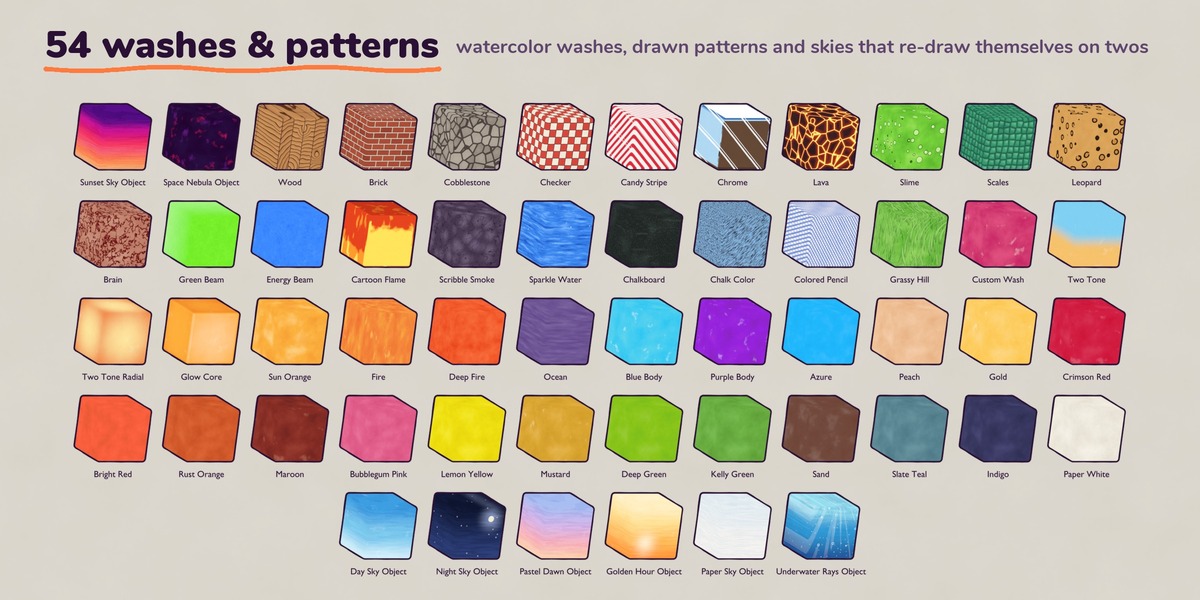
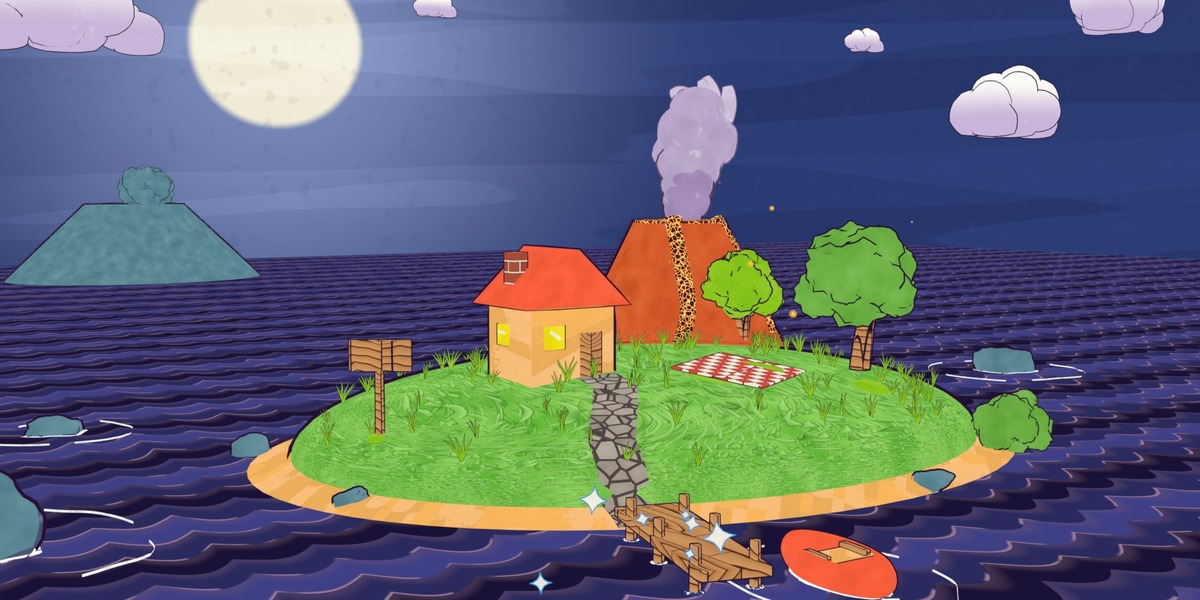
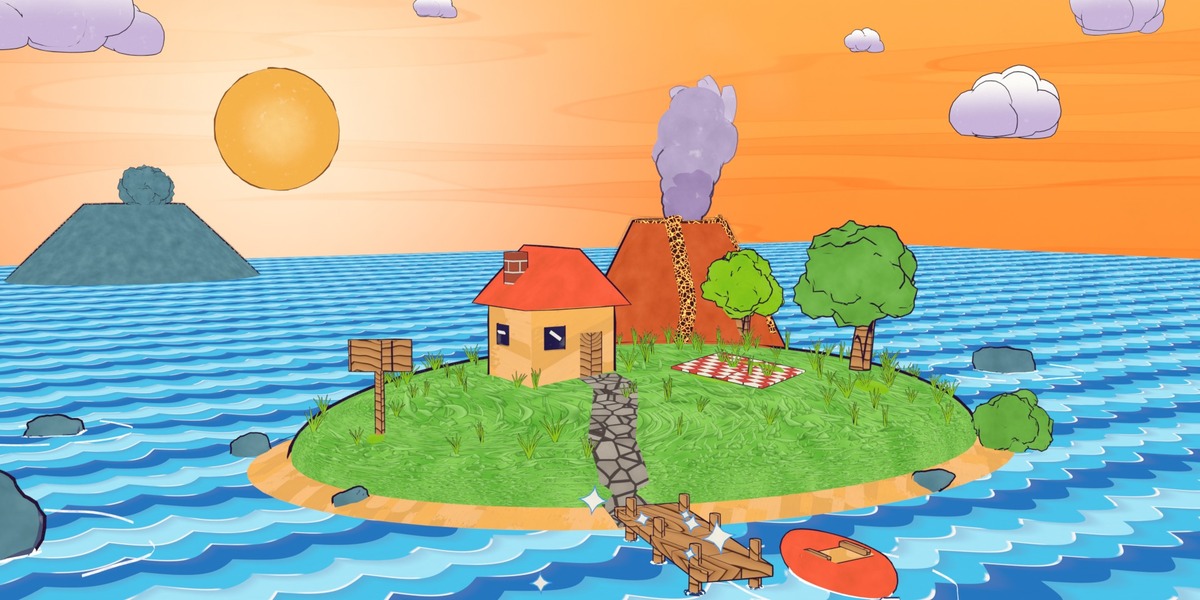
Yes. Every color is an input, the palette looks (fire, lava, water, sunsets and more) have a Custom Colors switch, Shade layers have a Custom Color shadow mode, and the Palette node swaps a material or the whole frame to one of four palette sets.
Yes. Plug the Boil Anything node into any procedural texture and it boils on twos with the rest of the pack.
-
$39
License for 1 named user. The full pack, with 12 months of updates.
-
$120
License for up to 5 users within one organization. The full pack, with 12 months of updates.
-
$320
License for up to 15 users within one organization. The full pack, with 12 months of updates.
 Included
Includes 12 months of
- Support from Outer Reach Productions
- Product updates
Extend this product’s Support Period +12 months: 25% of product price
Have questions before purchasing?
Login to message
Includes an Asset Library
551 drag-and-drop assets for Blender’s Asset Browser.
Browse included assets| Dev Fund Contributor | |
| Published | 11 days ago |
| Blender Version | 5.2 |
| Render Engine Used | Cycles, Eevee |
| Misc Data | Animated |
| License | Royalty Free |
Discover more products like this
procedural Grease Pencil animated shader stylized line art geometry nodes toon shader hand drawn outline NPR watercolor Cartoon