 bhdesign
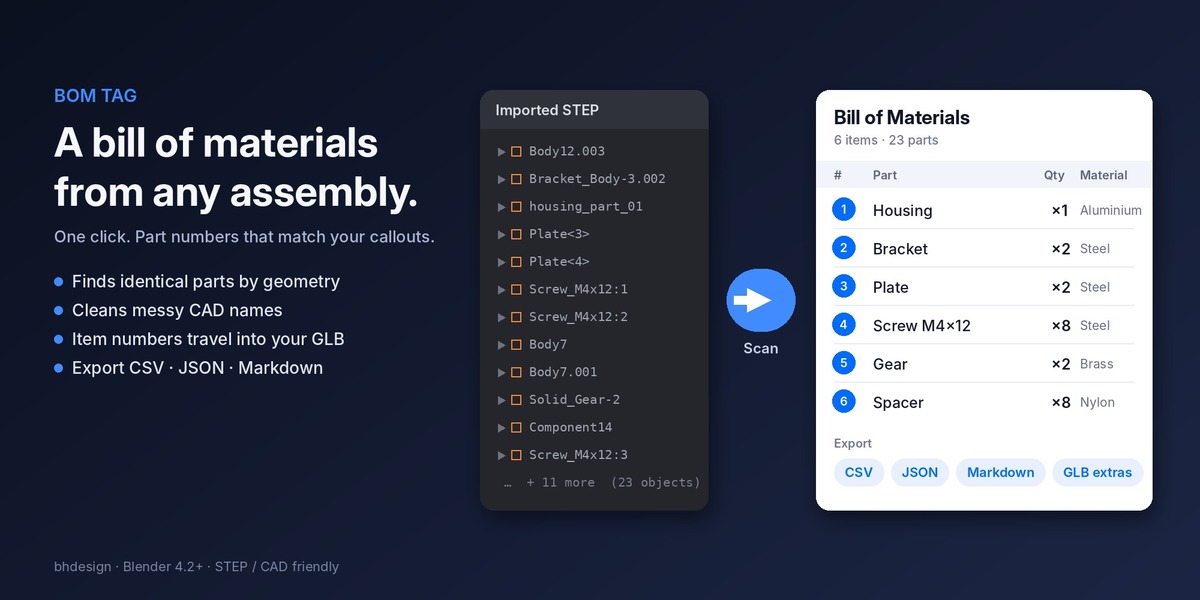

BOM Tag: a bill of materials from any assembly, in one click
Count identical parts, fix messy CAD names, export the table. Part numbers that match your callouts.
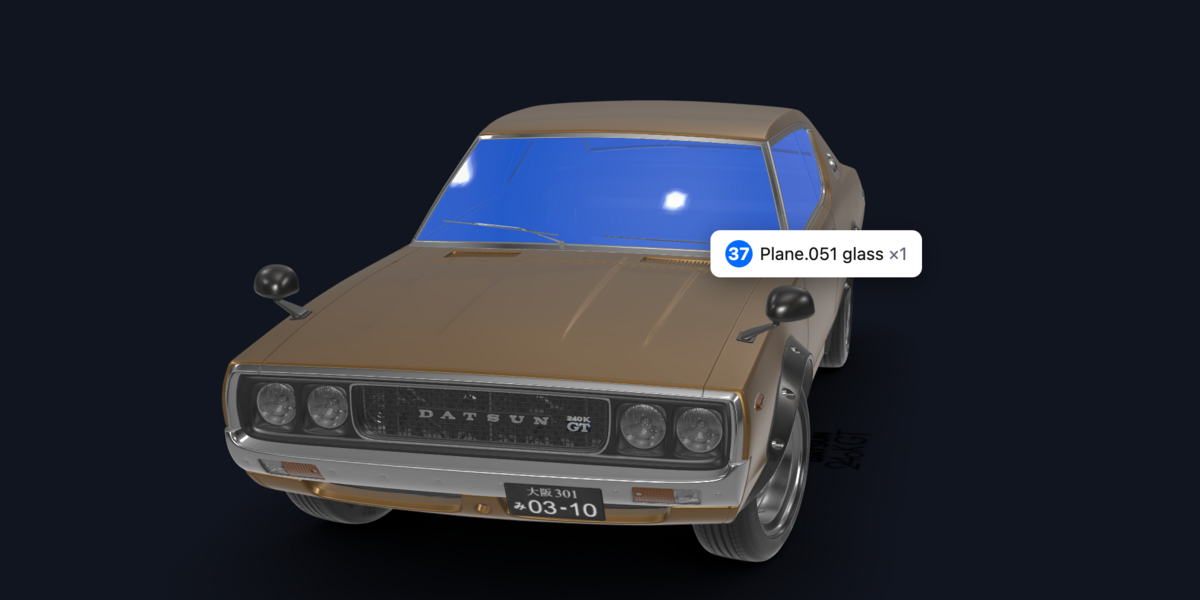
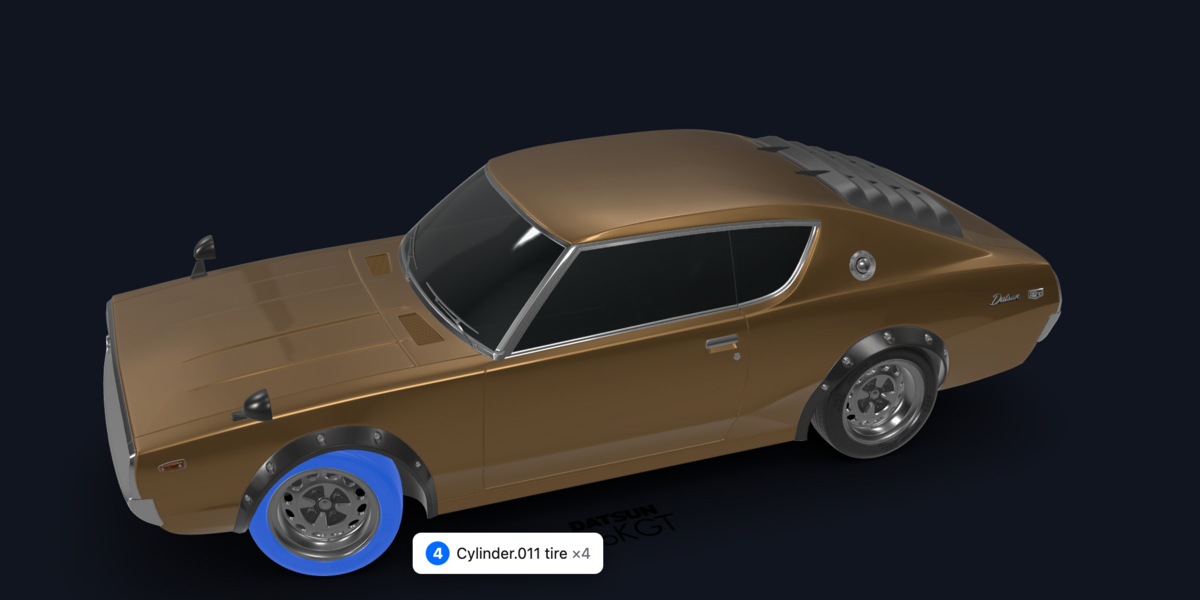
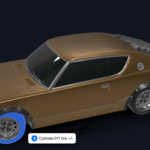
Try it live: hover any part to see its BOM data.
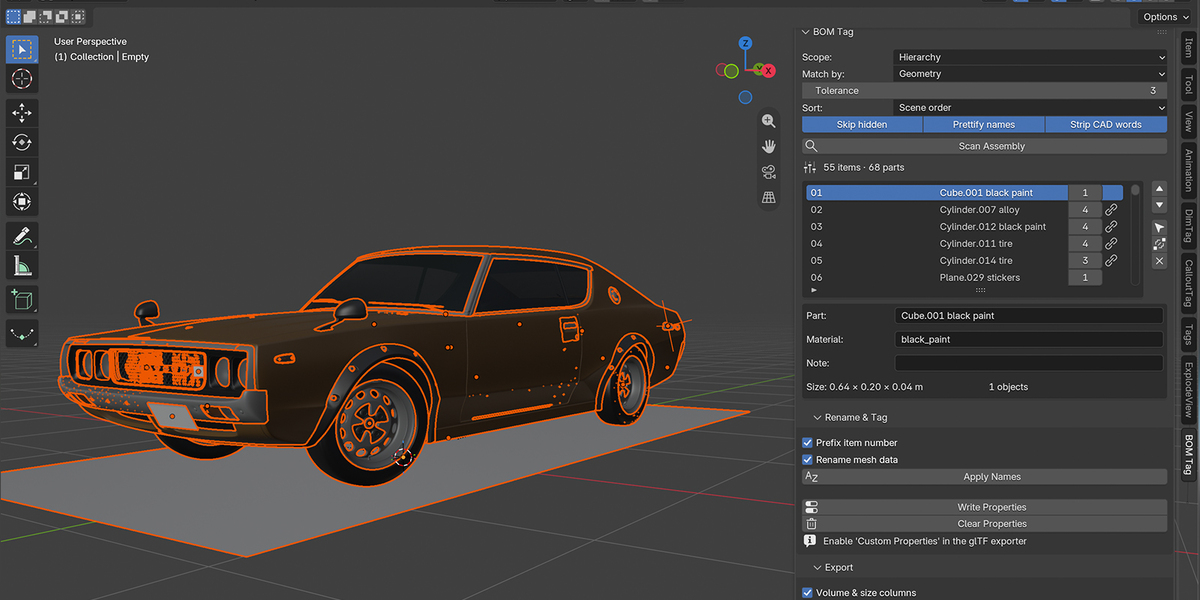
Import a STEP or an assembly, click Scan Assembly, and get a clean parts list: every distinct part once, with its quantity, material and size. Rename the whole scene from it, tag every object with its item number, then export the table for your documentation, your web viewer or your spreadsheet.
Main features
1. Finds identical parts for you
- Geometry matching: two objects with the same shape are the same part, even when the CAD exporter gave them different mesh data. Rotated and moved copies are detected; scaled copies are kept separate.
- Works on Selected objects, the Hierarchy of the active object, or the whole Scene.
- Mesh data mode (linked duplicates only) and Name mode when you already have clean names.
- Adjustable tolerance for noisy CAD tessellation.
2. Clean names, finally
Bracket_Body-3.002becomes Bracket.housing_part_01becomes Housing.Plate<3>becomes Plate.- Strips
.001suffixes,:1and<2>instance markers, and CAD filler words (Body, Solid, Part, Component, Instance). - Edit any name in the list, then Apply Names renames every object of that item:
01_Bracket,01_Bracket.001, … Mesh data is renamed too.
3. Item numbers that travel with the model
-
Write Properties stores
bom_item,bom_nameandbom_qtyas custom properties on every part. - They export as glTF extras (tick Custom Properties in the glTF exporter) so your Three.js, Babylon.js or model-viewer page knows which part is item 7 without any lookup table.
- Reorder with ▲▼, Merge two items the scanner kept apart, Renumber in one click.
4. Export the table anywhere
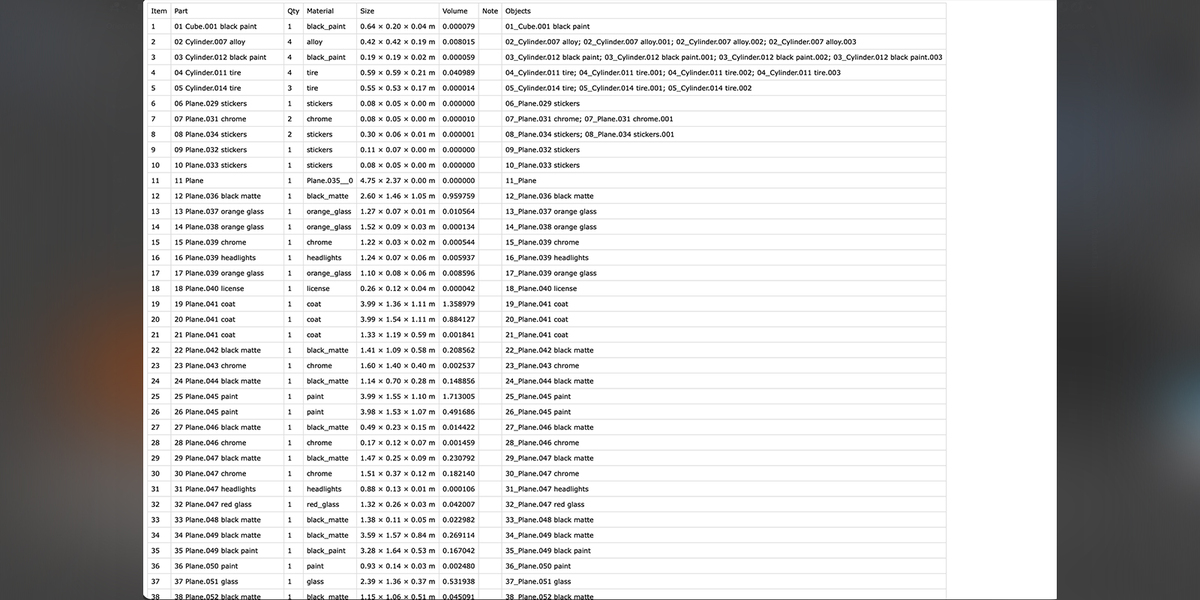
- CSV (comma, semicolon or tab, Excel-ready with BOM header).
- JSON with totals and the object names of every item, for web viewers and pipelines.
- Markdown table, or Copy as Markdown straight to the clipboard for Notion, GitHub, Google Docs.
- Create Text Block keeps the BOM inside the .blend.
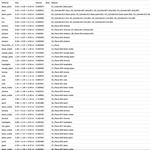
Columns: item number, part name, quantity, material, size (L × W × H in scene units), volume, note.
Compatibility: Blender 4.2 or newer (tested on 5.0), Windows, macOS and Linux. GPL license. No dependencies, no network.
Use cases: technical documentation, assembly instructions, parts lists for 3D printing projects, exploded views, product configurators, e-commerce product pages, CAD import clean-up.
Pairs with CalloutTag and ExplodeView
Scan with BOM Tag, then add numbered callouts with CalloutTag: the callout numbers are your BOM item numbers, the convention of every technical drawing. Add ExplodeView for a complete exploded, numbered assembly with its parts list, exportable to the web.