BOMtag
 bhdesign
Which Blender versions?
4.2 and newer, including 5.0. Installs as an Extension (drag the zip into Blender) or as a legacy add-on.
Does it count instances and collection instances?
Linked duplicates (Alt+D) are counted. Collection instances are not expanded in this version; make them real (Ctrl+A → Make Instances Real) before scanning.
Can I edit the table before exporting?
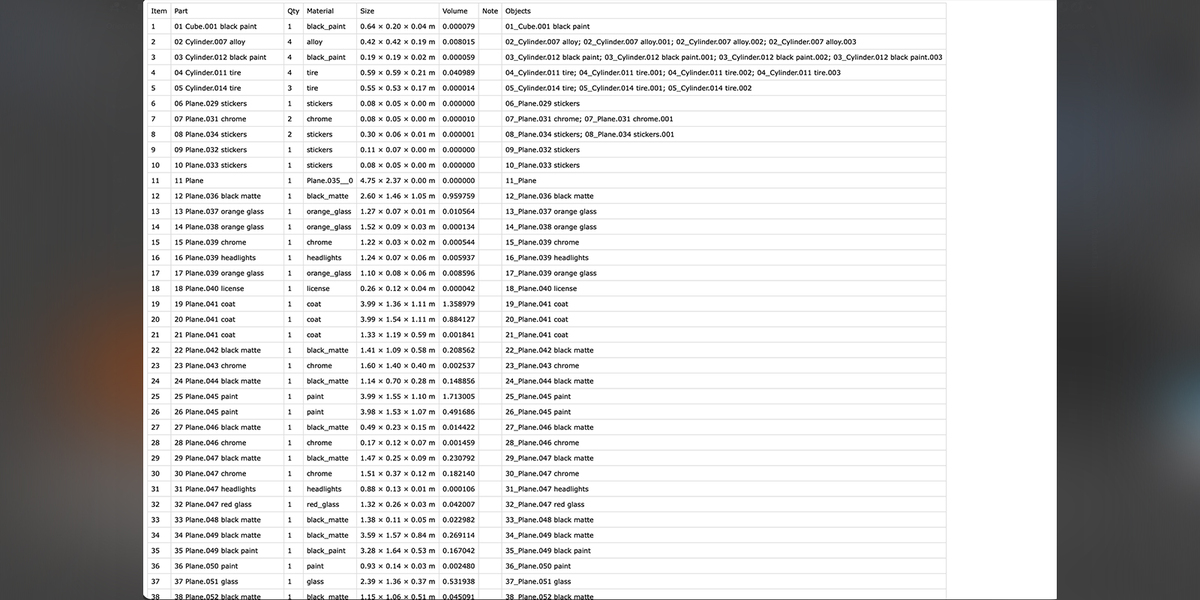
Yes. Names, quantities, materials and notes are editable in the list. Reorder with the arrows and click Renumber.
Will the item numbers show up in my GLB?
Yes, if you tick Include → Custom Properties in the glTF exporter. Each node then carries extras.bom_item, extras.bom_name and extras.bom_qty.
Does it modify my objects?
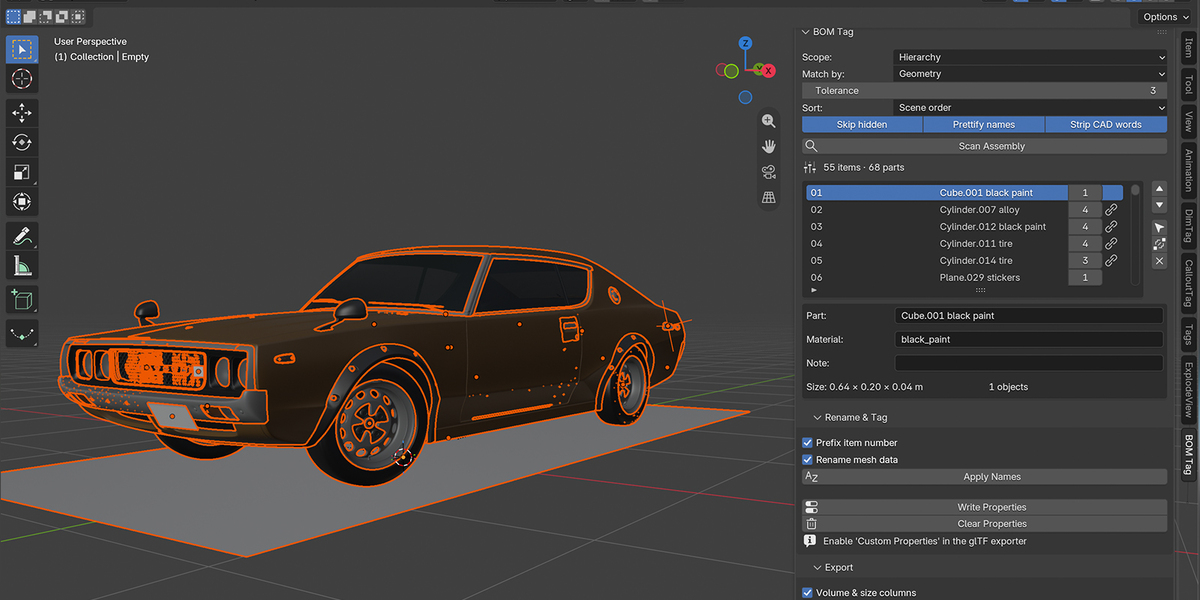
Scanning changes nothing. Apply Names renames objects and mesh data, Write Properties adds three custom properties. Both are undoable, and Clear Properties removes the tags.
Two different parts were merged into one.
They have the same vertex count, volume, area and bounding box at the current tolerance, which is rare but possible for simple shapes (two different plates with the same dimensions). Raise the Tolerance, or switch to Mesh data mode.
Two identical parts ended up as two items. Why?
CAD tessellation can differ slightly between copies. Lower the Tolerance value (fewer decimals = more tolerant) and scan again, or select the second item and click Merge Into Previous.
Does it work with STEP / IGES imports?
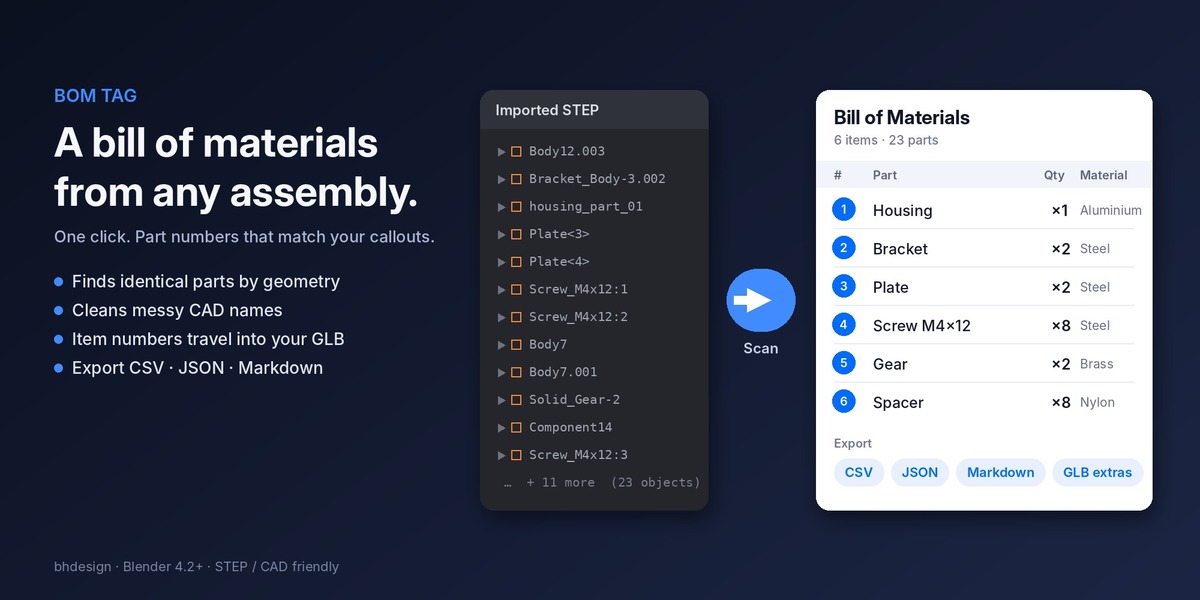
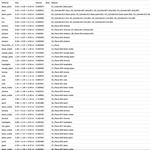
Yes, that is what it was built for. Import with the Blender STEP importer of your choice, select the root object, set the scope to Hierarchy and scan. Geometry matching finds identical screws, bolts and brackets even when the importer named them Body12.003.
Have questions about this product?
Login to message
| Blender Extension Compatible | Yes |
| Published | about 3 hours ago |
| Blender Version | 4.2 - 5.2 |
| Extension Type | Add-on |
| Render Engine Used | Cycles, Eevee |
| License | GPL |
Discover more products like this
product-visualization parts-list cad E-commerce rename threejs assembly instructions batch-rename 3d printing Technical Documentation bom