BOMtag
 bhdesign

Installation
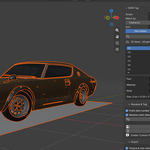
Blender 4.2+: Edit → Preferences → Get Extensions → ⌄ → Install from Disk, choose bomtag-1.0.0.zip. The panel appears in the 3D Viewport sidebar (N) under the BOM Tag tab.
Workflow
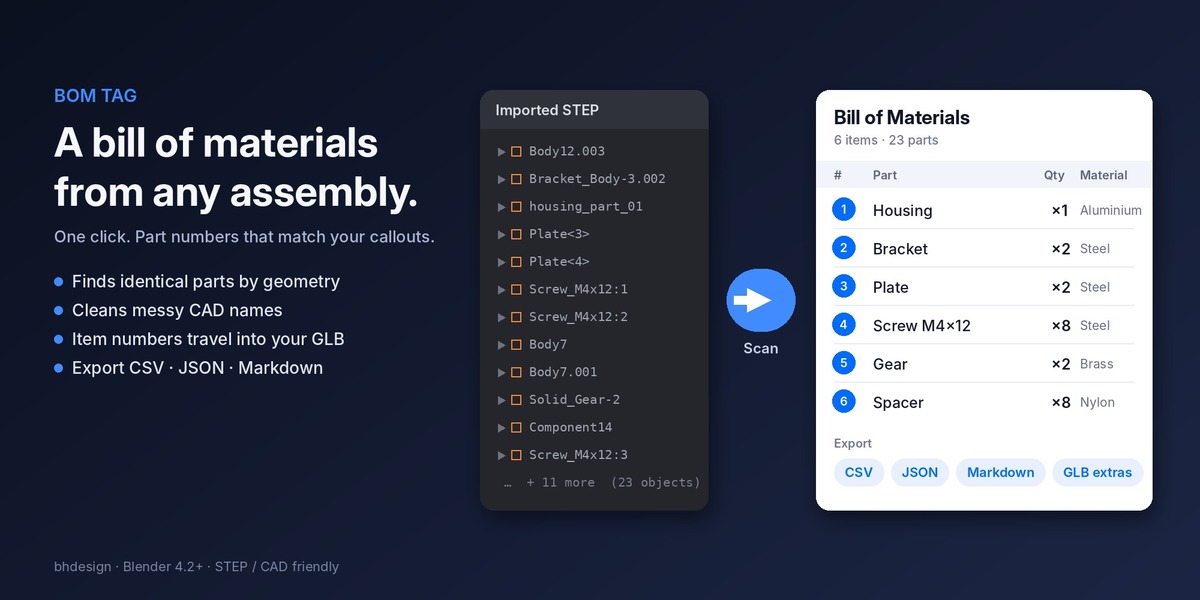
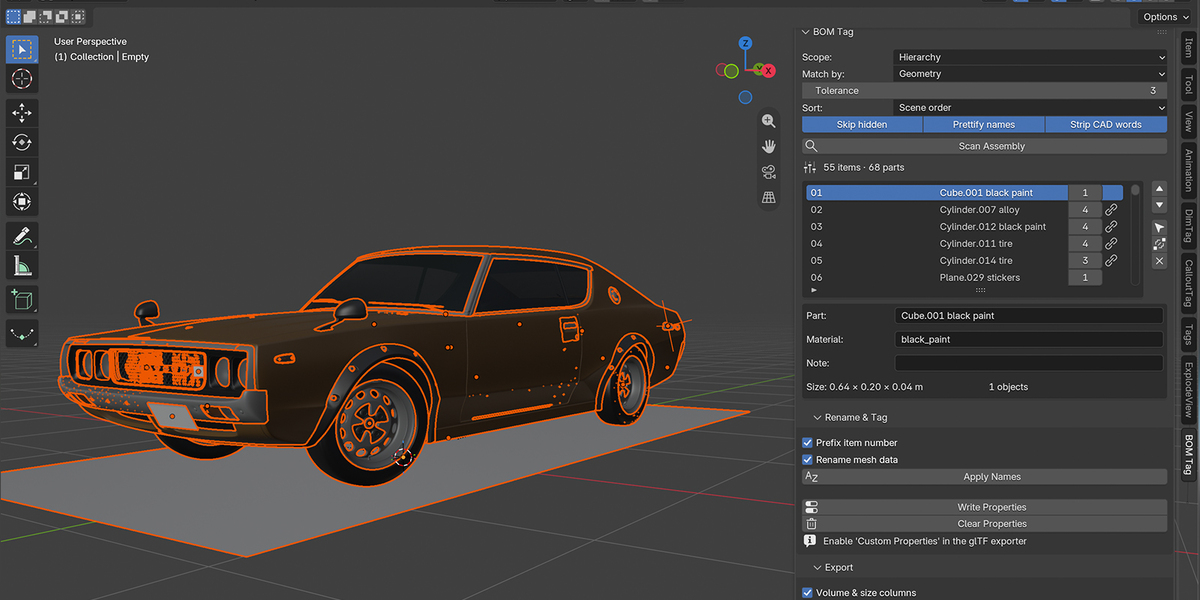
- Choose a scope. Selected objects, the hierarchy under the active object (recommended for CAD imports: select the root empty), or the whole scene.
- Choose how to match. Geometry (default) compares shape, Mesh data only groups linked duplicates, Name groups by cleaned name.
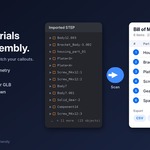
- Scan Assembly. The list fills with one row per distinct part. The header shows items and total parts.
- Review. Click a row to see its size and object count. Edit the name, material or note. Use Select Parts to see them in the viewport. Use ▲▼ to order the list the way your documentation reads, Merge to combine rows, X to drop a row (objects are kept).
-
Rename & Tag. Apply Names renames every object after its item. Write Properties adds
bom_item,bom_name,bom_qtyto each object. - Export. CSV, JSON or Markdown file, clipboard, or a text block inside the .blend.
Settings
| Setting | What it does |
|---|---|
| Scope | Which objects are scanned |
| Match by | Geometry / Mesh data / Name |
| Tolerance | Decimals used when comparing volume, area and size. 3 is right for most parts; use 1 or 2 for noisy tessellation |
| Sort | Scene order, name, quantity (most used first) or size (largest first) |
| Skip hidden | Ignore objects hidden in the viewport |
| Prettify names | front_panel → Front panel |
| Strip CAD words | Remove Body, Solid, Part, Component, Instance, Copy |
| Prefix item number | Rename as 01_Part instead of Part
|
| Rename mesh data | Also rename the mesh datablock when it has a single user |
| Volume & size columns | Include size and volume in exports |
| CSV delimiter | Comma, semicolon (Excel in Europe) or tab |
Export formats
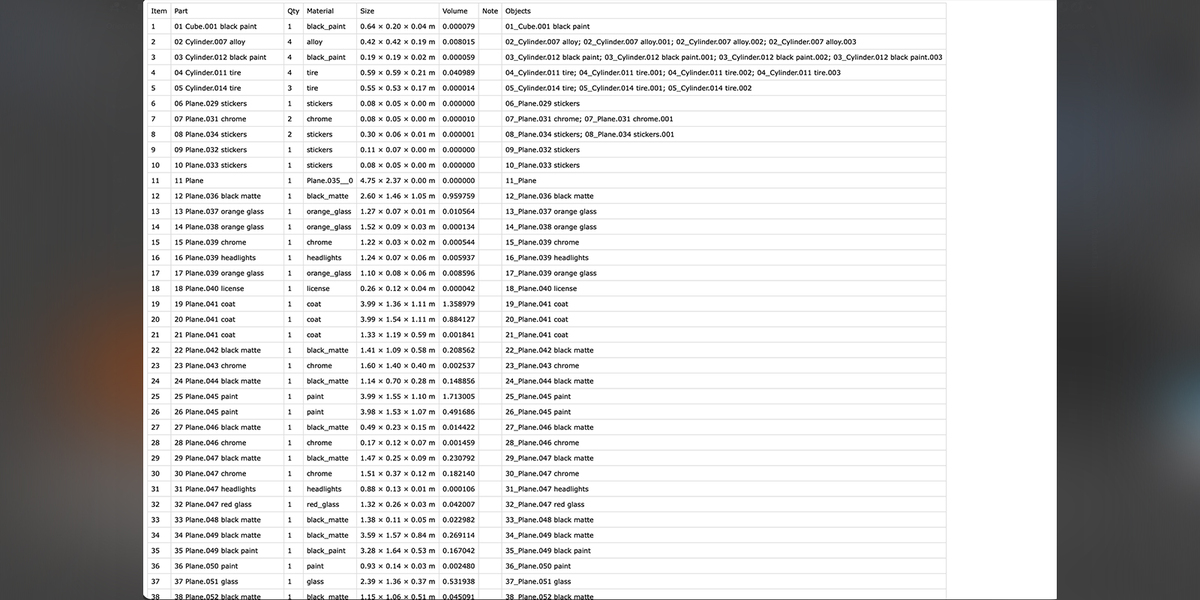
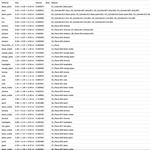
CSV columns: Item, Part, Qty, Material, Size, Volume, Note, Objects.
JSON
{
  "source": "gearbox.blend",
  "total_items": 6,
  "total_parts": 23,
  "items": [
    {"item": 1, "name": "Housing", "qty": 1, "material": "Aluminium", "size": "120.00 × 80.00 × 45.00 mm", "volume": 0.000182, "note": "", "objects": ["01_Housing"]},
    {"item": 2, "name": "Screw M4x12", "qty": 8, "material": "Steel", "size": "12.00 × 7.00 × 7.00 mm", "volume": 0.000001, "note": "", "objects": ["02_Screw M4x12", "02_Screw M4x12.001"]}
  ]
}
Markdown table with the same columns, also available through Copy as Markdown.
Using the tags in a web viewer
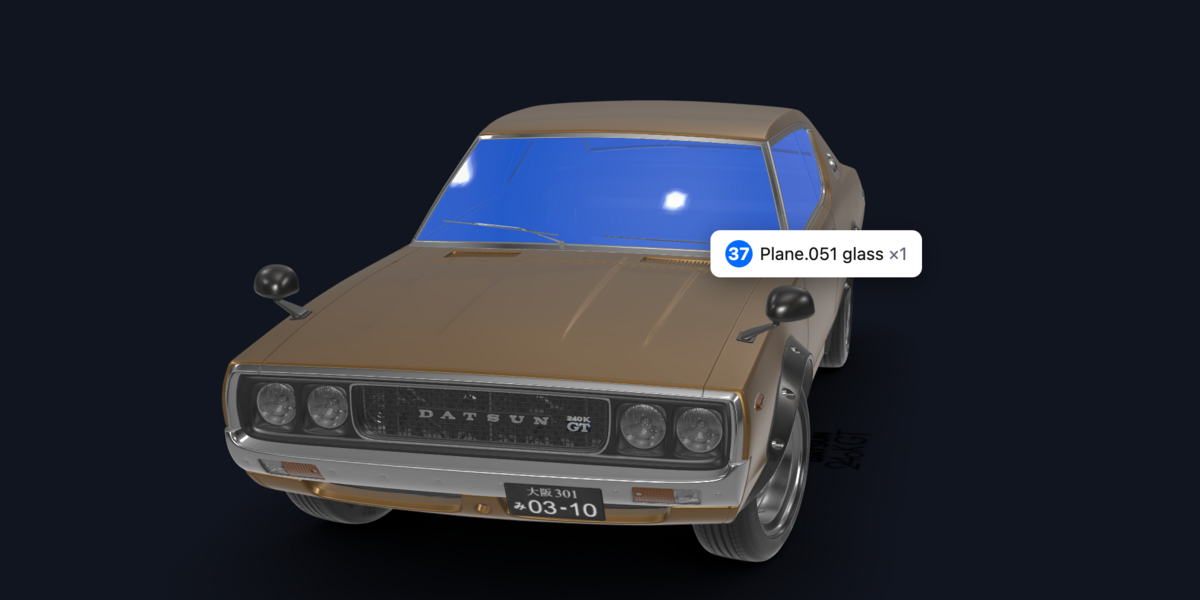
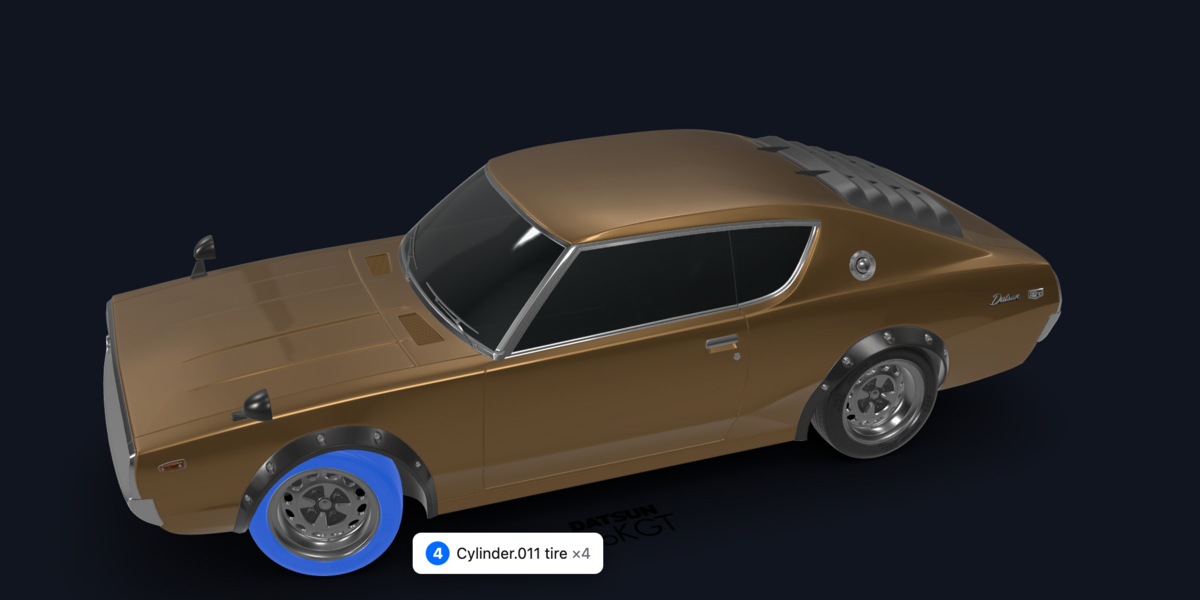
With Custom Properties enabled in the glTF exporter, every node carries its BOM data in extras. In Three.js:
gltf.scene.traverse((node) => {
  const bom = node.userData;
  if (bom.bom_item) console.log(bom.bom_item, bom.bom_name, bom.bom_qty);
});
Combine with the .callouts.json from CalloutTag: callout number = bom_item.
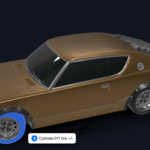
Ready-made viewer: see it live here The source is on github: copy index.html, put your exported model.glb next to it, and serve the folder (npx serve or python3 -m http.server).
Limitations
- Meshes only; curves, text and empties are skipped.
- Collection instances are not expanded.
- Size is the axis-aligned bounding box of each part, sorted largest first.
Have questions about this product?
Login to message
| Blender Extension Compatible | Yes |
| Published | about 3 hours ago |
| Blender Version | 4.2 - 5.2 |
| Extension Type | Add-on |
| Render Engine Used | Cycles, Eevee |
| License | GPL |
Discover more products like this
threejs 3d printing E-commerce cad Technical Documentation assembly bom parts-list product-visualization batch-rename rename instructions