 Skava
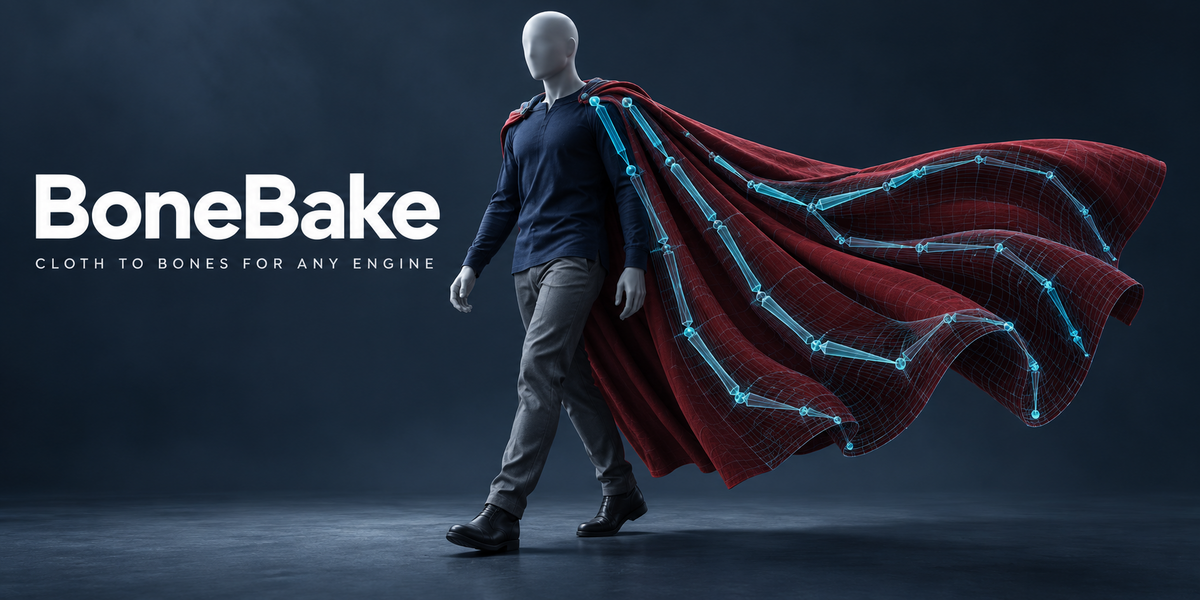
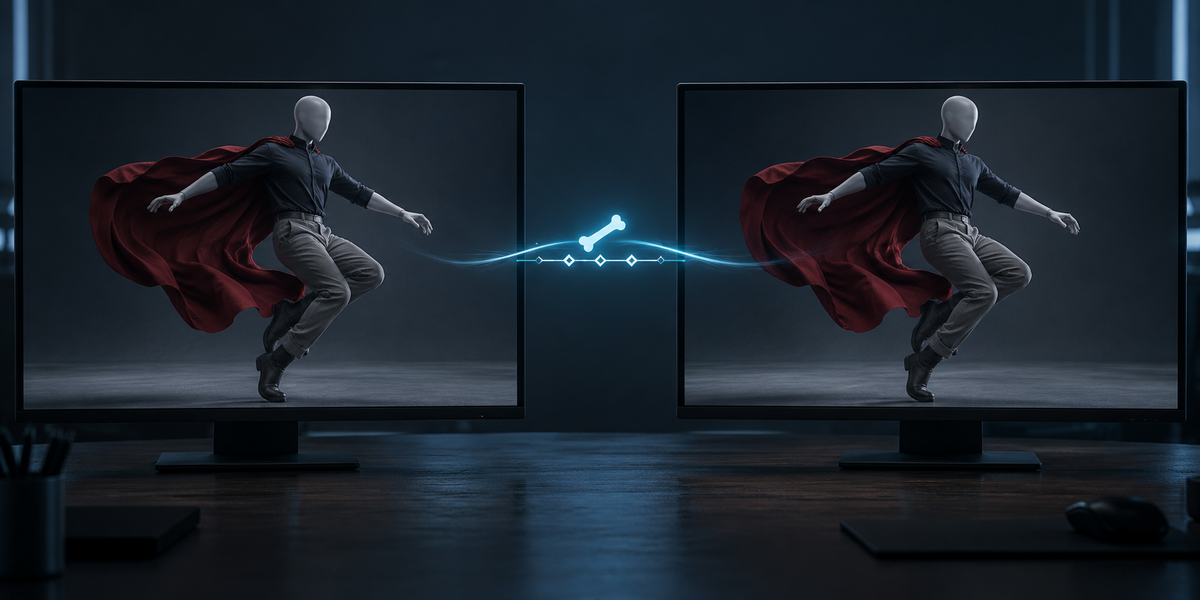
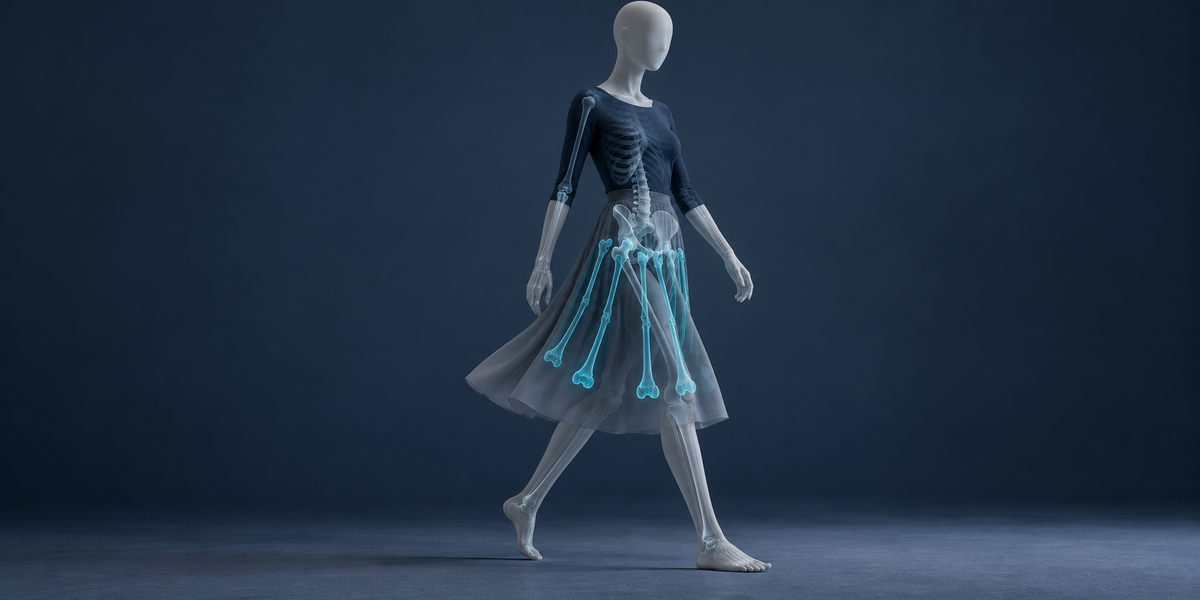

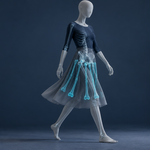
Your cloth sim, Alembic cache or shape key animation won't play in Unity, Unreal or Godot — bones will. BoneBake solves the bones, keys and weights that reproduce it within the engine's bones-per-vertex limit, can add them to your character's own rig, and measures the gap in millimetres.
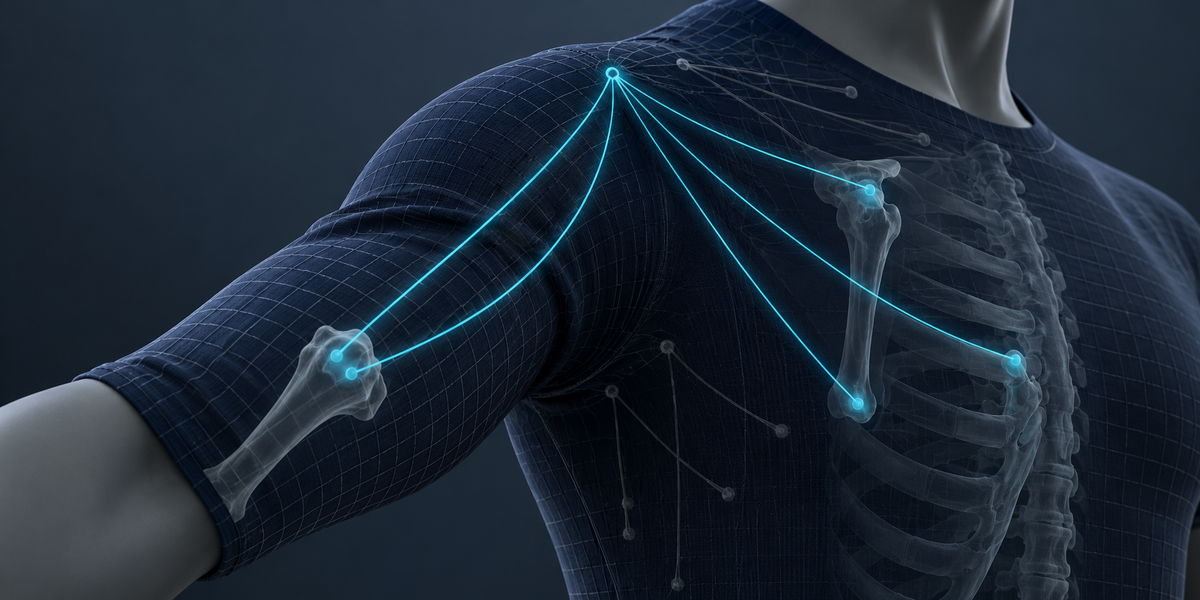
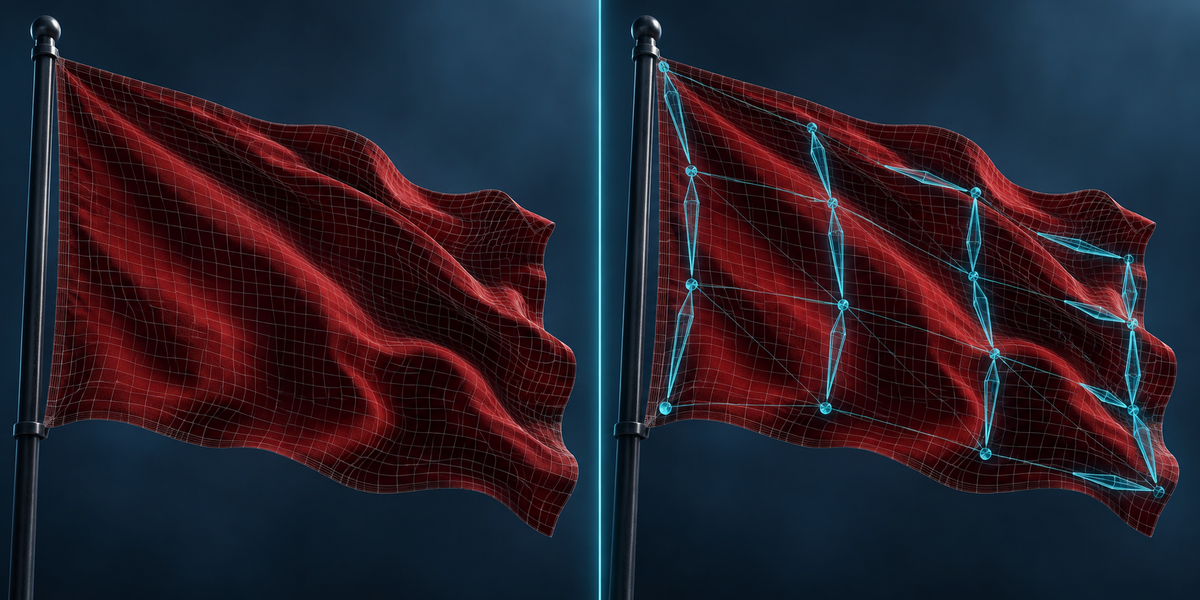
Game engines play skeletons. A simulated cape, a soft body or a stack of animated modifiers does not travel as it is, and the usual workaround — bones glued to a few vertices with weights painted by distance — swims and stretches. BoneBake solves the bones' rotation and translation on every frame and every vertex's weights together, by least squares, and then measures the result as Blender itself deforms it.
What you get
- Motion to Bones — any mesh animation with a fixed vertex count becomes an armature with keyframes and a skinned mesh: cloth, soft body, Alembic, Mesh Cache, shape keys, Wave, lattices.
- Add to Rig — the new bones go into your character's armature, hanging from the pelvis, thighs or spine, so a skirt or a cape exports with the character as one skeleton.
- Engine Budget — fits an existing skin into 4 (or 2, or 8) bones per vertex by solving new weights on your animations instead of cutting the smallest ones, measured side by side with Blender's Limit Total.
- Measure Again and Remove Bake — the worst and typical gap with its frame at any time; one click takes away exactly what was added.
Measured
- 45 CC0 models, three kinds of motion each, 16 bones: typical gap 13× smaller than bones glued to vertices (median), smaller on every one.
- A simulated skirt added to the UE5 mannequin's rig: typical gap 20.3 mm with 16 bones, 12.7 mm with 32 (glued bones: 68.6 and 47.3 mm).
- Unity 6, 4 bones per vertex: the baked skirt matched Blender within 0.05 mm on every frame checked.
- Engine Budget on the UE5 mannequin, 4 bones per vertex: typical gap halved against Limit Total (0.36 → 0.18 mm), worst 9.6 → 6.9 mm, never worse.
Blender 4.2 to 5.2. Blender and numpy only — no AI, no cloud, no account.