 Skava


BoneBake
v1.0.0 · Blender 4.2 LTS and later (tested on 4.2.9 and 5.2.2) · Windows / macOS / Linux · checked in Unity 6
1. What it does
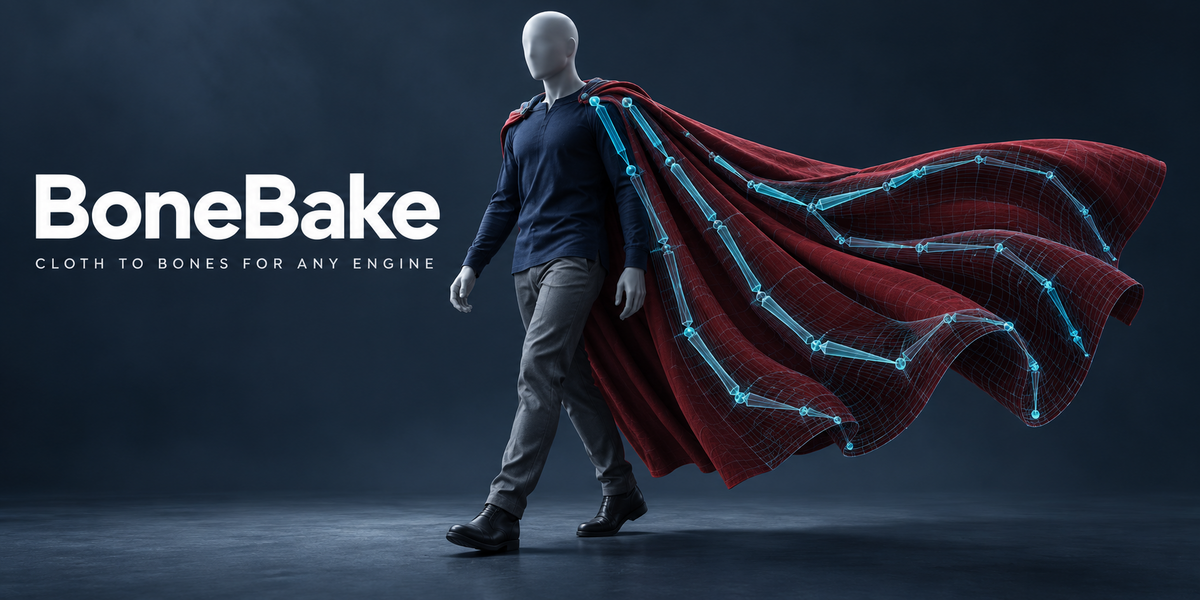
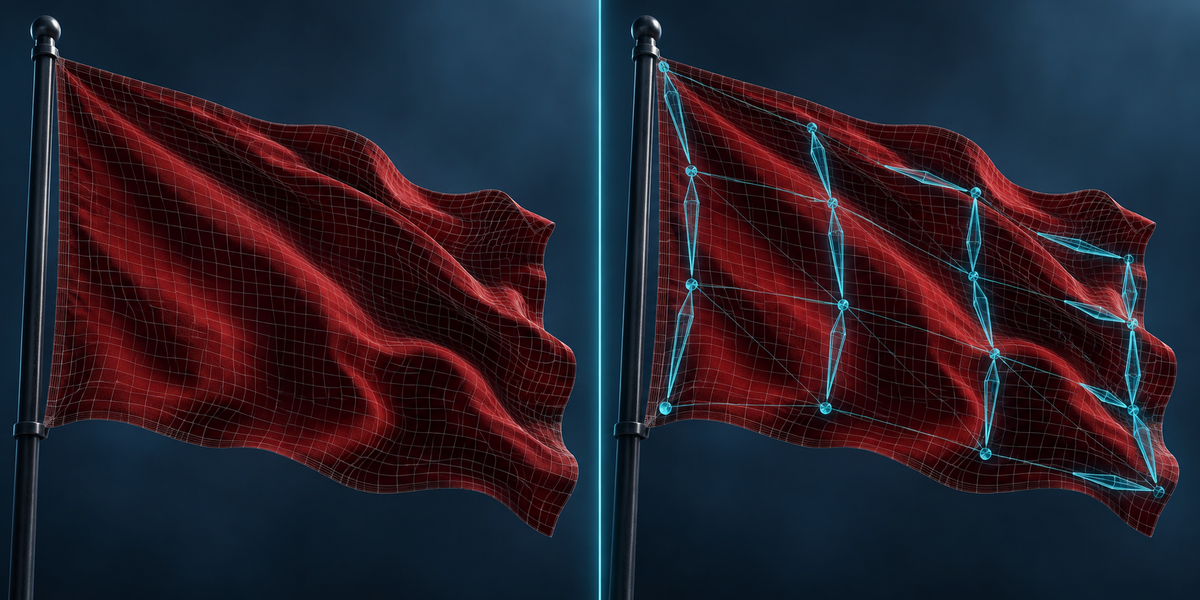
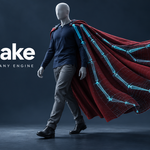
Game engines play bones. A cloth simulation, a soft body, an Alembic cache, animated shape keys or a stack of animated modifiers do not travel to Unity, Unreal or Godot as they are. BoneBake turns any of them into bones, weights and keyframes, and tells you in millimetres how close the result is.
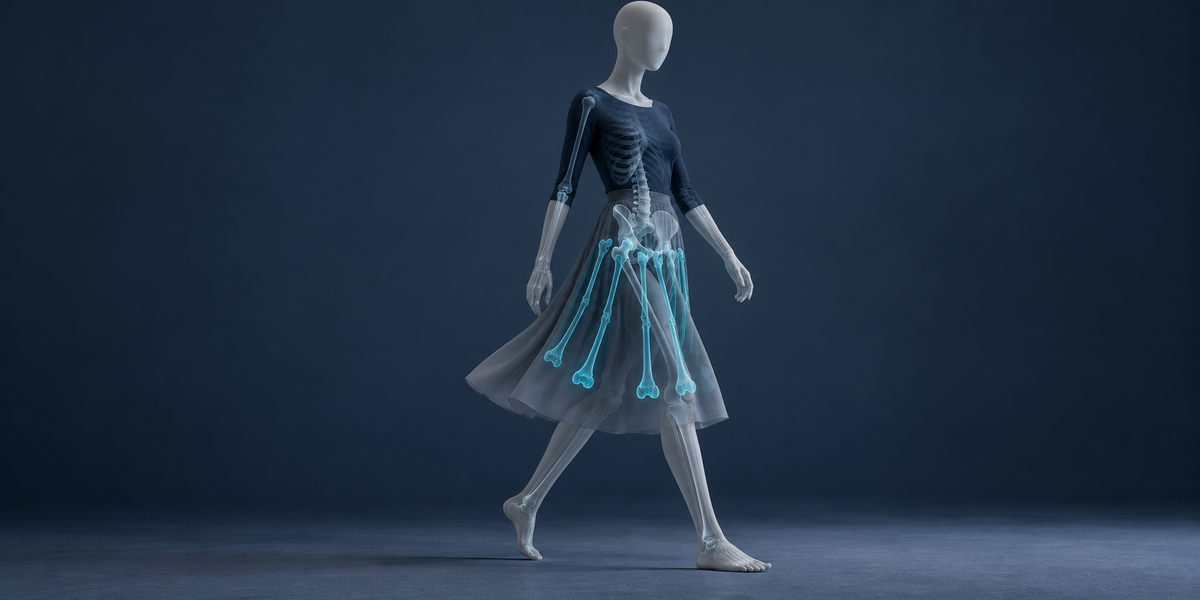
- Motion to Bones reads the animated mesh on every frame and solves a small set of bones, their keyframes and the skin weights that reproduce it, within the engine's bones-per-vertex limit. The bones can go into your character's own armature, hanging from its pelvis, thighs or spine, so a skirt or a cape exports with the character.
- Engine Budget fits an existing skin into the engine's bones-per-vertex limit by solving new weights on your animations instead of cutting the smallest ones, and can drop bones you name. It is measured next to Blender's Limit Total on the same frames.
Every result is measured as Blender itself deforms the source and the baked mesh — not on the solver's own model.
2. Installing
Edit, Preferences, Add-ons, the arrow in the top right corner, Install from Disk, pick the zip, tick the checkbox. The panel is in the 3D Viewport sidebar (N), tab BoneBake.
3. Motion to Bones — quick start
- Make sure the source plays: a simulation should be cached or able to run from the first frame.
- Select the animated mesh. To add the bones to a character, also select the character's armature. Press Use Selected.
- Set Bones and the Engine (it sets Bones per Vertex). Leave Scene Frame Range on or type the range.
- Press Bake to Bones. The panel shows the worst gap, the frame it happens on and the typical gap.
- Export the armature and the baked mesh (named <source>_Baked) with Blender's FBX exporter, animation on.
4. Settings
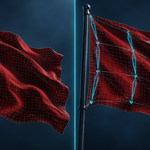
- Source — the animated mesh. Anything whose vertex count stays the same on every frame: cloth, soft body, Alembic, Mesh Cache, shape keys, Wave, Simple Deform, lattices, geometry nodes that only move points.
- Add to Rig — optional. With an armature here, the new bones are added to it, each parented to the rig bone that is closest to it and moves most like it, and keyed in the armature's active action. Empty: a new armature <source>_Bones with its own action is made.
- Bones — how many new bones the motion may use. More bones follow the motion more closely and cost a little more in the engine.
- Engine / Bones per Vertex — the most bones a vertex may follow: Unity 4 (2 when Skin Weights is set to 2 Bones), Unreal 8, Godot 4 with its default import, Roblox 4, rigid 1. Typing another number switches the Engine to Custom.
- Every Nth Frame — bake every frame, or every second, third… The bones are keyed on the baked frames and interpolate linearly between them; the report measures every frame of the range, the in-between ones too. An unbaked cloth or soft body is still stepped frame by frame from its first frame, so it simulates as it would on playback.
- Iterations — rounds of the solver. The default is enough for most shots.
5. How the solve works
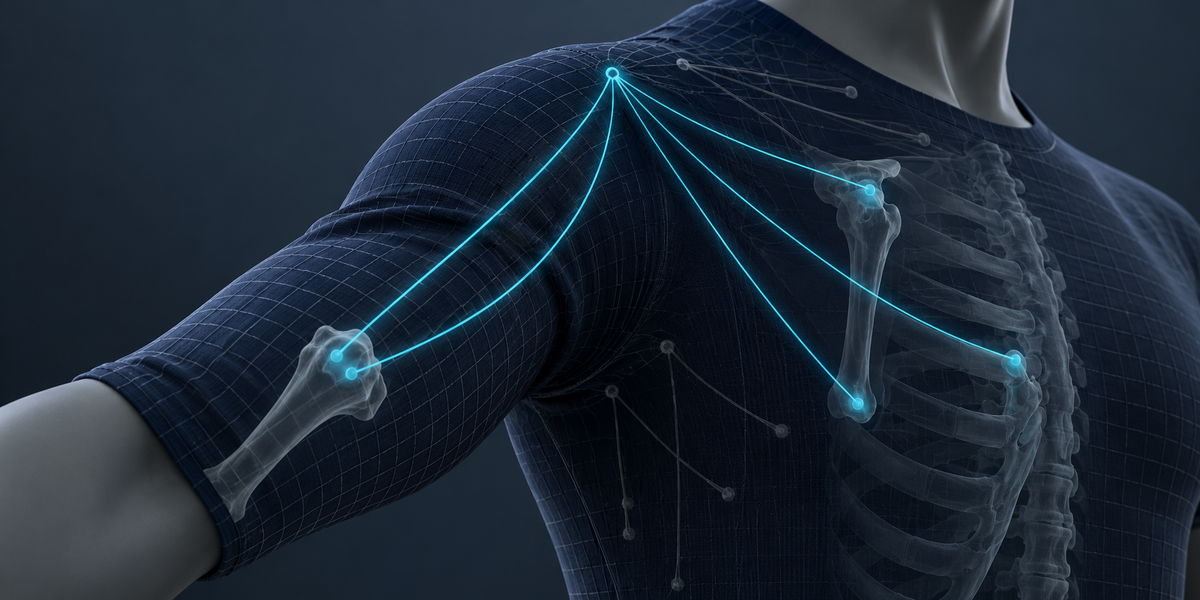
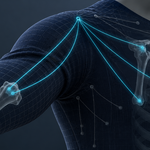
The model is the one every engine evaluates: each vertex is a weighted sum of a few bones' rigid motions. BoneBake groups vertices that move together, gives each group a bone, then alternates two least-squares steps until the frames are reproduced: the weights of each vertex (never negative, summing to one, at most the engine's limit) and the rigid motion of each bone on each frame. Bones are rigid (rotation and translation, no scale), so they play the same everywhere.
When the bones go into a character's armature, the rig's own bones join the solve with their motion fixed: vertices that simply follow the body (a waistband, a collar) keep the body's bones, the new bones carry the rest, and the bind pose is solved for your rig's rest pose, not for the first frame of the shot.
6. Reading the report
Remove Bake finds its bake by a record on the armature, so it still works after the baked mesh is renamed or unparented. It deletes the baked mesh, the bones and their keys, and an action it had to create on your rig.
Worst gap is the largest distance between the source and the baked mesh on any vertex and any baked frame, in millimetres, with the frame it happens on. Typical gap is the distance 95% of the mesh stays within, as a median over frames. Both are measured on the meshes as Blender evaluates them, after the bake is built. Measure Again repeats the measurement at any time.
Simulations often settle in their first frames: the worst gap is usually there. Starting the bake after the settling, or adding bones, lowers it.
7. Engine Budget
- Select a mesh skinned to an armature that has at least one action.
- Set the Engine (Bones per Vertex). To drop bones from the skin, type parts of their names in Remove Bones, separated by commas — for example twist.
- Press Fit to Engine Budget. A copy <mesh>_Budget4 is made with the fitted weights. With bones removed, a copy of the armature is made too, where those bones no longer deform; it plays the same actions.
The target is the mesh as Blender deforms it with the original weights on every frame of the armature's actions — with Preserve Volume and animated shape keys taken as they are. The new weights may only go to bones the vertex already used and their parents and children, and are kept close to the original weights so they hold on animations they were not fitted to. A vertex whose fitted weights would follow the fitted frames worse than Limit Total's — on average or on its worst frame — keeps Limit Total's weights.
The report gives the worst and typical gap of the copy, and of Blender's Limit Total + Normalize on the same copy and frames.
8. Limits
- The vertex count must stay the same on every frame. Fluids, remeshing and growing geometry cannot be carried by bones.
- Bones are rigid. Stretchy, wrinkling cloth needs more bones than a cape that swings; the report tells you what the count you chose leaves behind.
- The bake reproduces the frames it read. It is not a simulation: it does not react to new animations.
- Removing a twist bone and fitting its weight onto the bones around it is measured honestly, but linear skinning cannot recreate a half-twist: on the UE5 mannequin the gap stays where moving the weight to the parent leaves it. Keep twist bones where the engine allows.
- Bones carry no shear. Under a rig bone that scales unevenly (squash and stretch), the new bones are keyed with scale, which halved the gap in our test, but what is left shows in the report — and an engine plays it the same way.
- Engine Budget works on a mesh driven by one Armature modifier, with no Vertex Weight or Data Transfer modifier before it (apply those first).
- When removed bones have no kept parent or child for some vertices to go to, Engine Budget says which and stops.
- Objects in an excluded collection or disabled in viewports are not evaluated by Blender; BoneBake asks you to include or enable them.
- Time grows faster than the vertex count. Above 300 thousand vertices BoneBake asks before it starts: Blender is busy until the bake ends. A bake that would need more than about 3 GB of memory is refused with the amount; raise Every Nth Frame or shorten the range.
- Adding bones to a linked (library) armature is refused; make it local first.
9. Measured
All numbers below are measured on the meshes as Blender evaluates them, in millimetres, on Blender 5.2.2 (the operator suite also passes on 4.2.9).
Motion to Bones on 45 CC0 models
Each model from our test library (776 to 3 million vertices) was given three kinds of motion — a Wave modifier, a Simple Deform twist and animated shape keys — and baked to 16 bones, 4 per vertex. All 45 models were baked without an error. The comparison is the usual quick method with the same 16 bones: bones glued to sample vertices that only move, with weights by distance.
- Typical gap: BoneBake is closer on every model and motion, by a median of 13× (at least 5.5×).
- Worst gap: closer on every one, by a median of 3.6× (at least 1.5×).
- The baked mesh as Blender deforms it matched the solver's own model within 0.001 mm on all of them.
- Up to 30 thousand vertices a bake took under a minute; a 3 million vertex tree took about two hours.
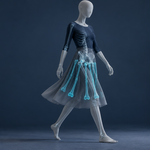
A skirt added to a character's rig
A 5,280-vertex skirt simulated on the UE5 mannequin's walk, bones added to the mannequin's own rig: with 16 bones the typical gap is 20.3 mm (the quick method: 68.6 mm), with 32 bones 12.7 mm (47.3 mm). The worst gaps fall in the frames where the cloth is still settling.
In Unity 6
The same skirt with 16 bones, exported to Unity 6 by Blender's FBX exporter and skinned by Unity with 4 bones per vertex, matched the baked mesh in Blender within 0.05 mm on all 30 frames checked.
Engine Budget
Six skinned models — the UE5 mannequin (three levels of detail), CesiumMan, Fox, RiggedFigure, BrainStem and RiggedSimple, the last two already within the limit — compared with Blender's Limit Total + Normalize on the same copy and frames. Fitted on two animations of the mannequin, checked on the other two too:
- Mannequin, 4 bones per vertex, frames it was fitted on: worst 9.59 → 6.85 mm, typical 0.363 → 0.183 mm.
- Same, on the two animations it was not fitted on: worst 11.99 → 8.90 mm, typical 0.265 → 0.218 mm.
- Mannequin, 2 bones per vertex: typical 5.35 → 4.63 mm on fitted frames, 5.85 → 5.58 mm on the others.
- CesiumMan, 2 bones per vertex: worst 49.9 → 46.8 mm, typical 5.60 → 4.86 mm.
- On no model and no frame set was the worst gap larger than Limit Total's. Where the original skin already uses few bones (Fox), the gain is close to zero, and the report says so.
Removing twist bones on the mannequin: about 100 mm worst either way — see Limits.
10. Changelog
v1.0.0 — first release.
Have questions about this product?
Login to message
| Published | 9 days ago |
| Blender Version | 4.2 - 5.2 |
| Extension Type | N/A |
| License | GPL |
Discover more products like this
skinning unreal bone-weights Export soft body cloth simulation game ready vertex animation alembic godot unity bake to bones