 Skava
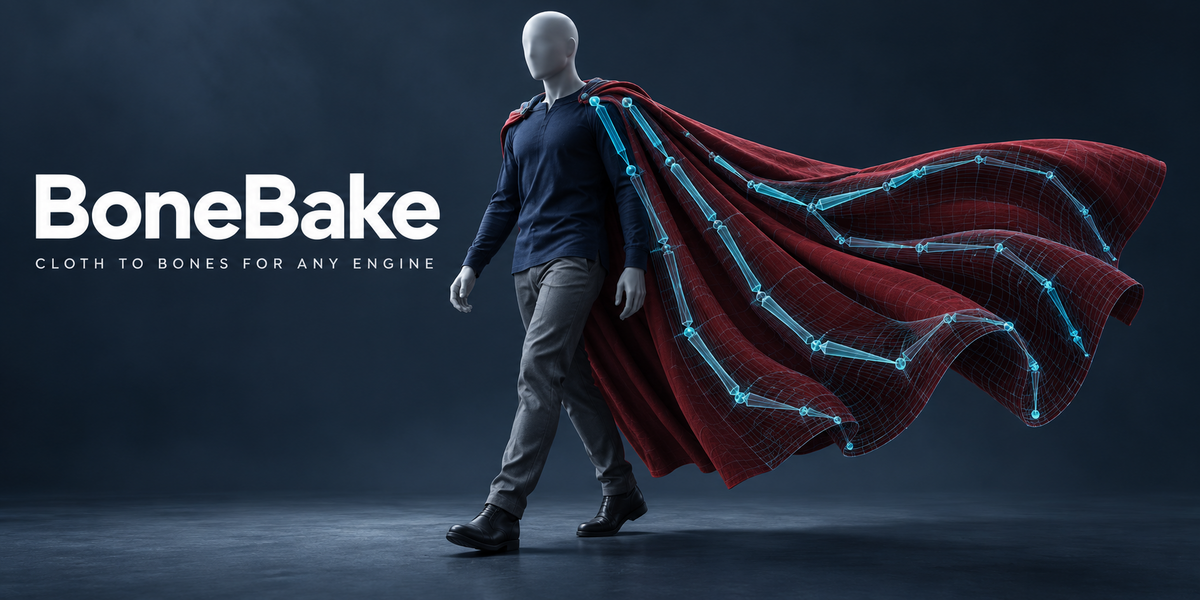
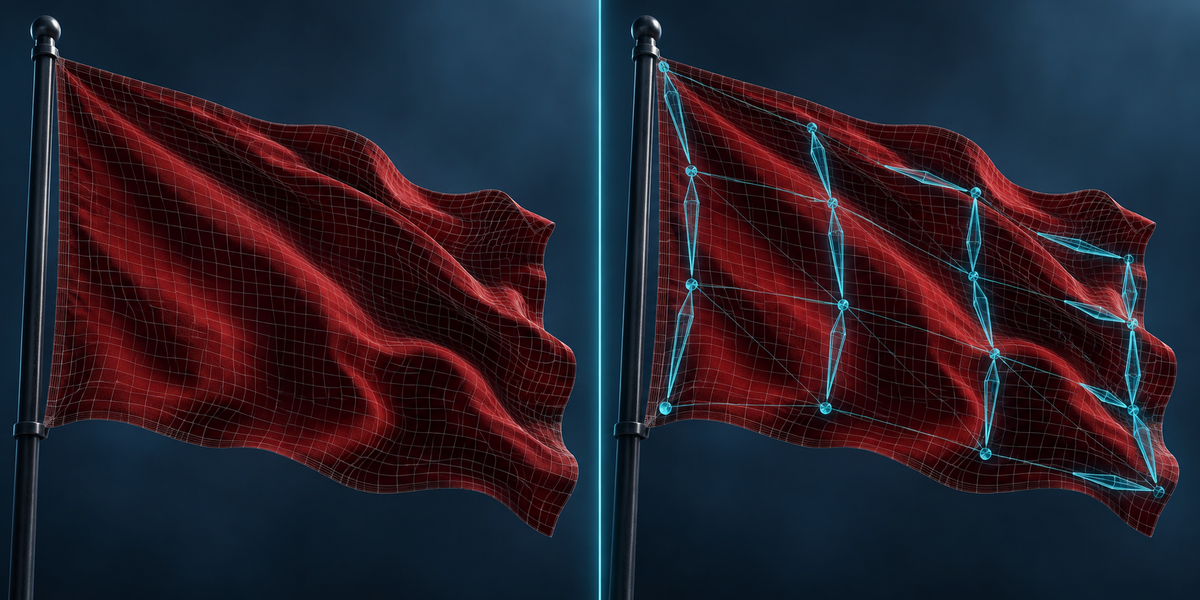
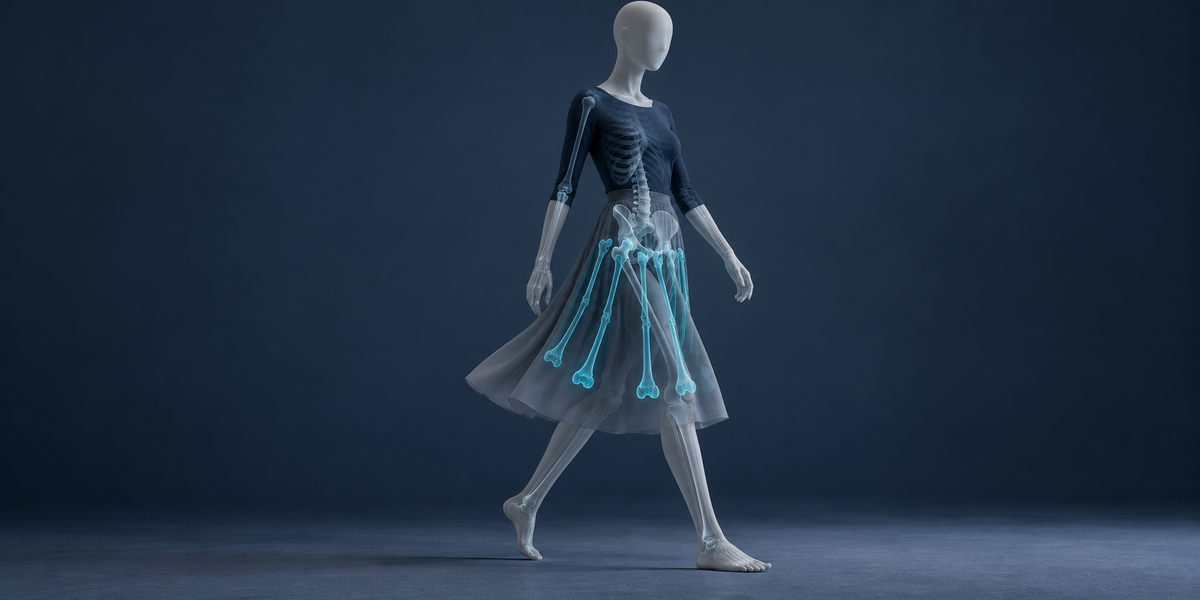

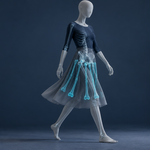
Anything whose vertex count stays the same on every frame: cloth and soft body simulations, Alembic and Mesh Cache, animated shape keys, Wave, Simple Deform, lattices and other modifier animation. Fluids and remeshing change the vertex count and cannot be carried by bones.
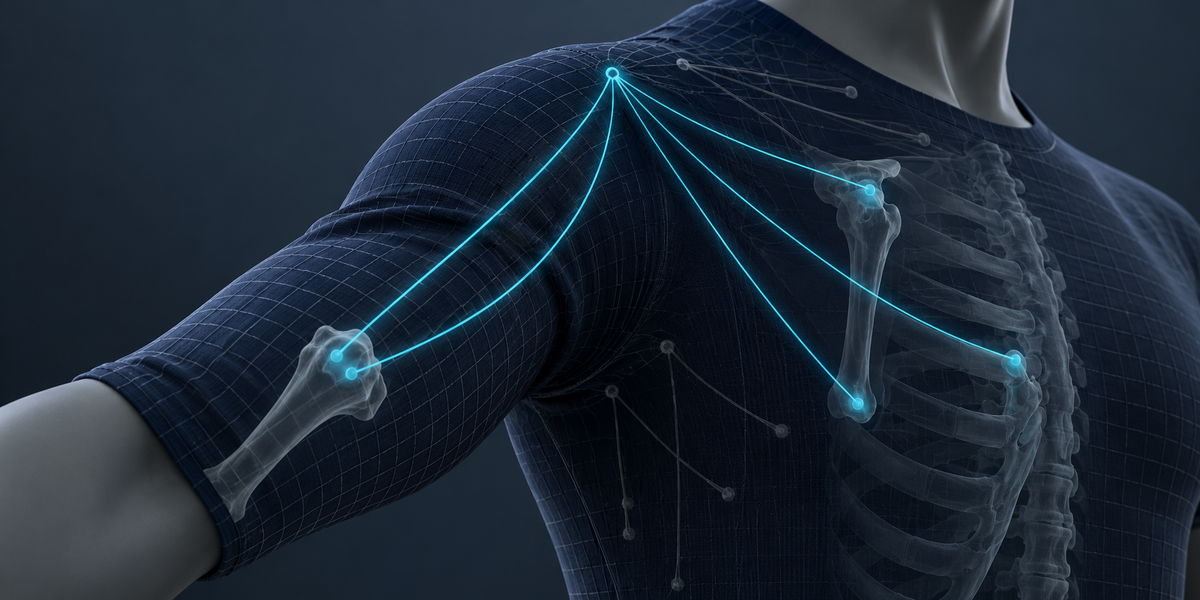
Bones glued to sample vertices only move; they cannot turn, and the weights are guessed from distance. BoneBake solves rotation and translation for every bone and the weights for every vertex together, by least squares. With the same number of bones, its typical gap was smaller on every one of 45 models we tested, by a median of 13 times.
Yes. Select the character's armature together with the skirt or cape: the new bones are added to it, hang from the pelvis, thighs or spine, and are keyed in its action, so the outfit exports with the character as one skeleton. Vertices that just follow the body keep the body's bones.
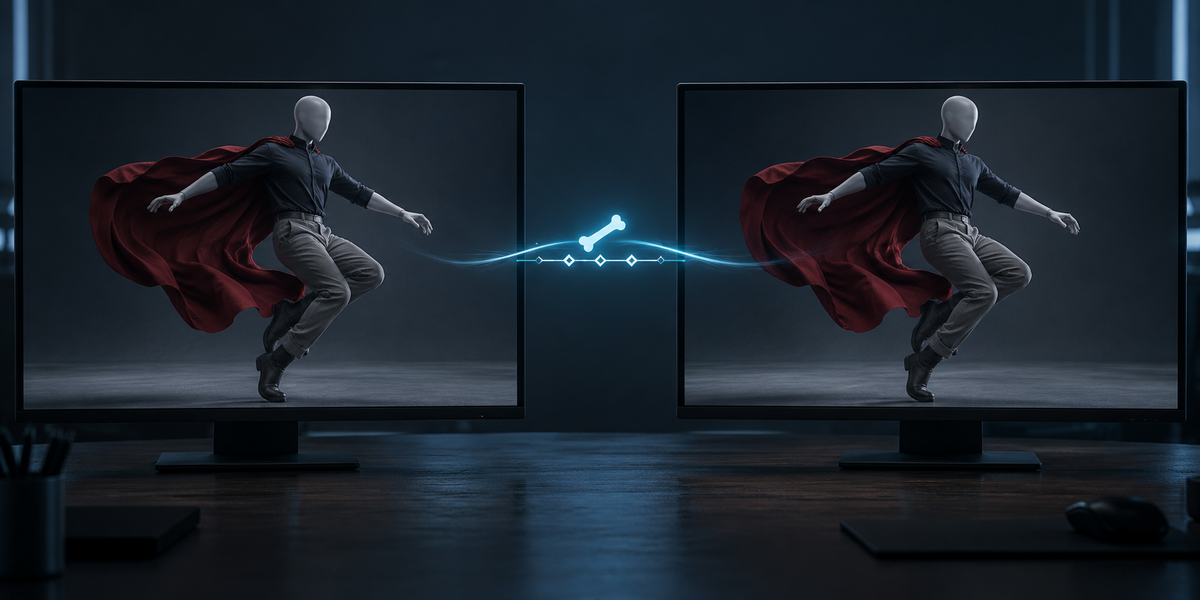
Bones and weights are what engines play natively. In Unity 6 with 4 bones per vertex, the baked skirt from our test matched Blender within 0.05 mm on every frame of the walk.
Unity skins with 4 bones per vertex (2 on low quality), Roblox and Godot with 4. Blender's Limit Total cuts the smallest weights. Engine Budget solves new weights within the limit on your animations and shows both side by side in millimetres. On the UE5 mannequin at 4 bones per vertex, the typical gap went from 0.36 to 0.18 mm on the fitted animations and from 0.27 to 0.22 mm on ones it never saw; the worst gap was never larger than Limit Total's.
The source mesh is never changed. Engine Budget works on a copy. Bones are only added to a rig when you choose Add to Rig, and Remove Bake takes away exactly the bones, keys and mesh it added.
No. Blender and numpy, nothing else.
Have questions about this product?
Login to message
| Published | 9 days ago |
| Blender Version | 4.2 - 5.2 |
| Extension Type | N/A |
| License | GPL |
Discover more products like this
skinning cloth simulation Export alembic bone-weights godot vertex animation game ready unreal soft body bake to bones unity