 Axenko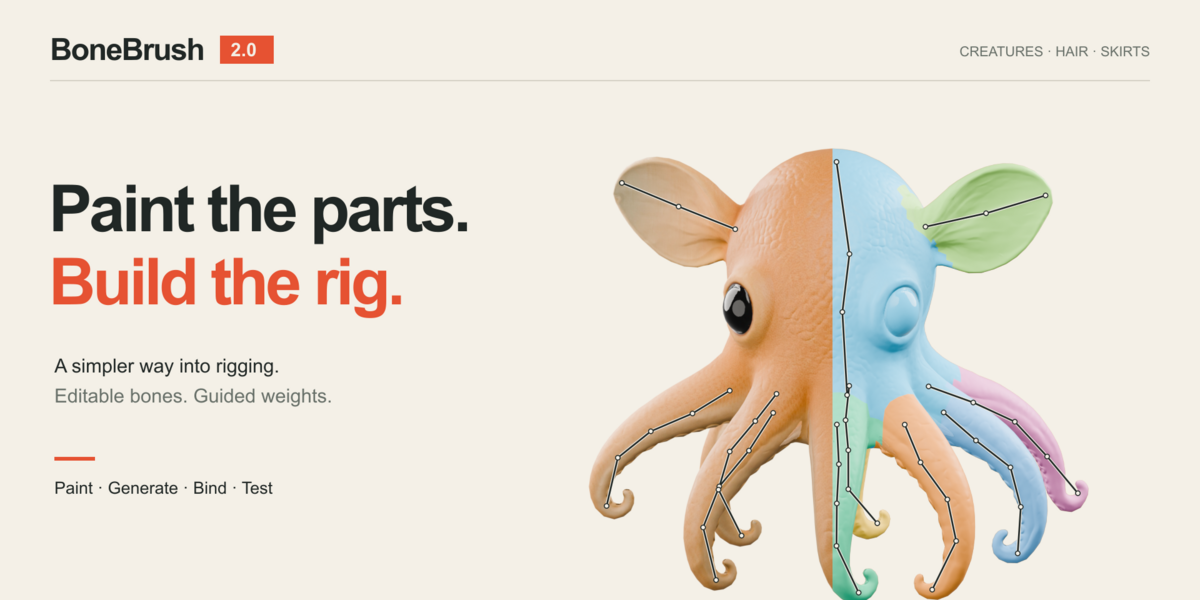

BoneBrush — Quick Start
1. Prepare the mesh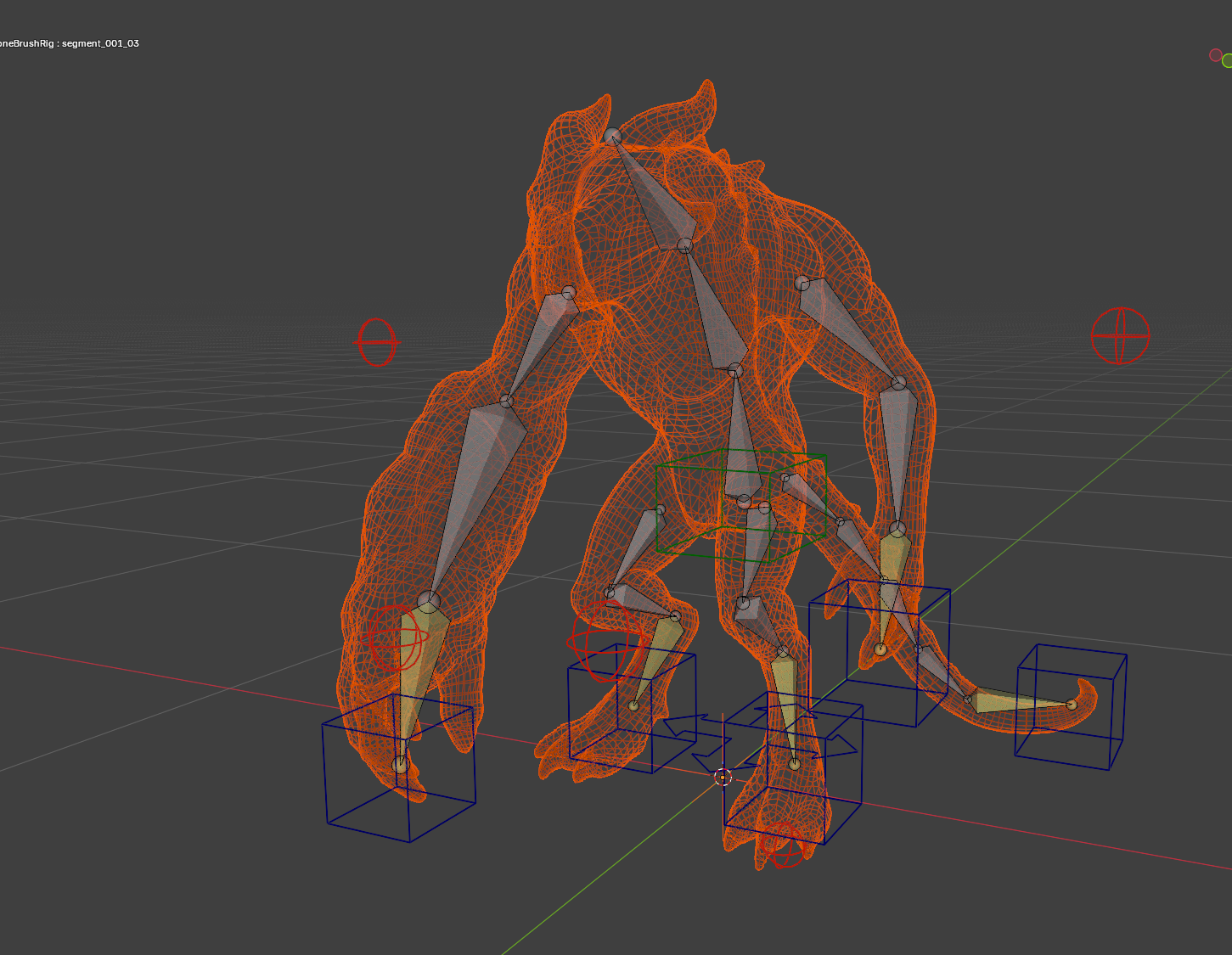
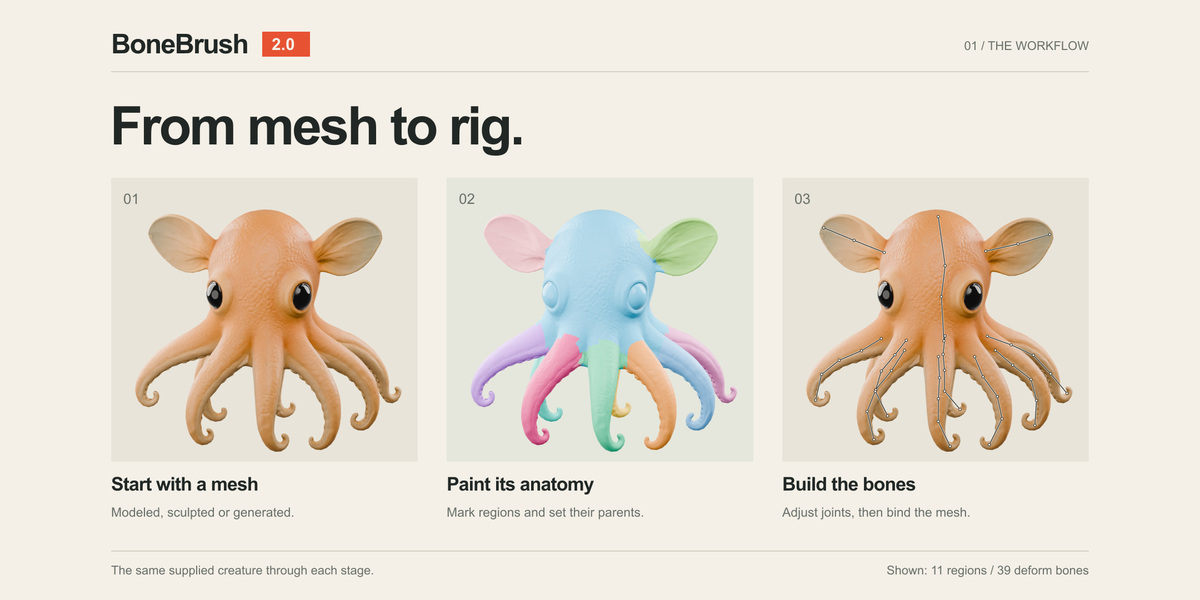
BoneBrush works with Blender mesh objects and uses Sculpt Face Sets to describe the creature's anatomy.
For AI-generated meshes, retopology is strongly recommended before rigging. Generated meshes may contain excessive geometry, poor edge flow, disconnected parts, or other topology issues that can make rigging and weighting unpredictable.
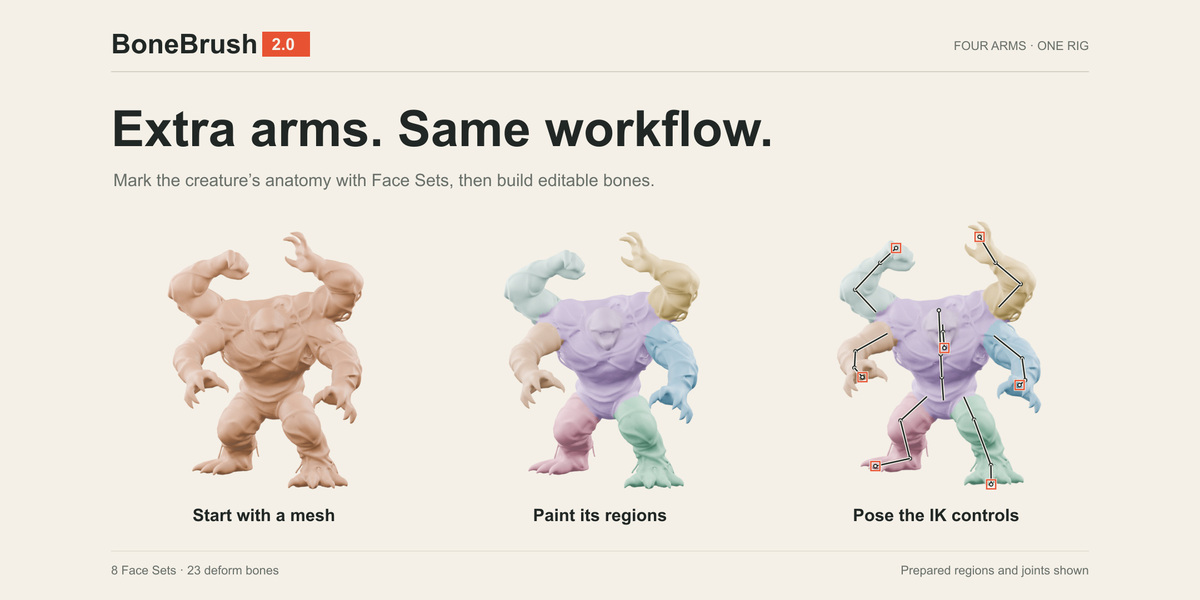
After retopology, create Face Sets for the body regions you want to turn into rig segments.
2. Paint Face Sets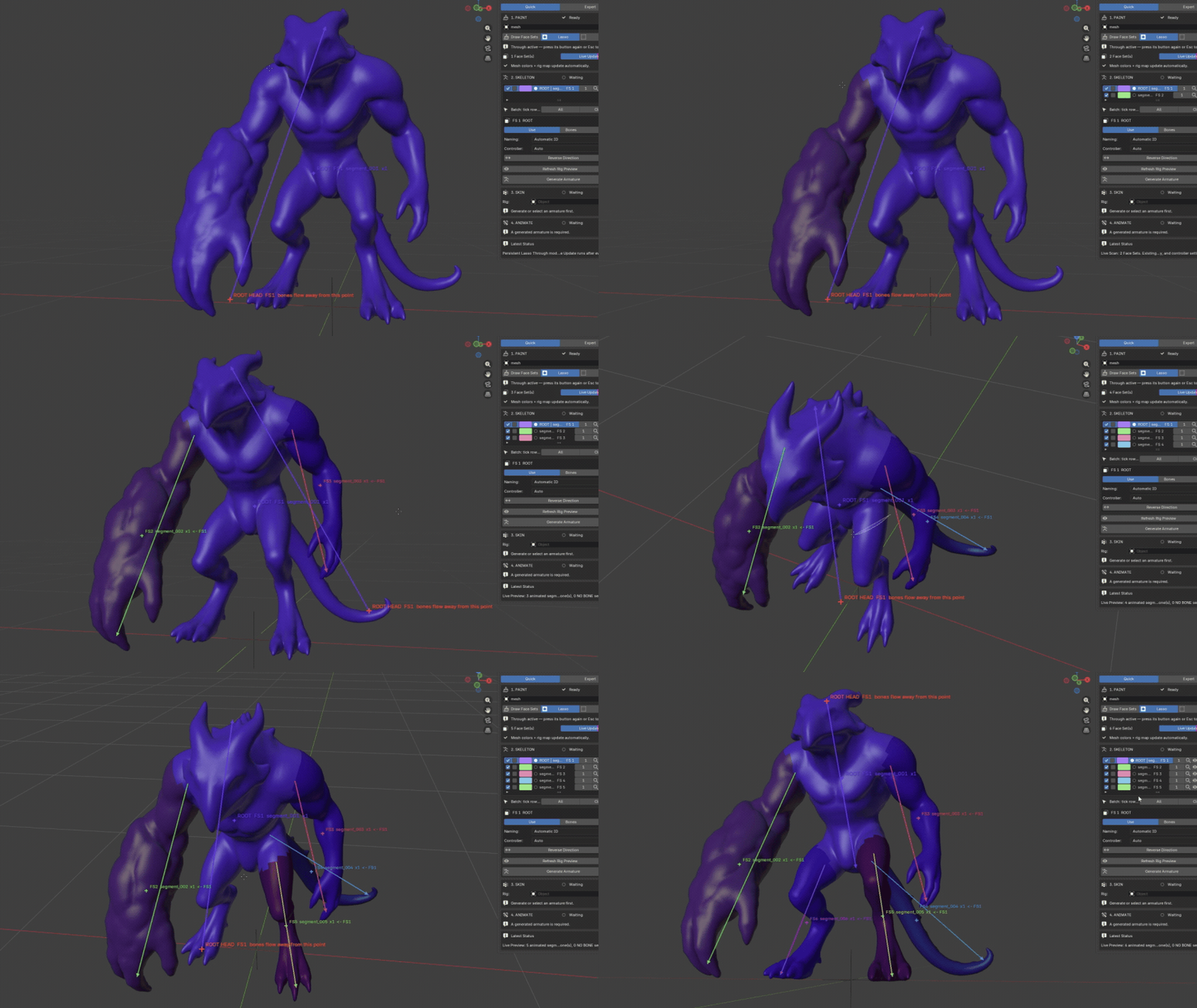
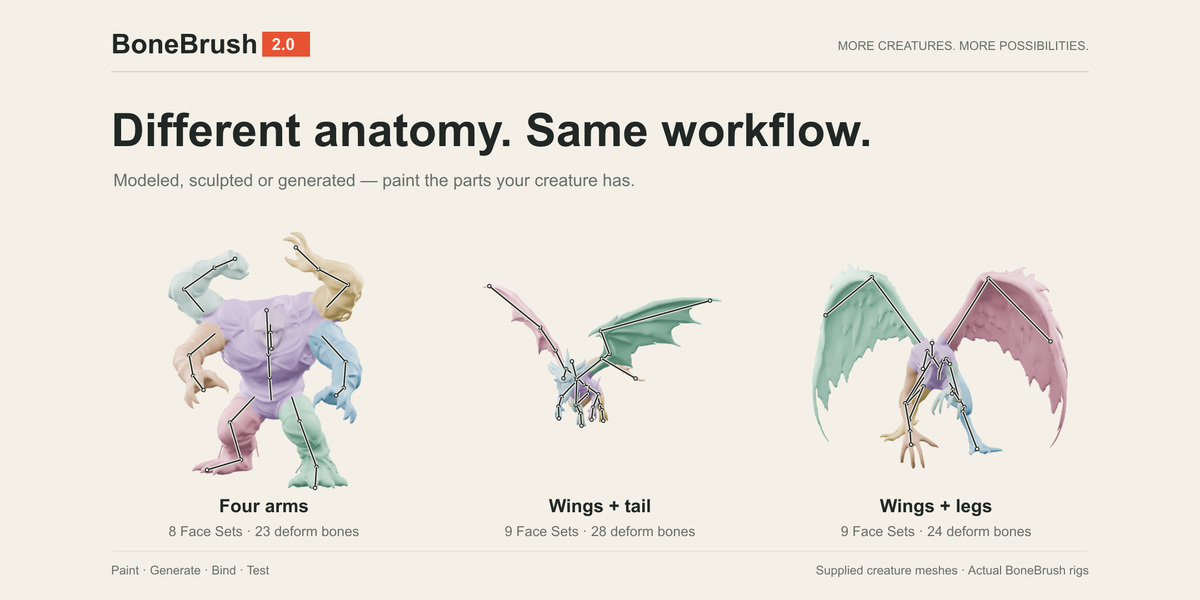
Enter Sculpt Mode and divide the creature into meaningful anatomical regions.
Examples:
- Upper Arm
- Forearm
- Hand
- Thigh
- Shin
- Foot
- Tail segments
- Tentacle segments
- Neck
- Head
Each Face Set can be converted into one or more bones.
Use Draw Face Sets, Through Lasso, or Through Box depending on the shape you need to select.
3. Build the skeleton structure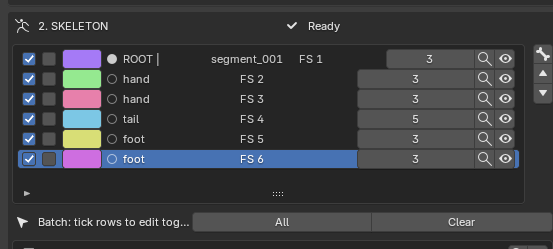
- Root segment
- Parent relationships
- Bone count
- Bone direction
- Left / Right side
- Body-part role
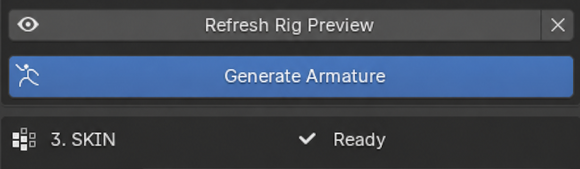
Then generate the armature.
4. Adjust the bones
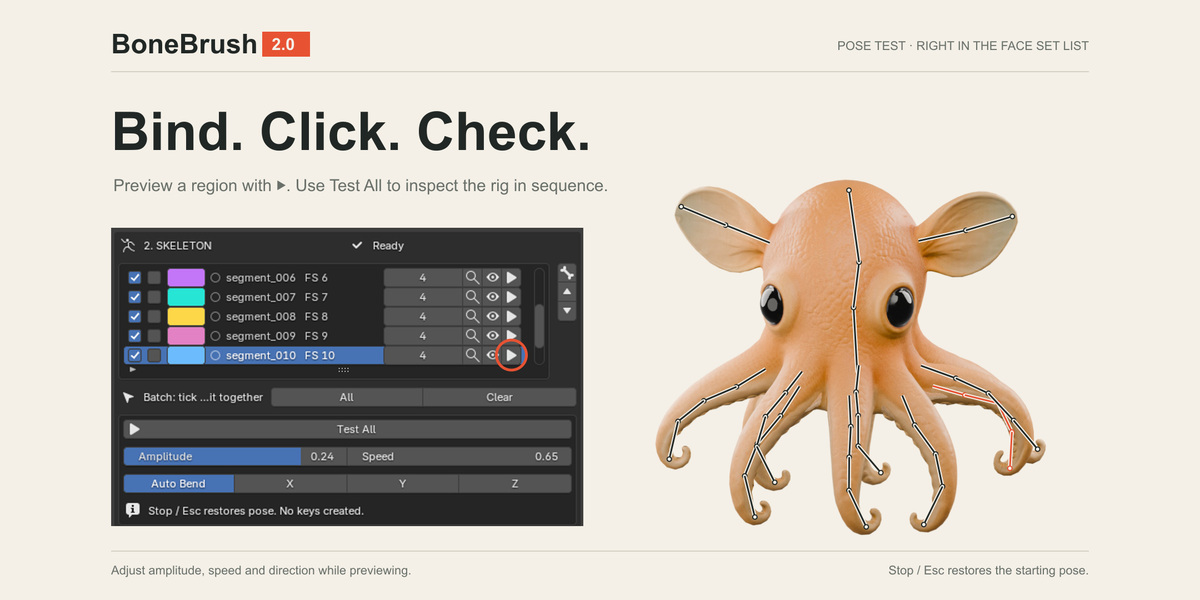
Before binding the mesh, inspect the generated skeleton in Armature Edit Mode.
Move joints and bone endpoints so they sit correctly inside the mesh.
This step is especially important for IK. Incorrect bone placement can cause limbs to bend in unexpected directions.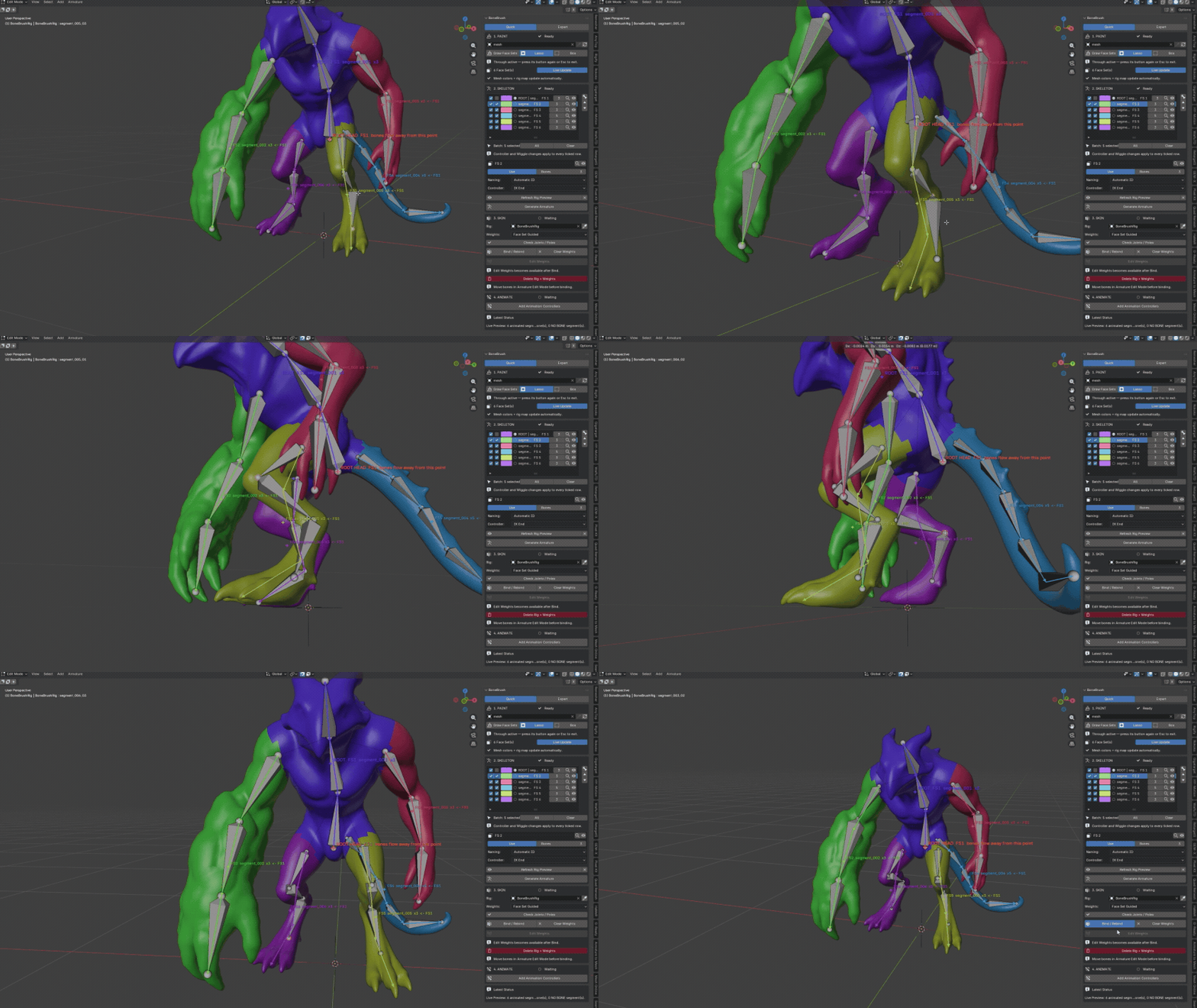
5. Bind the mesh
Once the skeleton is positioned correctly, bind the mesh using one of the available methods.
For most BoneBrush workflows, start with Face Set Guided weights.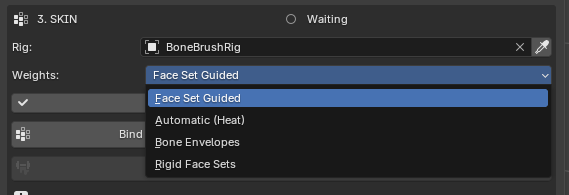
After binding, use Blender Weight Paint if additional deformation corrections are required.
6. Create animation controls
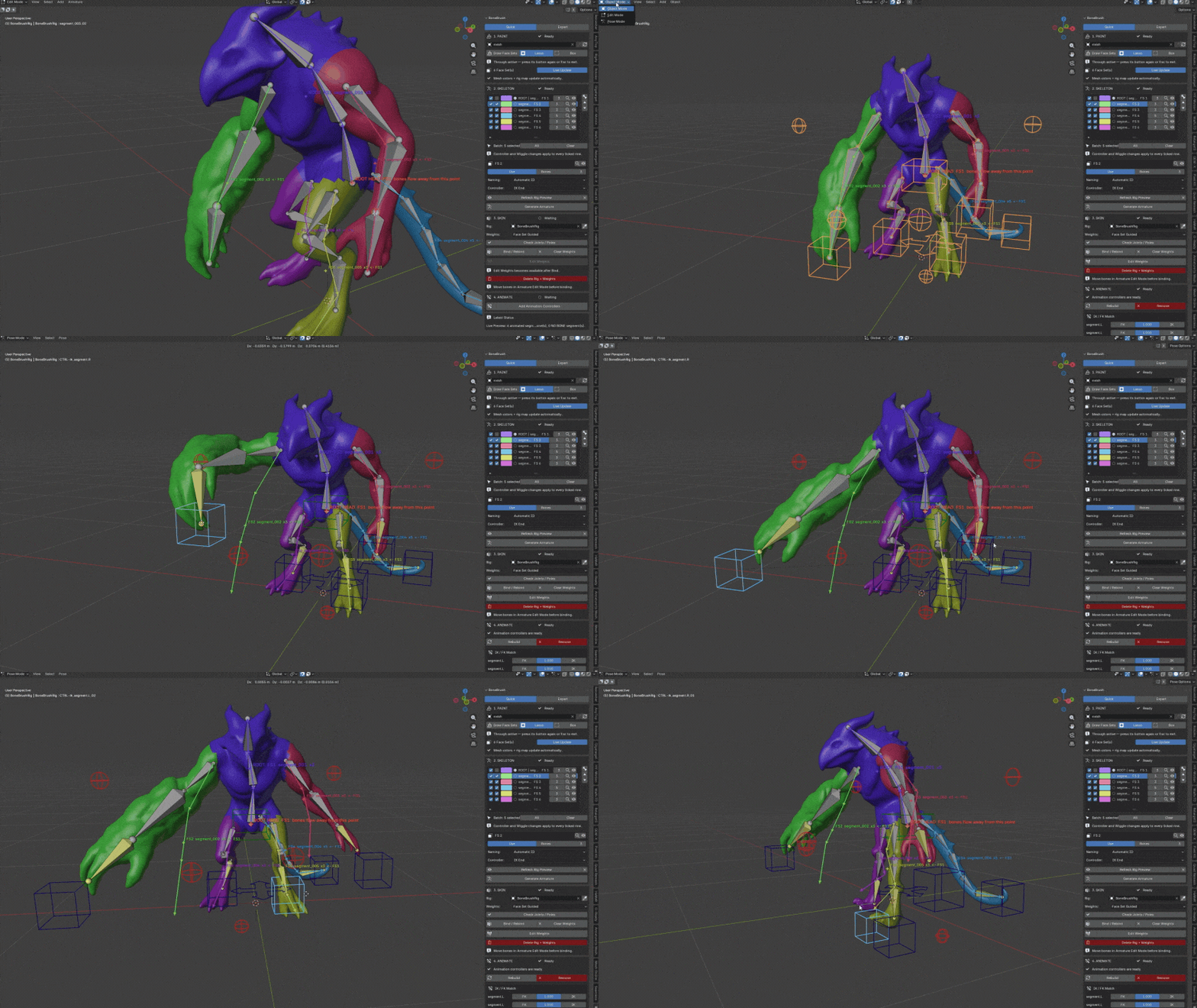
IK controllers can be created for suitable bone chains.
Select or configure the limb endpoint and create the IK controller.
An IK chain must contain at least 2 bones. A single-bone segment cannot generate a usable IK chain.
For long flexible structures such as tails or tentacles, use Spline IK instead.
Have questions about this product?
Login to message
| Sales | 40+ |
| Published | about 2 months ago |
| Blender Version | 5.0 - 5.2 |
| Extension Type | N/A |
| License | GPL |
