 Greenfield Creatives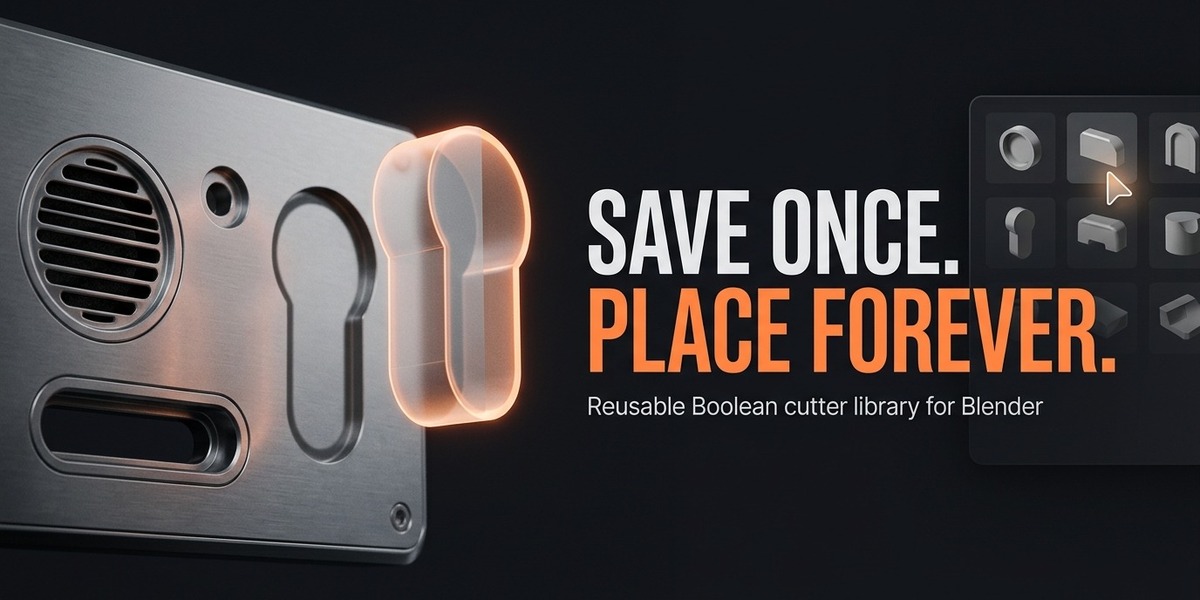

The Problem
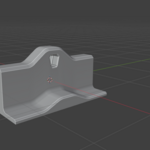
You drilled a perfect vent grille again — and you'll rebuild it in every future project. Re-appending objects, re-aligning them to surfaces, re-creating the Boolean: ten minutes of identical work, forever.
The Solution
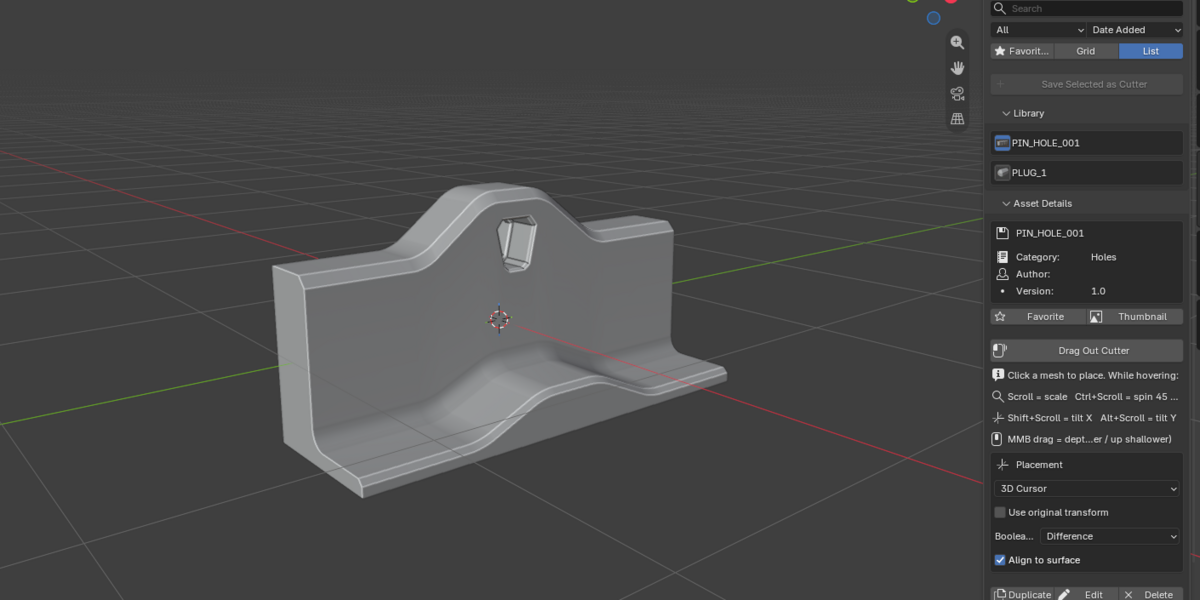
Boolean Vault is a personal library of reusable Boolean cutters.
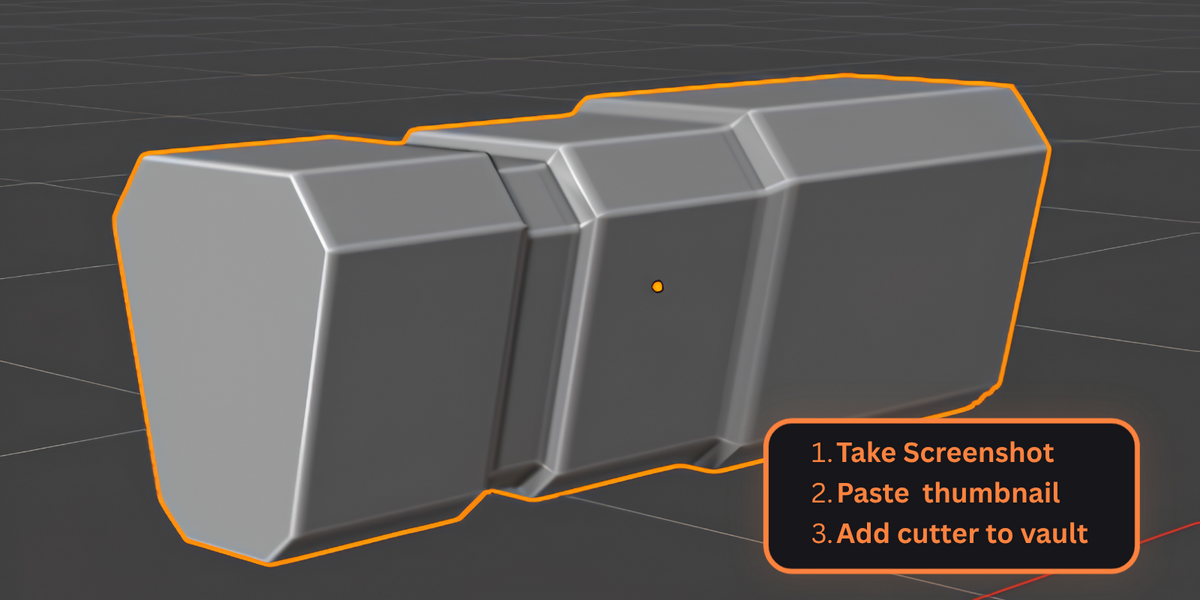
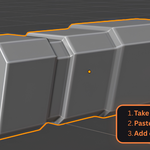
1. Select any mesh → Save Selected as Cutter (geometry + transform, on disk).
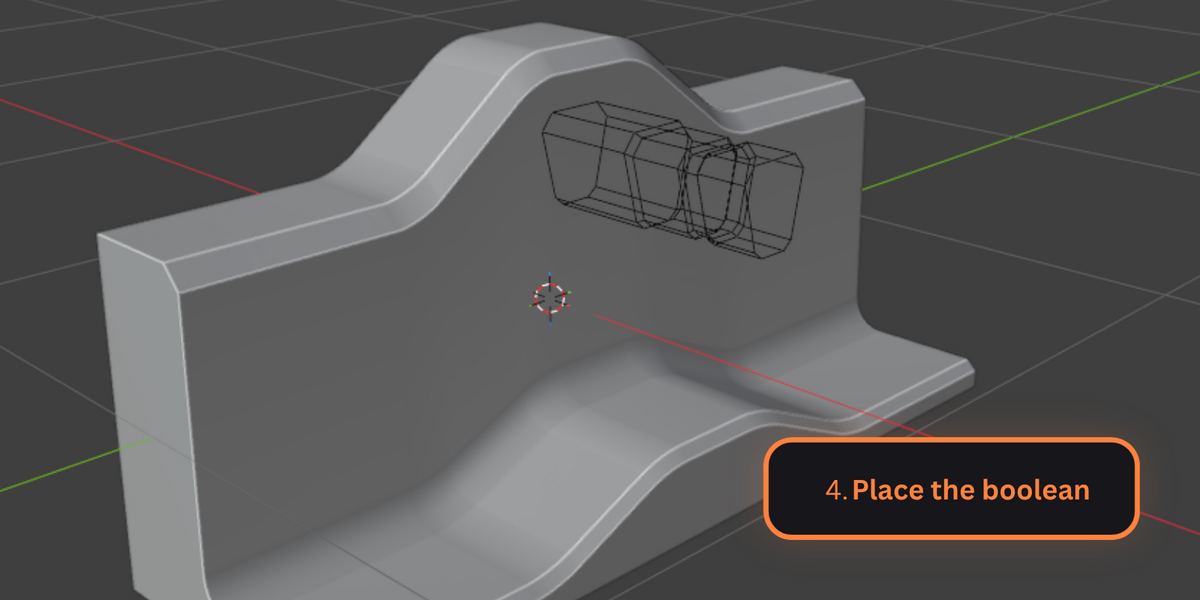
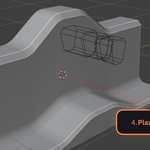
2. In a NEW project, click the thumbnail → the cutter follows your cursor as a ghost, aligned to the face under it.
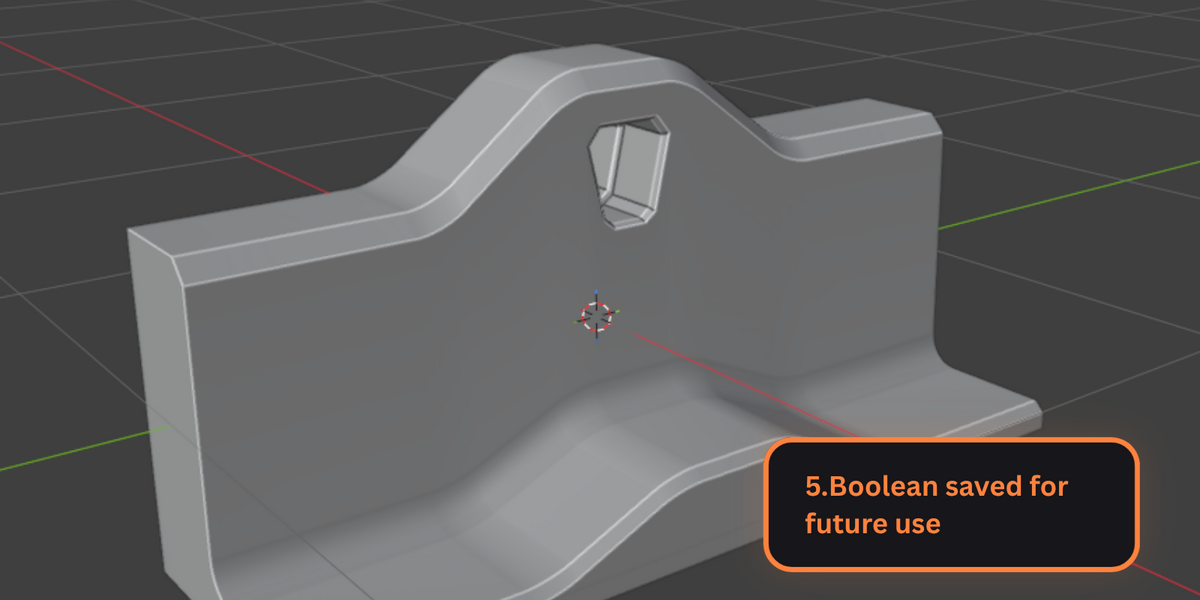
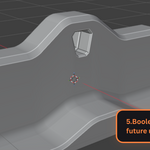
3. Left-click to place — the Boolean modifier (Difference/Union/Intersect) is created on the target automatically.
Key Features
- Cross-project library that survives without the .blend file
- Drag-out ghost placement with live tuning: Scroll = scale, Ctrl+Scroll = spin, Shift/Alt+Scroll = tilt, MMB = depth
- Auto half-through-cut (never floats off the surface)
- Search, categories, tags, favorites
- Auto thumbnails + paste your own screenshot (Windows)
- Recall placed cutters and re-edit their mesh anytime
- Workspace kept clean: cutters park in an auto-hidden collection
Compatibility
- Blender 4.2+ (tested on 5.2 LTS)
- Windows / macOS / Linux
- No third-party dependencies
What's Included
- The addon (MIT licensed)
- Full README documentation
- Email support
- Free updates
Installation
1. Download BooleanVault-1.0.0.zip
2. Blender → Edit → Preferences → Add-ons → Install…
3. Enable "Boolean Vault"
Support
guaranteed replies within 48h