Boolean Vault — Reusable Boolean Cutters Library for Blender
 Greenfield Creatives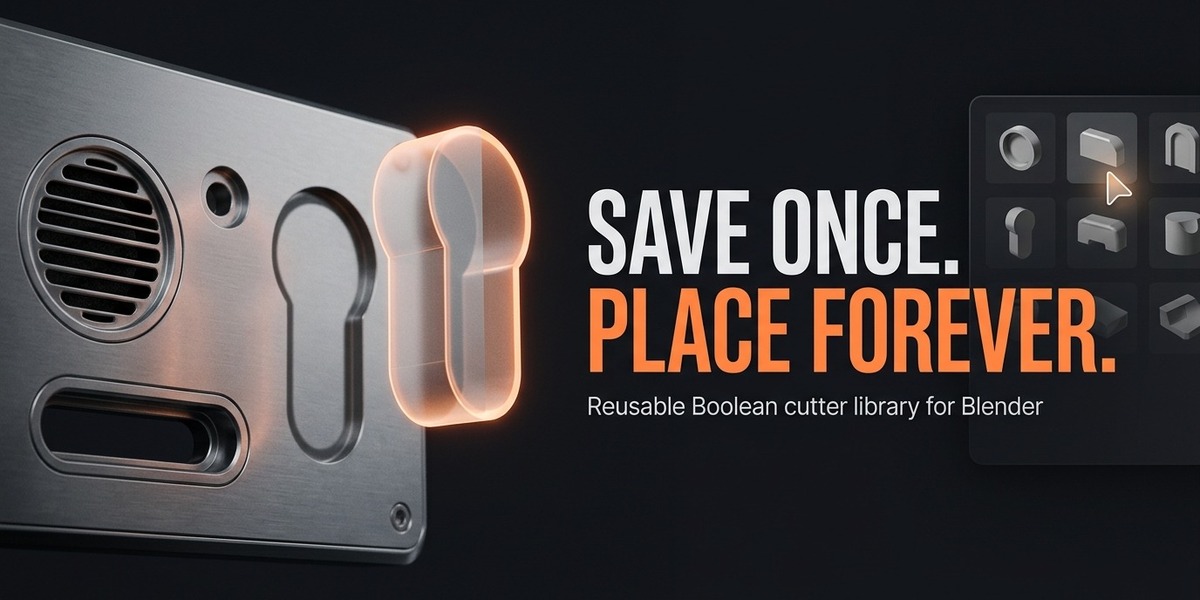

What if I have a problem or a feature request?
I'm happy to help. Email me at [email protected] with your Blender version and a short description of the problem, and I'll get back to you as quickly as possible. Feature requests are always welcome.
Do I get updates?
Yes. Updates are delivered directly through your original purchase link, and if you install via Blender's preferences, Superhive can be used as a repository so one-click updates appear inside Blender.
Is there a license I should know about?
Boolean Vault is released under the MIT license, which is permissive and allows you to use it in any project, including commercial work, without attribution requirements.
How do I install the add-on?
Download your .zip from the receipt page. In Blender go to Edit > Preferences > Add-ons > Install and select the downloaded .zip file. Enable "Boolean Vault" by ticking the checkbox. It's that simple.
Do I need to install anything else for this to work?
No. Boolean Vault is self-contained. Install the .zip from your receipt page, enable it in Preferences, and you're ready to go.
Does this generate geometry nodes or modify my whole file?
No. Boolean Vault works with Blender's native Boolean modifier workflow and applies clean, editable cutters to your mesh — no hidden node setups or file bloat.
Can I edit a cutter after it's saved?
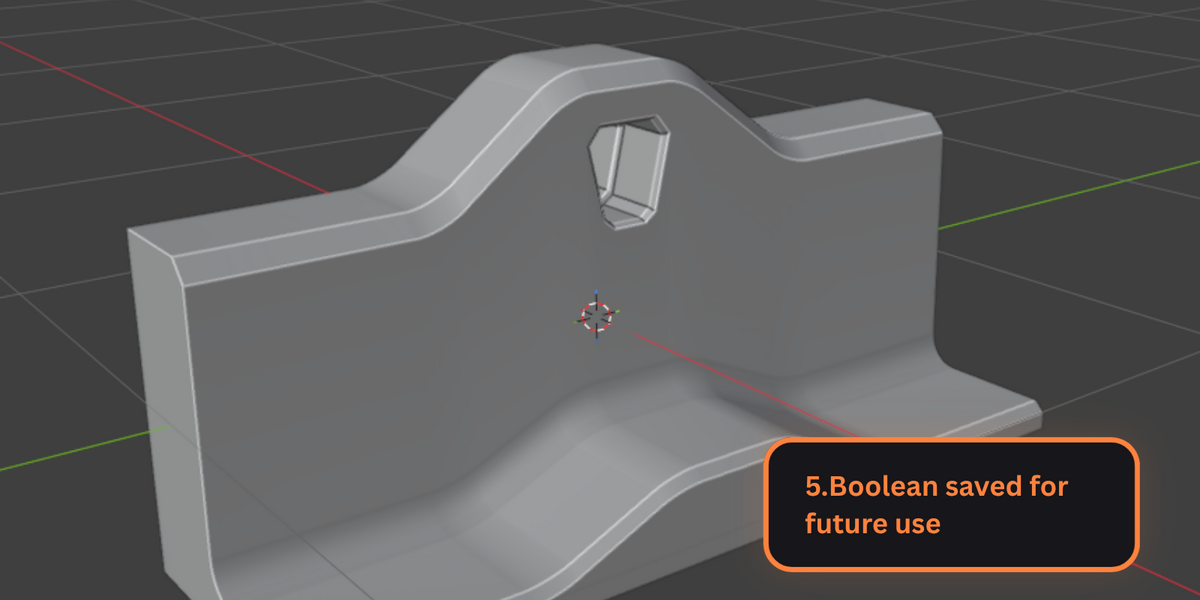
Yes. Saved cutters can be edited and updated in the library, so improvements to a cutter carry through to every future placement.
Are there shortcuts to speed up my workflow?
Yes. Everything is accessible from the Boolean Vault panel in the N-sidebar, and quick hotkeys are included so you can save, place, reset, and apply without touching the panel.
Can I preview where the cutter will go before committing?
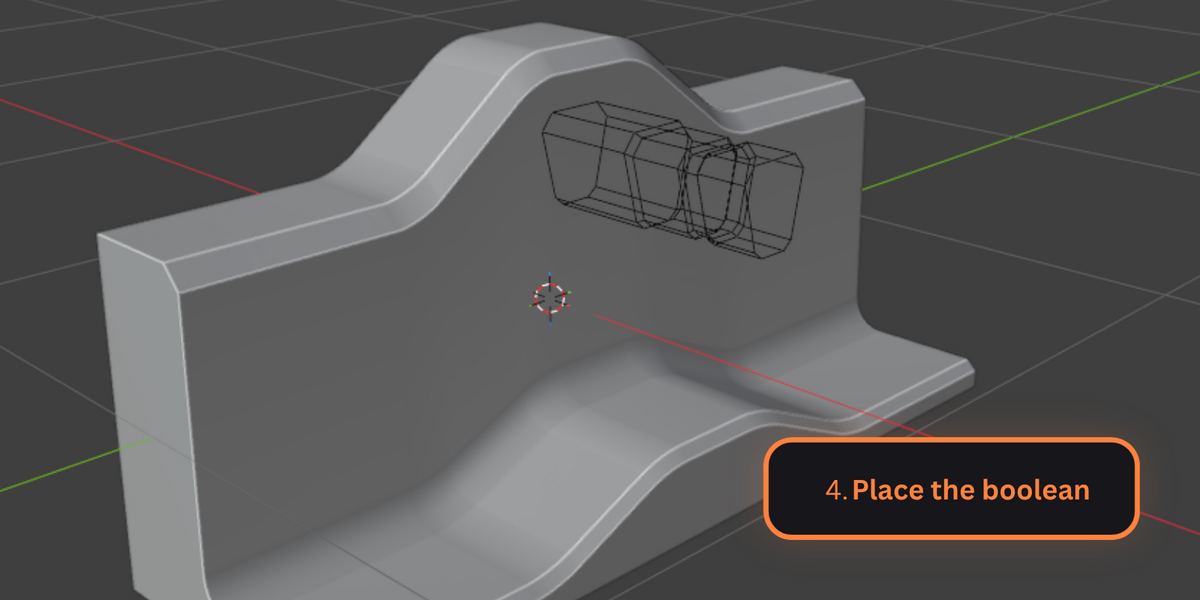
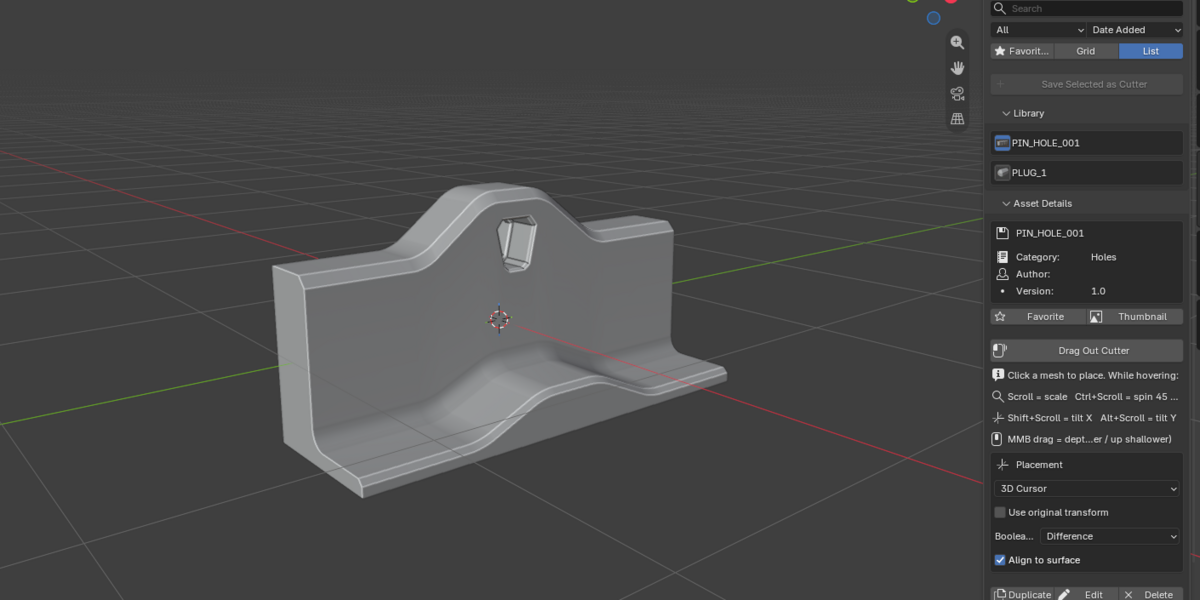
Yes. A live ghost preview shows exactly where the cutter will land before the Boolean is applied, so you can fine-tune position and be sure before you commit.
Does the cutter align to the surface?
Yes. Cutters are placed aligned to the surface normal of the target mesh by default, so they sit flush on inclined, curved, and vertical surfaces — not just flat faces.
What Boolean operations are supported?
Difference, Union, and Intersect. You choose the operation type when placing a cutter, so the same cutter can cut a hole in one object and be merged into another.
Can I organize my cutters? Can I search them?
Yes. Cutters are saved with names, descriptions, and tags, and the library panel includes search and filtering so you can find the right cutter fast, even with hundreds saved.
Is the library saved inside a project or can I use it across projects?
Across projects. Your Boolean Vault library is stored on your computer, so cutters you save are available in every Blender project you open — no need to re-save or re-import.
Does it work with all Blender versions?
Boolean Vault requires Blender 4.0 or newer. It has been fully tested on Blender 5.2 LTS. It works on Windows, macOS, and Linux.
What problem does it solve?
Instead of rebuilding the same vent patterns, bolt holes, slots, and panel details in every project, you save them to your library once. Then you pick a target mesh, select a cutter, and place it — the Boolean is applied instantly with the correct alignment and operation type.
What is Boolean Vault?
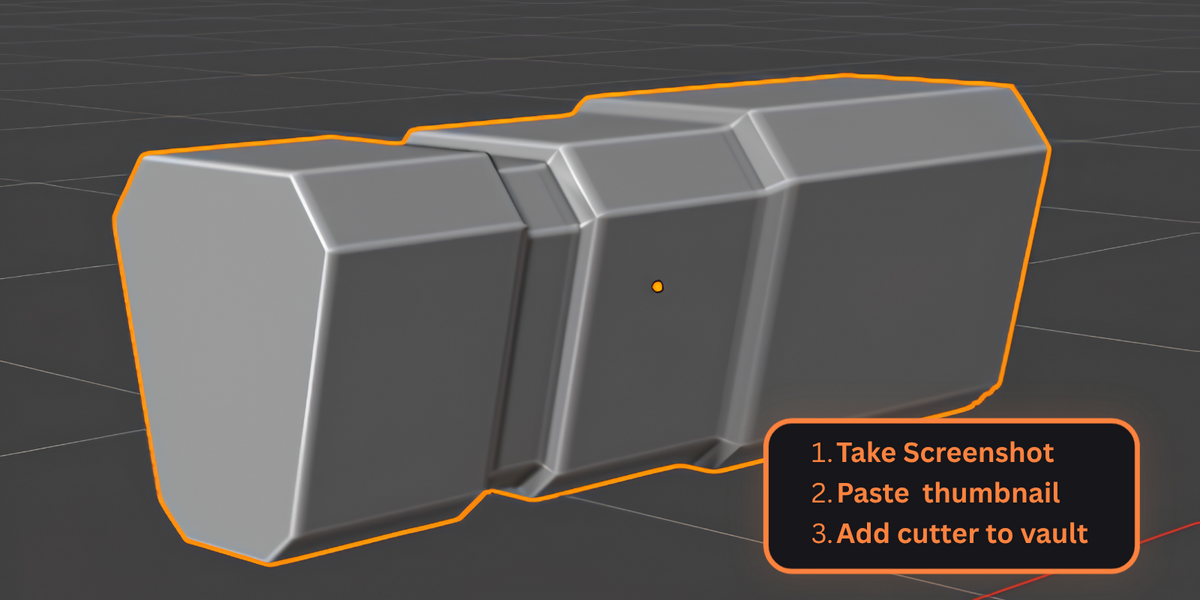
Boolean Vault is a Blender add-on that lets you save, browse, and place reusable Boolean cutters on any mesh surface in one click. Build a library of your favorite cutters once, then reuse them across all your projects.
$10
Have questions about this product?
Login to message
| Blender Extension Compatible | Yes |
| Published | 2 days ago |
| Blender Version | 4.0 - 5.2 |
| Extension Type | Add-on |
| Render Engine Used | Cycles, Eevee |
| License | Mit |
Discover more products like this
Library blender 4.0 Panel cutter bolt mesh-tool Asset Manager boolean blender 5.0 reusable hard surface