 Arq. Gustavo Garcia ARCHS


🗑️ B o t t o n R e m o v e – The Ultimate Guardian of Your Blender Projects
Tired of messy files, ghost materials, and objects you're not sure whether to delete? Bottom Remove is the Swiss Army knife of cleanup in Blender: delete, organize, and recover with complete control. Designed for 3D artists who value their time and the integrity of their scenes.
🔥 🔥 🔥 Features that make you fall in love🔥 🔥 🔥
P r o f e s s i o n a l C l e a n i n g
- Sort by categories: Materials, Geometry, Node Groups and Collections, with interactive dialogs and smart filters.
- Quick Mode: Clean unused materials, orphaned data, empty slots, and duplicates with a single click.
U l t r a - f a s t a c c e s s
-
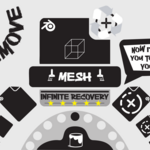
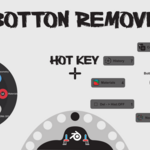
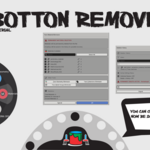
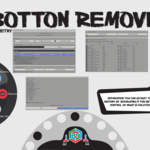
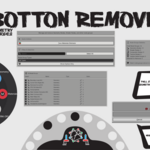
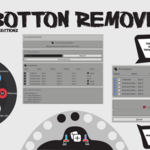
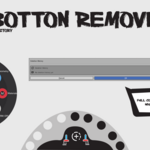
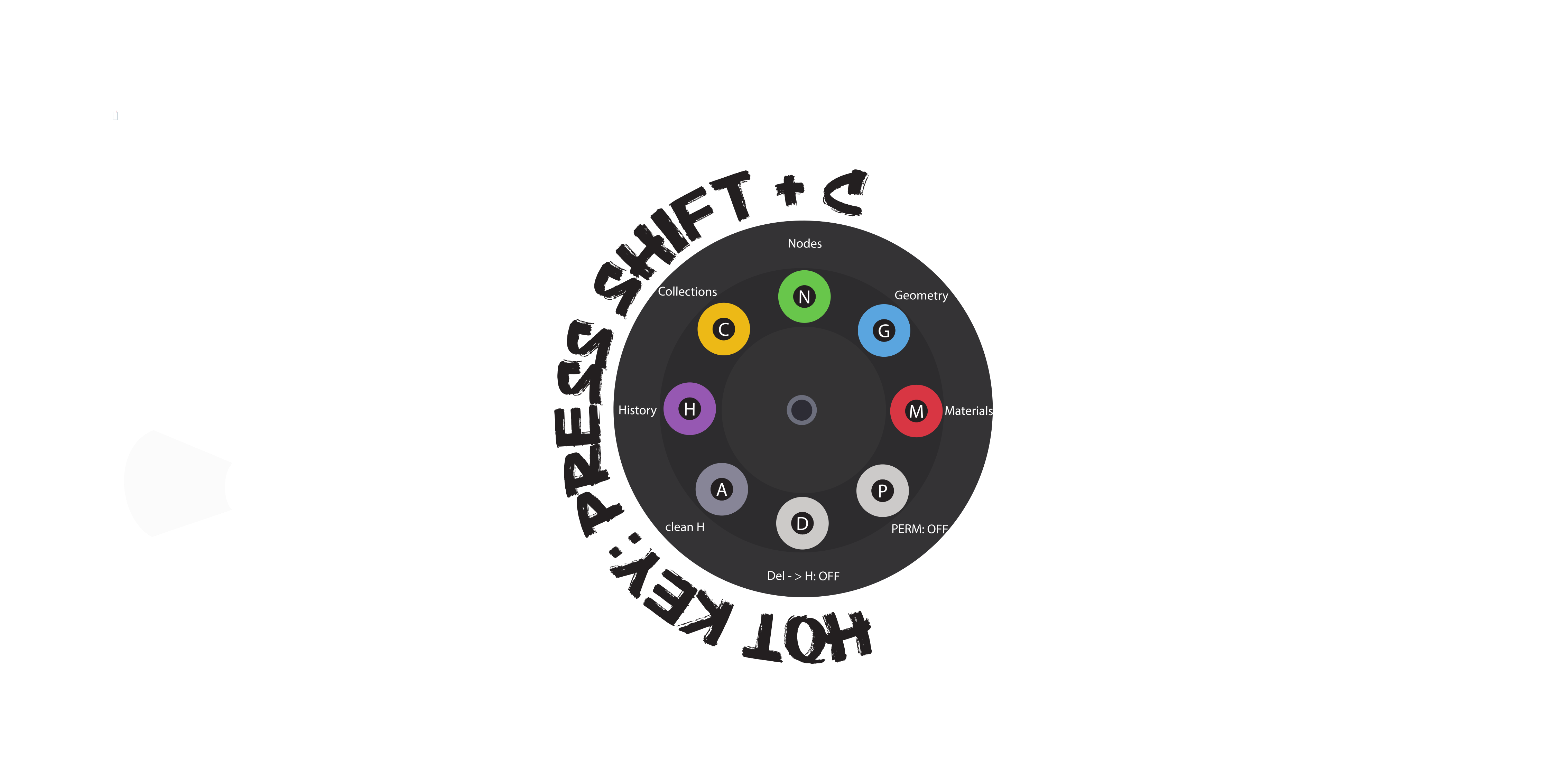
Shift+X shortcut: Displays an elegant circular menu (or classic pie menu) with customizable icons and colors. Select with your mouse or keyboard shortcuts:
-
M = Materials | G = Geometry | N = Nodes | C = Collections | H = History | A = Clear all | D / P = Toggle security modes.
- Integration with Outliner, 3D Header, Node Editor, Properties Panel, and T-Panel. Always at your fingertips.
U n l i m i t e d S e cu r i t y
-
Deletion History: Every deleted item is saved in a timestamp history. You can restore it as many times as you want.
-
“Delete to History” Mode: Turns the X/Del key into a smart trash can. Items are hidden in a special collection instead of disappearing forever. Recover them instantly!
-
Selective Restore: Choose which items from a multiple deletion you want to recover, and where (in their original position or at the source).
- “Permanent Delete” Mode: When you are 100% sure, activate permanent deletion that bypasses the history.
E x t r e m e C u s t o m i z a t i o n
-
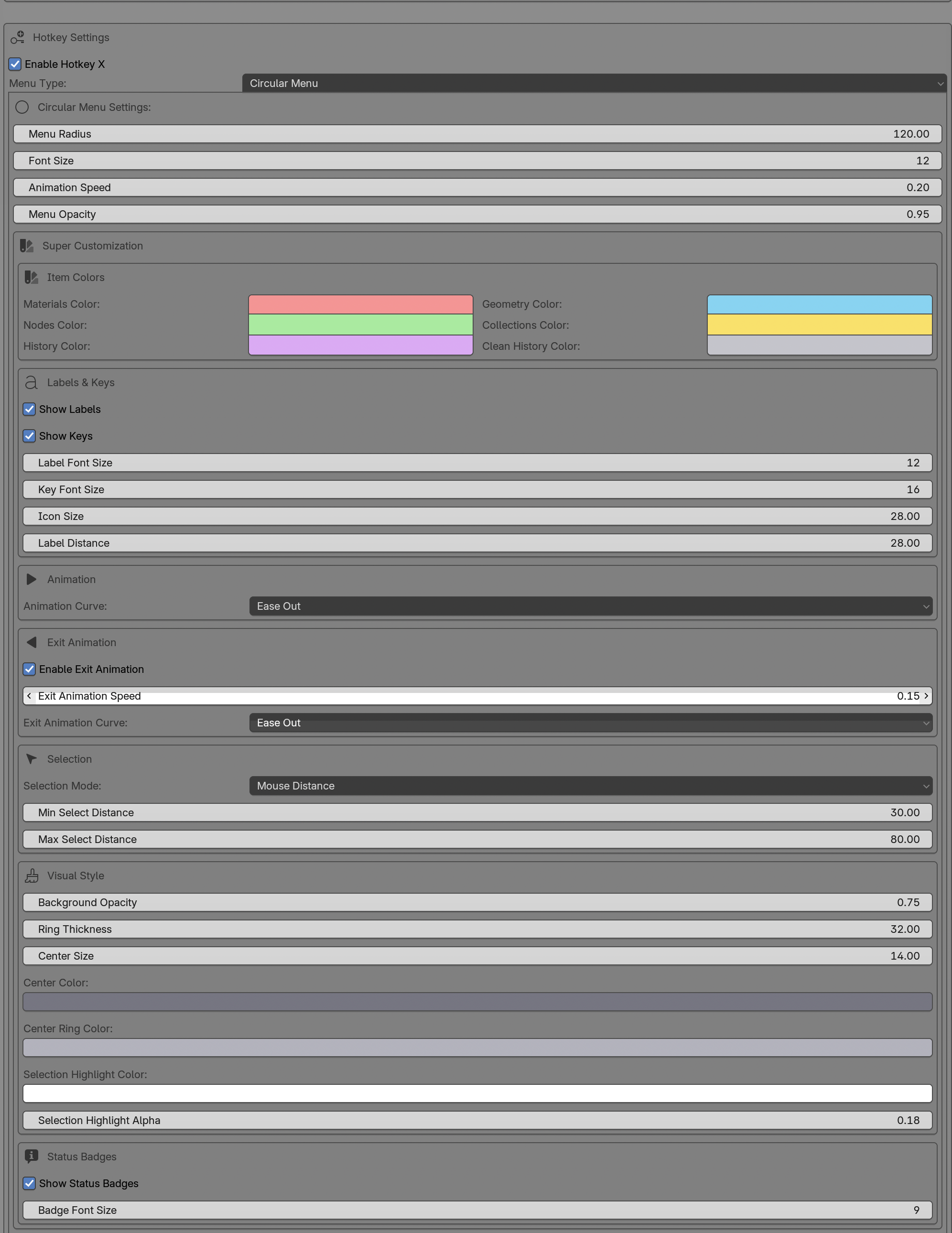
The circular menu adapts to you: colors by category, opacity, animation speed, icon and label size, status badges (X → Hist, PERM, INF).
- Choose between selection mode by distance or angle, and adjust the tolerance to your liking.
S m a r t - R e s t o r a t i o n
-
Deleted objects retain their position, materials, modifiers (including Geometry Nodes!), and even their collection hierarchy.
-
If you restore multiple times, duplicate elements are given the "_restoun" suffix to avoid overwriting the originals.
- Compatible with all object types: meshes, curves, cameras, lights, armor, etc.
W h y B o t t o m R e m o v e ?
Because deleting shouldn't be scary. With Bottom Remove, you can experiment, clean up, and optimize your scenes without losing anything important. It's like having version control for every element of your project.
I d e a l f o r :
-
Complex scenes with hundreds of objects.
-
Workflows that require rapid iteration.
-
Artists who hate bloated files full of junk.
- Anyone who has accidentally lost footage and wishes they could recover it.
🚀 Installation and Use
- Download the add-on and activate it in Blender Preferences.
-
Look for the trash can icon in the Outliner or press Shift+X.
- Start cleaning up without worry. Everything you delete will be safely saved in the history.
---------------------------------------------------------------------------------------------------------------------------------------------------------------
T r y it n o w a n d s a y g o o d b y e t o c h a o s i n y o u r p r o j e c t s !
Do you have any questions or suggestions? The author, Arq. Gustavo Garcia, would be happy to hear from you.
