 Rasheed's Edit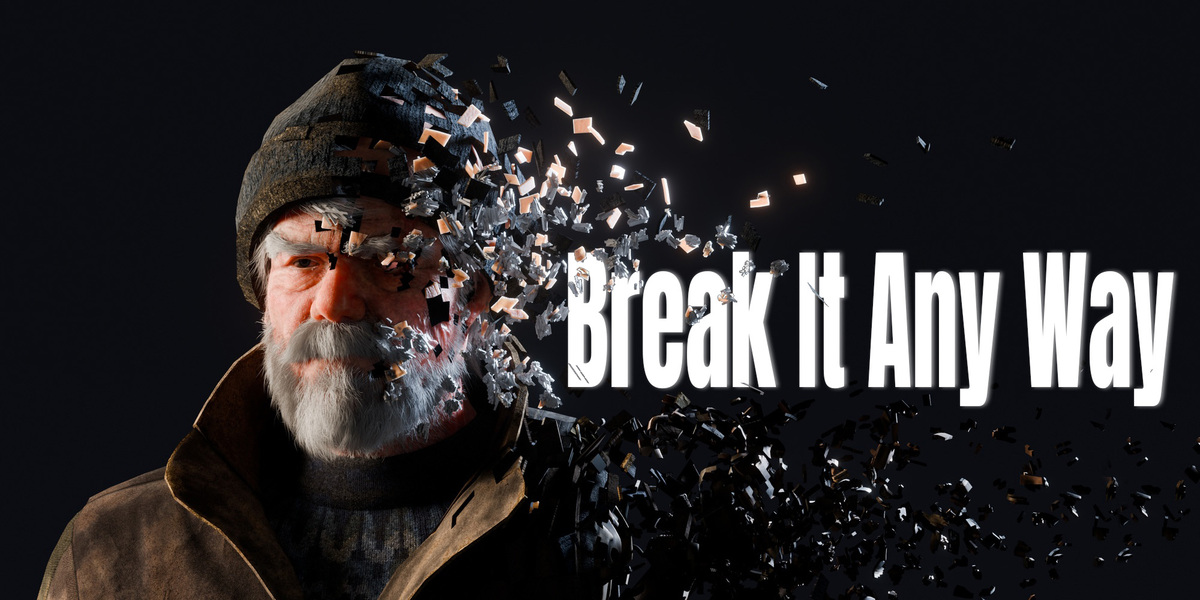

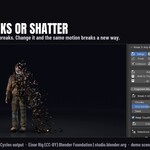

Make anything fall apart in Blender, then put it back together.
Break It Any Way is a Blender add-on that breaks an object apart and blows the pieces away. Select a mesh, click Add, and press play. It uses the frames already in your timeline, so there are no keyframes to set and nothing to bake before you see the result.
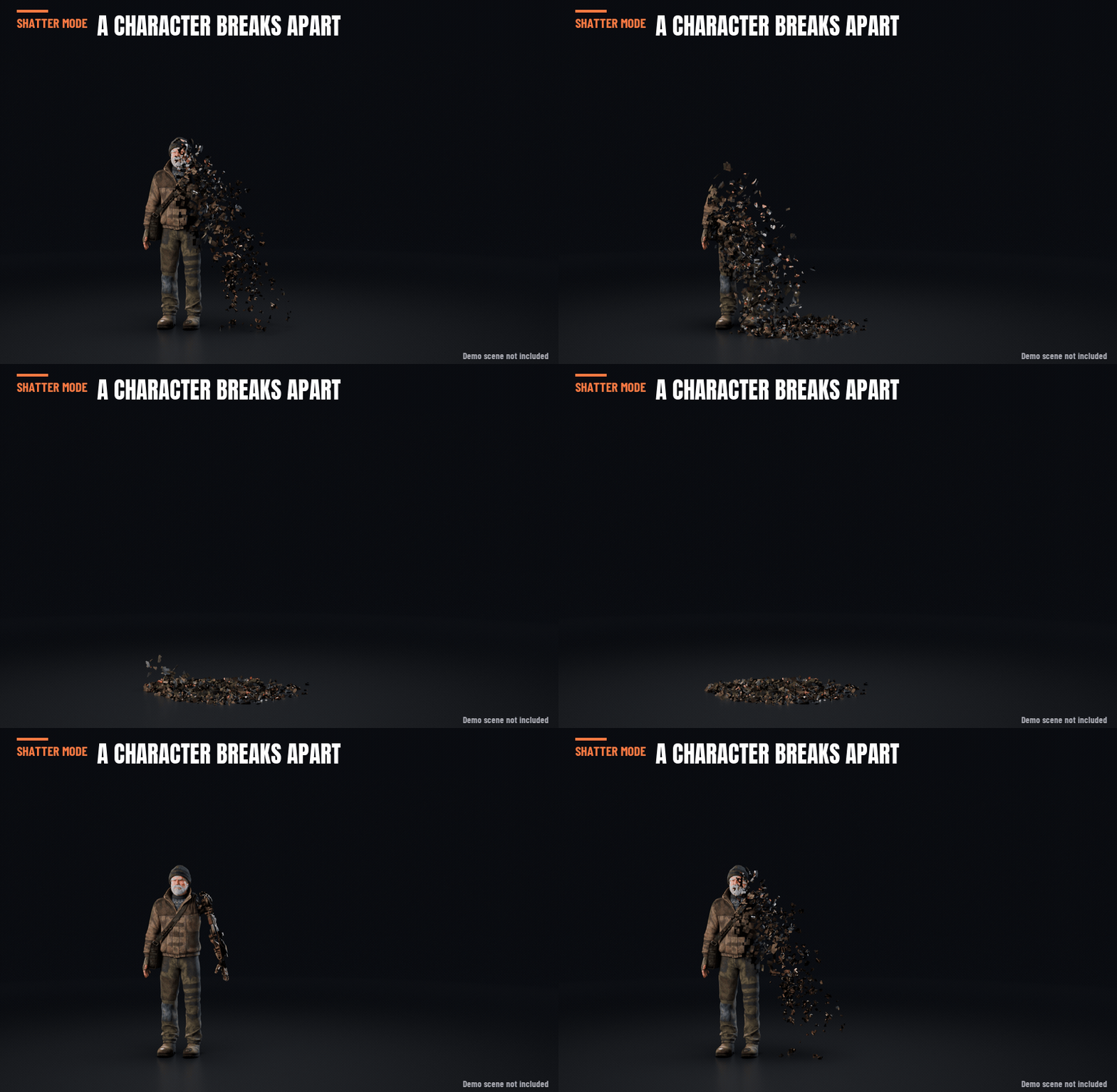
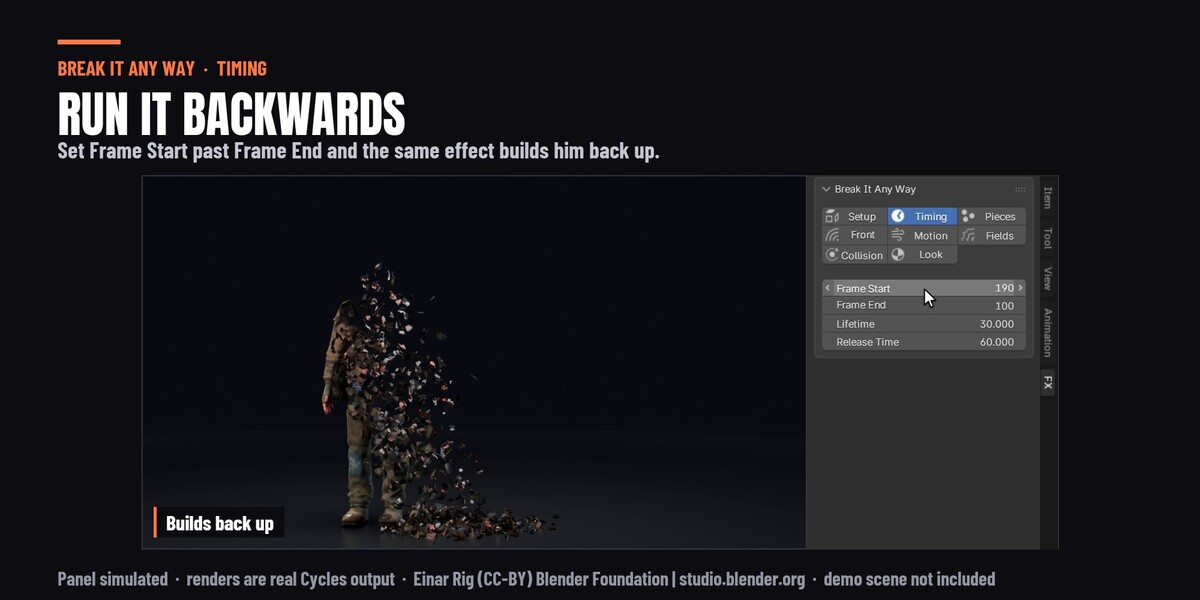
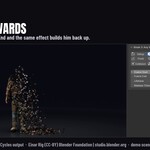
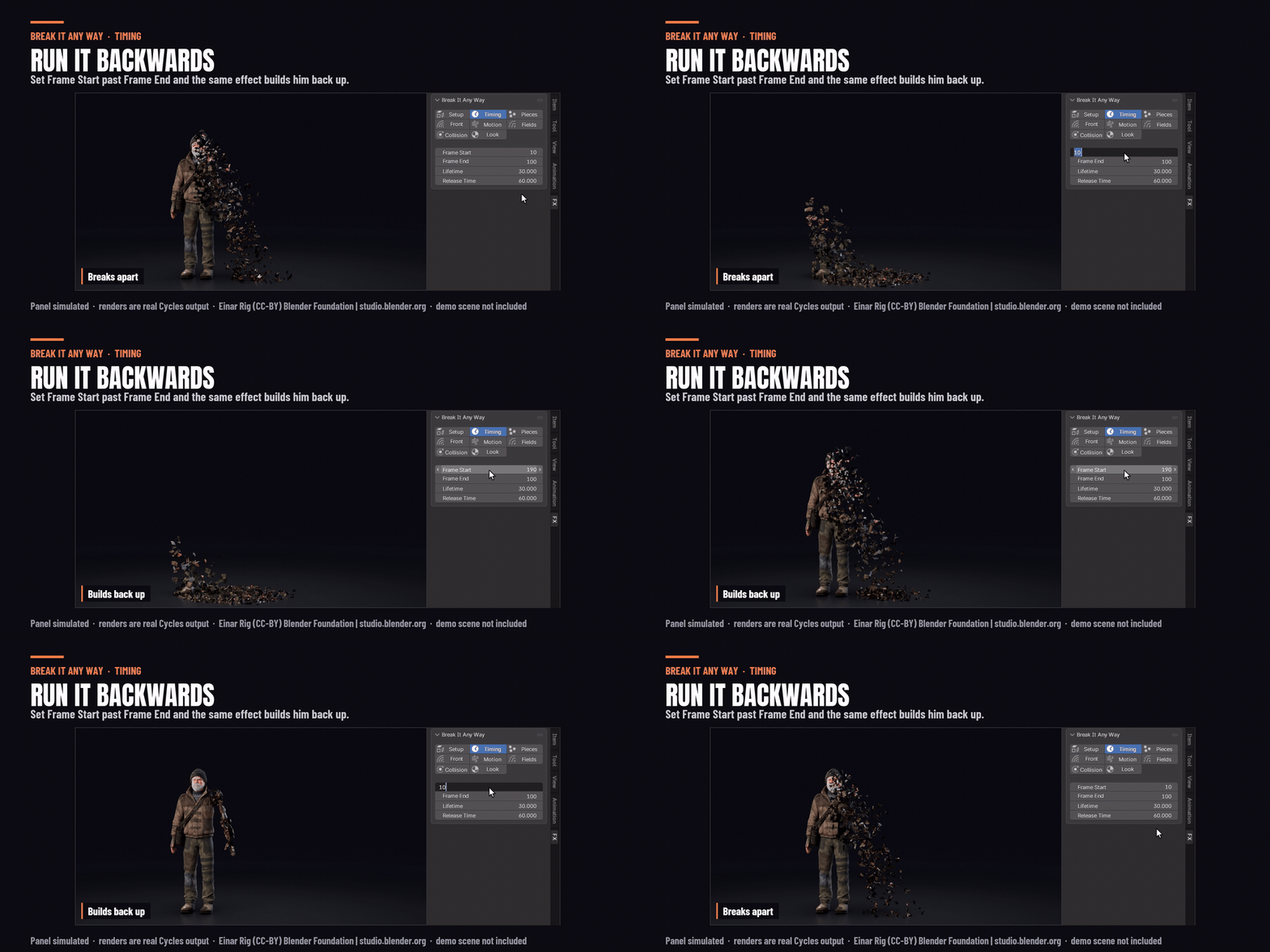
Swap the start and end frames and it plays in reverse: the object builds itself back up from the pieces. Most disintegration tools can only break things apart. This one does both from the same setup.
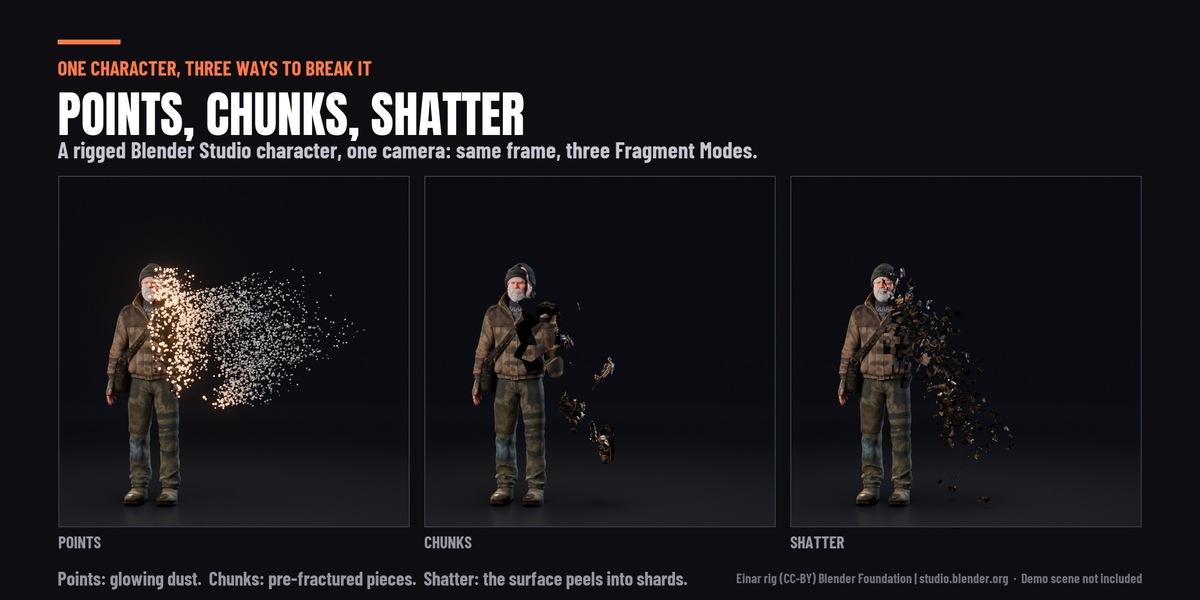
Three looks to choose from
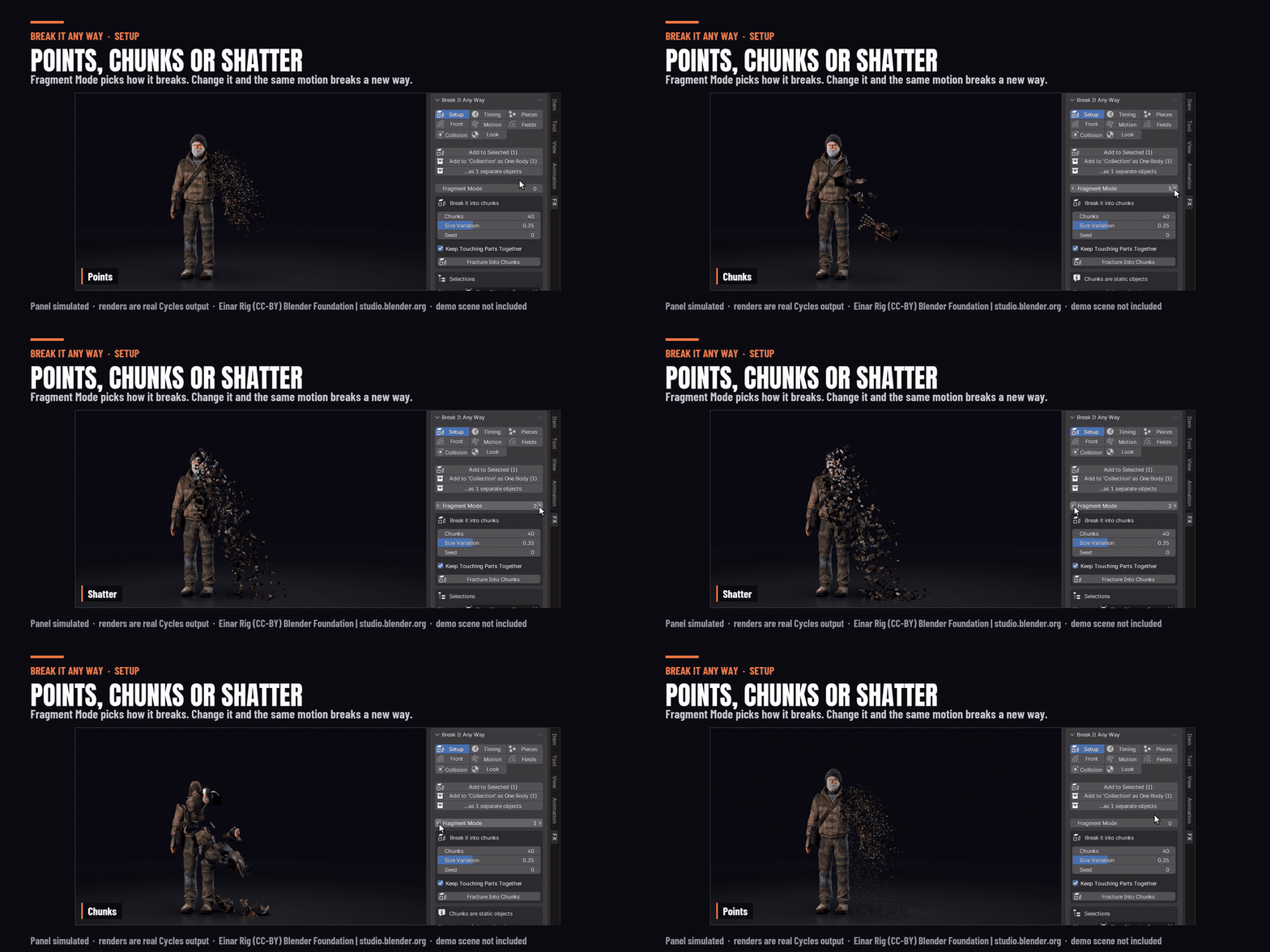
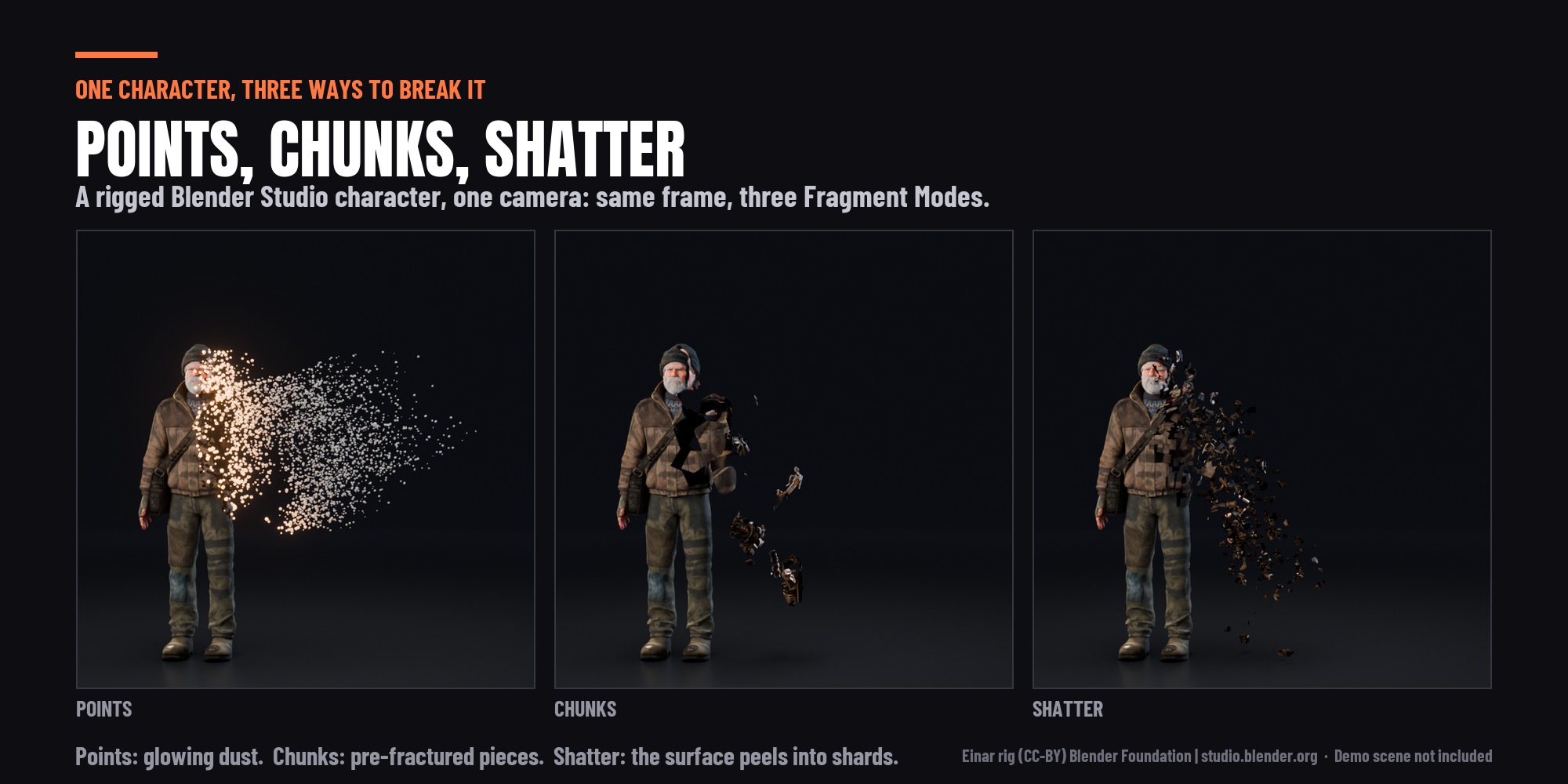
- Points: the classic thanos effect. The surface turns into small particles that drift away. Use it to dissolve into dust, ash, embers or snow. Each particle takes the color and texture of the spot it came from.
- Chunks: the model breaks into solid 3D pieces. The built-in cell fracture tool cuts them for you in one click, or you can use pieces you made yourself.
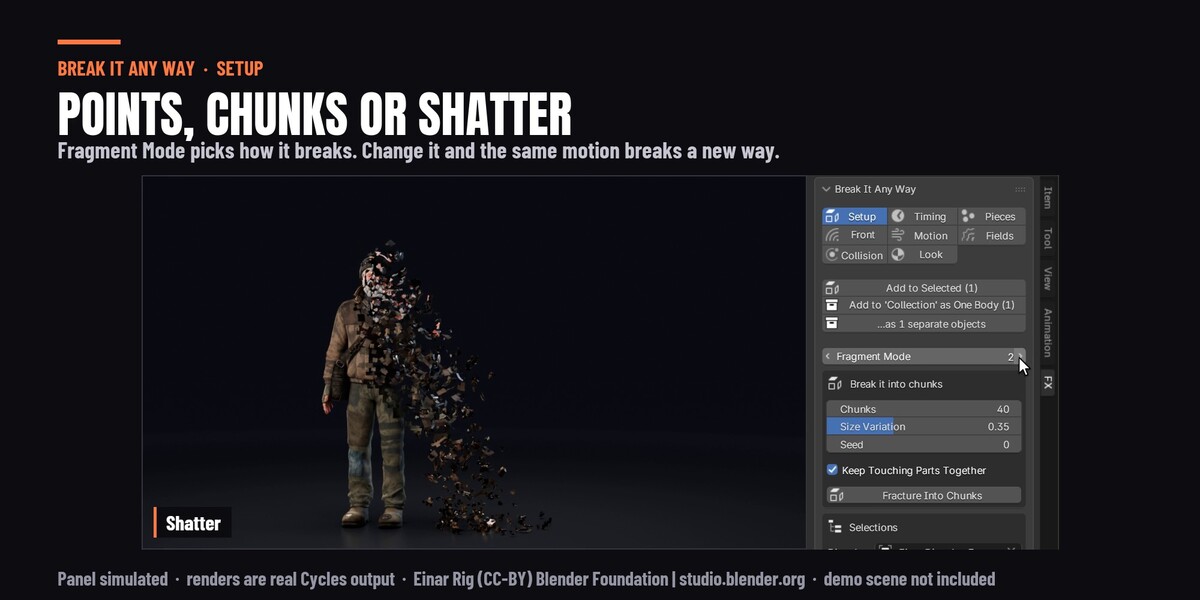
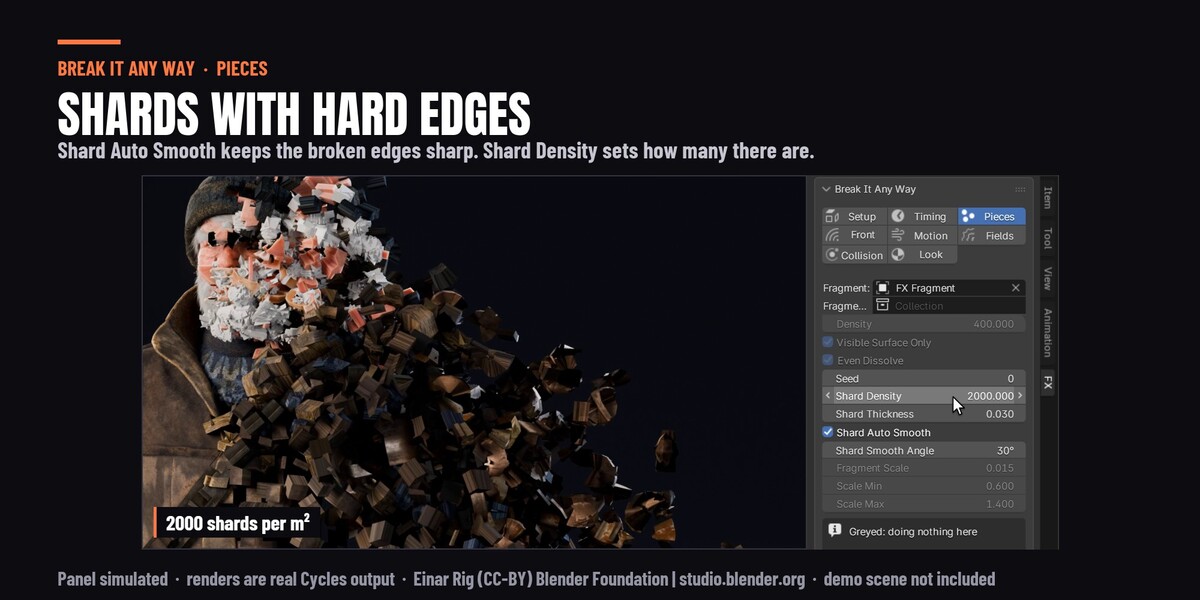
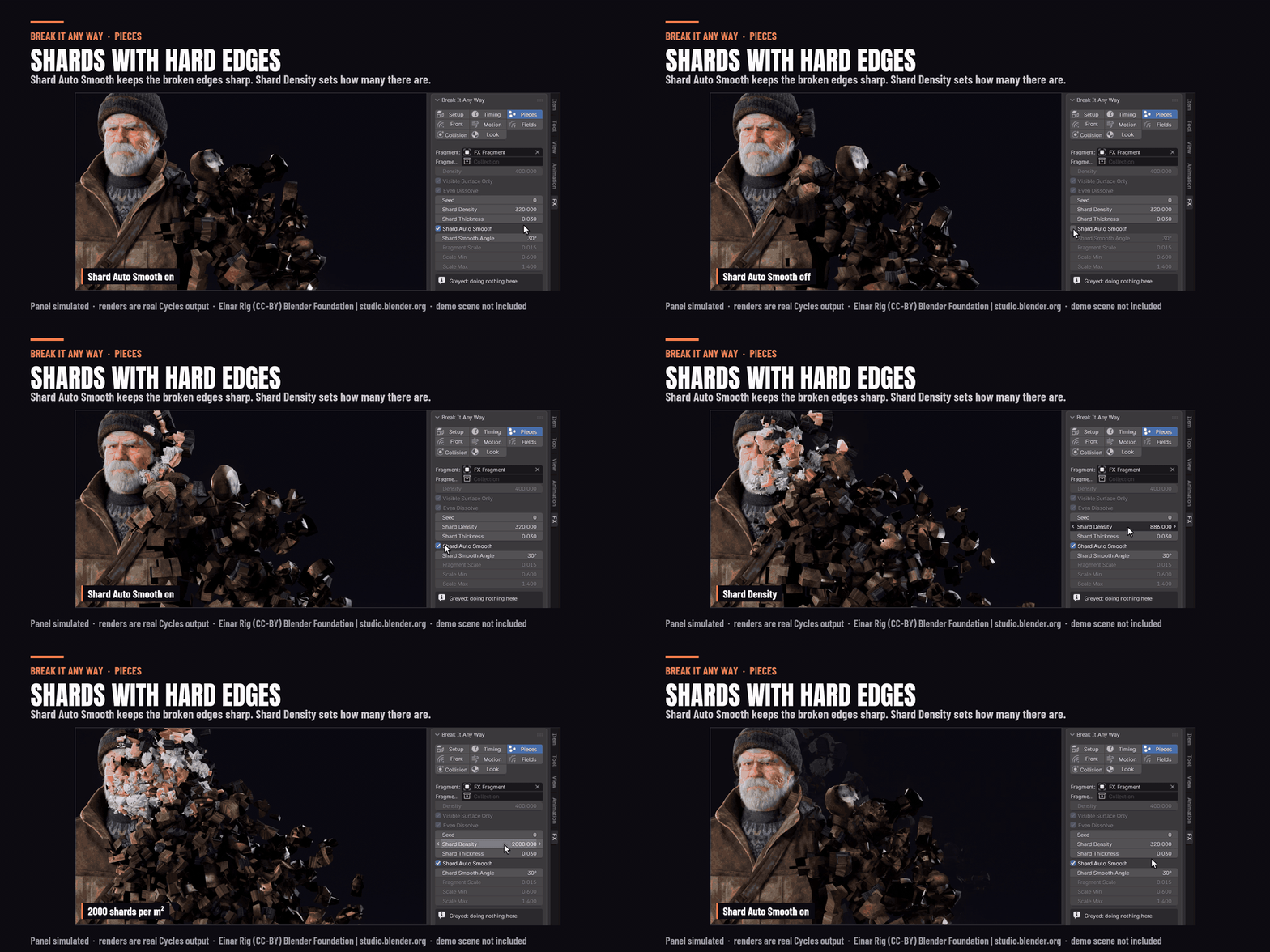
- Shatter: the model's own surface cracks apart, so you can shatter into chunks and sharp flat shards like glass, stone or armor.
You can switch between the three at any time. All the other settings stay the same.
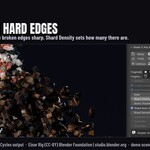
New in 1.0.1: Shatter shards now look like hard broken pieces. You can change the angle in the panel.
Play it backwards
Make the end frame earlier than the start frame and the effect runs backwards: the object forms out of flying pieces. Use it to materialize a character, teleport someone into a scene, or reassemble something that was just destroyed. There is nothing extra to set up. (Rigged characters work a little differently, see the note at the end.)
Control where the pieces go
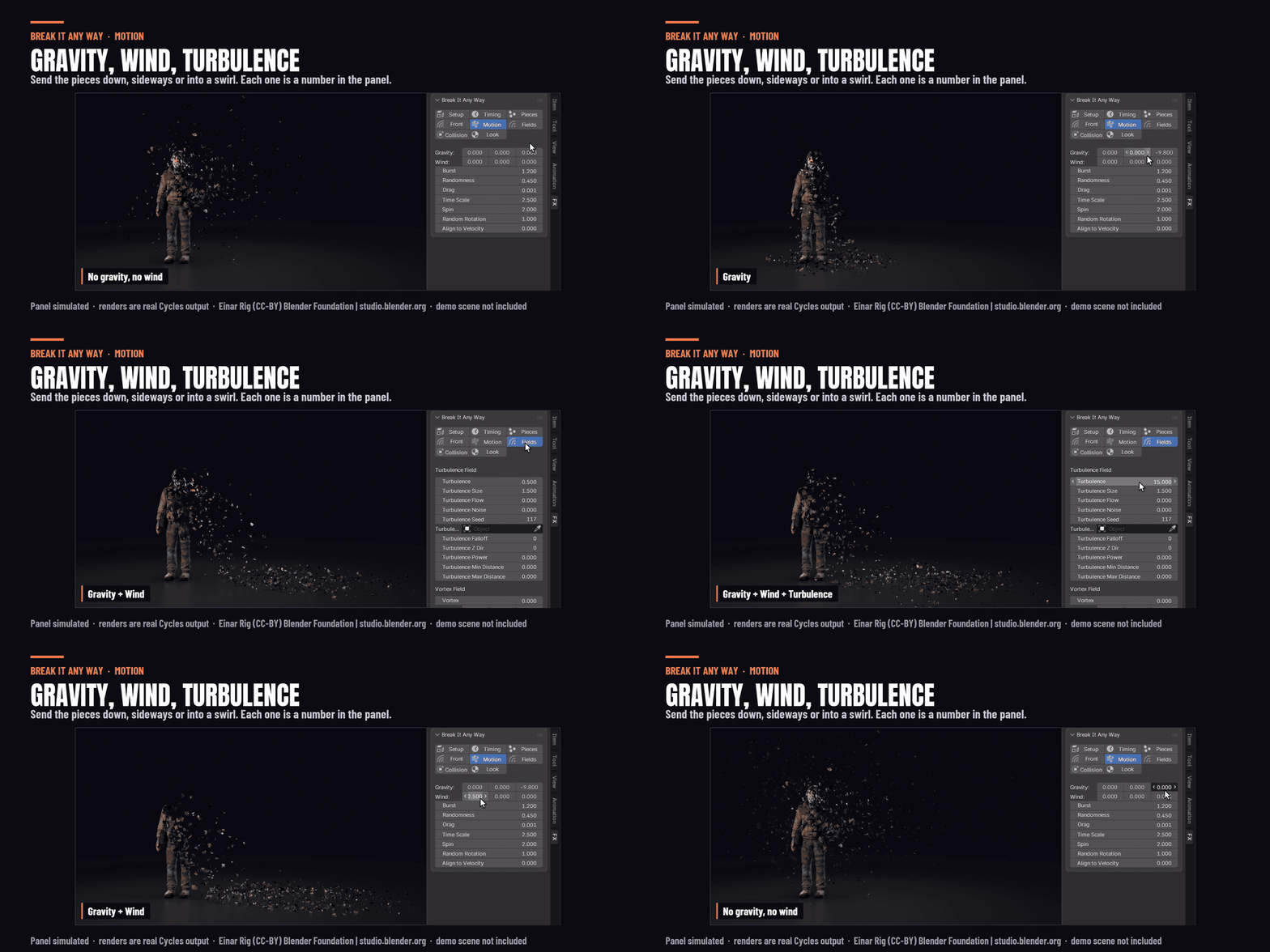
Add gravity to make the pieces fall, wind to blow them sideways, or a burst to throw them off the surface. There is also turbulence for swirling, smoky motion and a vortex for a tornado-like spin. Both work like Blender's own force fields, and you can center them on any object.
Pieces that land and stay
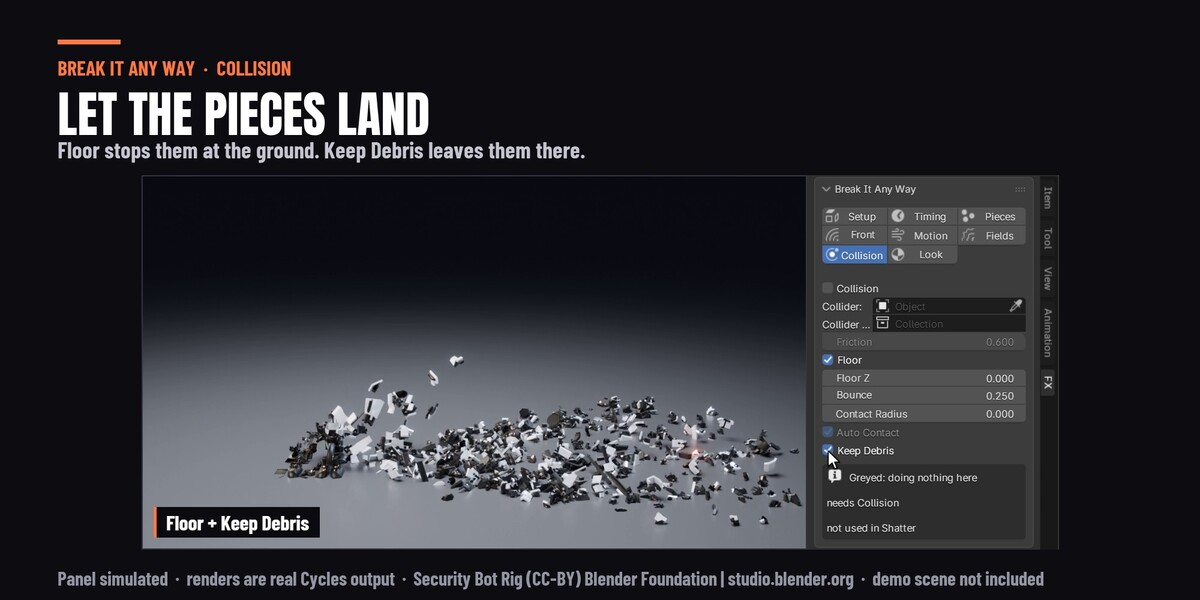
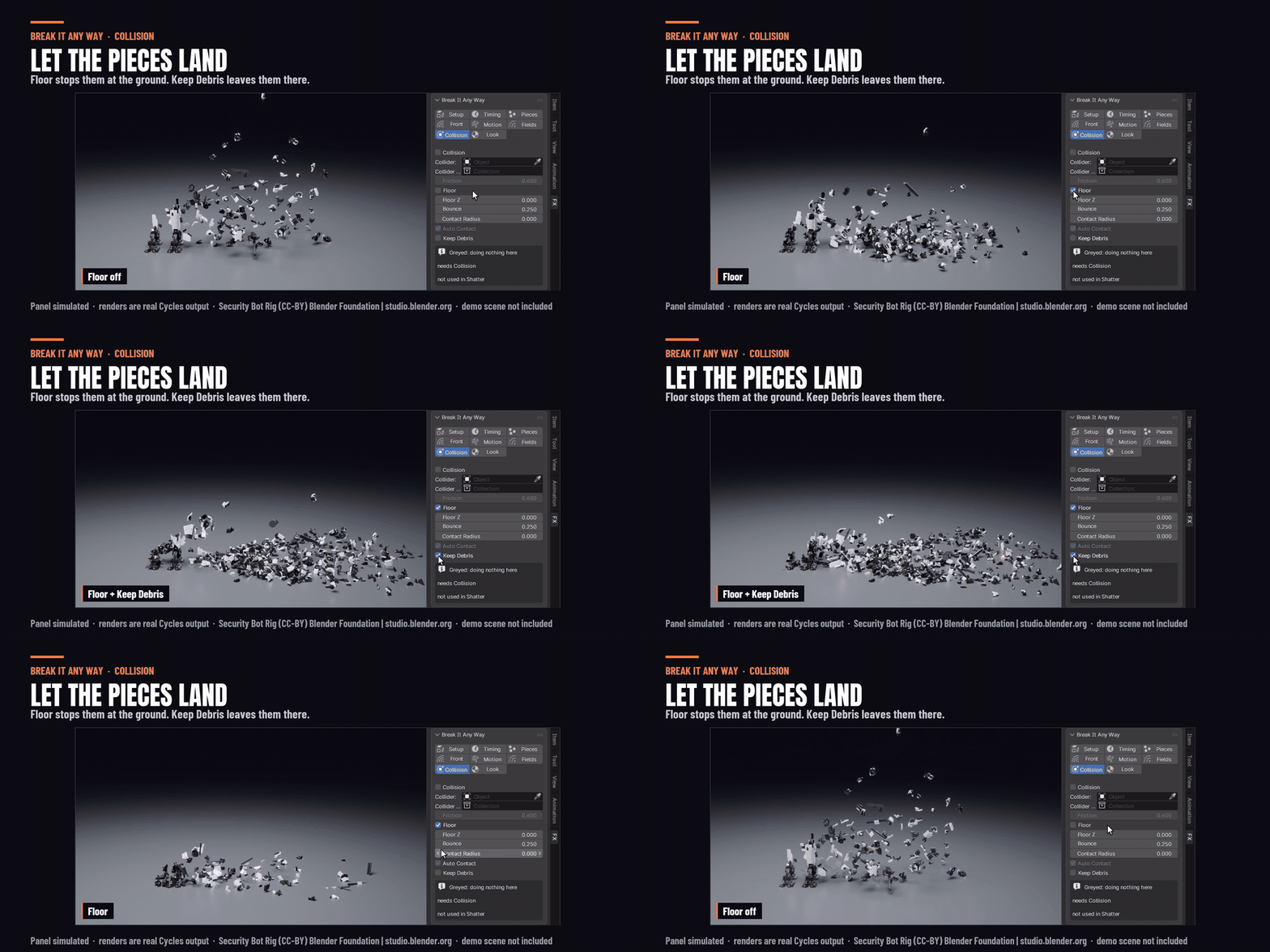
Turn on collision and the pieces fall onto the floor or onto any object you choose. They bounce, slide and settle into a pile. Turn on Keep Debris and the pile stays in the shot instead of fading away.
Works on characters
It works on an animated character, including a rigged Mixamo character straight after import. Each piece moves with the character until it breaks off, then flies away on its own. If your character is made of several meshes, like a body, clothes and hair, select them all and add the effect once. The whole character then breaks apart as one.
There are also three optional settings for characters. One stops particles coming from parts you can't see, like skin under clothes or the inner layers of hair. One makes the whole body disappear evenly, even where some parts of the mesh are more detailed than others. One keeps the hair attached to the head when you break a character into chunks.
Choose how the pieces look
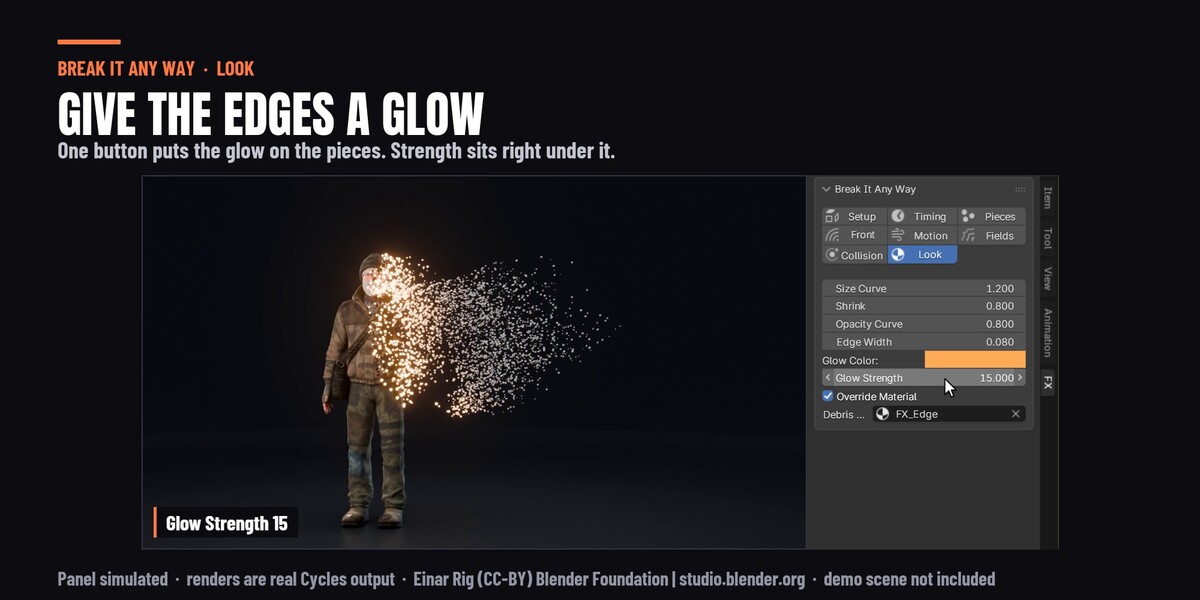
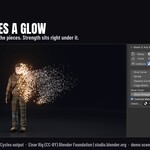
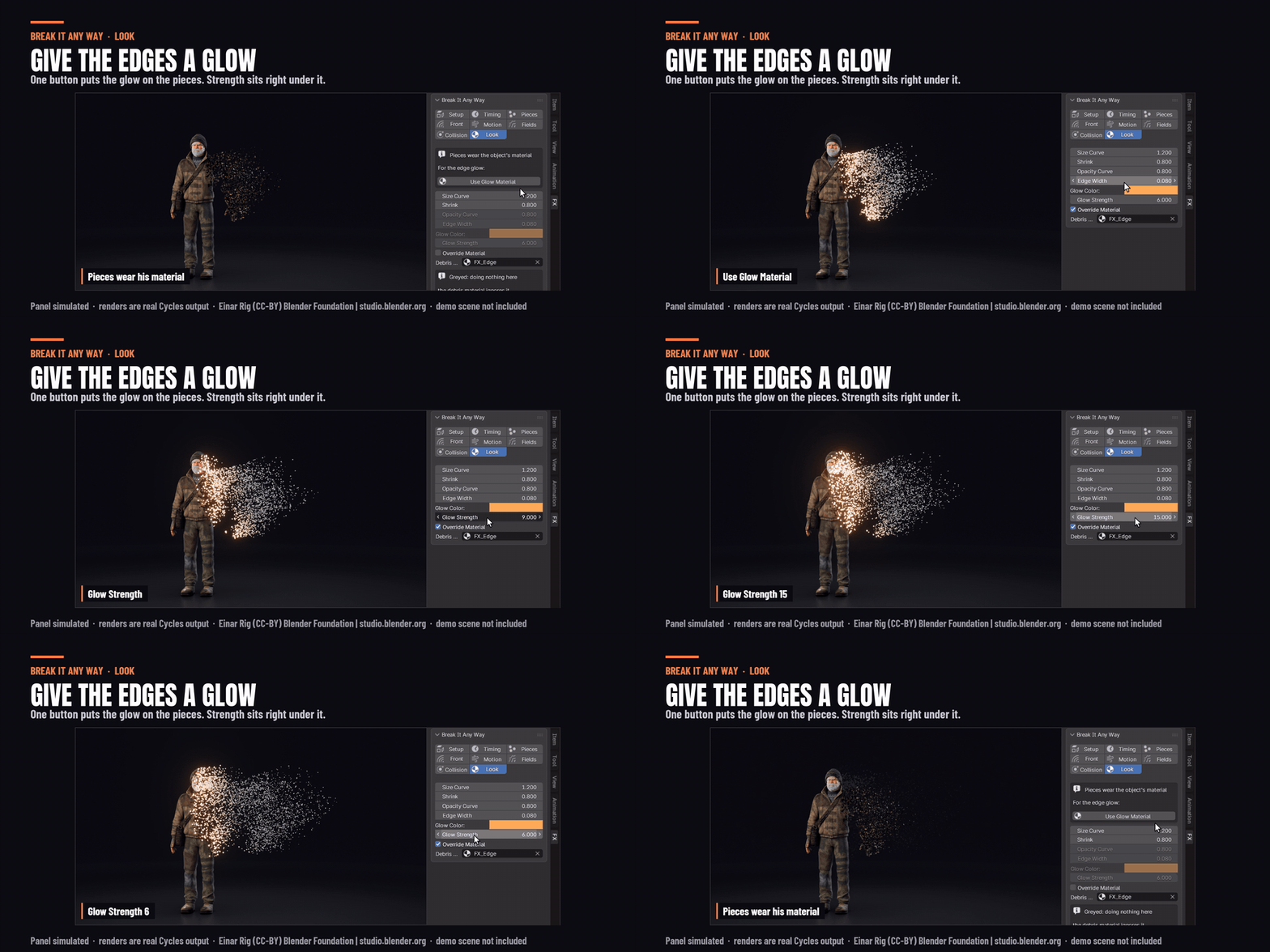
By default the pieces keep the model's own materials and textures. Tick one box and they glow instead, in any color you like, with a bright edge where the model is breaking apart.
Works with your setup
Renders in Cycles and Eevee. Works in Blender 4.5, 5.0, 5.1 and 5.2.
Good to know before you buy
On a normal mesh you can jump to any frame on the timeline and the effect is already there. You can also play it backwards straight away.
Two things work like a simulation instead: collision, and a rigged character. Play these from the first frame. To play them backwards, use the Bake to Alembic button that comes with the add-on. If you would rather scrub a rigged character, turn off Simulate Rig. The pieces will then drift a little with the character's movement after they break off.
The full manual
Every setting, each with a clip showing what it does: break-it-any-way.pages.dev
Einar Rig (CC-BY) Blender Foundation | studio.blender.org. The demo scenes are not included.
