 KacaDev
Requirements
Blender 4.2 or newer (developed and tested on 5.1). Works on Windows, macOS and Linux. The MP4 turntable needs Blender's built-in FFmpeg; the PNG frames are always written.
Installation
- Download
breakdown_kit-x.y.z.zip. Do not unzip it. - In Blender, open Edit > Preferences > Get Extensions, click the drop-down arrow at the top right and choose Install from Disk…. You can also drag the zip straight into the Blender window.
- Select the zip. BreakdownKit is enabled automatically.
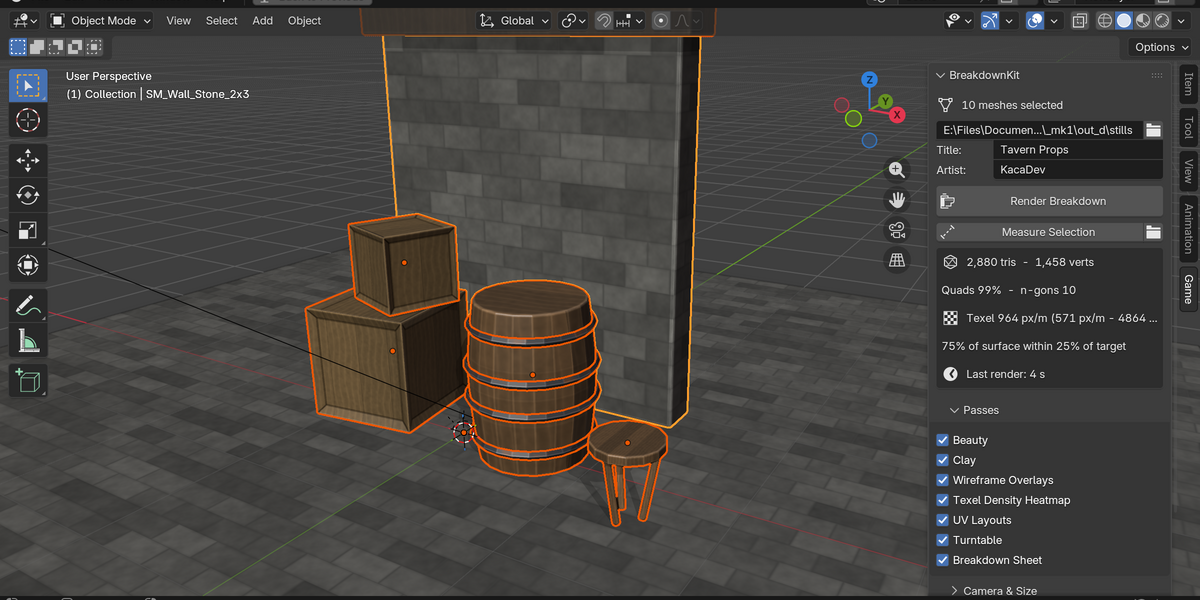
- In any 3D viewport, press N and open the Game tab.
Quick start
- Select the meshes you want in the breakdown.
- In Game > BreakdownKit, set a Title and Artist name. These appear on the sheet.
- Press Render Breakdown.
- Press the folder icon to open the results.
Files are written to //breakdown// next to your .blend. If the file hasn't been saved yet, they go to a BreakdownKit folder in your home folder.
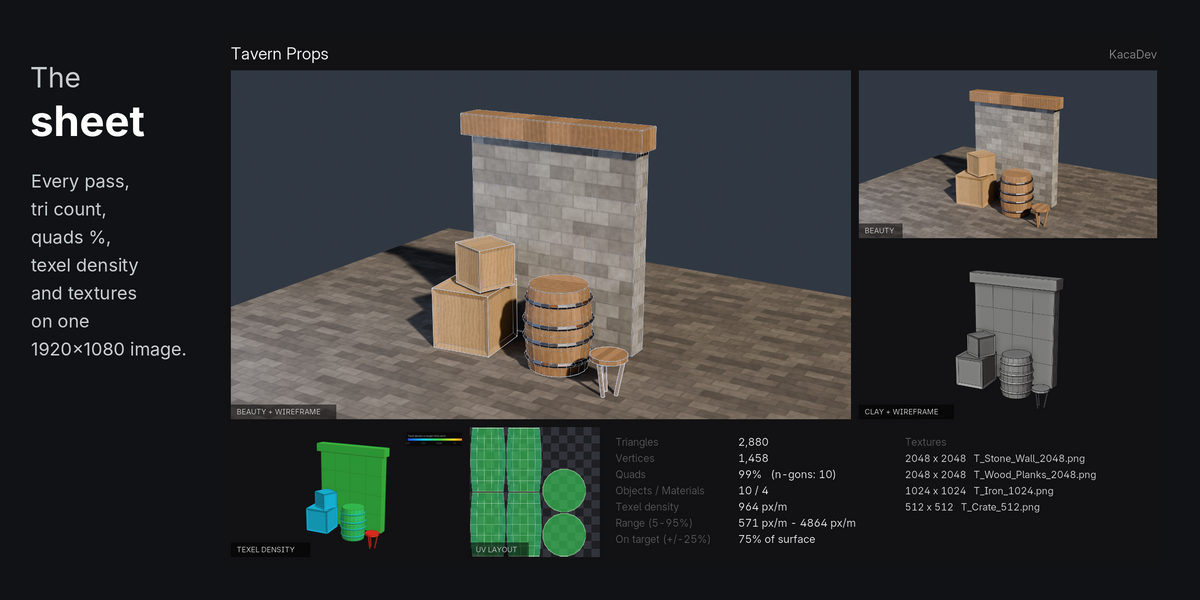
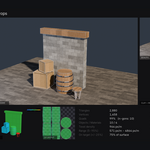
00_breakdown_sheet.png |
The 1920×1080 sheet |
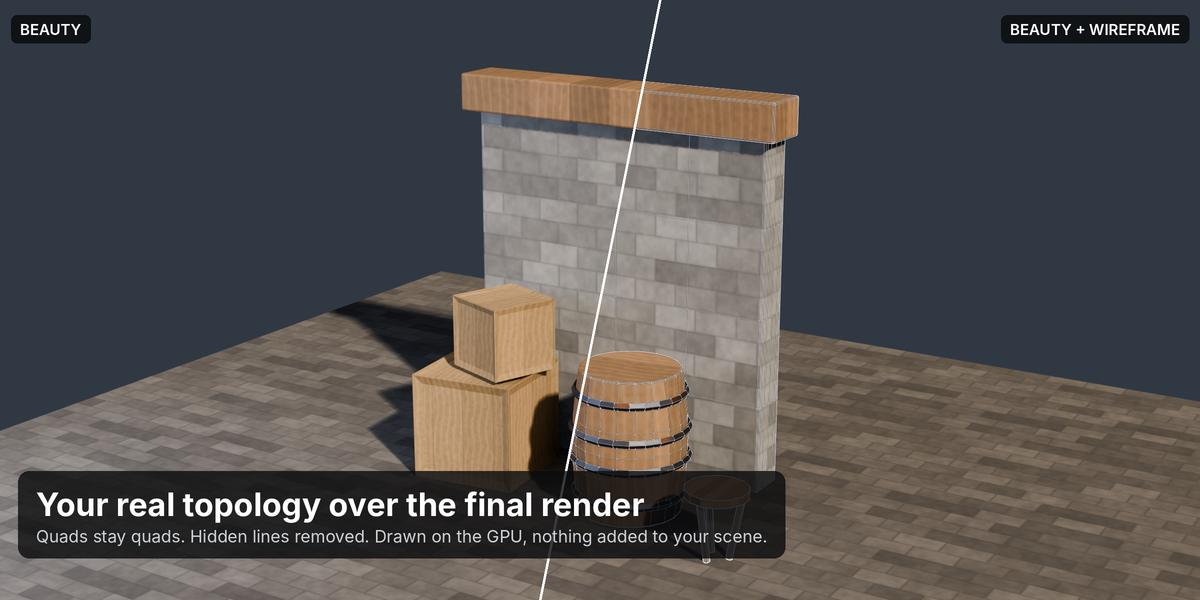
01_beauty.png |
Your scene's lights, world and engine |
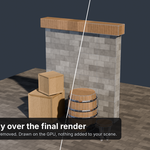
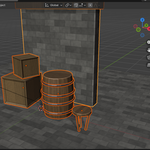
02_beauty_wire.png |
Wireframe over the beauty |
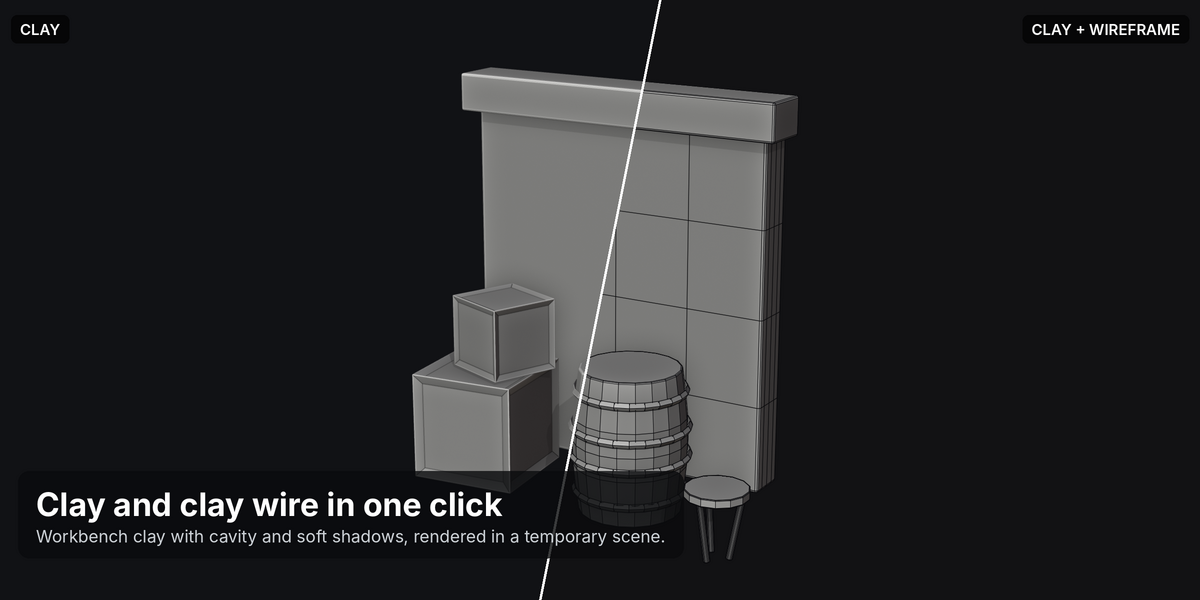
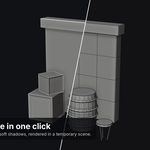
03_clay.png / 04_clay_wire.png
|
Clay, with and without wireframe |
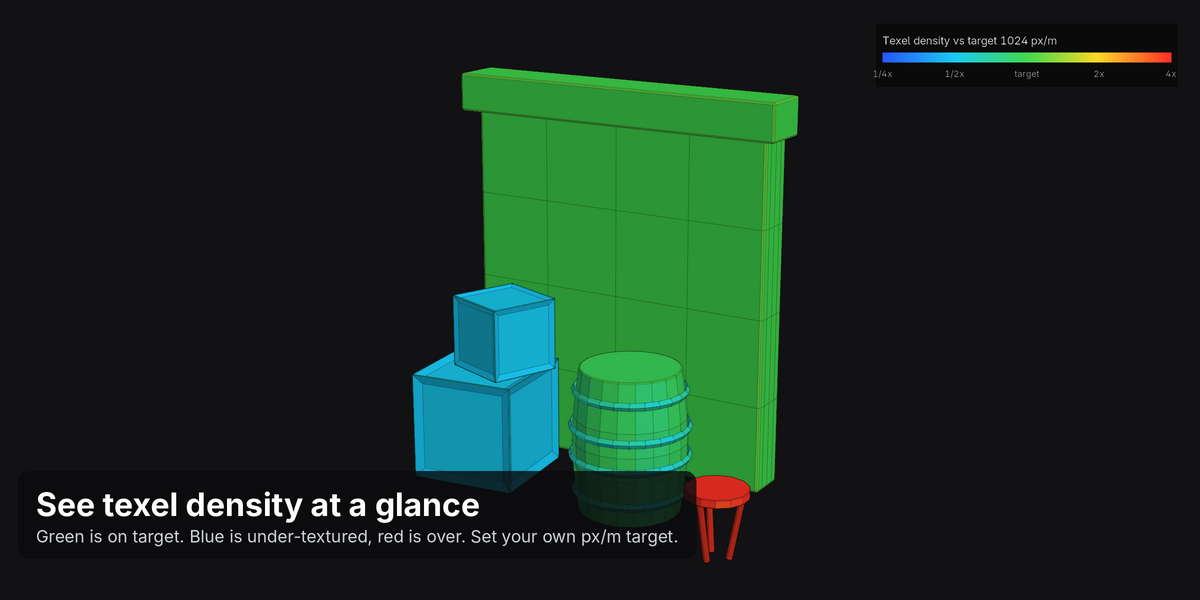
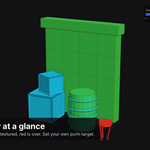
05_texel_density.png |
Texel density heatmap with legend |
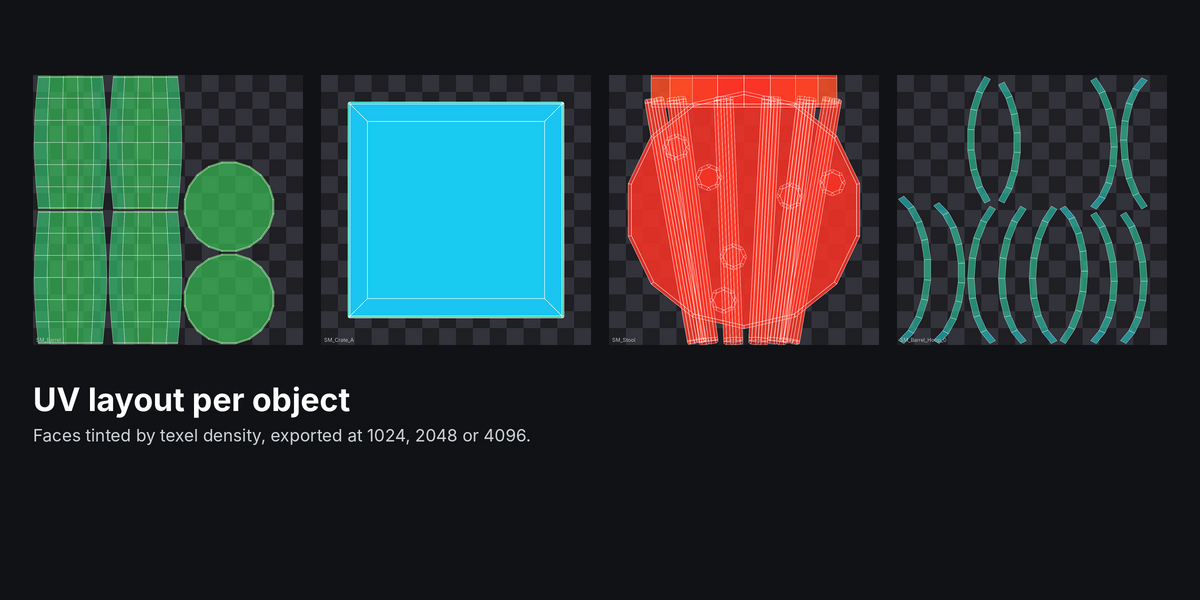
06_uv_.png |
UV layout for each object |
07_turntable.mp4 + turntable_frames/
|
Turntable (when enabled) |
Panels
- Passes: turn each output on or off. The turntable is off by default because it renders many frames.
- Camera & Size: Auto 3/4 View or Scene Camera, angle, height, lens, margin, output resolution, Add Framing Camera, and Isolate Selection (hides everything else in the beauty render, then restores it).
- Look: wireframe line width, line colours for the beauty and clay renders, and clay colour.
- Texel Density & UVs: target density, px/m or px/cm, texture size override (0 = read from materials), and UV image size.
- Turntable: seconds per turn, frame rate (the panel shows the frame count), and whether to draw the wireframe.
Tips
- For hero props, try Lens 85 and a Margin of 1.05.
- Use Isolate Selection when your props sit in a larger scene.
- Beauty uses whatever engine your scene uses. Cycles looks best but takes longer.
Have questions about this product?
Login to message
| Blender Extension Compatible | Yes |
| Published | 3 days ago |
| Blender Version | 4.2 - 5.1 |
| Extension Type | Add-on |
| Render Engine Used | Cycles, Eevee |
| License | GPL |
Discover more products like this
turntable clay-render game-art texel density UV layout wireframe Render artstation portfolio game assets presentation breakdown