 Merlin Perry



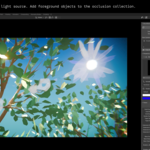
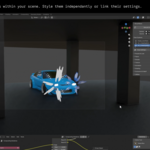
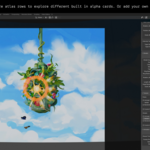
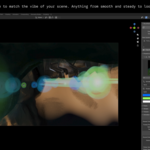
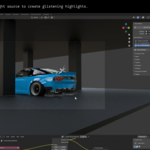
If you work in a stylised or NPR pipeline, Brushflares helps you add handcrafted stylised lens flares to your project without relying on overly realistic digital compositing glows. It's a highly customisable lens-flare and radial-streak burst system built entirely in Blender, driven by 24 handcrafted texture atlases (or add your own texture with the provided template). Comic book inks, gouache, watercolour, screen print, punk, cel shading, mixed media... whatever your visual language is, Brushflares speaks it, because the style comes entirely from you.
Works in EEVEE and Cycles. No compositing required.
What's in the Box?
16 Master Presets: Ready-to-use looks that combine custom shaders, animation settings, and curated texture sets. Apply one in a click, and you have a complete, production-ready flare style. A good starting point for any project, and a solid reference for building your own.
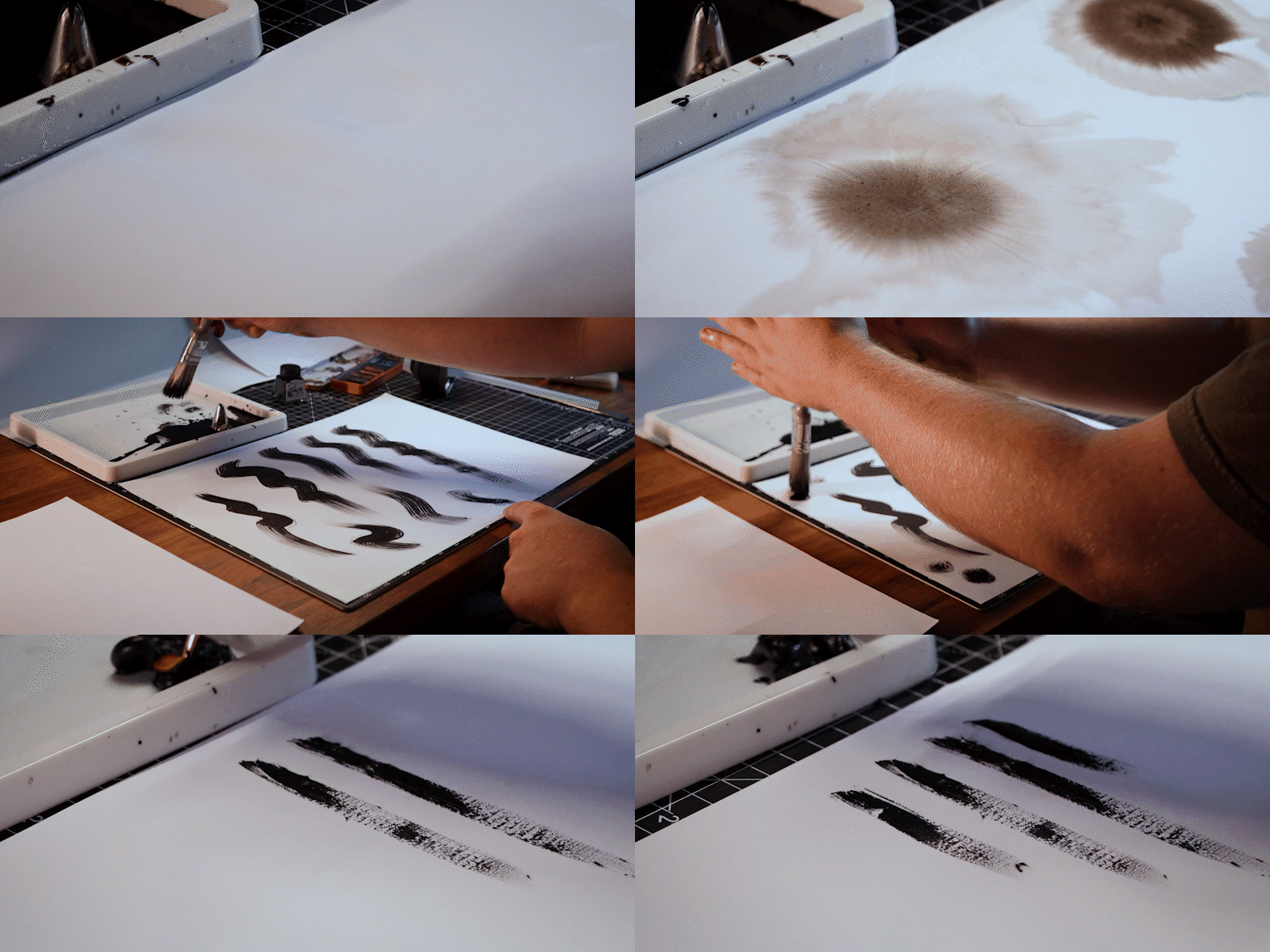
Handmade Texture Atlas Library: 40 premade texture atlas rows, all hand-crafted and built into the plug-in. The full library also includes 250+ individual raw texture scans and doodles — cleaned and organised — so you can composite your own atlases from scratch if you want total control over the look. Every texture in the library is handmade, no AI, no stock.
Fully customisable flare and streak systems: Two independent systems — a ghost-flare card system and a radial-streak burst system — each with its own controls for count, size, variation, shading, and style. Swappable Looks let you change colours and the alpha treatment across both materials in one click, independently of shape and animation. Or author your own Looks in the shader editor.
Animation features and presets: Per-card rotation, position, and scale jitter with Step toggles, so each property can hard-step on the animation clock (hand-drawn boil) or drift smoothly. Seed and Frames Per Step are animatable.
Object and screen-space occlusion: Drop blocker objects into an Occluders collection, and the flare fades and shrinks when the light is blocked by geometry. Softness feathers the transition. Screen-space falloff handles the frame edge automatically. Both are live and animatable.
How it works
Pick a Camera and a Light Source in the sidebar, and press Build Rig. The rig is a single object with a single Geometry Nodes modifier, constrained to your camera. Each additional light gets its own independent rig. Have them share the same look or style and animate them independently.
Requirements
Blender 5.1 or newer is required for screen-space occlusion. The flare and streak systems run on earlier 4.x builds.
Online User Guide Documentation
Support: [email protected]m