 LarkLab
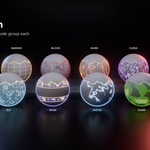
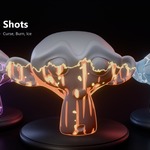
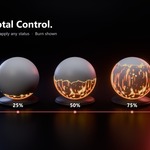
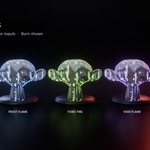
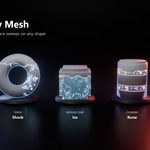
Shader Pack · EEVEE & Cycles · Blender 5.0+
Buffs & Debuffs
Stylized Status Effect Shaders
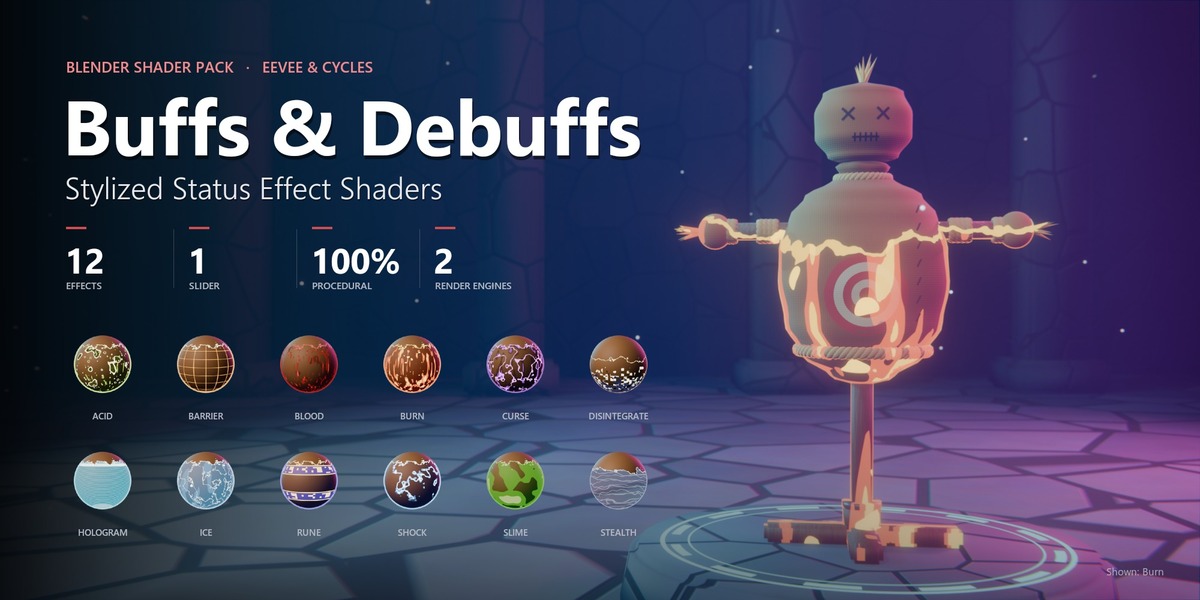
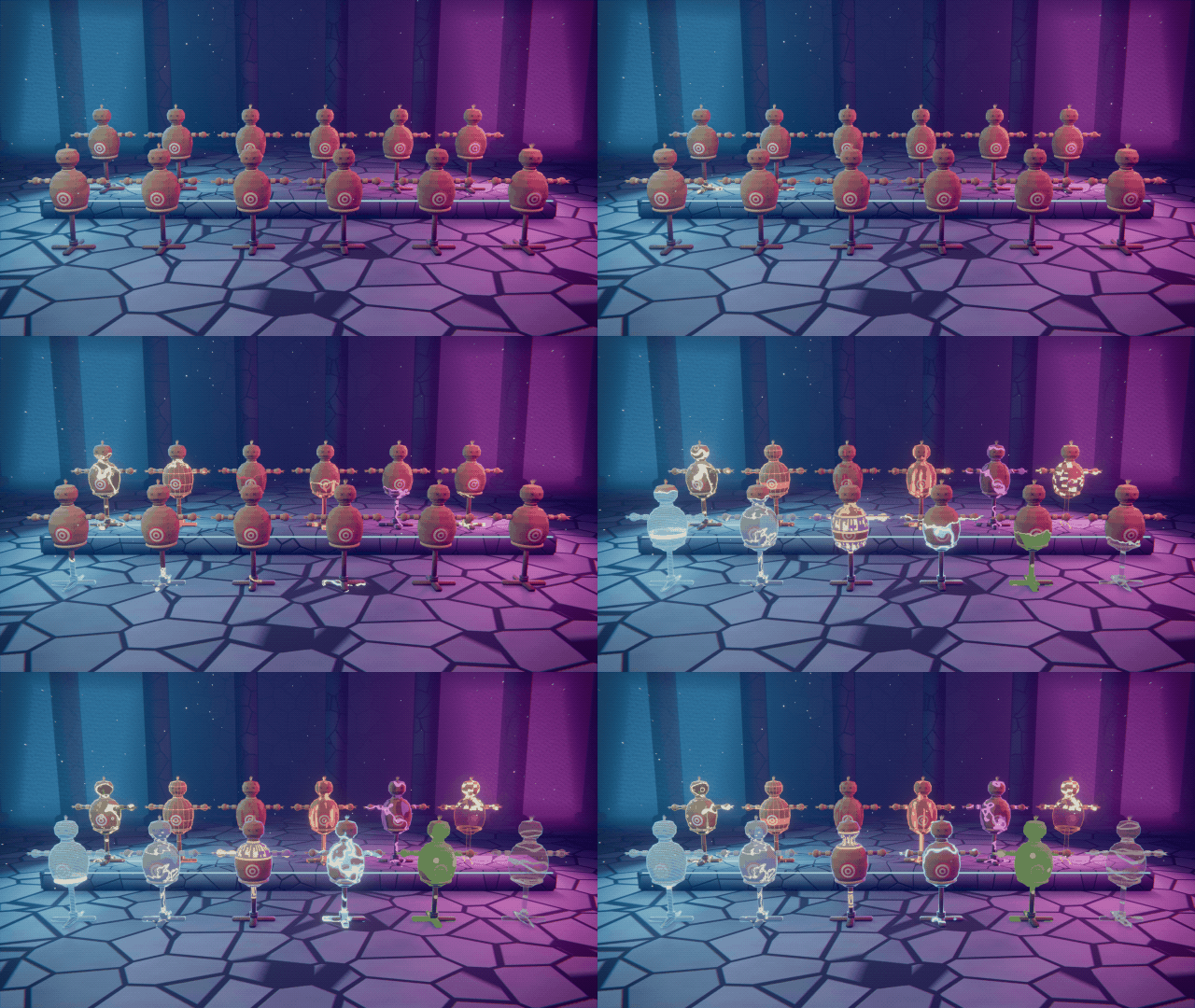
Set your characters on fire, freeze them solid, curse them, or shield them, all with one node group and one slider. 12 hand-tuned, fully procedural effects that wrap around any existing material and animate with a single Progress value.
| 12 Animated effects | 1 Slider drives it all | 100%
Procedural | 0 Add-ons needed |
Why Buffs & Debuffs
Built to drop into real projects
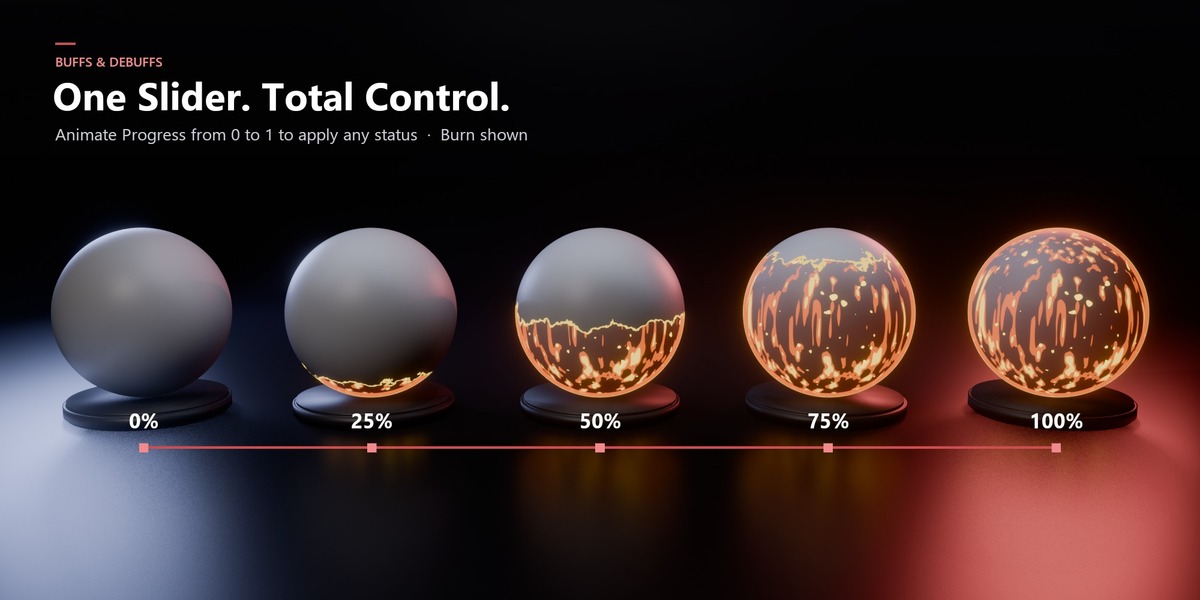
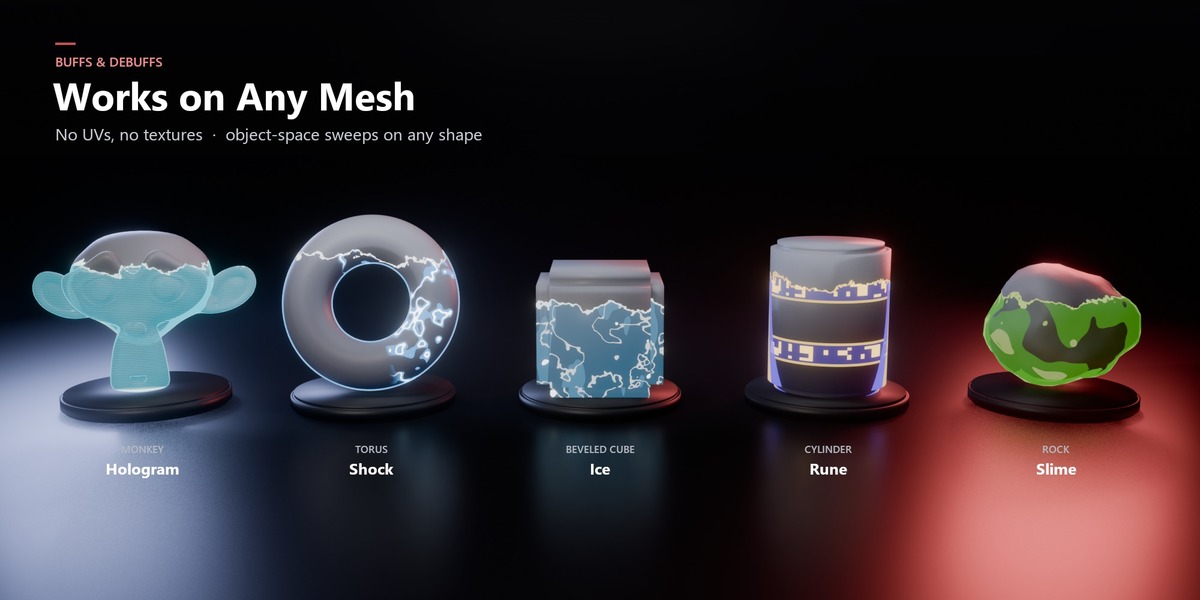
| 🔌 Wraps any material Plug your existing shader into Base Shader. Your textures, colors and lighting stay intact, and the effect paints on top. | 🎚️ One slider to animate Keyframe Progress from 0 to 1 and the effect sweeps across the mesh with a glowing leading edge. Reverse it to cure the status. | ♾️ 100% procedural No image textures and no UVs needed. Effects stay crisp at any resolution and any scale, from a tiny prop to a boss monster. |
The collection
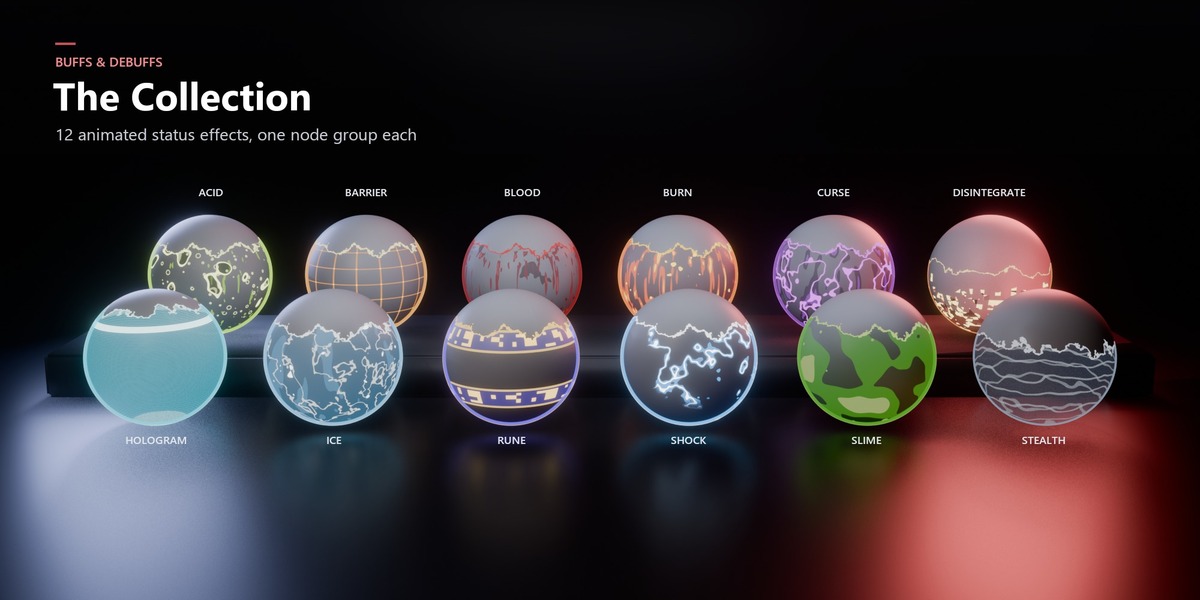
12 effects, ready for your game-style renders
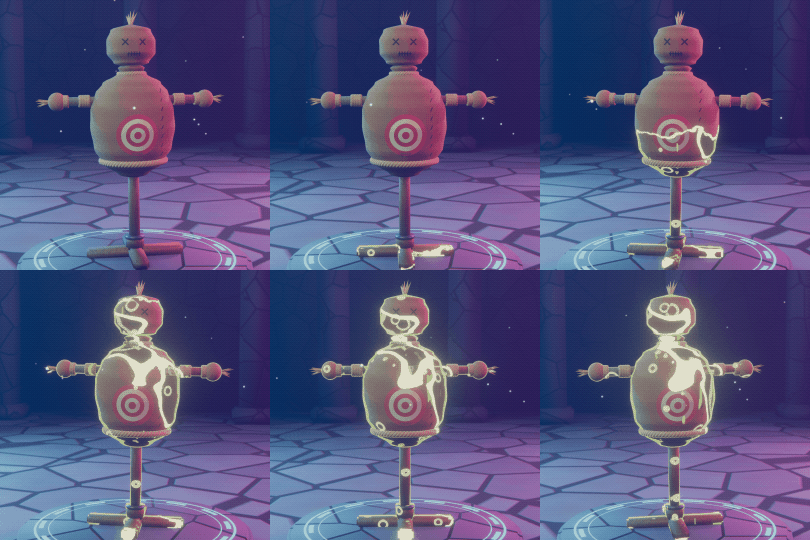
DEBUFF BUFF UTILITY Each preview shows the full 0 → 1 Progress sweep.
 Acid DEBUFF
Corrosive bubbles eat through the surface.
|
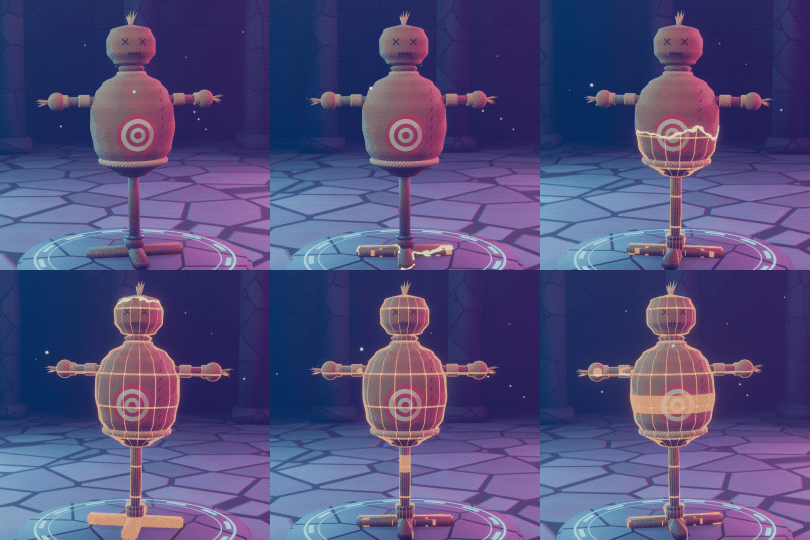 Barrier BUFF
A golden energy lattice wraps the target.
|
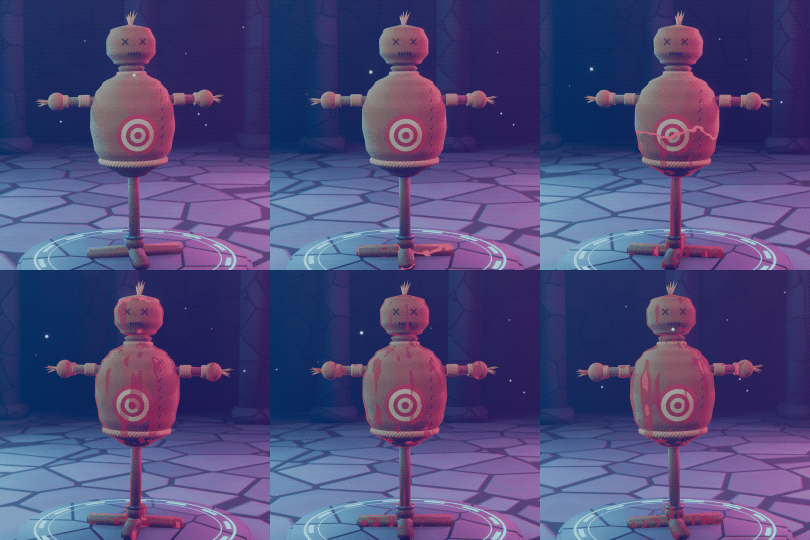 Blood DEBUFF
A crimson bleed creeps over the body.
|
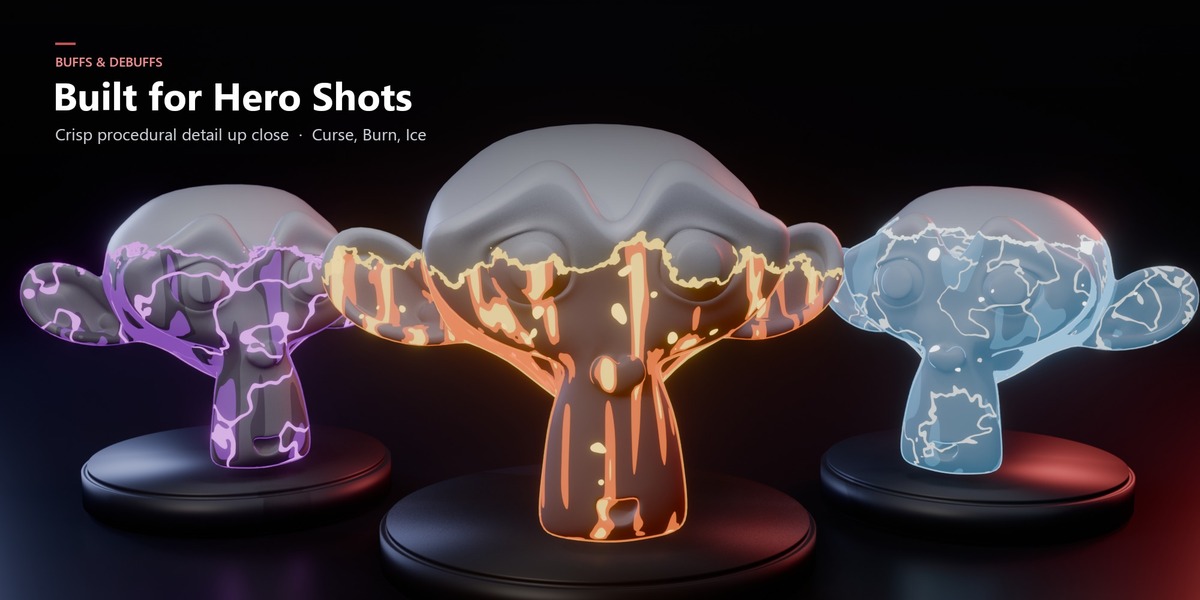
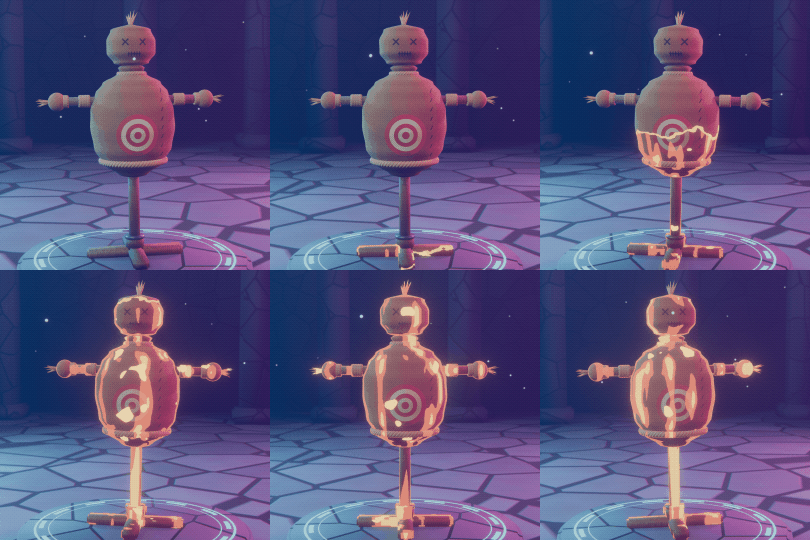 Burn DEBUFF
Fiery cracks and embers spread upward.
|
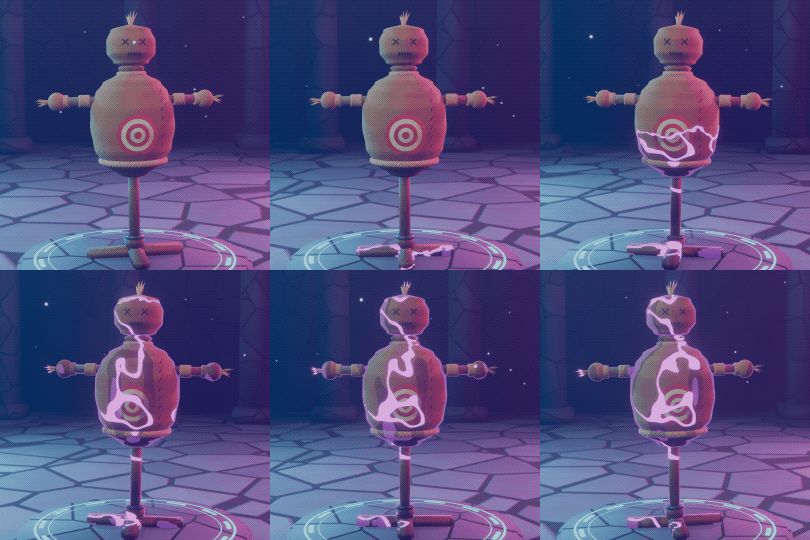 Curse DEBUFF
Violet hex veins crawl across the surface.
|
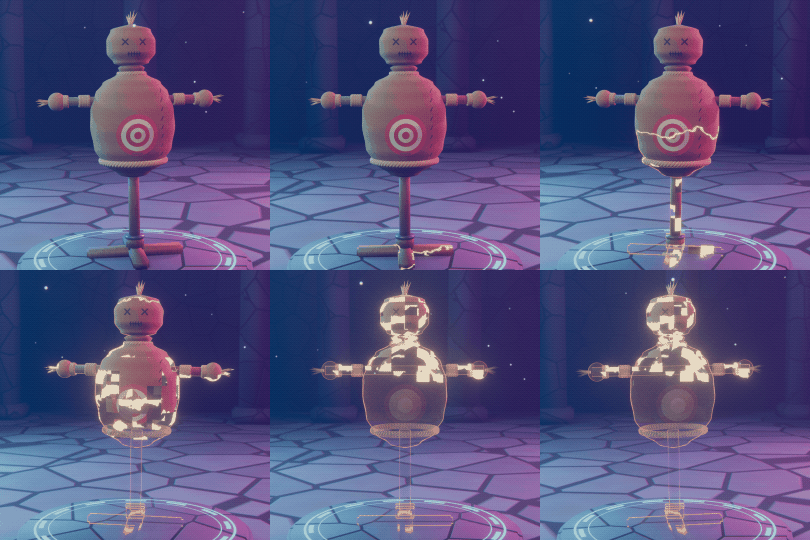 Disintegrate DEBUFF
The mesh breaks into glowing blocks and fades out.
|
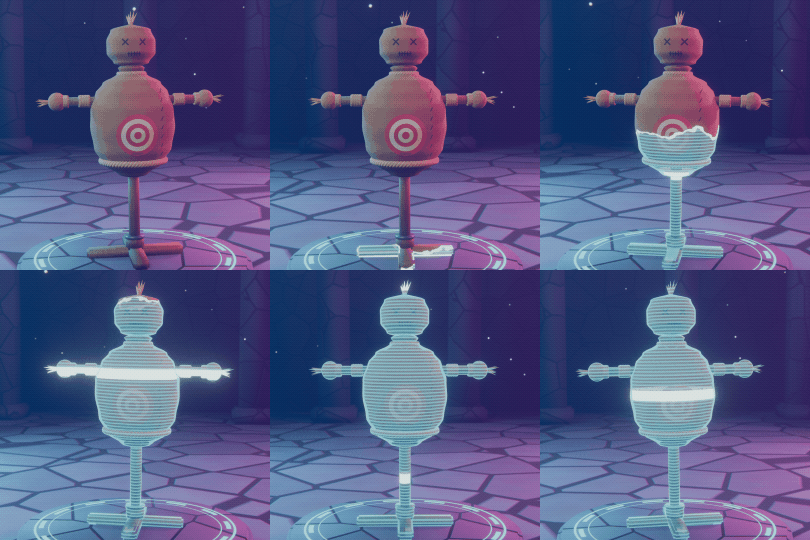 Hologram UTILITY
Cyan scanlines turn the target into a projection.
|
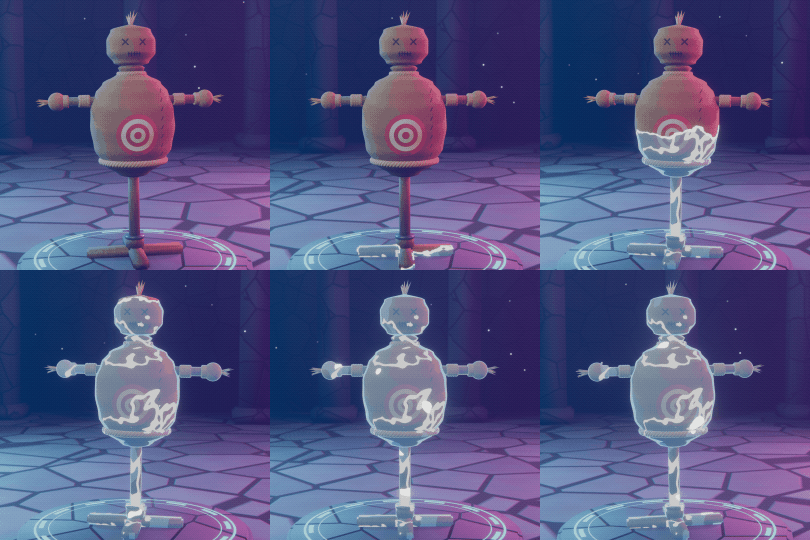 Ice DEBUFF
Frost spreads until the target is frozen solid.
|
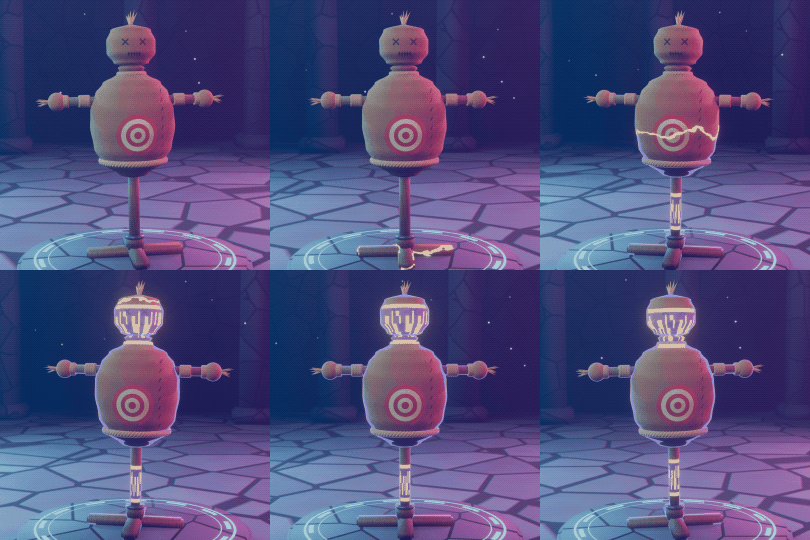 Rune BUFF
Bands of arcane glyphs empower the target.
|
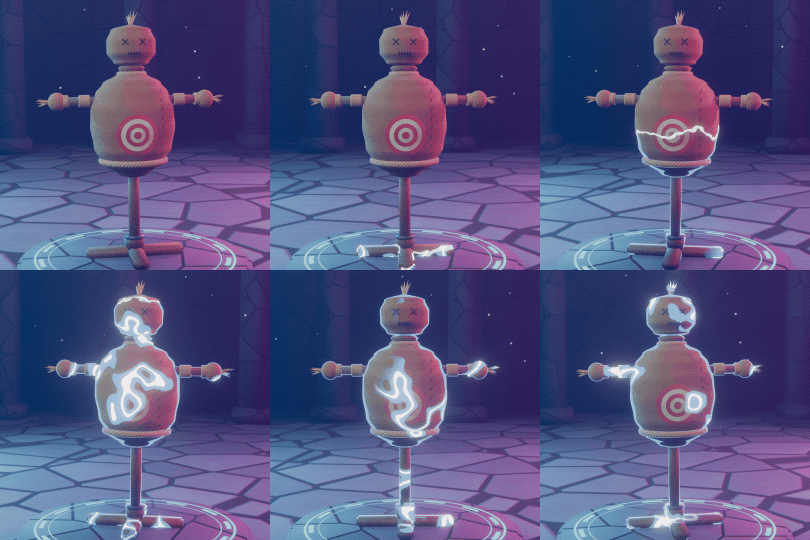 Shock DEBUFF
Crackling lightning arcs stun the target.
|
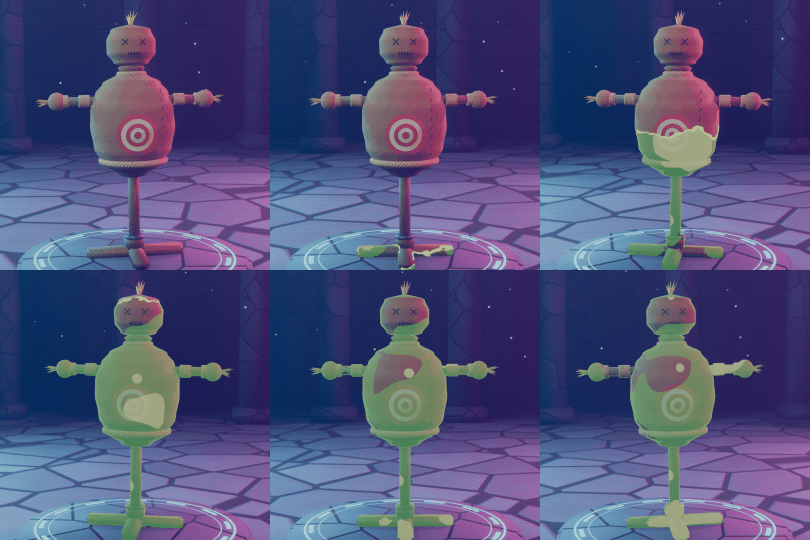 Slime DEBUFF
Gooey ooze coats the surface.
|
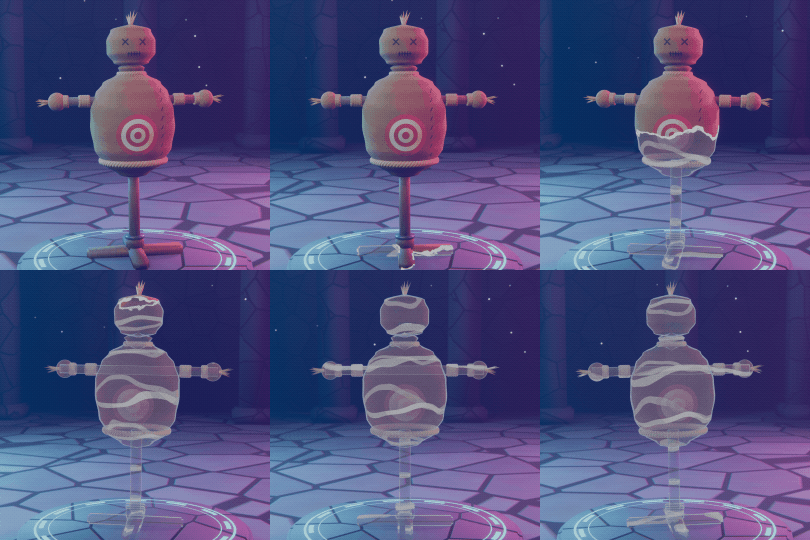 Stealth BUFF
The target turns glassy and almost invisible.
|
How it works
Three steps, under a minute
Tip: the full step-by-step guide, with every input explained, is in the Documentation tab. | 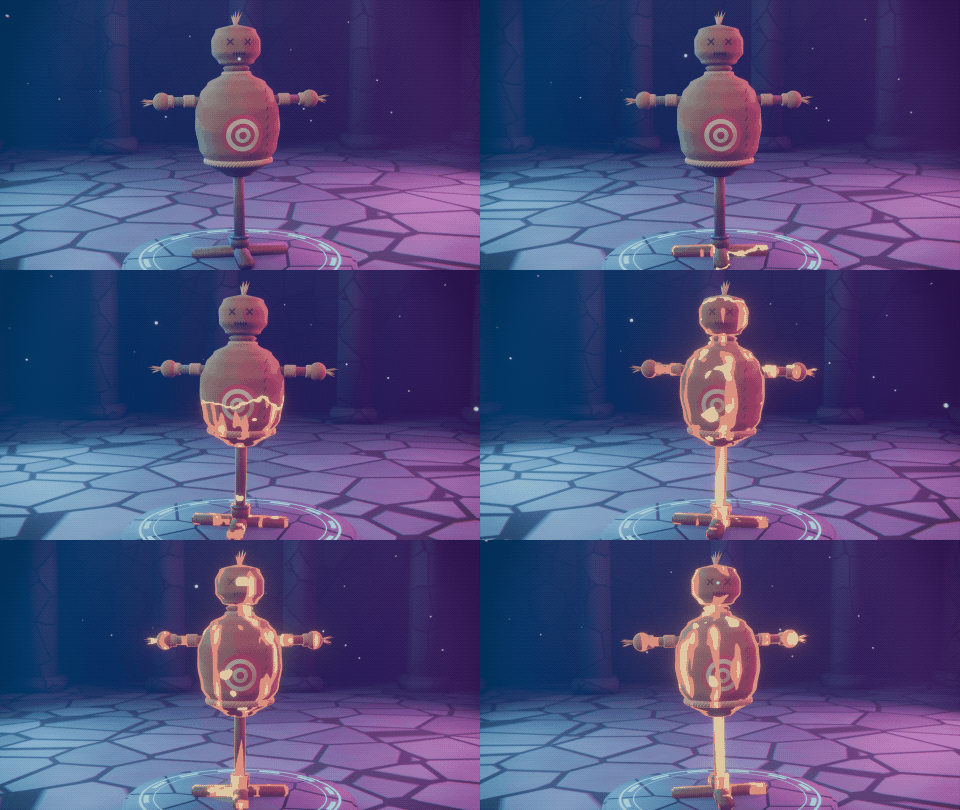 |
Make it yours
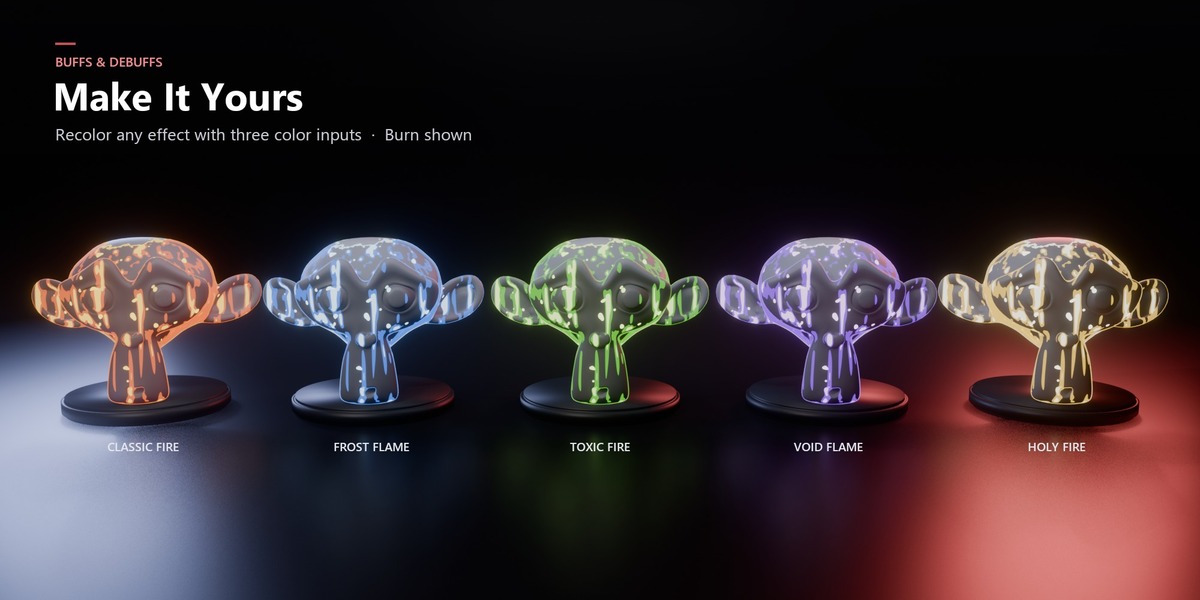
Every effect, fully art-directable
Each group has the same tidy, panel-organized inputs. Learn one and you know all 12.
| Spread Progress · Top Down · Bottom · Top · Edge Width · Edge Noise | Look Dark / Main / Light Color · Tint · Intensity · Rim · Glow · Pattern Scale | Animation Speed · Frame Step for smooth or stylized stepped motion |
Plus a Mask output you can use to drive particles, other shaders or compositing.
| Perfect for Where it shines
| What's included In the download
|
Requirements
Compatibility
| Blender | 5.0 or newer |
| Render engine | EEVEE and Cycles |
| Add-on needed | None. Pure shader node groups. |
| Works on | Any mesh. No UVs or textures required. |
Give your characters a status.
Questions? Check the FAQ tab or message me through Superhive.