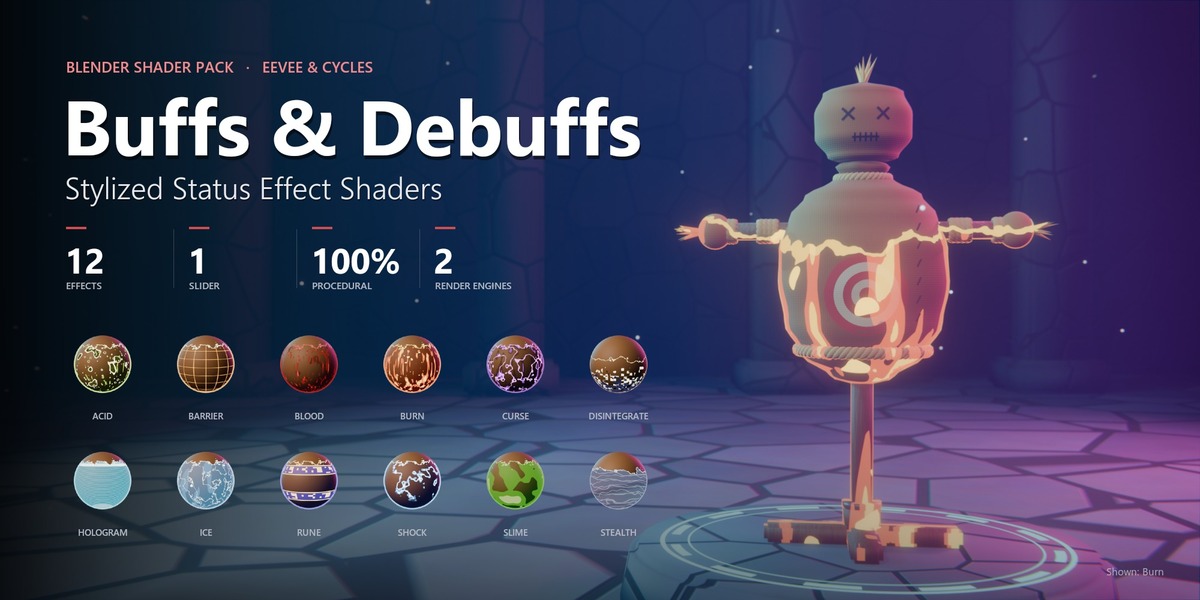
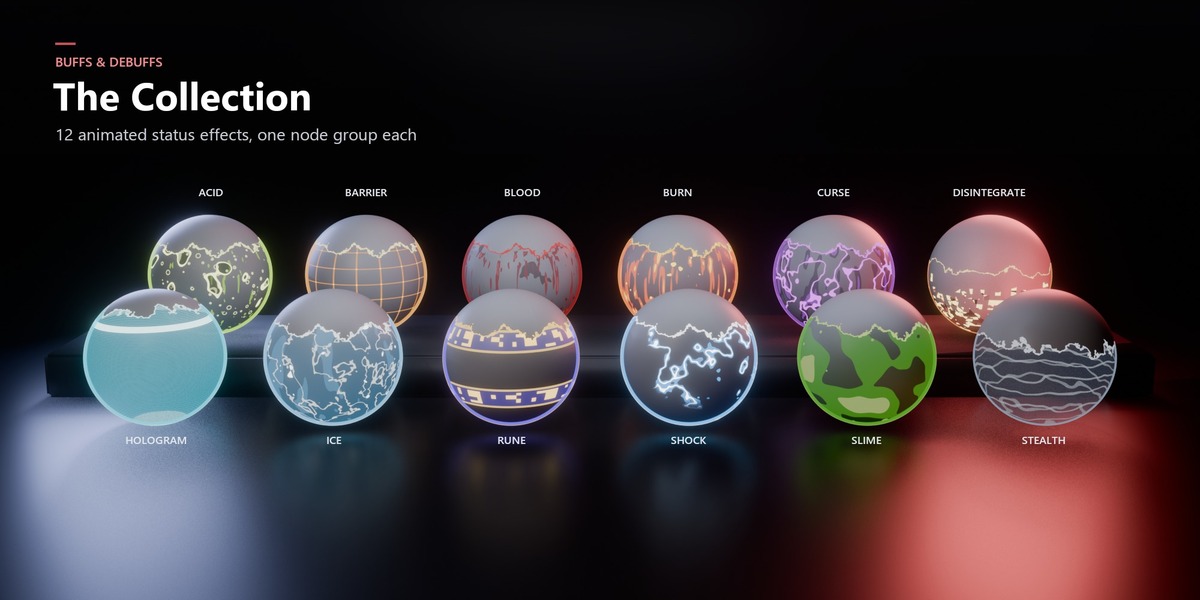
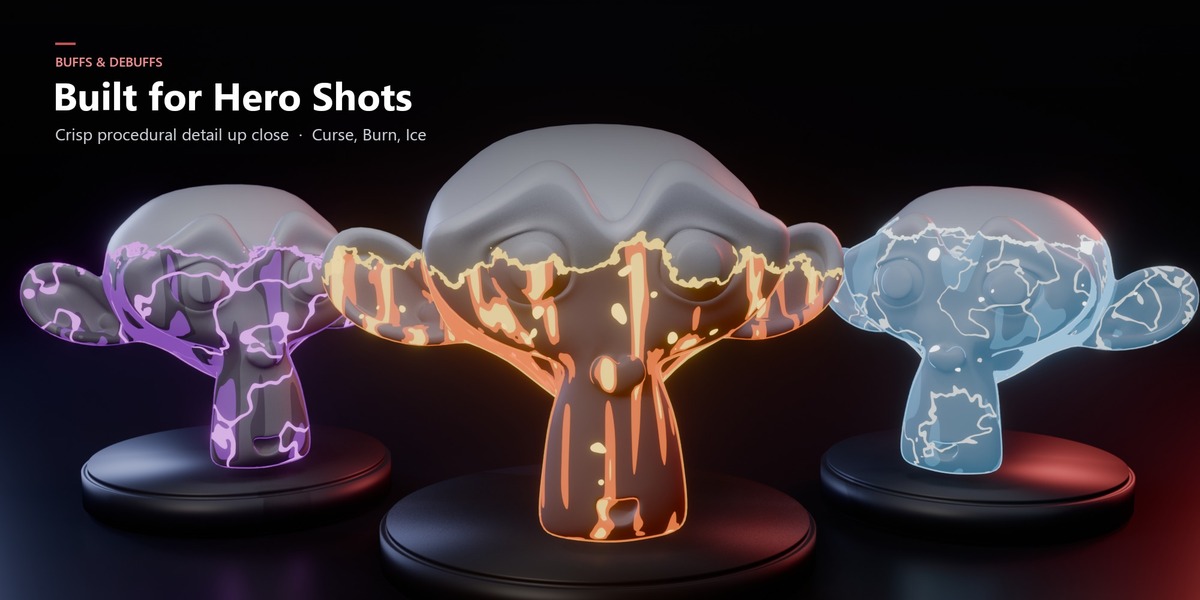
Buffs & Debuffs – Stylized Status Effect Shaders
 LarkLab


Why doesn't the glow look as strong as in the previews?
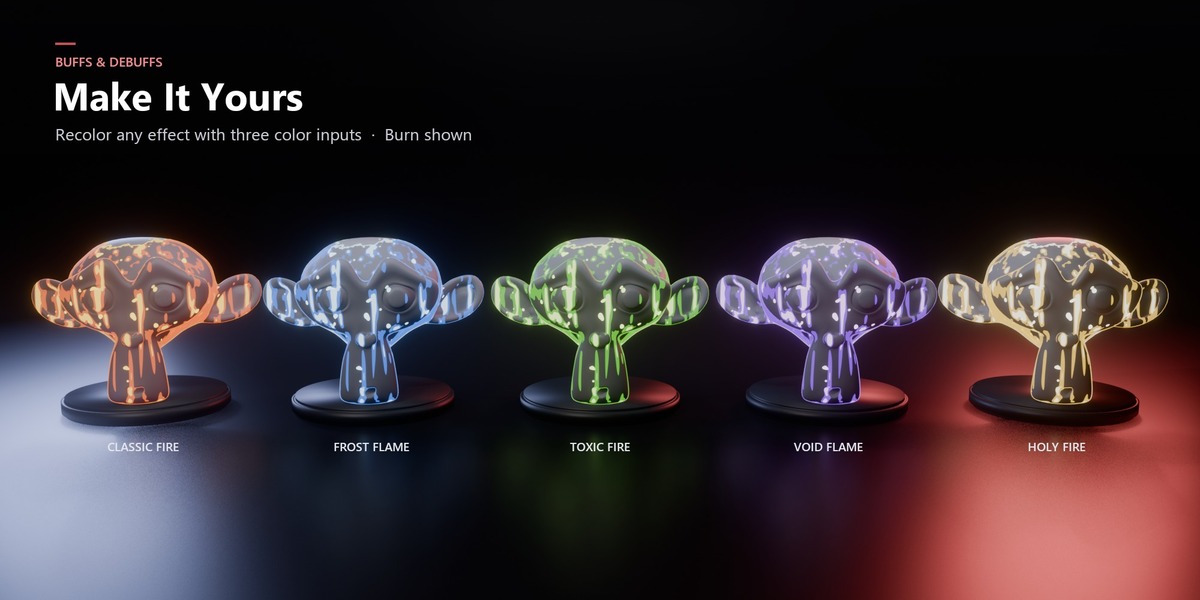
The previews use a Glare (Bloom) node in the compositor. Add one, or raise Glow Strength on the group.
The patterns don't move when I play the timeline.
The motion uses a small driver based on the current frame. If Blender opened the file with drivers blocked, click Allow Execution in the warning bar or enable Preferences ▸ Save & Load ▸ Auto Run Python Scripts, then reload.
Stealth and Disintegrate look black or opaque. How do I fix it?
These effects use transparency. In EEVEE, open the material's Settings, make sure Render Method is set to Dithered, and enable Transparent Shadows so the shadow fades too. Cycles handles the transparency automatically.
Can I combine two effects, like Burn and Curse?
Yes. Chain them: your shader → SE | Curse → SE | Burn → Material Output. Each keeps its own Progress, so you can stagger them.
Can the effect go from top to bottom, or be removed again?
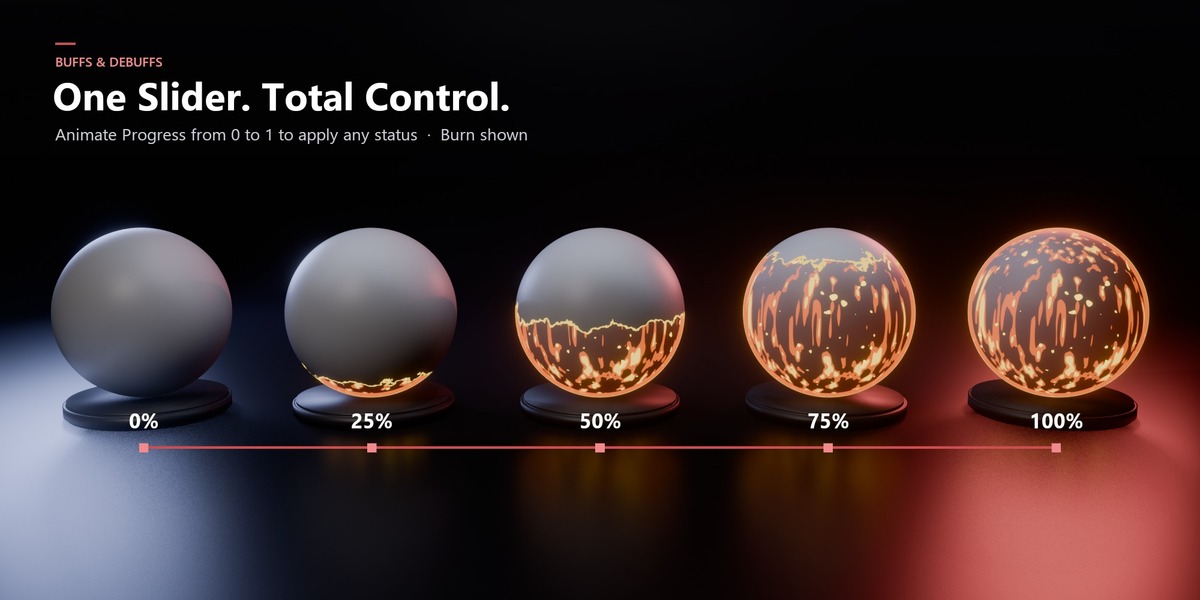
Yes. Enable Top Down to flip the direction. To "cure" a status, animate Progress back from 1 to 0.
My character has several materials. What do I do?
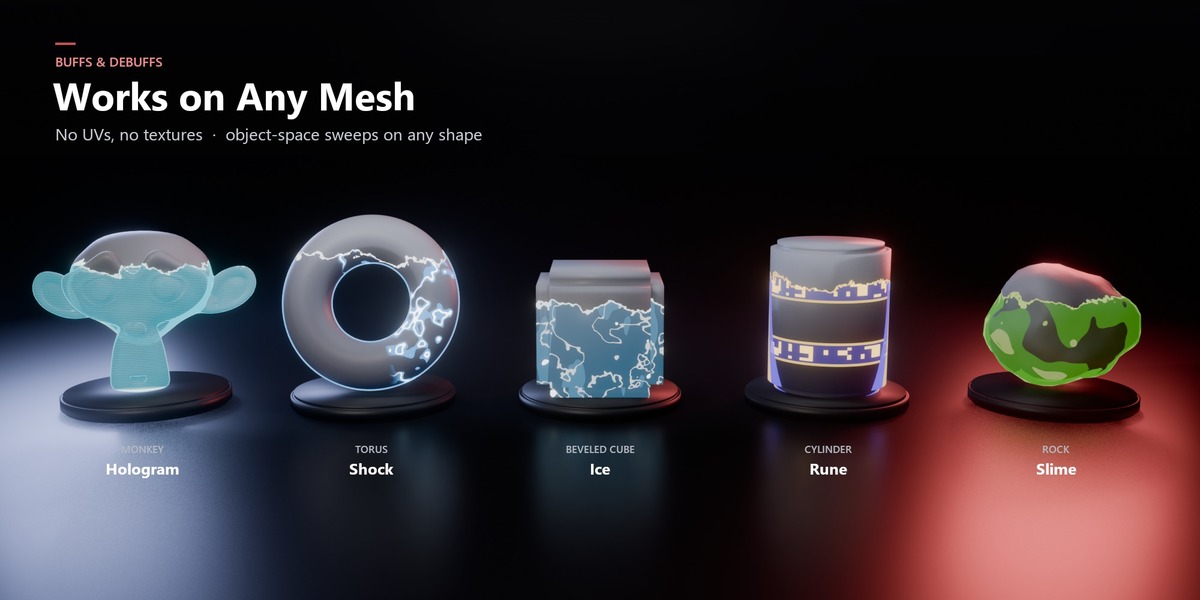
Add the same node group to each material and give them the same Bottom, Top and Progress values. Because the sweep uses object space, the effect lines up seamlessly across all materials on that object.
The effect starts too high or too low on my model. Why?
The sweep runs between Bottom and Top in the object's own (local) Z space. Set them to your mesh's lowest and highest points. For example, origin at the feet and a 2 m tall character means Bottom = 0 and Top = 2. Apply the object's scale (Ctrl + A ▸ Scale) if the values feel off.
Will it replace my character's textures?
No. Each group has a Base Shader input. Plug your existing shader into it and the effect is layered on top. At Progress 0 you see your original material.
Can I export the effects to Unity, Unreal or Godot?
Not directly. Blender shader nodes don't transfer to game engines. The pack is made for rendered output: stills, animations, sprite sheets and trailers rendered in Blender.
Do I need to install an add-on?
No. The pack is 12 regular material assets with their node groups. Drag them in from the Asset Browser like any other asset.
Does it work in Cycles?
Yes. Every effect works in both EEVEE and Cycles.
Which Blender versions are supported?
Blender 5.0 and newer. The node groups use features of the current node system, so older versions are not supported.
Have questions about this product?
Login to message
| Published | 8 days ago |
| Blender Version | 5.0 - 5.2 |
| Render Engine Used | Cycles, Eevee |
| Misc Data | Animated |
| License | Royalty Free |
Discover more products like this
VFX animated materials stylized 3d-game-ready fullyprocedural status-indicator animated procedural water eevee 3d-asset-game Shader status effect animate cycles