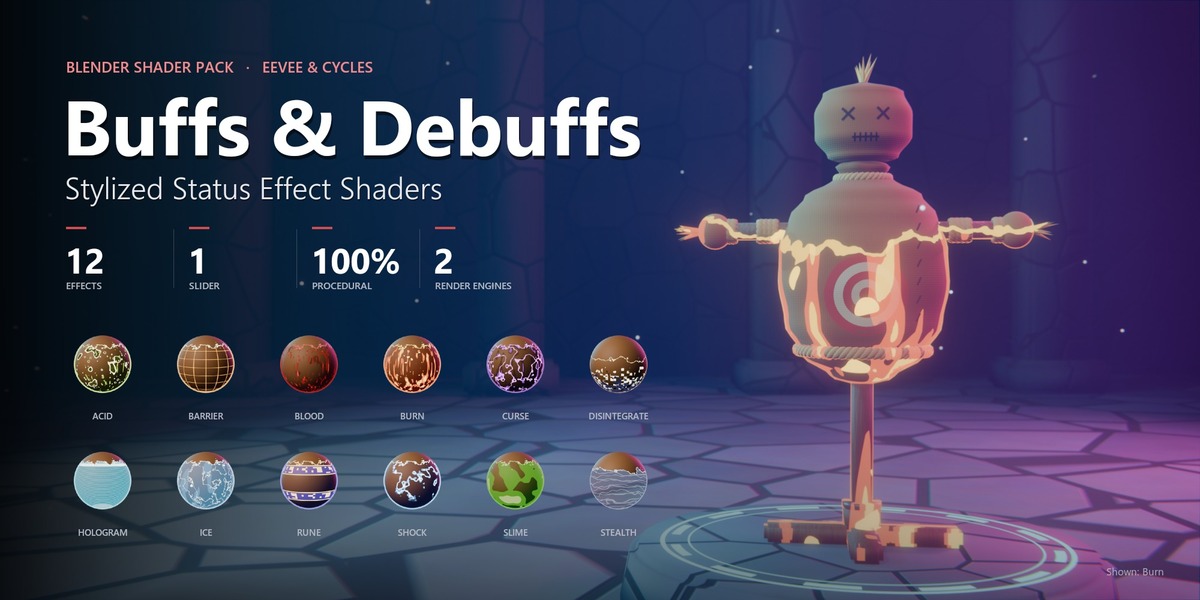
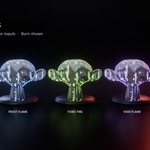
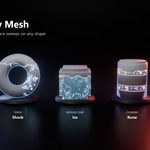
Buffs & Debuffs – Stylized Status Effect Shaders
Buffs & Debuffs · v1.0
Documentation
Overview
What's included
| Data-block | Name | What it is |
|---|---|---|
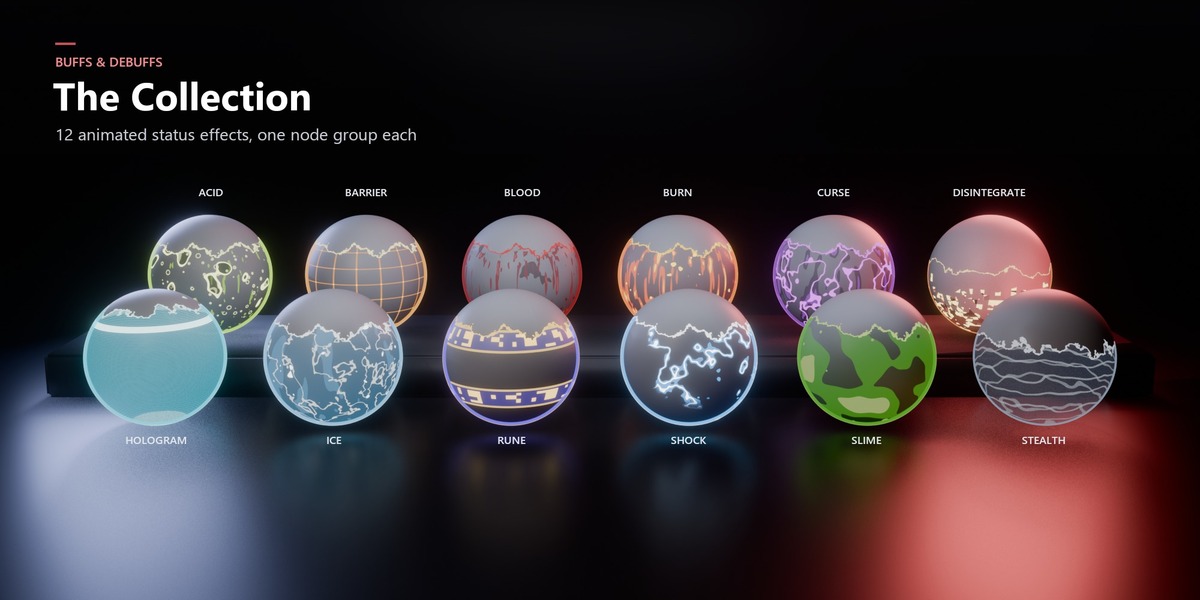
| Material assets | 12 materials, one per effect | Ready to use from the Asset Browser: Principled BSDF → effect → output, with Progress keyed 0 → 1 over 48 frames. |
| Node groups |
SE | Acid … SE | Stealth
|
The effects themselves, inside each material. Reuse them to add an effect to your own materials. |
Step by step
Quick start
| 1 |
Get the effect. Add the pack's folder to Preferences ▸ File Paths ▸ Asset Libraries, then drag a material (for example Burn) from the Asset Browser onto any object. This brings in its SE | Burn node group. To use the material as-is, skip to step 4. |
| 2 |
Add it to your material. In the Shader Editor press Shift + A ▸ Group ▸ SE | Burn. |
| 3 | Wrap your shader. Connect your existing shader (for example Principled BSDF) to Base Shader, and the group's Shader output to Material Output ▸ Surface. |
| 4 | Set the sweep range. Enter your mesh's lowest and highest local Z in Bottom and Top (see Sweep range). |
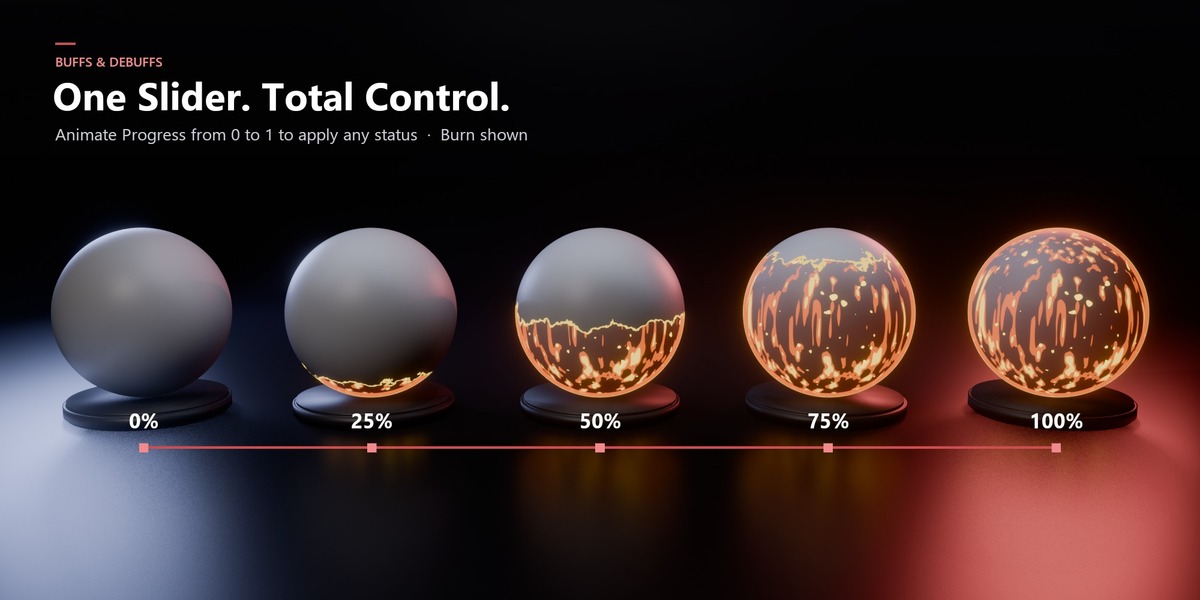
| 5 | Animate Progress from 0 to 1 (see Animating). For Stealth and Disintegrate in EEVEE, set Material ▸ Settings ▸ Render Method to Dithered. |
Your node setup should look like this:
Principled BSDF BSDF ●
| → | SE | Burn
● Base Shader Shader ●
Progress · Bottom · Top …Mask ●
| → | Material Output
● Surface
|
Setup
Setting the sweep range (Bottom / Top)
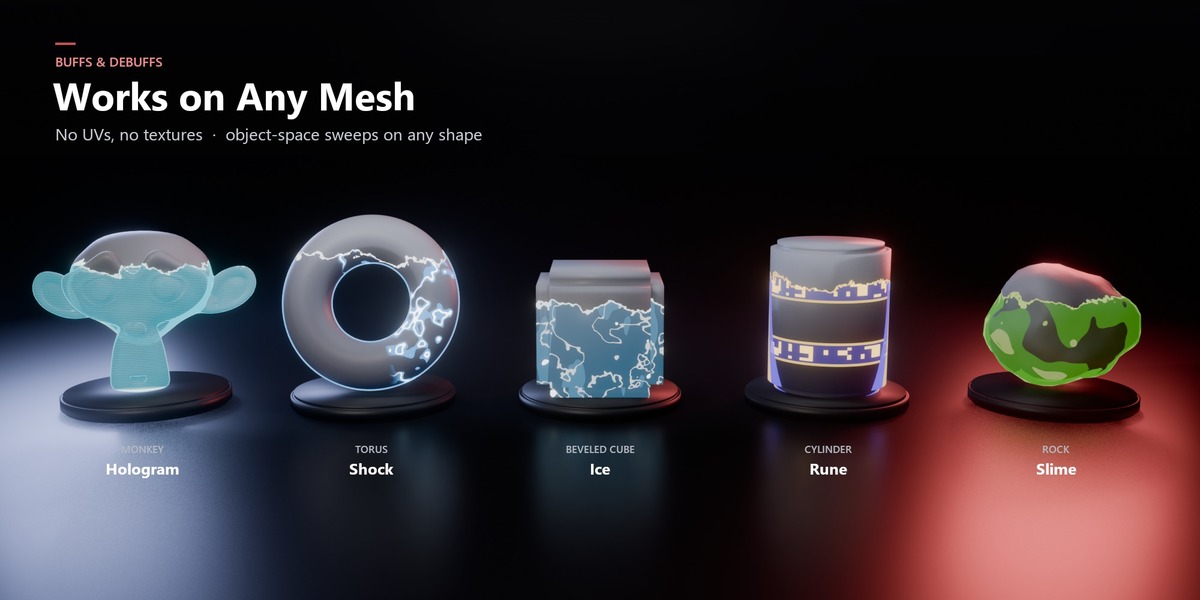
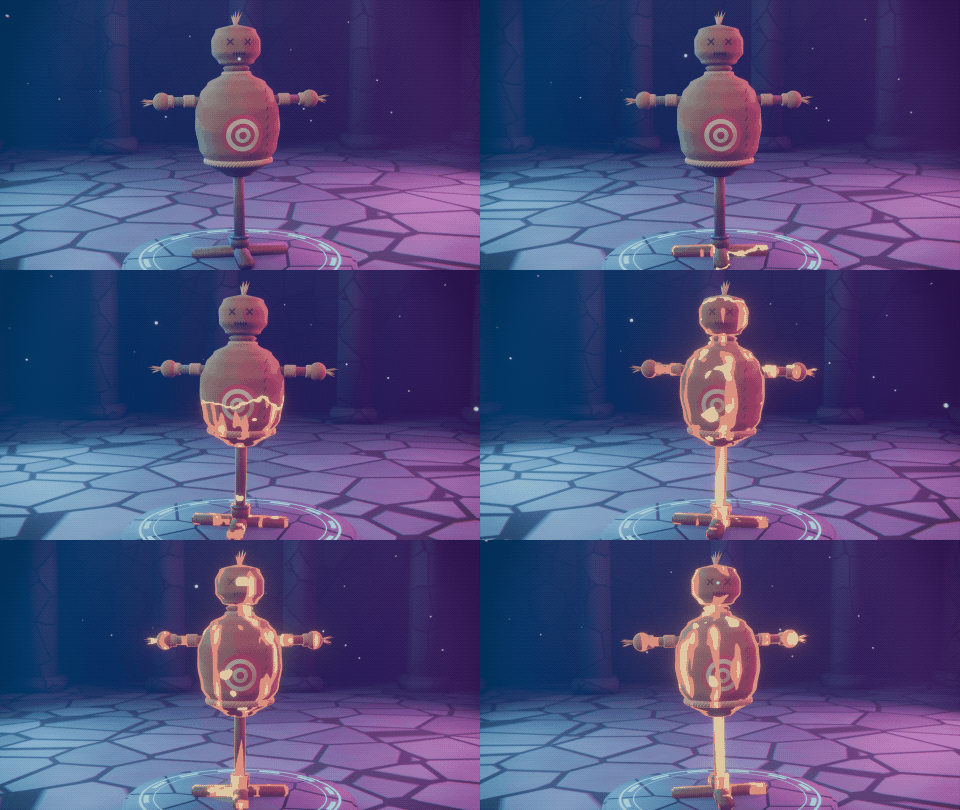
The effect travels along the object's local Z axis, from Bottom (Progress 0) to Top (Progress 1). Because it works in object space, it moves and rotates with your object and needs no UVs.
| Where is your object's origin? | Bottom | Top |
|---|---|---|
| At the feet / base (typical characters) | 0 | height |
| In the center of the mesh (default primitives) | −height / 2 | +height / 2 |
Tip: read the height from N-panel ▸ Item ▸ Dimensions ▸ Z. If the object is scaled, apply the scale first (Ctrl + A ▸ Scale) so local units match what you see.
Pro tip: extend the range slightly past the mesh (for example Bottom −0.02, Top height + 0.02). That way Progress 0 is completely clean and Progress 1 fully covers the mesh.
Motion
Animating the effect
| ![]() |
Reference
Input reference
All 12 groups share these inputs, organized in three panels. Defaults vary per effect to match its look. The values below are typical.
| Input | Typical | What it does |
|---|---|---|
| SPREAD | ||
| Base Shader | shader | Your original material. It shows wherever the effect hasn't reached yet. |
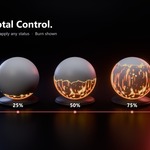
| Progress | 0 – 1 | How far the effect has spread. 0 = none, 1 = fully covered. Animate this. |
| Top Down | off | Flips the sweep so it travels from Top to Bottom. |
| Bottom / Top | −1 / 1 | Local-Z range the sweep travels across. Match it to your mesh. |
| Edge Width | 0.01 – 0.015 | Thickness of the glowing leading edge. |
| Edge Noise | 0.35 | Breaks up the edge so it isn't a straight line. 0 = clean, higher = more organic. |
| LOOK | ||
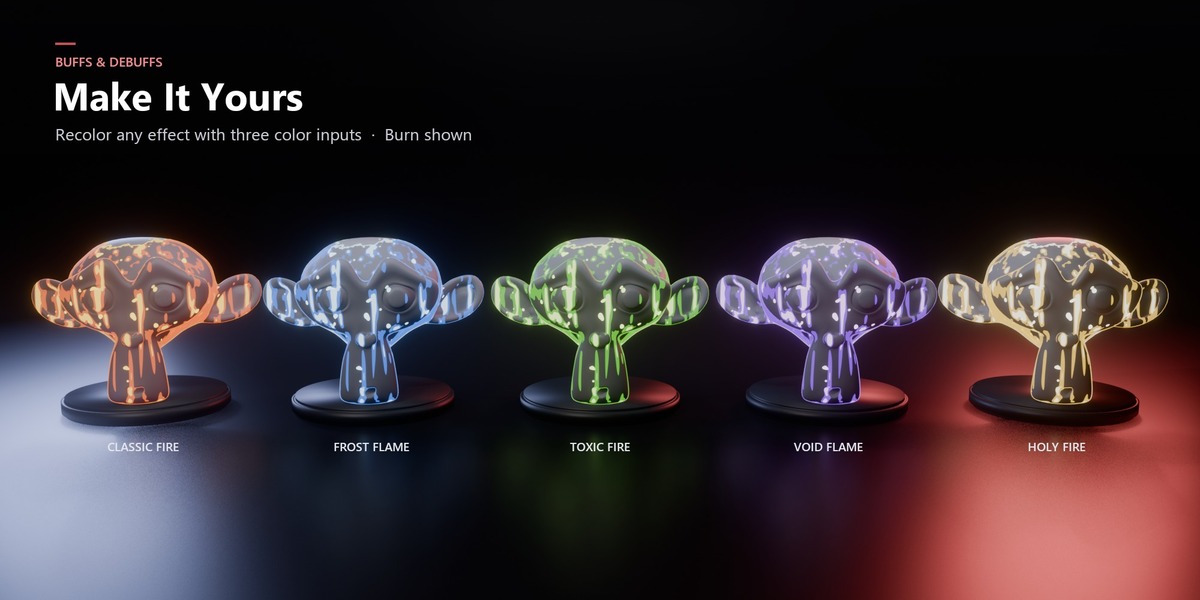
| Dark / Main / Light Color | per effect | Three-tone palette for shadows, body and highlights. Recolor any effect, for example a blue fire or a green curse. |
| Tint Amount | 0 – 0.4 | How much the effect color tints the underlying material. |
| Intensity | 0.85 | Overall strength of the effect layer. |
| Rim Width | 0.15 – 0.3 | Width of the glowing silhouette rim on affected areas. |
| Glow Strength | 0.3 – 3 | Emission strength of the bright parts. Pairs well with compositor Bloom. |
| Pattern Scale | 1.2 – 2 | Size of the procedural pattern. Raise it for small props, lower it for large creatures. |
| Fade Base | 0.6 – 0.9 | Acid, Disintegrate, Hologram, Stealth only. How much of the original material fades away under the effect. |
| ANIMATION | ||
| Speed | 1.0 | How fast the surface patterns move over time. |
| Frame Step | 0.083 | Time step of the pattern motion in seconds. The default (~1/12 s) gives a stylized, hand-animated "on twos" feel. Lower it for smoother motion. |
Outputs
| Shader | Your material with the effect applied. Connect it to Material Output, or to the next effect. |
| Mask | Black/white mask of the area the effect has reached. See Advanced for uses. |
Per effect
Effect notes
| Effect | Type | Notes |
|---|---|---|
| Acid | Debuff | Uses Fade Base to dissolve the original surface. |
| Barrier | Buff | Grid-style shield. Pattern Scale sets the cell size. |
| Blood | Debuff | Low glow by default (0.3), so it reads as liquid rather than light. |
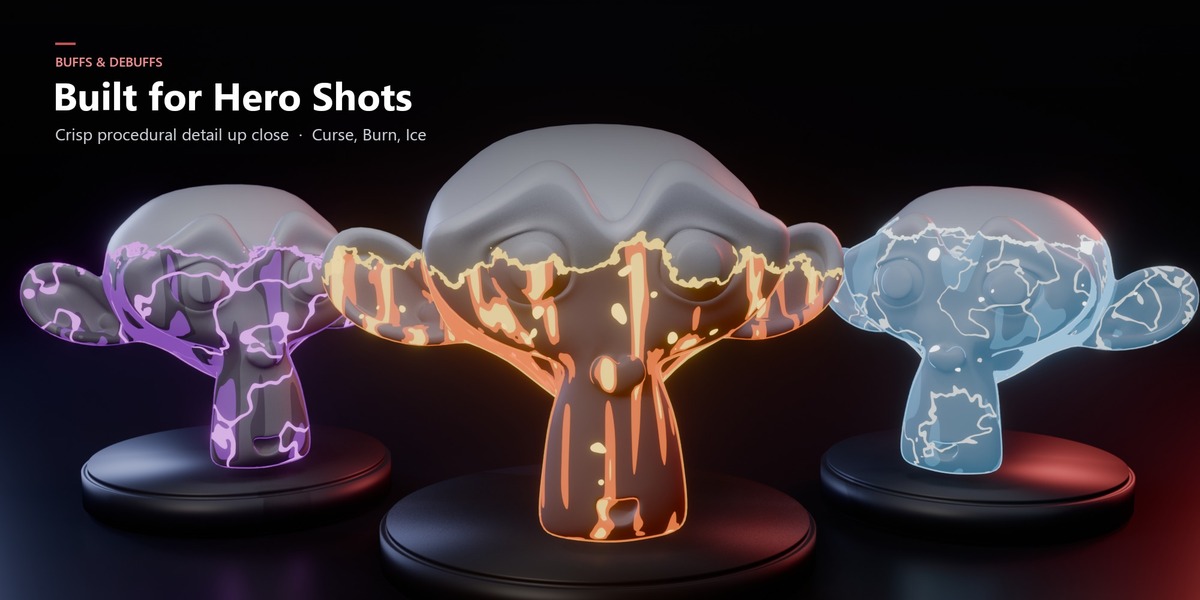
| Burn | Debuff | Strongest with compositor Bloom. Try Top Down for meteor hits. |
| Curse | Debuff | Dark base with bright veins. Recolor to green for a poison variant. |
| Disintegrate | Debuff | Transparent: in EEVEE use Render Method = Dithered. At Progress 1 the object is gone. |
| Hologram | Utility | Semi-transparent scanlines, good for summons, previews and sci-fi. |
| Ice | Debuff | Highest default tint (0.4) for a fully frozen read. |
| Rune | Buff | Two-tone (blue base, gold glyphs). Great for empower and enchant moments. |
| Shock | Debuff | Brightest glow (3.0) and a smaller pattern (1.2) for tight arcs. |
| Slime | Debuff | Thick, low-glow ooze. Raise Tint Amount for a fully covered look. |
| Stealth | Buff | Transparent: in EEVEE use Render Method = Dithered. Glassy, almost invisible at Progress 1. |
Going further
Advanced
Stacking effects Chain groups: shader →
SE | Curse → SE | Burn → output. Give each its own Progress keys to layer statuses. | Several materials, one object Add the group to every material with identical settings. Tip: drive Progress in each material from one custom property so a single slider controls them all.
|
Using the Mask output Mask is 1 where the effect has reached. Use it as a factor to blend extra shaders (frost roughness, wet specular), or send it to the compositor with an AOV Output node.
| Custom variants Duplicate a material, change the three colors, and save it as your own preset, for example Holy Fire from Burn or Poison from Curse.
|
Fixes
Troubleshooting
| Problem | Solution |
|---|---|
| Effect covers everything even at Progress 0 | Bottom is above your mesh. Lower it to the mesh's lowest local Z. |
| Effect never reaches the top | Top is too high, or the object has unapplied scale. Check Dimensions and apply scale. |
| Stealth / Disintegrate render black (EEVEE) | Material ▸ Settings ▸ Render Method ▸ Dithered, plus Transparent Shadows. |
| Patterns are frozen during playback | Drivers are blocked. Click Allow Execution or enable Auto Run Python Scripts, then reload. |
| Glow looks flat | Add a Glare (Bloom) node in the compositor, or raise Glow Strength. |
| Short freeze when adding an effect | In EEVEE, the shader is compiling. This happens once per material. |
| Changelog · v1.0: initial release, 12 effects | Need help? Message me on Superhive. |
Have questions about this product?
Login to message
| Published | 8 days ago |
| Blender Version | 5.0 - 5.2 |
| Render Engine Used | Cycles, Eevee |
| Misc Data | Animated |
| License | Royalty Free |
Discover more products like this
eevee status-indicator 3d-game-ready stylized status effect animated procedural water Shader 3d-asset-game VFX animated materials fullyprocedural animate cycles