 ZEG
ZEG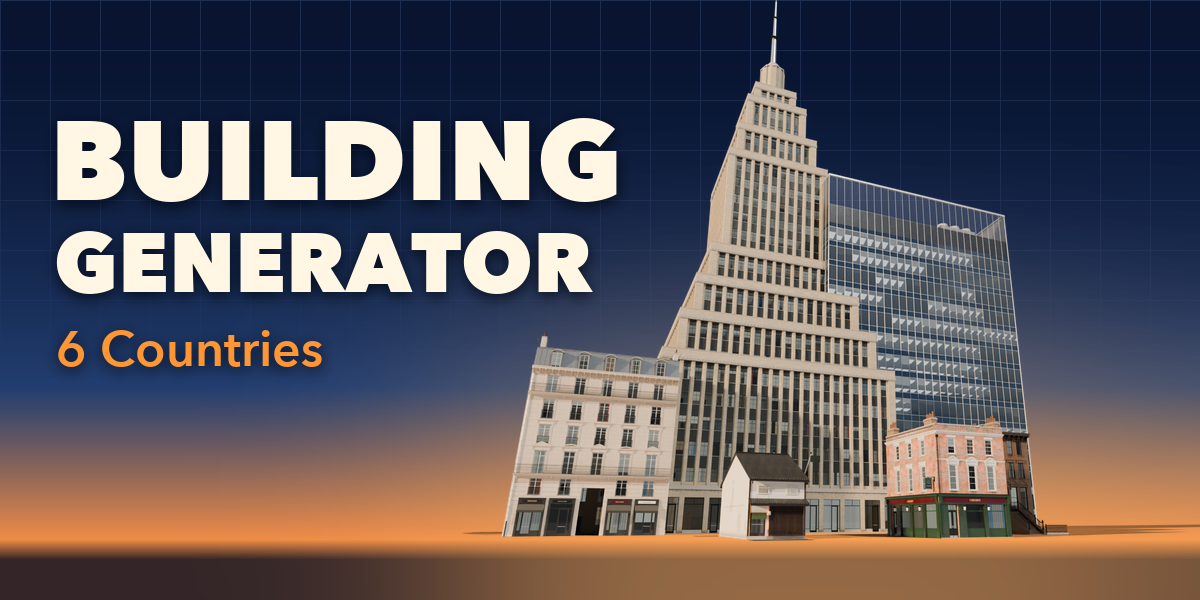
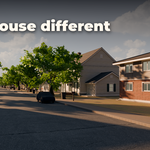
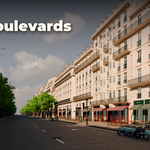
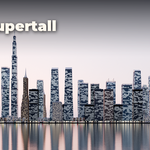
Installation
In Blender open Edit, Preferences, Get Extensions, then use Install from Disk and pick the building_generator zip.
Usage
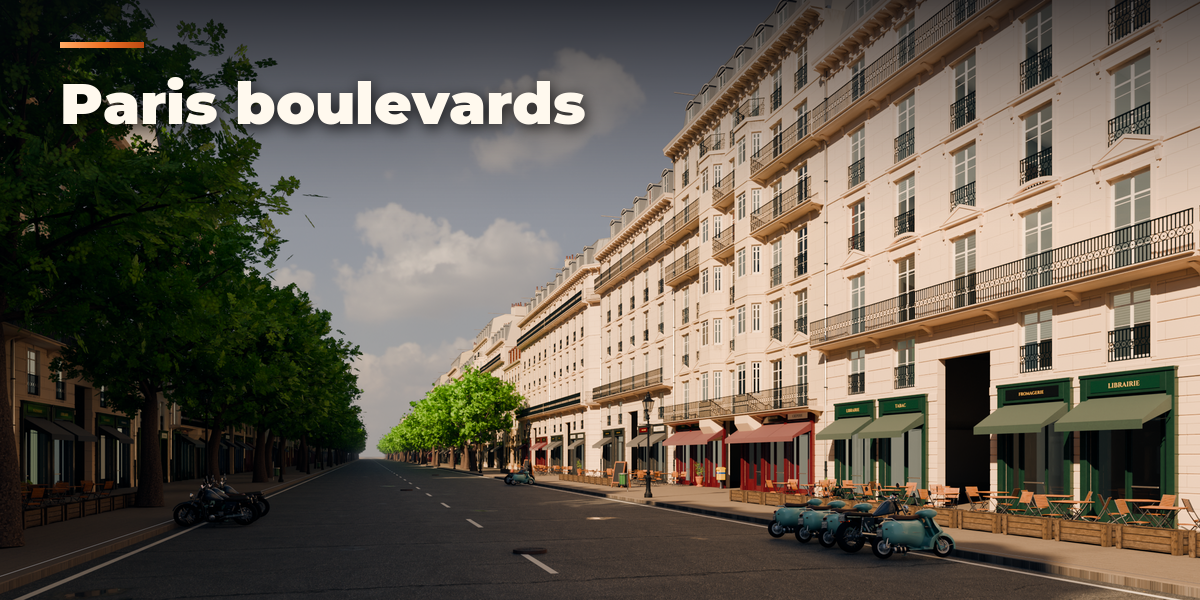
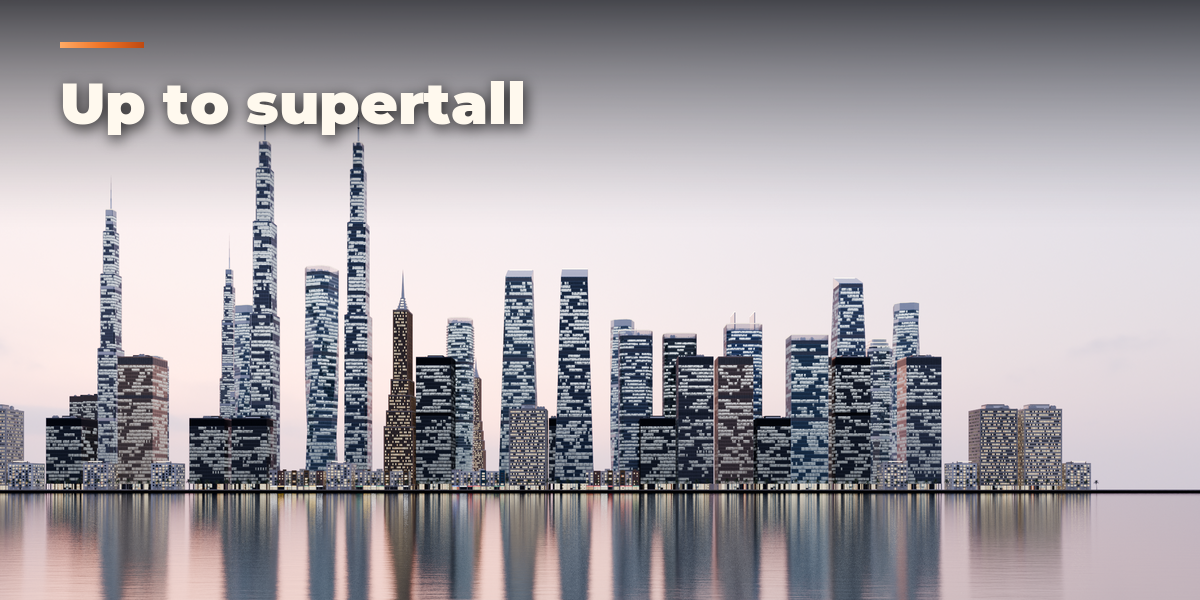
- Open the Buildings tab in the 3D viewport sidebar (N). Choose a country and click a building type to add it at the 3D cursor. You can also use Shift+A, Building.
- In the Building panel change the type, the style (variant), the seed, floors, width, depth, bays, the roof and the wall and roof materials. The building rebuilds live.
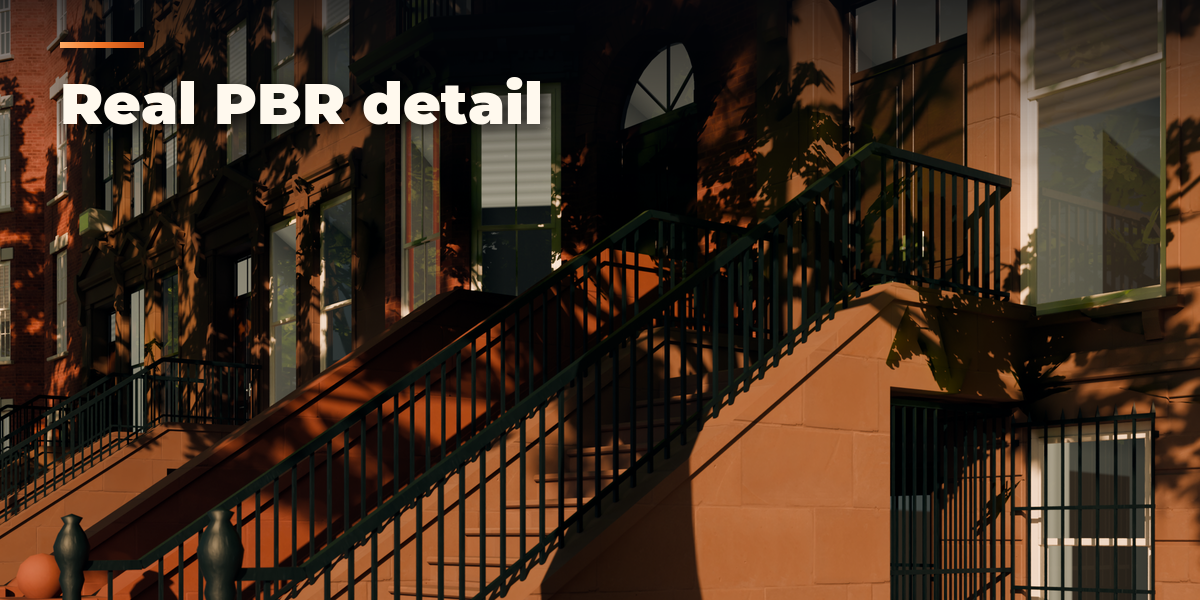
- Features switches parts such as porches, chimneys, fire escapes or rooftop units. Colors and Weathering sets weathering, lit windows, the detail level and optional custom colors.
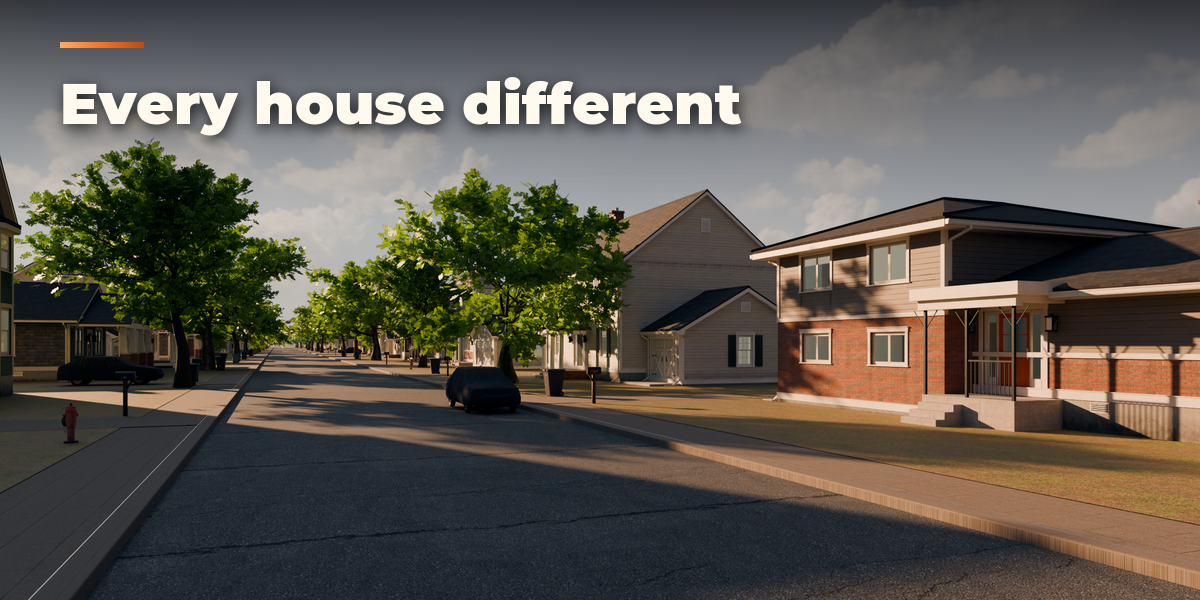
- Variations: Duplicate Variation copies the building to the side with a new seed; Make Street Row builds a whole row with the gap you choose.
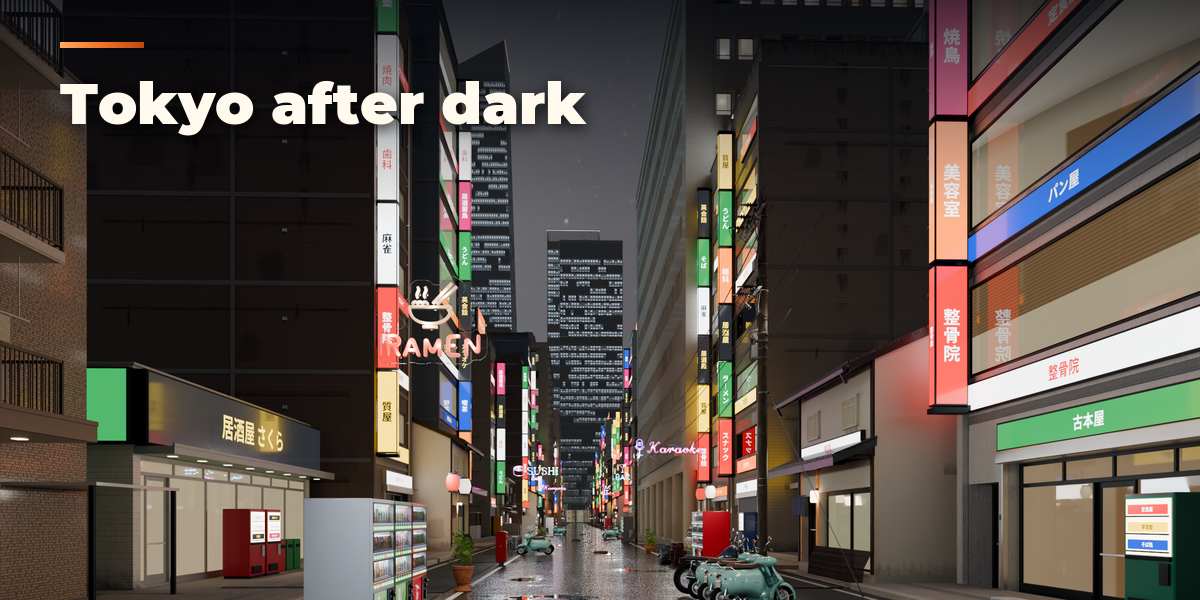
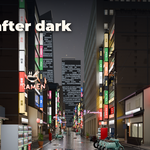
- Scene: the Night slider turns the scene to evening with glowing windows. Convert to Mesh makes a plain mesh for editing or export.
Have questions about this product?
Login to message
| Blender Extension Compatible | Yes |
| Published | about 5 hours ago |
| Blender Version | 4.2 - 5.2 |
| Extension Type | Add-on |
| Render Engine Used | Cycles, Eevee |
| License | GPL |

Discover more products like this
architecture building environment PBR House Generator city skyscraper building generator street game ready procedural