 Orlando da silva souza





New in 2.0
One year of work, in one update.
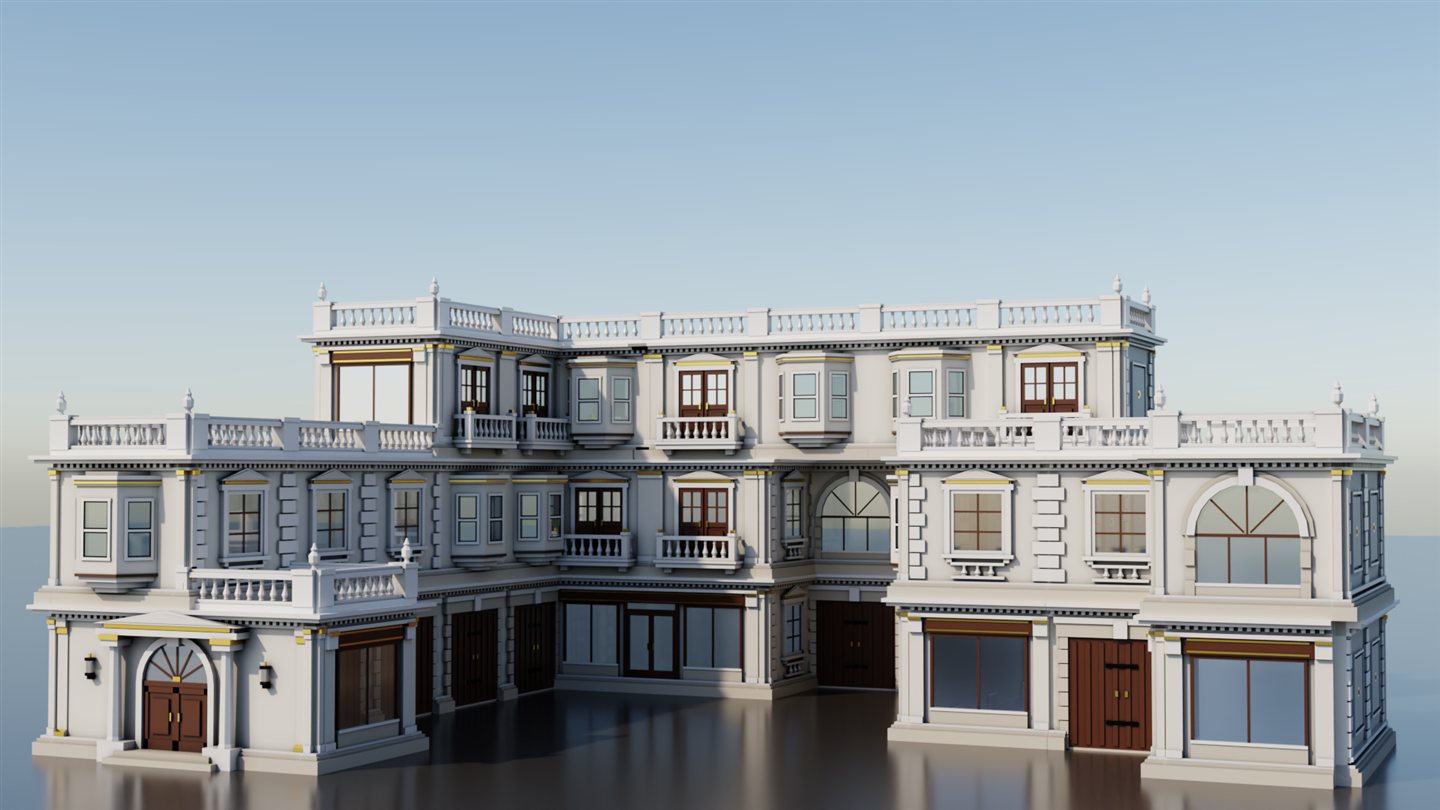
Five complete styles
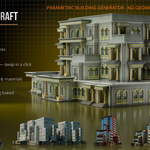
Personal, Colonial, Corporate, ClassicFixed and ArtDecoFixed — each with its demo building and a palette of source pieces laid out in front of it. Initialize once and the whole showroom is there.
Fixed styles
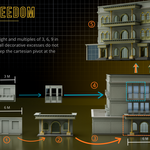
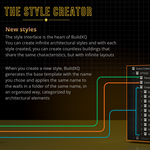
A new kind of style where every floor is its own group — balconies on the first, arches on the second, something else on the third. Nothing has to repeat.
Studio — draw a wall, get a piece
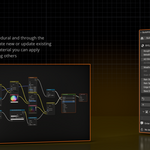
A 2D→3D wall editor. Draw openings on a grid, add frames, glazing, balconies, cornice and baseboard, and the Finisher builds the piece and registers it in your style.
XQ Library
200+ pieces with thumbnails, browsable by style and type. Append to the cursor, sync your own pieces from the scene, and find it all in Blender’s Asset Browser too.
Pack — a style in one file
Export a whole style as a single .blend — pieces, showcase building and environment — and import packs from others.
Sky & Colour Variants
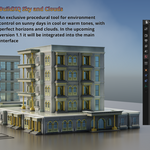
Sun, atmosphere and clouds with presets, right in the Material tab. Colour per object with palettes — Colorize All gives a whole street variety from one material.
Plus: create your own style from the Base template · the style is always your last edit (no Save, no Apply) · installs as a Blender Extension · full list in the What’s New article.
Why I made BuildXQ Craft
Before I built BuildXQ, I was looking for one thing: a tool that was fun and practical.
I wanted a parametric add-on for my own architectural models — one that would free me from placing countless pieces by hand just to preview a result. Not a building or city generator full of someone else’s parts, but an easy way to use my models and lay them out fast.
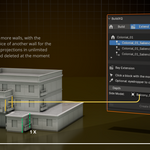
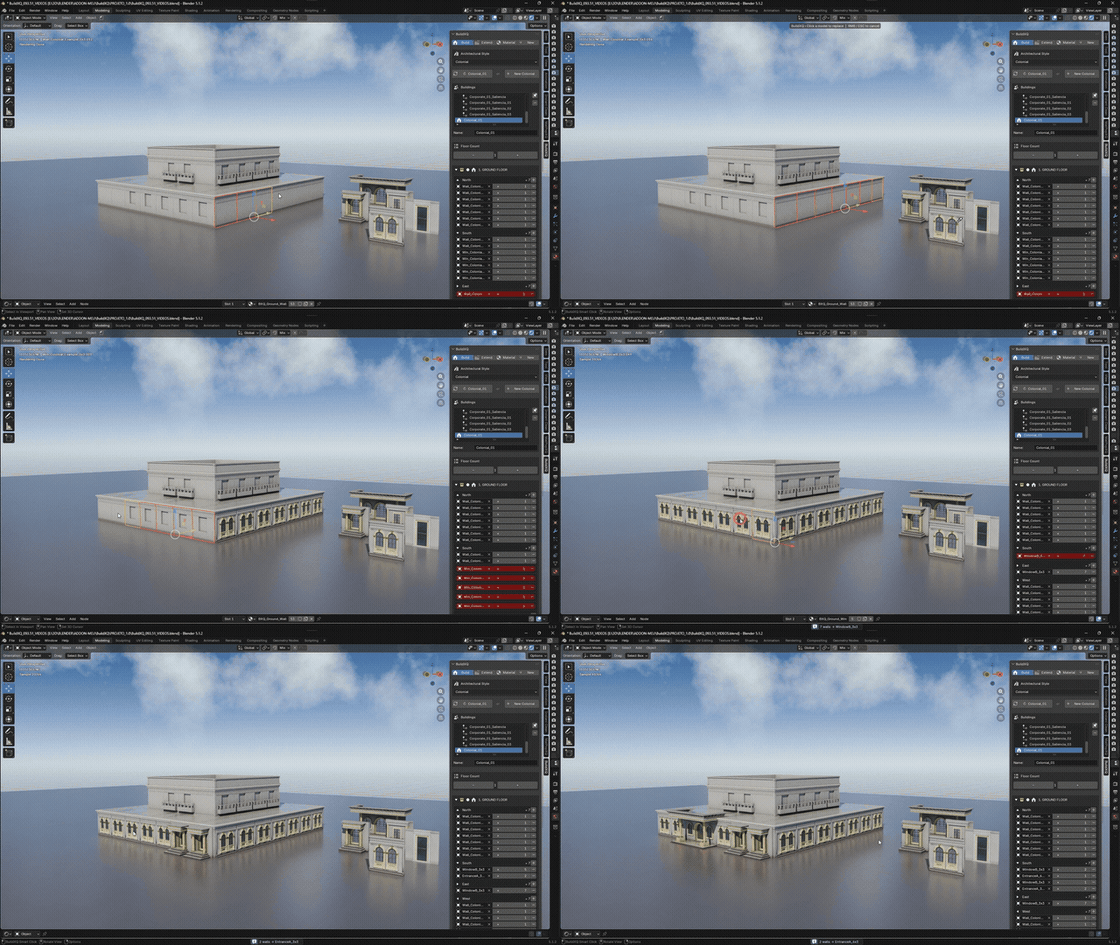
That is where the eyedropper idea came from. In BuildXQ, double-click a wall and your cursor becomes an eyedropper; click a second wall and it takes its place. So a simple cube — 3 m wide, 4 m tall, with the standard name — snaps into the building the moment you click it and becomes a fully parametric part of the system.
That is the whole idea: your models, assembled and aligned for you, in seconds.
Everything you need to build
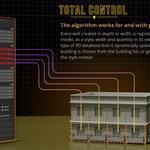
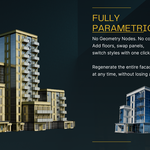
Fully parametric. Stretch, swap, stack and restyle — live.
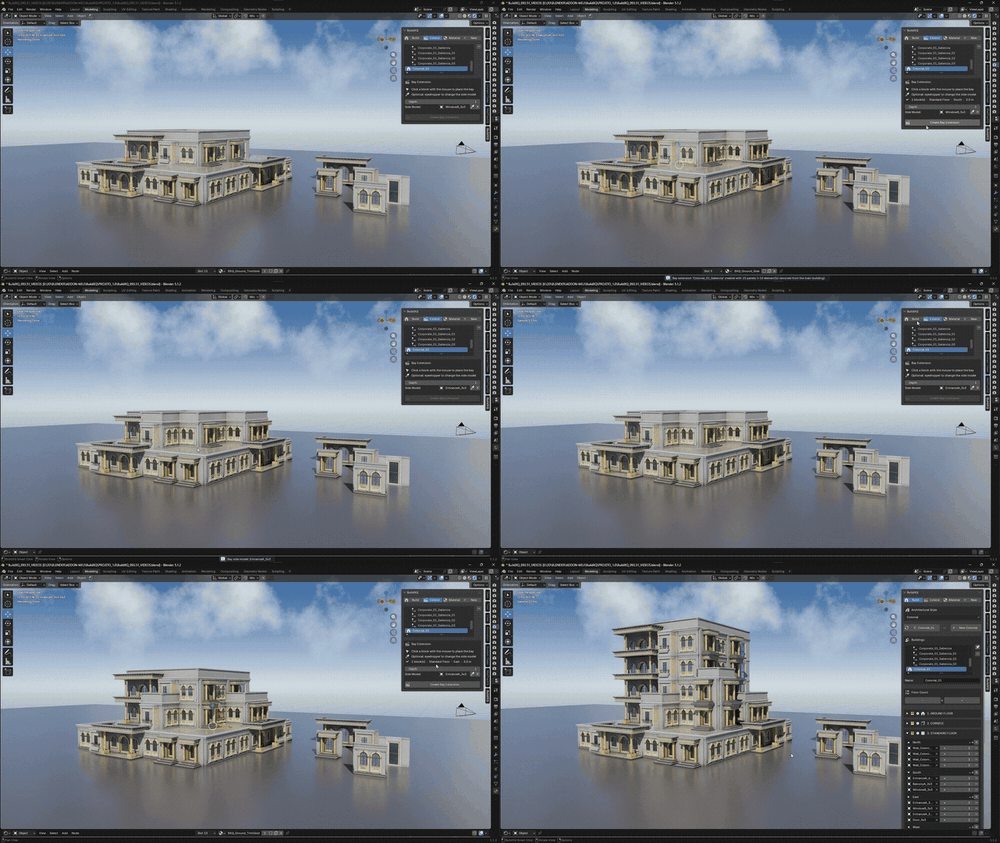
Bays & extensions
Push any facade outward as a room or wing, with its own depth and side models. Ground-floor bays get their baseboard; side walls default to the style’s own window.
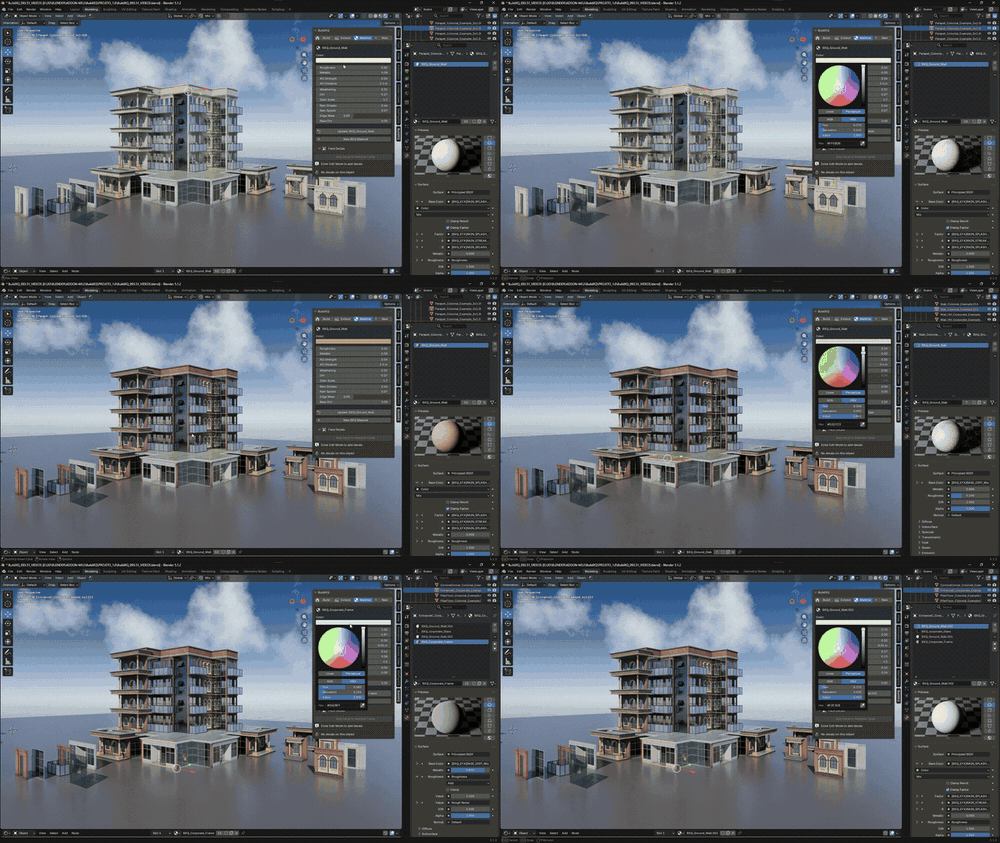
Built-in material helper
Colour and procedural weathering — rain, wear, grime — right in the panel, plus Colour Variants and the BuildXQ Sky. Fully editable in the Shader Editor.
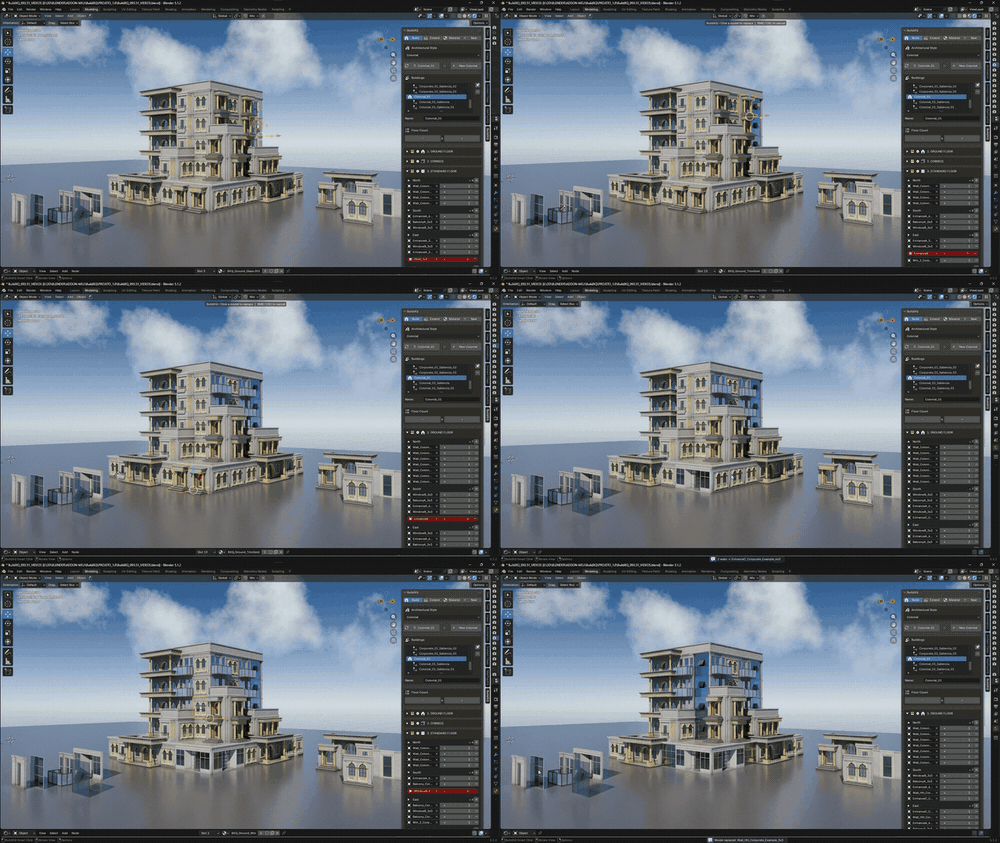
Your assets, your style
Turn your own geometry into a reusable style — BuildXQ assembles it into a complete building for you. Draw new pieces in the Studio, keep them in the Library, share them as a Pack.
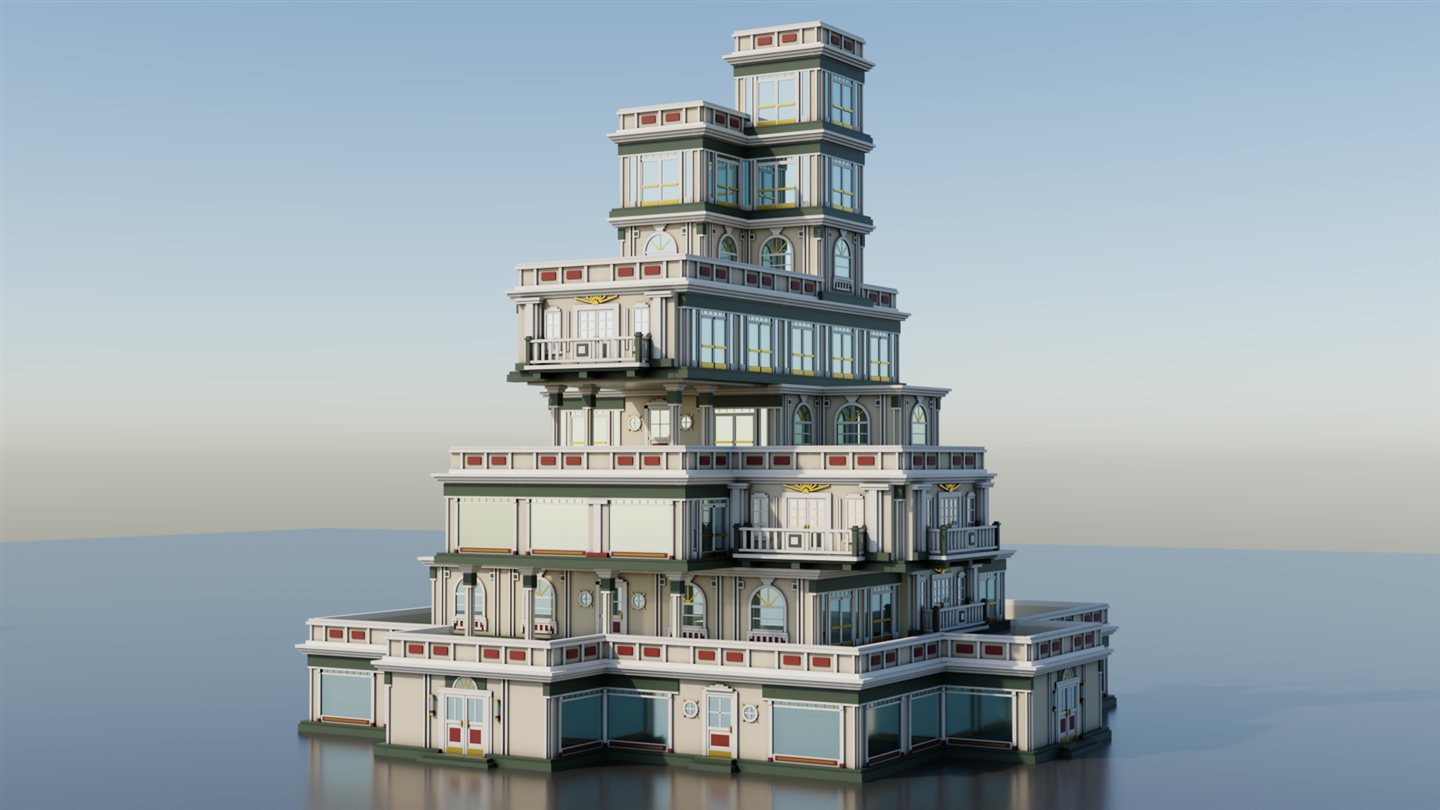
Stackable levels — Dynamic or Fixed
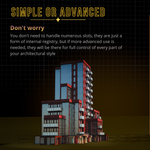
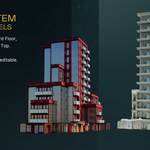
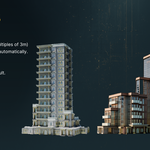
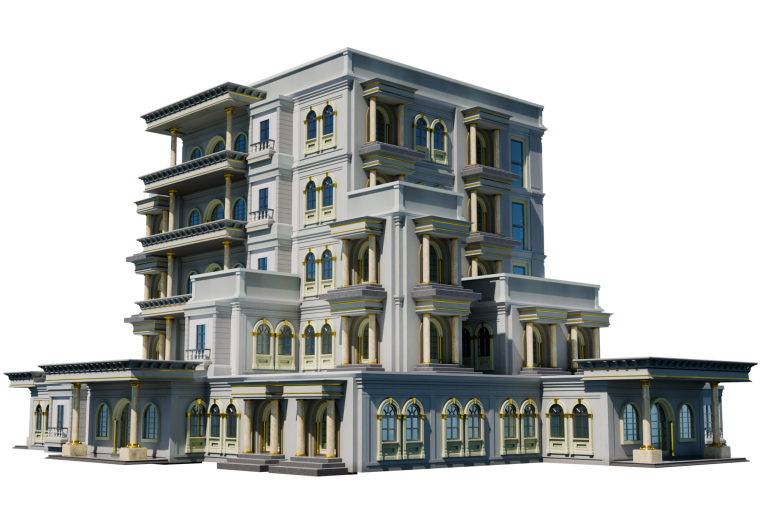
Ground, cornices, repeating floors, parapet and wall top, configurable per side — or a Fixed style where every floor is its own design, like this ArtDecoFixed tower.
Plus: multiple buildings in one scene · live & parametric regeneration · real, editable geometry you can export anywhere.
How it works
1. Initialize — the five styles, their demo buildings and the library are set up for you.
2. Shape it — set the number of floors and widen each side; the building regenerates live.
3. Make it yours — double-click any wall to swap its model, and push out bays for character.
4. Finish the look — colour, weathering, colour variants and the sky, right in the panel.
5. Bring your own (optional) — create a style from the Base template, draw pieces in the Studio or replace the example models with your geometry.
What’s included
- The BuildXQ Craft add-on, as a Blender Extension (Blender 5.2+)
- 5 complete styles — Personal, Colonial, Corporate, ClassicFixed, ArtDecoFixed — with all their source pieces and materials
- 5 demo buildings to explore, with bays, plus the model palettes for every style
- The XQ Library — 200+ pieces with thumbnails, registered in Blender’s Asset Browser
- Cycles environment with the built-in BuildXQ Sky (procedural sky & clouds, sun) and colour palettes
- Full online manual — xq.com.br/manual — and support at xq.com.br/support
System requirements & honest notes
- Blender 5.2 or newer. Installs as an extension — drag the zip onto Blender. Developed and tested on Windows.
- BuildXQ ships with a Cycles scene, so a dedicated GPU is recommended for a smooth viewport and faster renders (it runs on CPU too, just slower).
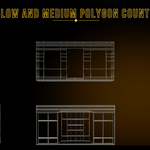
- BuildXQ generates real, editable geometry — not lightweight instances. Performance scales with your scene: number of buildings, floor count and the polygon density of your own models.
- Files made with 1.0 keep working: install 2.0, open the file and run Initialize once to get the new styles and the library.
Good to know — how BuildXQ works
- Source models follow a size convention (3 m grid / multiples) and keep their standard names — the Studio does this for you when you draw a piece.
- Do not apply scale or rotation (Ctrl A) to source models — BuildXQ relies on their transform data.
- BuildXQ assembles and arranges parts; it does not sculpt new geometry — the design control stays with you.
BlockXQ
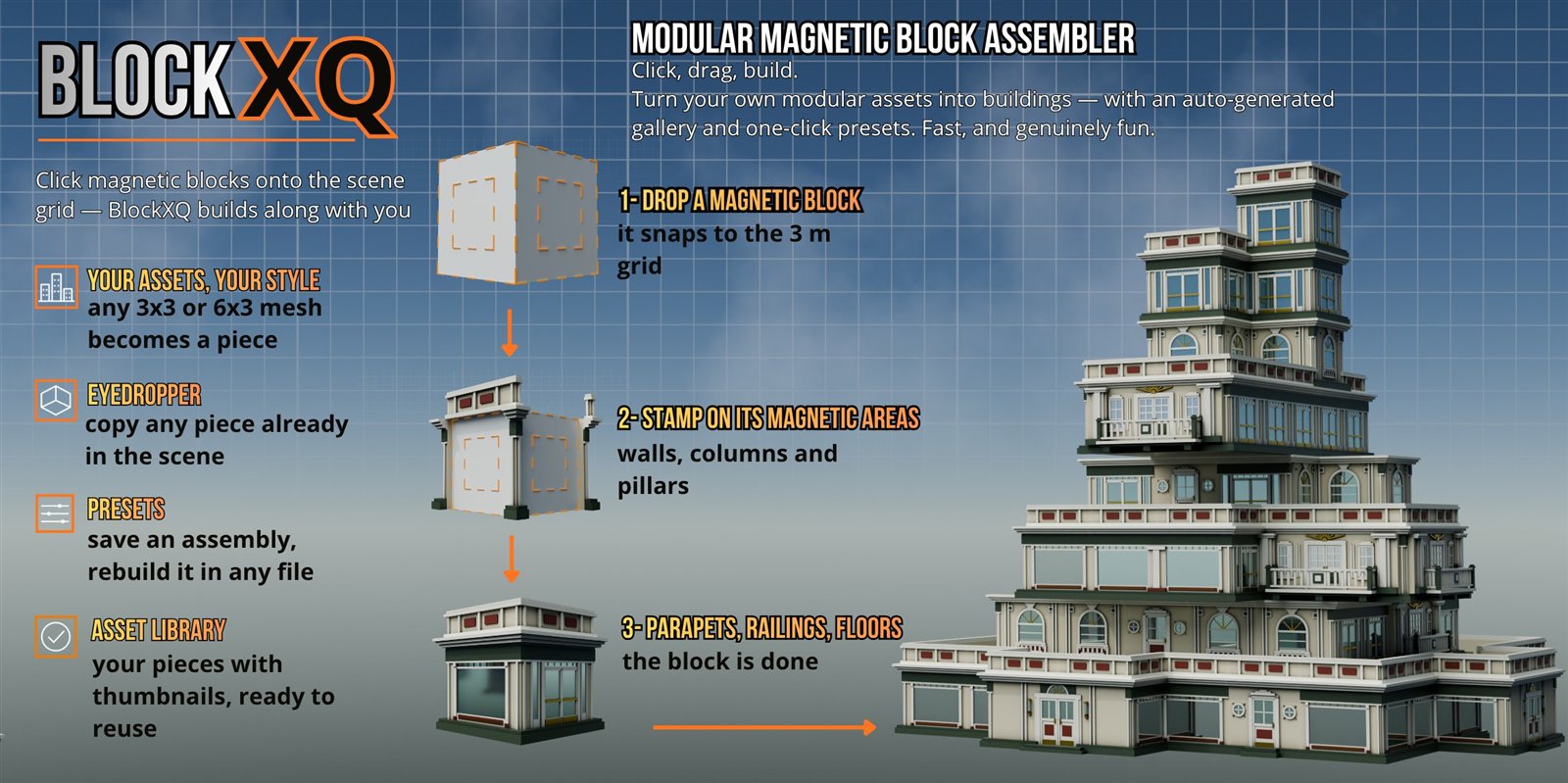
Prefer to assemble by hand? BlockXQ is the modular companion: guide cubes on a 3 m grid, click a face to stamp a piece, save and place presets. It shares the XQ Library with BuildXQ Craft — pieces you make in one are there in the other.
What’s next
- More styles and packs for the Library.
- Workflow refinements based on your feedback.
Have an idea or a request? Tell me here — your feedback shapes what comes next.
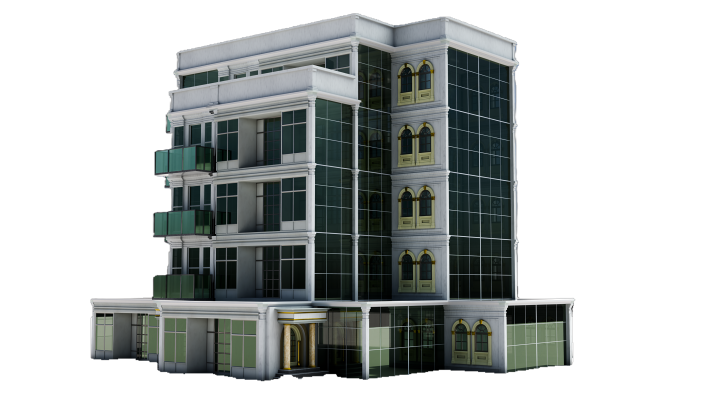
The result is always one of a kind — unique, personal architecture shaped by your choices, your models and your style.