Buildxq Craft
 Orlando da silva souza




Does BuildXQ model geometry for me?
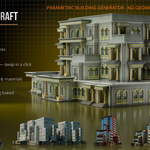
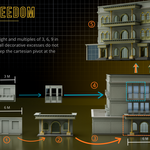
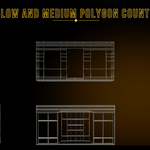
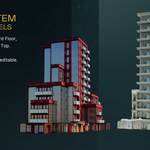
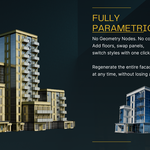
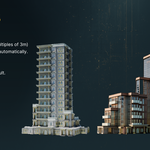
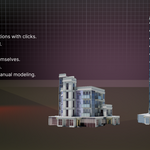
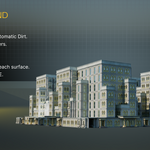
No. BuildXQ assembles and arranges the parts — your own or the included examples — into a complete building. But it gives you all the basic geometry, fully parametric, ready for you to edit or duplicate — so you stay in full control of the look.
Can I use my own models?
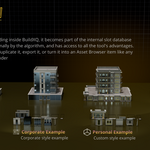
Yes — that is the whole idea. Turn your own windows, doors and columns into a reusable style.
Which Blender version do I need?
Blender 5.1 or newer.
Does it work with EEVEE and Cycles?
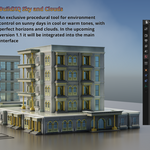
Yes. BuildXQ ships set up for Cycles with the built-in BuildXQ Sky environment. The geometry and materials also render in EEVEE.
Is the result real geometry?
Yes — every building is real, editable mesh you can render or export to a game engine.
Do I need to be an expert?
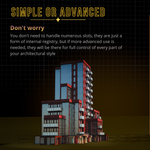
No. Start from the included demo building and click to make it yours.
How many buildings and styles can I make?
As many as you like — unlimited.
Where is the documentation?
A full online manual is included: https://xq.com.br/manual
Discover more products like this
building generator buildings architecture building kit procedural city environment facade kitbash modular parametric ArchViz