Buildxq Craft
 Orlando da silva souza


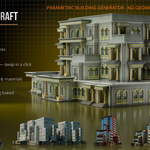


BuildXQ Craft 2.0.0 — free update for all owners of 1.0
NEW
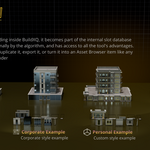
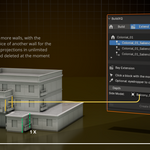
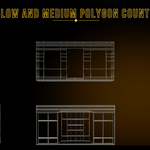
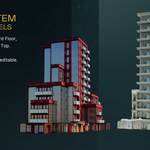
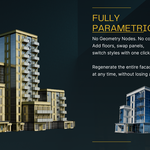
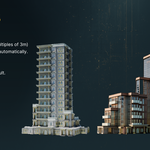
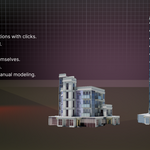
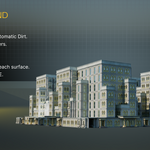
• Five complete styles in the showroom: Personal, Colonial, Corporate, ClassicFixed and ArtDecoFixed — each with its demo building and palette.
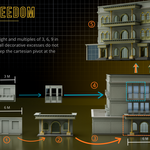
• Fixed styles — every floor is its own design; nothing has to repeat.
• Studio tab — draw a wall on a grid and get a finished piece, registered in your style.
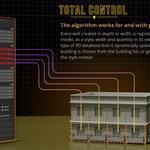
• Library tab — the XQ Library: 200+ pieces with thumbnails, sync your own, registered in Blender's Asset Browser.
• Pack tab — export a whole style as one .blend (pieces, showcase building, environment) and import packs.
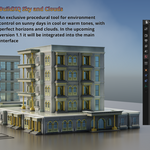
• Sky controls (sun, atmosphere, clouds, presets) in the Material tab.
• Colour Variants — colour per object, palettes, Colorize Building / Colorize All.
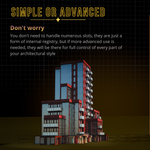
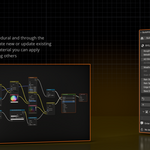
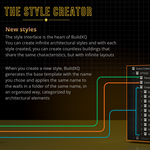
• Create your own style from the Base template, with materials named after your style.
IMPROVED
• The style is always your last edit — no Save/Apply; a guard stops a bay or incomplete slots from overwriting a style.
• Bays: baseboard on ground-floor bays; side walls default to the style's own window.
• Build slots listed top-down; "Read before you start" card; Initialize frames the showroom and tidies the Outliner.
• Help & Links footer on every tab.
INSTALLATION
• Now a Blender Extension (Blender 5.2 or newer). Drag the zip onto Blender to install.
• Files made with 1.0 keep working — open them and run Initialize once.
BuildXQ Craft 1.0.0 — initial release (June 2026).
Legacy version: the original files as sold. Owners of 1.0 keep access here.
Discover more products like this
building kit building generator facade environment city architecture parametric kitbash ArchViz modular buildings procedural