 TastyVoxels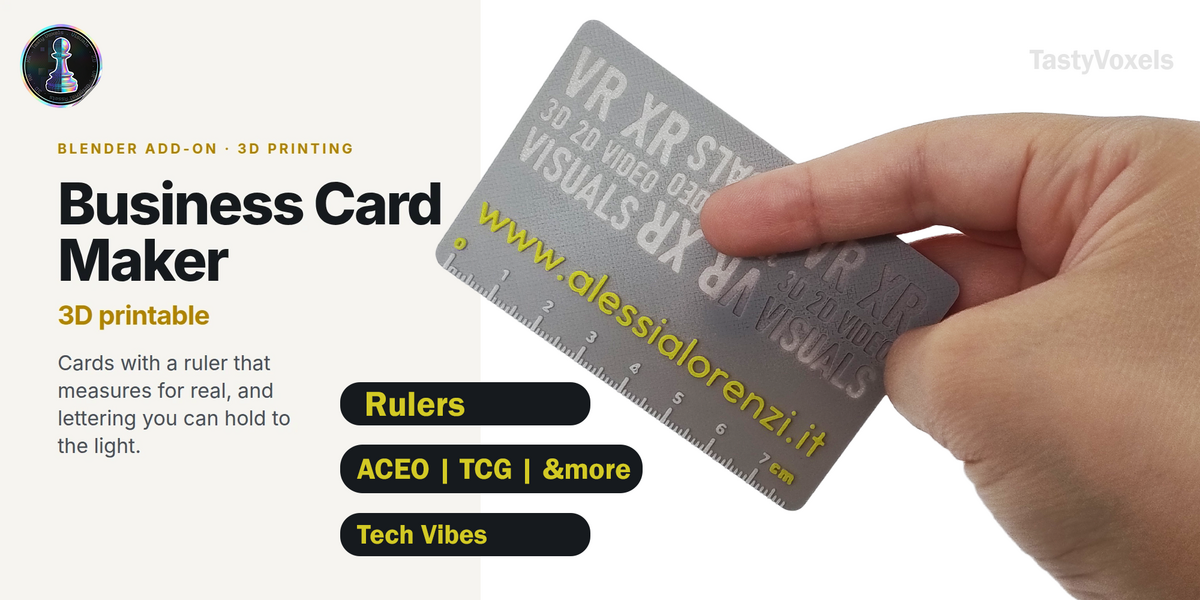
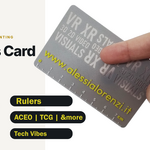
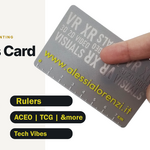
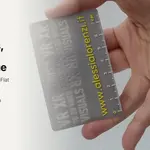
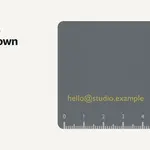
A printed business card gets kept when it does something. This one measures.
Business Card Maker builds printable cards inside Blender: business cards, loyalty cards, ACEO art cards, bookmarks, or any size you type in. Along the edge it lays a ruler that is true to the millimetre, and through the card it cuts lettering thin enough to glow when you hold it to the light. What comes out is a 3MF that opens in the slicer as a project, with the parts already assigned to their filaments.
The ruler is a real one
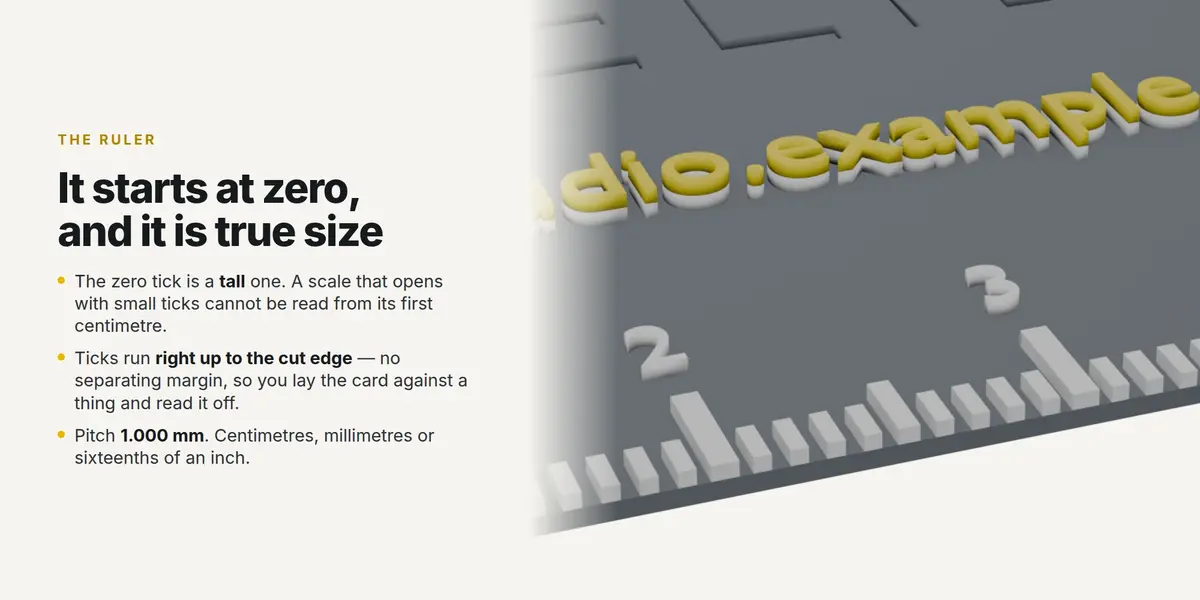
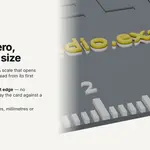
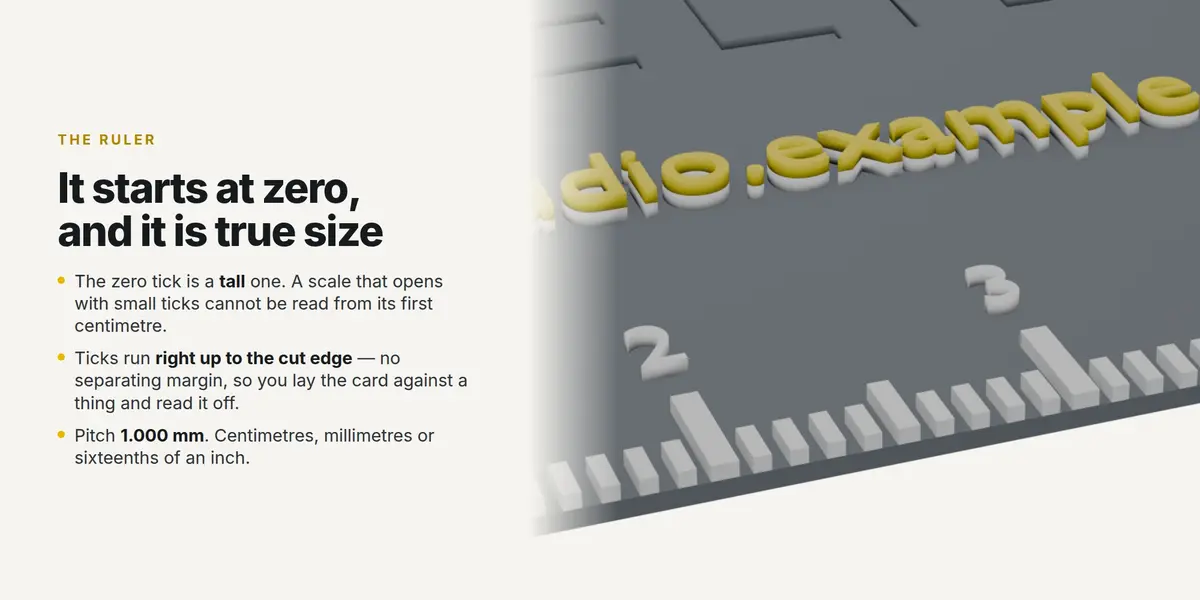
It starts at its own zero, and that zero tick is a tall one - a scale that opens with small ticks cannot be read from its first centimetre. The ticks run right up to the cut edge with no separating margin, so you lay the card against a thing and read the measurement off it. The pitch is 1.000 mm, not 0.998: the scale is generated from the numbers, never traced from a drawing.
Centimetres, millimetres, or sixteenths of an inch. Any of the four edges, or the long side chosen for you. Three tick weights, the middle one set so nothing thins out in print. Where the corner radius begins the ticks stop, because past that the edge has moved away and a tick there would measure nothing.
See-through lettering
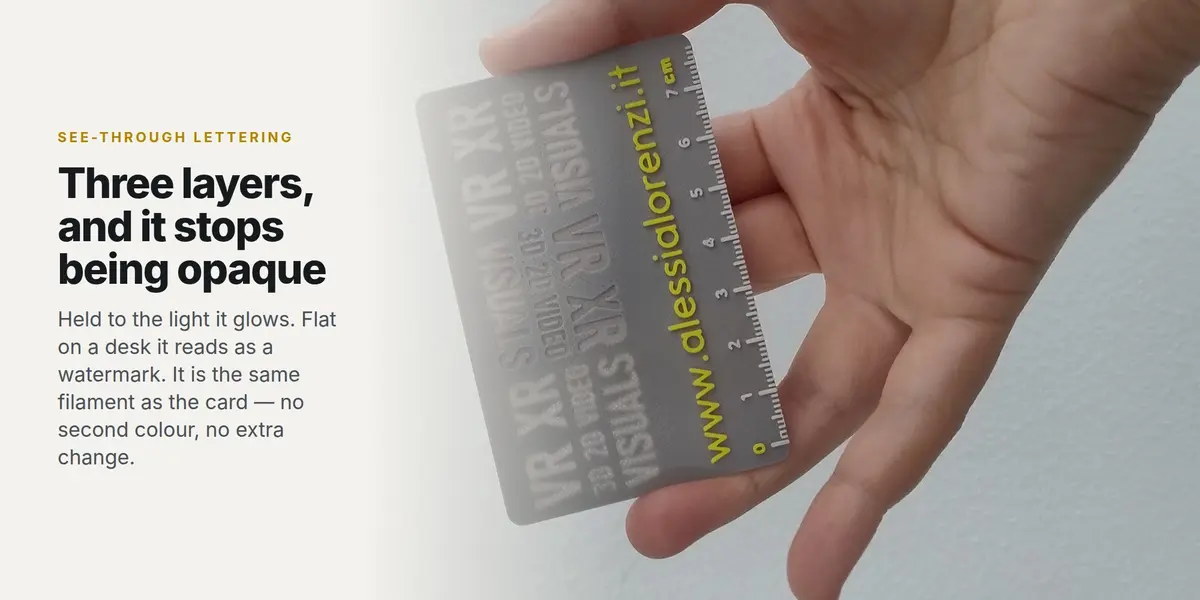
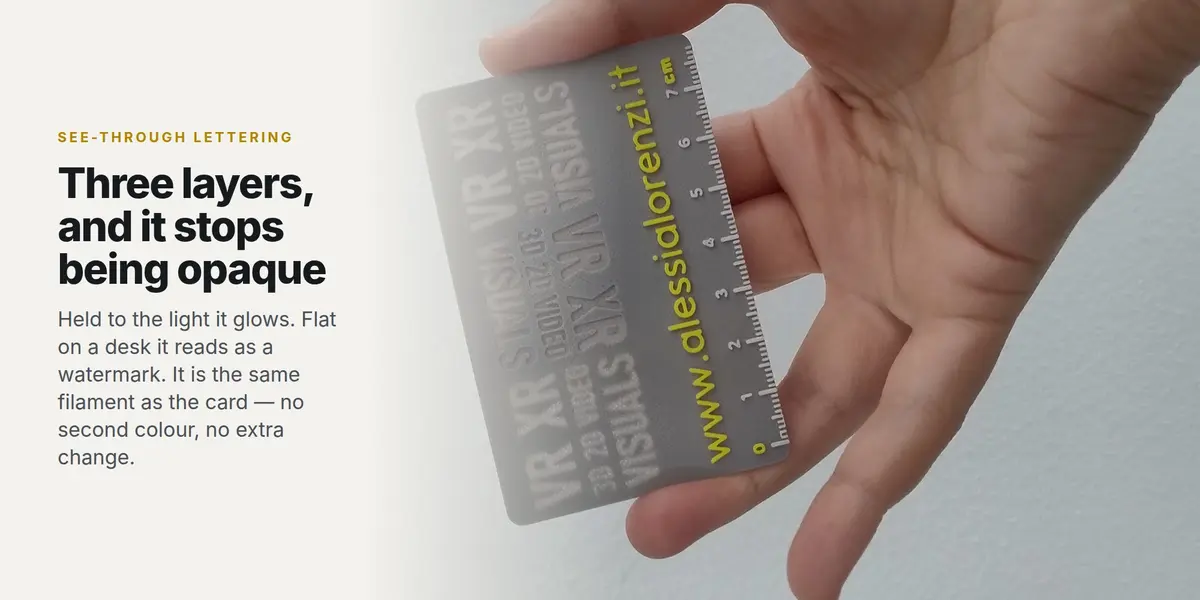
Leave three layers of material under a letter and it stops being opaque. Held up to the light it glows; flat on a desk it reads as a quiet watermark. It is the same filament as the card - no second colour, no extra change, no cost.
Set the see-through layer count in the Print panel. Three is usually where it starts; a dense filament wants two, a translucent one takes four.
Heights are chosen in layers
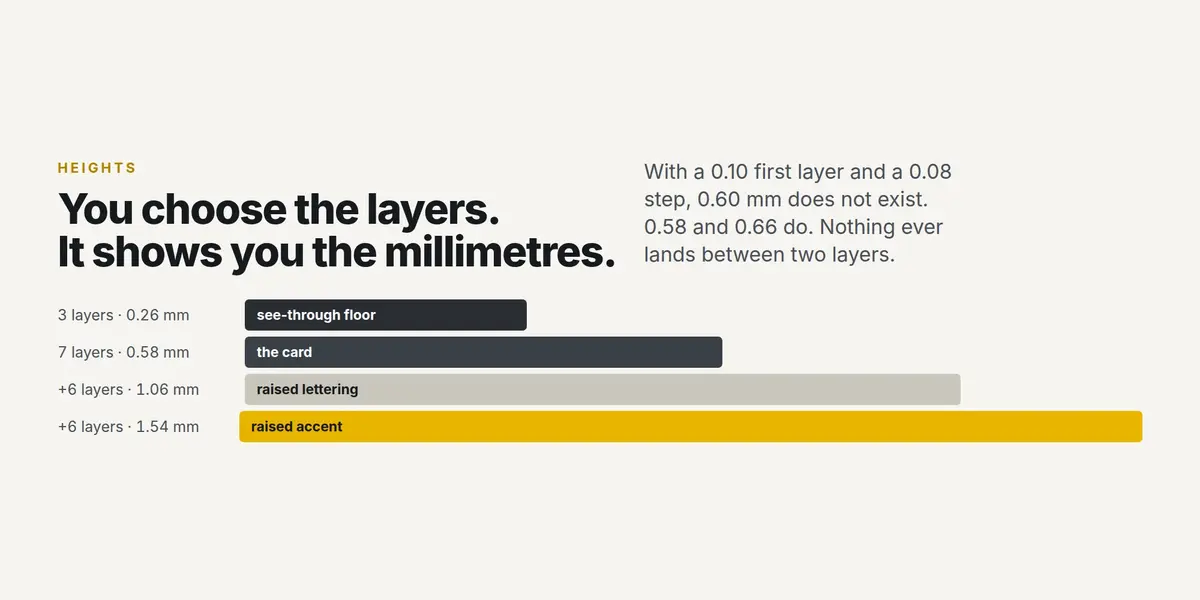
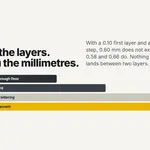
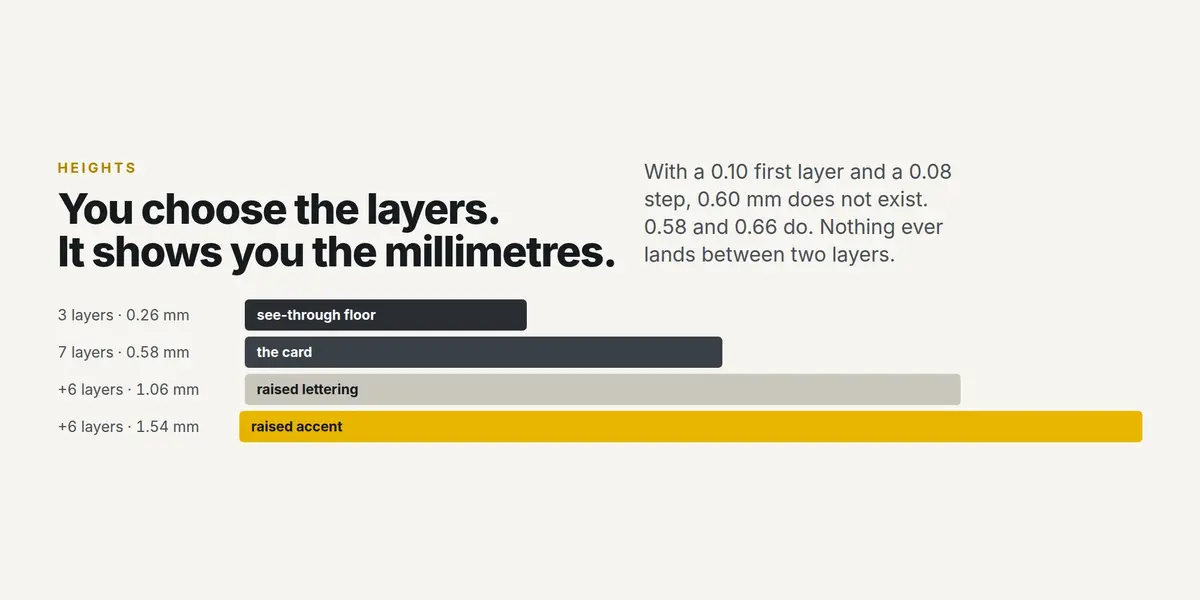
Every printer has a first layer and a step, and every height that matters is a multiple of them. So you say how many LAYERS the card gets, and the add-on shows you the millimetres. With a 0.10 mm first layer and a 0.08 mm step, 0.60 mm does not exist - 0.58 and 0.66 do. Nothing ever lands between two layers, and nothing gets silently rounded behind your back.
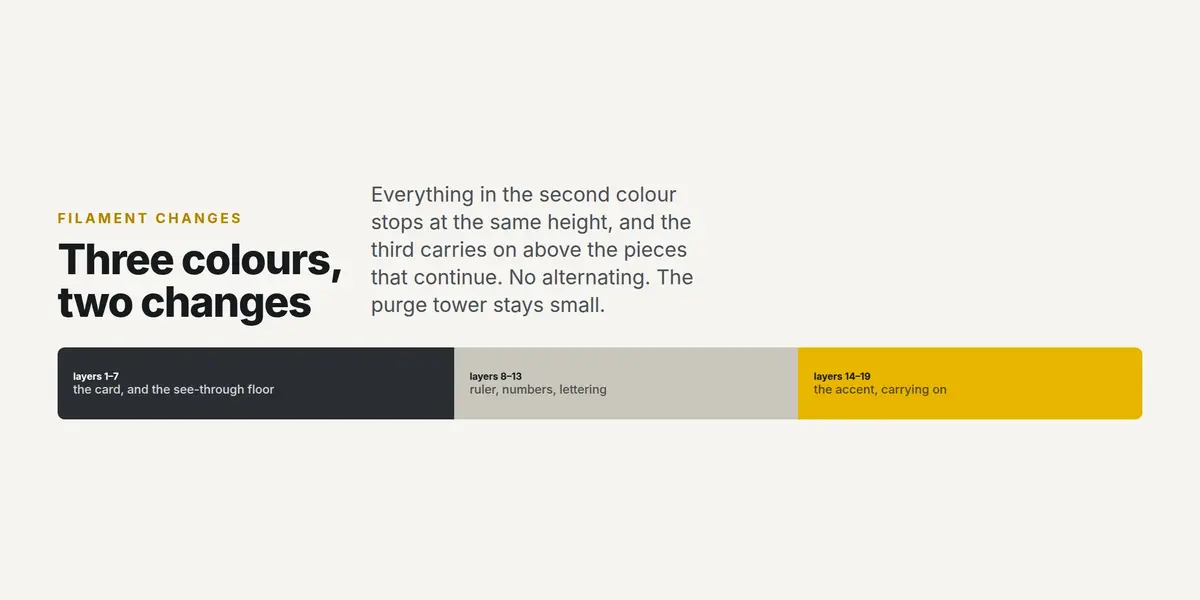
Three colours, two filament changes
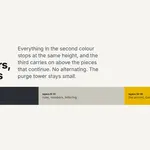
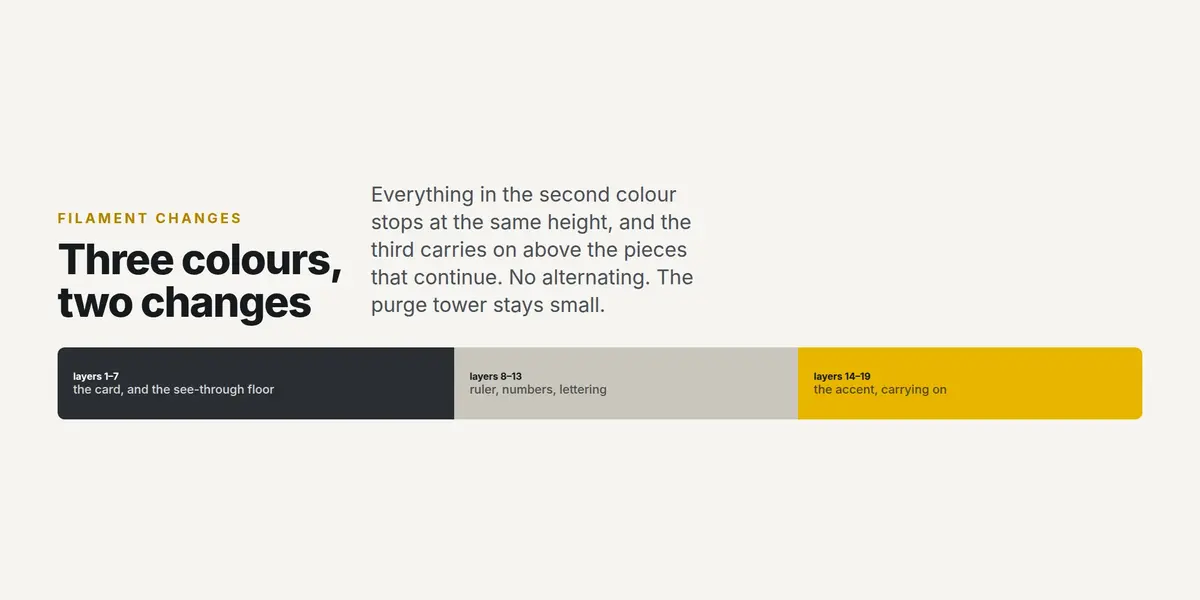
Everything printed in the second colour stops at the same height, and the third colour carries on above the pieces that continue. No alternating, no change every few layers, and a purge tower that stays small.
Your brand's colours, not your best guess
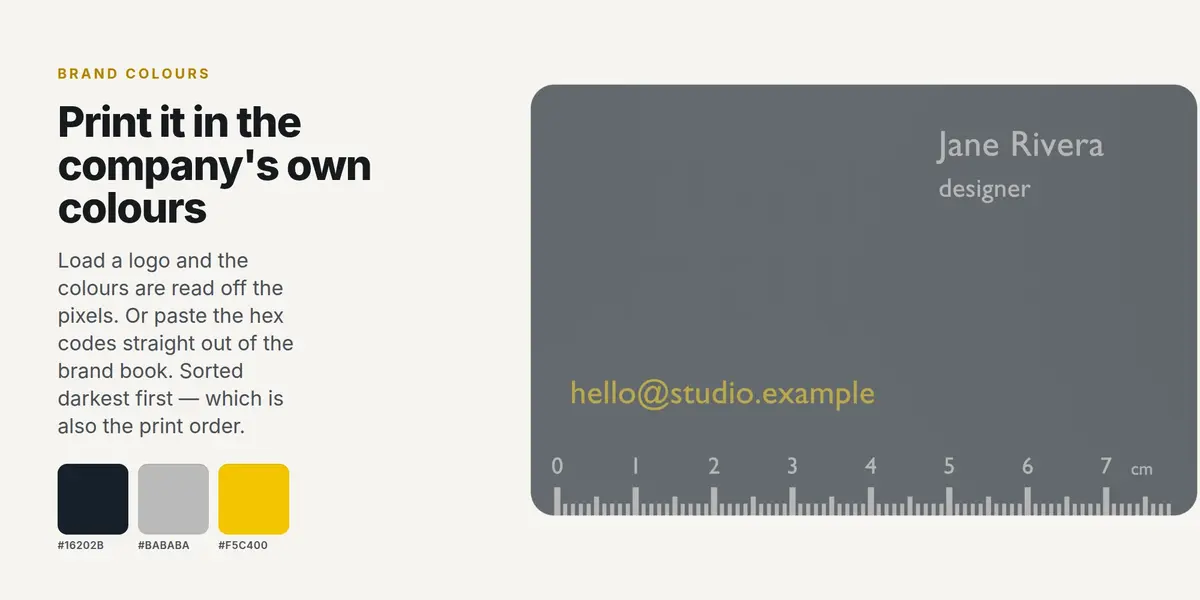
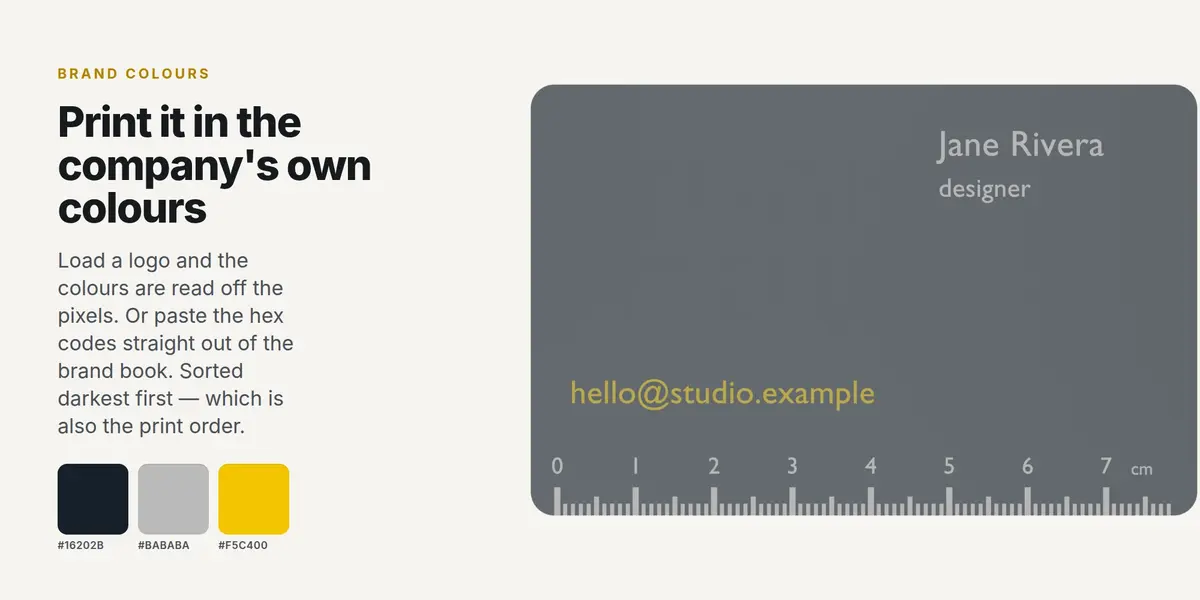
Load a logo or a page of the brand book and the colours are read off the pixels — clustered in Lab, so two shades that look the same are treated as the same and two that do not are kept apart. Or paste the hex codes straight out of the brand book in whatever shape you copied them. Either way they come back sorted darkest first, which is also the order that needs the fewest filament changes.
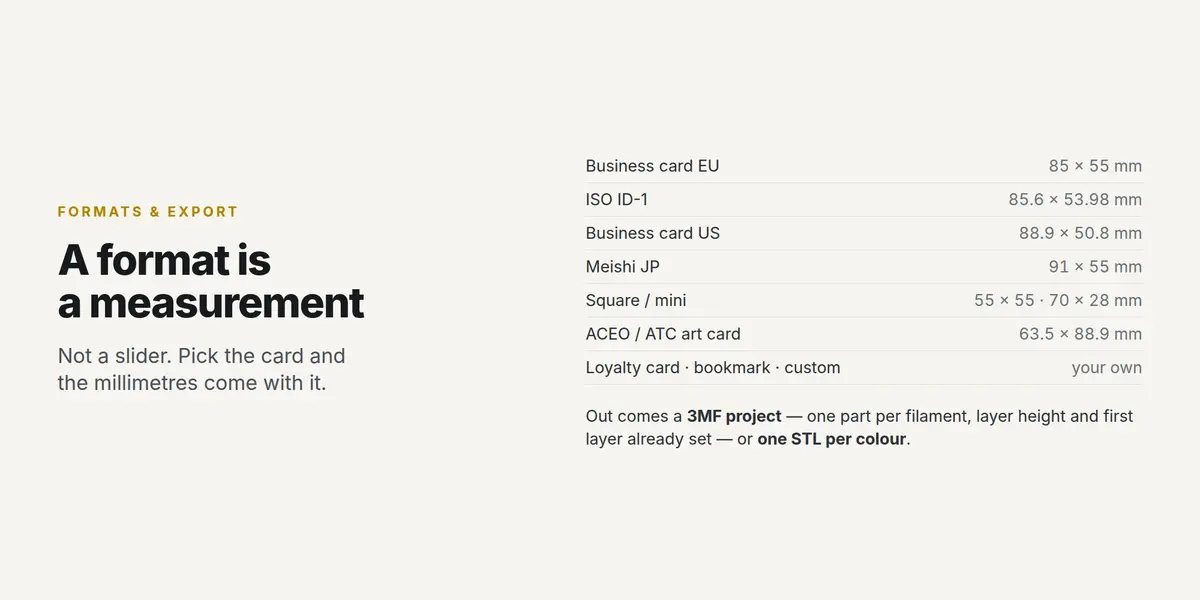
Formats are measurements, not sliders
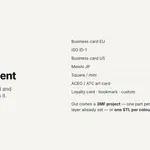
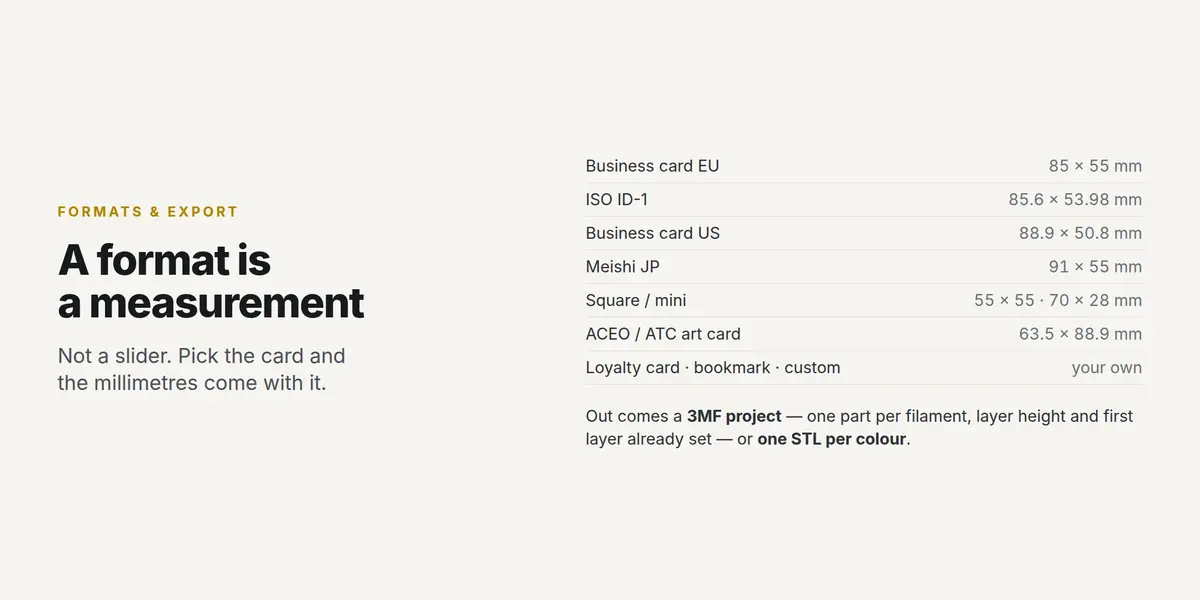
An ACEO that is not 63.5 × 88.9 mm is not an ACEO, and a card that is not 85 × 55 does not fit a European cardholder. Pick the format and the millimetres come with it: business card EU, ISO ID-1, US, Japanese meishi, square, mini, ACEO / ATC, loyalty card, bookmark, or your own size.
Artwork stays yours and stays editable. Text is Blender text — change the words, the font, the size, the tracking, and build again. Vector artwork comes in through Blender's own SVG importer and is fitted to the width you ask for.
Out comes a 3MF project for Bambu Studio and Orca — one part per filament, layer height and first layer already set — or one STL per colour for everything else.
What is in the box
- The add-on, for Blender 3.6 and newer
- Panels for the card, the artwork, the ruler, the print and the brand colours
- 3MF project export and per-colour STL export
- A README with the whole workflow
No AI inside the product
No model, no inference, no telemetry, no network access, no data collection. The add-on is deterministic geometry code that runs offline, on your machine, forever.
AI assists me: it writes code with me, and it translates my documentation into English, which is not my first language. I have been programming since long before generative tools were mainstream. The argument is the measurements, not the biography: the ruler pitch is 1.000 mm, the card measures 85.000 × 55.000 mm, every generated part is checked for open edges and the build report tells you if any remain.
Support
Updates and support are included for good - no support period, no renewal fee. Questions through Superhive chat.