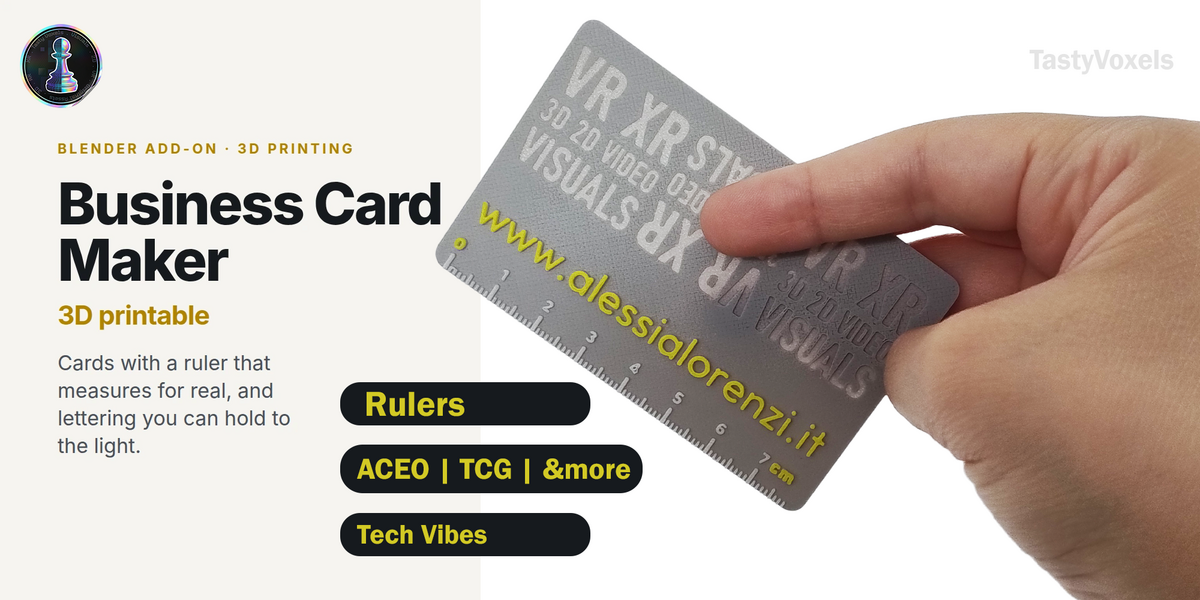
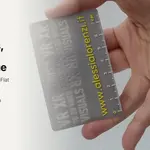
Business Card Maker 3D Printable - Cards, Art Cards and Bookmarks With a True-Scale Ruler
 TastyVoxels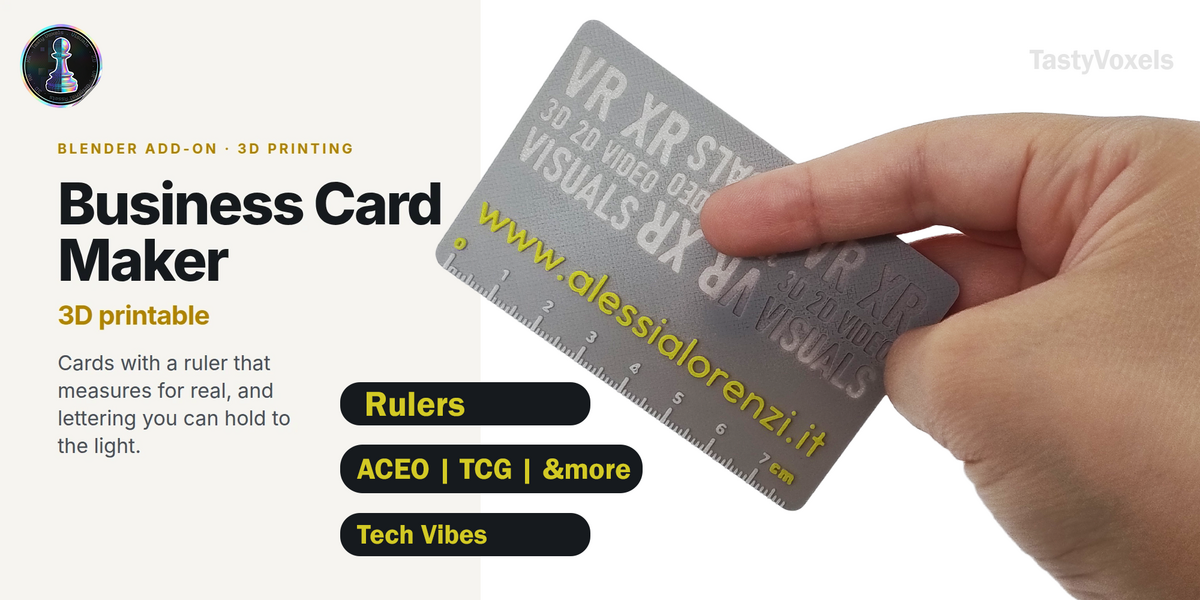
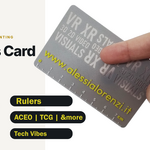
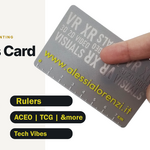
Install
Blender 4.2 and newer — Edit ▸ Preferences ▸ Add-ons ▸ the arrow at the top right ▸ Install from Disk, and pick the zip.
Blender 3.6 to 4.1 — Edit ▸ Preferences ▸ Add-ons ▸ Install, pick the zip, then tick it on.
The panels appear in the 3D viewport sidebar (press N) under Card.
The workflow
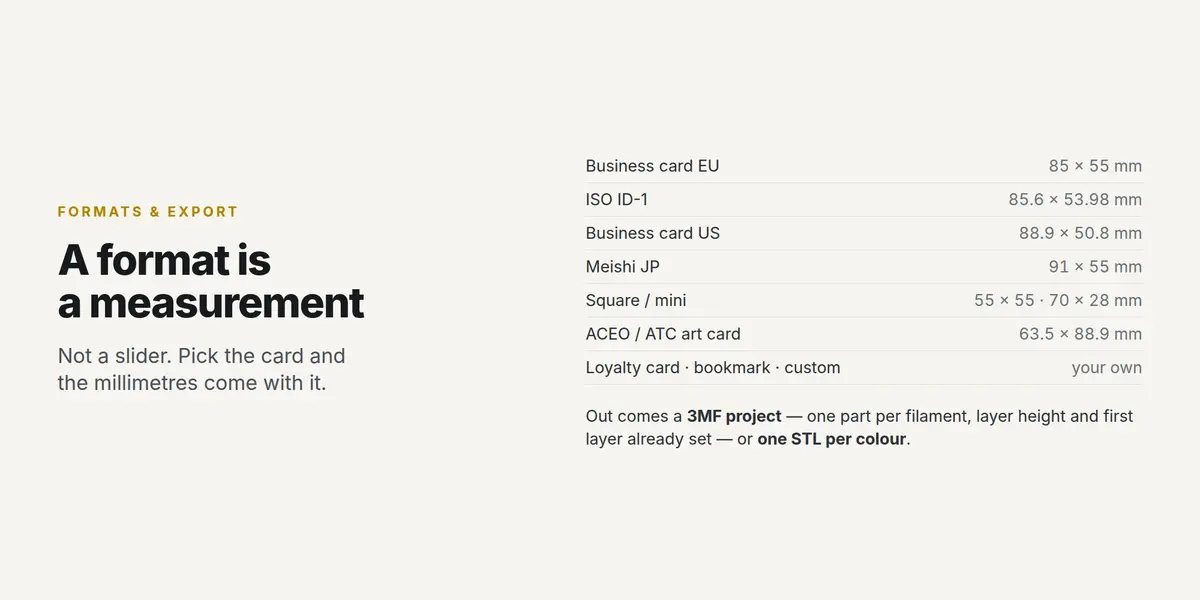
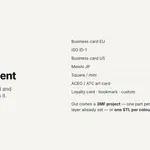
- Card — choose a format. Pick "Business card EU" and you get 85 × 55 mm, not "about that size". Set the corner radius here too.
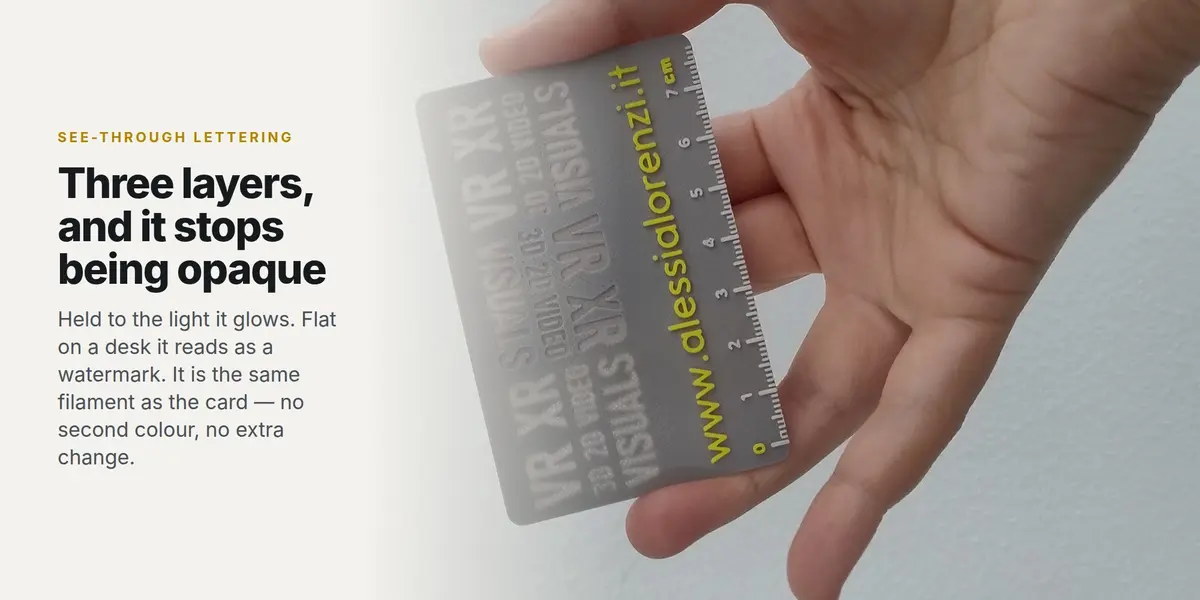
- Artwork — add text, or import an SVG. Give every piece a role: raised, raised accent, or see-through.
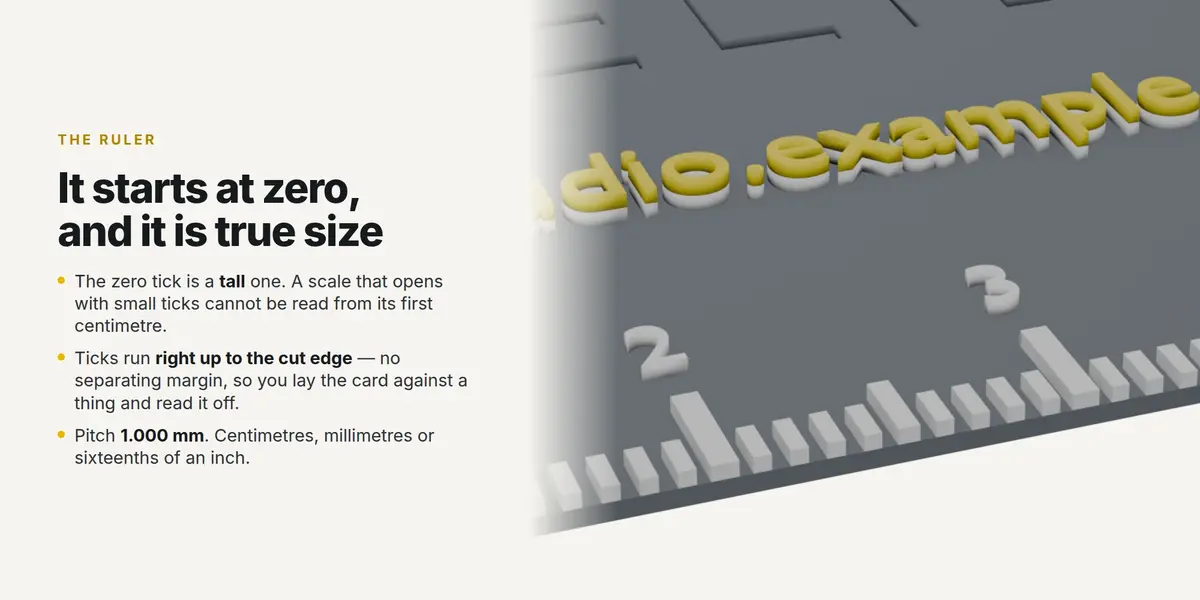
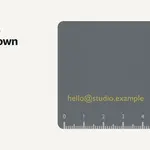
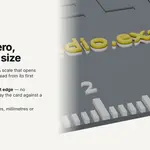
- Ruler — pick the edge and the units. It starts at its own zero, the zero tick is a tall one, and the ticks run right up to the cut edge.
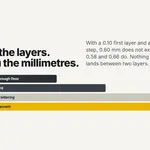
- Print — set your nozzle, layer height and first layer, then say how many LAYERS each part gets. The millimetres are shown as you go.
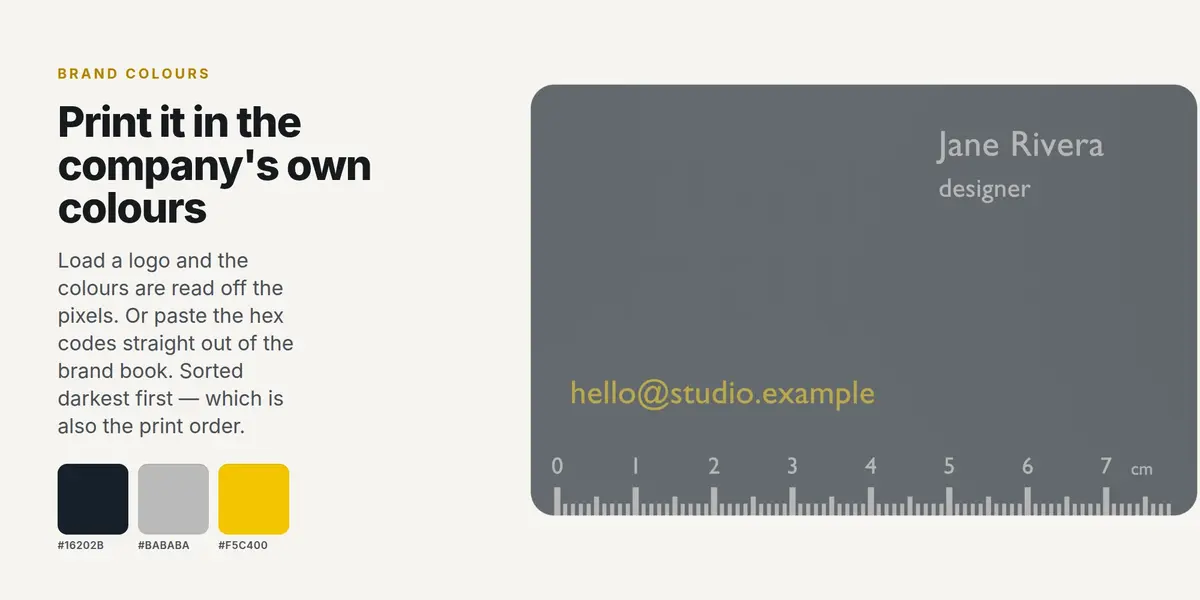
- Brand colours — load a logo and the colours are read off the pixels, or paste the hex codes from a brand book. "Send to the filaments" sorts them darkest first.
- Build and export — Build the print, then export the 3MF project or one STL per colour.
The layer numbers
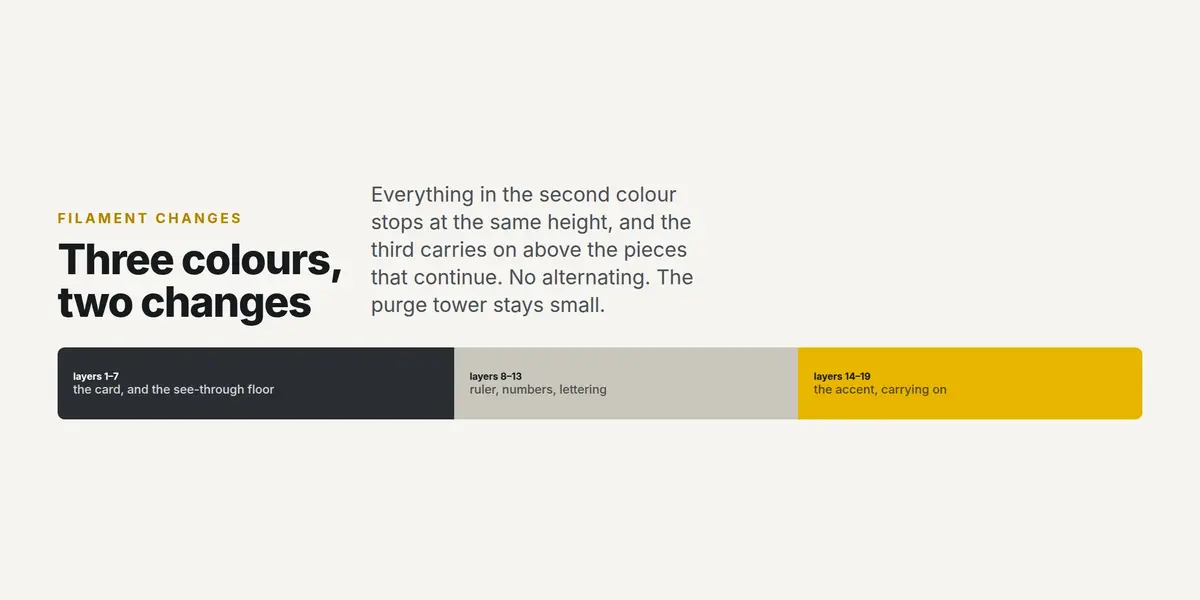
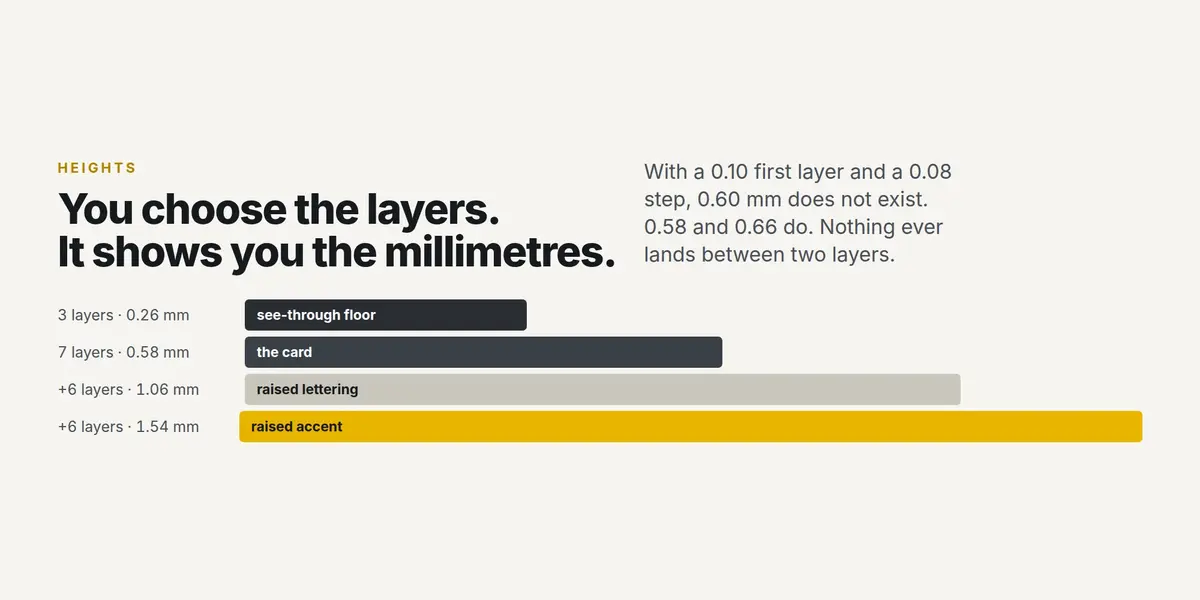
Everything is a multiple of your first layer and your layer height. With a 0.10 mm first layer and a 0.08 mm step, a card of 7 layers is 0.58 mm, a see-through floor of 3 layers is 0.26 mm, and 6 more layers of relief reach 1.06 mm. The Print panel shows all four heights and the total layer count before you build.
Filament changes on a single-extruder printer
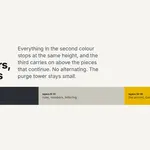
Insert a filament change at the first layer of each colour. The Print panel gives you the heights; in your slicer that is the layer whose top is at the height shown. Because every piece in a colour ends at the same height, three colours need two changes.
If the build report mentions open edges
Two pieces of artwork are touching at exactly one point — most often two letters of a word. Slicers handle it and the print is fine. To clear it, nudge the pieces apart or add a little tracking to the text and build again.
What it needs
Blender 3.6 or newer. Nothing else — no internet, no account, no extra Python packages. SVG import uses Blender's own importer, so any SVG Blender reads, this reads.
Licence
GPL-3.0-or-later. The cards you design and print are yours, with no restriction and no attribution.
SOLVING NOTHING PRINTING EVERYTHING:
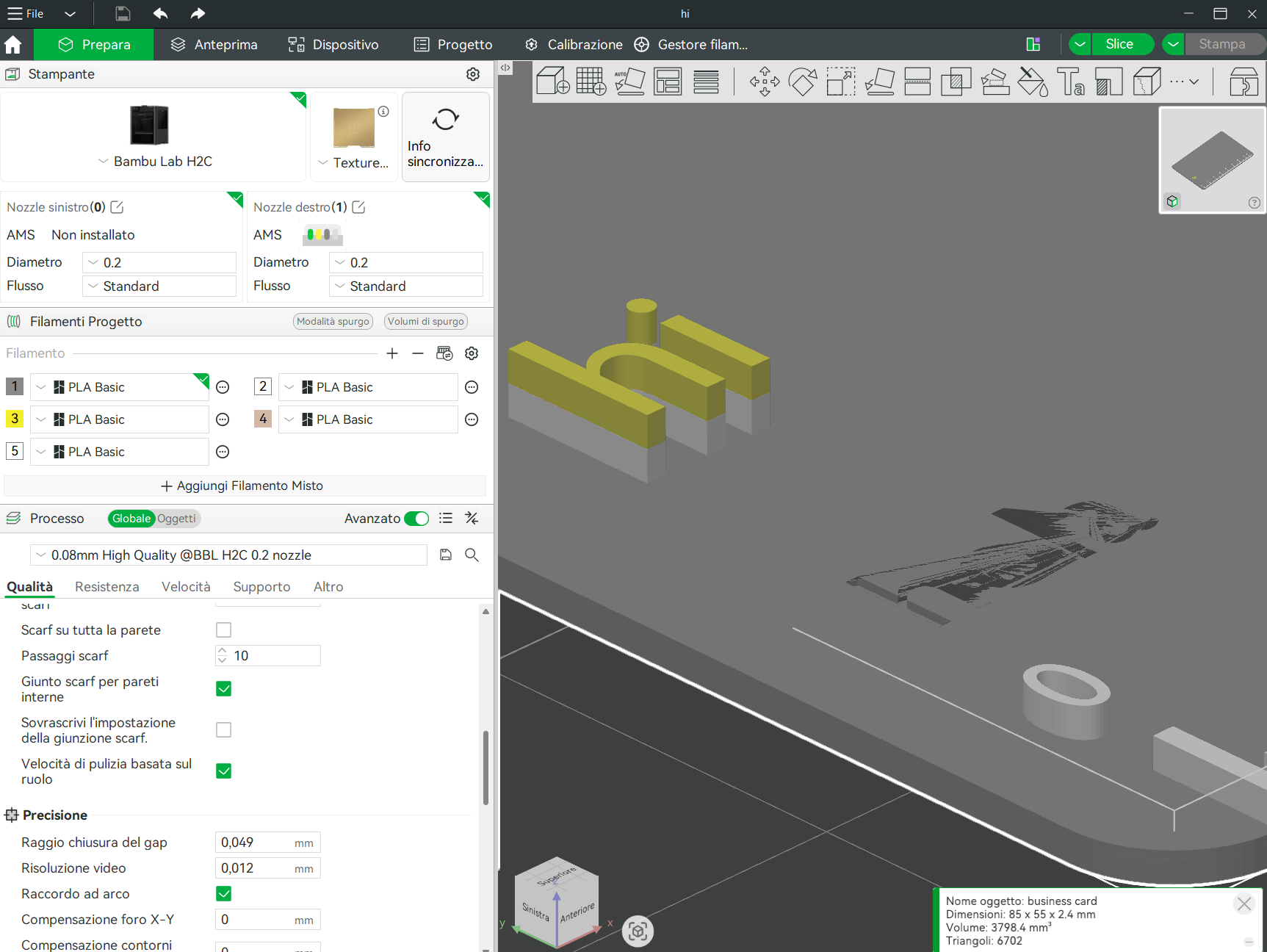
This is an example of a "not a problem" case, in the slicer the geometry sometimes looks like this (but with no geometry errors detected).
If you try to slice it the result will be:
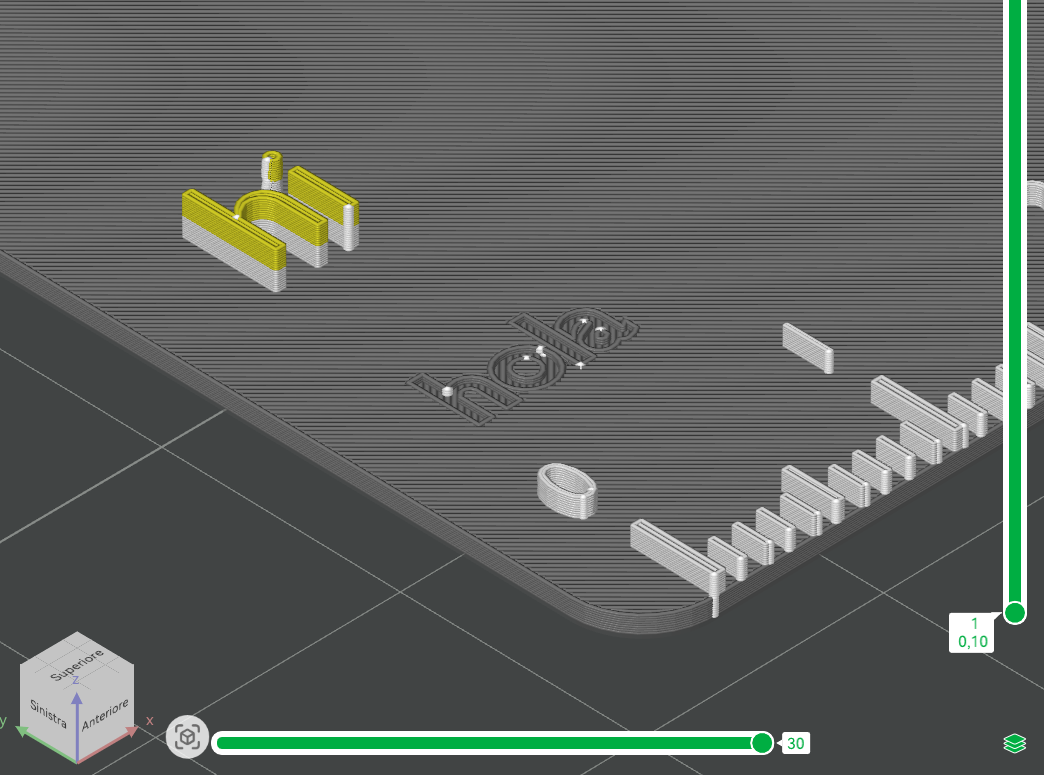
A perfect print!
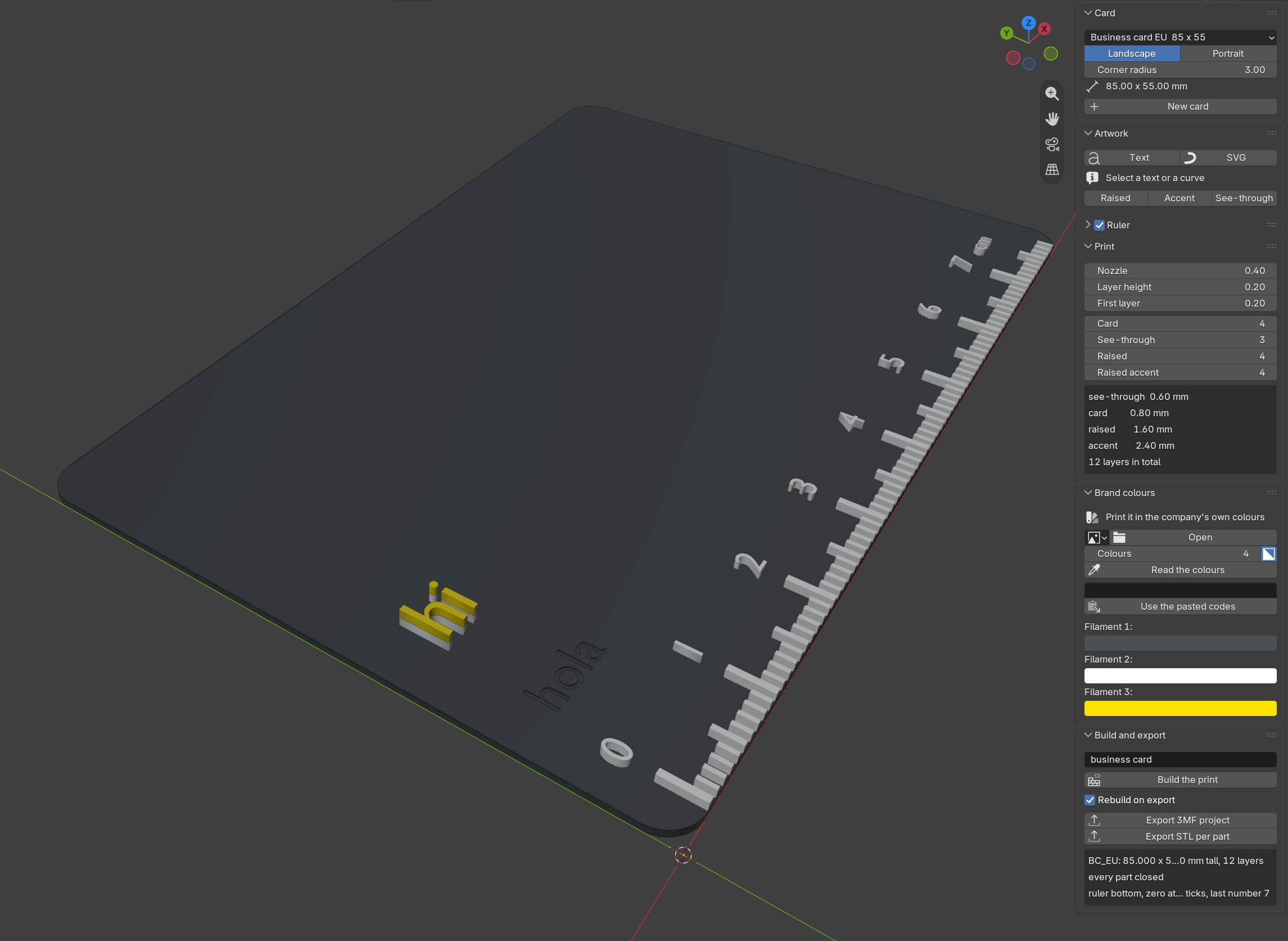
From that blender project.
Important:
Use 0.2mm nozzle for better results! This template is made for 0.2mm nozzle and 0.08mm layer height (with first layer of 0.1mm), but you can change everything.
Have questions about this product?
Login to message
| Blender Extension Compatible | Yes |
| Dev Fund Contributor | |
| Published | about 2 months ago |
| Blender Version | 3.6 - 4.0 |
| Extension Type | Add-on |
| License | GPL |
Discover more products like this
aceo printable ruler Card parametric 3MF bookmark 3d printing SVG brand colors business card bambu studio