01
Installation
1 |
Download the newest cabin_machine zip from your Superhive library. Do not unzip it. |
2 |
In Blender, open Edit > Preferences > Get Extensions, click the v menu and choose Install from Disk..., then pick the zip. |
3 |
Press N in the 3D Viewport: the Cabin Machine tab is in the sidebar. |
Updating: install the new zip the same way, restart Blender, then press Maintenance > Rebuild Node Groups once in each file. Your settings are kept.
02
Quick start
1 |
Scale the default cube into a building. Any closed mesh works. |
2 |
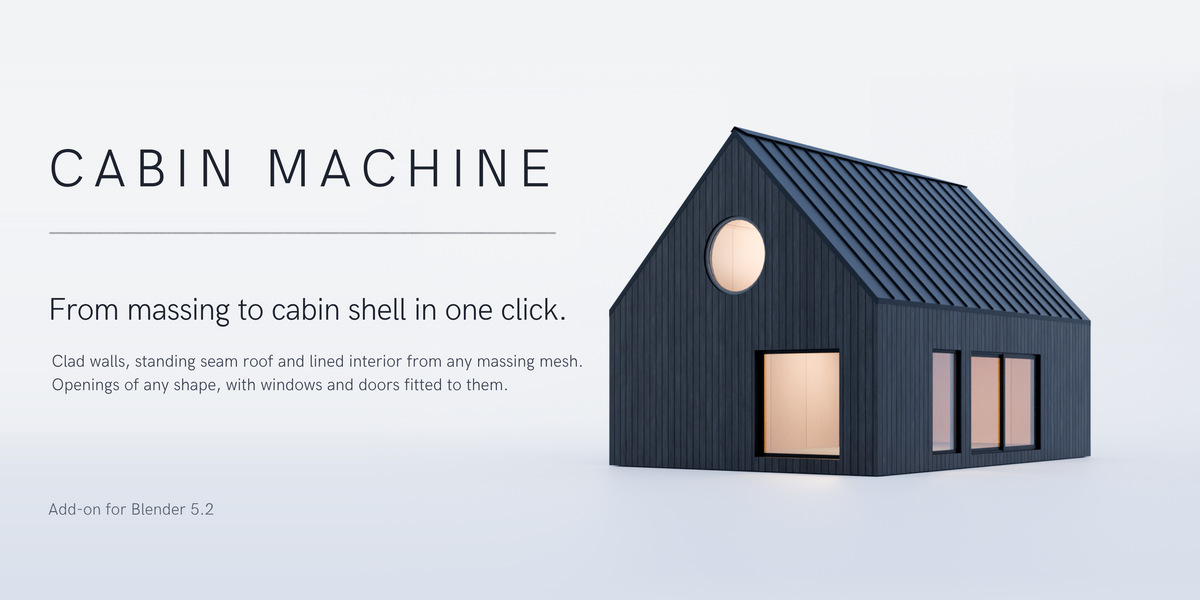
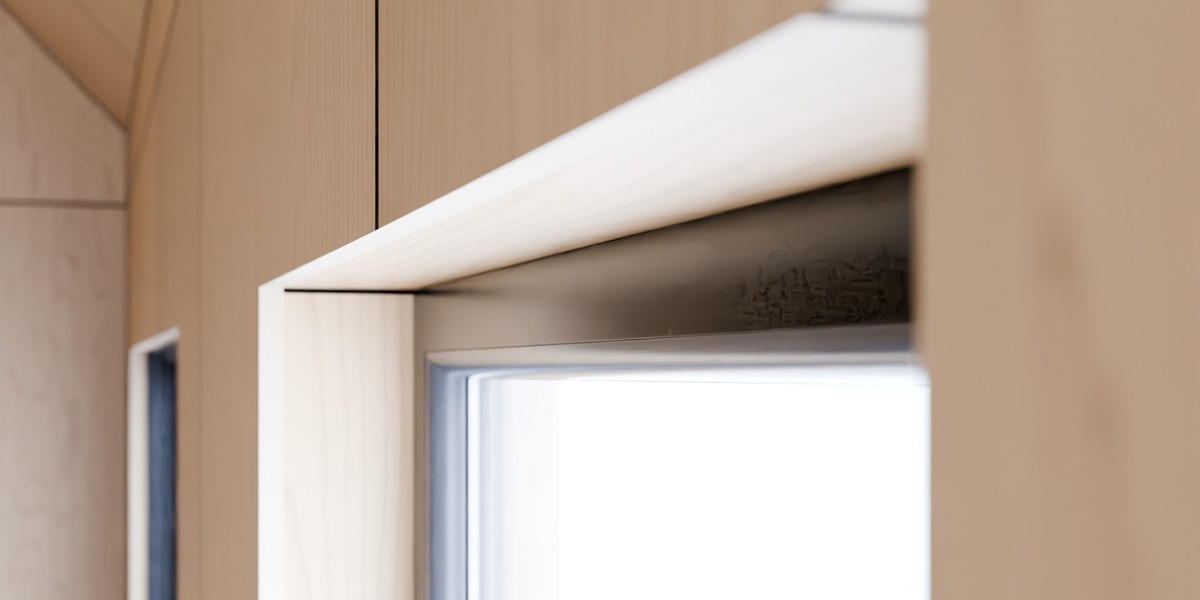
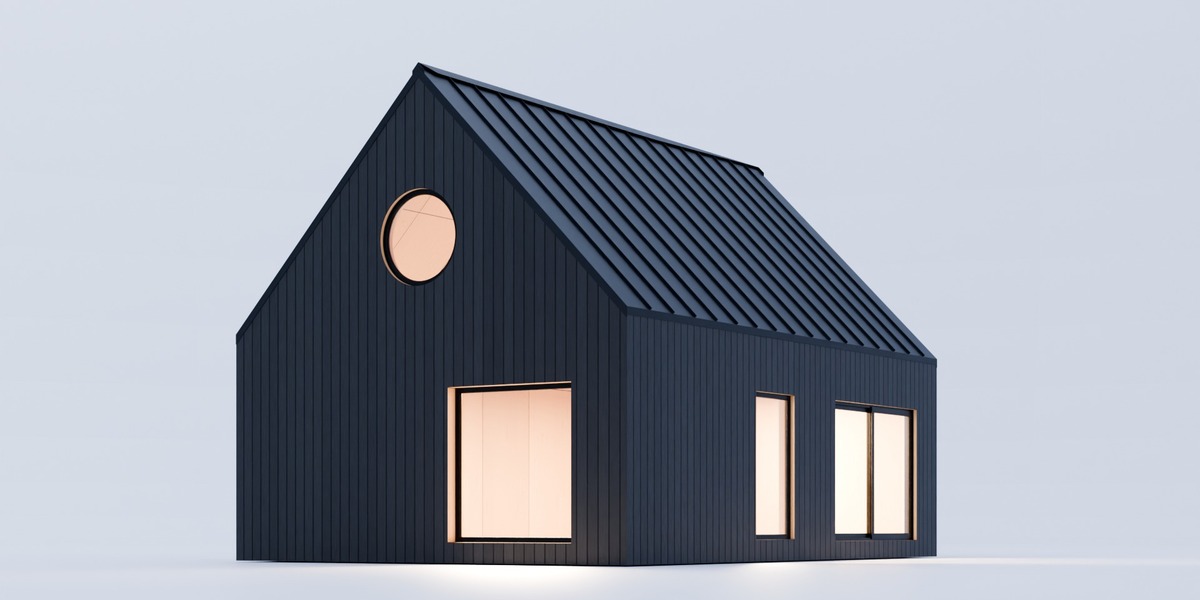
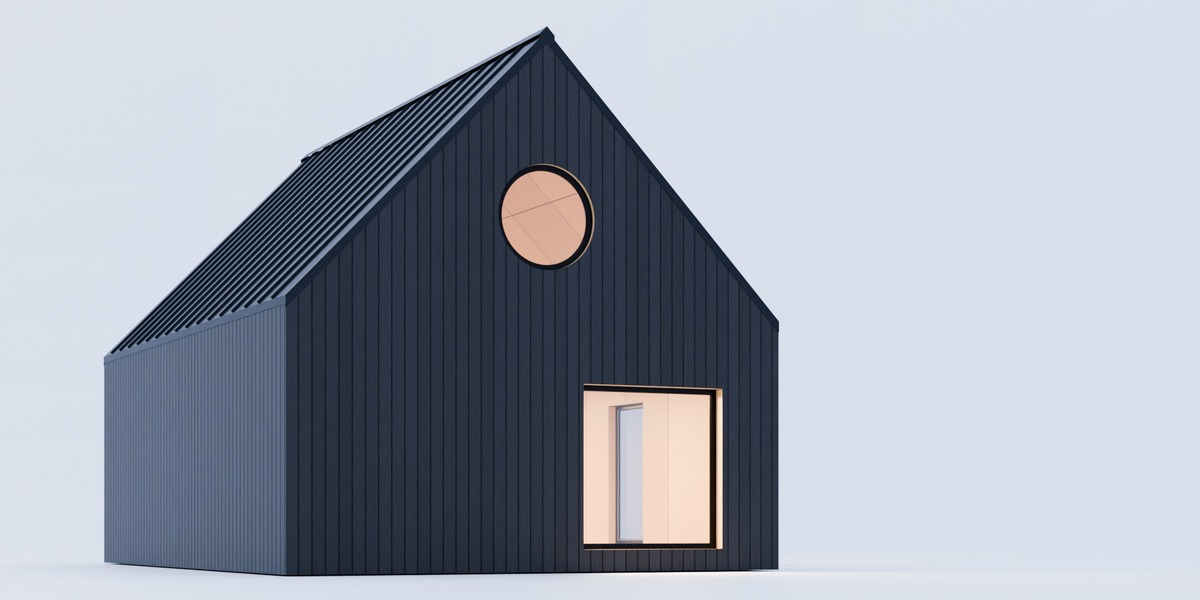
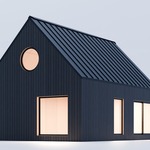
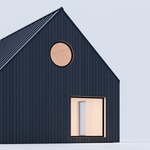
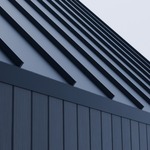
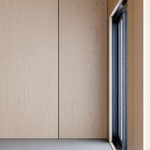
In the Cabin Machine tab press Apply Cabin Machine: you get clad walls, a standing seam roof, a lined interior and a concrete floor. |
3 |
Put the 3D cursor on a wall (Shift + right-click) and press + Opening. |
4 |
Set the opening's Window to Double Window. |
5 |
Tab into Edit Mode on the building and move a vertex: everything follows. |
The building stays the object you started with, so the massing is always there to edit.
03
Shell
The massing's outer surface is the outside of the cladding; everything is built inwards from it. Wall Depth, Roof Depth and Floor Depth are 25 cm by default.
A different depth on some faces: in Edit Mode select the faces, press Set Face Depth and type the depth. Clear gives them the normal depth back.
04
Openings
Click an opening's handle in the viewport to select it; drag the handle to slide it along the wall.
| Setting | What it does |
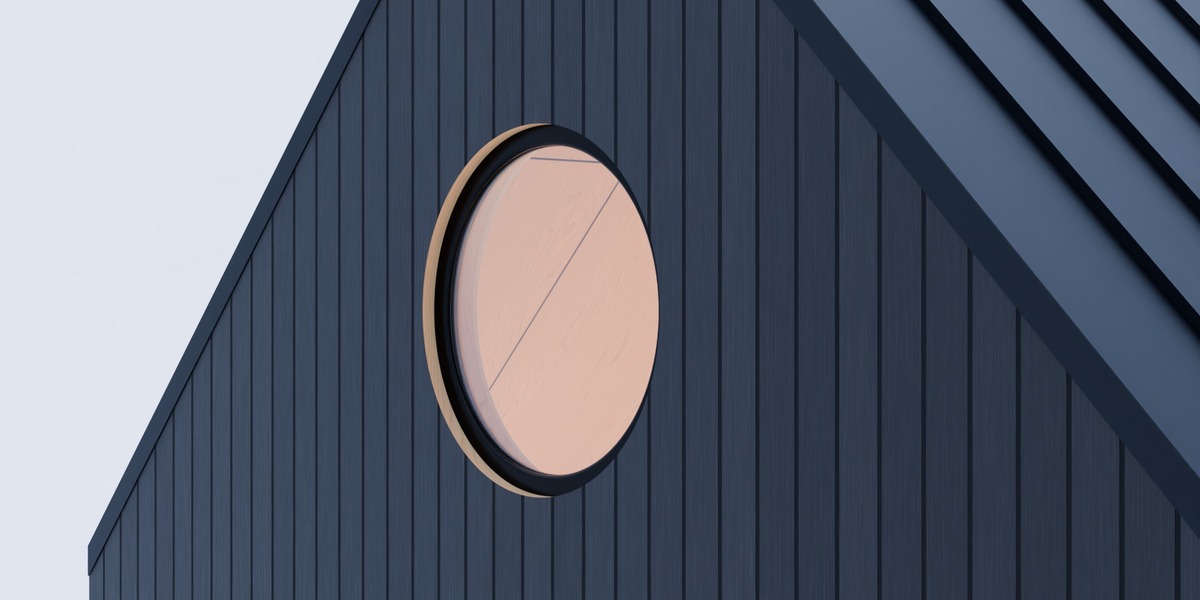
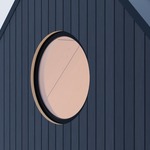
| Shape | Rectangle, Round Arch, Gothic Arch or Circle. Edit the vertices for any other outline |
| Width / Height | Type a size (a Diameter for a circle). The sill stays where it is and the window refits |
| Cut |
Through wall cuts a flat outline straight through. Custom solid cuts the opening exactly as modelled |
| Window | None, a built-in window or door, or Your Own... |
| Open | 0 % closed, 100 % fully open. Hover over it and press I to keyframe |
| Flip Hand / Facing | Hang it on the other side, or make it open the other way |
| Reveal | How far the window sits in from the outer face of the wall (5 cm). Negative values stand it proud |
| Refit Window | Rebuild the window after you changed the window model |
Cut Windows (Openings section) turns all cutting off while you work on a heavy building.
05
Windows and doors
Built in: Fixed Window, Double Window, Sliding Door, Entrance Door, Internal Door and Concealed Door. The frames are rebuilt on the opening's own outline, so there is no size limit and any shape works. They share FF Glass, FF Window Frame, FF Rubber and FF Hardware: change the frame colour once and every window follows.
Your own windows and doors
1 |
Put the model in its own collection, at real size, standing upright, with the outside facing +Y. |
2 |
Select an opening, set Window to Your Own... and pick the Collection. |
Cabin Machine reads each part's cross-section and rebuilds it on the opening's outline, mitred at every corner. Nothing is stretched. After editing the model, press Refit Window. If it comes out back to front, rotate the model 180° around Z and refit.
06
Partitions and floors
Put the 3D cursor inside the building and press + Partition, then choose Wall or Slab. With Auto Fit on (the default) it fills the room wall to wall and up to a sloped ceiling. An opening added next to a partition cuts through it and moves with it.
07
Roof
| Setting | Default | What it does |
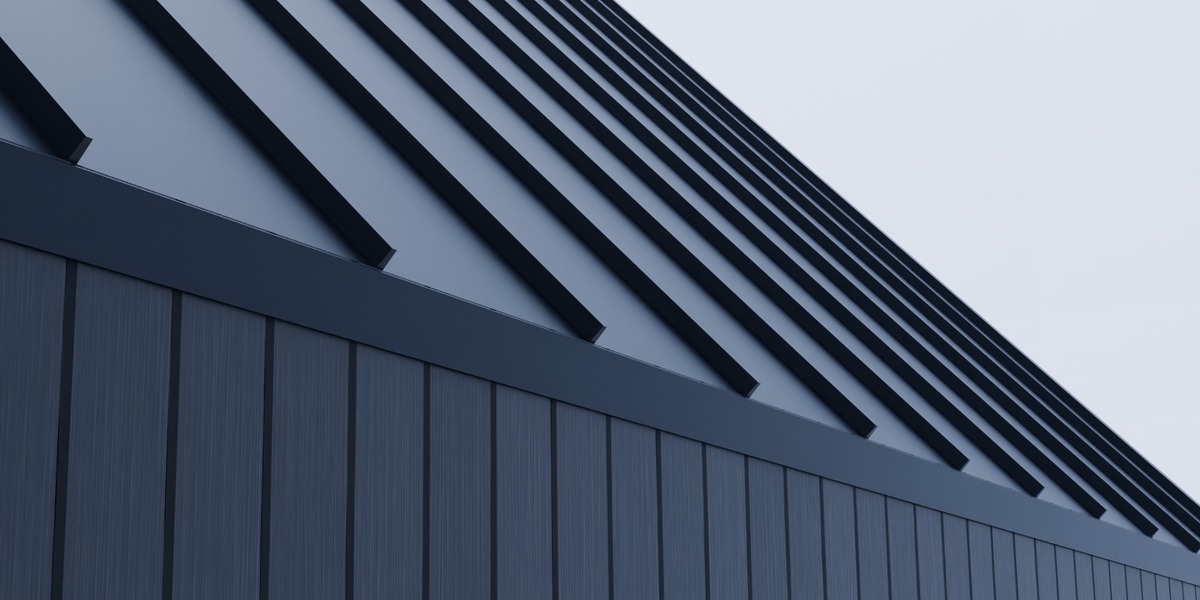
| 3D Seams | on | Standing seams as real geometry. Off: painted by the shader (lighter) |
| Seam Pitch | 53 cm | Distance between seams |
| Seam Height / Width | 32 mm / 10 mm | Size of each seam |
| Wall Flashing | off | A metal band along the top of the walls where they meet the roof |
| Ridge Flashing | off | A cap over every ridge and hip |
08
Materials
Six slots, each with its material's settings in the panel.
| Slot | Default material |
| Outside | FF Shou Sugi Ban |
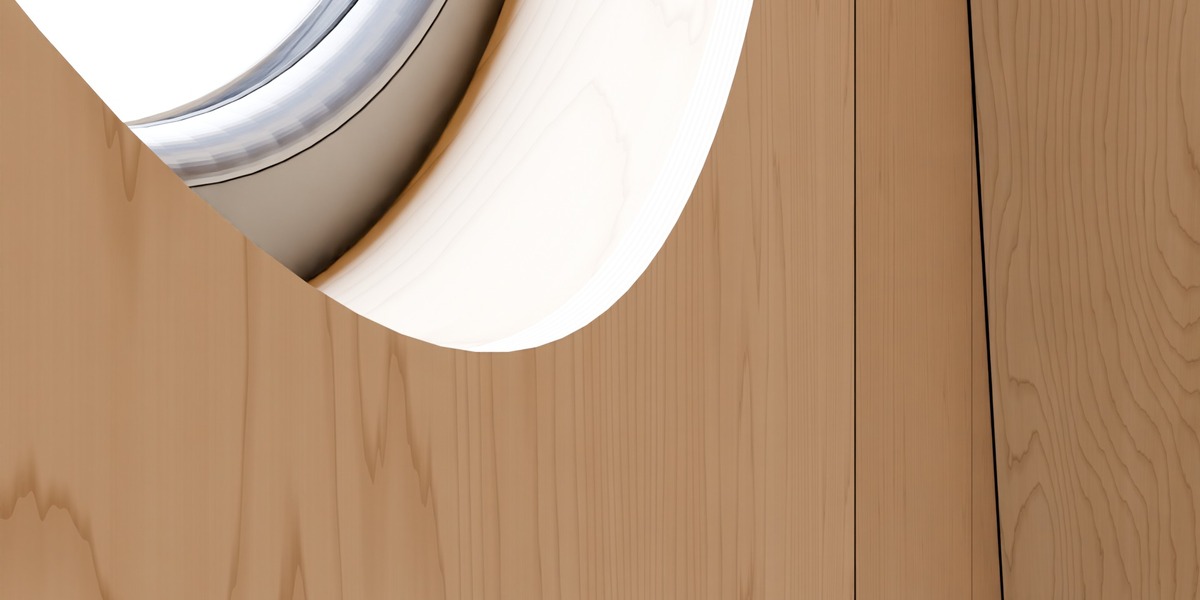
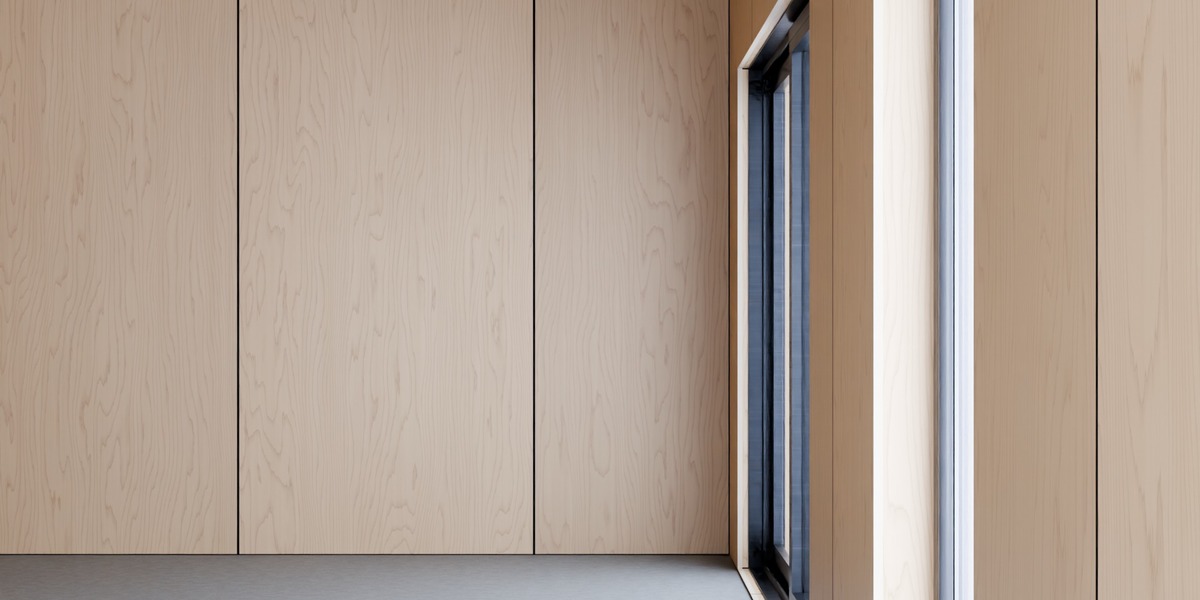
| Inside | FF Birch Plywood |
| Roof | FF Standing Seam |
| Ceiling | FF Birch Plywood Ceiling |
| Underside | FF Underside (plain dark) |
| Floor | FF Concrete |
FF Standing Seam Siding in the Outside slot clads the walls in standing seam metal with real 3D seams, sized by the roof's Seam Pitch / Width / Height; pick another material and the seams go away. FF Plaster and FF Sauna Boards are also included for the Inside or Ceiling slot, and you can put any material of your own in any slot. Patterns are measured in metres from the building's own corners, so joints start at floor level and at wall corners.
Displacement: materials use Bump by default (EEVEE and Cycles). For real relief in Cycles, add a Subdivision Surface modifier after FF Windows (Adaptive Subdivision) and set the material's Displacement to Displacement and Bump.
09
Several buildings and export
-
Duplicate a building together with its openings, partitions and windows (Shift+D). The copy is a building of its own and shares materials until you press Make Unique.
-
Bake to Mesh copies the finished building to a plain mesh for export (FBX, OBJ, glTF). The original stays live.
-
Remove Cabin Machine turns the building back into a plain mesh.
-
Deleting an opening, or any part of its window or door, removes the whole window together with its opening (Ctrl+Z brings it back). To keep the hole and drop only the window, set Window to None.
10
Troubleshooting
No Cabin Machine tab
Press N in the 3D Viewport, check the extension is enabled in Preferences.
Apply is greyed out
Select a mesh object in Object Mode.
An opening does not cut
Check Cut Windows is on and Cutter Depth is larger than the wall.
The viewport is slow
Turn off Cut Windows or 3D Seams while you design, or bake finished buildings.
Something looks wrong after updating
Restart Blender, then Maintenance > Rebuild Node Groups.
Questions or a bug?
Send a message through Superhive with your Blender version and, if you can, the .blend file.
 Home Made Sauna Wojciech Kumik