 Home Made Sauna Wojciech Kumik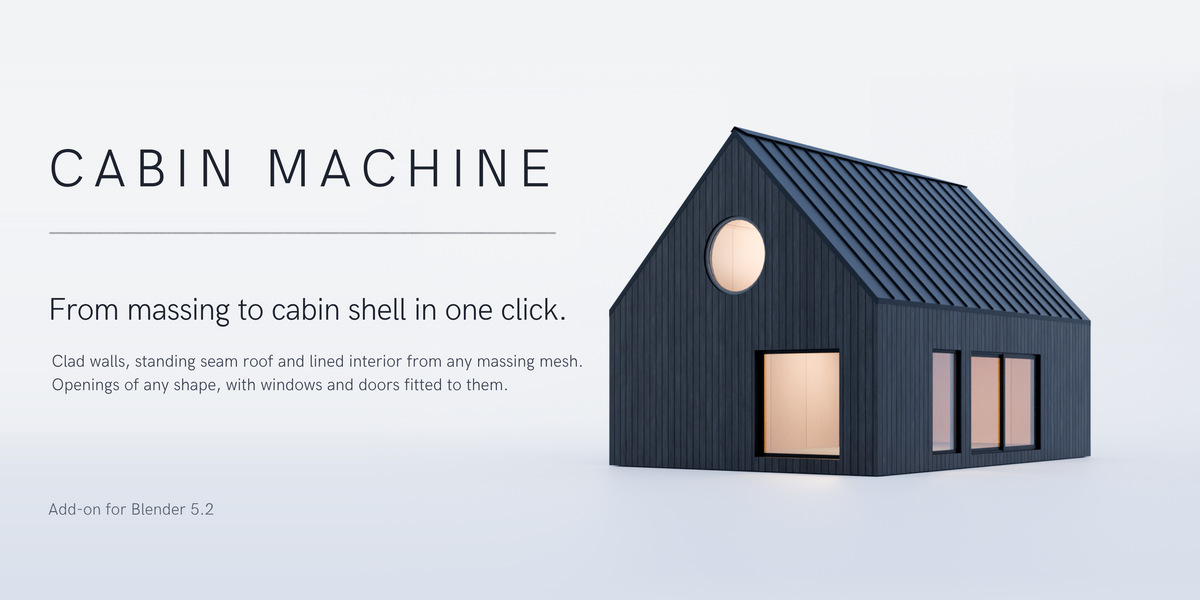
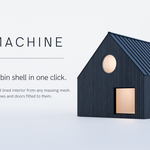
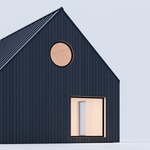
Model a box. Get a building.
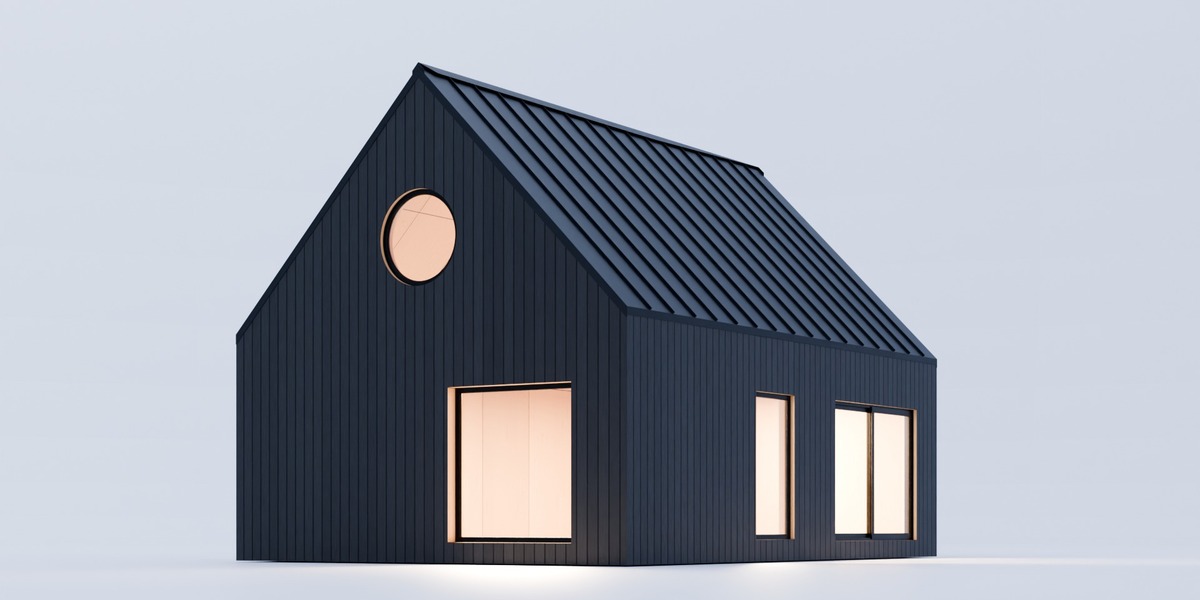
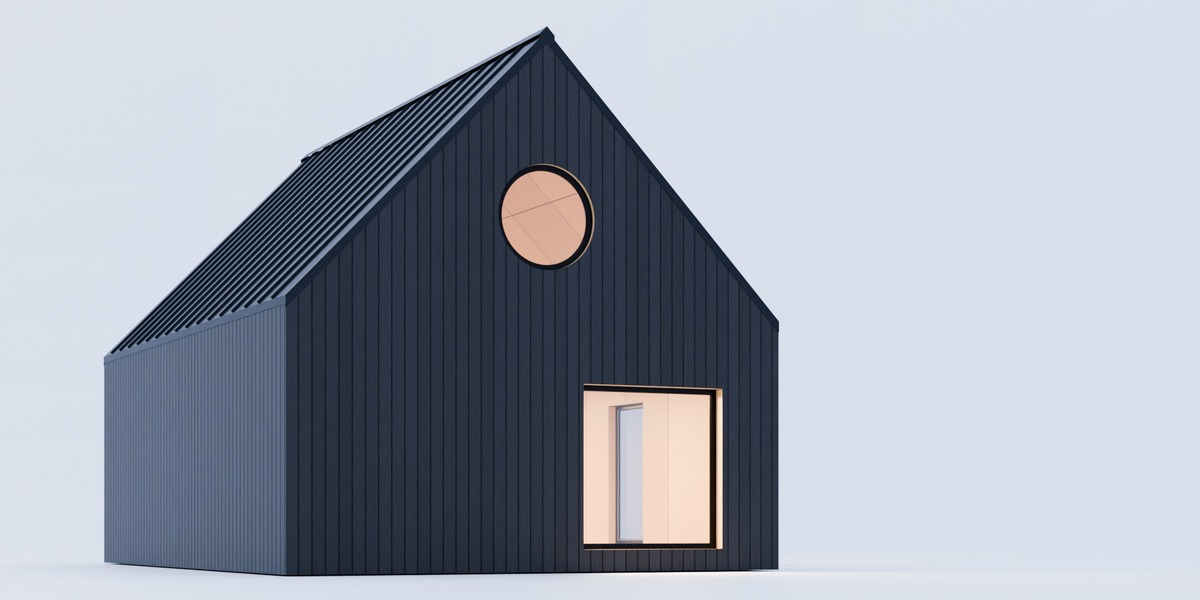
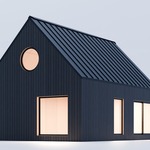
Cabin Machine turns a simple massing mesh into a finished, live building shell: walls, roof and floor with real thickness, charred cladding, a standing seam roof, a birch-lined interior, and windows and doors fitted into openings of any shape. Change the box, and everything follows.
Your massing is the buildingApply it to any closed mesh and keep editing it.
|
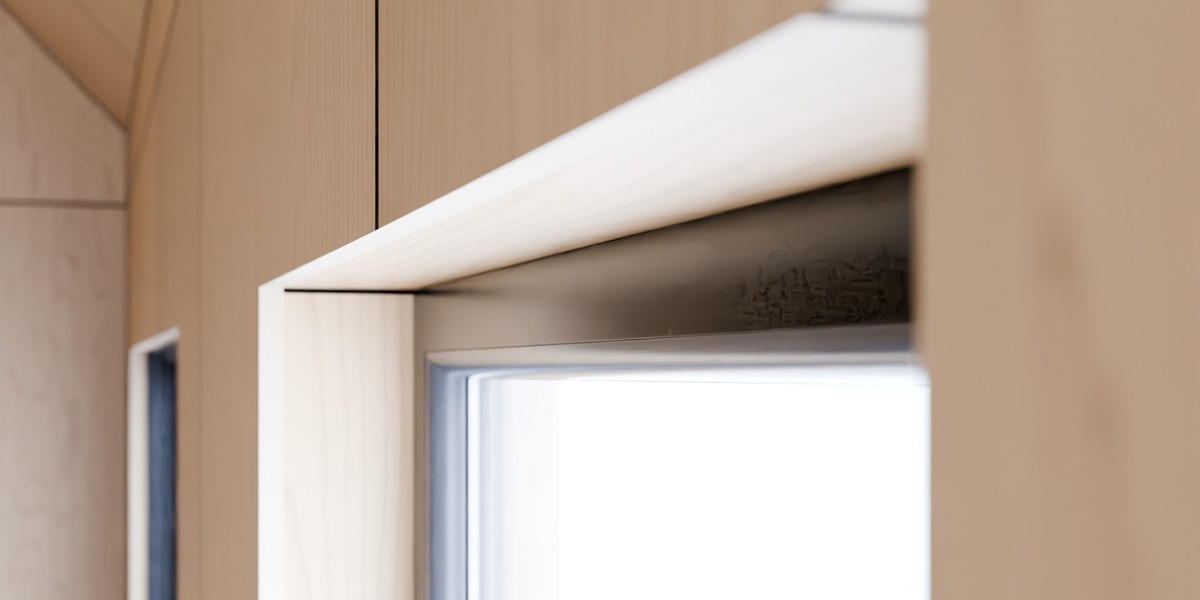
Windows that really fitProfiles swept round any opening, mitred like a joiner would.
|
Carpentry, generatedSeams, flashing, shadow gaps and end grain where they belong.
|
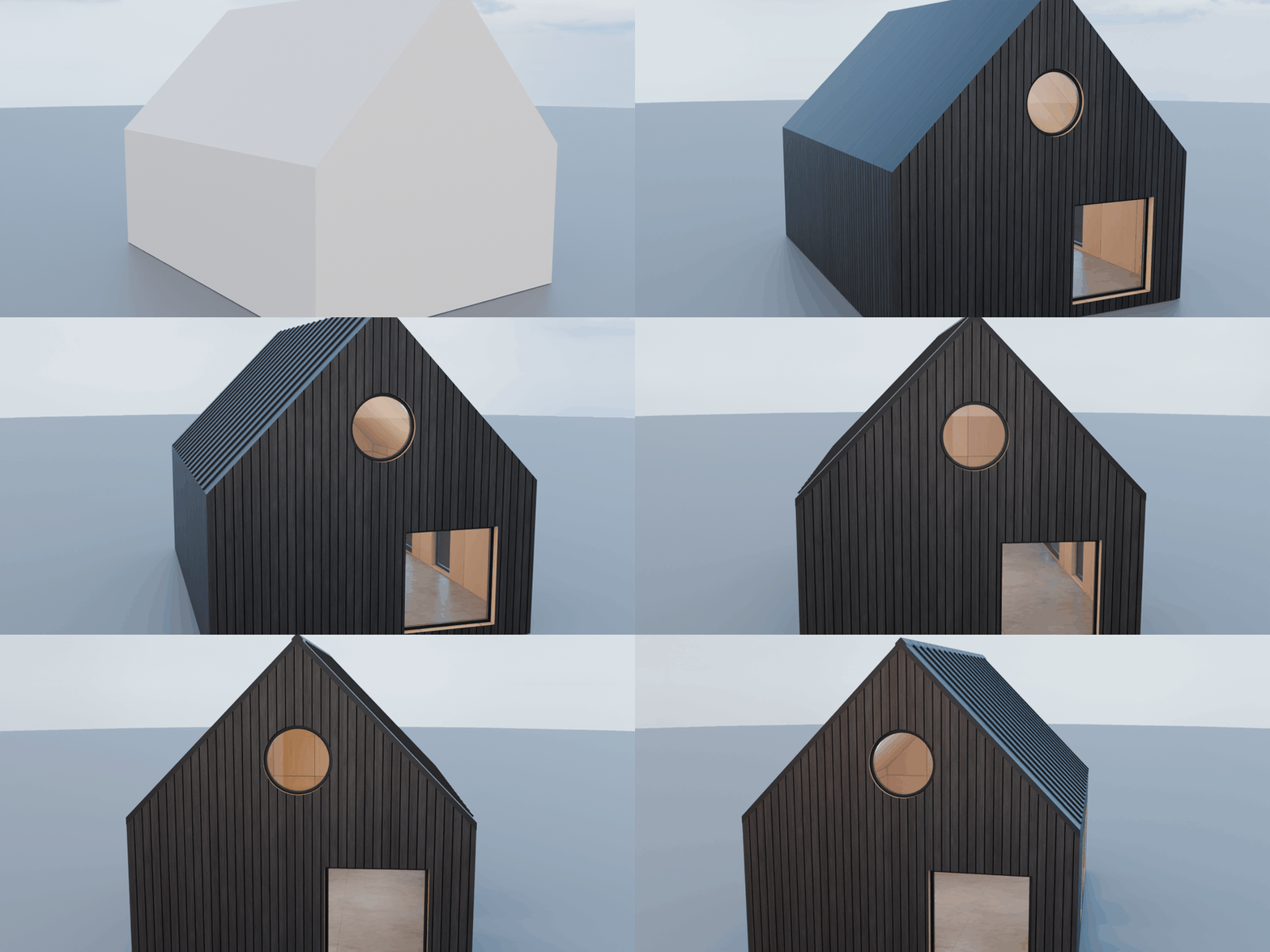
A box. A building.
Select any closed mesh, press Apply Cabin Machine, and it becomes the building: walls, roof and floor built inward from its surface, corners mitred whatever the depths, six material slots filled.
Live, all the way.
Nothing is baked. Raise the ridge, push a wall, drag a window: the shell, the seams, the lining and the frames rebuild while you drag. You keep designing the building instead of modelling it.
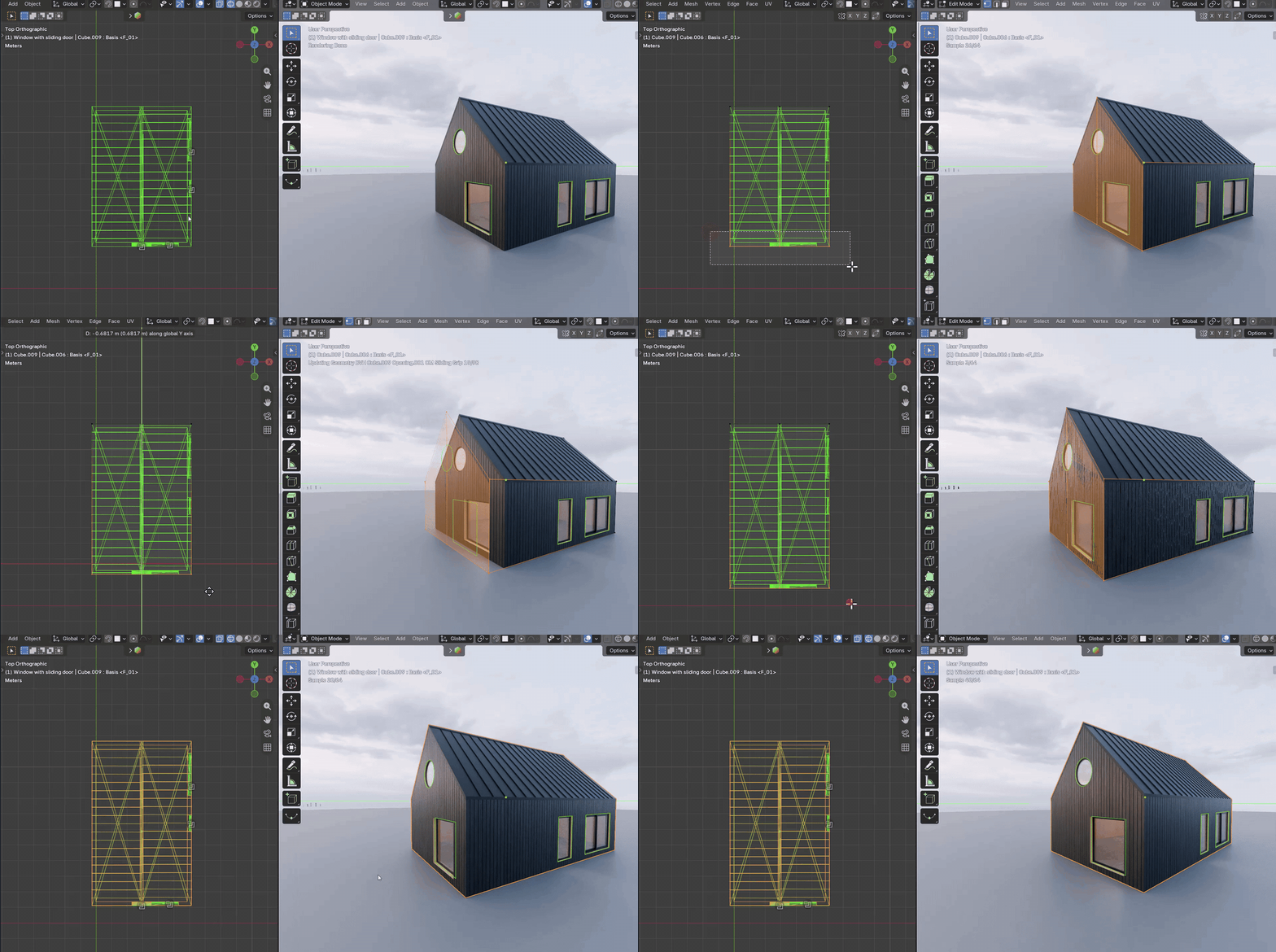
Edit Mode on the massing: move a wall and everything on it follows.
Six windows and doors, built in.
Pick one from the opening's Window list. Slim black aluminium frames with rounded edges, double glazing, birch leaves and real hardware at standard sizes. They share one set of materials: change the frame colour once and every window in the file follows.
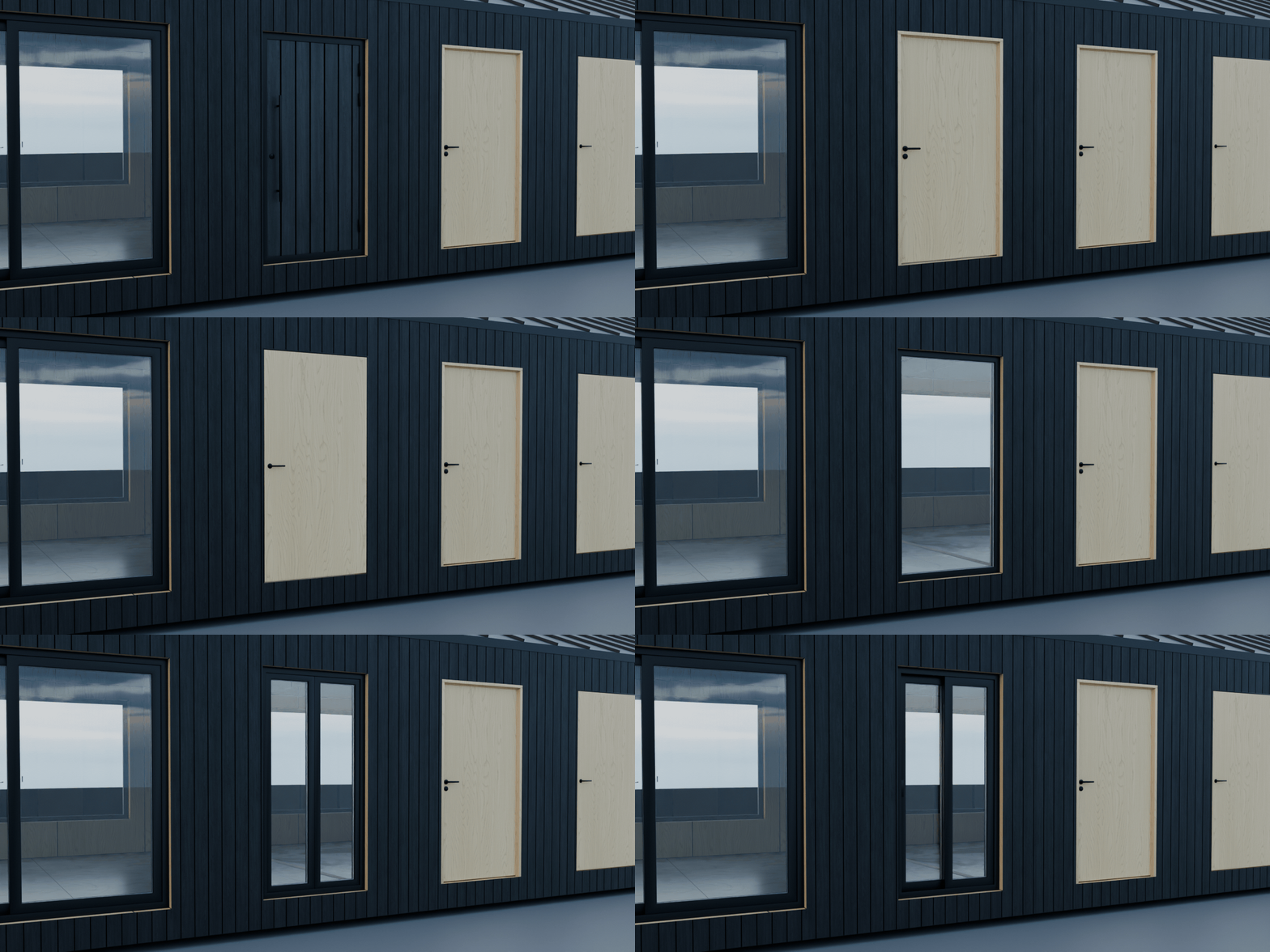
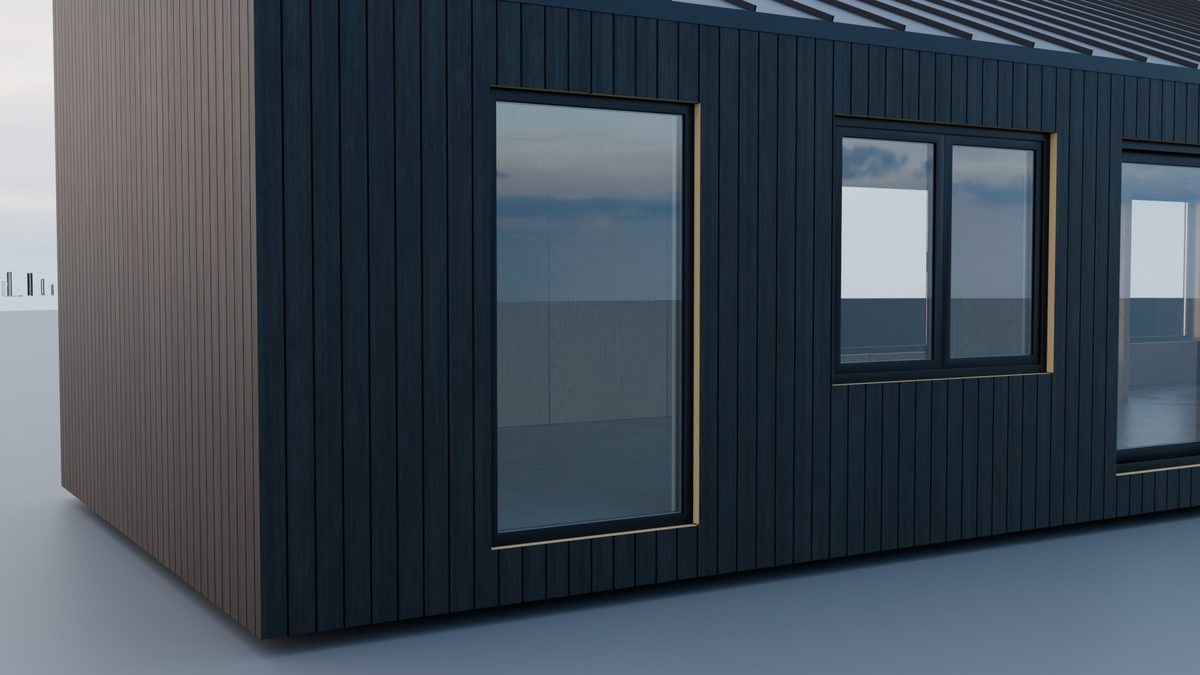
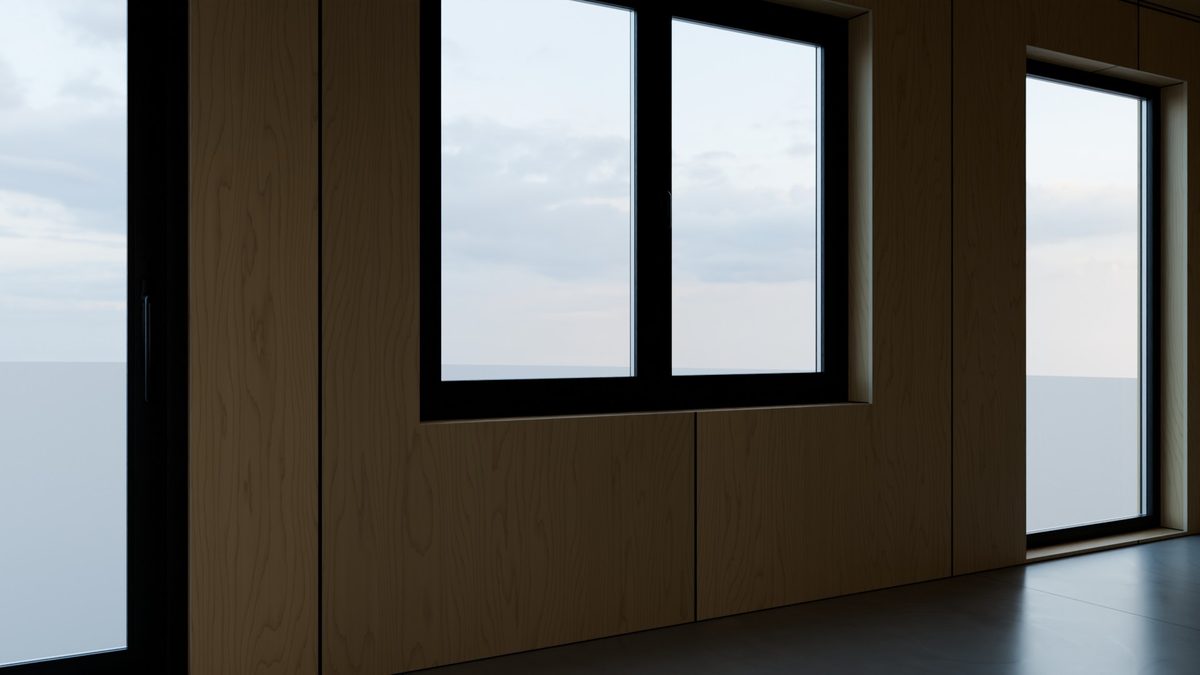
Fixed WindowA slim frame round a fixed light. |
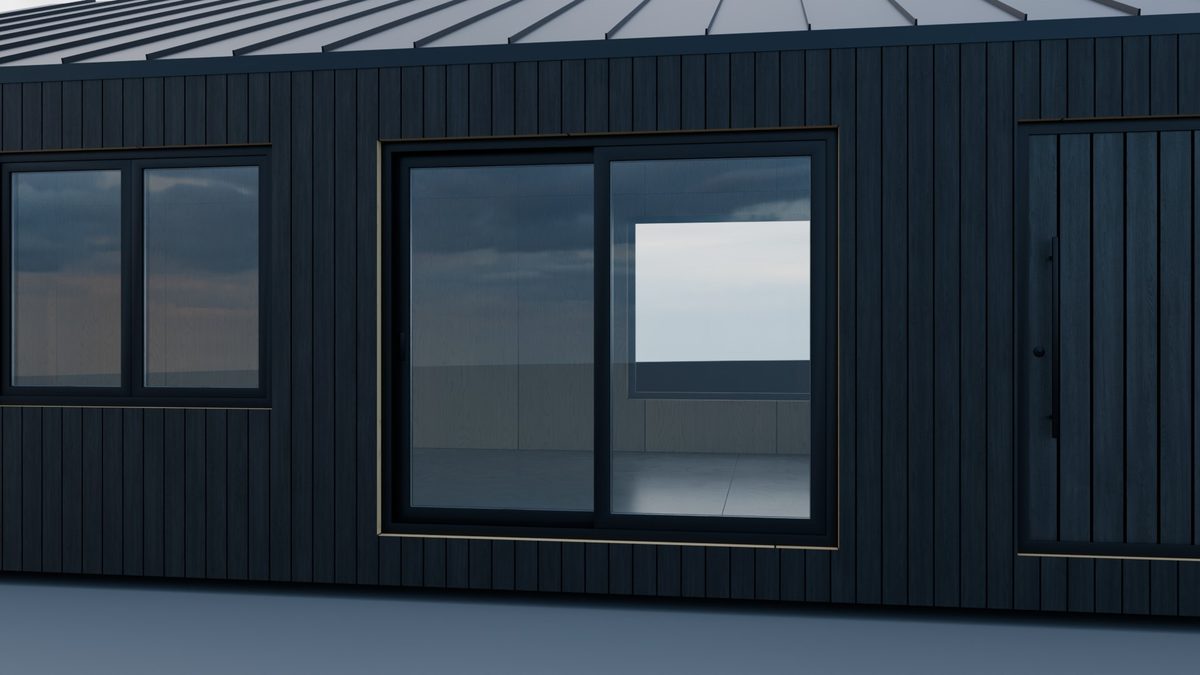
Double WindowTwo casements with a turn/tilt handle. |
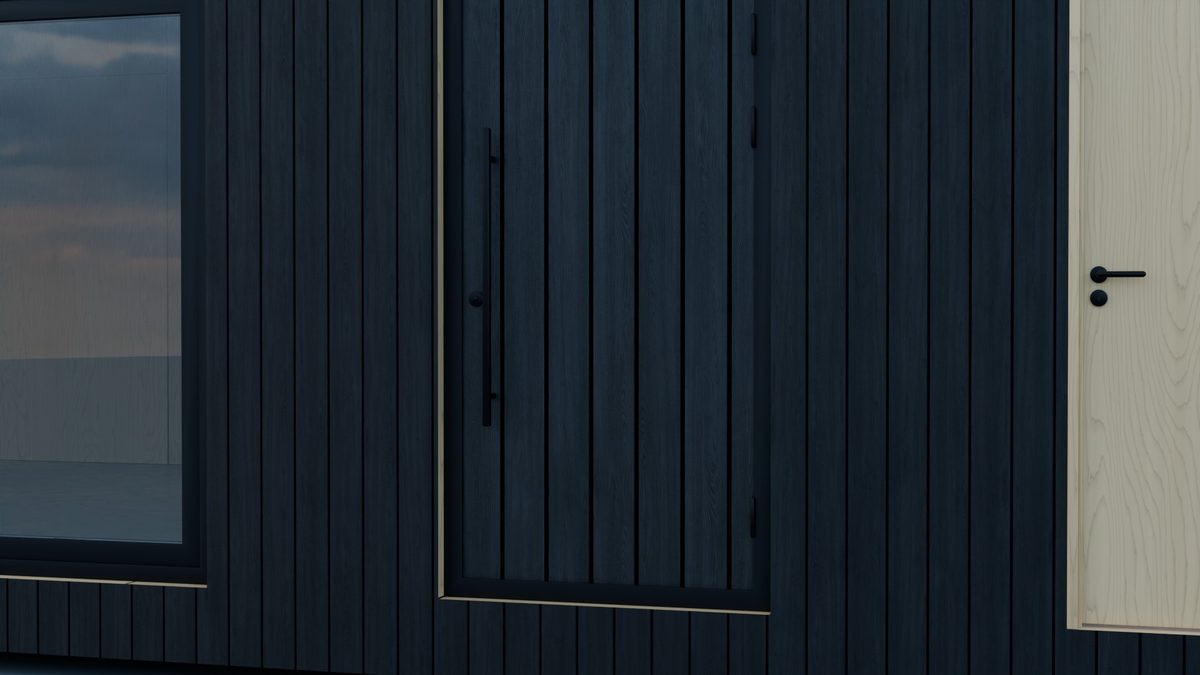
Sliding DoorLift-and-slide, at any width. |
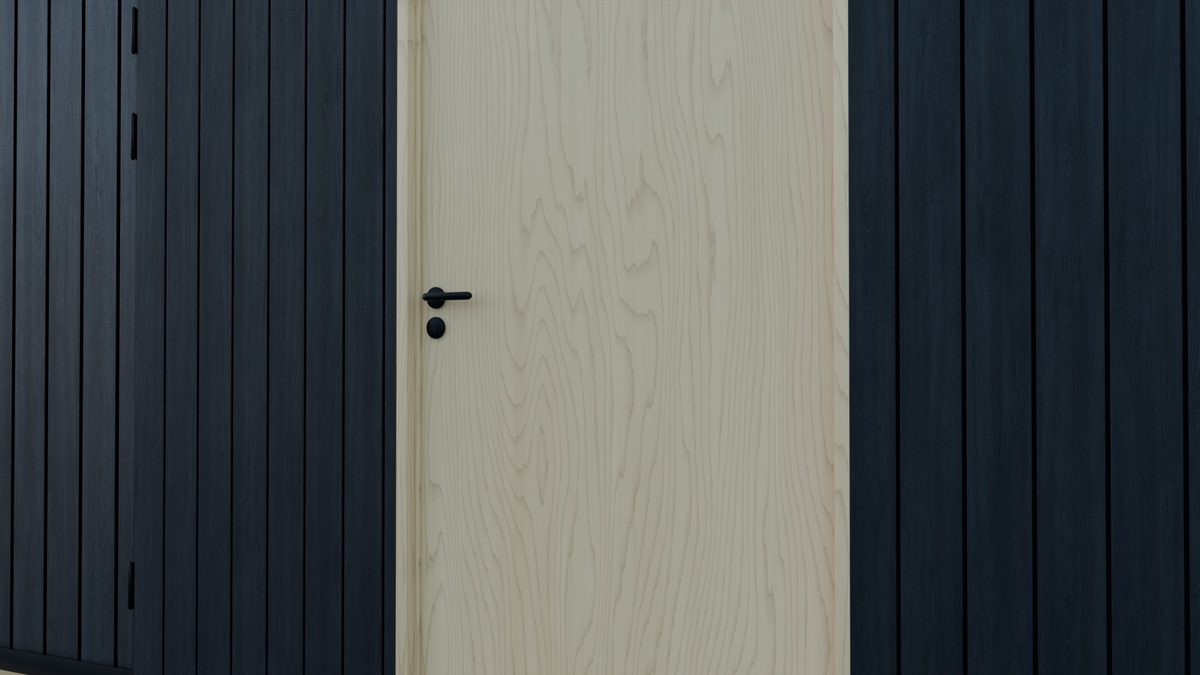
Entrance DoorSolid, a lever or a square bar pull on each face. |
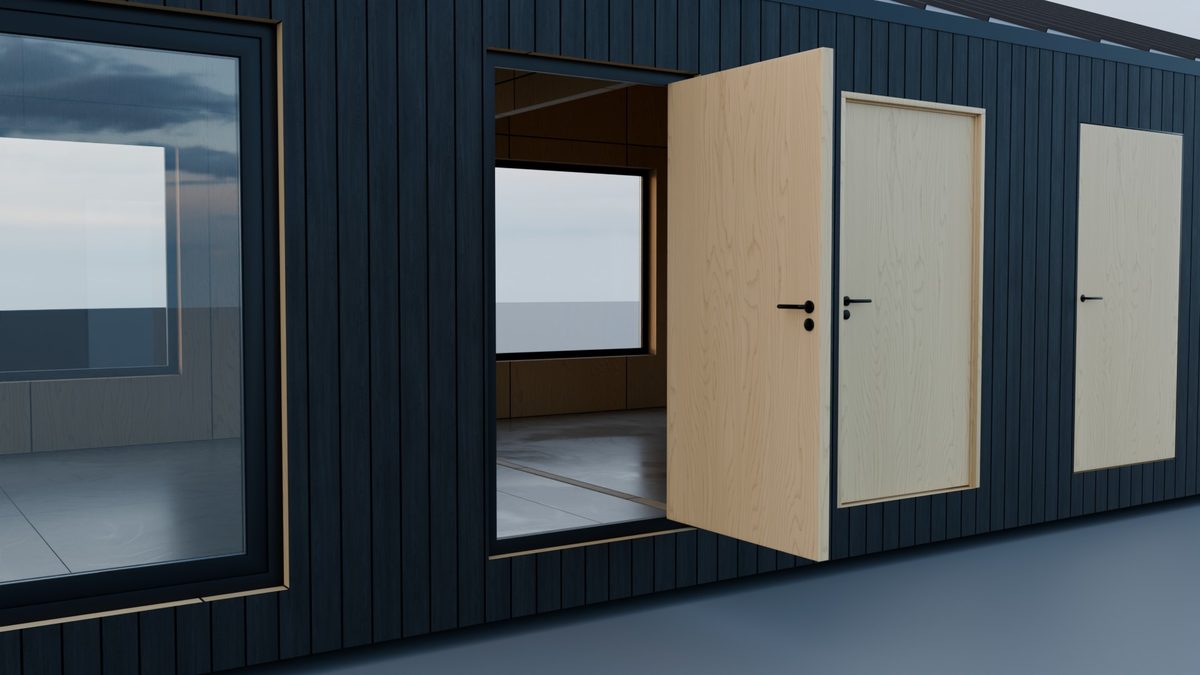
Internal DoorBirch leaf and frame, levers, hinges. |
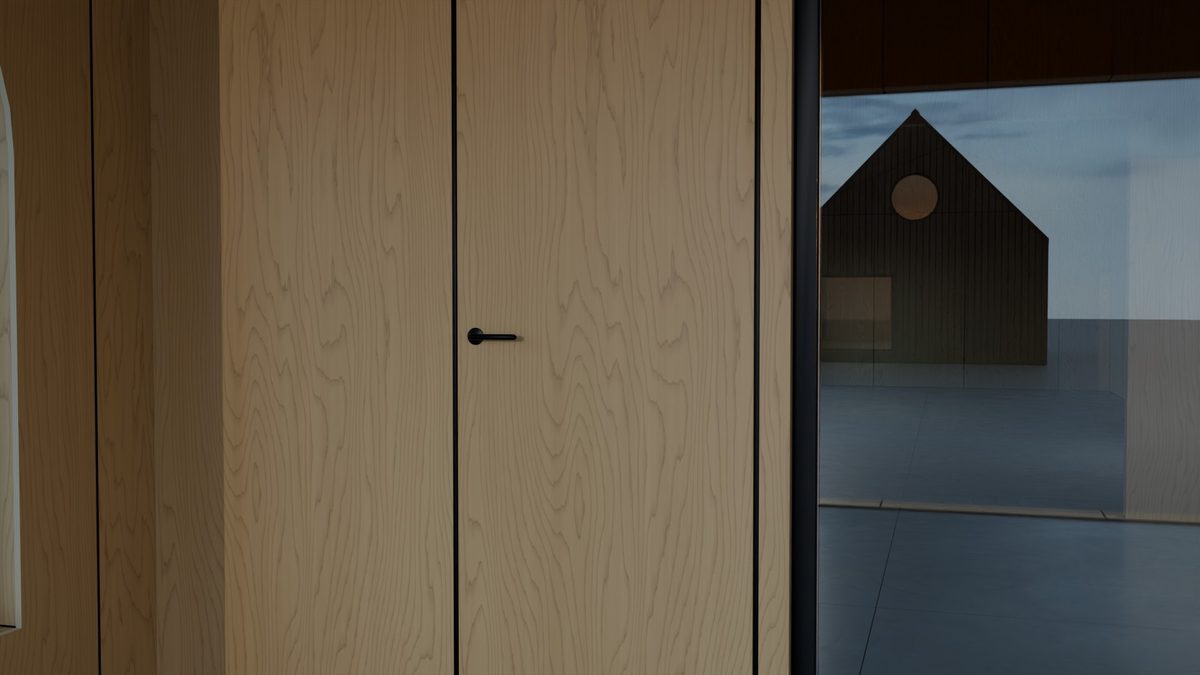
Concealed DoorDisappears into the lining. |
Any opening, any shape.
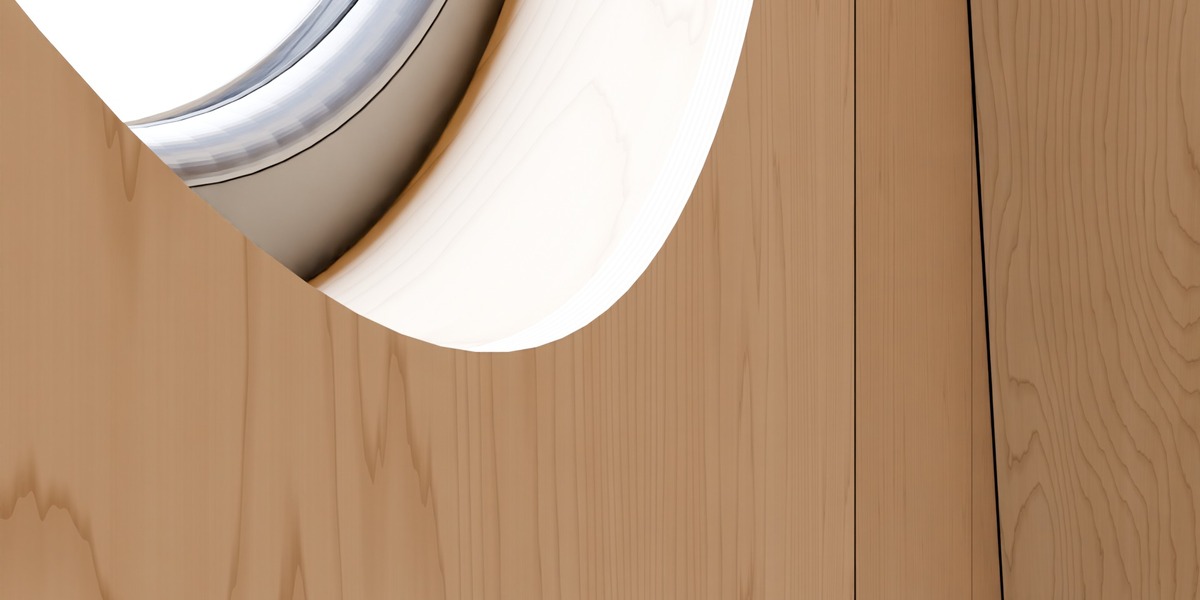
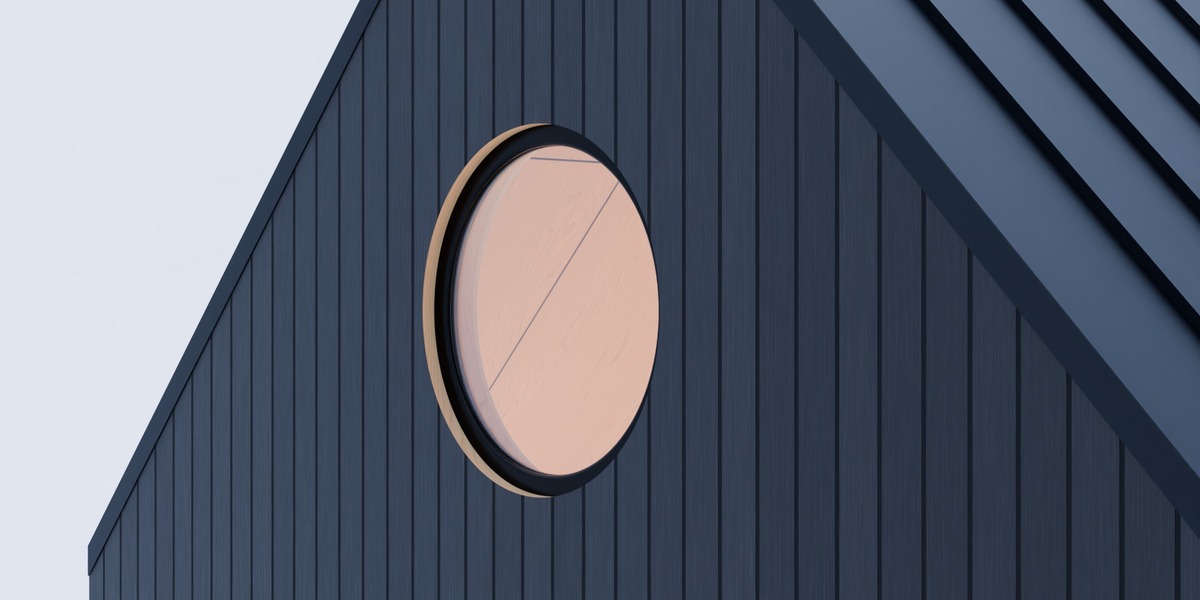
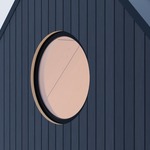
Rectangles, round and Gothic arches, circles, or whatever you model: Tab in and move a vertex for a raking head, an apex or a five-sided window. Or type a width and height (a diameter for a circle): the sill stays put and the window refits. The frame is read off the window model once and swept round the opening's own outline, mitred at every corner. Nothing is stretched.
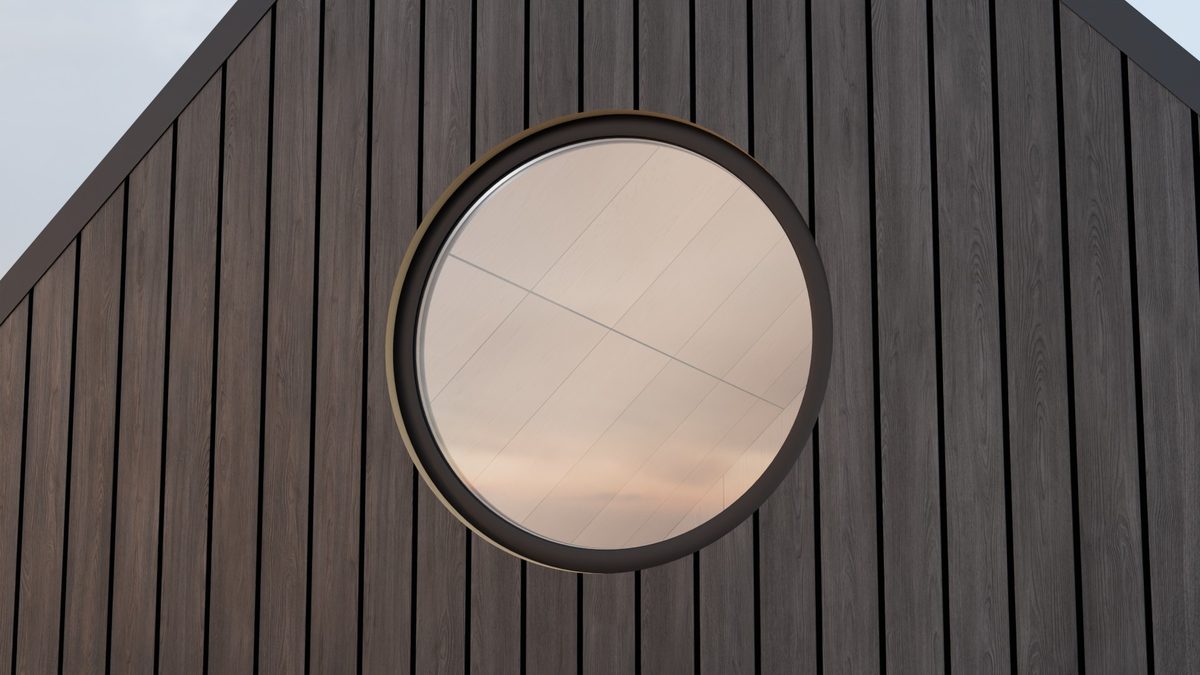
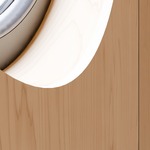
A round window: the frame's own section swept round the circle. |
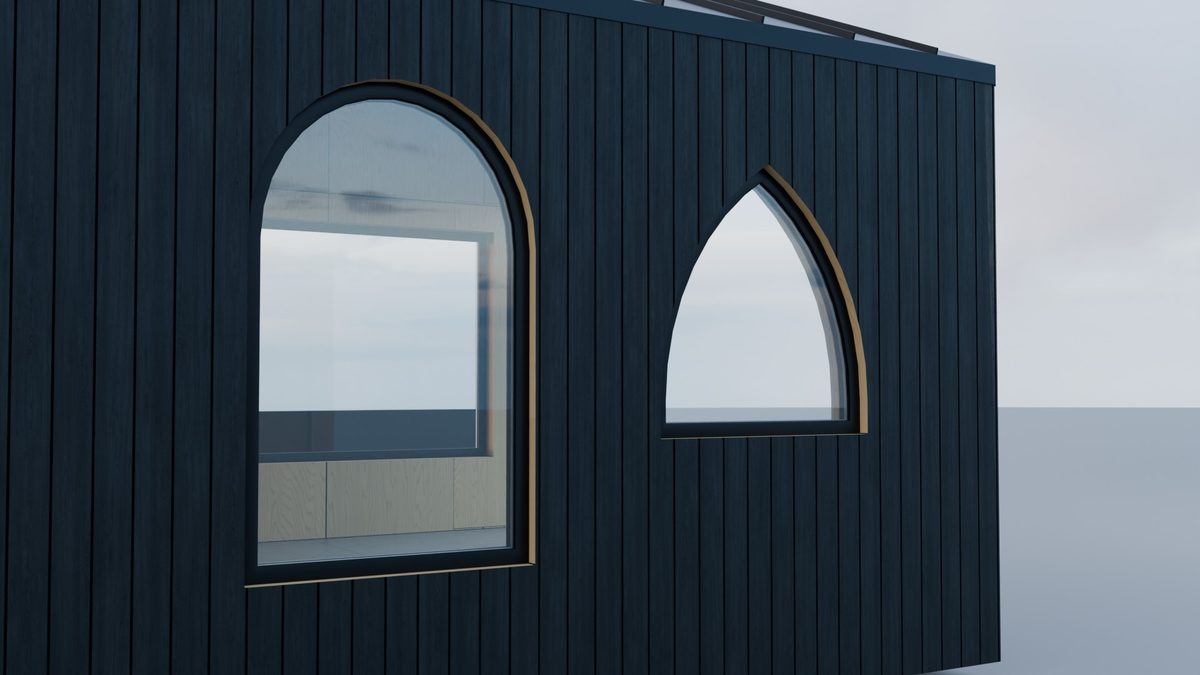
Round and Gothic arches, the same window fitted to each. |
Your own windows, fitted properly.
Bring any window or door model: from your library, a manufacturer, or a free asset site. Cabin Machine reads each part's cross-section and rebuilds it on the opening, so a 1.2 m window model fits a 3 m opening without a single stretched profile. Glass becomes a pane; handles and hinges keep their size.
Details a carpenter would check.
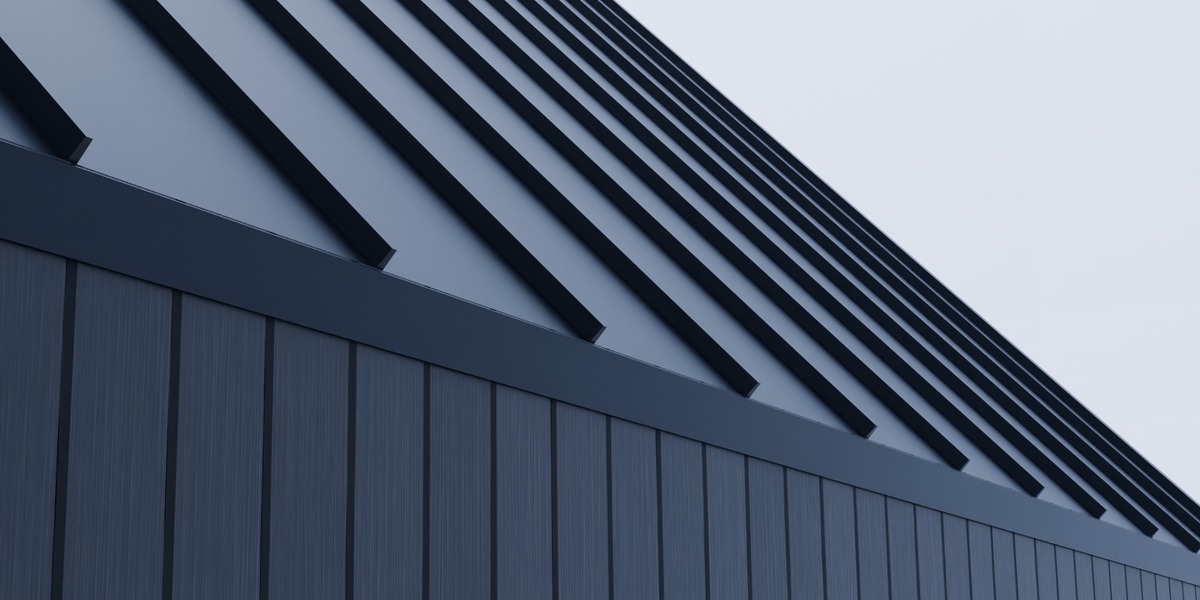
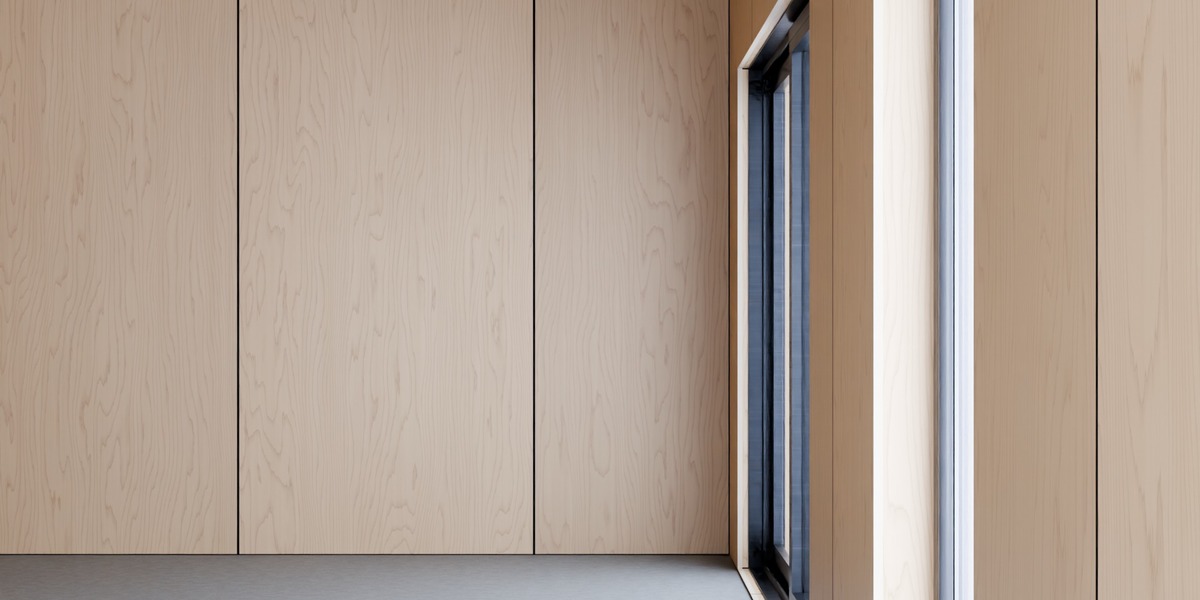
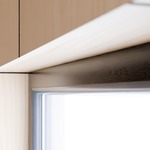
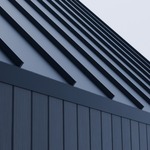
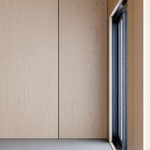
Real 3D standing seams cut flush to every edge. Wall and ridge flashing. A black shadow gap at every inside corner of the plywood lining, layered end grain at the reveals, curved reveals lined like a bent veneer, and sheets that start again where a partition meets the wall.
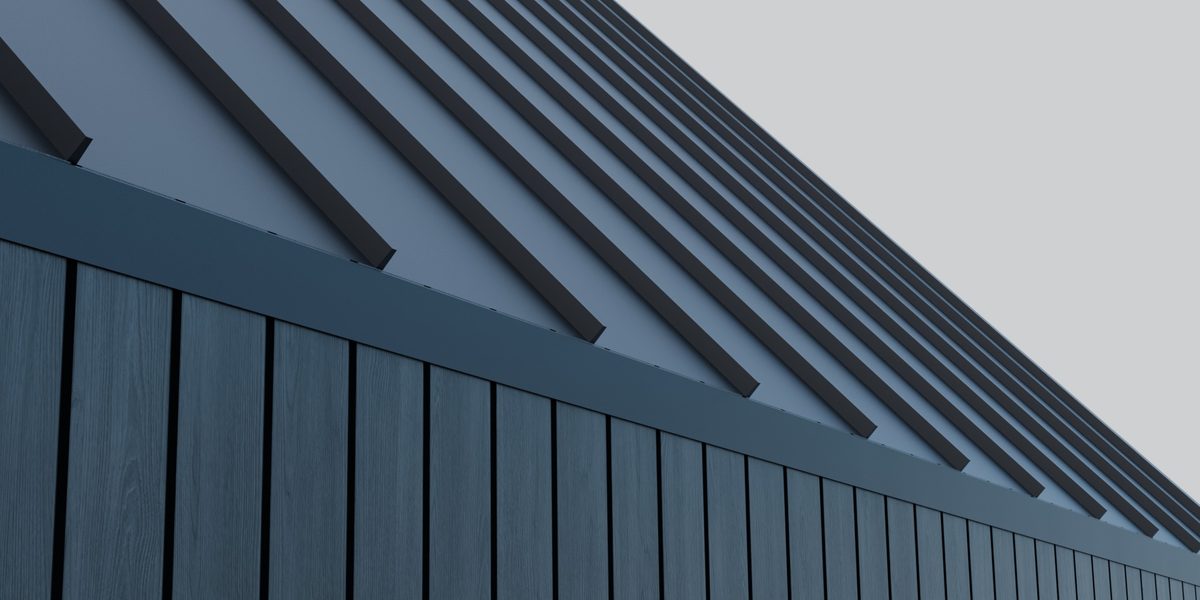
Standing seams and flashing at the verge. |
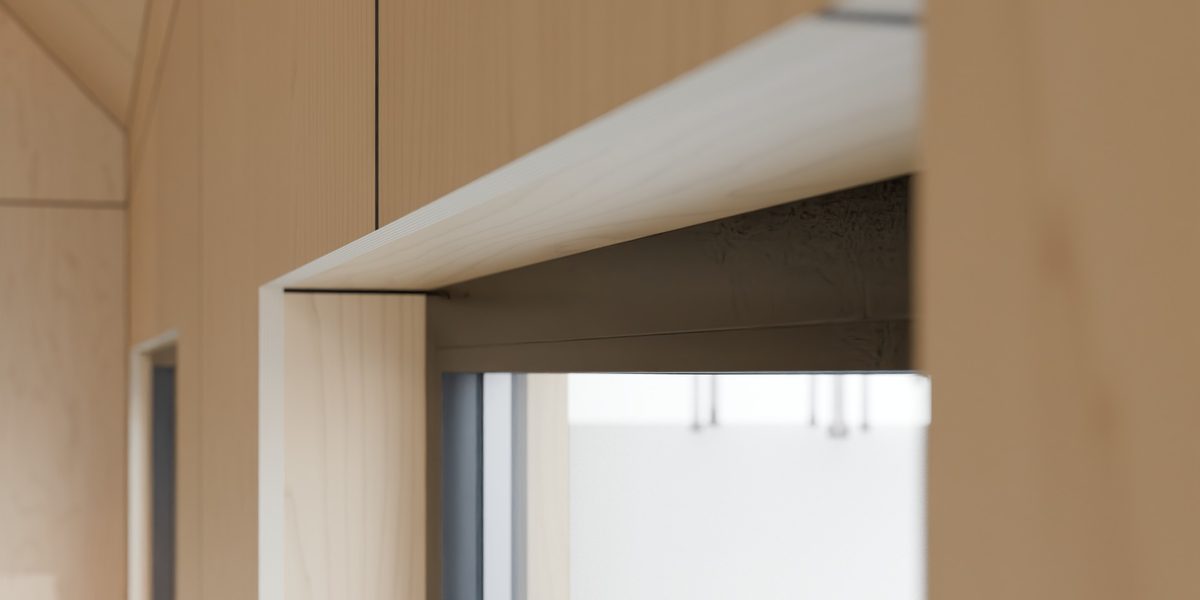
End grain and shadow gap at a reveal. |
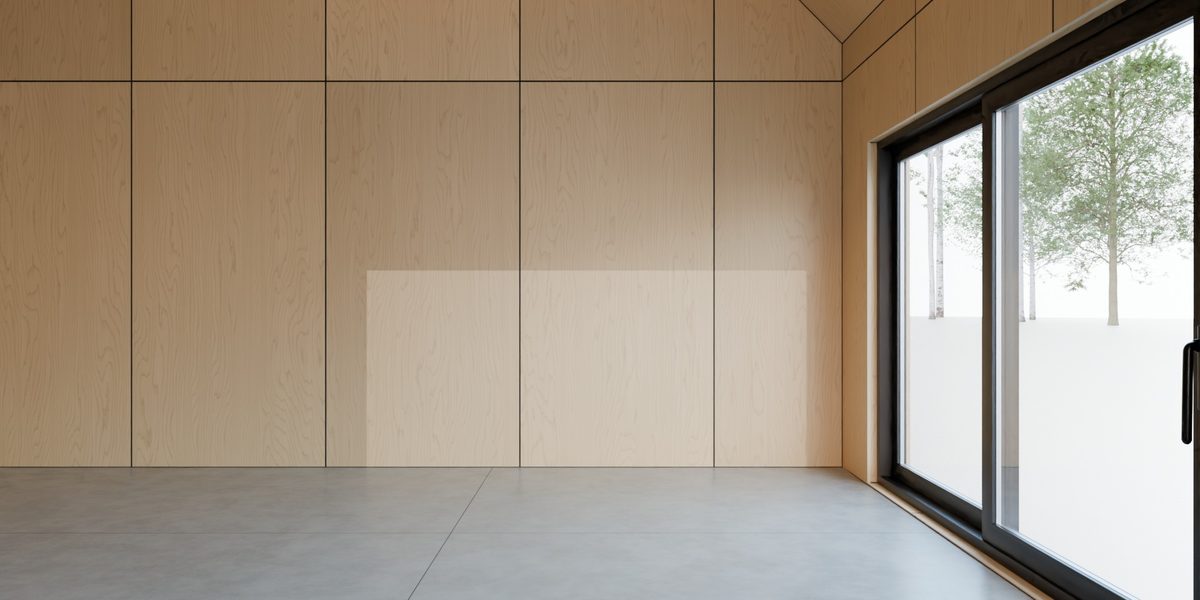
Birch lining with shadow gaps at every corner, and the built-in sliding door.
Standing seam siding.
New in 1.2: put FF Standing Seam Siding in the Outside slot and every outside wall gets real 3D seams, at the roof's pitch, width and height. Openings cut through them and the wall flashing stands clear.
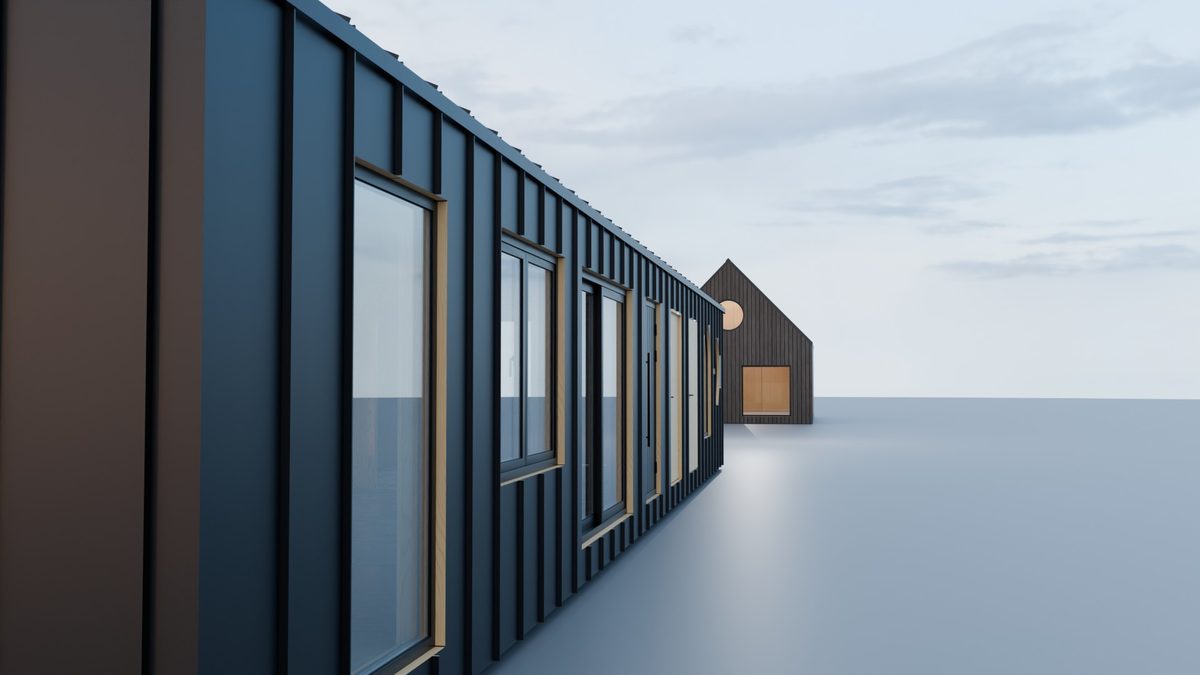
Partitions that fit themselves.
Drop a wall or a slab in a room: it fills the room wall to wall, follows a sloped ceiling and stops in a 1 mm shadow gap. Doors cut through it and move with it.
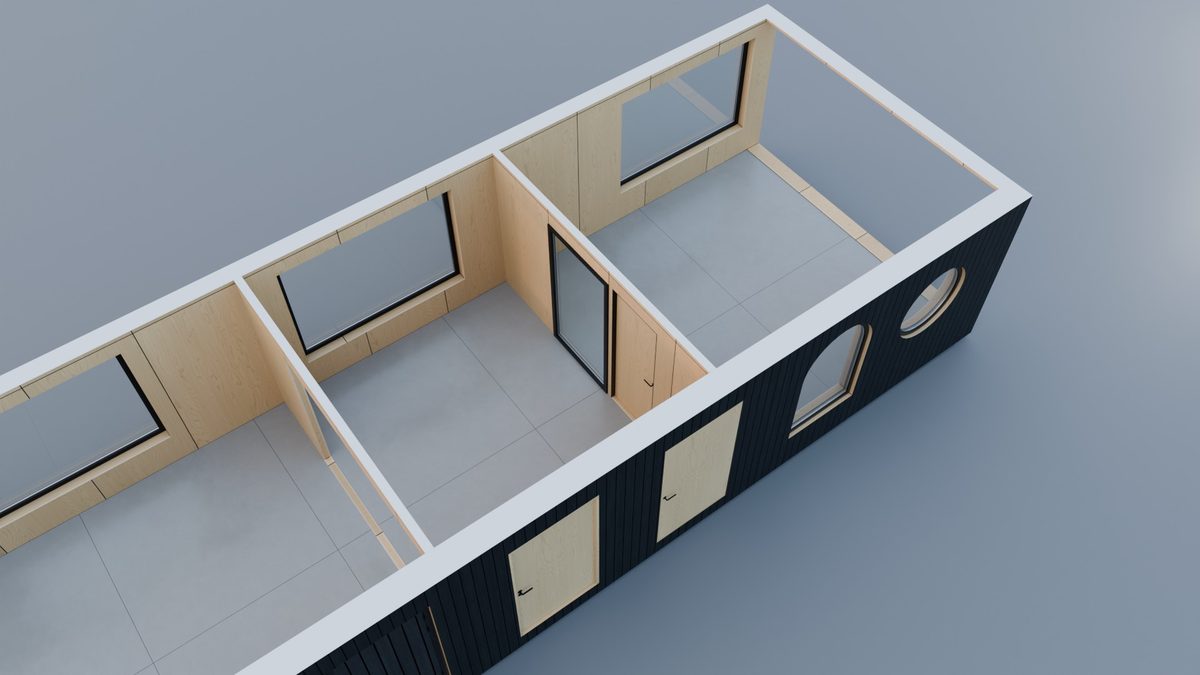
Materials made for timber buildings.
Procedural, measured in real metres from the building's own corners, so joints start at floor level and at wall corners whatever the object's scale. Every setting is in the panel, and every window shares one glass, frame and hardware set.
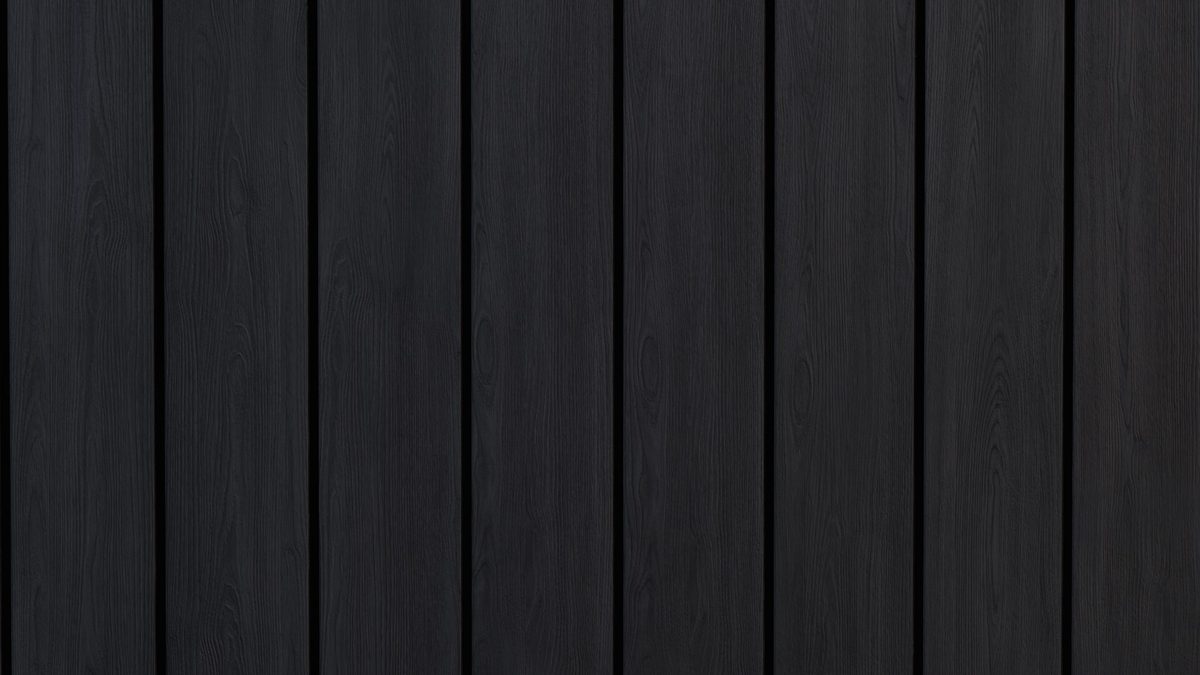
Shou Sugi BanReal wood scans, brushed and painted. |
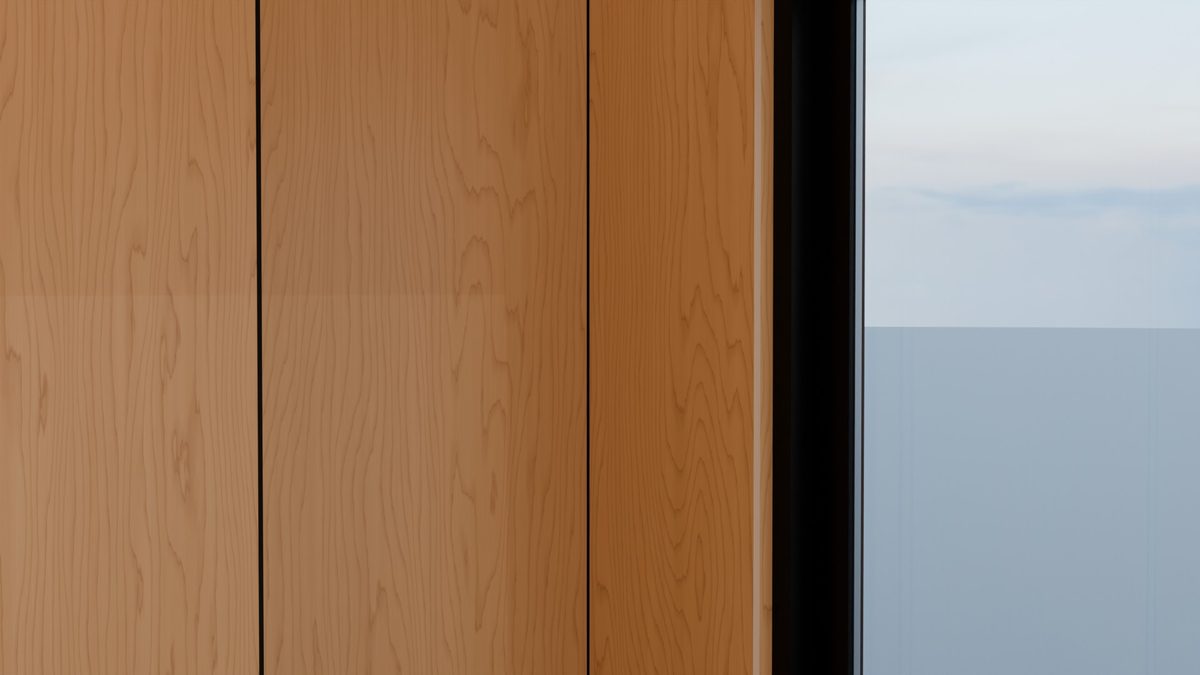
Birch PlywoodRotary-cut face, end grain, sheet joints. |
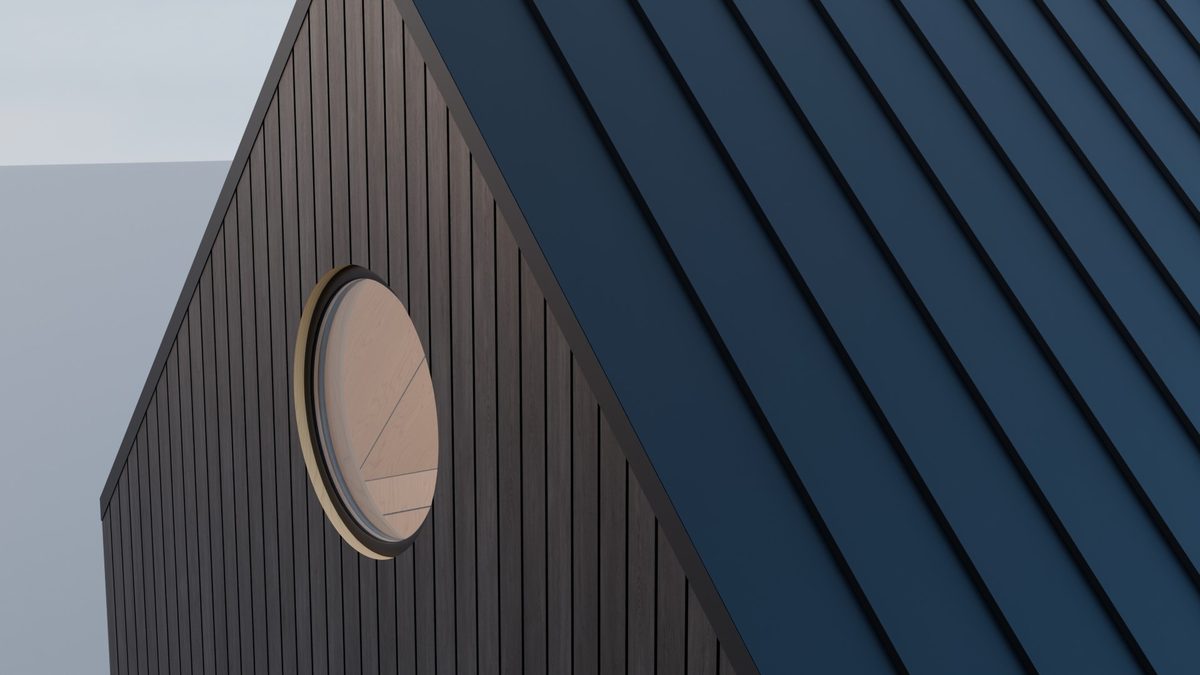
Standing Seam3D seams, oil canning, any colour. |
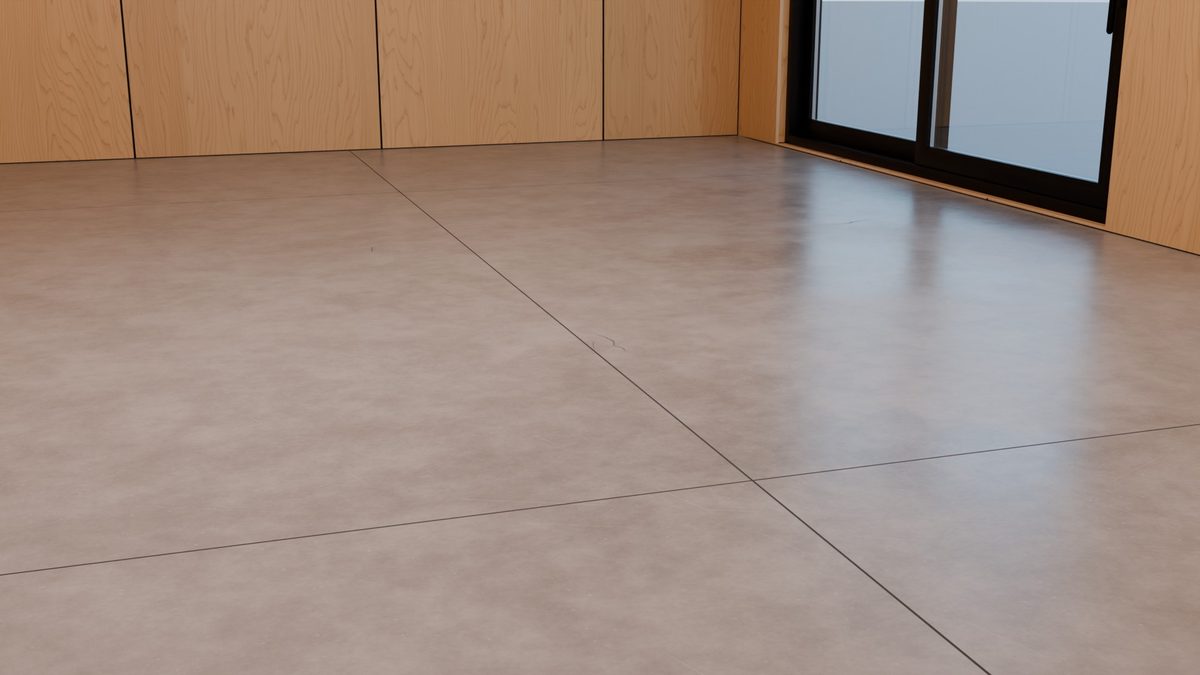
ConcretePower-floated slab with joints and sheen. |

PlasterTrowelled, warm, matte. |
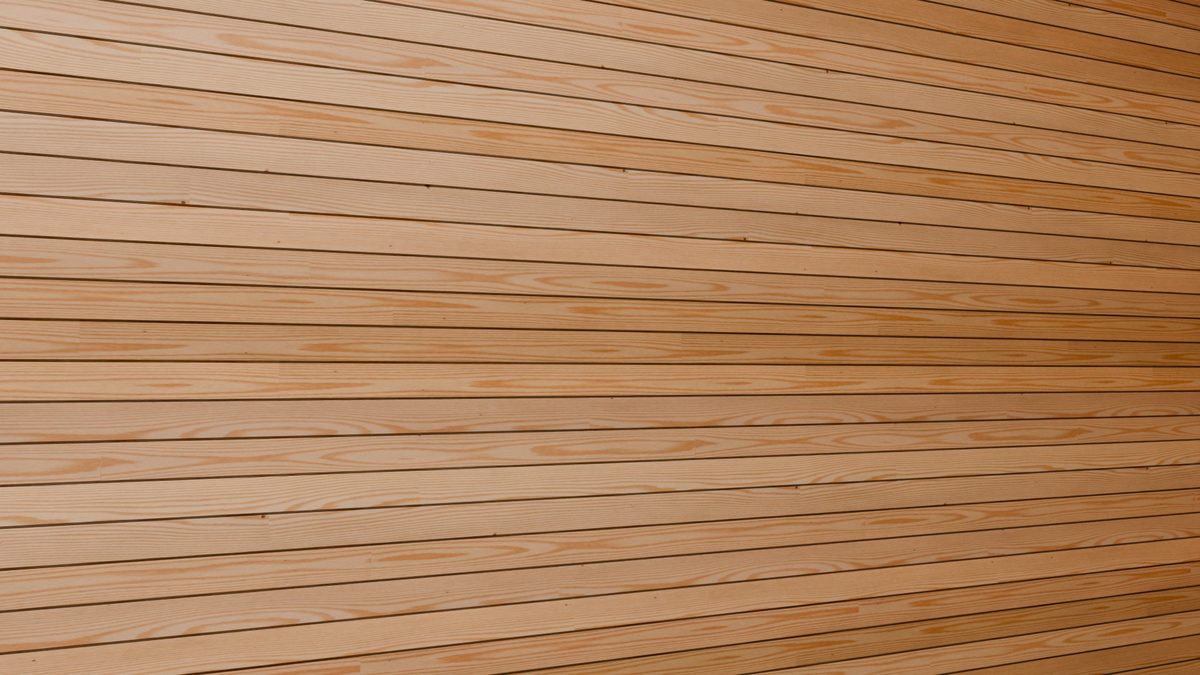
Sauna BoardsTongue-and-groove pine, pale or thermo. |
Doors that open.
One Open slider, 0 to 100 %: leaves and casements swing on their hinges with their handles, the sliding door glides across. Keyframe it for a walkthrough. Flip Hand and Flip Facing hang a door on the other side or make it open the other way, as in Revit, and every handle still turns on its own spindle.
How it goes together.
1 |
Mass itModel the outside of the building: a box, an extruded plan, a gable. |
2 |
ApplyOne click in the Cabin Machine tab (N panel) builds walls, roof, floor and materials. |
3 |
Open it upPut the 3D cursor on a wall and press + Opening; pick its shape and its window. |
4 |
Divide itAdd partitions and slabs; they fit the rooms themselves. |
5 |
Keep designingEdit the massing, move openings, tune materials. Render in EEVEE or Cycles, or bake to a mesh for export. |
Every control, laid out.
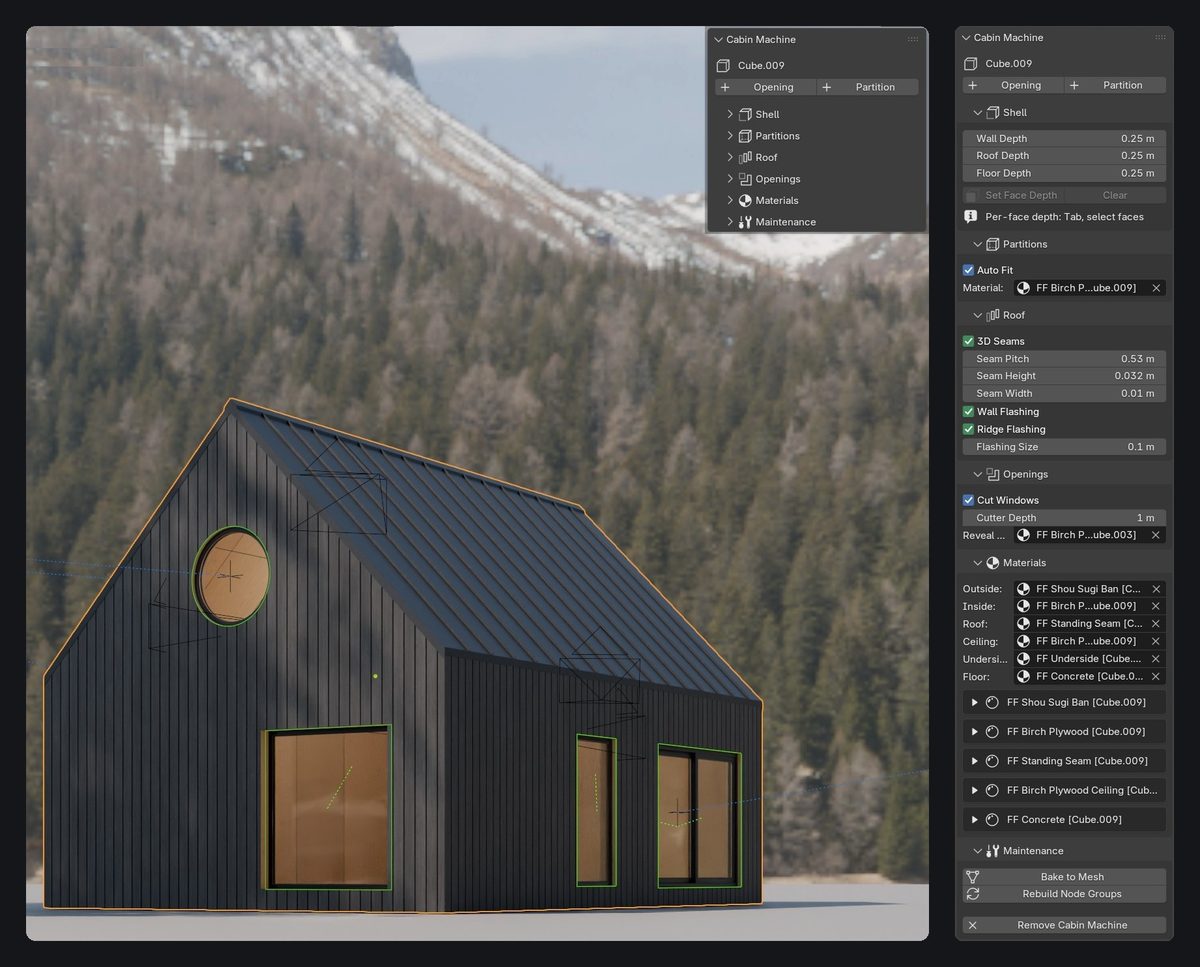
The Cabin Machine tab: folded by default, every section open on the right.
ShellWall, roof and floor depth; per-face depth. |
OpeningsShape, size, cut; window, open, handles, flip, reveal. |
Roof3D seams, pitch, height; wall and ridge flashing. |
PartitionsWalls and slabs, auto fit, thickness. |
MaterialsSix slots, every shader setting in the panel. |
MaintenanceBake to mesh, rebuild, make unique, remove. |
One purchase. Every update.
Cabin Machine is a Blender extension: drag the zip into Blender and the tab appears in the sidebar. All future updates are included.
- The add-on, with six built-in windows and doors that open
- Shou sugi ban, birch plywood, standing seam roof and siding, concrete, plaster and sauna board materials
- Wood textures for the cladding and the sauna boards, packed into your file
- Full documentation and FAQ on this page
Blender 5.2 or newer |
Platforms Windows, macOS, Linux |
Renderers EEVEE and Cycles |
Licence GPL-3.0-or-later |
