 ZEG
ZEG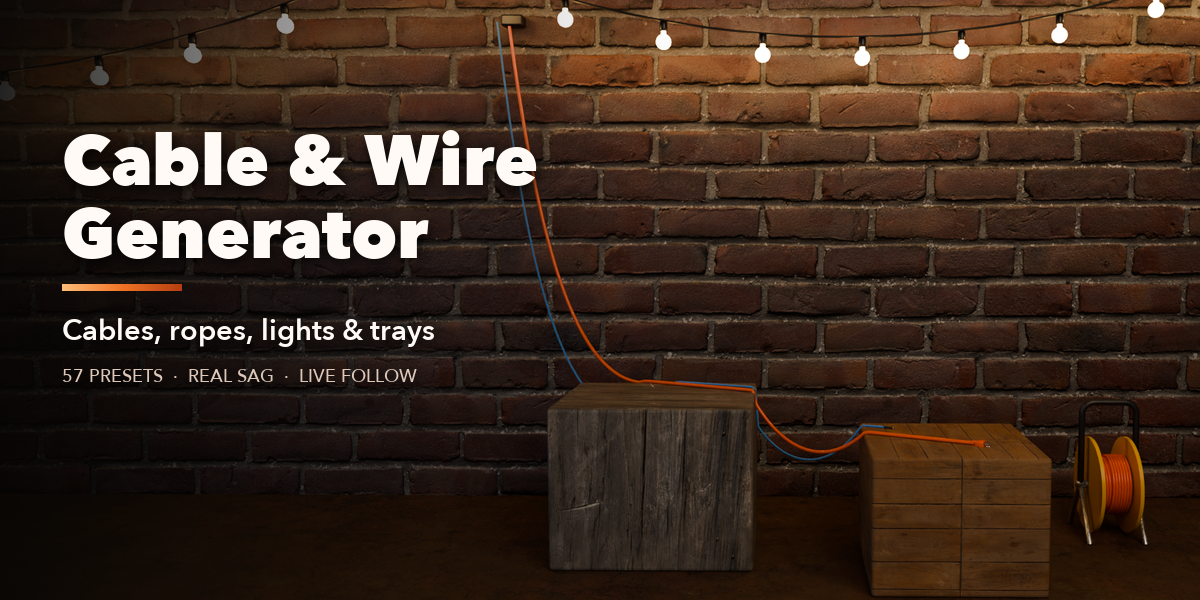
Installation
In Blender open Edit, Preferences, Get Extensions, then use Install from Disk and pick the cable_generator zip.
Usage
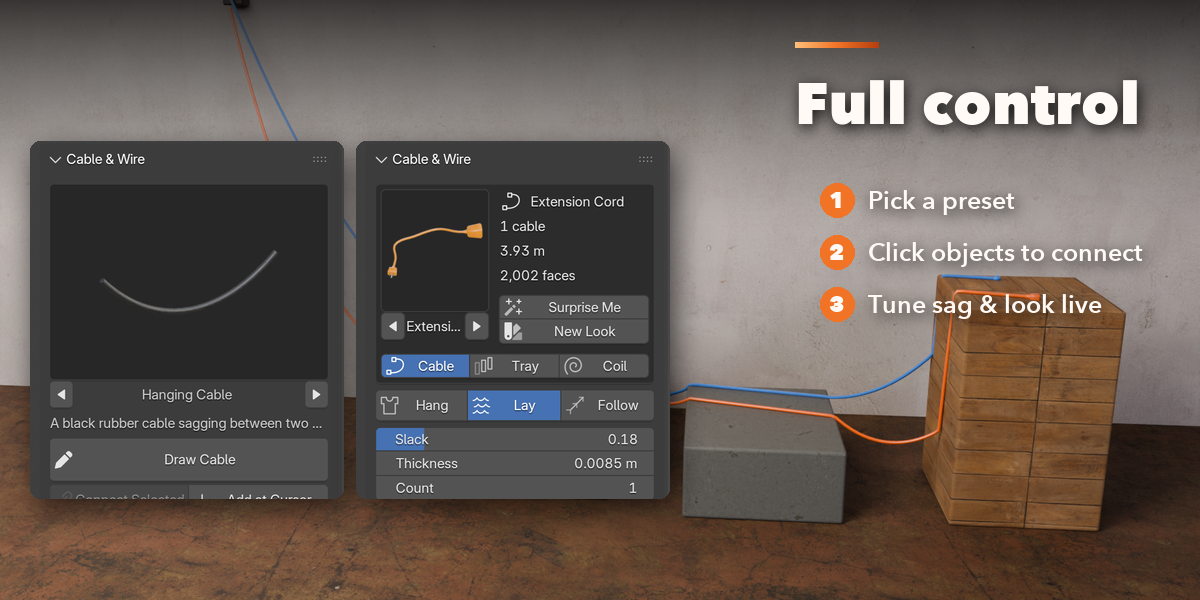
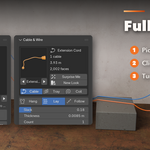
- Open the Cable tab in the 3D viewport sidebar (N). Pick a cable from the picture gallery first.
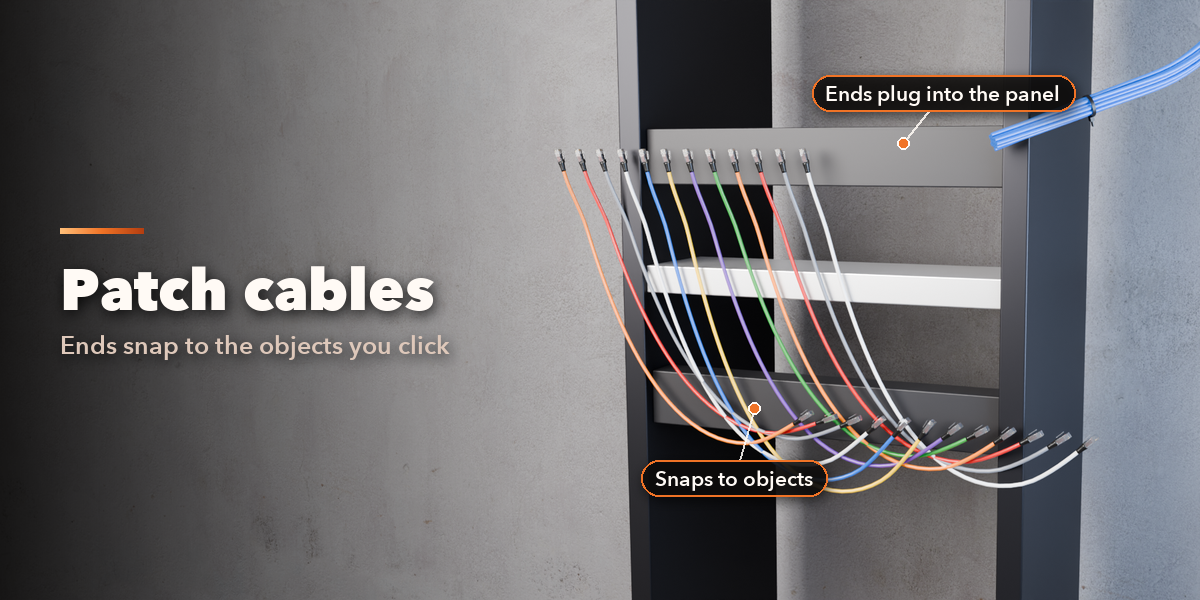
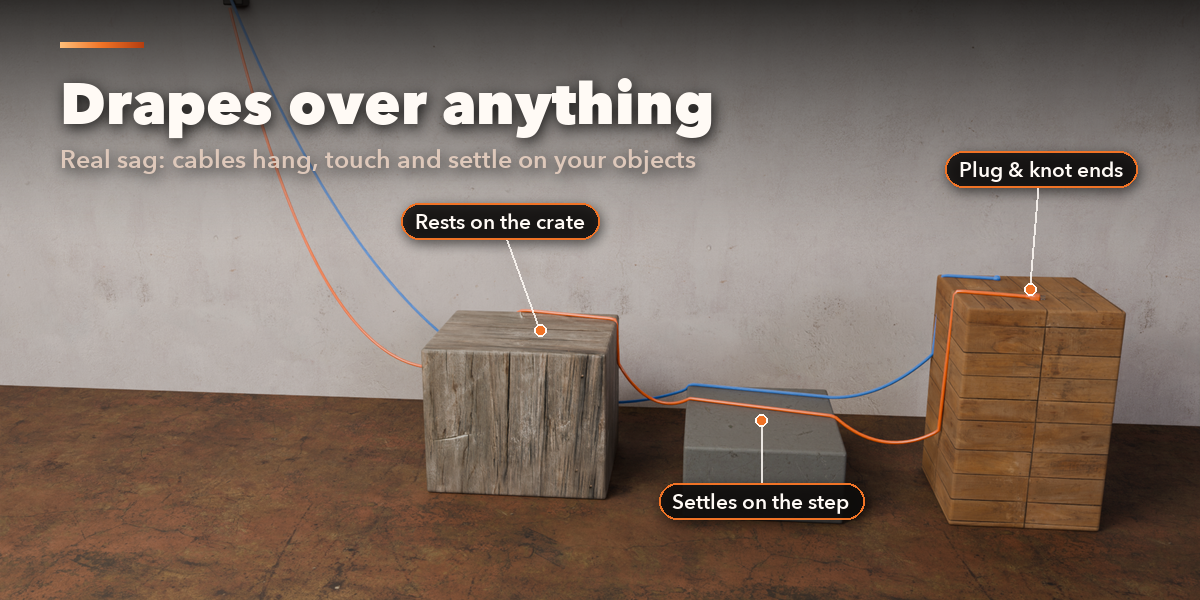
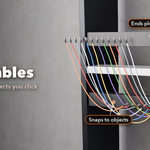
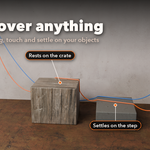
- Select two or more objects and click Connect Selected: the cable runs from object to object and ends at the active one. Move or animate the objects and the cable follows. In Edit Mode, select vertices in order and click Connect Selected Vertices.
- Draw Cable lets you click points on any surface in the viewport; Enter, Space or right click finishes, Backspace removes the last point, Esc cancels. Add at Cursor adds the preset at the 3D cursor. You can also use Shift+A, Curve, Cable & Wire.
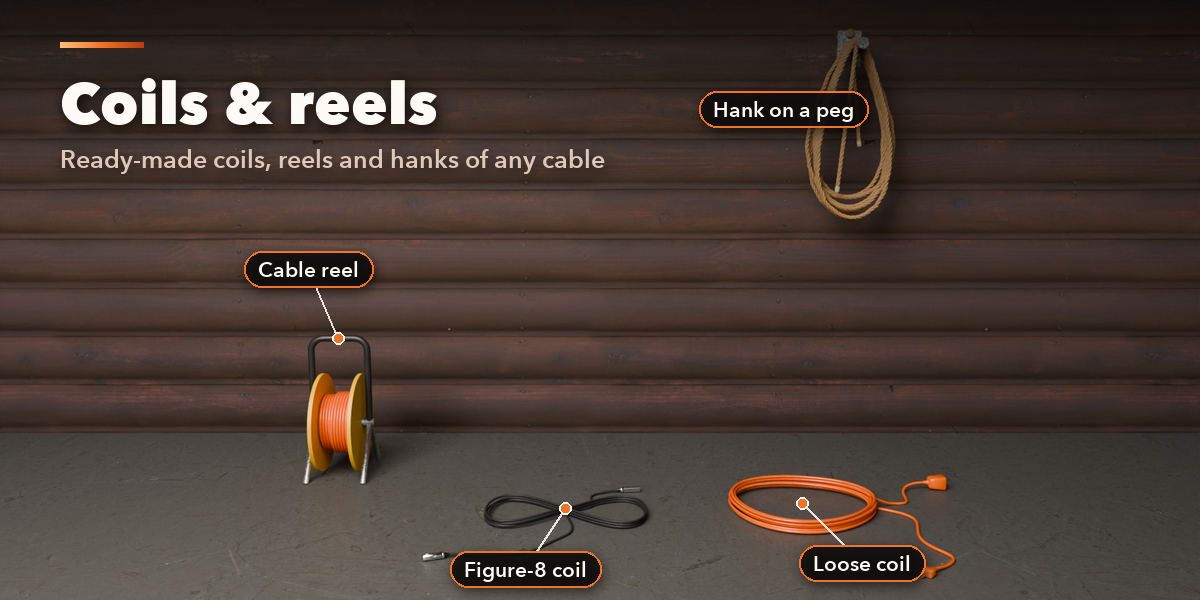
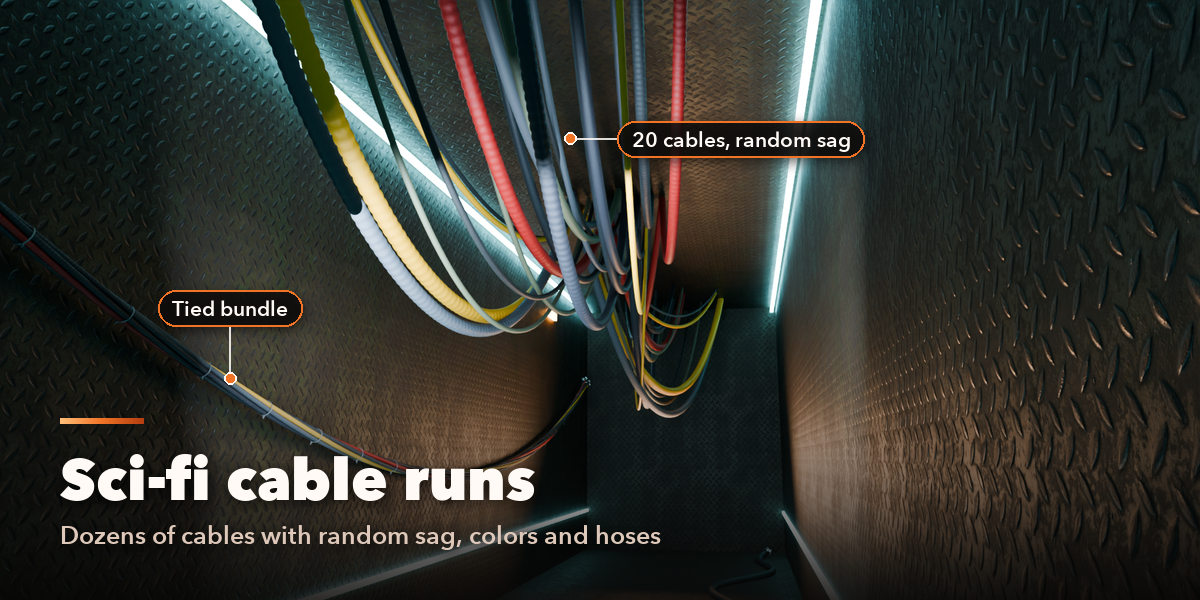
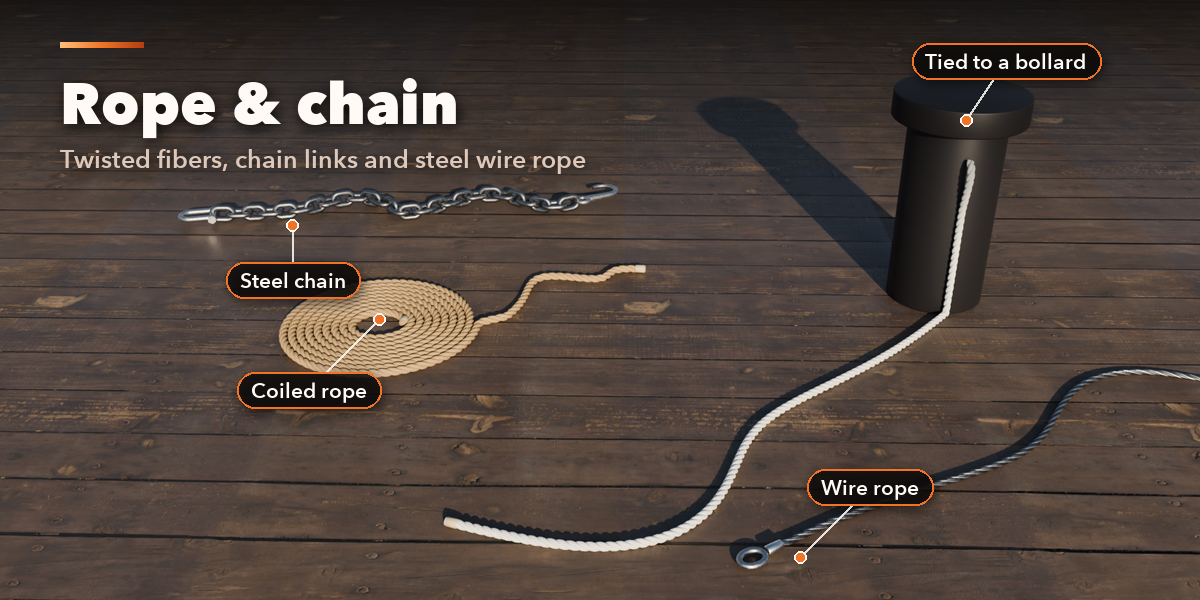
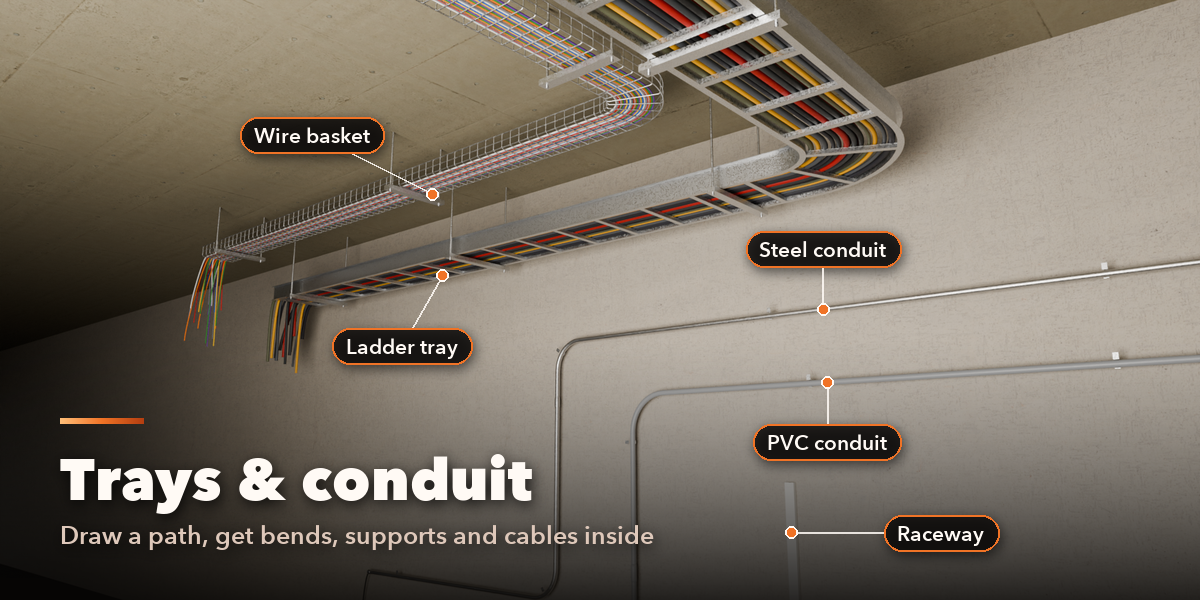
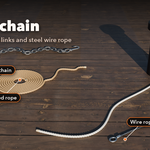
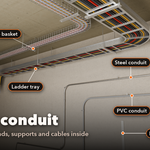
- With a cable selected, the card at the top shows its preset, length and face count. Surprise Me makes a new random cable, New Look changes only its colors. Pick Cable, Tray or Coil, then use the main controls (route, slack, thickness, ends).
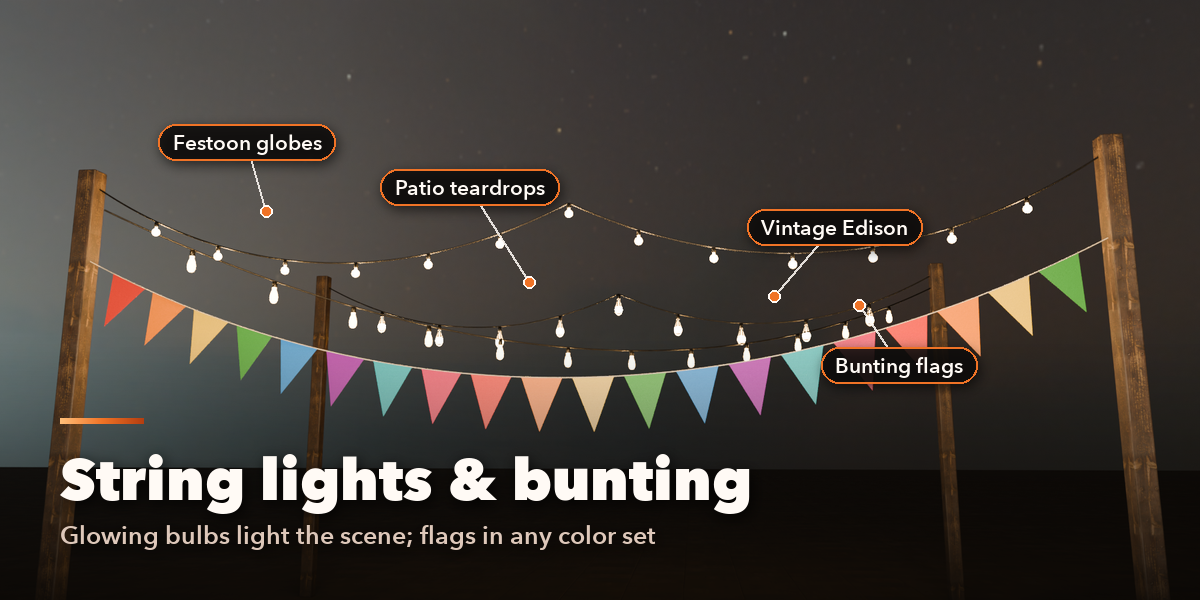
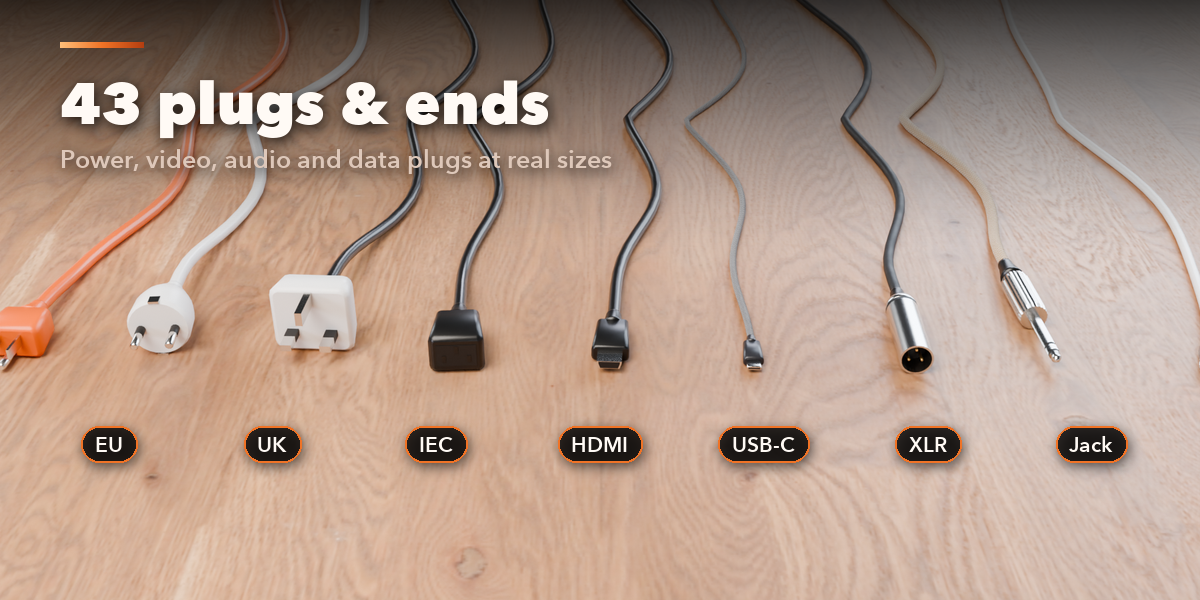
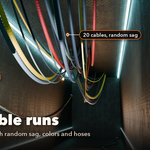
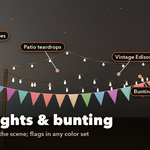
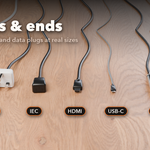
- Sub-panels hold the details: Route & Attachments (bind or unbind points, edit the curve), Cable Look, Several Cables, Plugs & Ends, Lights & Flags, Tray Details & Supports, Floor, Obstacles & Shape and Detail & Export.
- Convert to Mesh bakes the cable into a plain mesh; Delete removes it with its parts.
The cable is a curve object: edit its points in Edit Mode and the cable rebuilds. Bulbs glow in both Cycles and EEVEE.
Have questions about this product?
Login to message
| Blender Extension Compatible | Yes |
| Published | 2 days ago |
| Blender Version | 4.2 - 5.2 |
| Extension Type | Add-on |
| Render Engine Used | Cycles, Eevee |
| License | GPL |

Discover more products like this
rope string lights sci fi conduit Wire cord Cable Generator props procedural chain cable tray