 Mars0hod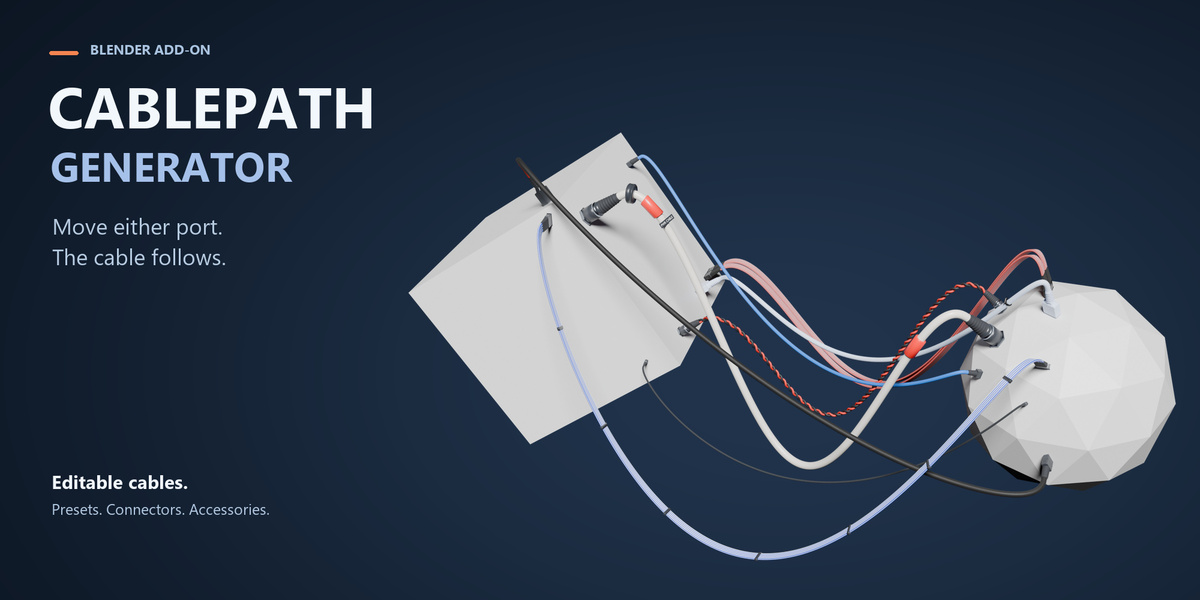


CablePath Generator — Quick Guide
CablePath Generator is a procedural cable creation tool for Blender 5.2.2 LTS.
INSTALLATION
1. Open Blender Preferences.
2. Go to Get Extensions.
3. Open the menu and choose Install from Disk.
4. Select cablepath_generator-1.0.5.zip.
5. Enable CablePath Generator.
6. Open the 3D View Sidebar with N and choose the CablePath tab.
PLACE A CABLE
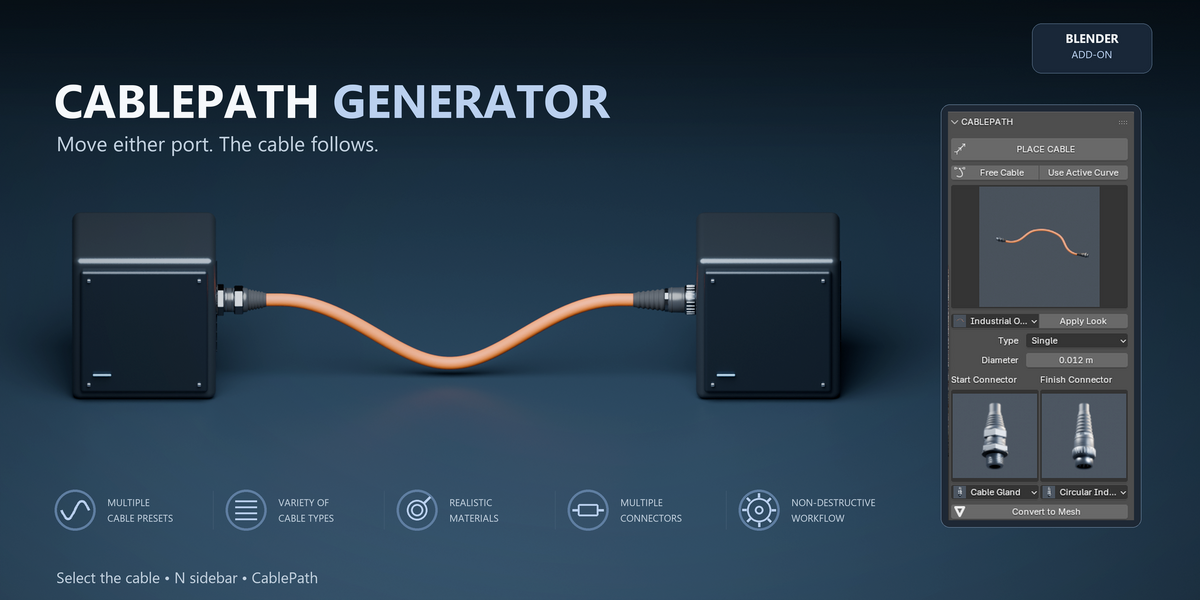
Use Place Cable to create a cable directly between two mesh surfaces.
1. Click Place Cable.
2. Click the first surface to set the start port.
3. Click the second surface to set the finish port.
4. Adjust the cable settings in the CablePath panel.
When the connected objects are moved, rotated or scaled, the cable follows them.
OTHER CREATION METHODS
Free Cable creates a new editable cable path.
Use Active Curve converts a compatible Blender Curve into a procedural CablePath object while keeping the path editable.
CABLE TYPES
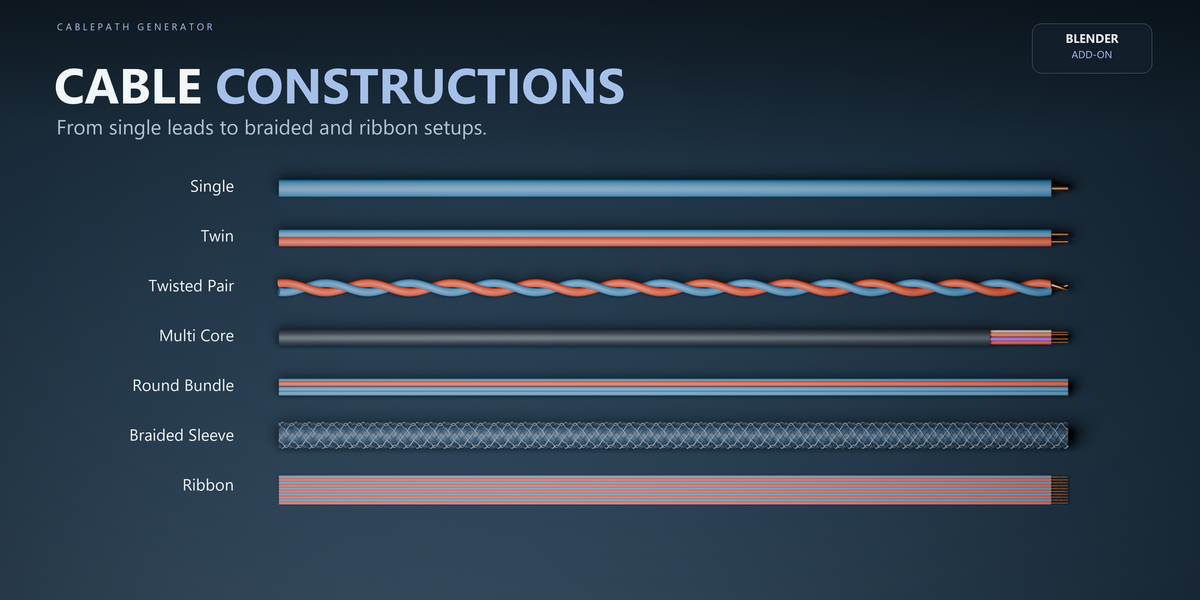
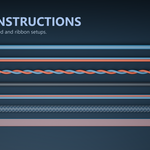
CablePath includes several constructions:
Single
Twin
Twisted Pair
Multi Core
Round Bundle
Braided Sleeve
Ribbon
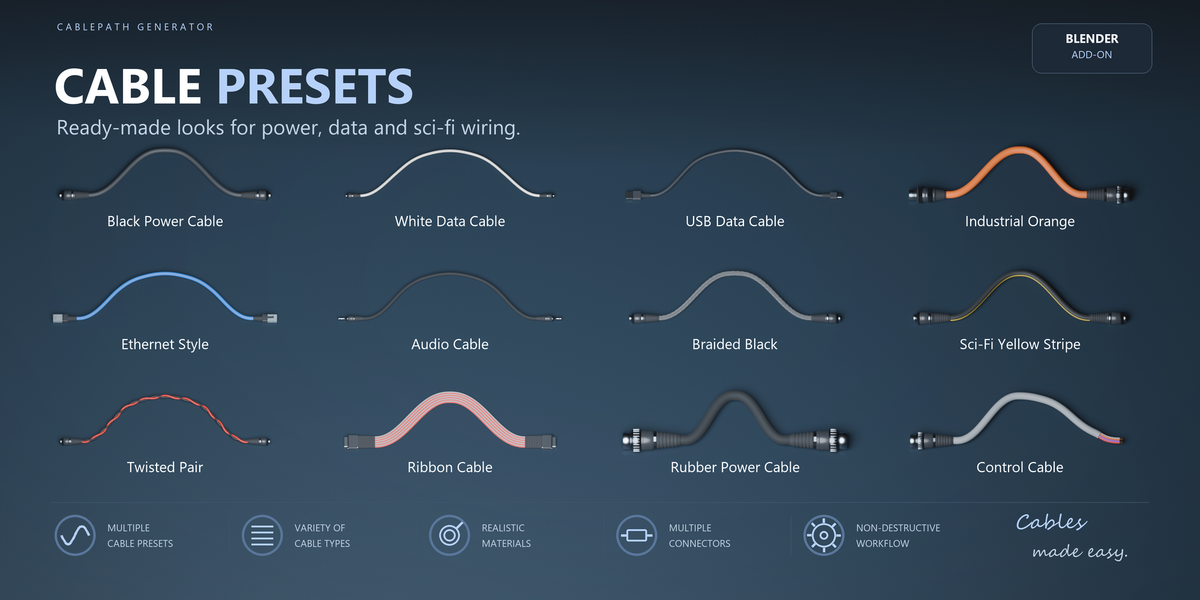
PRESETS
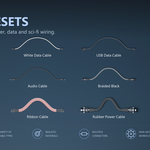
Use the Look browser to quickly apply ready-made cable styles for power, data, industrial and sci-fi scenes.
You can continue editing the cable after applying a preset.
CONNECTORS
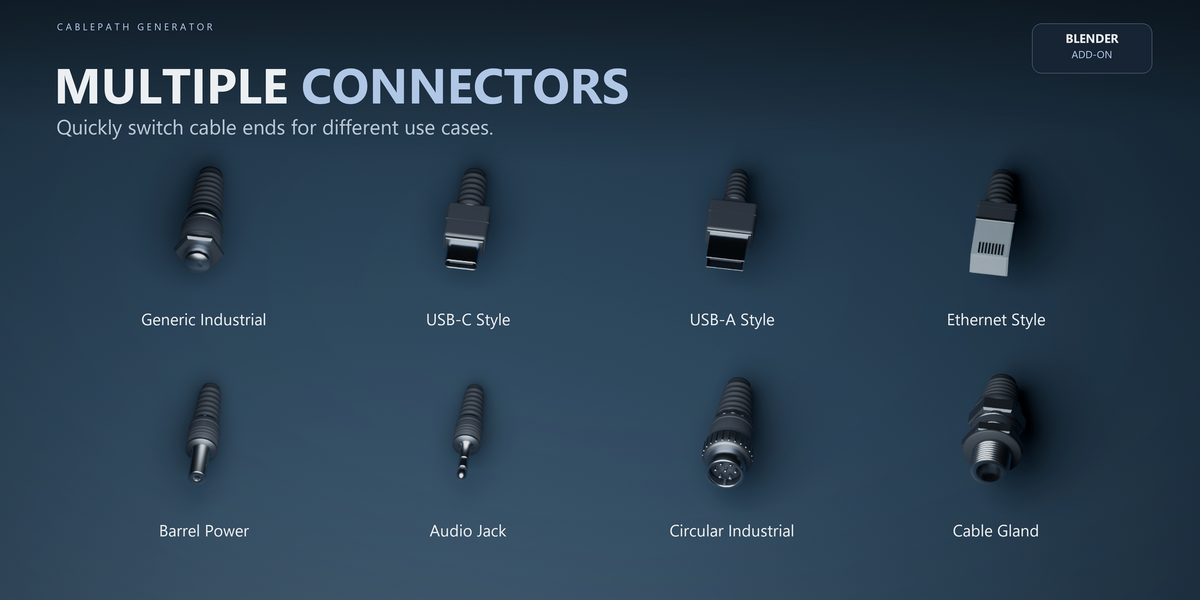
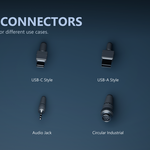
Start and Finish connectors can be configured independently.
Included connector styles cover generic industrial, USB-style, Ethernet-style, barrel power, audio, circular industrial and cable gland designs.
MATERIALS
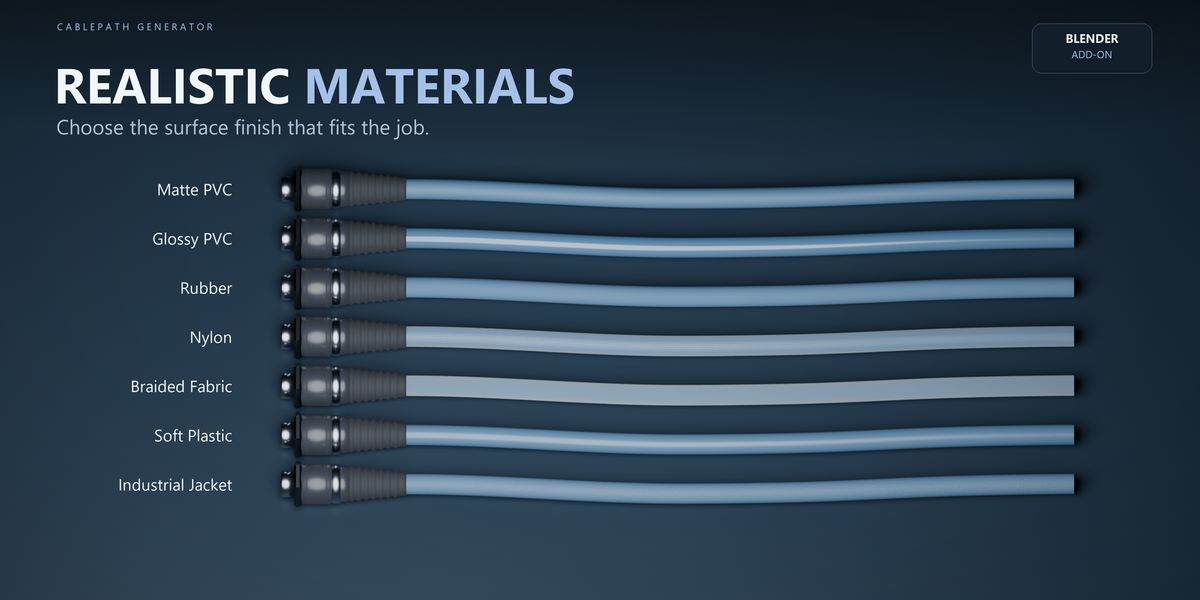
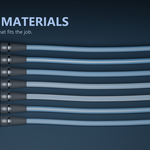
CablePath includes procedural cable surfaces such as:
Matte PVC
Glossy PVC
Rubber
Nylon
Braided Fabric
Soft Plastic
Industrial Jacket
No external texture files are required.
LABELS AND ACCESSORIES
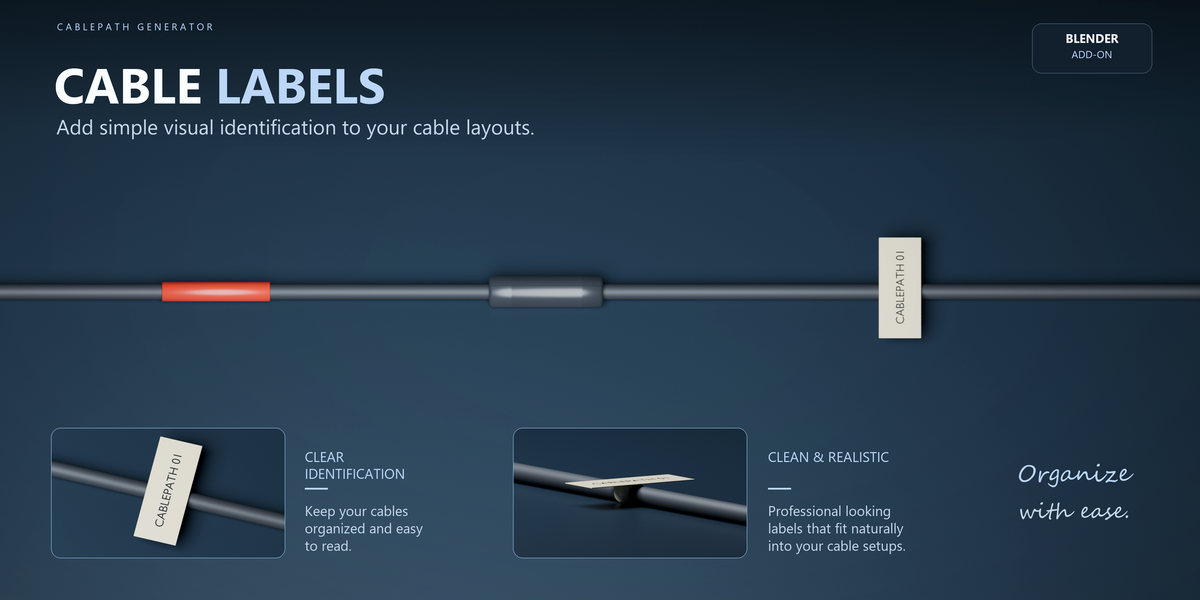
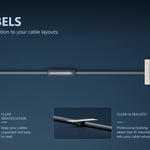
CablePath supports visual cable identification and accessories for more detailed technical scenes.
Use cable labels to keep complex wiring layouts easy to identify.
CONVERT TO MESH
Use Convert to Mesh when you need ordinary Blender geometry.
The procedural cable can be preserved so you can return to the editable version later.
UPDATING
When updating an existing installation, install the new ZIP and restart Blender.
If an older CablePath object requires recovery or updated managed resources, use the Maintenance section.
COMPATIBILITY
Validated with Blender 5.2.2 LTS on Windows.
CablePath Generator is a procedural modeling tool. It does not provide electrical simulation, collision solving, automatic obstacle routing or physical cable dynamics.
Have questions about this product?
Login to message
| Blender Extension Compatible | Yes |
| Published | about 8 hours ago |
| Blender Version | 5.2 |
| Extension Type | Add-on |
| Render Engine Used | Cycles, Eevee |
| License | GPL |

Discover more products like this
Wire cord procedural connector geometry nodes modeling Generator Cable sci fi curve industrial wiring