 Mars0hod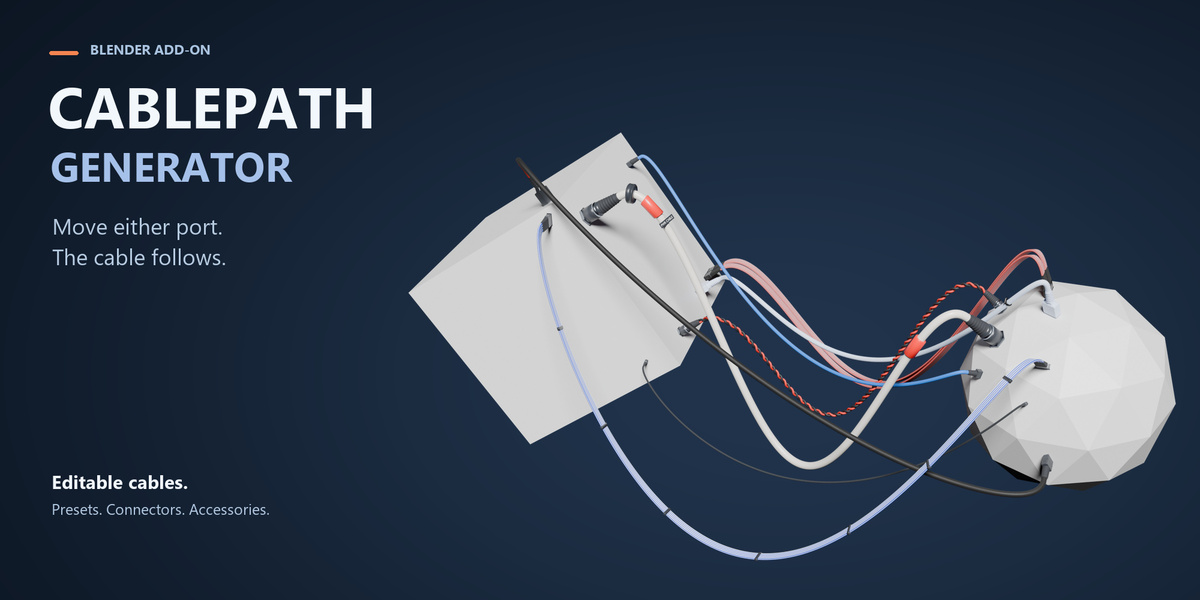


Which Blender version is supported?
CablePath Generator has been validated on Blender 5.2.2 LTS for Windows. Other Blender versions and operating systems have not been officially validated.
Can I convert the result to a regular Mesh?
Yes. Use Convert to Mesh when the cable is ready. The procedural source can be preserved so you can return to the editable CablePath version later.
Can I use my own Blender Curve?
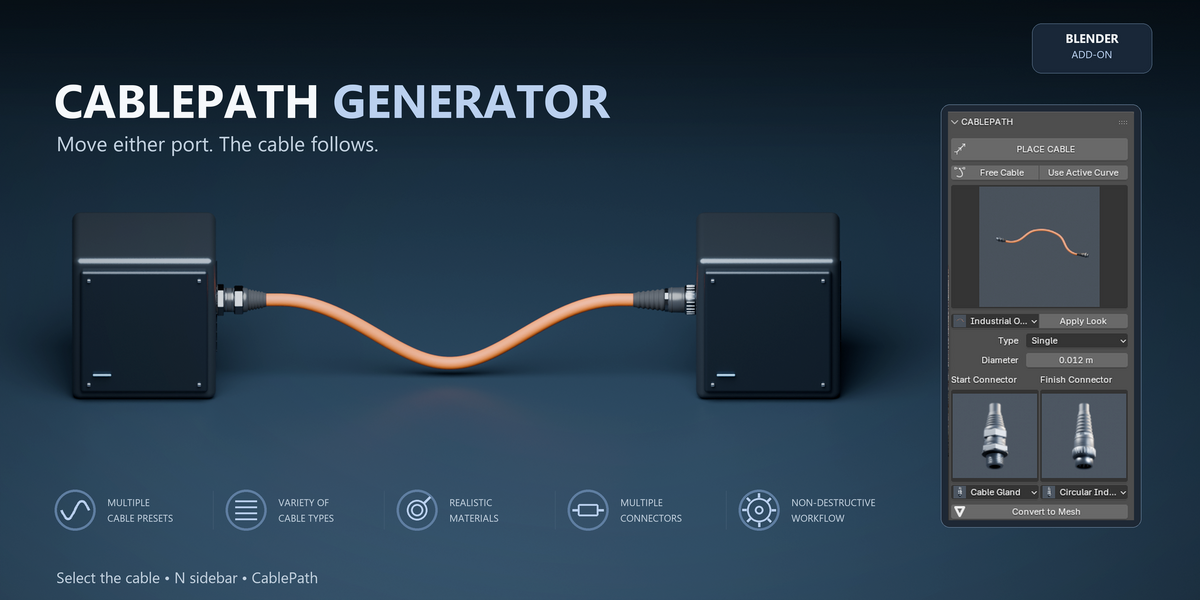
Yes. Select a compatible Curve and use Use Active Curve. The path remains editable after CablePath is applied.
Will cables follow the connected objects?
Yes. Cables created with Place Cable store their attachment information relative to the connected objects, so moving, rotating or scaling the objects updates the cable.
Can I edit a cable after creating it?
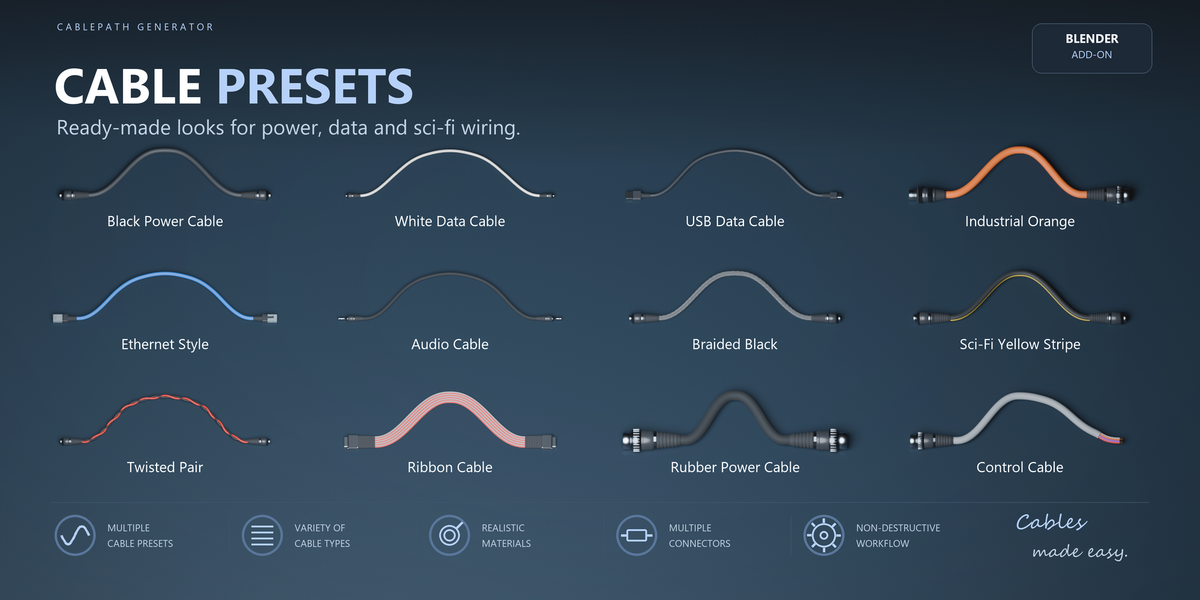
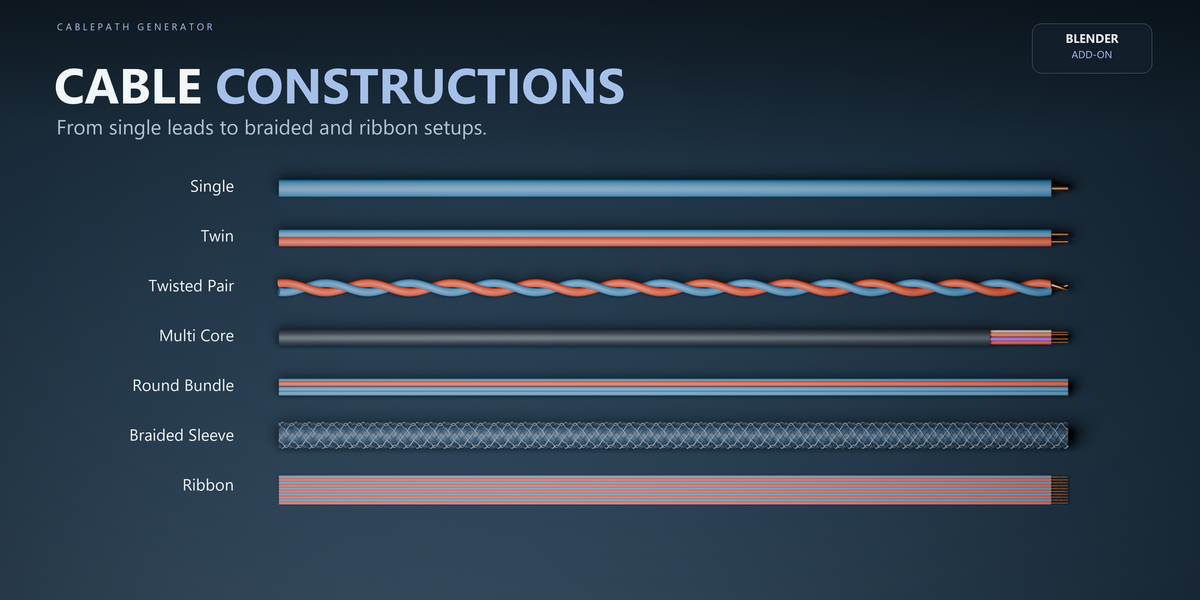
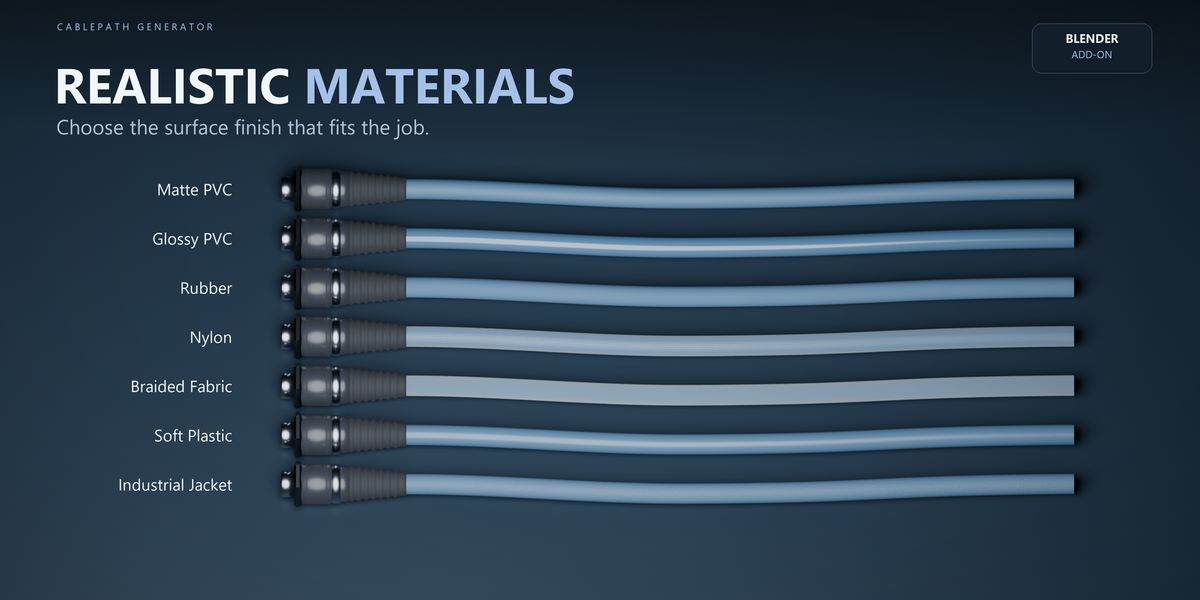
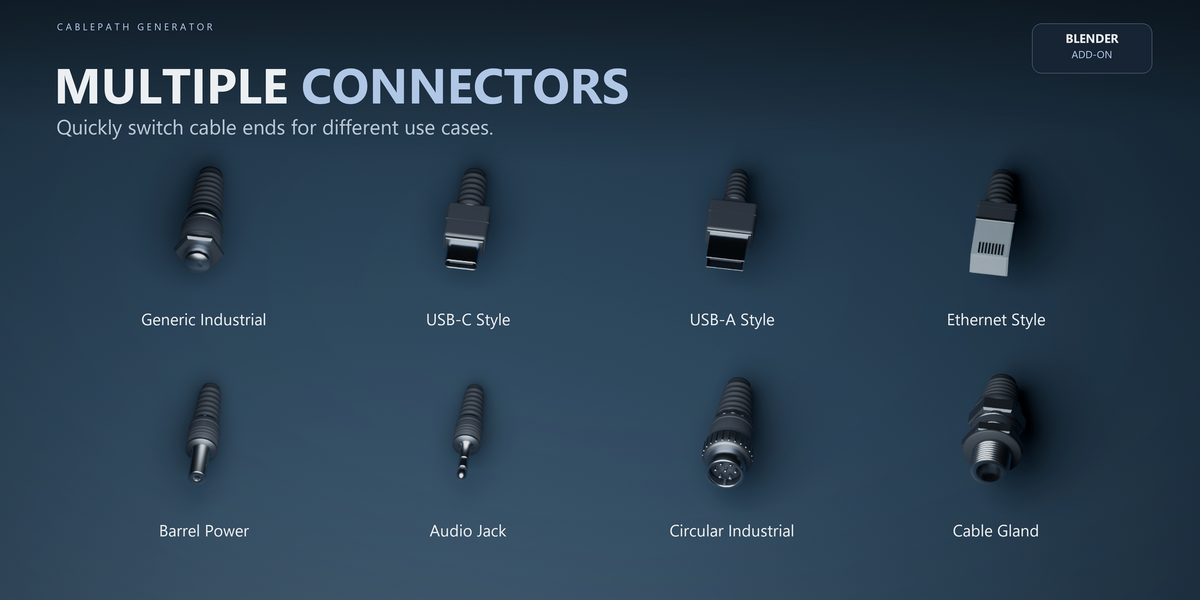
Yes. CablePath remains procedural after creation. You can change the cable type, diameter, preset, material, connectors and other settings at any time.
Does CablePath Generator simulate real cable physics?
No. CablePath is a procedural modeling tool. It creates editable cable paths, connectors and cable geometry, but it does not simulate physical tension, collisions, electricity or automatic obstacle avoidance.
$9
Have questions about this product?
Login to message
| Blender Extension Compatible | Yes |
| Published | about 11 hours ago |
| Blender Version | 5.2 |
| Extension Type | Add-on |
| Render Engine Used | Cycles, Eevee |
| License | GPL |

Discover more products like this
wiring Generator curve modeling connector Wire procedural Cable sci fi industrial cord geometry nodes