 AS Formworks
CAD Surface Studio
Measured UV projection, industrial materials and surface labels for Blender CAD meshes.
Prepare imported housings, brackets, shafts and mechanical assemblies for product visualization from one sidebar. Project repeatable textures at a physical scale, assign industrial finishes by name or color, inspect UV distortion, add controlled edge bevels and place editable text on parts.
Who is it for?
CAD visualization artists, industrial designers and product-rendering freelancers working with mesh assemblies in Blender. Typical projects include machinery presentations, appliance renders, equipment catalogs and close-up component illustrations. Import your CAD model with your preferred importer first; CAD Surface Studio works on Blender meshes.
1. Project textures at a measured scale
- Box, Planar and Cylindrical projections, with axis, direction and UV offsets.
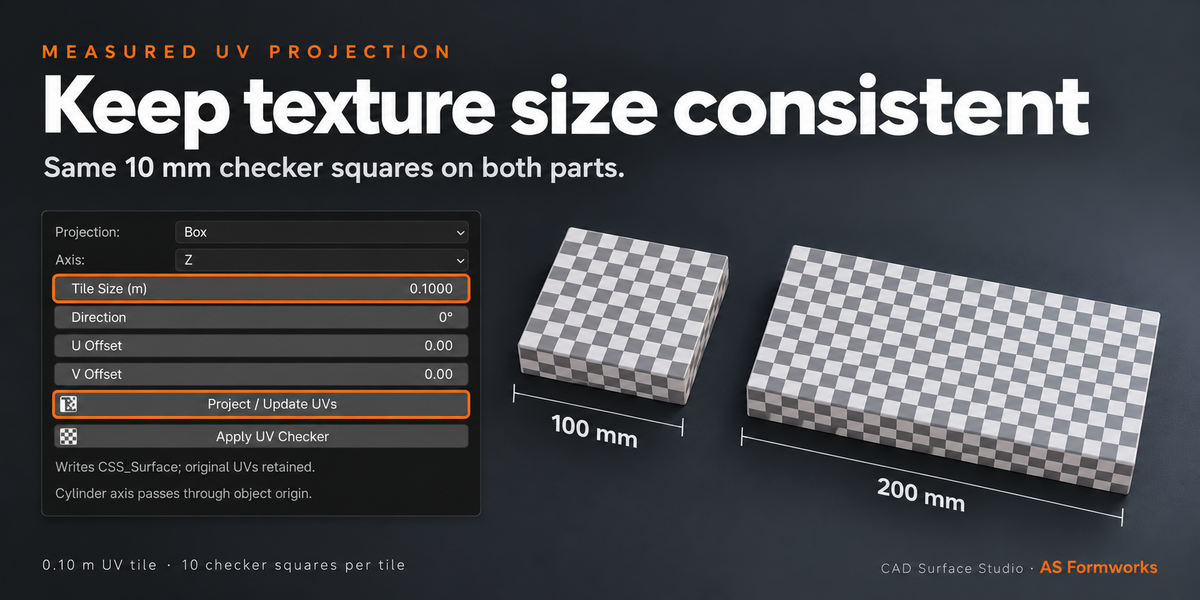
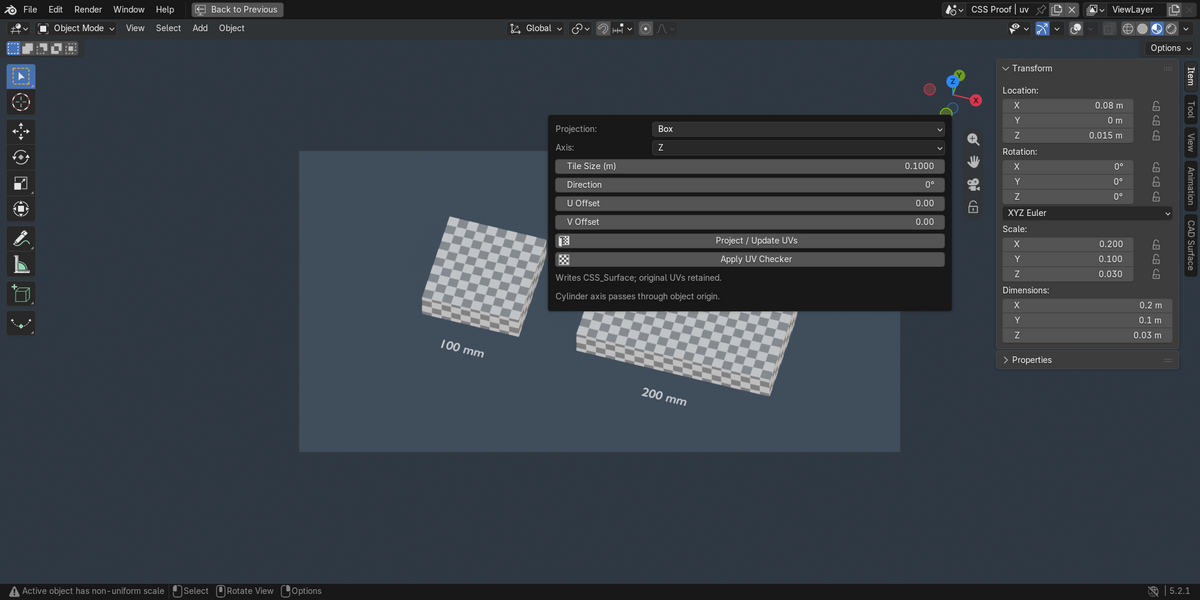
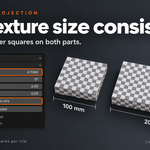
- Tile Size in metres: a 0.1 m tile covers 100 mm. Scene Unit Scale and object scale are included in UV projection.
- Apply to selected objects, or only selected faces in Edit Mode.
- A dedicated CSS_Surface UV layer keeps your existing UV layers available.
- Apply a checker to inspect stretching and texture direction.
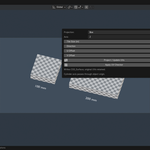
Why measured UVs? A small bracket and a large housing can use the same real-world texture size. In the gallery, 100 mm and 200 mm blocks both carry 10 mm checker squares: Tile Size is 0.10 m and the checker has 10 squares per tile. Doubling part width doubles the number of squares instead of stretching the pattern.
2. Assign industrial finishes
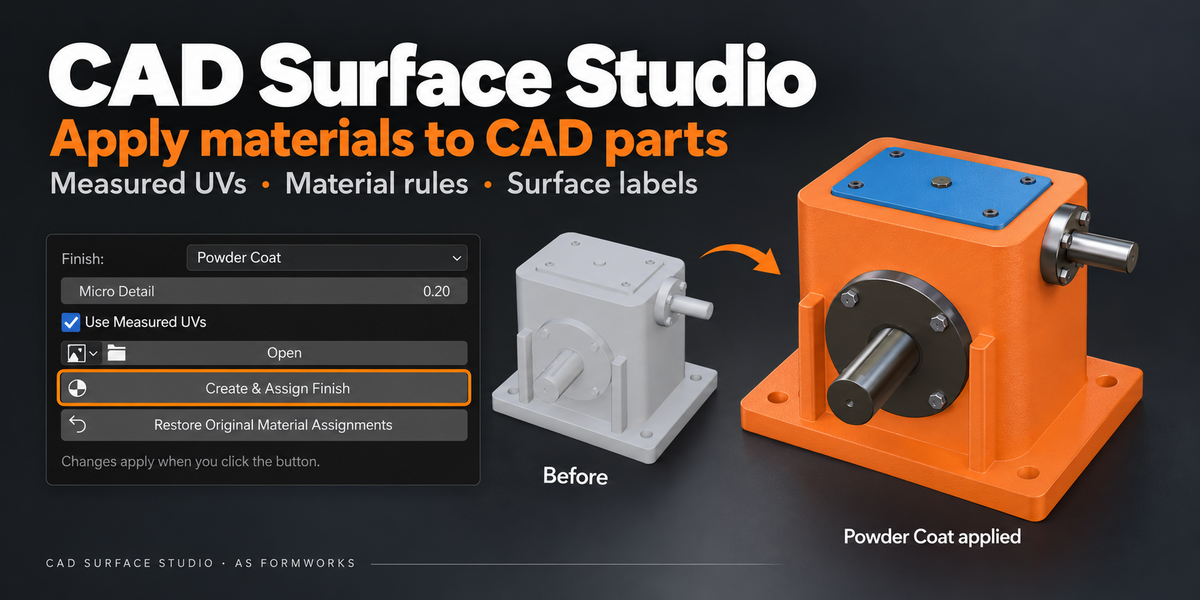
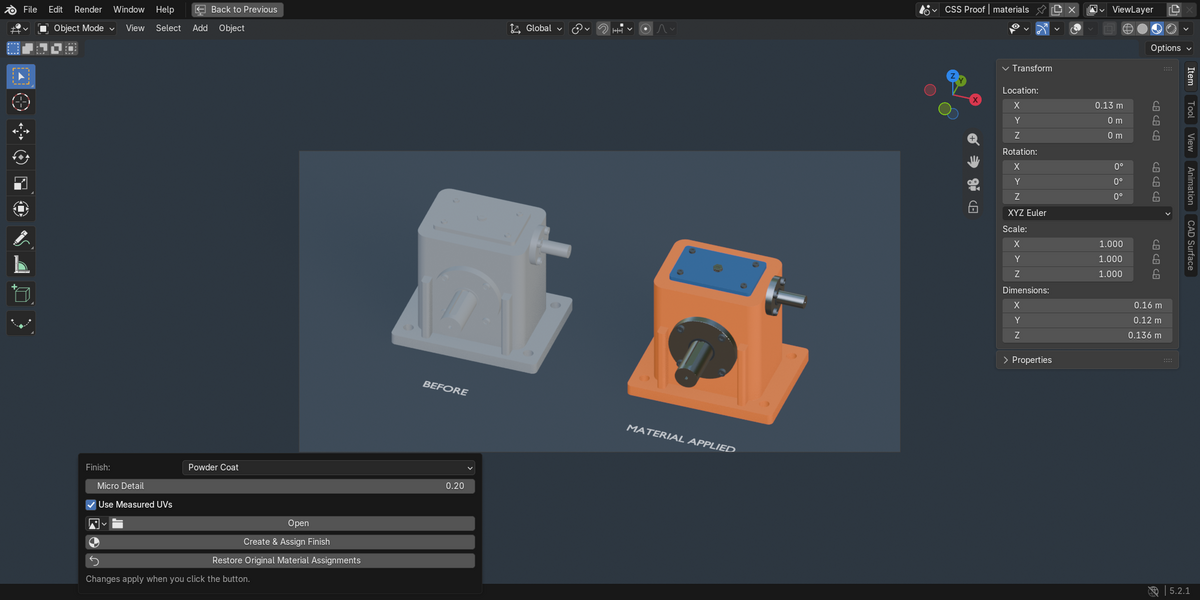
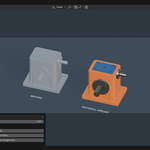
Seven editable procedural presets: Brushed Metal, Turned Metal, Cast Metal, Powder Coat, Molded Plastic, Rubber and Wood Grain. Adjust micro detail, use measured UVs or local coordinates, and optionally supply your own base-color image. Every generated material remains editable in Blender's Shader Editor.
3. Reuse material assignment rules
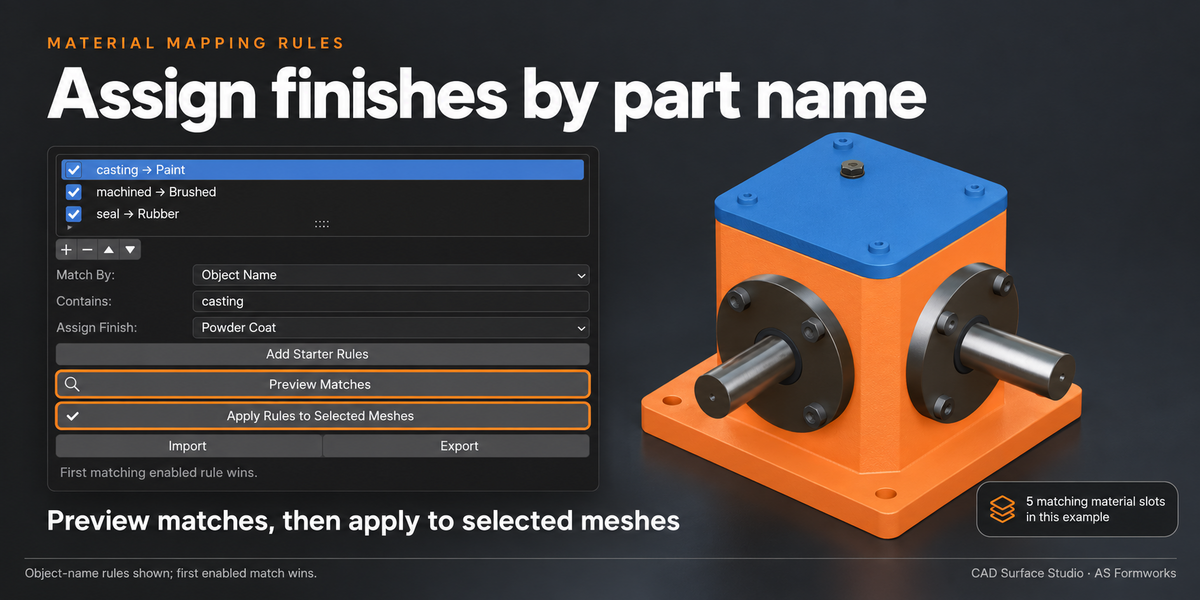
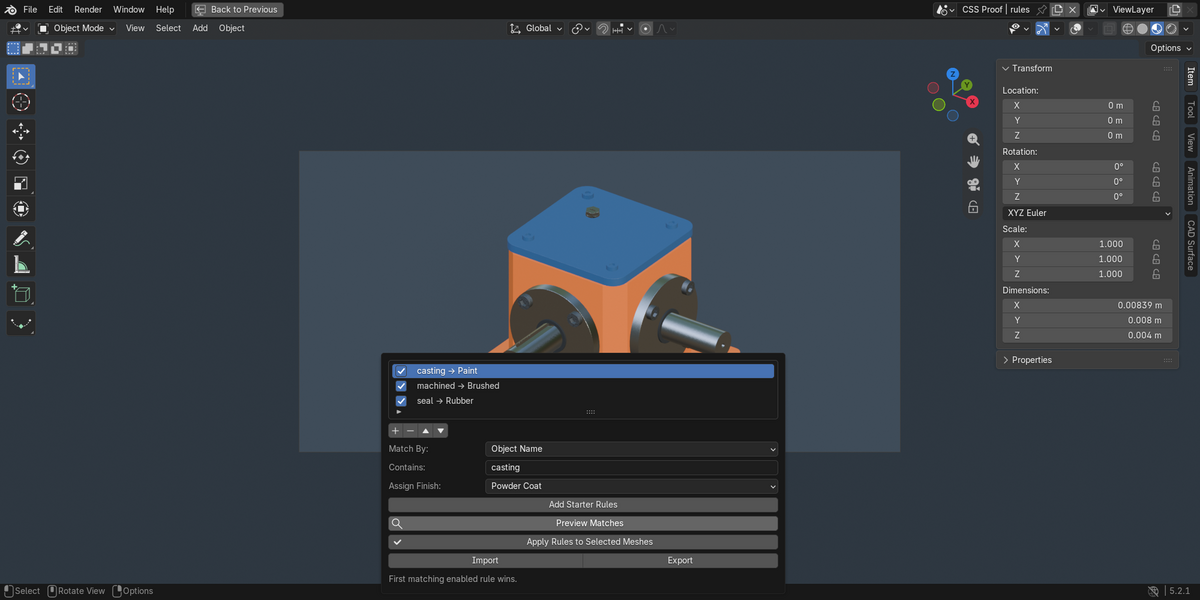
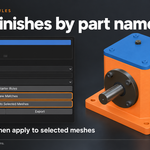
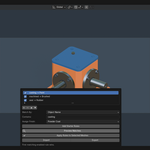
Match object names, existing material names or material viewport colors to a finish. Preview matched slots and affected face counts before applying. Order rules explicitly: the first enabled match wins. Export/import validated JSON rules for other projects. Restore the original material assignments using the built-in snapshot, provided topology and original slots have not changed.
4. Inspect surfaces and control edge highlights
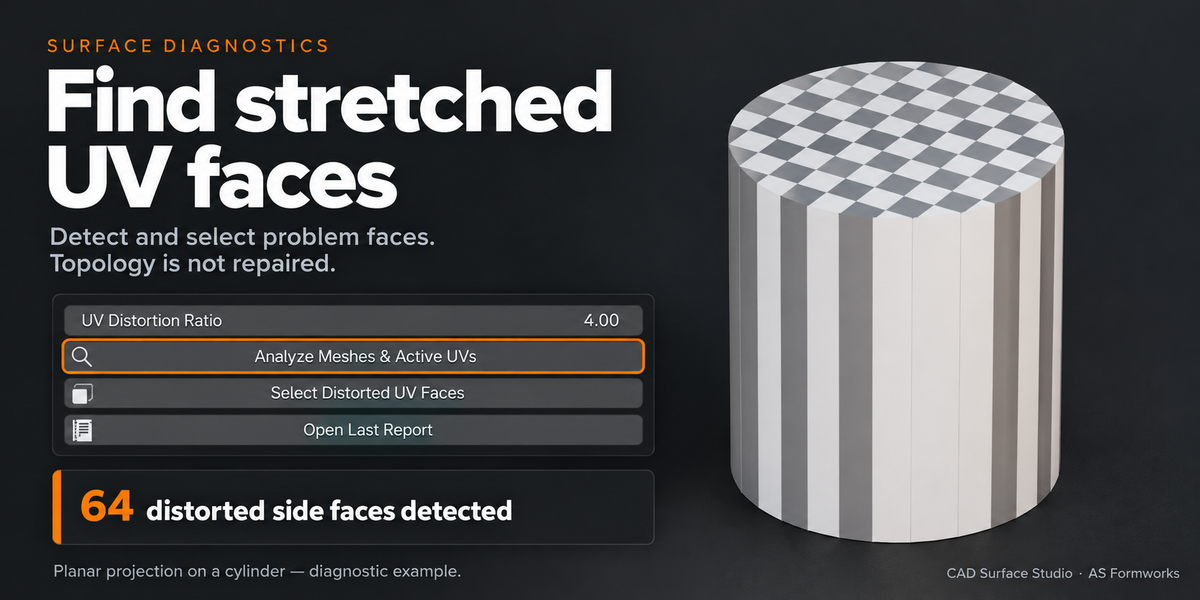
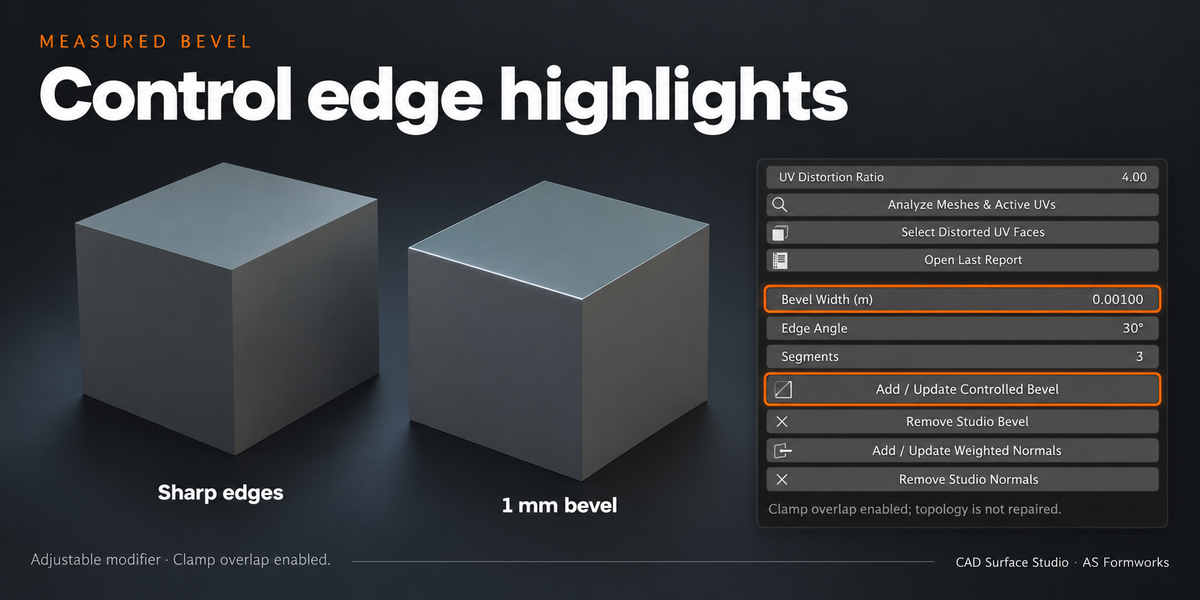
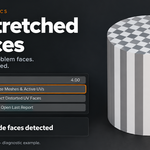
Analyze UV distortion and collapsed UV faces, boundary/nonmanifold edges, zero-area faces, inconsistent edge winding, marked sharp edges and transform warnings. Select distorted UV faces for inspection. Add or update an unapplied, angle-limited Bevel with overlap clamping and measured width. Weighted Normals is a separate optional modifier. Studio modifiers can be removed individually.
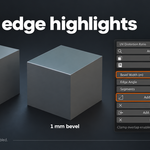
Gallery examples: a planar-projected cylinder produces 64 distorted side faces for inspection. The separate bevel example compares sharp edges with a 1 mm, 3-segment bevel. These are staged examples, not performance benchmarks.
5. Place editable text on parts
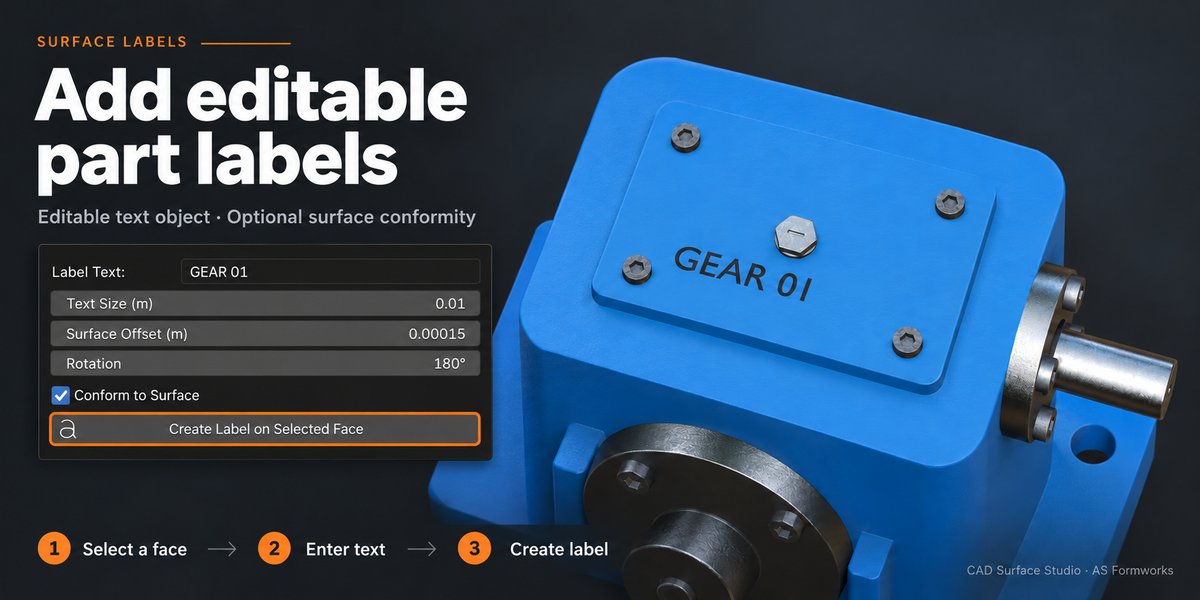
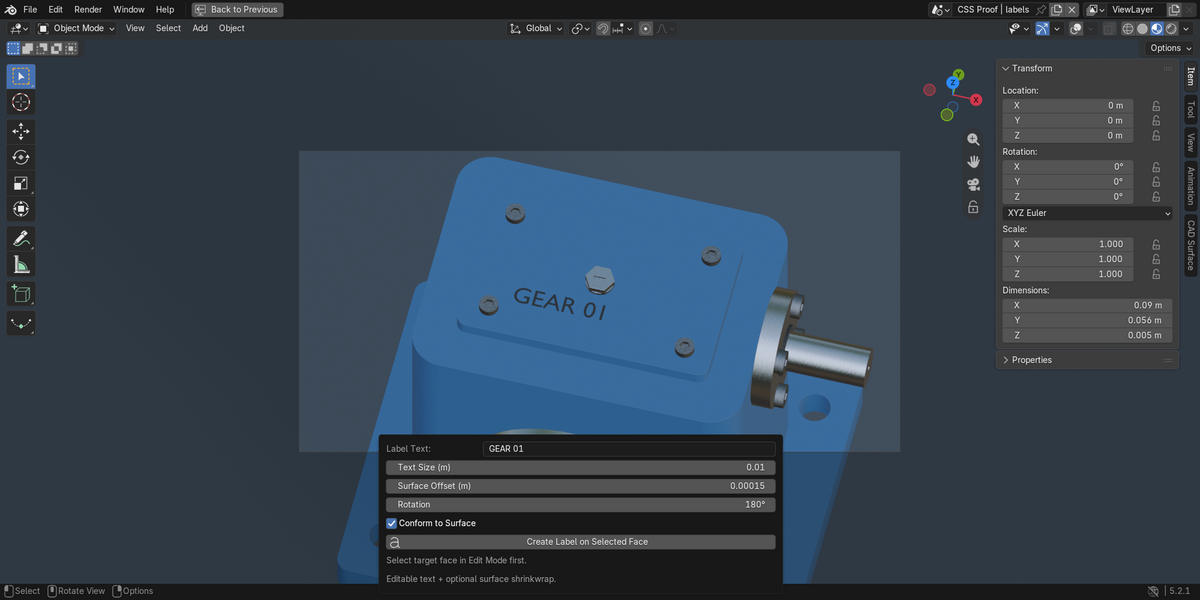
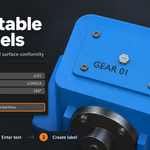
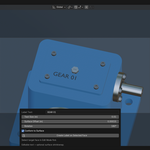
Select a target face in Edit Mode, enter a part number or short label, and set physical text size, rotation and surface offset. The addon creates a separate Text object, parents it to the part and optionally adds surface Shrinkwrap. Text, font, material and transforms remain editable.
Quick workflow
- Import your CAD model and select mesh parts.
- Open N → CAD Surface. Choose a projection and tile size.
- Click Project / Update UVs, then Create & Assign Finish, or preview and apply material rules.
- Inspect diagnostics, add optional edge modifiers and create labels where needed.
Requirements and practical limits
- Blender 5.0+. Tested on Windows with Blender 5.0.0 and 5.2.1 LTS. Other platforms are untested.
- No additional Python packages, engine downloads or network connection are needed.
- UV projections intentionally overlap; they are not a unique baking atlas. Cylindrical mode expects a near-circular surface centered on the object's origin.
- Apply object scale before using local-coordinate materials for consistent physical texture size. Measured UV mode accounts for object scale.
- Diagnostics inspect the original mesh before modifiers. They identify specific conditions; they do not reconstruct CAD surfaces or repair topology.
- Bevel width needs uniform object scale. Overlap clamping does not guarantee protection of every tiny opening; inspect thin features.
- Labels are editable surface text, not engraved geometry or image decals. Curved wrapping may need manual adjustment.
- Settings apply when you click the relevant action. This release does not continuously rebuild in the background.
Included in version 1.0.0
The installable addon ZIP, the current English user guide and GPL-3.0-or-later license. The addon includes the same guide for access from its sidebar. Sample machinery used in gallery illustrations is not included.
Launch offer
Regular price: $12. Planned launch offer: 50% off for the first two weeks — $6, applied automatically. No coupon required.
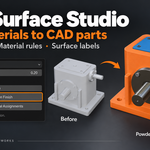
Gallery compositions combine actual Blender renders and interface captures with explanatory artwork. Illustration layouts do not represent an additional application interface. Feature descriptions above define the 1.0.0 scope.
Demonstration CAD models
The new gallery examples use Innerscene CC0 models: Worm reduction gearbox, Bevel gearbox. Surfaces were prepared in Blender using CAD Surface Studio. The blue powder-coat color was customized in the Shader Editor. Model files are demonstration references and are not included in the addon download. The cover and feature slides are designed artwork based on staged Blender demonstrations. The last four gallery images are unedited Blender captures showing material assignment, measured UV projection, material rules and editable labels. The material-rule example matches five material slots; results depend on your part names and rules.