CAD Surface Studio
 AS Formworks
Does CAD Surface Studio import STEP files?
No. Import STEP/STP using a separate importer such as STEPDock first. CAD Surface Studio works on existing Blender mesh objects.
Which Blender versions are supported?
Blender 5.0 or newer. Version 1.0.0 was tested on Windows using Blender 5.0.0 and 5.2.1 LTS. Other operating systems have not been tested. No external Python packages or online setup are required.
How do I install and open the addon?
In Blender open Edit > Preferences > Get Extensions > menu > Install from Disk. Select as_cad_surface_studio-1.0.0.zip and enable it. In the 3D Viewport press N and open CAD Surface. The English guide is available from the User Guide button.
Will it overwrite my UV maps or original materials?
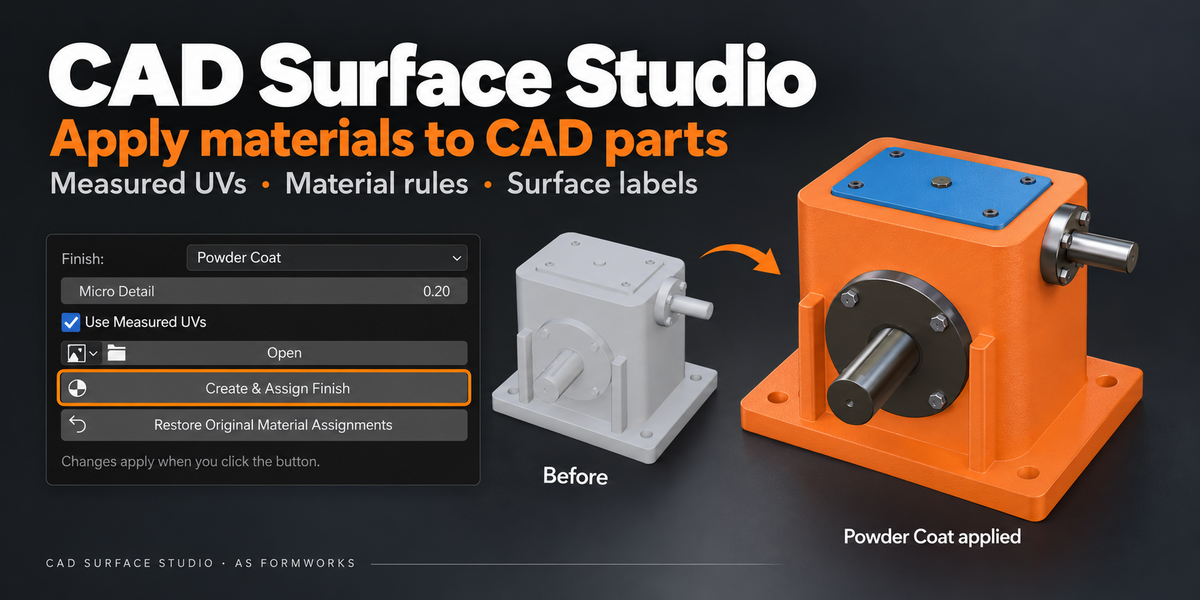
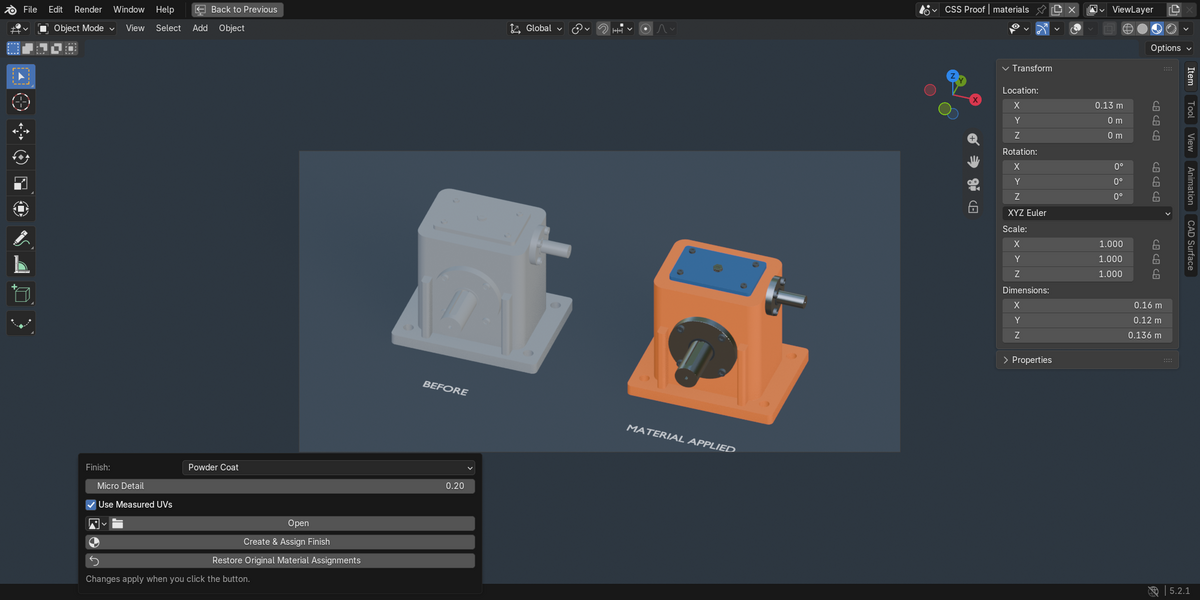
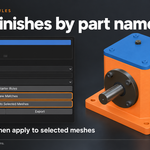
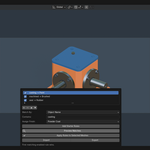
Projection creates or updates the dedicated CSS_Surface layer; existing UV layers remain. New materials are added to slots. The first Studio assignment stores original polygon material indices. Restore Original Material Assignments restores that snapshot when topology and original slots remain compatible. Changes to CSS_Surface itself rely on Blender Undo or your saved scene.
Can I use the projected UVs for baking?
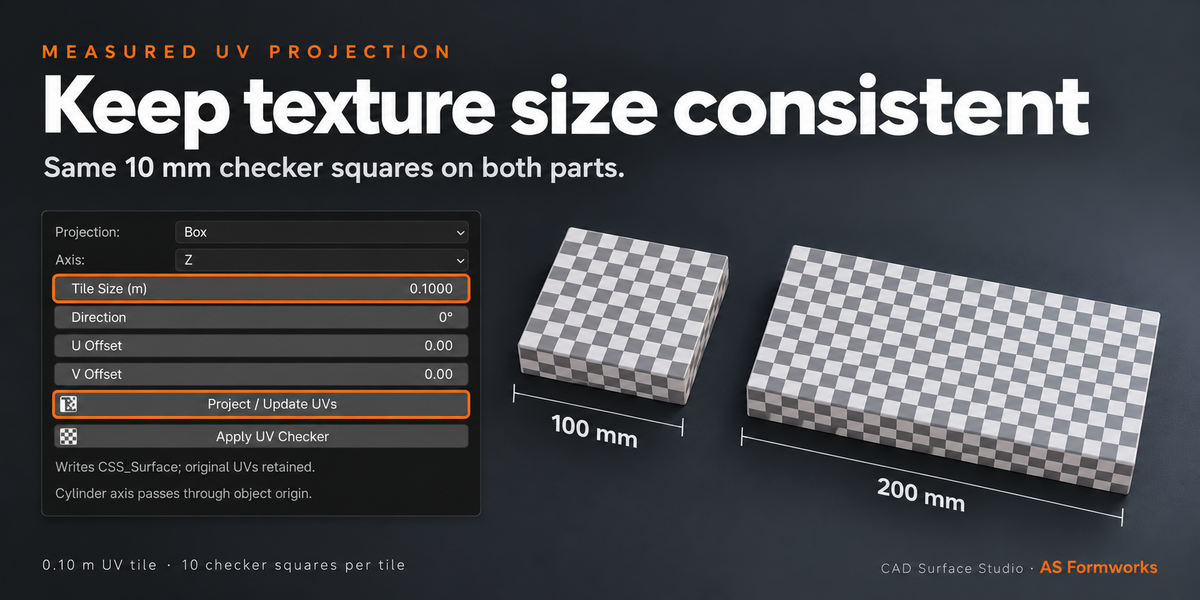
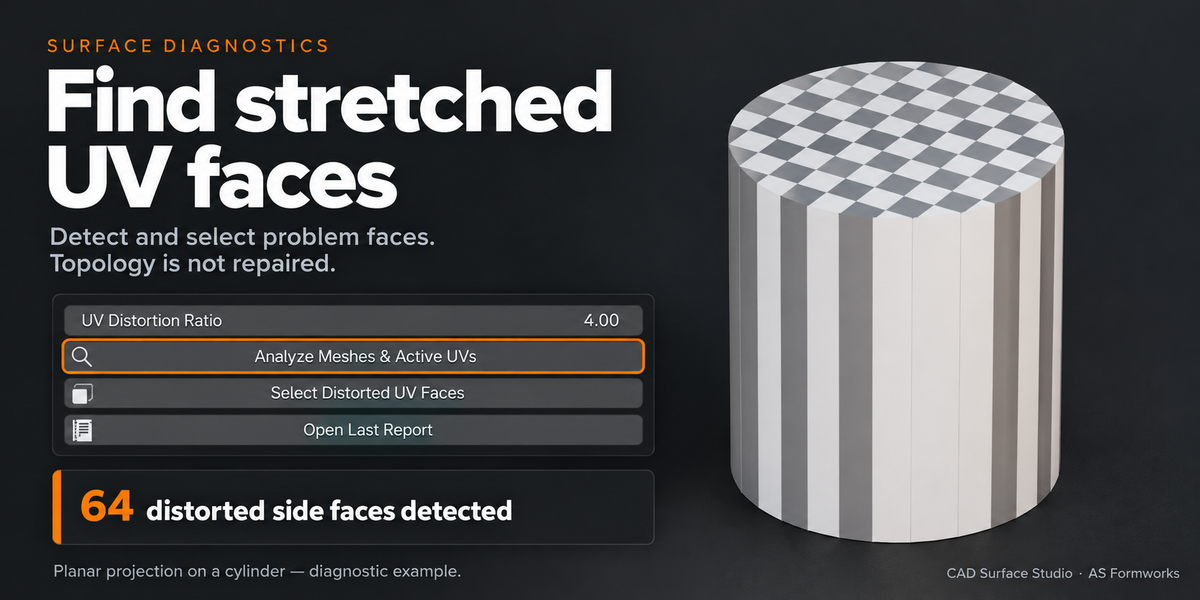
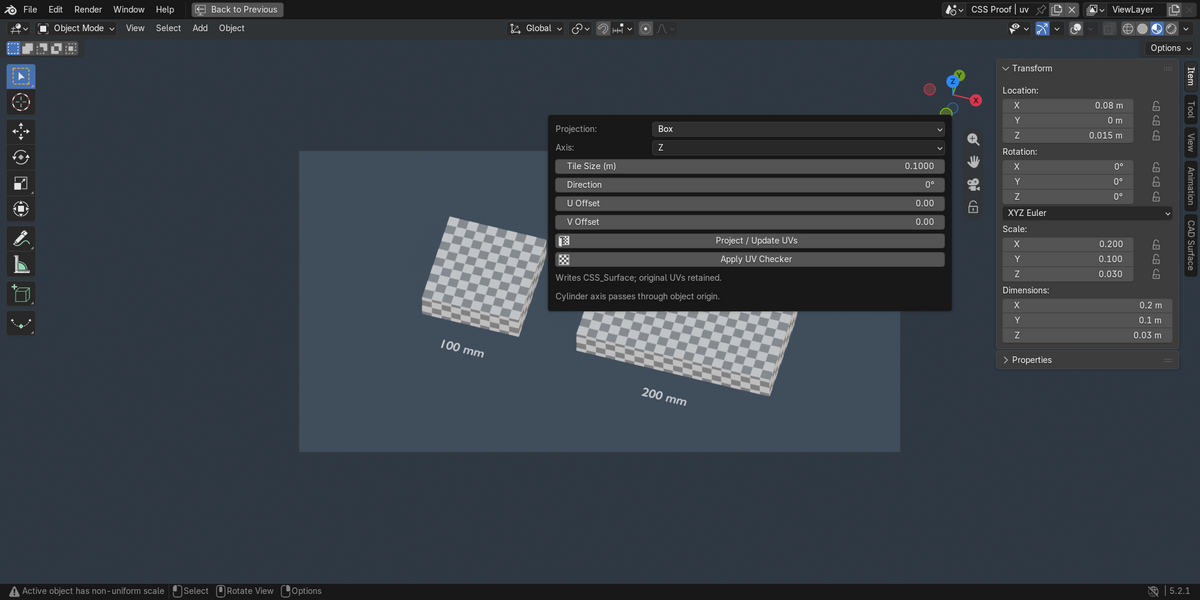
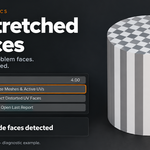
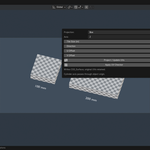
These projections overlap and are intended for repeated textures and visualization. They do not create a nonoverlapping baking atlas. Cylindrical mapping works best on near-circular surfaces centered around the object origin.
Why is the texture size different on another object?
For measured UVs, verify scene Unit Scale, real dimensions and Tile Size in metres, then update the projection after changing object scale. Local-coordinate materials require applied object scale for consistent texture size. One full UV tile is the chosen physical size; procedural presets add finer internal detail.
Does it repair mesh topology or automatically engrave text?
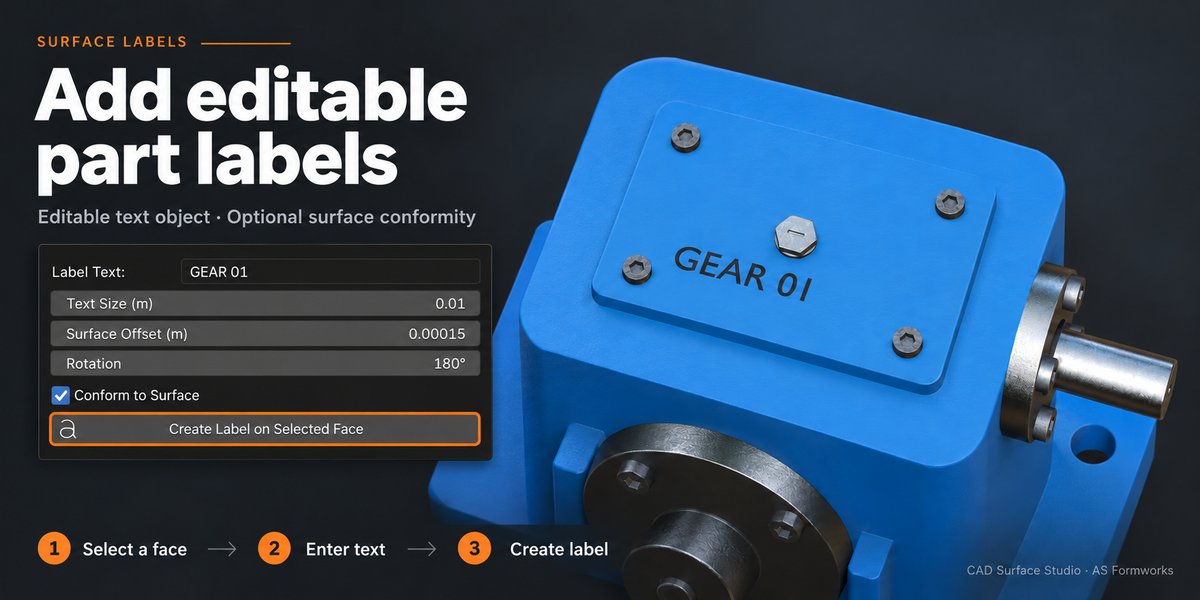
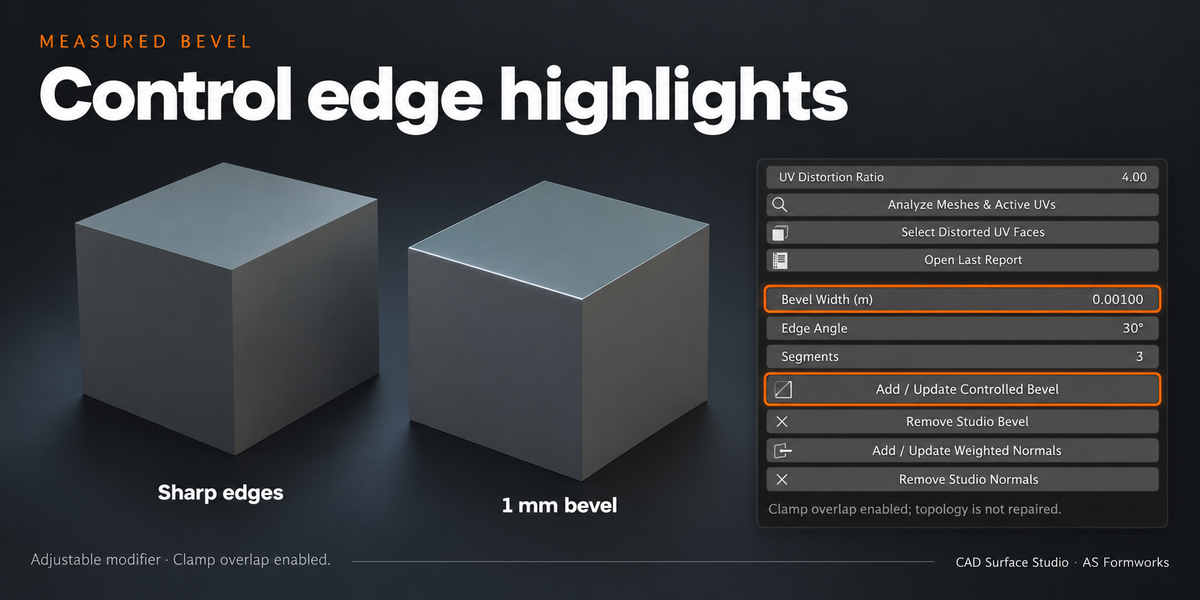
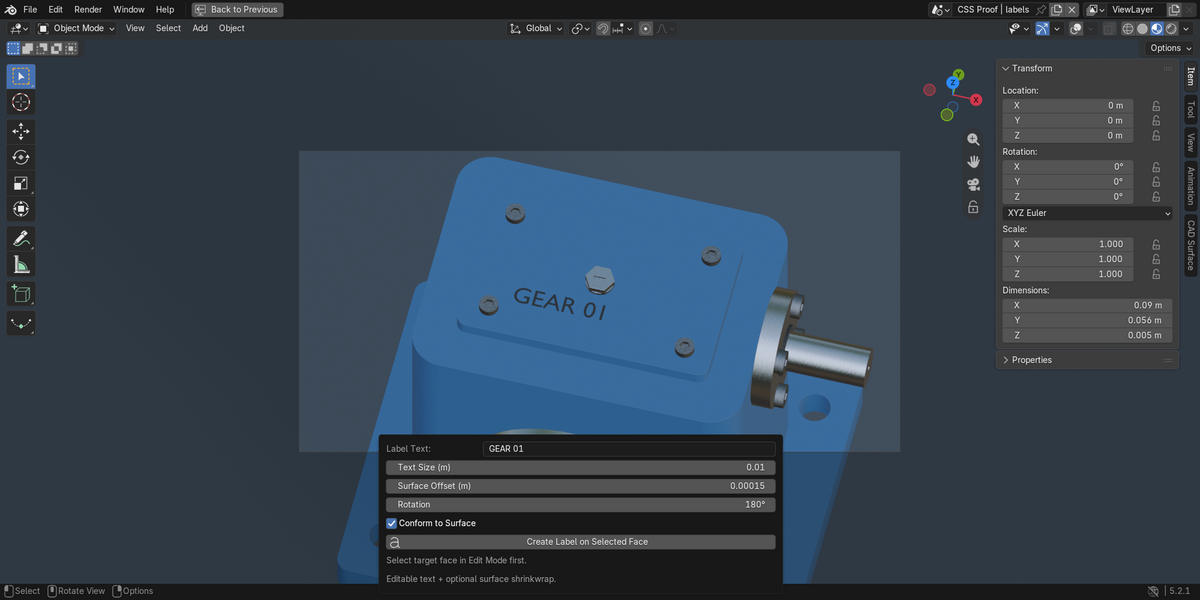
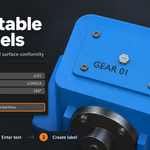
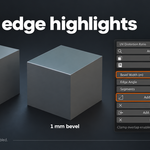
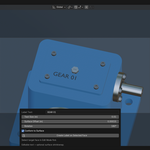
No. Diagnostics identify UV and mesh conditions. Bevel and Weighted Normals are optional rendering modifiers, not CAD reconstruction. Labels are separate editable Text objects with optional Shrinkwrap, not boolean engraving.
Are the example machinery and image textures included?
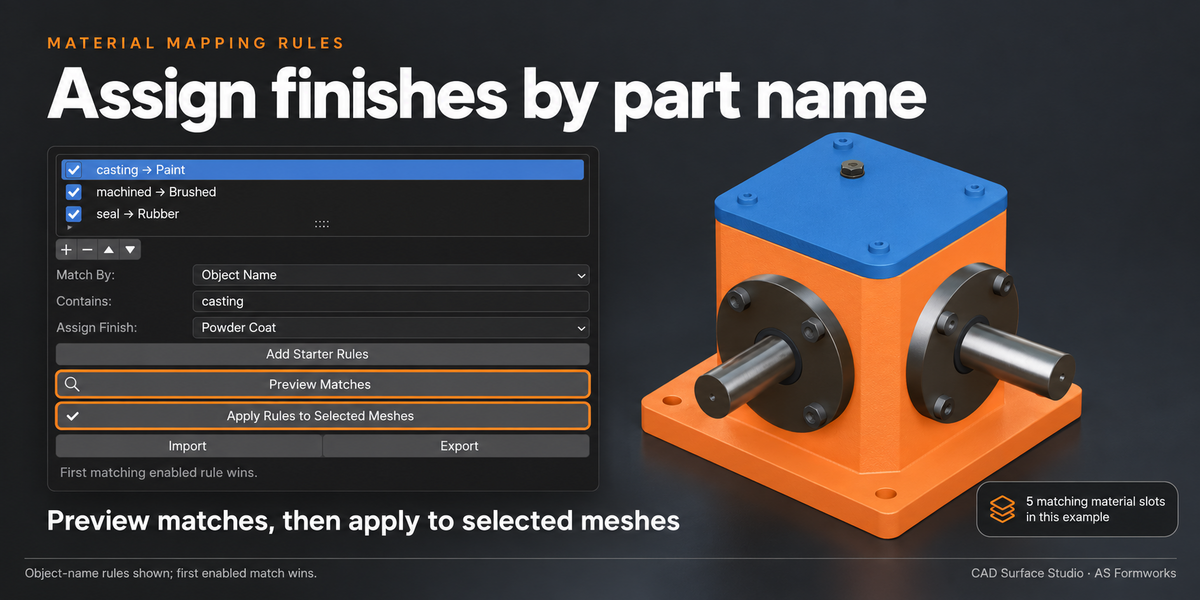
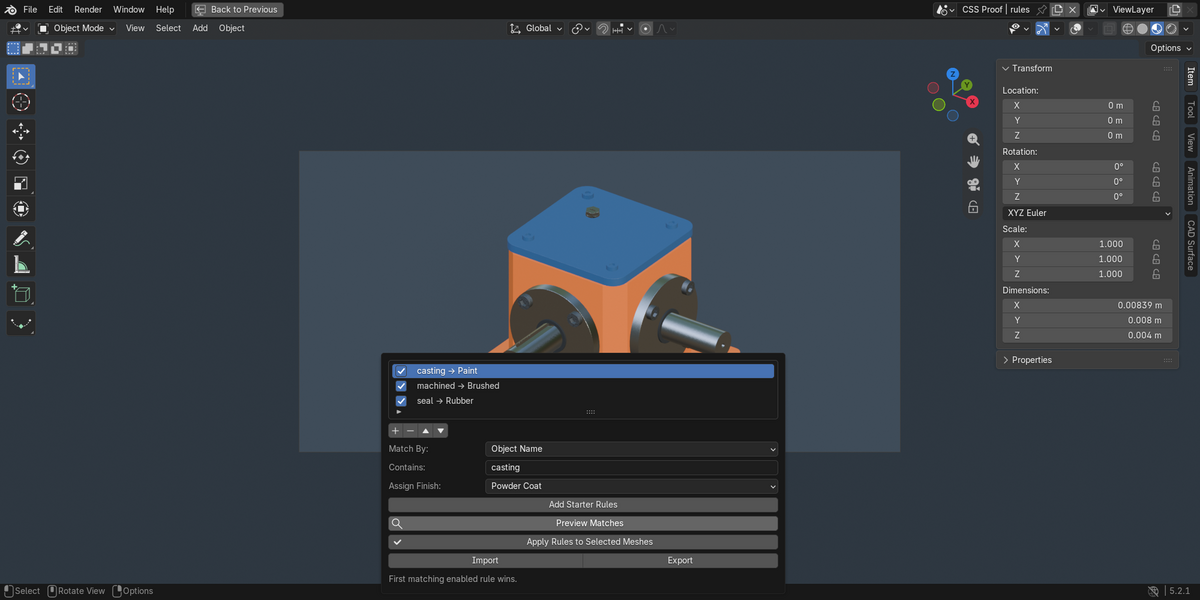
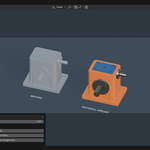
No. The product includes the addon ZIP, current English guide and GPL license. Seven procedural finish presets are built into the addon. Gallery machinery is a workflow example, and you can optionally use your own base-color images.
Is the launch discount a coupon?
The planned launch offer is an automatic 50% price reduction for two weeks: $6 instead of the regular $12. No coupon is required. The checkout price shows whether the offer is currently active.
Have questions about this product?
Login to message
| Blender Extension Compatible | Yes |
| Published | 10 days ago |
| Blender Version | 5.0 - 5.2 |
| Extension Type | Add-on |
| Render Engine Used | Cycles, Eevee |
| License | GPL |
Discover more products like this
bevel Material Mapping procedural materials cad surface labels product-visualization Industrial Materials UV-projection