 ASHISH KUMAR MAURYA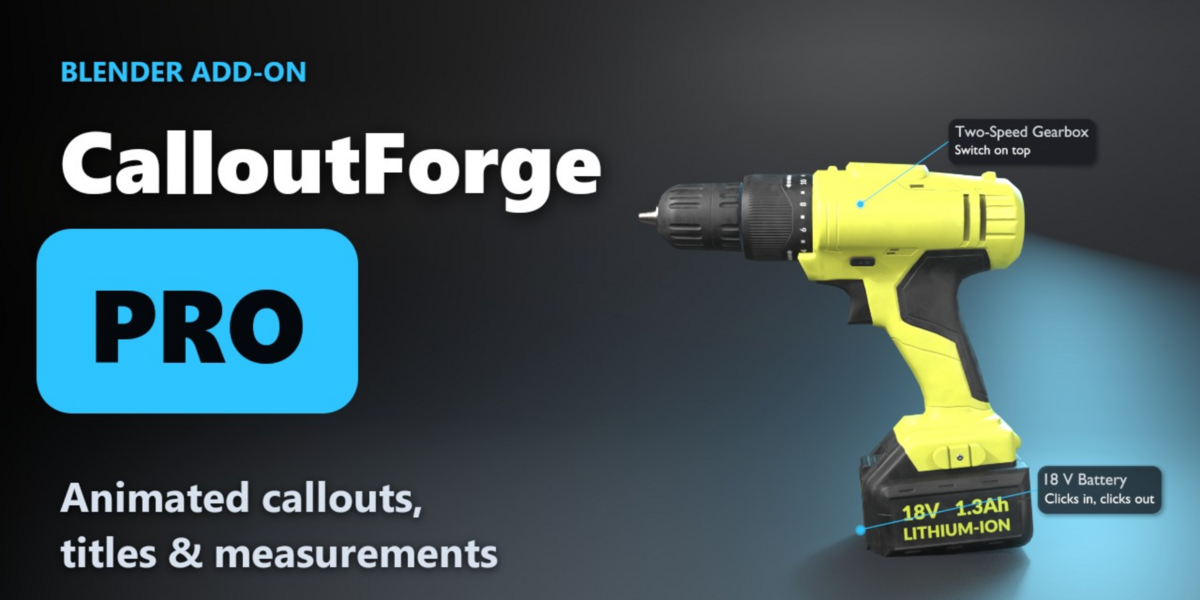
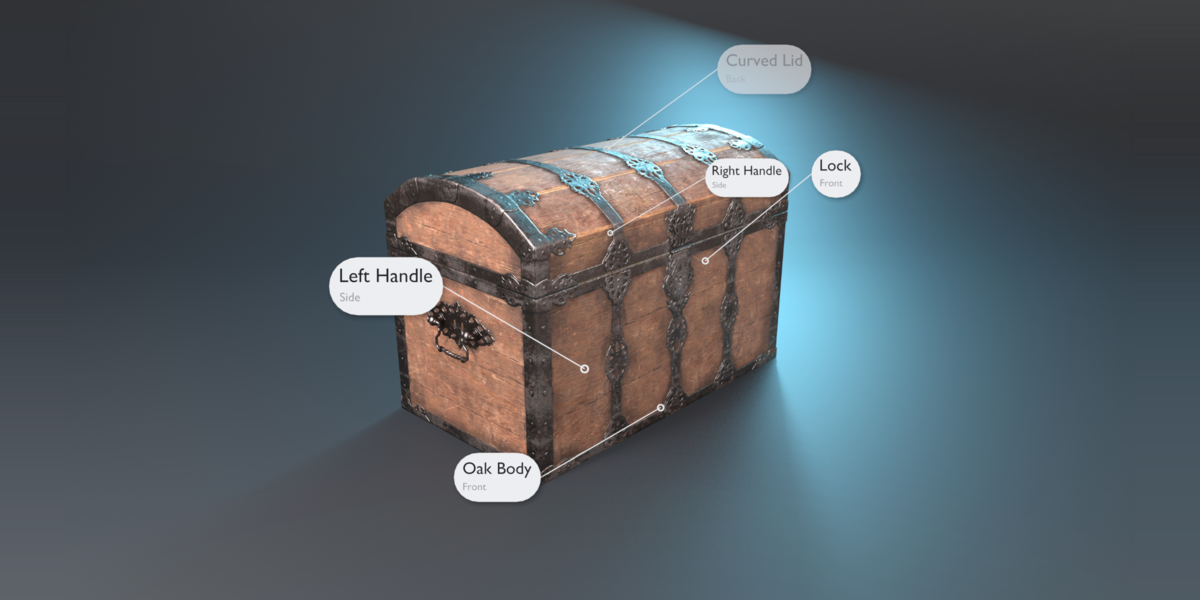
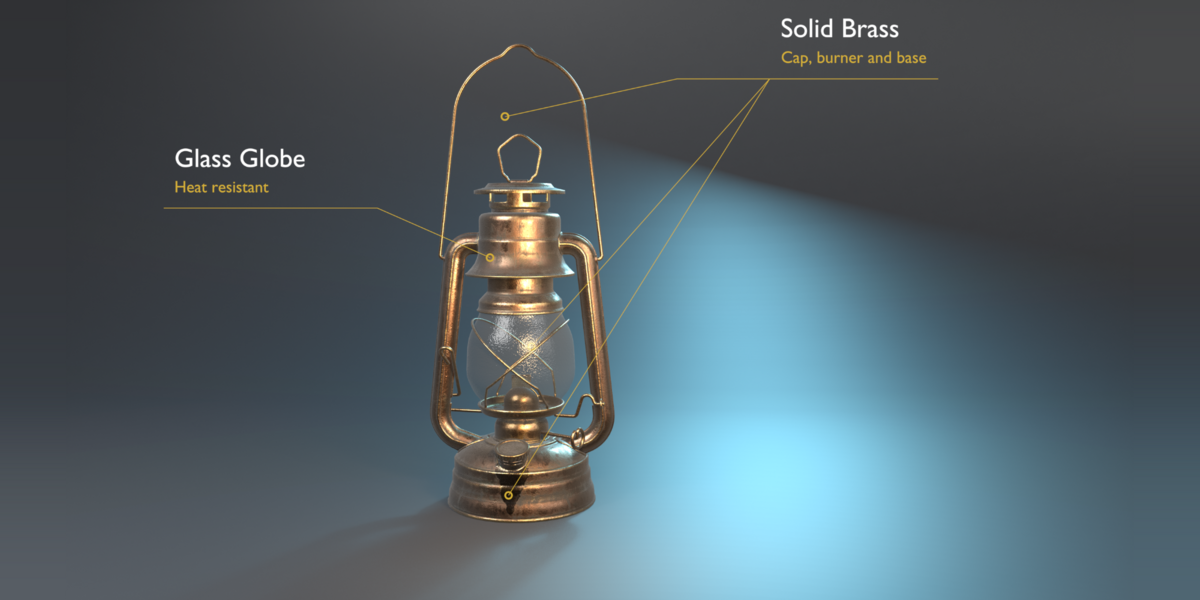
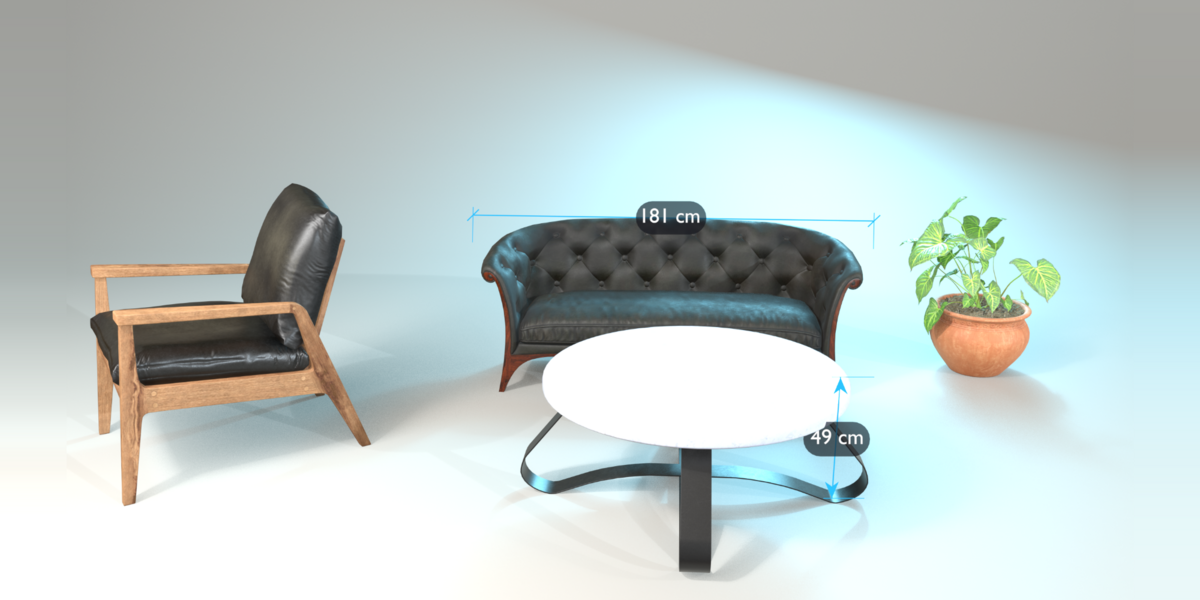
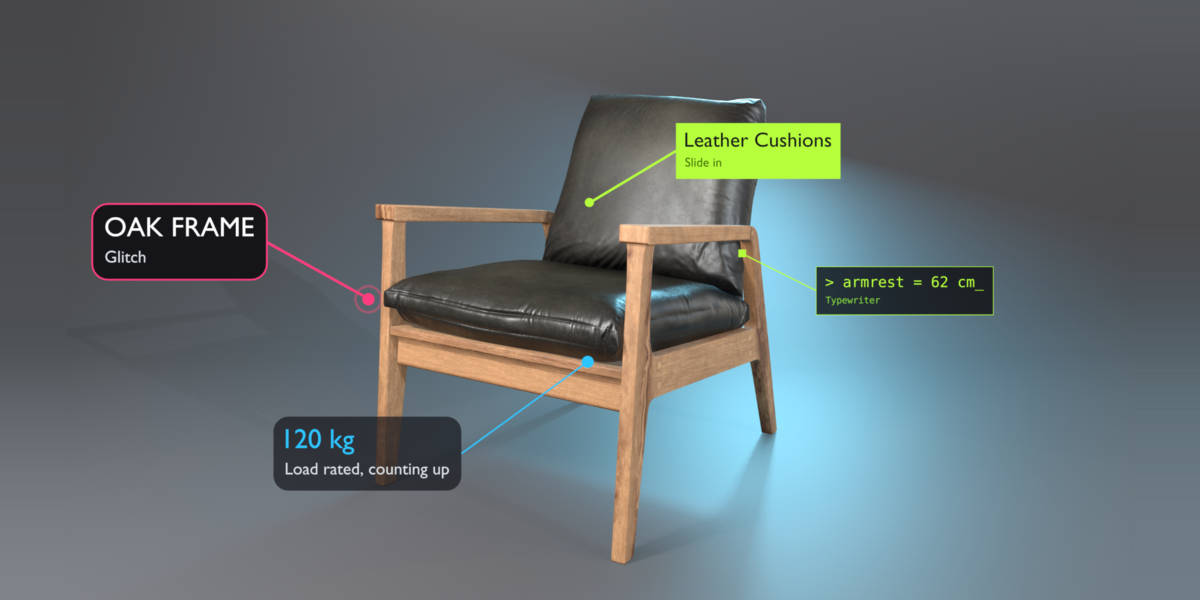
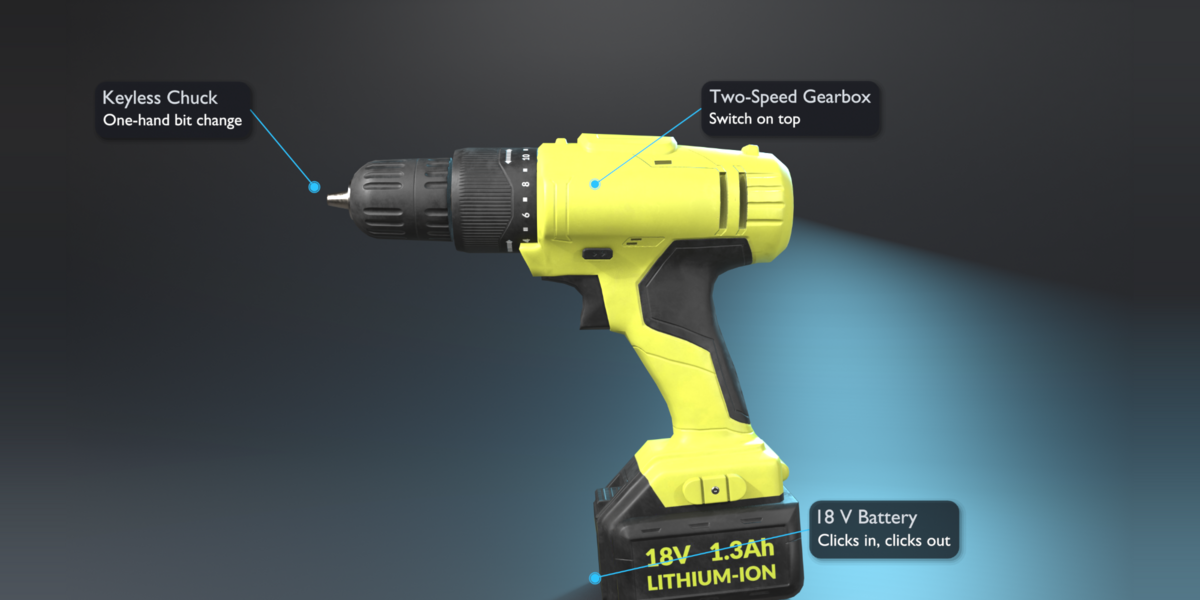
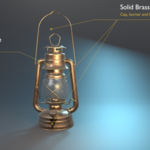
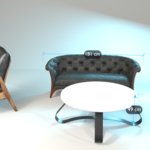
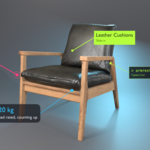
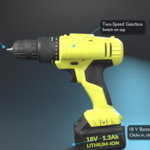
CalloutForge Pro adds animated 3D callouts, titles and measurement lines to your Blender scenes. Everything is built with Geometry Nodes, renders in EEVEE and Cycles, and stays fully editable.
Try it free first: CalloutForge Lite on BlendKit. Files made with Pro still open and render in the free Lite version.
What Pro adds
- Smart Occlusion: labels hide on their own when their point turns away from the camera or goes behind the model, and come back when it is visible again. No keyframes, no masks.
- 40 callout looks and 15 title looks in a large visual Preset Browser with families and search.
- Style editor: bracket and outline boxes, drop shadow, gradient, dashed / dotted / curved lines, pulse, crosshair and square dots.
- Pick Anchor: click any surface to pin the dot. Drag labels, elbows and dots right in the viewport.
- Multi-Target: one label pointing at up to six parts, with staggered lines.
- Measurement lines in your scene units, with ticks, arrows or dots.
- 20 animation styles, including Glitch, Typewriter and Counter, plus Animate in Sequence.
- 8 color themes, and save your own brand themes.
- Scene Manager, pie menu (Shift+Alt+C), align, distribute and flip.
Step-by-step tutorial
Made for
Product visualization, arch-viz, game asset showcases and YouTube explainers.
Compatibility
- Tested on Blender 4.5 LTS, 5.1 and 5.2 (Windows).
- Install: Edit > Preferences > Get Extensions > arrow menu > Install from Disk, then pick the zip.
- No internet access needed, no extra Python packages.
