CalloutForge Pro - Animated 3D Callouts & Titles
 ASHISH KUMAR MAURYA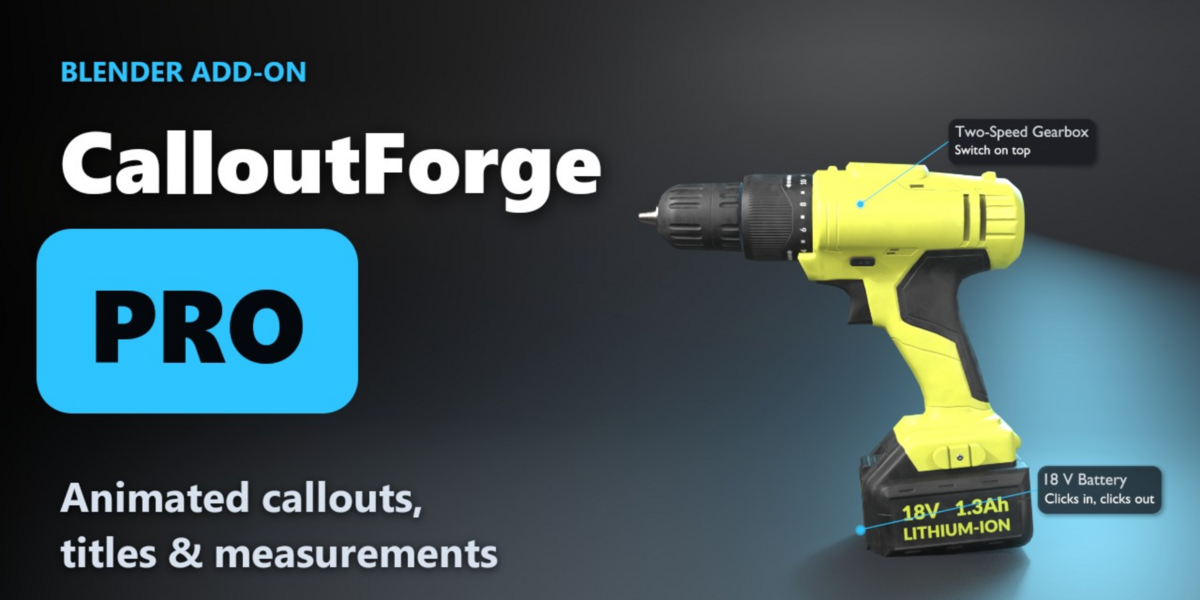
Video guides
🎓 Full step-by-step tutorial (every Pro feature, one button at a time) | ▶ Promo
Install
- Download calloutforge_pro-1.2.0.zip. Do not unzip it.
- In Blender open Edit > Preferences > Get Extensions.
- Click the small arrow at the top right and choose Install from Disk, then pick the zip.
- If CalloutForge Lite is installed, Pro switches it off automatically. Your scenes keep working.
Quick start
- In the 3D viewport press N and open the CalloutForge tab.
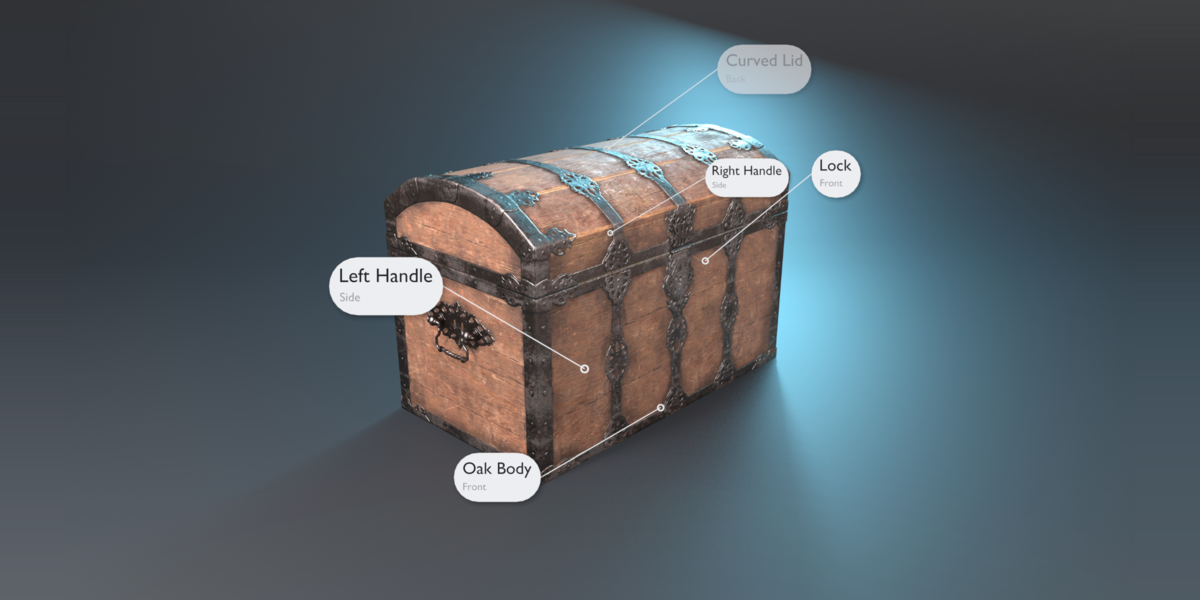
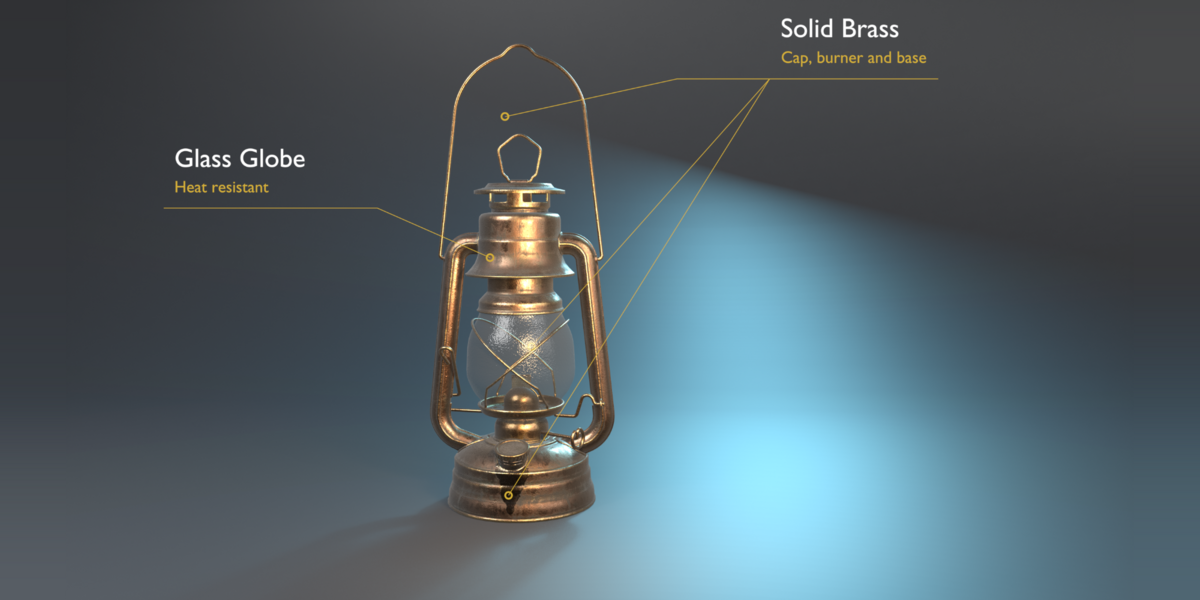
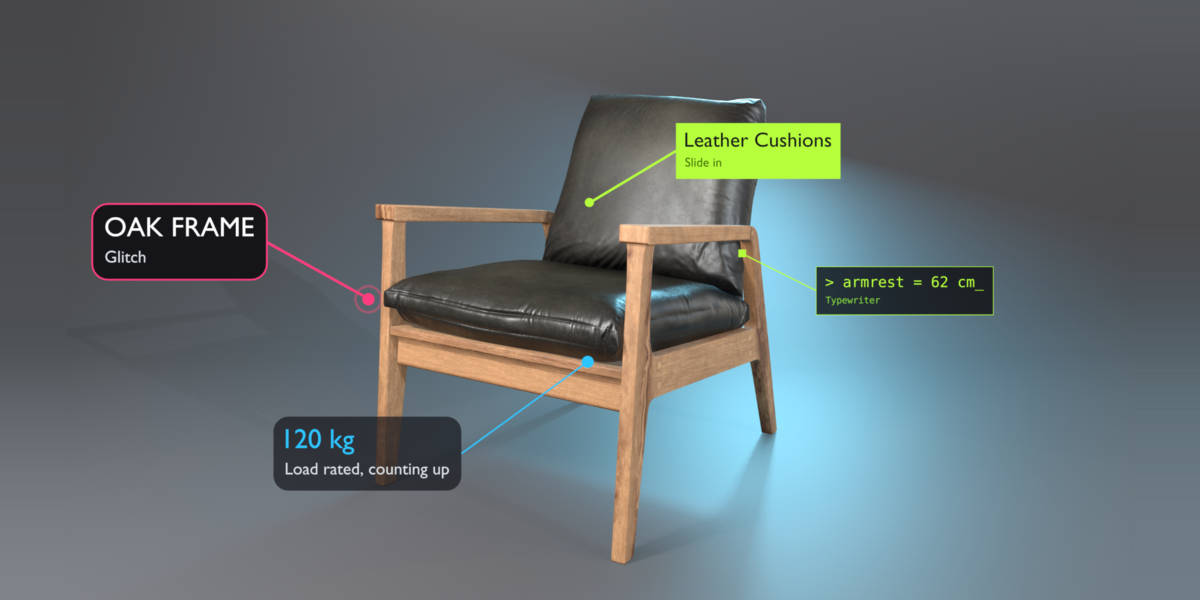
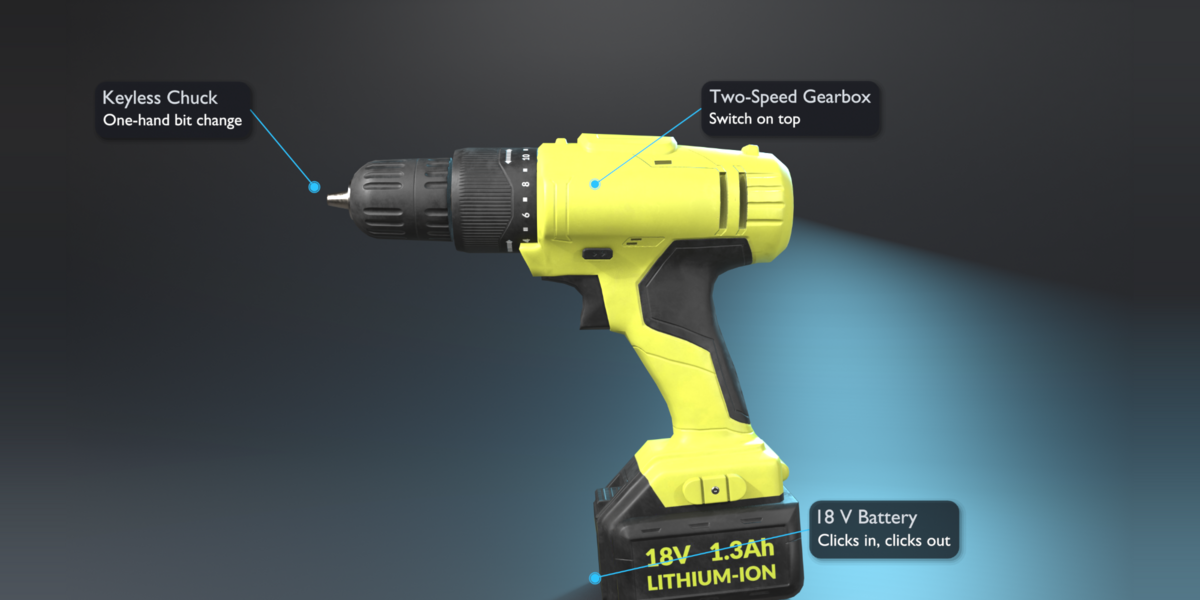
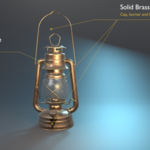
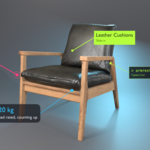
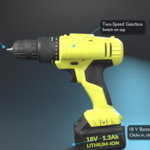
- Select a part of your model and click Callout. Type the title and subtitle.
- Pick a look with the arrows or open the Preset Browser (grid button).
- Turn on Smart Occlusion in the Selected panel so labels hide when their point is hidden.
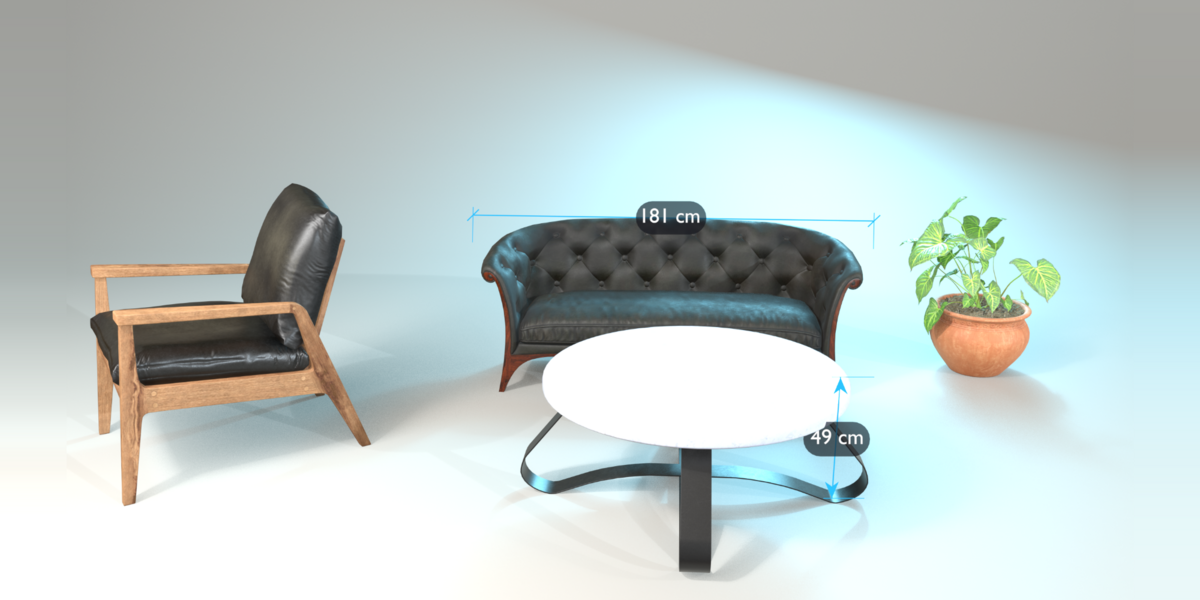
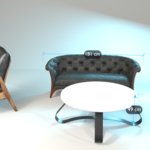
- Click Measure and click two points to add a dimension line.
- Press F12 to render. Works in EEVEE and Cycles.
Good to know
- Pie menu: Shift + Alt + C in Object Mode (can be changed in the add-on preferences).
- Files made with Pro open and render in the free CalloutForge Lite.
- Every step can be undone with Ctrl + Z.
- Tested on Blender 4.5 LTS, 5.1 and 5.2 (Windows).
Have questions about this product?
Login to message
| Blender Extension Compatible | Yes |
| Published | 2 days ago |
| Blender Version | 4.5 - 5.2 |
| Extension Type | Add-on |
| Render Engine Used | Cycles, Eevee |
| License | GPL |

Discover more products like this
ArchViz game assets presentation callouts motion graphics annotation product-visualization lower third geometry nodes labels measurement titles