 Octopus Works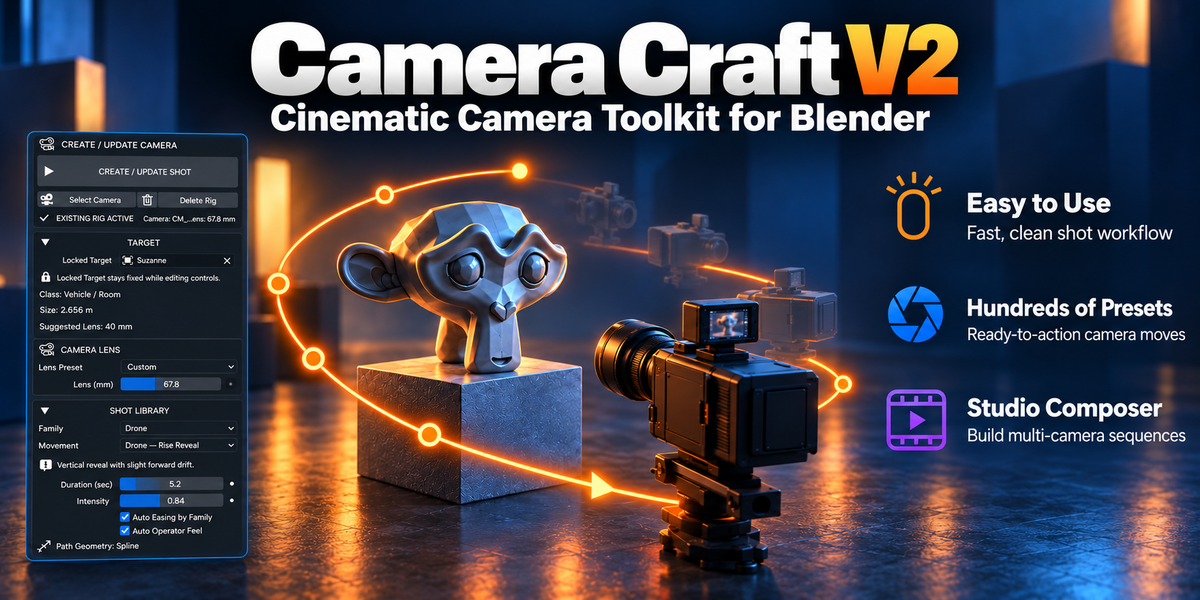
Camera Craft V2
Smarter cameras for Blender.
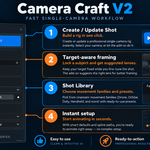
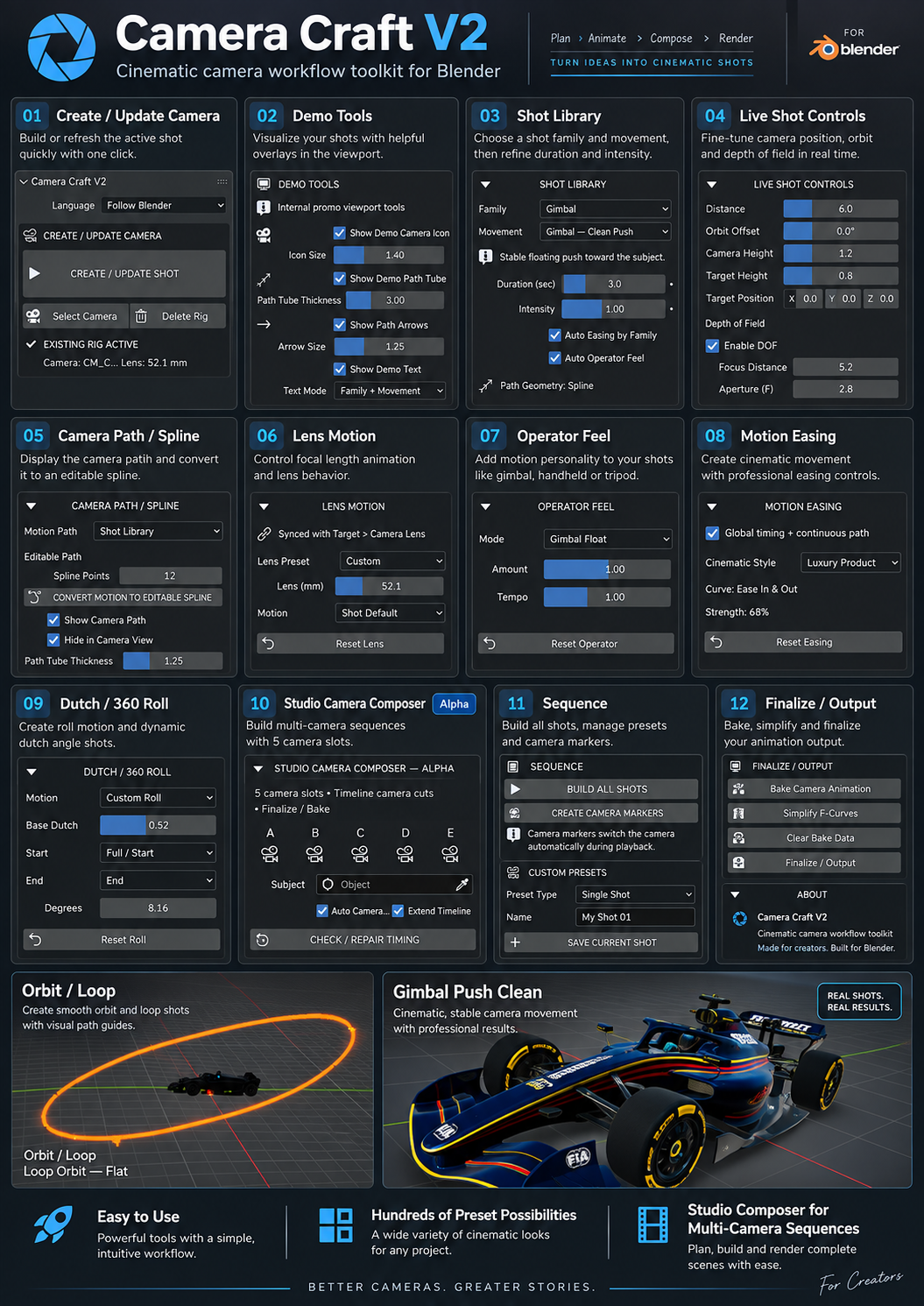
Camera Craft V2 is a cinematic camera toolkit for Blender designed to help you build polished shots faster.Instead of setting up every camera move from scratch, you can choose from ready-made shot behaviors,camera motion styles, operator feels, target systems, and multi-camera workflows — all inside one focused toolset.
Whether you create product renders, cinematic sequences, motion design, previs, YouTube visuals, or client presentations,Camera Craft V2 helps you move from idea to usable camera animation with much less setup time.
Why artists use Camera Craft V2
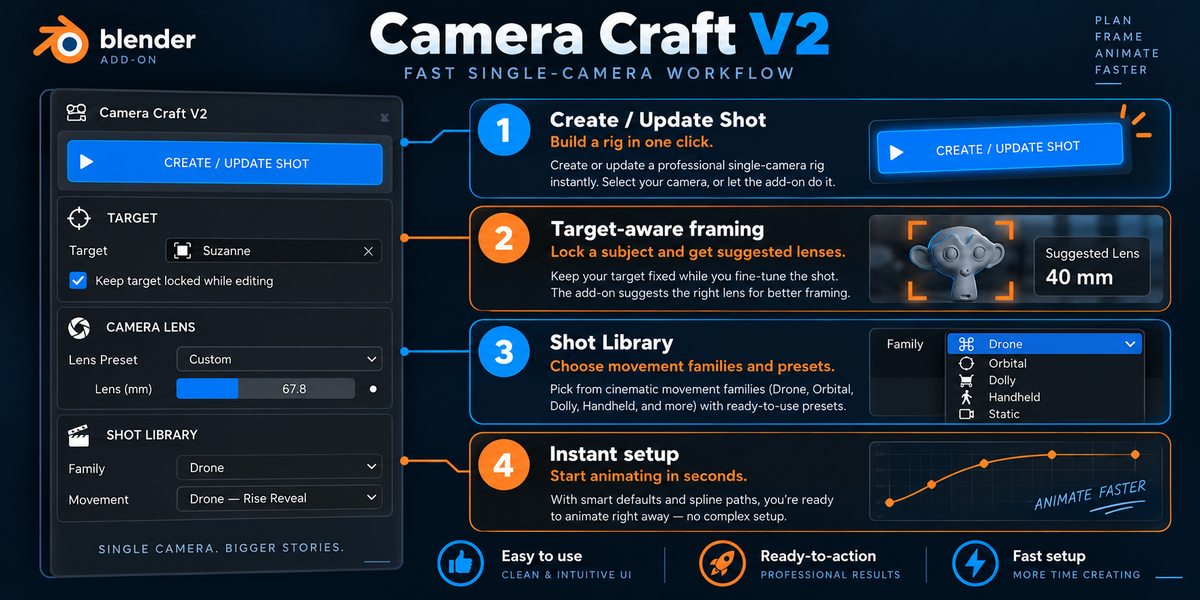
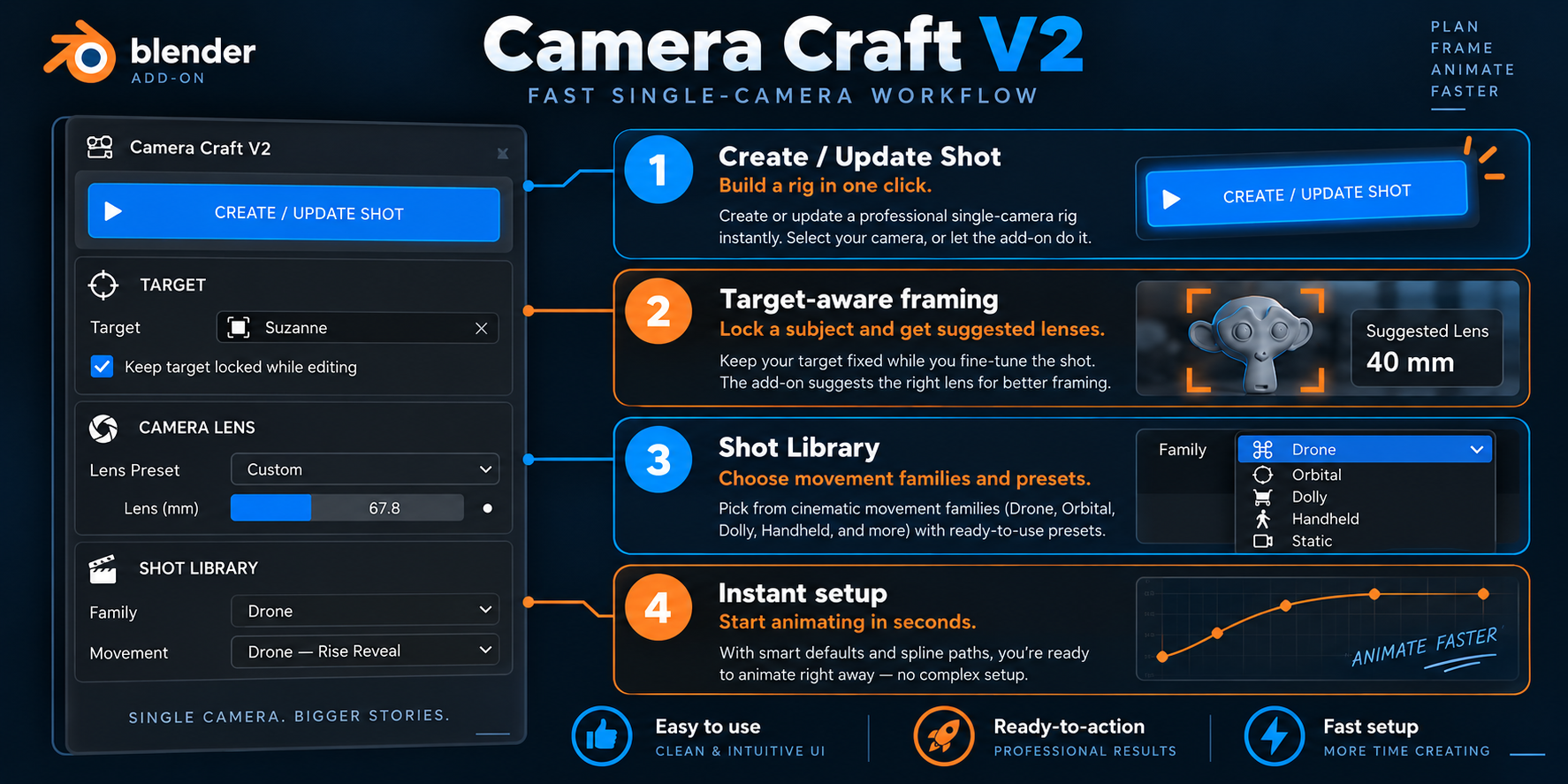
- Fast setup: build usable camera shots in seconds.
- Easy to direct: combine framing, motion, lens feel, and target behavior in one workflow.
- Production-friendly: animate, keyframe, bake, simplify, and finalize your shots cleanly.
- Flexible: good for product shots, animation, cinematics, previs, and studio-style sequences.
Easy to use
Build a shot quickly without digging through complicated rig logic.
Ready to action
Use practical shot families and movements that already feel cinematic.
Studio Composer
Create multi-camera sequences and turn them into clean edits.
Cinematic shot library
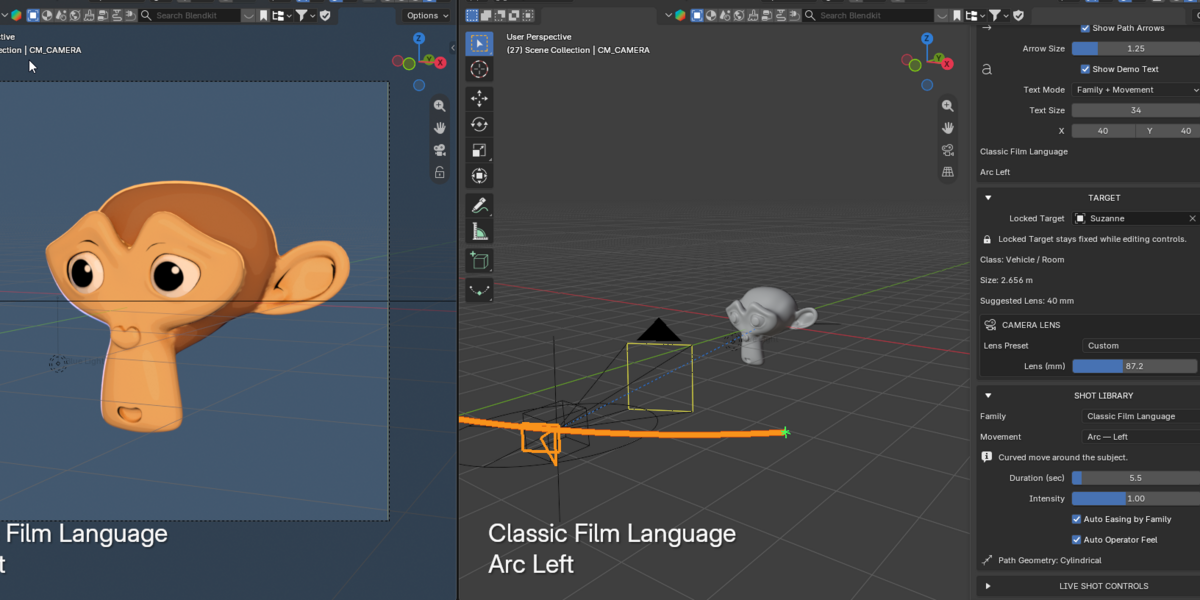
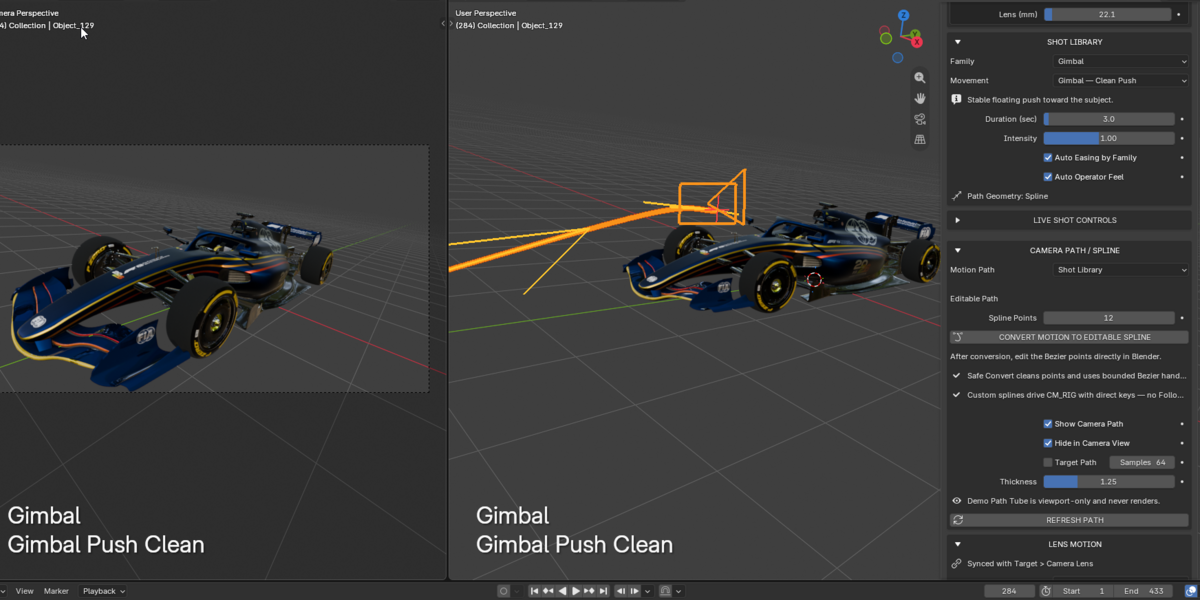
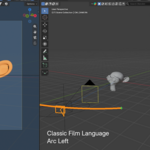
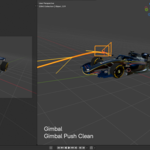
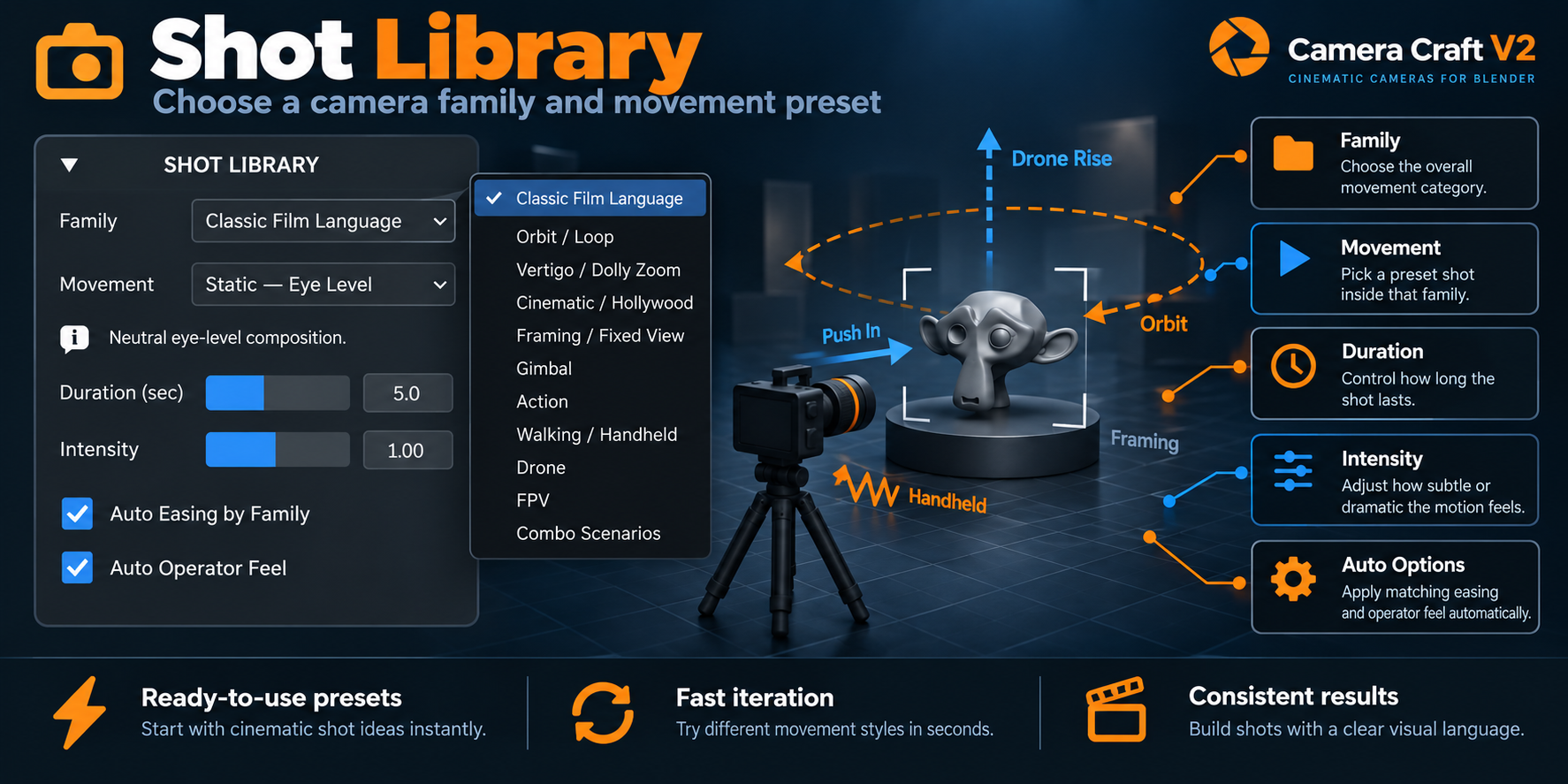
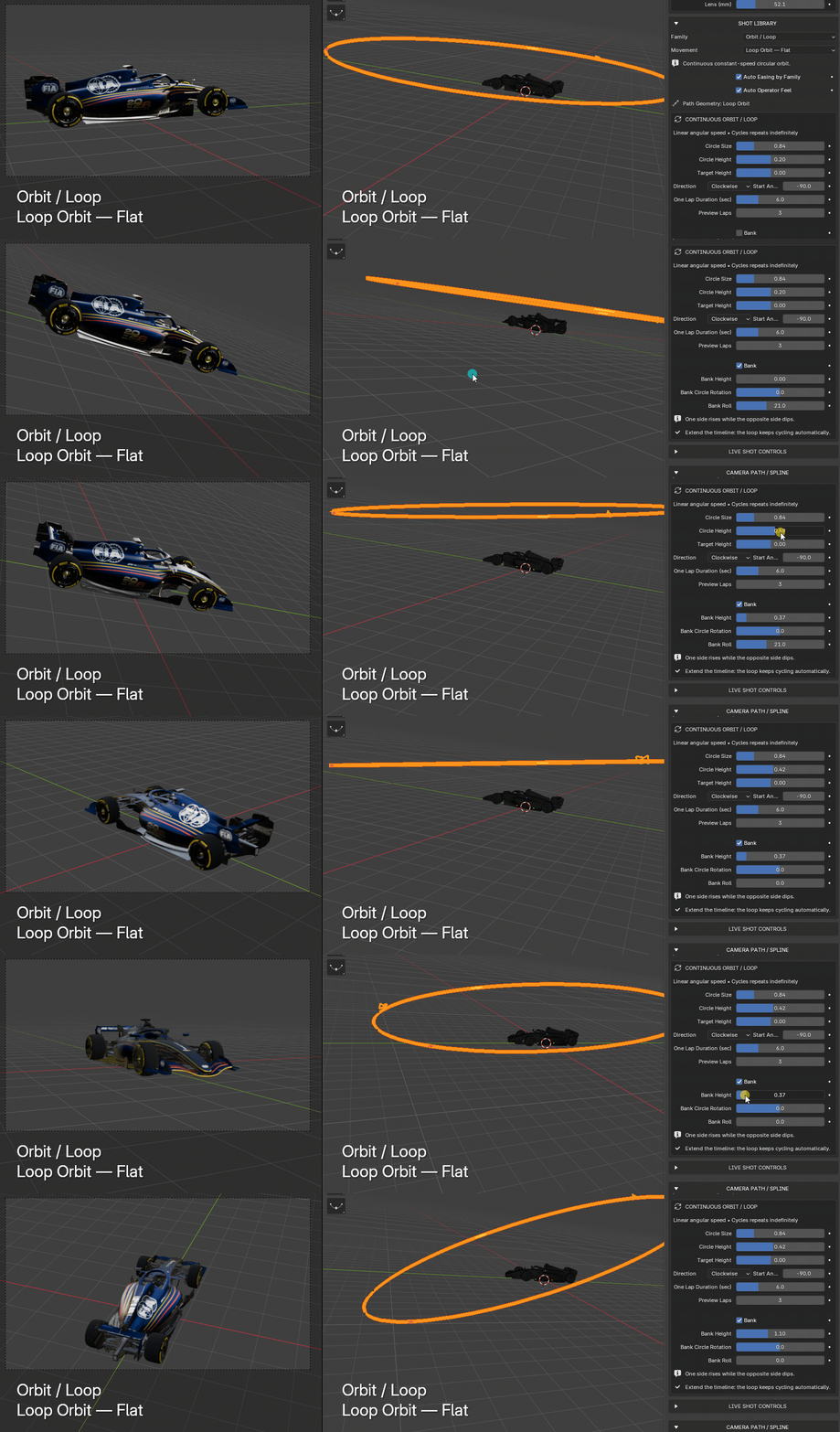
Camera Craft V2 includes a structured Shot Library that helps you create shots with intention.Choose a Family, then select a Movement that fits your scene.This makes it much easier to explore ideas without rebuilding your camera system every time.
From classic film language and fixed framing, to action, drone, FPV, gimbal, orbit, and combo scenarios,the tool gives you a practical starting point for many common cinematic needs.
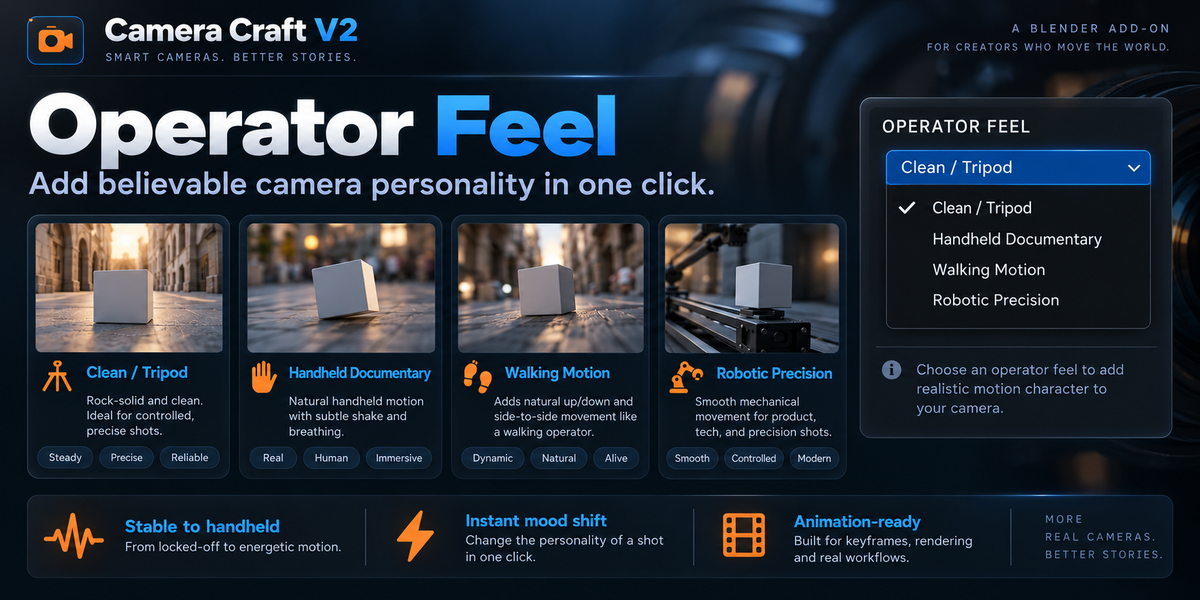
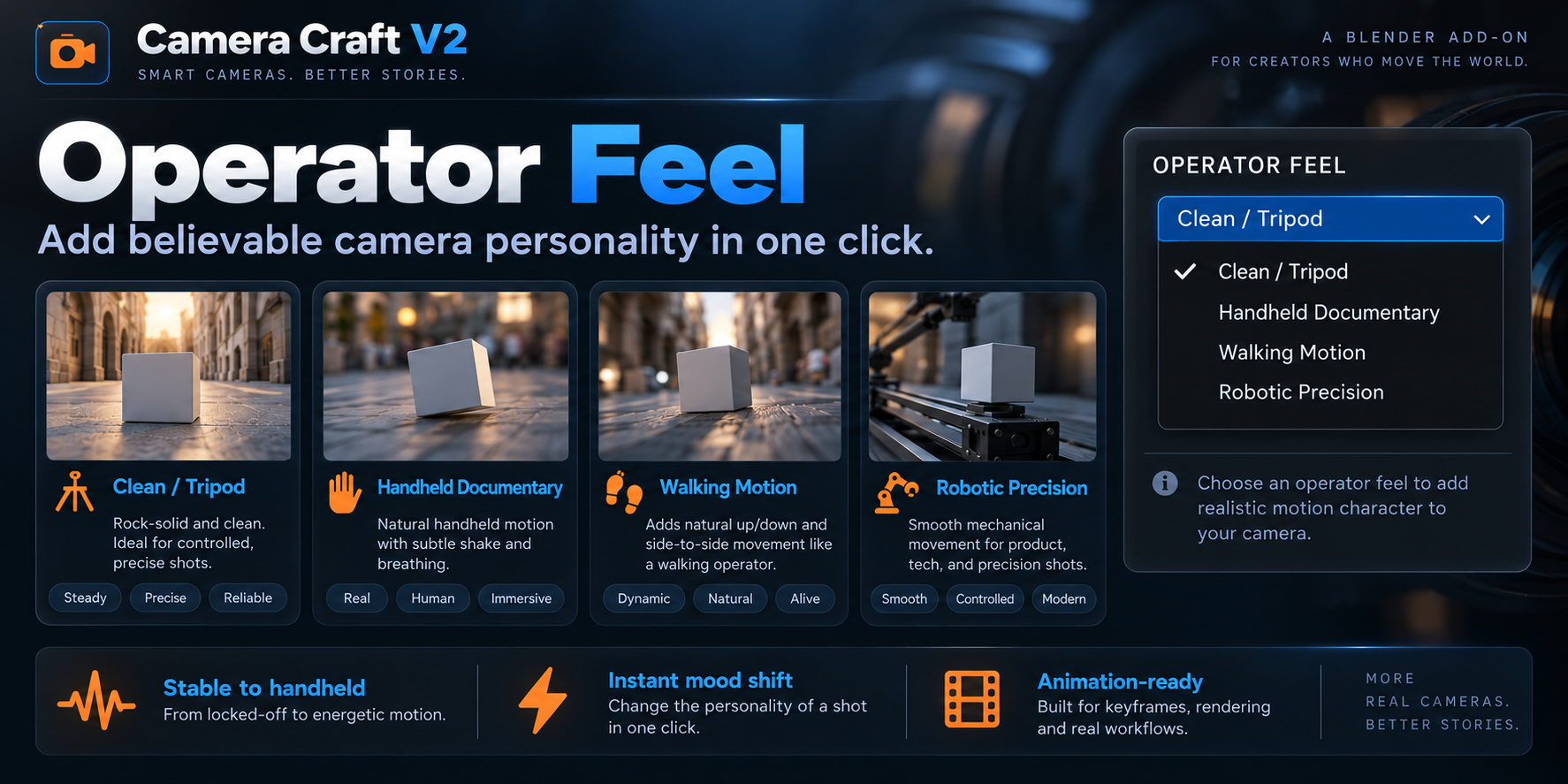
Operator Feel
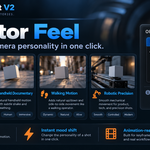
A camera move is not only about where the camera goes — it is also about how it feels.With Operator Feel, you can add believable motion personality to your shots in one click.
Need a perfectly controlled tripod-style move? Choose a cleaner profile.Want something more human and organic? Switch to handheld, walking, documentary, or shoulder-camera style motion.Need a technical or product-focused look? Use robotic precision and cleaner motion behavior.
This feature helps your animations feel less mechanical and more intentional,especially when you want a shot to communicate mood, realism, or energy.
- Clean / Tripod
- Gimbal-style motion
- Walking and handheld variations
- Documentary and shoulder-camera feel
- Vehicle vibration and robotic precision
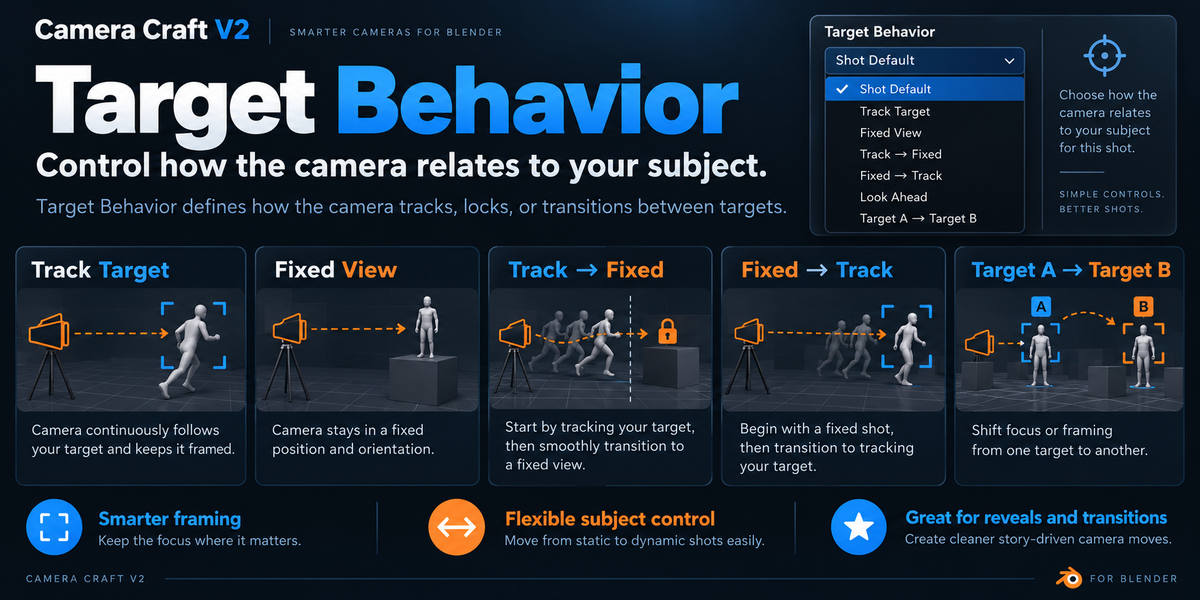
Target Behavior
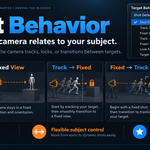
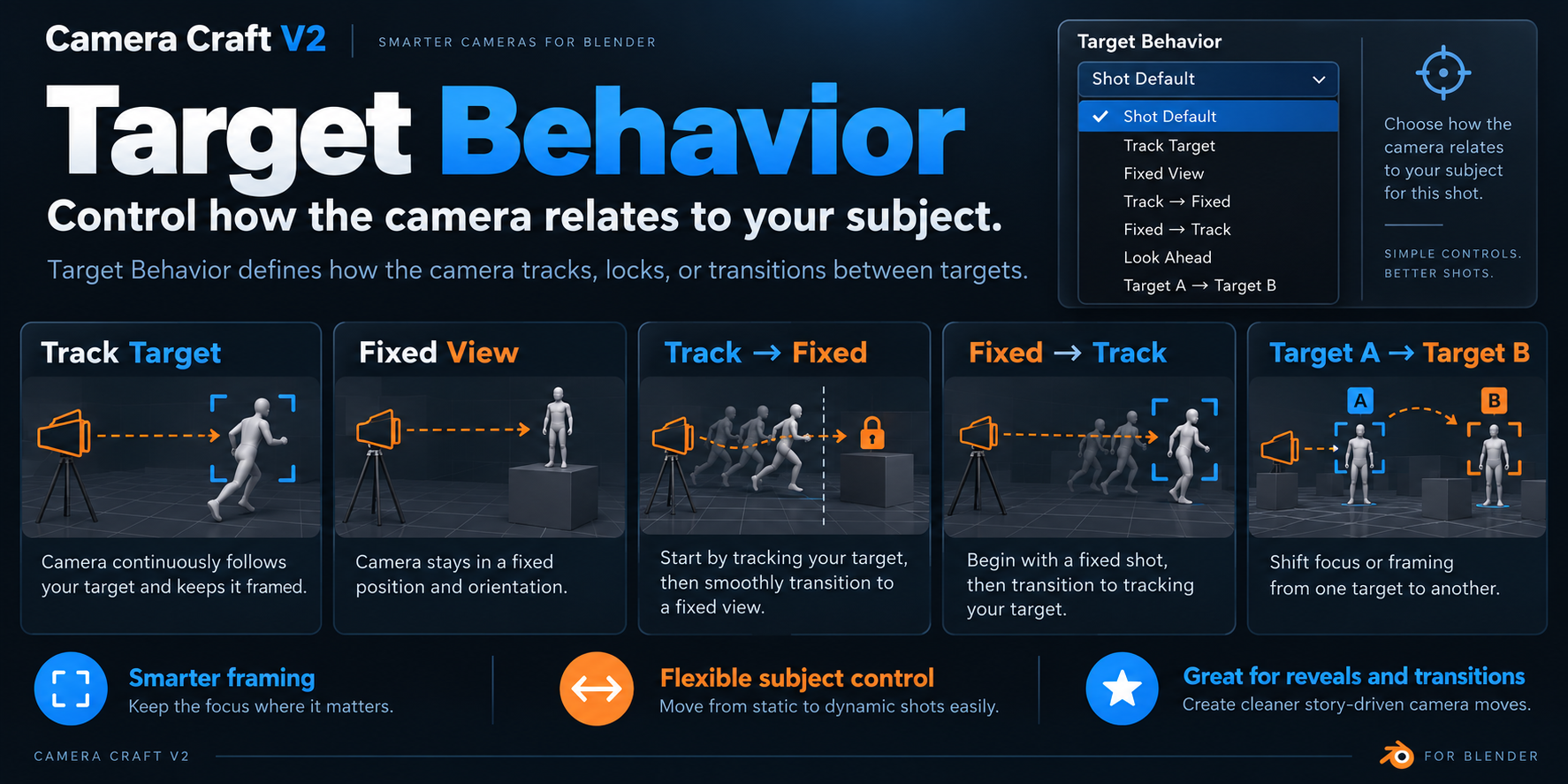
Different shots need different relationships between the camera and the subject.That is why Camera Craft V2 includes a dedicated Target Behavior system.
You can make the camera track the subject, stay fixed, transition from track to fixed,move from fixed to tracking, look ahead, or switch between targets.This gives you more control over how a shot evolves across time.
It is especially useful for reveals, transitions, product staging, dialogue-like setups,action moments, and any shot where the camera should react differently at different stages.
- Track Target: keep the subject centered and active in frame.
- Fixed View: lock the frame for controlled, composed shots.
- Track → Fixed: follow first, then settle into composition.
- Fixed → Track: begin calmly, then react to motion.
- Target A → Target B: transition between subjects smoothly.
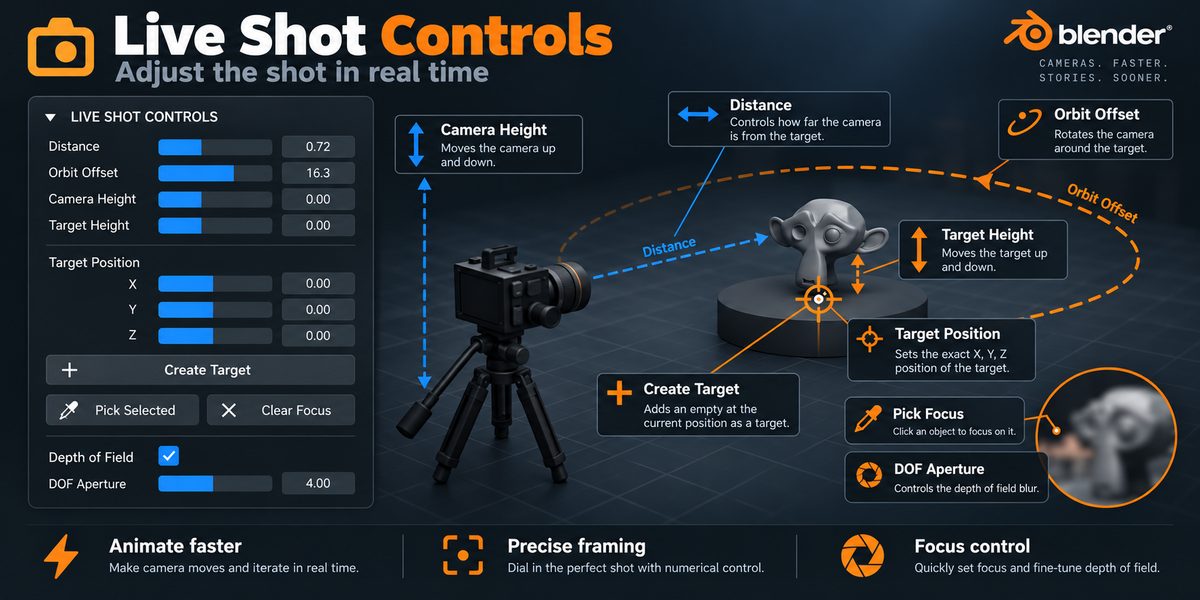
Live Shot Controls
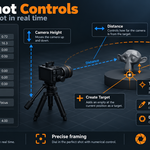
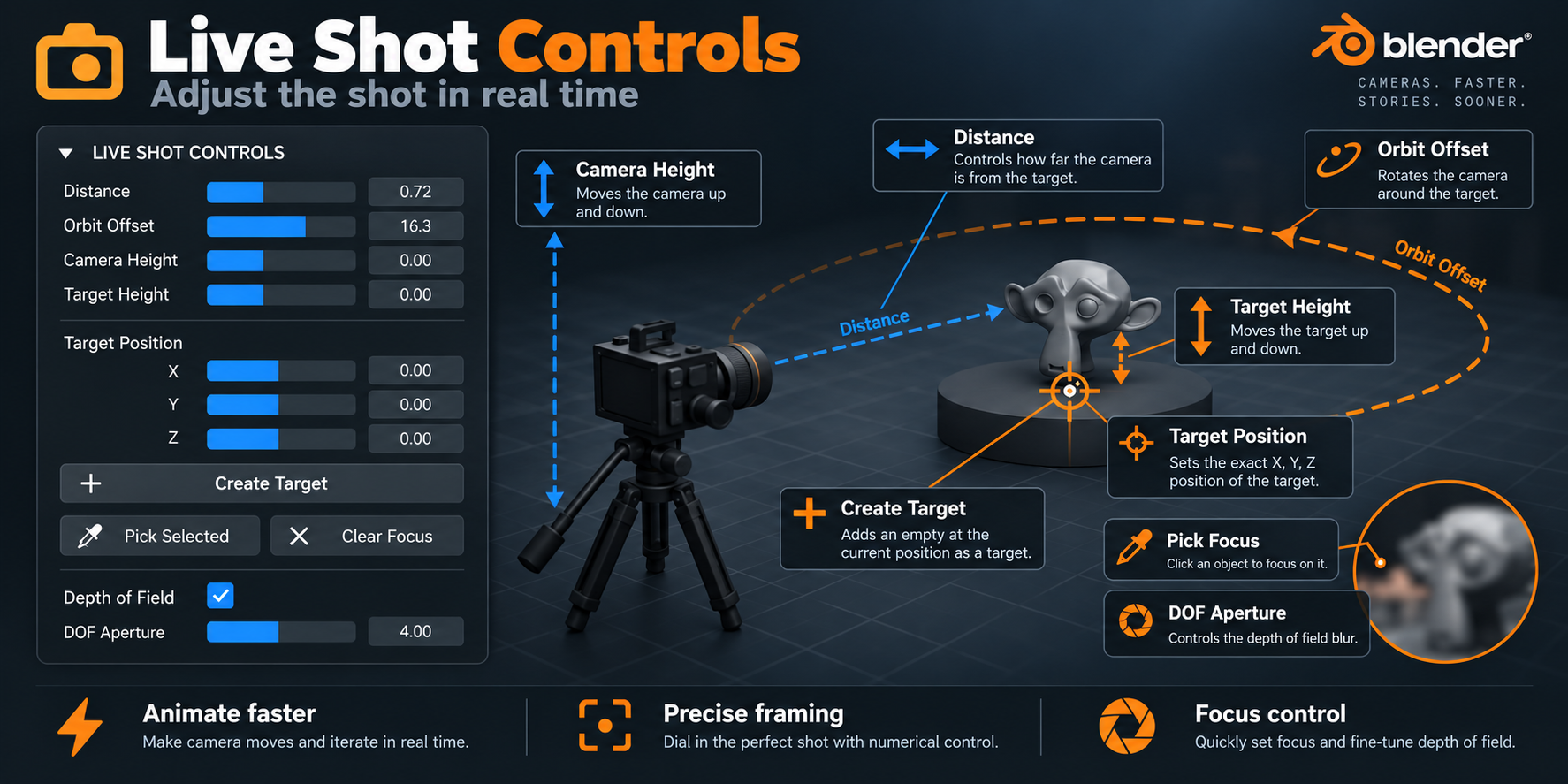
Once your shot is created, you can refine it using Live Shot Controls.Instead of rebuilding the move, you can interactively adjust distance, orbit offset,camera height, target height, and other shot-defining values.
This makes Camera Craft V2 feel less like a rigid preset generatorand more like a directable shot tool you can shape to your needs.You can also work with target positioning and depth-of-field tools for finer shot control.
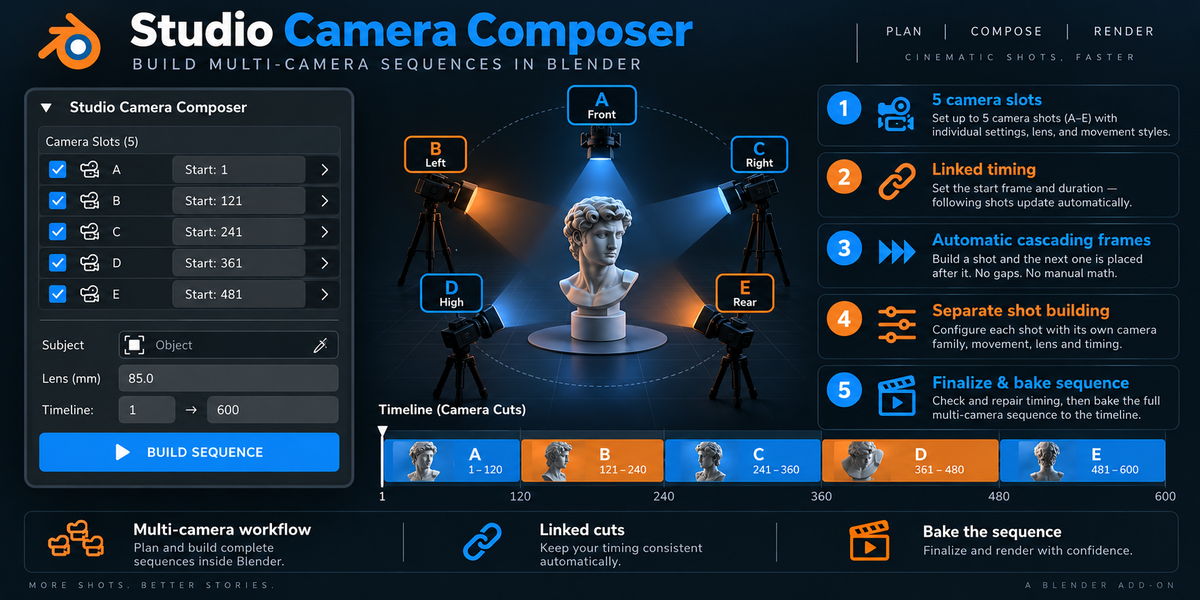
Studio Camera Composer — build multi-camera sequences
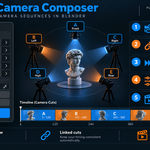
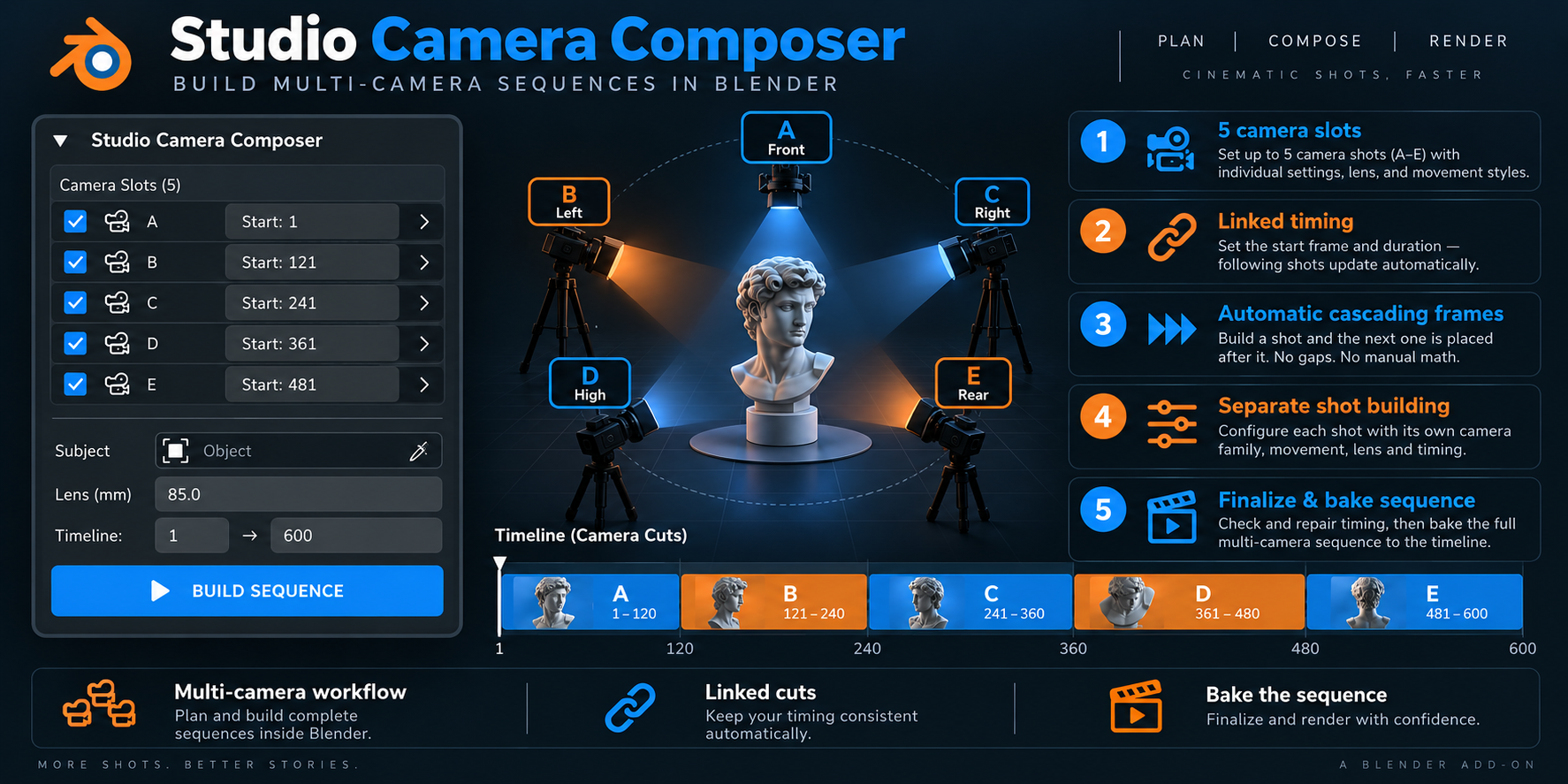
For users who want to build a complete edit structure, Camera Craft V2 includesStudio Camera Composer.This lets you create multiple camera slots inside one setup and organize them as a sequence.
Instead of creating isolated shots one by one, you can plan a multi-camera flow:close-up, side angle, top view, detail shot, hero framing, and more.Each shot can have its own timing, lens choice, and movement style.
This is especially useful for product showcases, cinematics, presentations,social media edits, and studio-style turntable storytelling.
- Multiple camera slots in one sequence
- Linked timing between shots
- Fast build workflow for shot A / B / C / D / E
- Designed for timeline-based camera storytelling
- Finalize and bake the sequence when ready
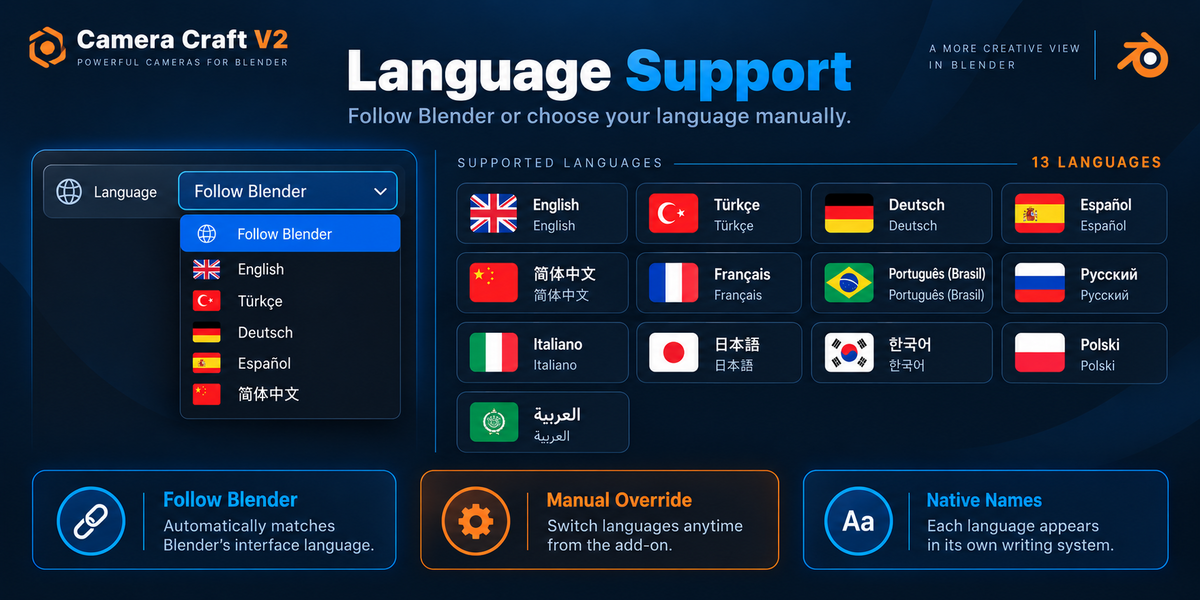
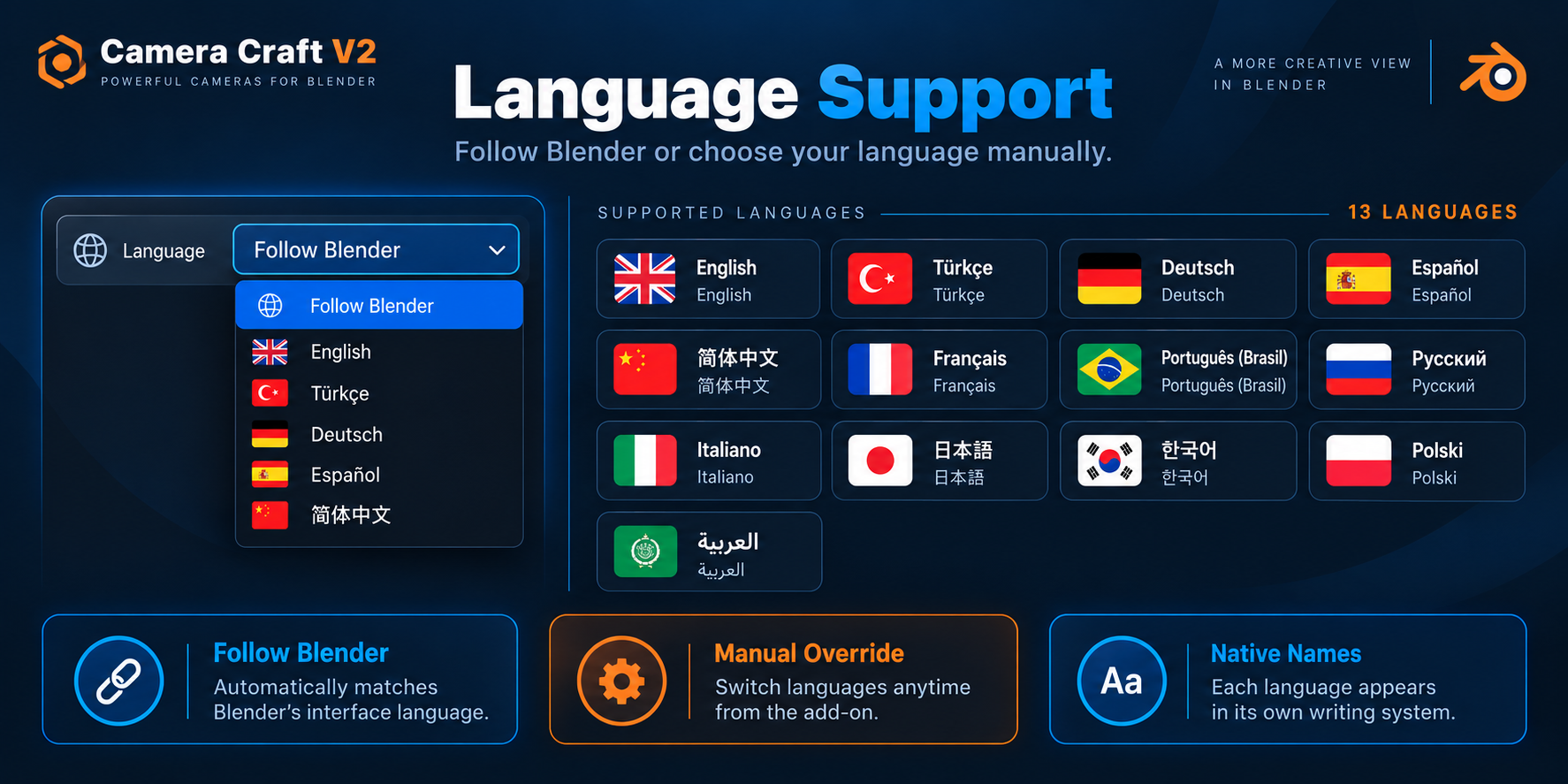
Multilingual workflow
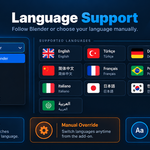
Camera Craft V2 is also designed for a broader international user base.The tool supports multiple languages and can follow Blender’s language workflow,helping artists work more comfortably in their native environment.
This is a valuable quality-of-life feature for teams, students, and creatorswho prefer to learn and work in their own language instead of relying only on English UI labels.
Bake, simplify, finalize
When your camera move is ready, Camera Craft V2 helps you convert it into a more editable,pipeline-friendly result. You can bake animations, simplify the resulting keyframes,and prepare the motion for final scene work or handoff.
This keeps the tool useful not only for ideation, but also for real production steps.You can experiment quickly, then lock things down when the shot is approved.
Ideal for
- Product visualization
- Cinematic previs
- Motion design scenes
- Brand videos and promos
- YouTube and social media visuals
- Studio-style multi-shot presentations
- Artists who want faster camera iteration in Blender
In short
Camera Craft V2 is built for artists who want better camera shots with less friction.It gives you practical shot-building tools, believable motion behavior, target control,live refinements, and a multi-camera composer — all in a workflow designed for speed and clarity.
If you want your Blender cameras to feel more cinematic, more controllable, and more production-ready,Camera Craft V2 is made for that job.
Updates & Support
Camera Craft V2 will continue to evolve with new features, workflow improvements, additional camera tools, and refinements. We plan to keep developing the add-on based on real production use and user feedback.
If you encounter a bug, unexpected behavior, or something that does not work as intended, please let us know. Bug reports help us improve Camera Craft V2 and make future updates more reliable for everyone.
- New features and camera tools will continue to be added.
- Existing workflows will continue to be refined and improved.
- Bug fixes and compatibility updates will be released when needed.
- User feedback and feature suggestions are always welcome.
When reporting an issue, please include your Blender version, a short description of the problem, and — if possible — a screenshot or simple reproduction steps. This helps us identify and resolve issues much faster.
Tutorials & Video Guides
A complete set of Camera Craft V2 video tutorials is currently being prepared. Step-by-step tutorial videos will begin appearing on our YouTube channel within the next few days.
The videos will demonstrate the add-on directly inside Blender and will cover the complete workflow, from creating your first camera shot to building more advanced cinematic sequences.
- Getting started with Camera Craft V2
- Creating and updating camera shots
- Using the Shot Library and movement presets
- Live Shot Controls and target positioning
- Lens Motion and Depth of Field
- Operator Feel and Target Behavior
- Camera Path / Editable Spline workflow
- Motion Easing and Dutch / 360 Roll
- Studio Camera Composer and multi-camera sequences
- Presets, Bake, Simplify and Finalize workflows
The goal is to make the tutorials practical and visual, so you can follow the workflow directly in Blender while watching the video.
YouTube tutorial link:
Watch Camera Craft V2 Tutorials
Documentation
A detailed Camera Craft V2 user guide is also available, covering the interface, camera workflows, Studio Composer, presets, target controls, animation tools, and practical production examples.
Use the written documentation together with the video tutorials for a complete step-by-step learning experience.
