Camera Craft
 Octopus Works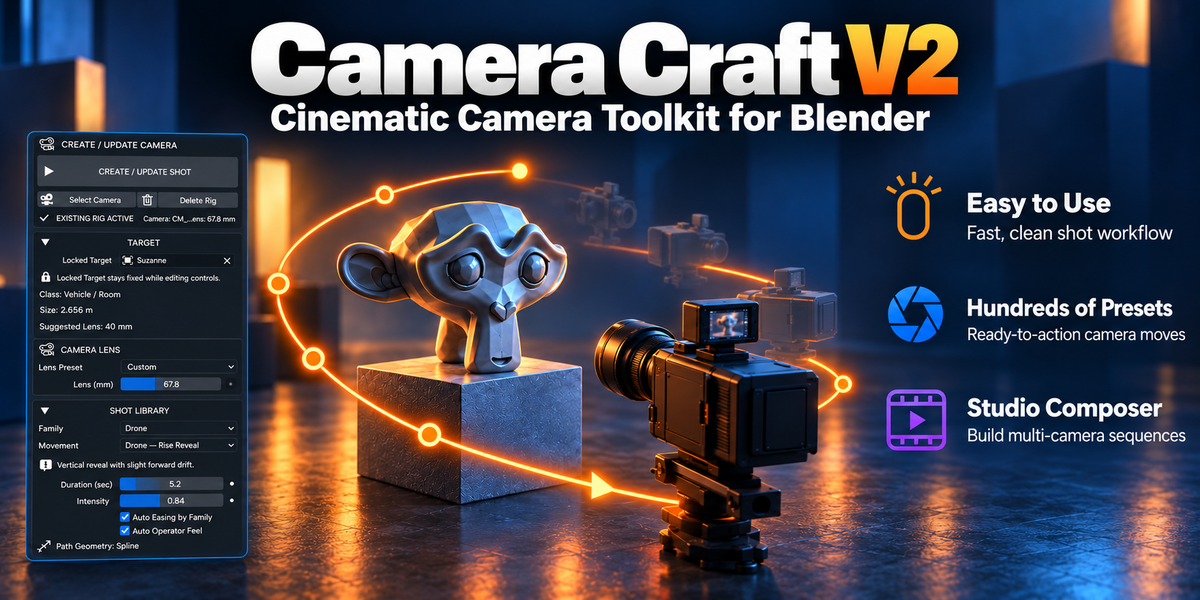
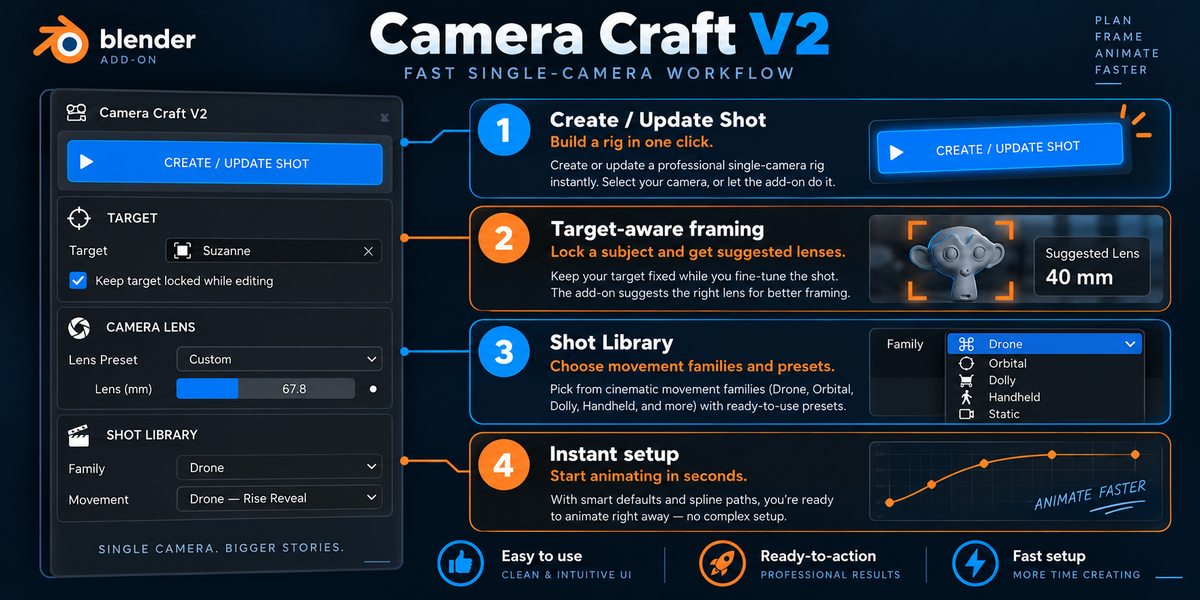
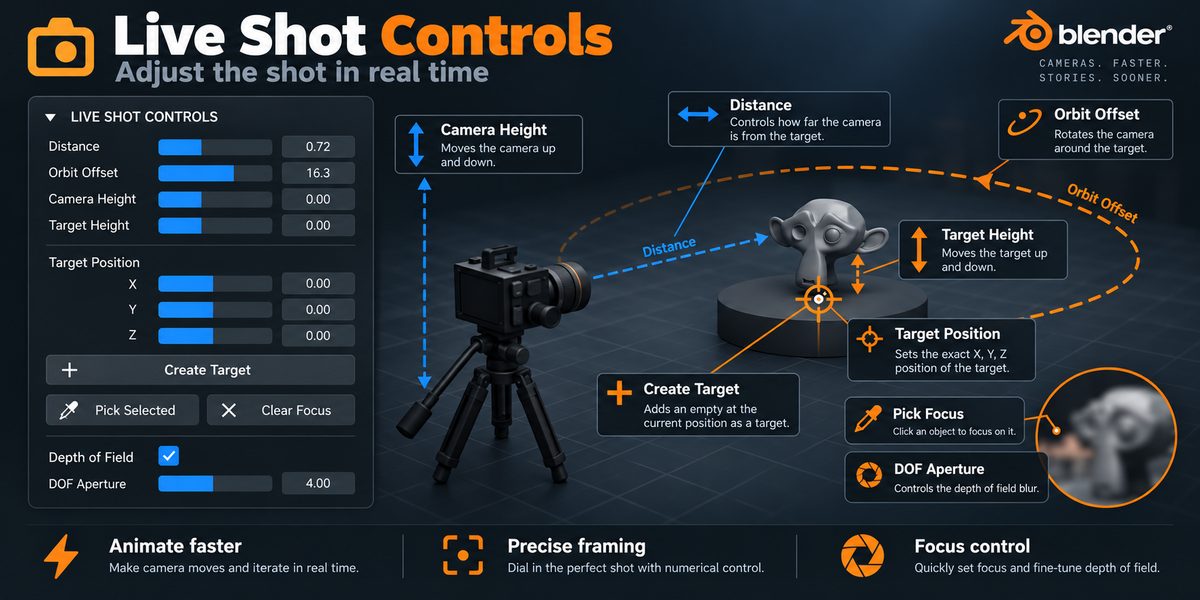
Does Camera Craft V2 automatically adapt to different object sizes?
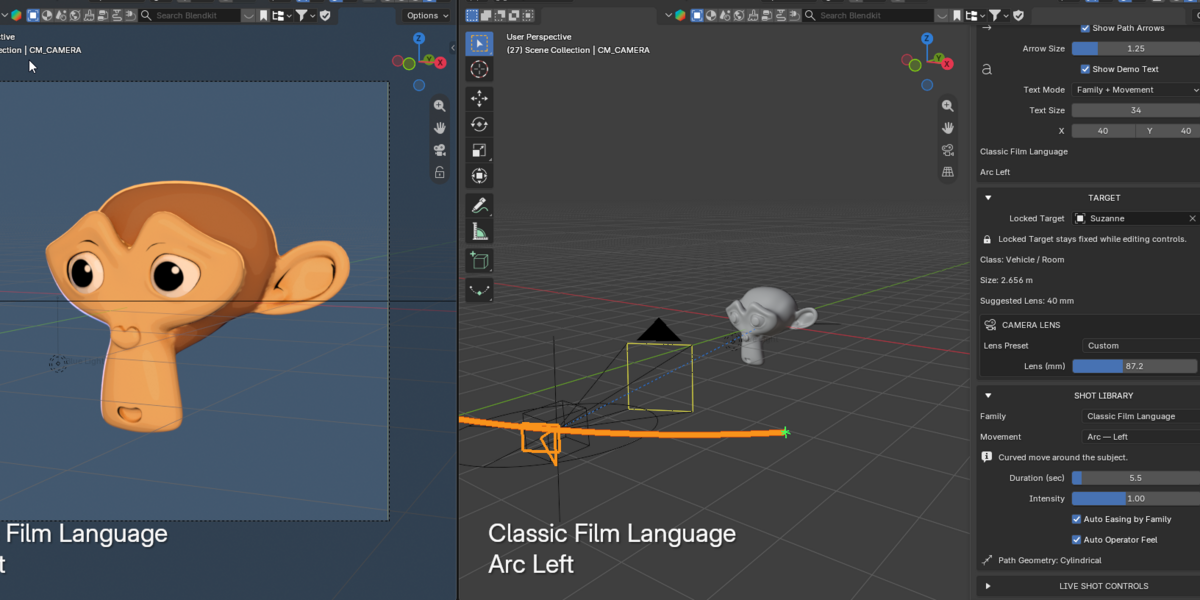
Yes. Camera Craft V2 analyzes the size of your selected target and automatically adjusts camera distance, framing, and suggested lens values accordingly. Whether you are shooting a small product, a character, a vehicle, or a large architectural object, the camera setup adapts to the scale of the subject so you can get a usable cinematic composition much faster.
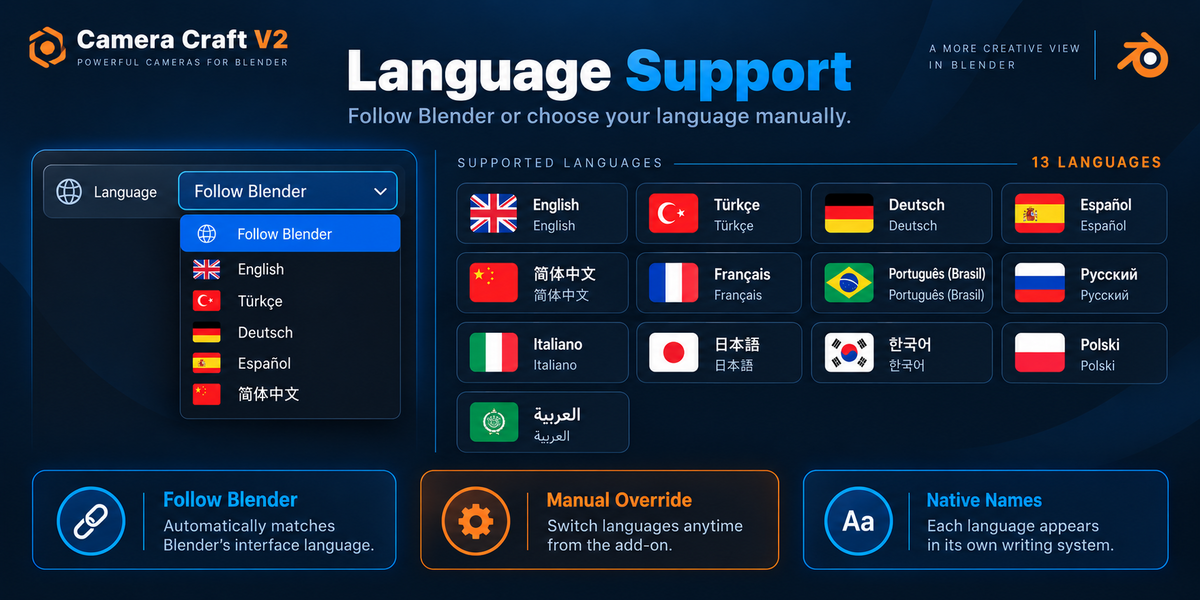
Does Camera Craft V2 support multiple languages?
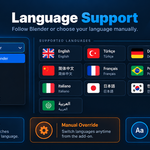
Yes. Camera Craft V2 supports multiple interface languages and can automatically follow Blender’s Interface Language. You can also choose a language directly inside the add-on without changing Blender’s global language setting.
Can I edit or customize the generated camera animation?
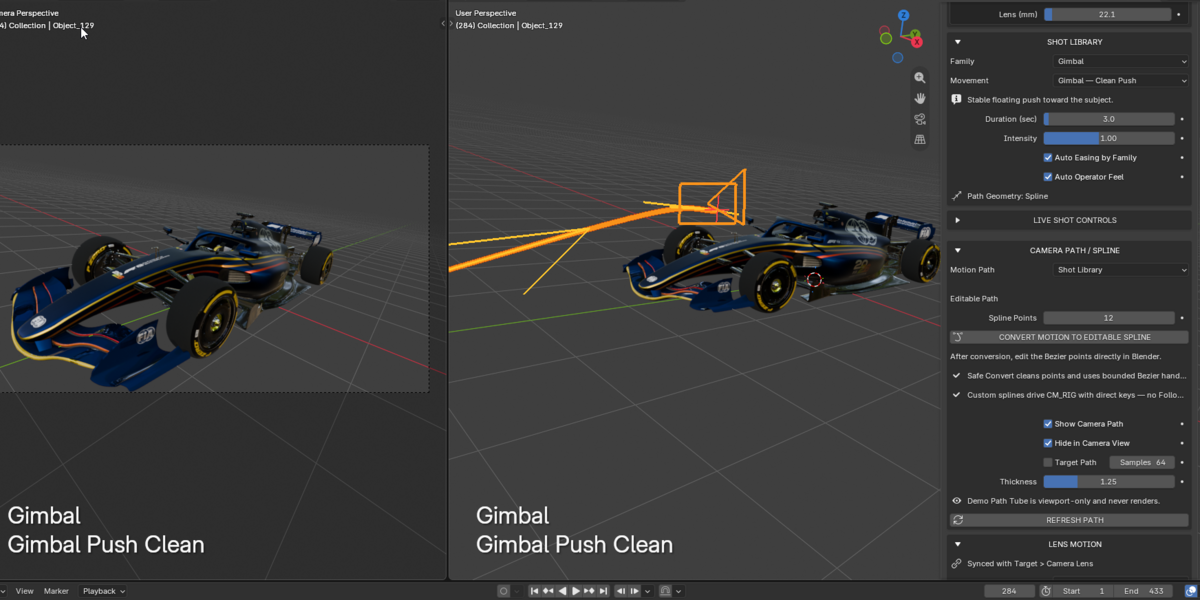
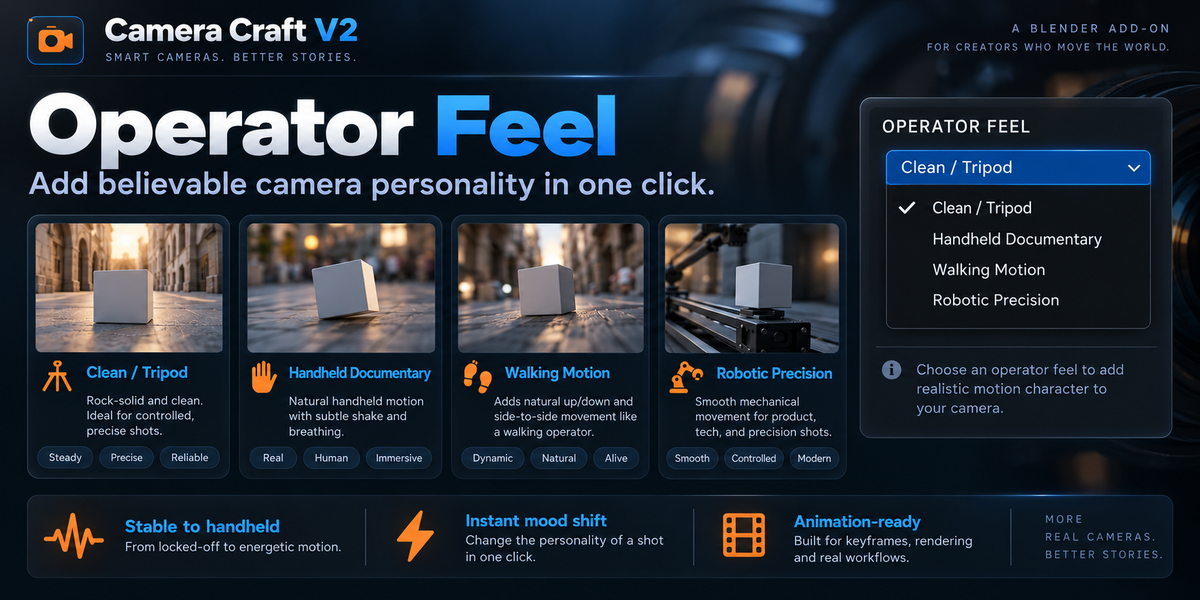
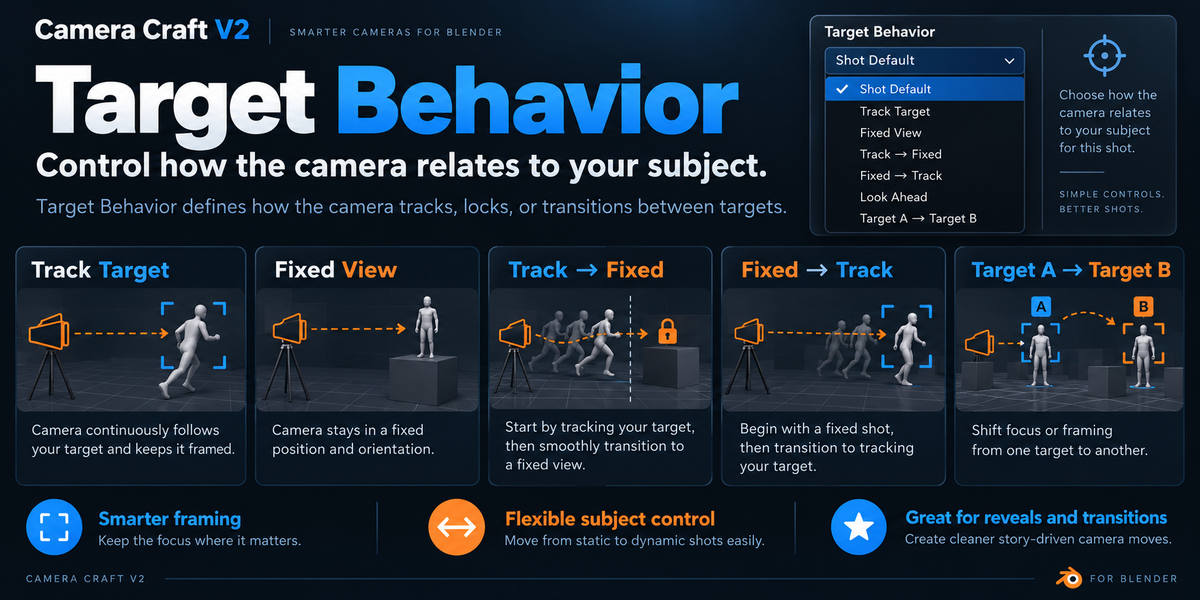
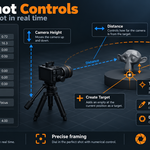
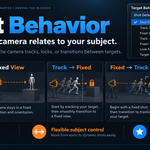
Yes. You can adjust lens, distance, height, target behavior, easing, roll, operator feel, orbit settings, and many other parameters. Camera paths can also be converted to editable splines, and final shots can be baked into standard Blender keyframes for further editing.
Can I use Camera Craft V2 with any object or scene?
Yes. Camera Craft V2 is object-aware and can adapt camera distance, framing, lens behavior, and motion to different target sizes. It can be used for products, characters, vehicles, interiors, buildings, and many other scene types.
Which Blender versions are supported?
Camera Craft V2 is designed for Blender 4.2 and newer. The add-on is developed and tested with modern Blender versions and uses Blender’s current animation and camera systems.
What is Camera Craft V2?
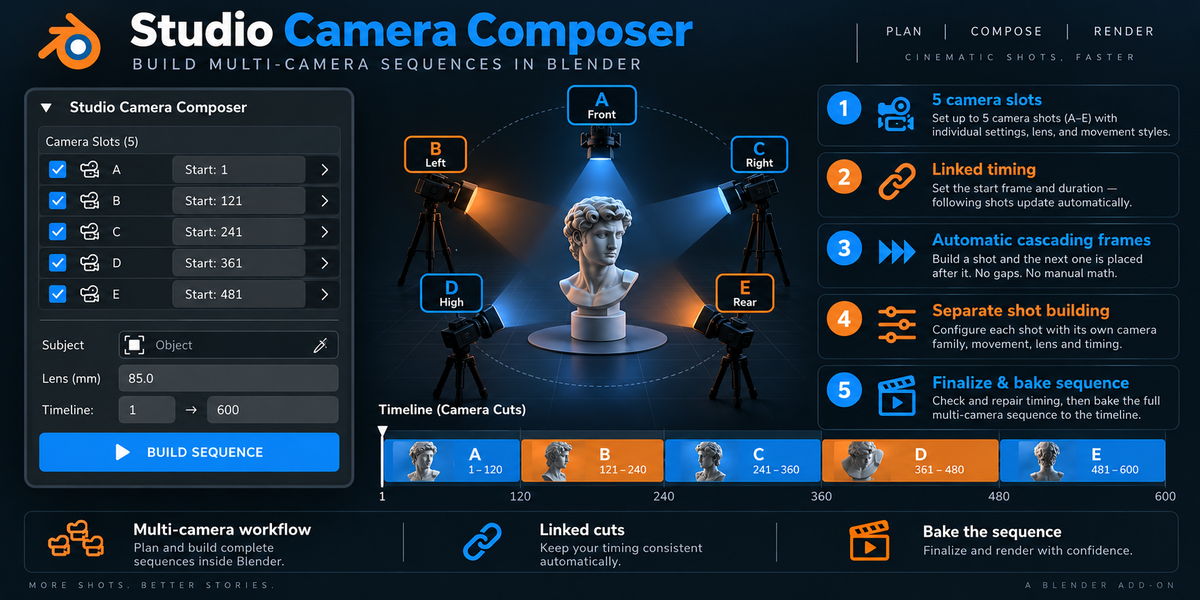
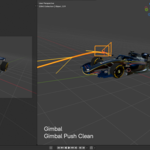
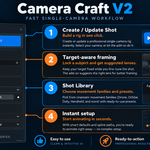
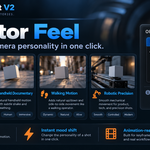
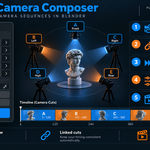
Camera Craft V2 is a cinematic camera motion and shot-building add-on for Blender. It helps you create professional camera moves such as orbit, dolly, drone, gimbal, handheld, Vertigo / Dolly Zoom, loop shots, and more through an easy-to-use procedural workflow.
 Included
Includes 12 months of
- Support from Octopus Works
- Product updates
Extend this product’s Support Period +12 months: 50% of product price
Have questions before purchasing?
Login to message
| Blender Extension Compatible | Yes |
| Published | 4 days ago |
| Blender Version | 4.2 - 5.2 |
| Extension Type | Add-on |
| Render Engine Used | Cycles, Eevee, Octane, Vray |
| License | GPL |
Discover more products like this
cinematic camera camera animation cinematography gimbal drone-camera orbit camera camera dolly-zoom handheld camera camera rig camera motion camera path